200-Character Prompt and a Genre Pick
Describe your song in 200 characters and choose the genre of your choice. Magiclight AI handles the lyrics and the track from there, so a rough idea is enough to start with.
Start Creating Free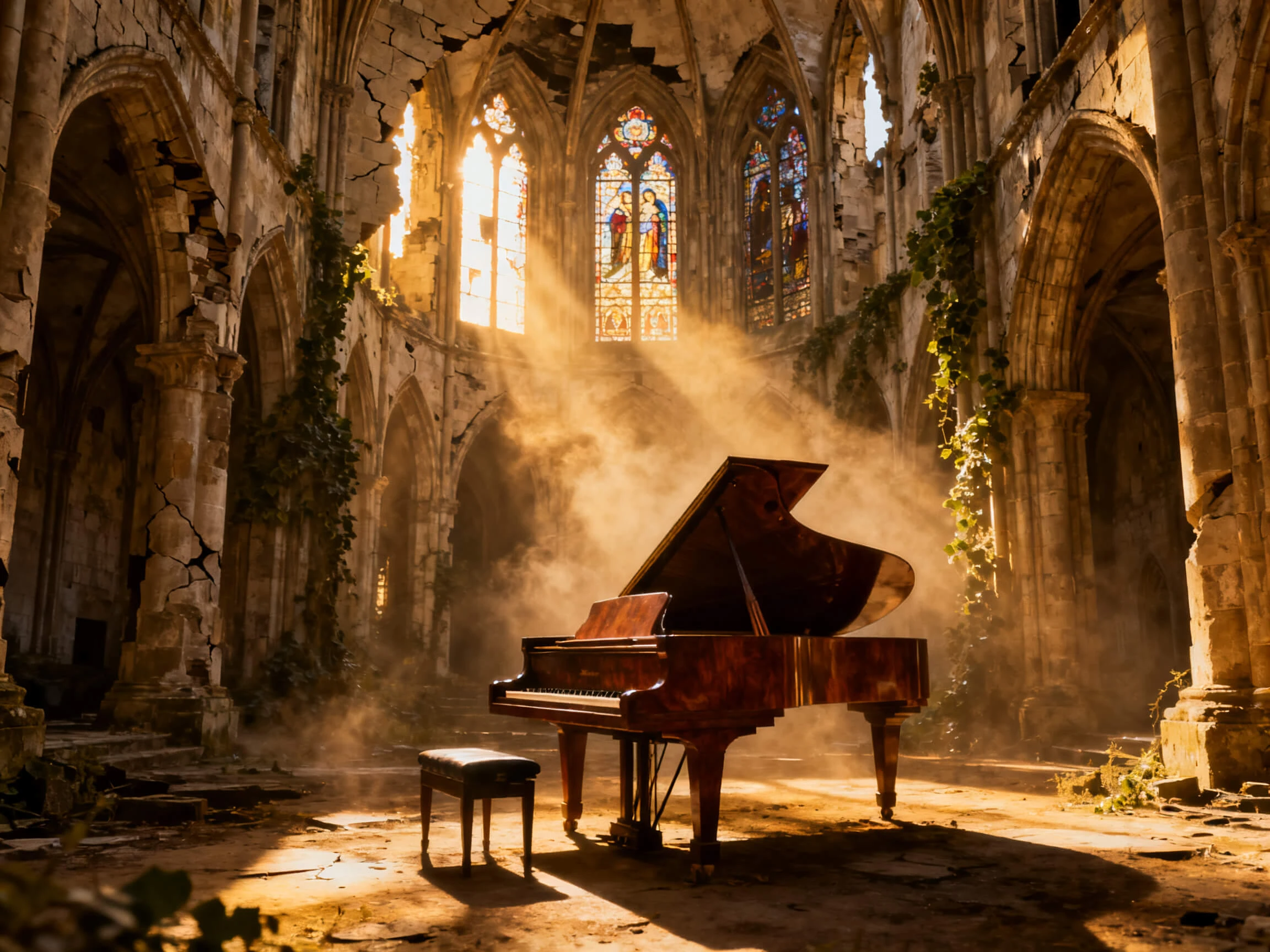

Every song you write comes out as a finished music video. Magiclight AI handles the lyrics, the track, the characters, and the scenes. No music or editing background needed.
Create AI Song For Free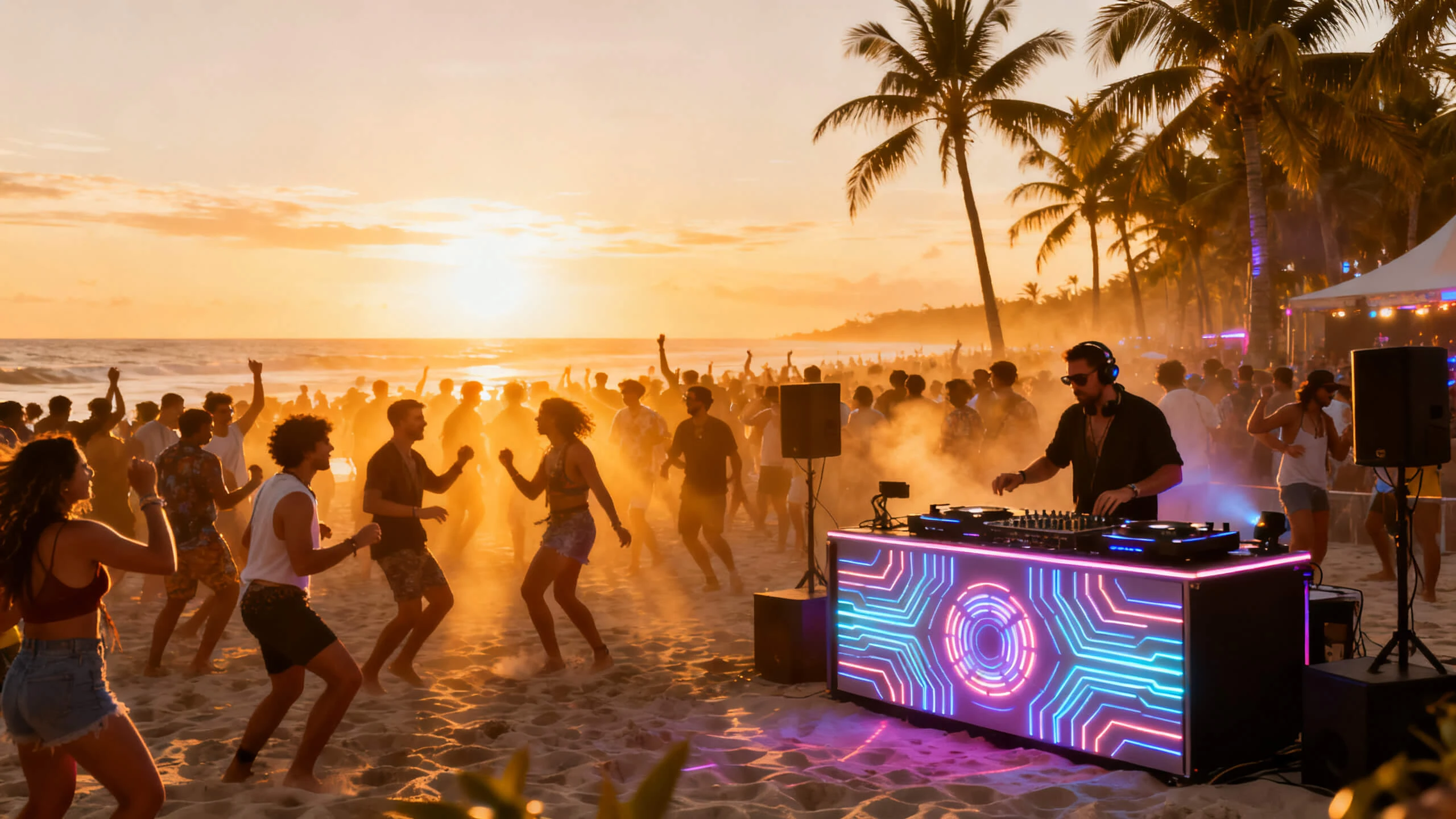










Discover how Magiclight AI song generator takes a short prompt and returns both a song and the video for it. Set the genre, put the lyrics on screen, and direct the performance in one project.
Describe your song in 200 characters and choose the genre of your choice. Magiclight AI handles the lyrics and the track from there, so a rough idea is enough to start with.
Start Creating FreeNot every project needs an original track. Magiclight AI keeps 15 prebuilt songs ready, so you can pick one, go straight to the visuals, and still finish a complete music video.
Start Creating Free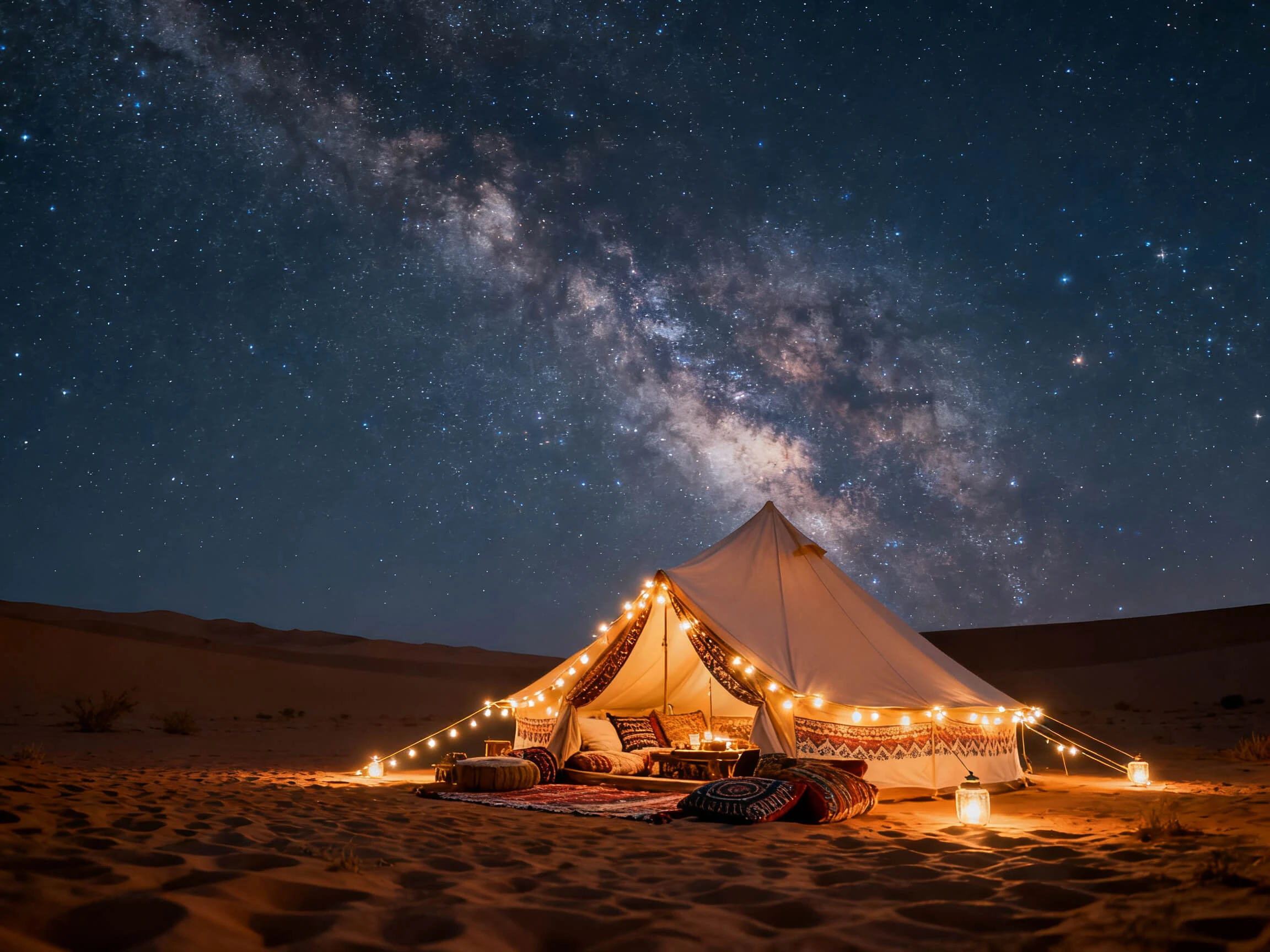
Music gets watched on mute more than any other format. Choose from 16 subtitle styles to run the lyrics through the video and set the project in any of the 11 supported languages.
Start Creating Free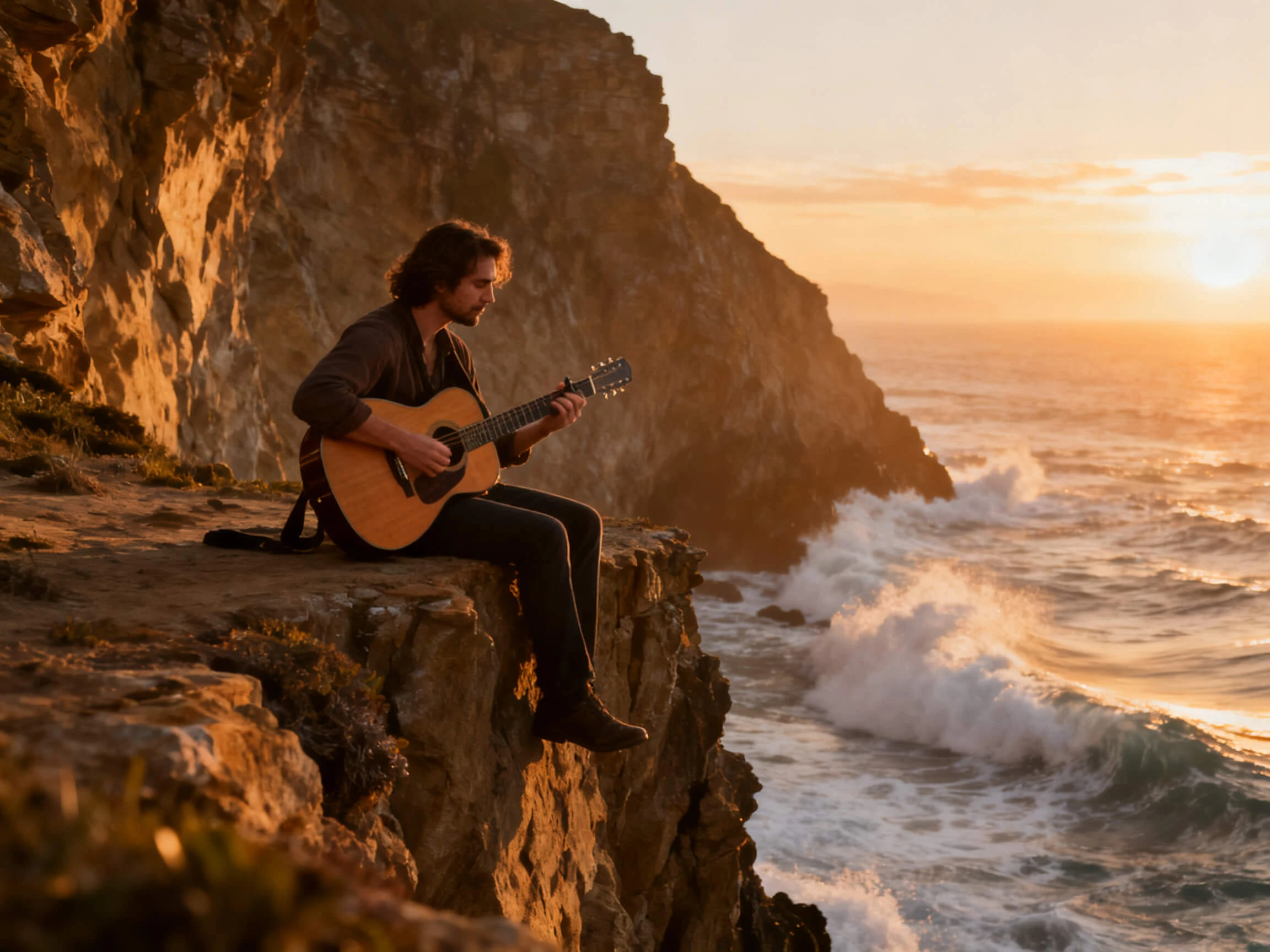
What a character does between the lines is what carries a music video. Set clothing, expressions, body type, and poses from 50 options in the Nano Storyboard, shot by shot, before anything is generated.
Start Creating Free


Create a song video in 4 easy steps. Describe the track, pick a style and a performer, shape the scenes, then add the lyrics and export with the Magiclight AI song generator.
Enter up to 200 characters describing the song and choose a genre or select one of the 15 prebuilt tracks if you want quick results.
Set the visual style for the video, then generate a character to perform it or use one you have already saved to your library.
Set what the performer does on each shot, from the pose and the expression down to the outfit. Nothing is generated until the storyboard looks right.
Choose one of the subtitle styles for the lyrics, set the cover from the available templates, then export in 720p or 1080p.
Musician
I can write lyrics, but I have never been able to arrange them. Magiclight AI turns a short prompt into a full track and gives me a video with it.
YouTuber
My channel posts a new song every week, and the characters need to look the same each time. Magiclight AI keeps my cast consistent across all of them.
Content Creator
Most people watch my videos without sound, so the lyrics have to be on the screen. The subtitle styles in Magiclight AI made that easy to set up.
Social Media Manager
We need short, branded clips with music, usually at short notice. Magiclight AI lets me pick a genre, generate the song, and export it vertically for our feeds.
Yes. Magiclight AI takes a genre selection alongside your 200-character prompt, so you can point it at pop, something calmer, or a track with more energy before a single line is written.
Commercial use comes with the paid plans. Anything made on the free tier is fine for testing and personal projects, but a paid Magiclight AI plan is what covers releasing or monetizing the result.
Magiclight AI has a free tier with no credit card needed, which is enough to write a song and see the video it produces. You do need to create an account, since the free credits are issued at sign-up.
No, and that is necessary. In music mode, the song is the audio track, so Magiclight AI switches off voiceover and the separate background music library to keep the mix clean.
Yes. Magiclight AI includes 16 subtitle styles, so the lyrics can run through the video in whichever style suits the look you picked. That matters most on feeds where the sound stays off.
Characters save to your library in Magiclight AI, so the same performer can appear in every song you release. For a channel built on a recurring look, that is worth more than a new face each time.



Start with one line about the song you want. The free AI song generator inside Magiclight AI writes the lyrics, creates the track, and turns both into a finished video.