Hero background

AI Spokesperson Generator

Create professional videos with an AI spokesperson for your brand. Present products, share announcements, and promote your business without filming or editing. No studio or camera crew needed.

Create a Spokesperson Video for Free
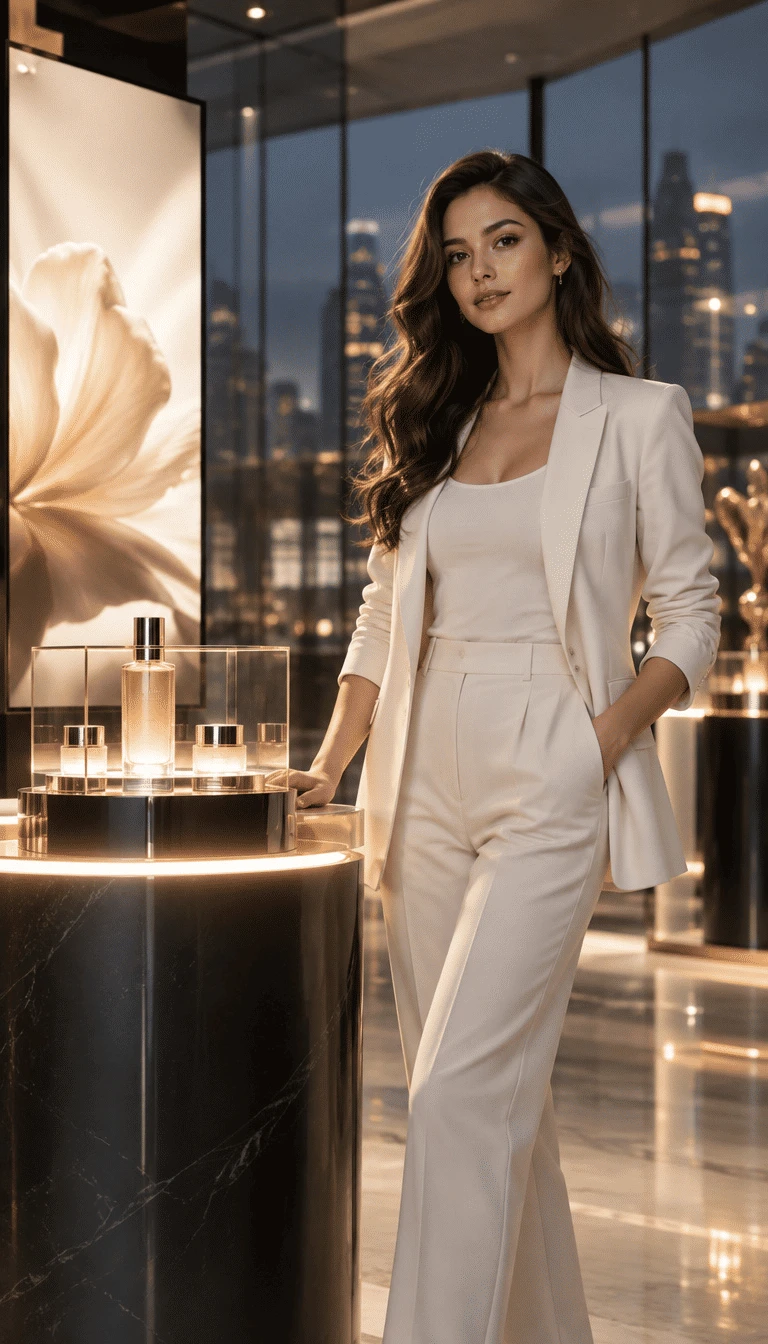
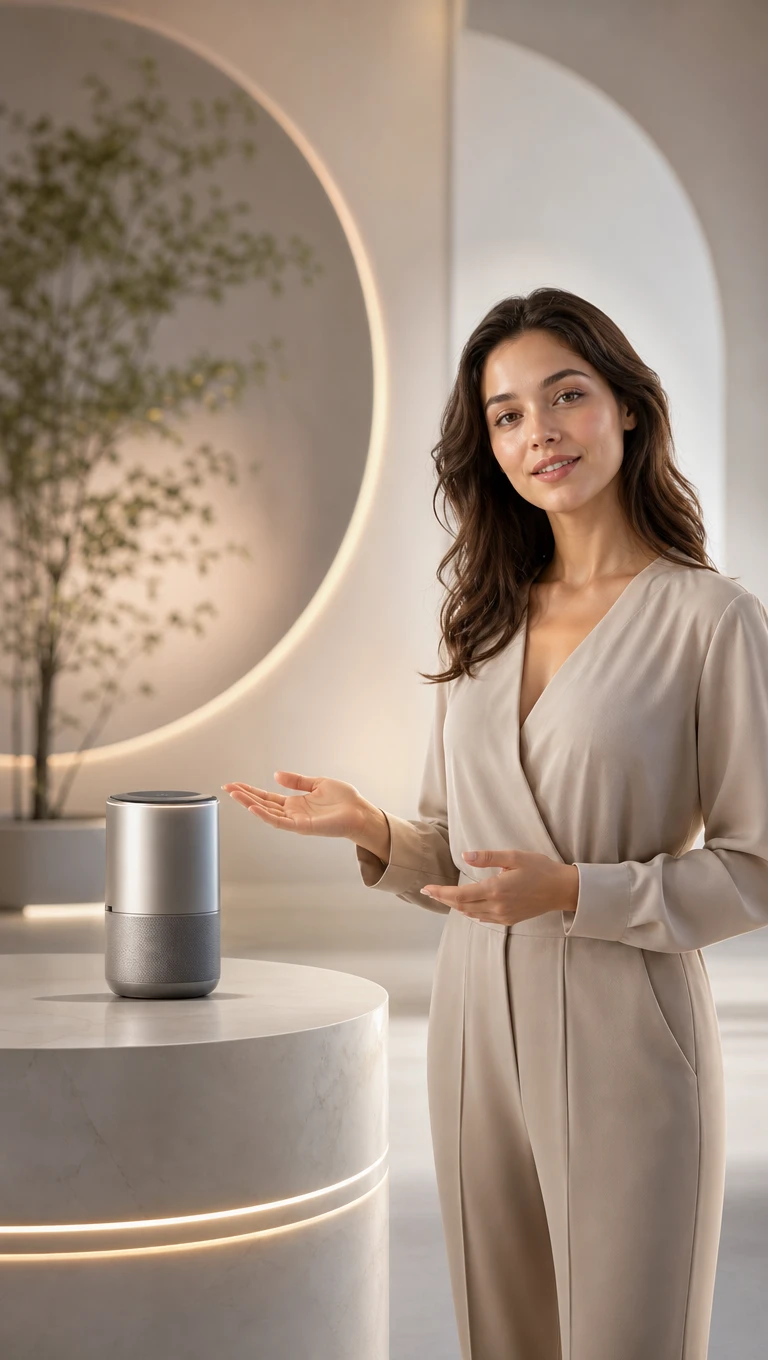
AI virtual brand spokesperson presenting product and business messages
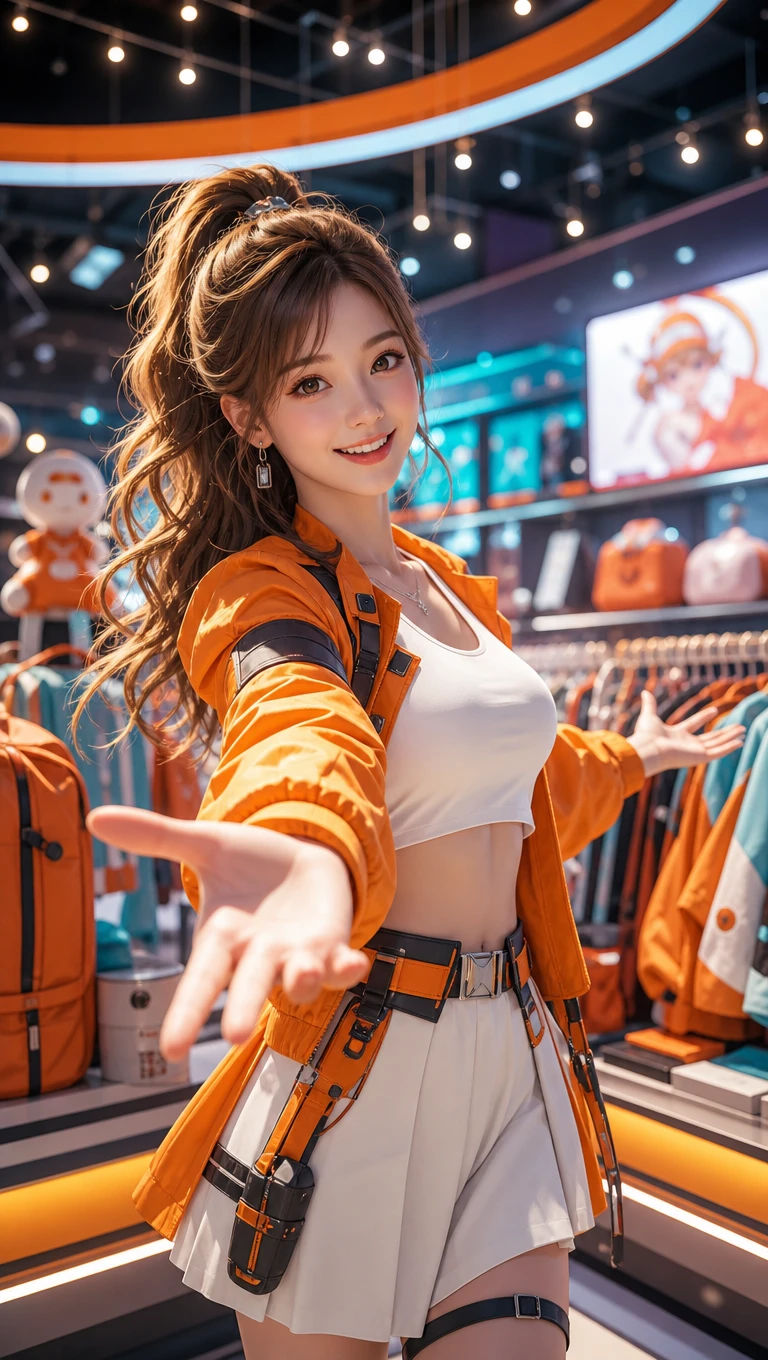
AI spokesperson virtual host for brand promotions and announcements
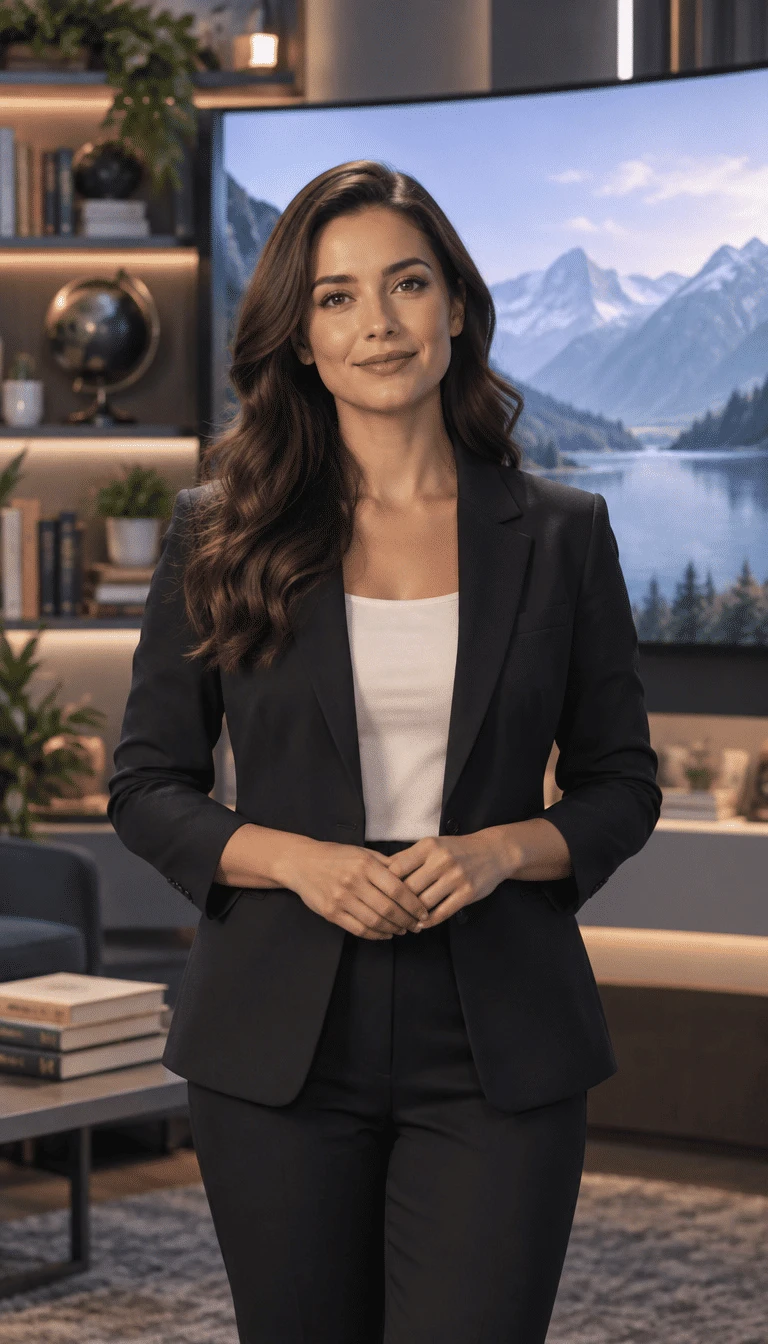
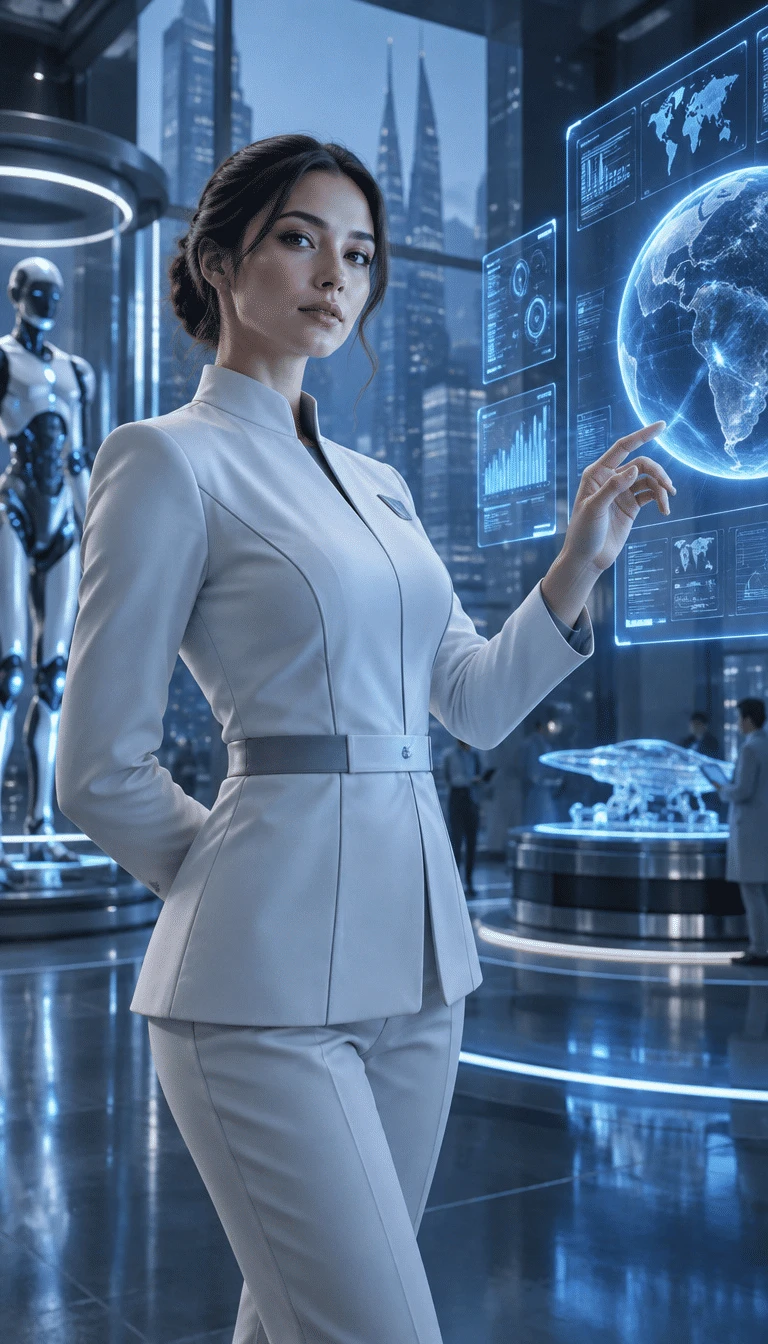
AI-generated spokesperson video scene
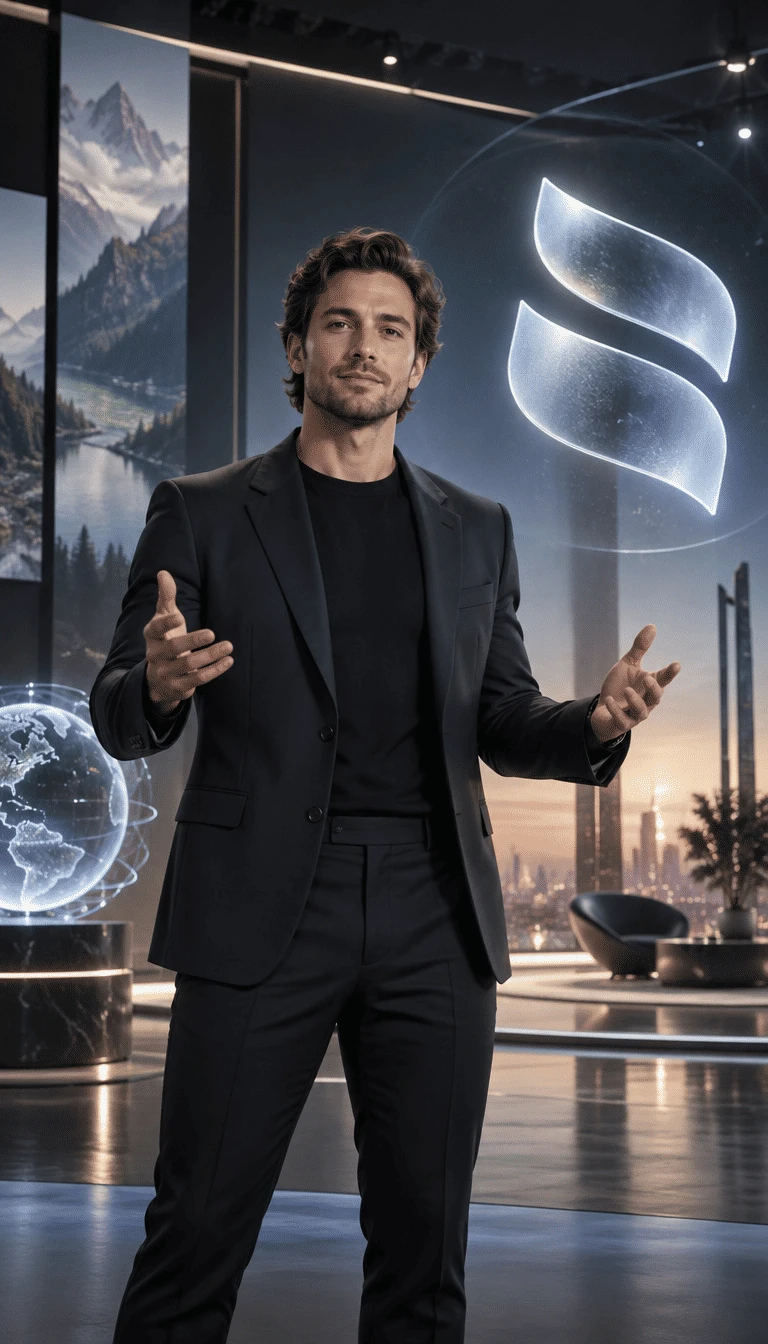
Virtual brand presenter animation example
AI spokesperson example 2
AI spokesperson example 3
AI spokesperson example 4
AI spokesperson example 5
AI virtual brand spokesperson presenting product and business messages
AI spokesperson virtual host for brand promotions and announcements
AI-generated spokesperson video scene
Virtual brand presenter animation example
AI spokesperson example 2
AI spokesperson example 3
AI spokesperson example 4
AI spokesperson example 5

Explore the Magiclight AI Spokesperson Generator Features

With a familiar host, each product pitch feels more personal and easier to recognize. The AI spokesperson generator helps you shape how your presenter delivers every message.

Create a Spokesperson Video for Free
Spokesperson style decoration

1,000 Characters to Design Your Host

Describe your host in up to 1,000 characters, covering details such as age, hair, clothing, and personality. Magiclight AI uses those directions to shape a presenter that fits your brand image.

14 Story Models for Different Ways to Present

Magiclight AI gives you 14 story models to shape how a spokesperson presents your message. Test different approaches to the same offer, then choose the version that best fits your target audience.

Portrait Upload for a Real Brand Face

Upload a portrait of an owner or team member who has agreed to appear. Magiclight AI expands that single reference into a consistent spokesperson who can present your brand across future videos.

37 Voices With Emotion Settings

Choose from 37 voices to find one that matches your presenter, then adjust the emotion to suit each line. A warm, upbeat, or reassuring delivery can better match the message you want to share.

Who Can Use the Magiclight AI Spokesperson Generator
Put a recognizable presenter in front of customers without another shoot. Every update can carry the same brand face while the AI spokesperson generator adapts to your latest message.
For Online Stores
For Online Stores
Explain full product details inside the 12,000-character script space.
Add product photos so the host can present the exact item shoppers will see.
Schedule sale videos ahead so each promotion can go live on YouTube.
For Real Estate Agents
Save your agency presenter in the library for every new property listing.
Add subtitles with 16 settings so property details stay readable on screen.
Keep listing details organized with scene plans before generating the video.
For Local Service Businesses
Choose from 40 music options to match salon, clinic, or gym promotions well.
Use 50+ poses to show a host pointing to prices, services, or booking details.
Pick from 16 animation styles to give each service promotion a distinct feel.
For HR Teams
For HR Teams
Use 21 cover templates to give job openings a polished first frame quickly.
Choose from 14 story models to structure job, benefit, or onboarding videos.
Present recruitment messages in 11 languages to reach candidates worldwide.
Why Choose
Magiclight AI Spokesperson Generator
A good AI spokesperson generator needs to reach every customer, on every screen, in a consistent way. Magiclight AI backs your on-screen host with these six extra strengths.
Reach Viewers in 11 Languages
Create spokesperson content in 11 supported languages to reach more markets. Localized narration helps brands speak to wider audiences without rebuilding each video from scratch.
Animation Models for Different Motions
Access 16 animation models to control how your spokesperson moves on screen. Match the motion style to product pitches, business updates, explainers, or promotional videos.
Plan Videos With MagicLight Agent
Give MagicLight Agent your topic, goal, or rough idea. It helps organize the video direction and gives you a clearer starting point for each campaign with less manual planning.
Open With One of 21 Cover Templates
Choose from 21 cover templates to introduce your video before it starts. Use the opening frame to identify a promotion, property listing, job opening, or company update clearly.
Keep Key Details Visible With Captions
Place prices, dates, discount codes, and deadlines on screen while your spokesperson speaks. Viewers can catch key details even when they watch the video with the sound muted.
Add Background Sound From 40 Music Options
Pair lively tracks with sales or calmer sound with company news, services, and informative videos. Choose from 40 music options to support the mood behind your spokesperson.

How to Make a Spokesperson Video With Magiclight AI

Create your video in 4 simple steps. The Magiclight AI spokesperson generator helps you design a reusable host, shape the message, and prepare each video for your audience.

1.

Step 1. Share Your Message

Enter up to 12,000 characters of product, listing, service, or announcement details. MagicLight Agent shapes the information into a spokesperson script you can review and edit.

2.

Step 2. Create Your Spokesperson

Describe your host in up to 1,000 characters, covering appearance, clothing, and personality. Upload an approved portrait to give your spokesperson a recognizable real face.

3.

Step 3. Refine the Storyboard

Refine the scenes in Nano Storyboard to plan scenes around your spokesperson. Place the host in a shop, office, or studio, then add product or listing visuals where needed.

4.

Step 4. Add the Voice and Finish

Select from 37 voices and set the emotion to match your message. Add captions, music, or a cover, then review the spokesperson video and get it ready for sharing online.

FAQs on AI Spokesperson Generator

What is an AI spokesperson?

An AI spokesperson is an on-screen host character who presents your message, product, or offer. Magiclight AI creates the host and the scenes around them from your script.

Can I use a real person's face?

Yes, as long as that person has clearly agreed. Upload their photo to guide the character, and Magiclight AI shapes the spokesperson around that face.

Can I use a celebrity as my spokesperson?

No. Using a famous person's face or voice without permission can break laws and platform rules. Magiclight AI is meant for original hosts or people who agreed to appear.

How is this different from the Video Presentation Maker?

The presentation maker turns your own talking points into a talk presented in your voice. The spokesperson generator in Magiclight AI creates a recurring brand host for ads and updates.

Can I use spokesperson videos in paid ads?

Yes. Running your host in ads counts as business use, and that sits on paid Magiclight AI tiers. Label AI-generated hosts wherever the ad platform asks you to.

Can an AI spokesperson generator create videos in different languages?

Yes. The AI spokesperson generator supports 11 languages for reaching different audiences. With Magiclight AI, you can present localized messages without designing a new host for each market.


Create a Spokesperson Video With Magiclight AI

Your next offer deserves a familiar face. Use the Magiclight AI spokesperson generator to create a host who presents your message clearly in every video.