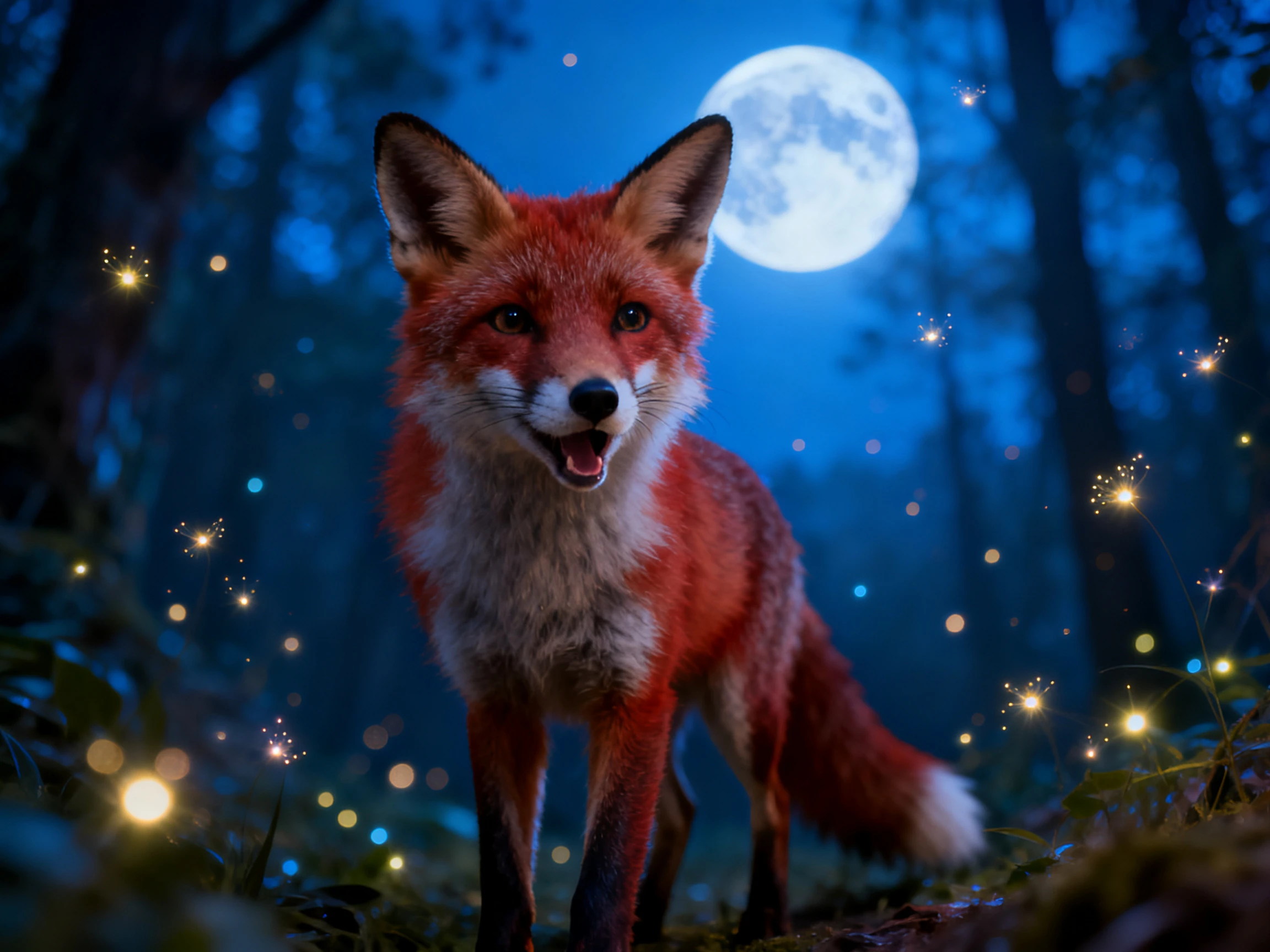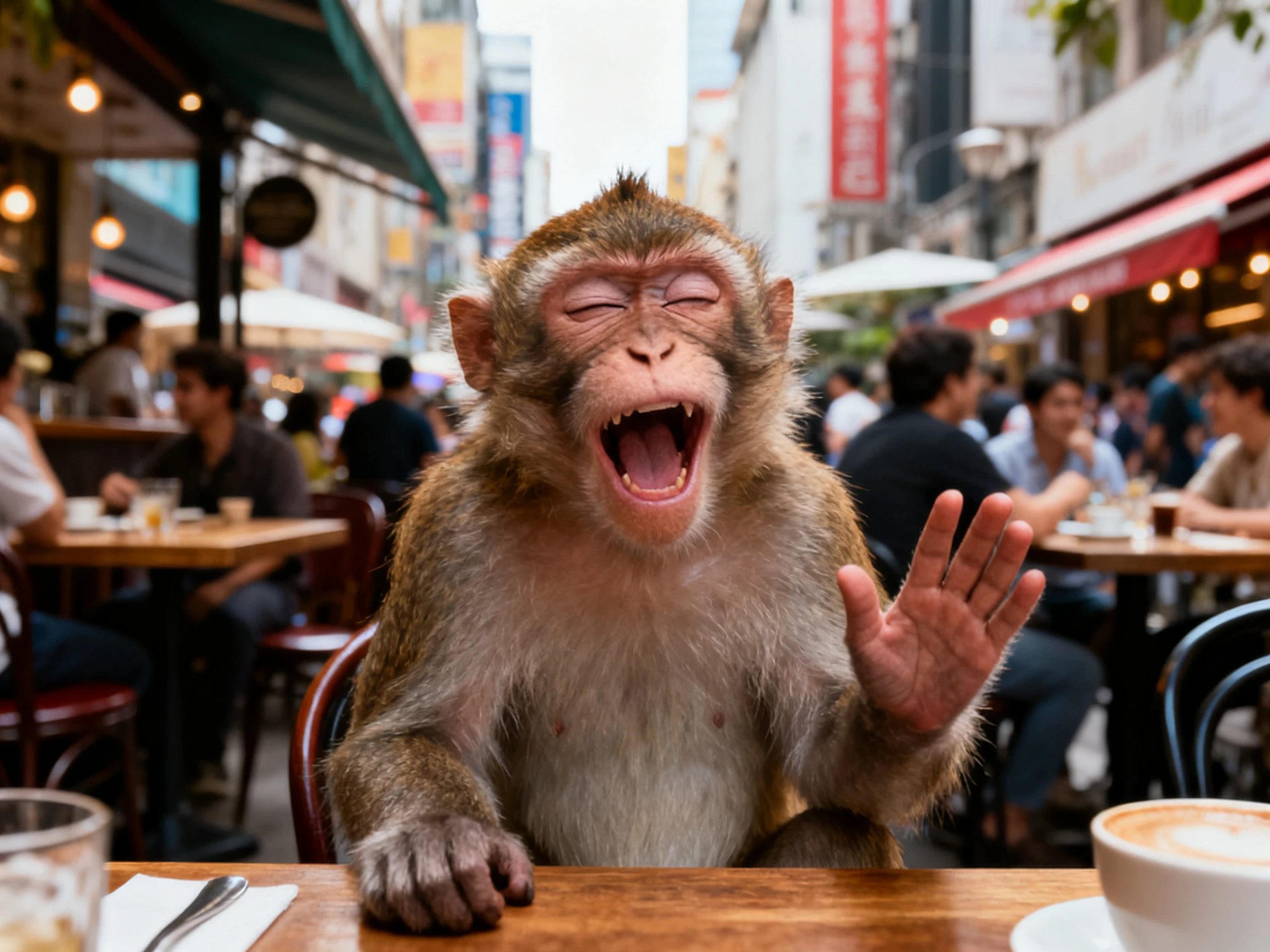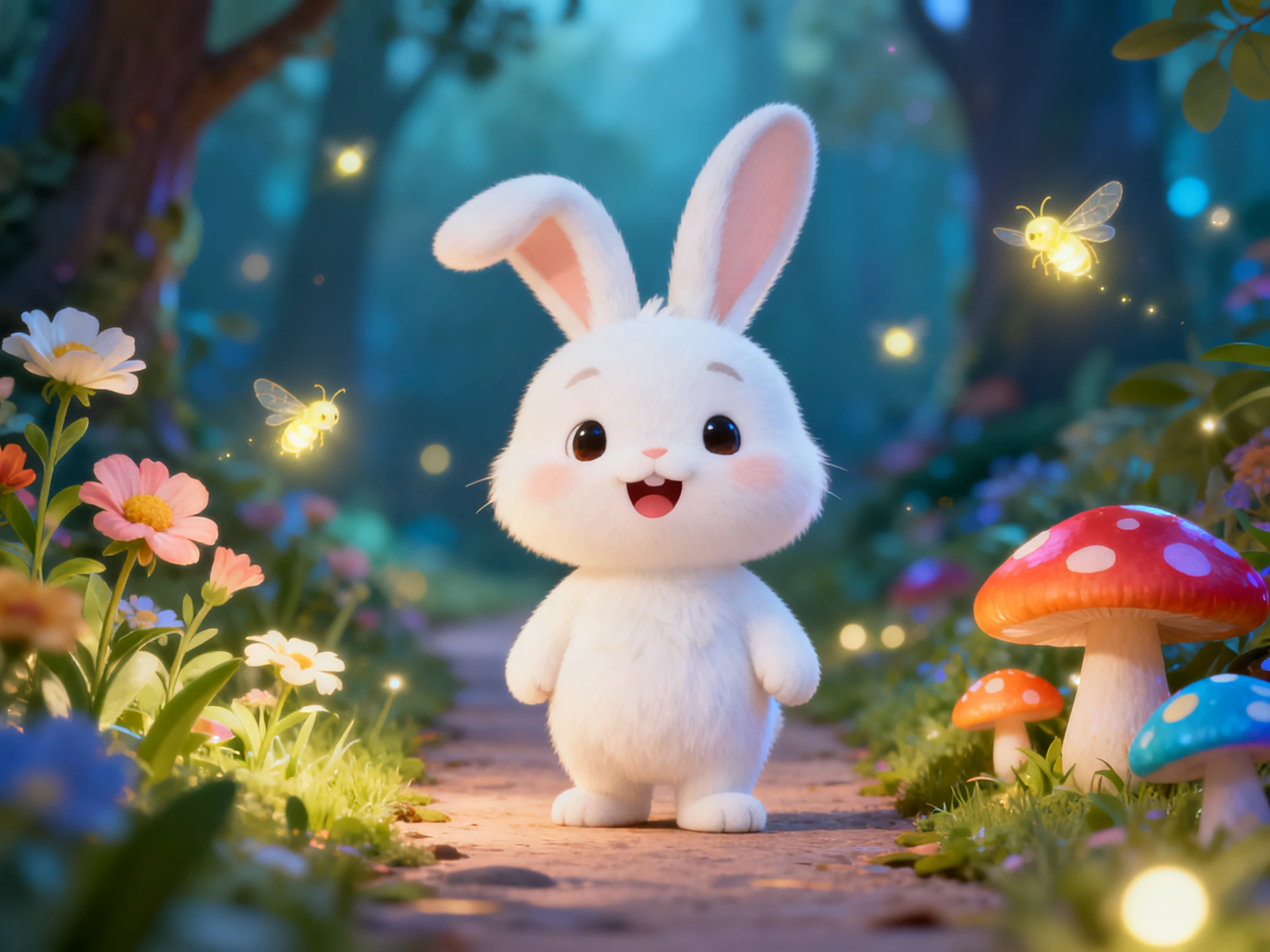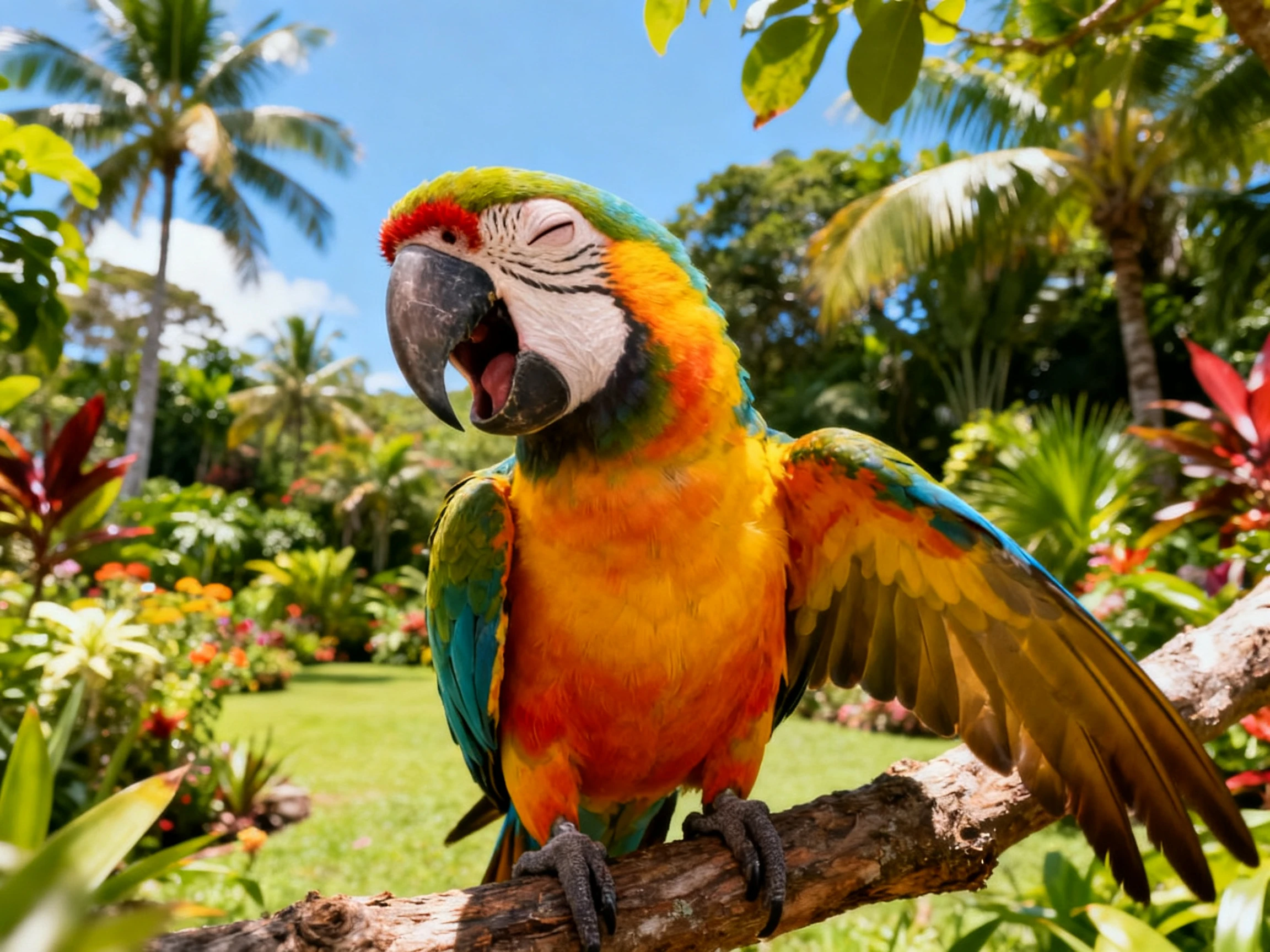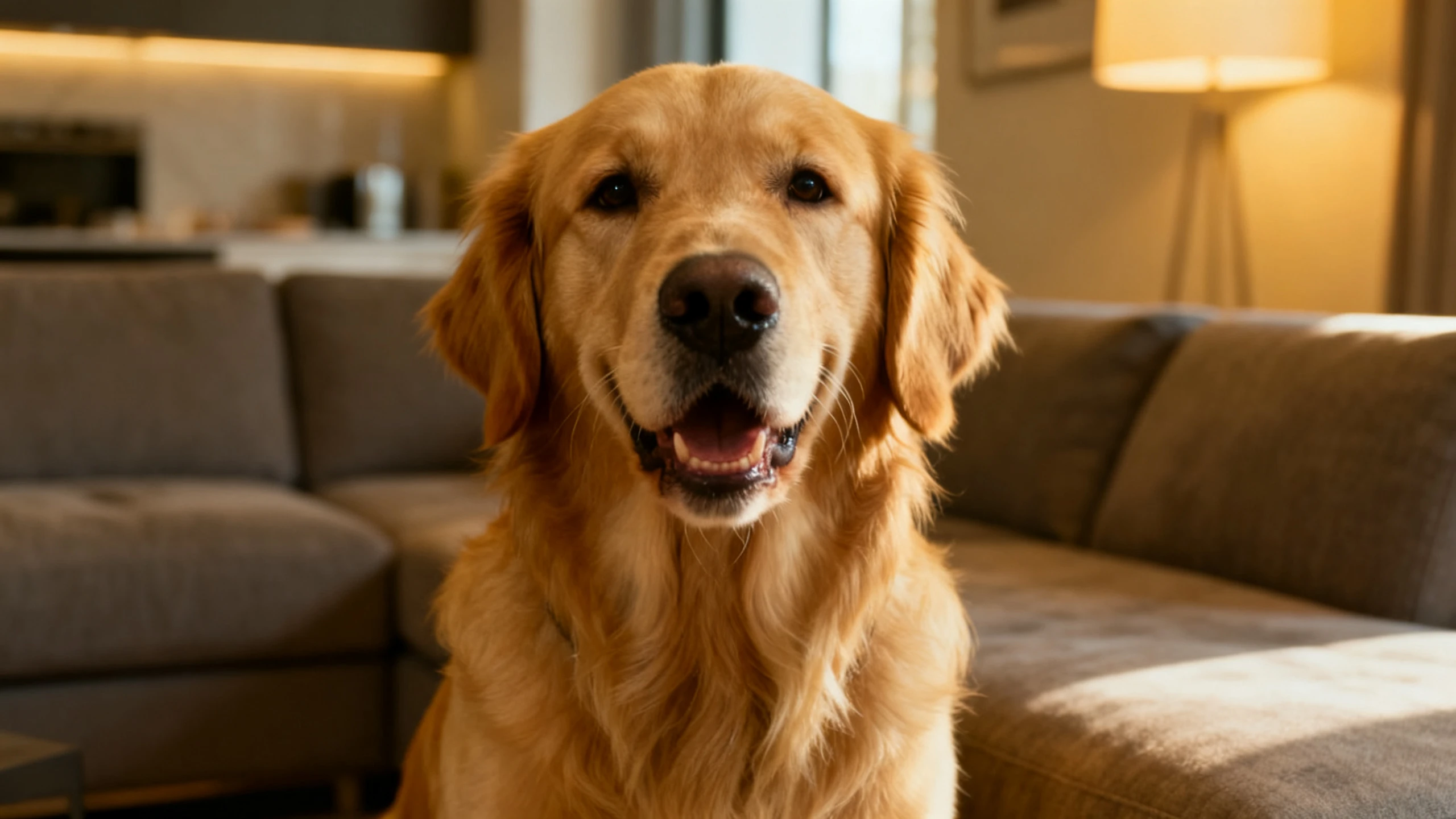









Every animal idea becomes a complete talking video. Magiclight AI handles the character, voice, expressions, and scenes. No filming, animation, or editing experience is required.
Top Features of the MagiclightAI Talking Animal Video Generator
The AI talking animal video generator gives every animal its own personality and voice. Magiclight AI keeps the character consistent from the opening scene to the ending.
37 Voices for Every Talking Animal
Choose from 37 voices, giving your talking animal a voice that contrasts with its appearance. Magiclight AI lets the unexpected voice become part of the joke while the animal stays true to its character.
Use the 20 available options in AI video models to create videos of different nature. Try Seedance 2.5, Kling 3.0, or any other model of your choice, and choose the best talking animal video amongst the variety.
Describe your talking animal in up to 1000 characters, covering the breed, coat, ears, markings, and size. Magiclight AI follows those details to keep the animal recognizable throughout the entire video.
Funny conversations only work when every line is easy to follow. Add captions using 16 subtitle settings in Magiclight AI, so viewers can enjoy the talking animal even with the sound muted.
Who Can Use the Magiclight AI Talking Animal Video Generator
Kids' stories, comedy videos, and educational clips all suit the Magiclight AI talking animal video generator. Every animal gets a voice and scenes without filming a real pet.
Here are some of the things you can do with Magiclight.ai:
For Comedy Channels
Give tiny animals funny voices from the 37 available voice options.
Reuse the same talking animal across every comedy video you publish.
Try 20+ AI video models to create the best version of your animal video.
For Wildlife Education
Let animals explain their own habits through simple narrated stories.
Describe each species using up to 1,000 characters before generation.
Present the same lesson across all 11 supported languages easily.
For Zoo Screens
Display videos in 1080p beside exhibits or animal information screens.
Add captions using any of the 16 available subtitle styles.
Pick from 52 animal character styles for different exhibit themes.
For Kids Content
Choose gentle voices from the 37 options for younger audiences.
Improve your talking animal story with 14 unique story models.
Keep the same talking animal throughout the entire video series.
How to Use the Magiclight AI Talking Animal Generator
The Magiclight AI talking animal video generator takes your story from script to finished animation in 4 steps. Create the animal, assign a voice, review each scene, and export.
1.
Describe Your Talking Animal
Write up to 1000 characters describing the animal's breed, appearance, and personality. Save the character in Magiclight AI, so the same talking animal appears in later videos.
2.
Add the Animal's Dialogue
Enter up to 12,000 characters describing what the animal says and what happens. Magiclight AI turns your script into scenes where the animal becomes the main character.
3.
Refine Every Scene
Review the project inside the Nano Storyboard before generation. Change the animal's poses, expressions, and voice until each scene matches the personality you imagined.
4.
Finish and Export the Video
Select 9:16 or 16:9, then choose subtitles if your audience needs them. Export the finished talking animal video in 1080p once everything looks right.
What Users Say AboutMagiclight AI's Talking Animals
Bram Kessler
Sketch Creator
The first videos were not funny because every voice matched the animal too well. I finally found the contrast I wanted with Magiclight AI.
Sinead Fallon
Wildlife Presenter
Children pay much more attention when the animals explain things themselves. Magiclight AI turned those lessons into stories they actually watched.
Hiro Tanabe
Zoo Keeper
Most visitors walked past the information boards without reading a single word. Now the animals do the talking in Magiclight AI, and people stop to watch.
Zola Mahlangu
Farm Manager
People notice the wrong breed almost immediately and lose interest. Describing every detail properly helped Magiclight AI get the animal right every time.
The Magiclight AI talking animal video generator creates stylized animals instead of realistic footage. Every character keeps a playful animated appearance through Magiclight AI from beginning to end.
Will a photo of my own pet work for talking animal?
Start with your pet photo instead of describing every feature from scratch. Magiclight AI turns familiar markings into a matching cartoon version for videos.
Can I post the talking animal clips commercially?
Commercial publishing becomes available after choosing one of the paid subscription plans. With Magiclight AI, free projects remain limited to personal evaluation before upgrading.
Can I use more than one animal in a talking video?
Yes, different animals can appear together within the same story or conversation naturally. Magiclight AI keeps every animal recognizable across scenes while following your written script.
Which animals can the video generator actually handle?
Almost any animal works when you describe its appearance clearly before generation begins. From pets to wildlife, Magiclight AI follows your description throughout every finished scene.
Can my animal wear clothes or accessories?
Yes, costumes and accessories help every animal match your story or character better. Magiclight AI keeps those details consistent across every scene in the finished video.
Create Viral Talking Animal Videos With Magiclight AI
Start with a simple story or conversation for your character. Magiclight AI turns the dialogue, animal, and scenes into one complete animated video.