14 Story Models for YouTube Videos
Magiclight AI offers 14 story models for different kinds of YouTube content. Try a model that fits your subject and see how it handles the story before making your video.
Create AI YouTube Videos for Free

Turn your YouTube ideas into videos with Magiclight AI. Describe your topic and let AI create the scenes to bring your story to life. No filming or animation skills required.
Create AI YouTube Videos for Free









A YouTube video about ancient life needs scenes that nobody can film. Describe the setting in the Magiclight AI YouTube video maker and see how the story looks on screen.
Magiclight AI offers 14 story models for different kinds of YouTube content. Try a model that fits your subject and see how it handles the story before making your video.
Create AI YouTube Videos for FreeYour history video might look better as a picture book than a realistic scene. Magiclight AI gives you 50+ visual styles to try, with the chosen look carried through the video.
Create AI YouTube Videos for Free
A character from ancient Rome should look different from someone living today. Write a description using 1000 characters so Magiclight AI knows what your character should look like.
Create AI YouTube Videos for Free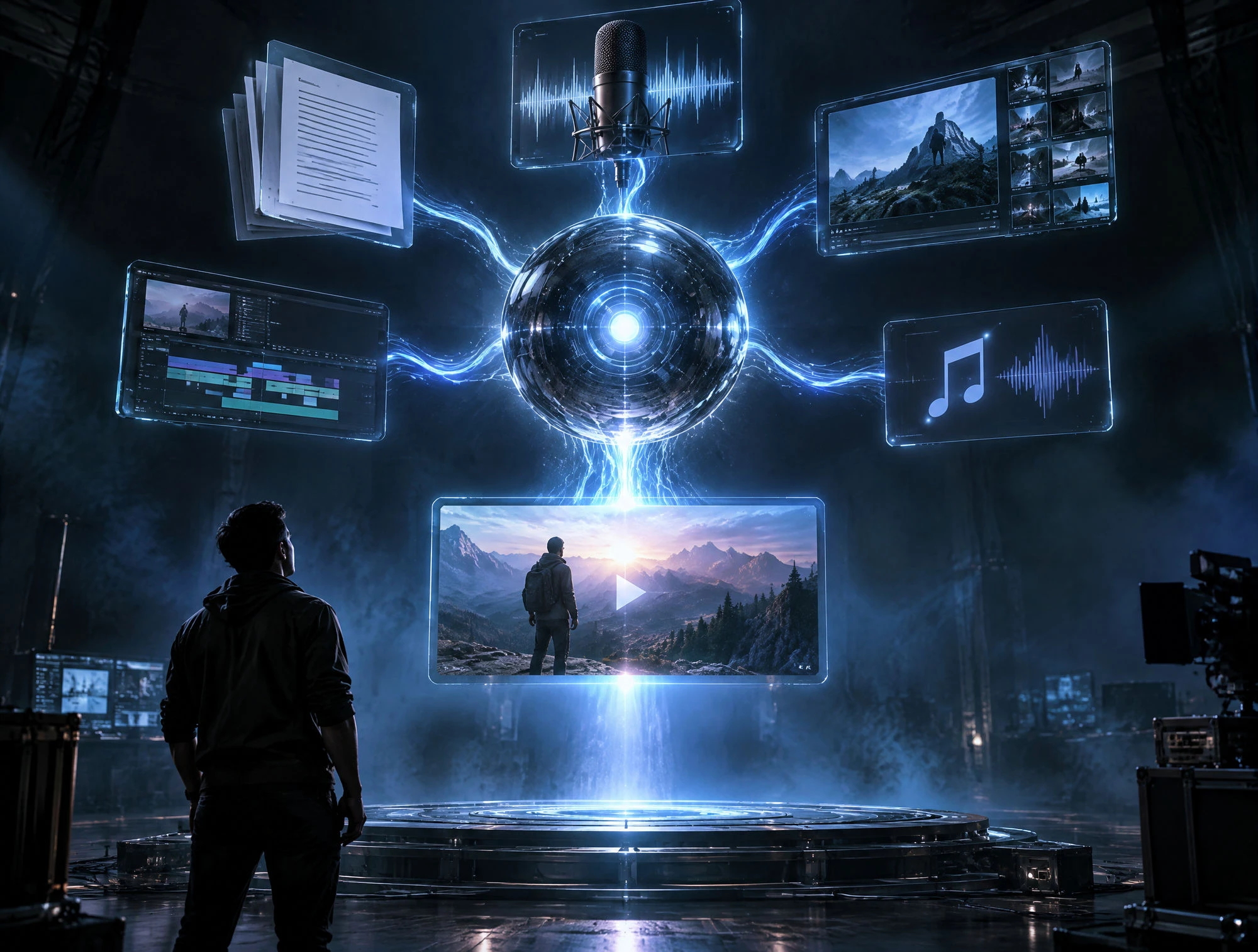
Some viewers watch YouTube with the sound turned off. Magiclight AI provides 16 subtitle styles to help you choose how the spoken words appear on screen throughout your video.
Create AI YouTube Videos for Free


Your next YouTube upload can begin with a simple idea. The Magiclight AI YouTube video maker takes you through 4 steps before your video is ready to download.
Enter your script within 12000 characters and choose from 14 story models. MagicLight Agent generates the story and scenes for you to review before moving ahead.
Describe your character using 1000 characters to explain how they should appear. You can also pick a visual style that suits the story you want to show on YouTube.
Review your scenes in Nano Storyboard and try the 50 character poses available. Change any scene that looks wrong before animating the storyboard into a complete video.
There are 37 voice options available for your YouTube narration. Choose one that suits your story, generate the video in 1080p and download it for your channel.
YouTuber
I make history videos, and finding footage is always a headache. Magiclight AI gives me scenes for events nobody could have filmed, which is pretty useful for my channel
Science Teacher
My students usually lose interest halfway through a lesson. I made a video about the solar system, and they actually wanted to watch parts of it again.
Content Creator
I keep random video ideas in my phone. Some sound great until I try making them, so seeing a rough version in Magiclight AI saves me a lot of wasted effort.
Animator
The 50 character poses caught my attention. I tried a few in Nano Storyboard, and it was nice to see how a scene might work before committing to the animation.
The Magiclight AI YouTube video maker supports videos lasting 50 minutes. That's enough time to cover a longer story without splitting it into several episodes for your channel.
Check your script against reliable sources before making the video. Give Magiclight AI clear details about the historical setting so the scenes reflect what you researched.
Yes. Magiclight AI keeps your character's appearance consistent across scenes. Your main character can return throughout the story without looking like someone completely different.
Some unusual names may sound wrong in AI narration. Listen to the finished audio and adjust the spelling if needed, then check that the subtitles still display the correct name.
A camera is better when viewers need to see something real, such as a product demonstration. Magiclight AI works better for scenes that would be difficult to capture yourself.
Magiclight AI supports 12 languages for video narration. Choose the language that suits your viewers when preparing a video for an audience outside your usual region.



Have a story you want to put on YouTube? Magiclight AI turns your idea into a video with scenes that would be difficult to film yourself.