20+ Visual Styles for Different Cartoon Looks
Not every cartoon look sells the same joke. Work down the 20+ visual style options and settle on one where a wide-open mouth still looks right rather than alarming to look at.
Start Creating Free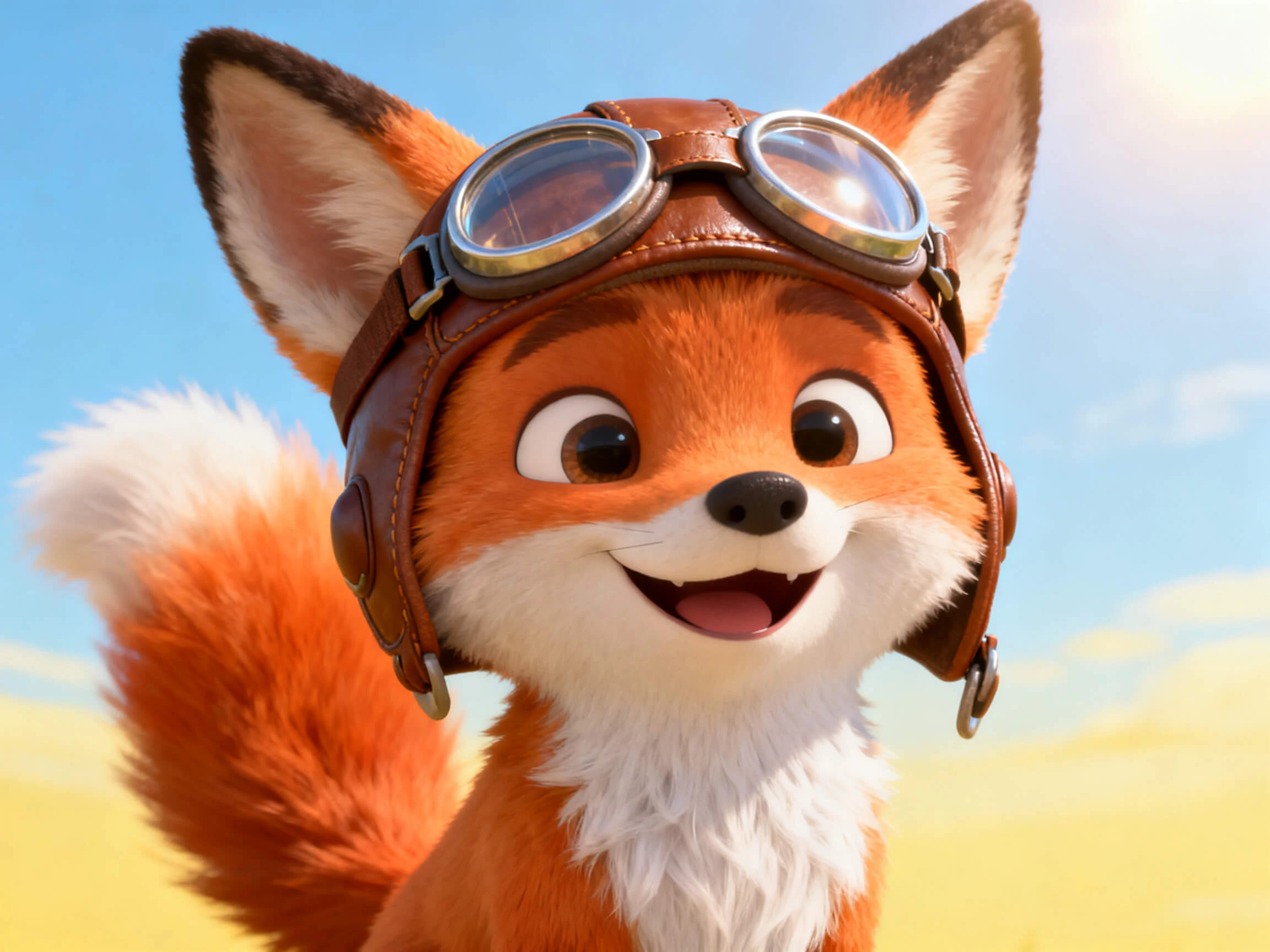

Bring cartoon lip sync to each line with Magiclight AI, matching mouth and facial movement to the dialogue. Get animated results with no drawing or rigging skills needed.
Create Cartoon Lip Sync For Free










Take your character from a visual concept to a talking scene with Magiclight cartoon lip sync AI. Set the style, shape the character, and add the voice that fits.
Not every cartoon look sells the same joke. Work down the 20+ visual style options and settle on one where a wide-open mouth still looks right rather than alarming to look at.
Start Creating FreeThe mouth is part of the design, not an add-on. Give Magiclight AI 1000-characters describing the character, or a drawing you already have, and it saves for every later scene.
Start Creating Free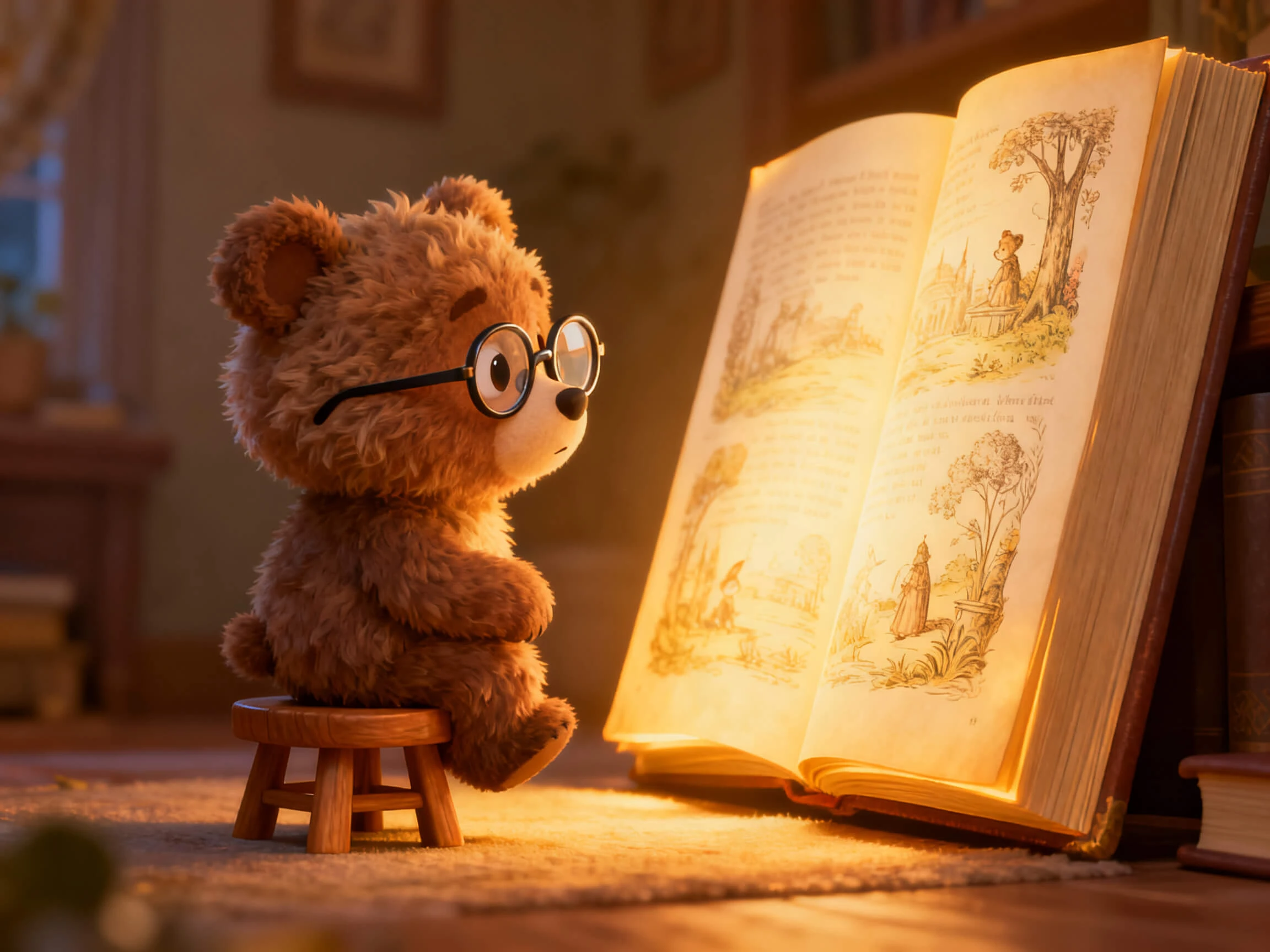
A cartoon is usually its voice before it is anything else. Work through the 37 available, narrowing by age and tone, or clone one, until the character sounds like the face looks.
Start Creating Free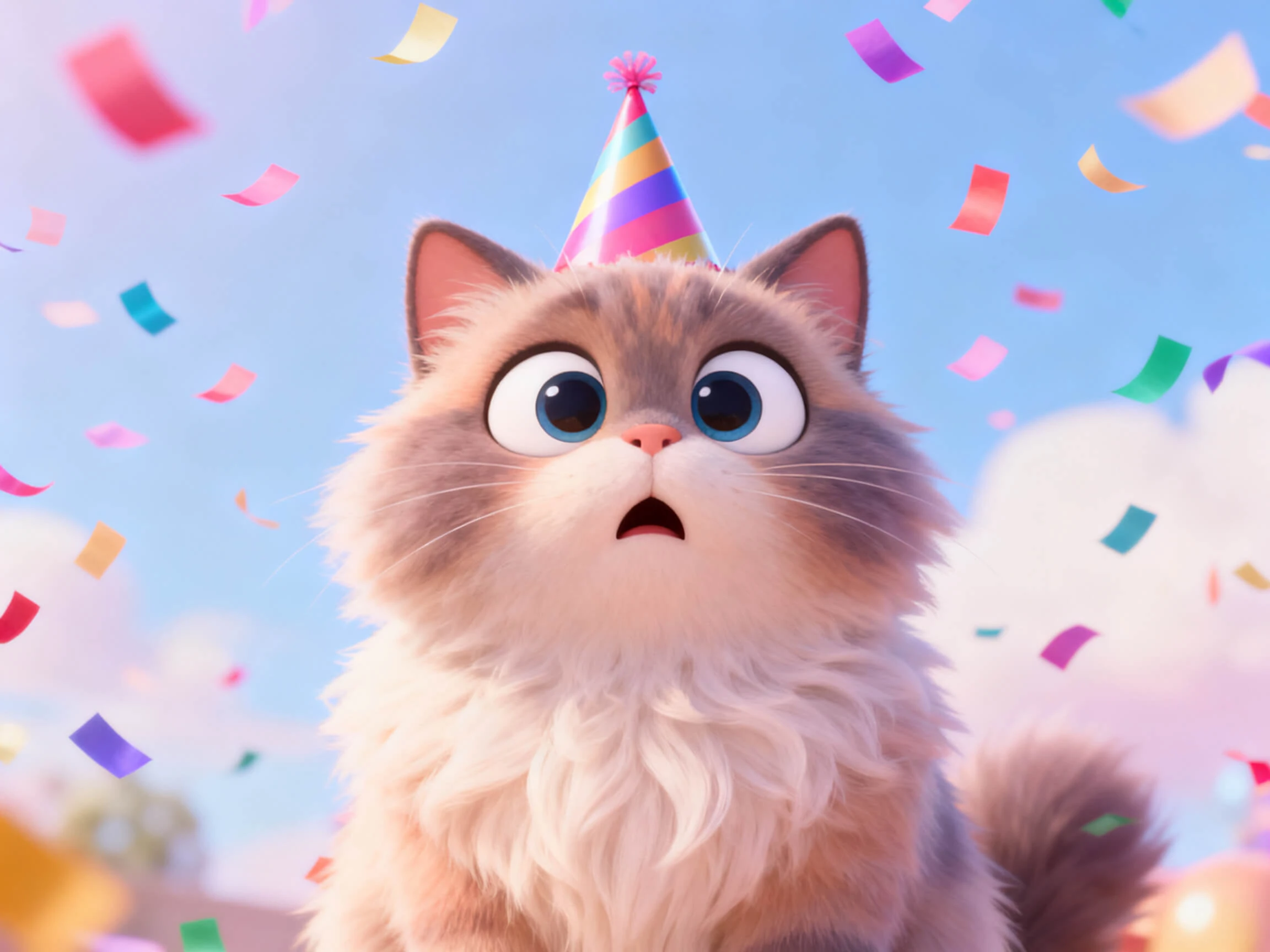
Small movement kills a cartoon faster than bad drawing does. Magiclight AI converts the storyboard through 16 animation models, so the head, the hands, and the mouth all overshoot the way a cartoon should.
Start Creating Free


Go from a character idea to a talking cartoon in 4 steps. Magiclight AI handles cartoon lip sync animation while you shape the character, dialogue, and expressions.
Start with a complete script for the cartoon, which can go up to 12,000-characters, and proceed with defining the video settings. Choose an appropriate voiceover option or voice clone.
Name your character and describe their appearance, clothing, and other details. Save the character so you can reuse the same look in later scenes.
Work on the voiceover settings, followed by the other frame-by-frame settings in Nano Storyboard. Animate all frames to ensure automatic lip sync for your cartoon.
Check the lip sync and refine the character or scene if needed. Once the result looks right, export the finished talking-cartoon video.
Cartoonist
My drawings looked fine until the characters started speaking. With Magiclight AI, the facial movement feels more connected to the dialogue instead of focusing only on the mouth.
Comedy Writer
Half my sketches change on the same day they need to go live. I can revise a punchline in Magiclight AI and regenerate the scene without starting over.
Character Designer
Magiclight AI takes care of a part I used to spend too much time adjusting: matching the mouth movement to the dialogue while keeping the character's chosen look.
Brand Manager
Our mascot appears in dozens of videos across different markets. Once the character is saved, I use Magiclight AI to keep its appearance consistent across new scenes.
No, and it is worth checking before you start. Magiclight AI generates the cartoon itself rather than retiming the mouth on an existing clip.
Cartoon mouth lip sync focuses on clear, expressive movement rather than strict realism. Magiclight AI matches the mouth to speech while keeping the character’s animated style.
Selling or advertising requires a paid plan. Free credits exist so you can test the workflow first, and moving anything you make into commercial use means upgrading your Magiclight AI plan.
Not to begin with. Registering gets you free credits without a card, enough for a short talking scene, and Magiclight AI shows the mouth timing before you commit to anything.
It comes out finished rather than as a project file. Magiclight AI exports at 720p or 1080p in either 16:9 or 9:16, with a cover and subtitles if you want them.
Yes, and that is where it saves the most time. A single script can run to 12,000 characters, and Magiclight AI syncs every line in it rather than one clip at a time.



Pick a face and give it something to say. The cartoon character lip sync AI in Magiclight AI casts the voice, moves the mouth, and lifts the rest of the face with it.