Hero background

Consistent Character AI

Create characters that look the same across different scenes with MagicLight AI. Define your character's appearance once and reuse it in new scenes. No manual character design needed.

Create a Consistent Character for Free
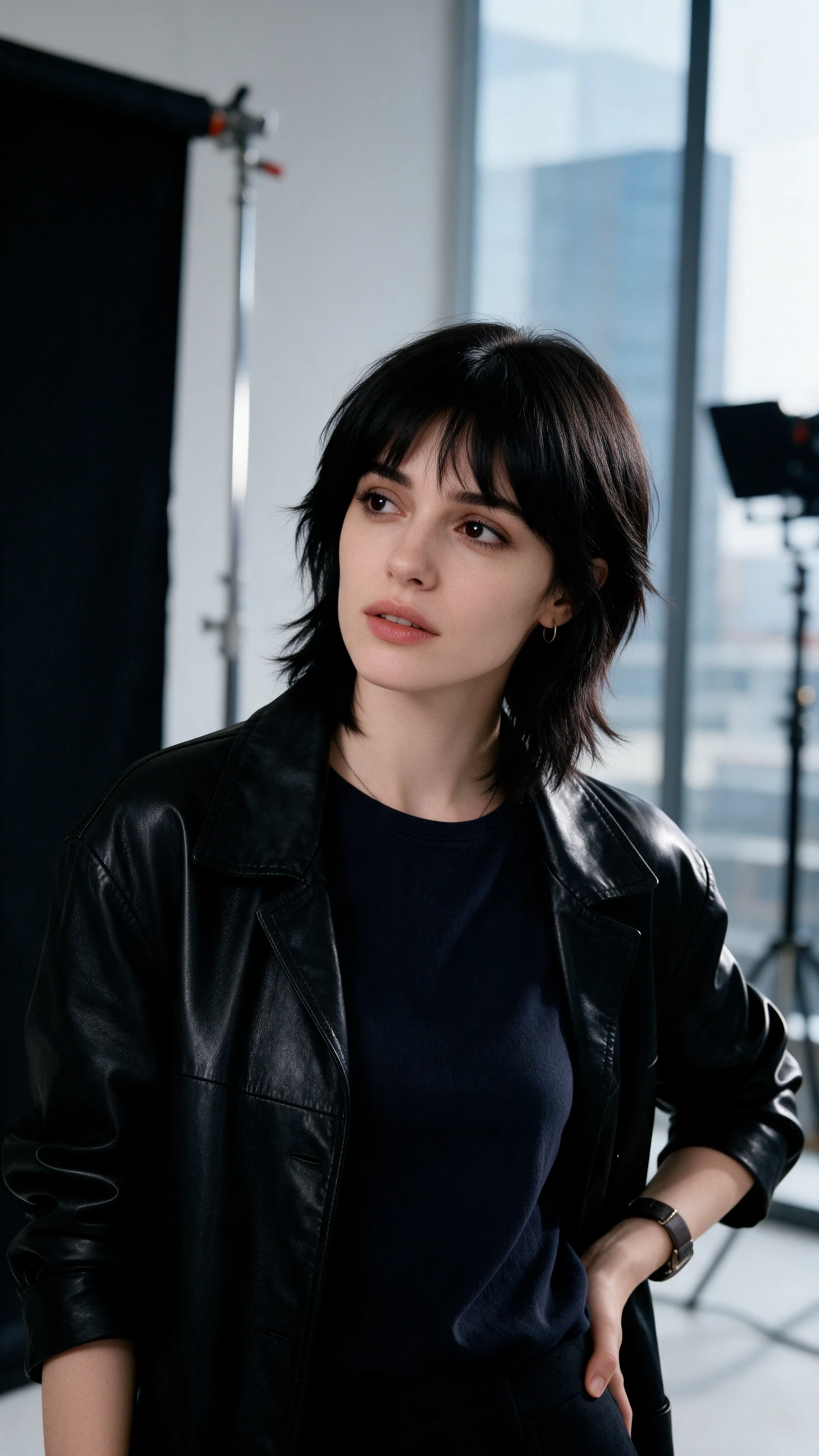
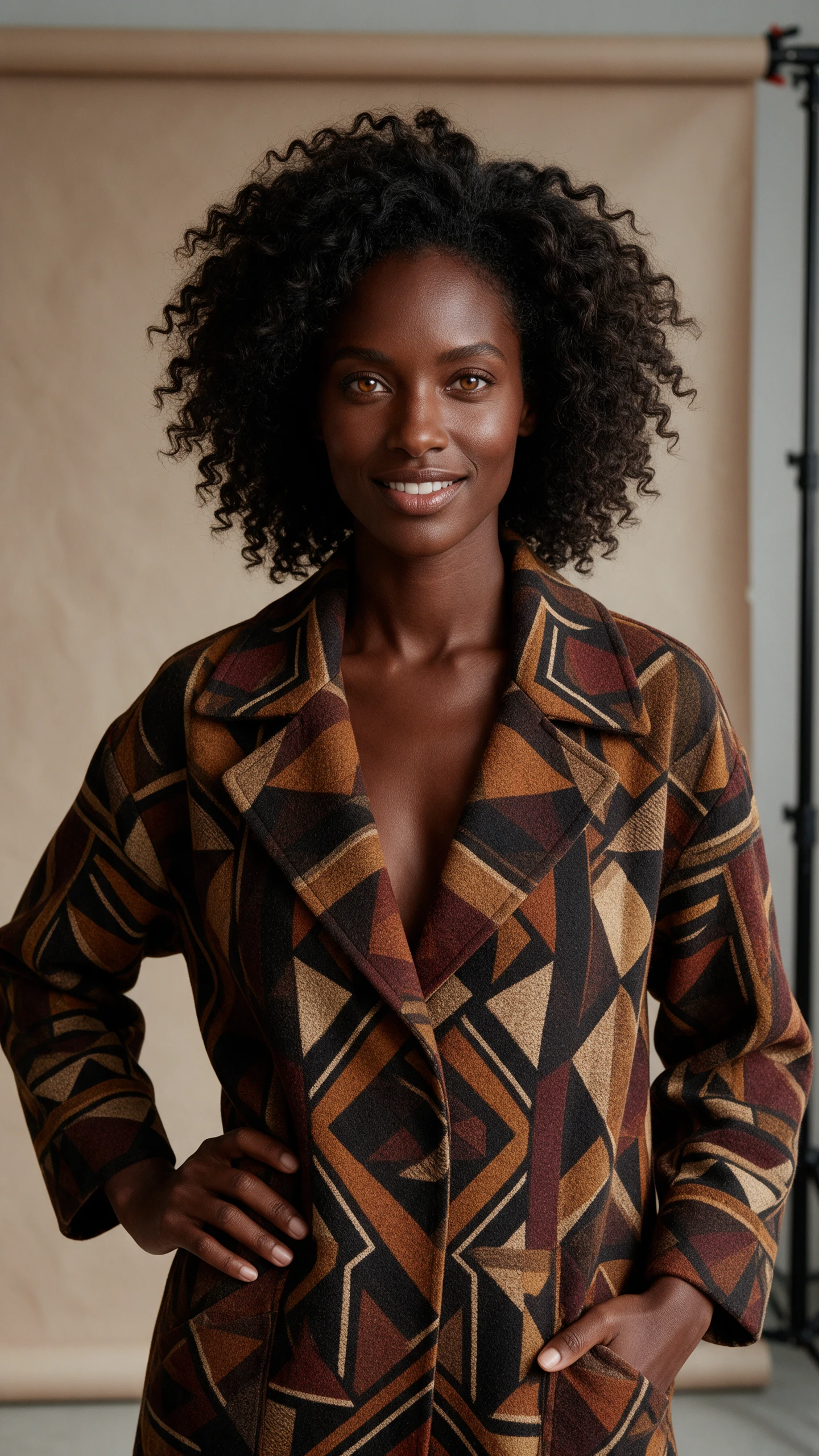
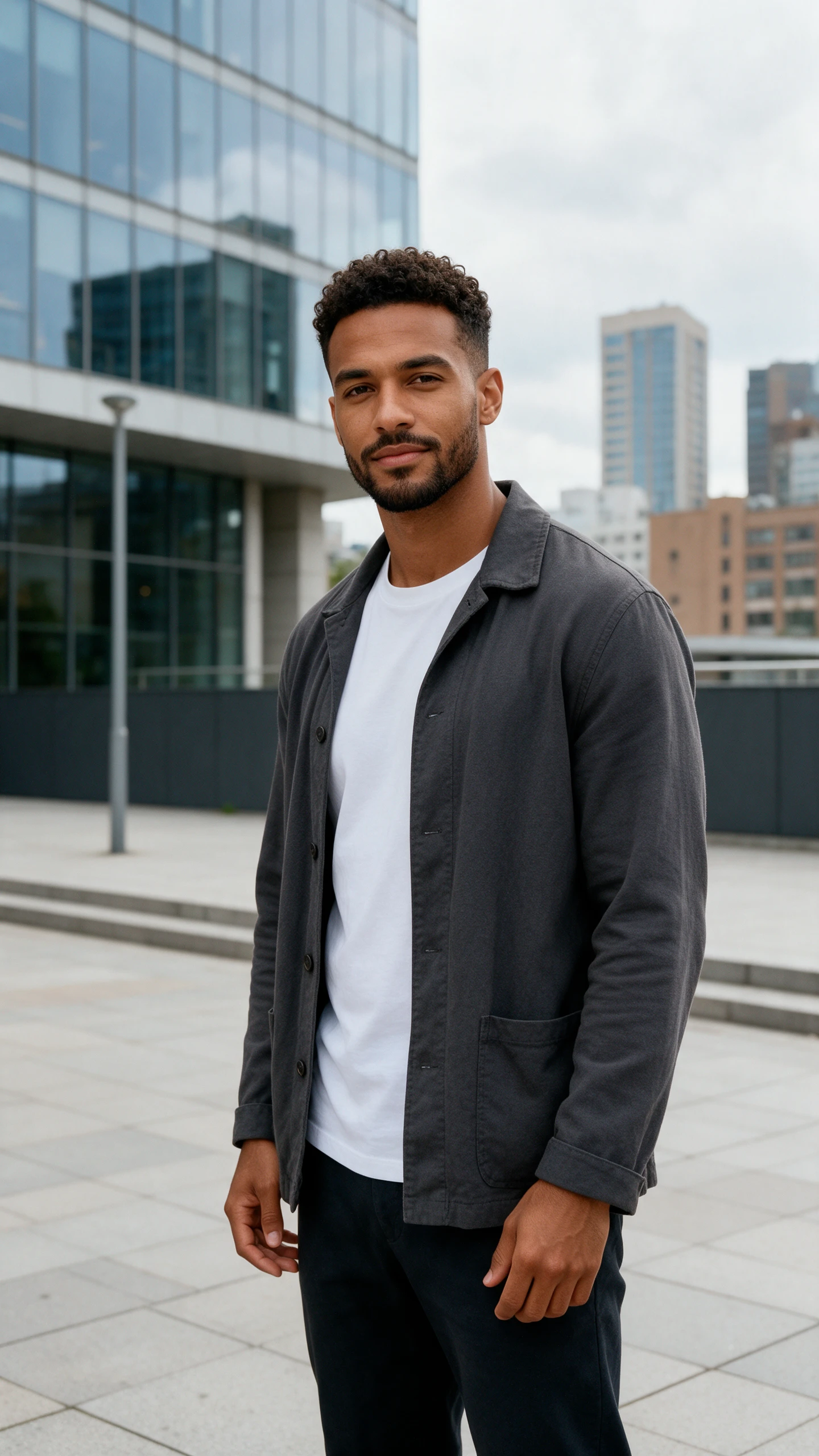
Consistent Character AI character examples
AI-generated consistent character scenes
Consistent AI character example
AI character storytelling example
Consistent Character AI character examples
AI-generated consistent character scenes
Consistent AI character example
AI character storytelling example

Explore the Magiclight AI Consistent Character Features

Save the appearance you want for your main character before starting the next scene. Magiclight AI consistent character AI helps you use that same character throughout your project.
Create a Consistent Character for Free

Consistent character AI 3D decoration

1000-Character Profiles With Reference Photos

Magiclight AI gives you 1000 characters to describe your character. You can also add reference photos to help maintain their appearance throughout the story.

Character Consistency Across Multiple Scenes

Your main character can visit new places without losing their familiar look. Magiclight AI helps keep their face and outfit consistent throughout the story.

12000 Character Scripts for Longer Stories

Magiclight AI accepts 12000 characters scripts in Story to Video. Your saved cast can appear throughout a story that runs for 50 minutes without needing new character designs.

Series Mode for Recurring Characters

Each new episode can feature the characters your audience already knows. Save their appearance in Magiclight AI Series mode and reuse them when the story continues.

Who Can Use Magiclight AI Consistent Character Tools
The Magiclight AI consistent character AI helps familiar faces return throughout a story. It suits creators who want their characters to stay recognizable from beginning to end.
Here are some of the ways different creators and teams can use Magiclight AI:
For YouTube Story Channels
Plan a 12000 character story in Story to Video with your usual cast.
Pick from 16 story models to shape your next character adventure.
Adjust a character's pose for a scene through Nano Storyboard.
For Children's Book Authors
Give a little fox the same face across every page of your book.
Turn your picture book into a kids' story with familiar characters.
Browse 16 animation models to find a look for your storybook cast.
For Mascot Teams
For Mascot Teams
Set a mascot's appearance using a 1000-character description.
Show your mascot in 2 poses using the Frame to Video feature.
Select from 21 cover templates for your mascot's next campaign.
For Teachers
For Teachers
Introduce a familiar classroom character through Explainer Video.
Let the same guide return for a new lesson every week.
Pair your classroom character with narration in Reference to Video.
Why Choose Magiclight AI for Consistent Characters
A character might appear in 20 scenes and still need the same face. Magiclight AI consistent character AI gives you ways to reuse that appearance as your story continues.
Bring Back Saved Characters With @ Mentions
Your saved characters are available when you need them again. Type @ followed by the character's name in the prompt to bring their familiar appearance into another scene.
Adjust Character Poses With Nano Storyboard
A character might need a different pose for an important scene. Nano Storyboard offers 50+ poses to try, letting you adjust how your character appears without changing the entire story.
Keep Character Looks With 10 Reference Images
A character's original appearance can guide their next scene. Upload 10 reference images in Magiclight AI to help maintain the same face and clothing as your story moves forward.
Choose From 16 Animation Models
Your character can appear in different kinds of scenes. Magiclight AI offers 16 animation models to try, giving you more choices for how your saved character moves through the story.
Connect 2 Character Scenes With Frame to Video
Start with your character in 1 scene and choose another image for the ending. Frame to Video connects these moments in a 30-second video with your character's appearance as a guide.
Give Each Character a Voice From 37 Choices
A shy child shouldn't sound like a fearless warrior. Choose from 37 voice options in Magiclight AI to give your story characters voices that match their personalities.

How to Keep a Character Consistent With Magiclight AI 

Give your story a familiar face with the Magiclight AI consistent character AI. These 4 steps show how to save a character's appearance and bring it back whenever you need it.

1.

Step 1. Open the Asset Store

Go to Magiclight AI and open the Asset Store. This is where you can create a character and keep it saved for future stories without having to start from scratch each time.

2.

Step 2. Select Character Creation

Click Create Asset inside the Asset Store. Choose Character from the available options to start setting up a character you can use again in your video projects.

3.

Step 3. Set Your Character's Appearance

Name your character and upload a reference image. Use the 1000-character description to explain their hairstyle and appearance. Select a character style and press Generate.

4.

Step 4. Save and Reuse Your Character

Save the character once you're happy with its appearance. Whenever you create a new video, type @ followed by its name to bring the saved character into your scene.

FAQs on Consistent Character AI

Why do AI characters change between images?

Each new image can change a character's appearance slightly. Magiclight AI consistent character AI uses saved characters as references to help maintain their familiar look.

Can I keep several characters consistent in one scene?

Yes, save each character separately in the Asset Store. Mention their names using @ in your prompt and explain where each character should appear in the scene.

Are characters from movies or games allowed?

Characters from movies and games may have copyright protection. It's safer to create your own characters and save their appearances for future stories in Magiclight AI.

Does this work for real people's faces?

Yes, you can upload your own photo as a character reference. For someone else's face, get their permission before saving their likeness for use in future scenes.

How do I reuse a saved character in another video?

Open your video project and type @ followed by your saved character's name. Magiclight AI uses that character's stored appearance to guide how they look in the new scene.

Is consistent character AI free to try?

Magiclight AI offers starter credits for new accounts. You can check the credits needed to create a character and generate scenes before deciding whether to upgrade.


Create Consistent Characters With Magiclight AI

Your favorite characters deserve more than one appearance. Save them in Magiclight AI and bring them into the next chapter of your story.