
Core Advantages of Magiclight AI’s Photo to Avatar Tool
Magiclight AI stands out among photo-to-avatar converters with powerful all-in-one functions, rich styles and full video production support.

Turn your photo into a cool avatar. You can change the clothing, accessories, and facial features with the photo-to-avatar tool in Magiclight AI.
Try Photo to Avatar Maker Now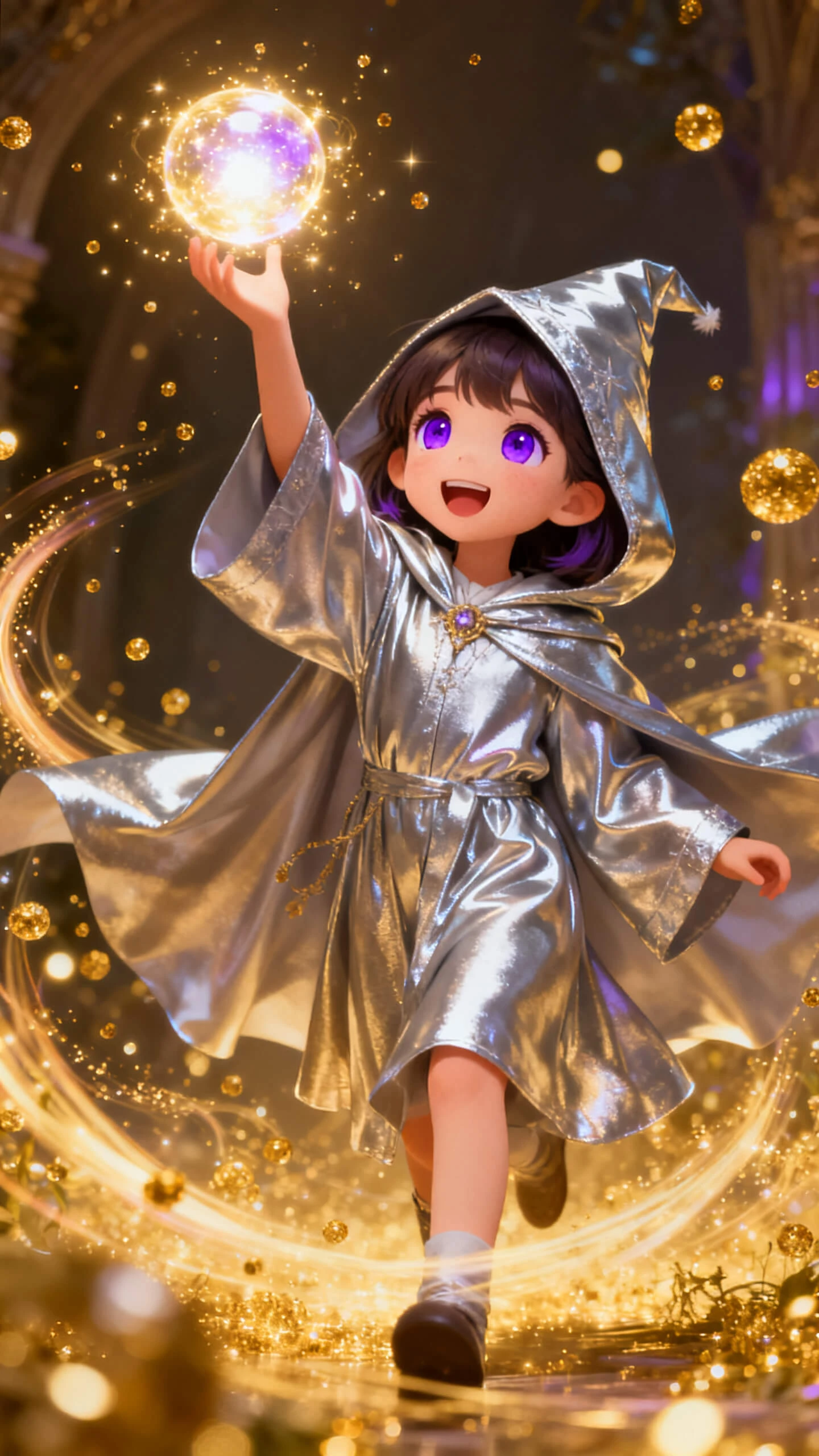
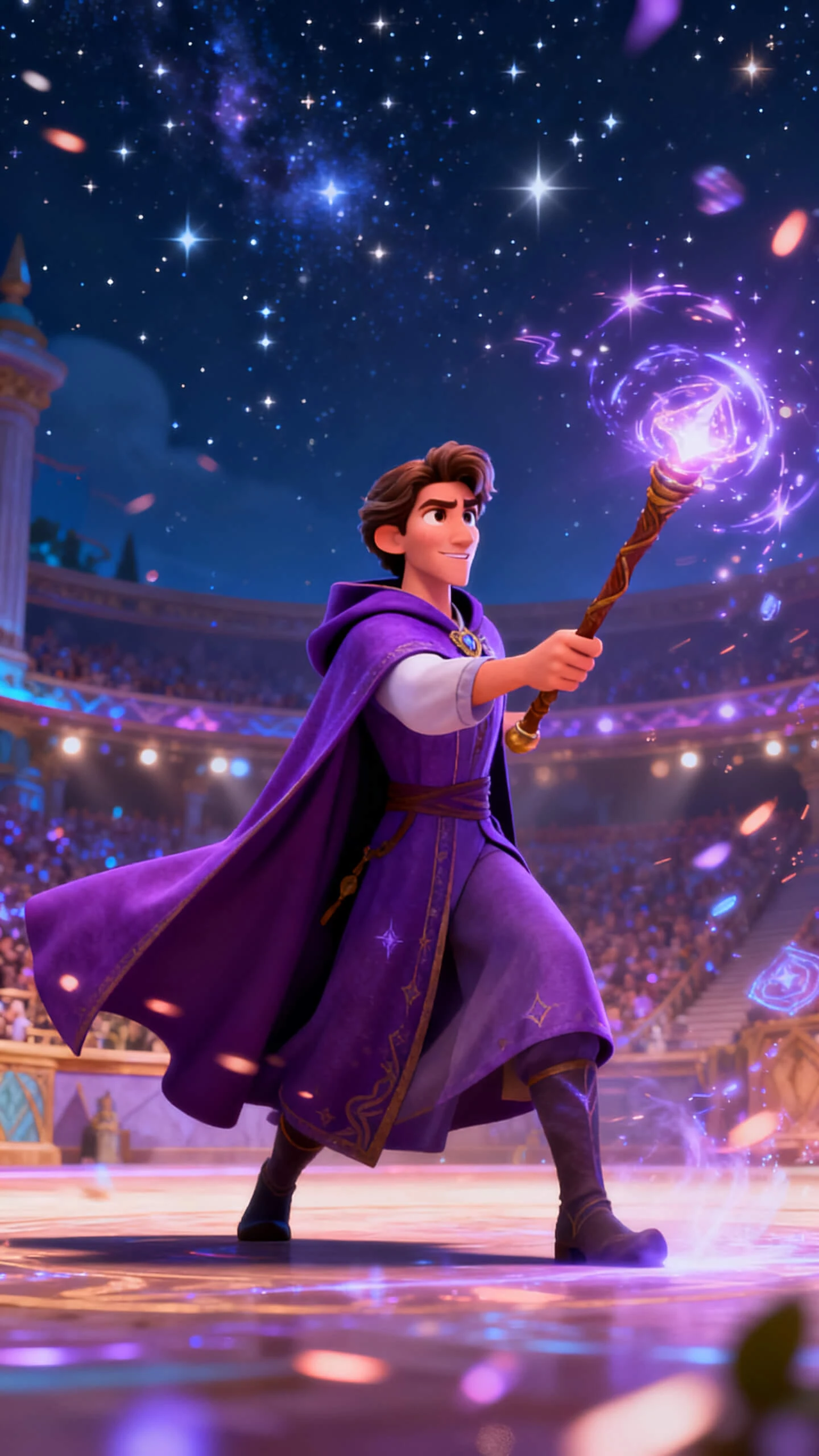
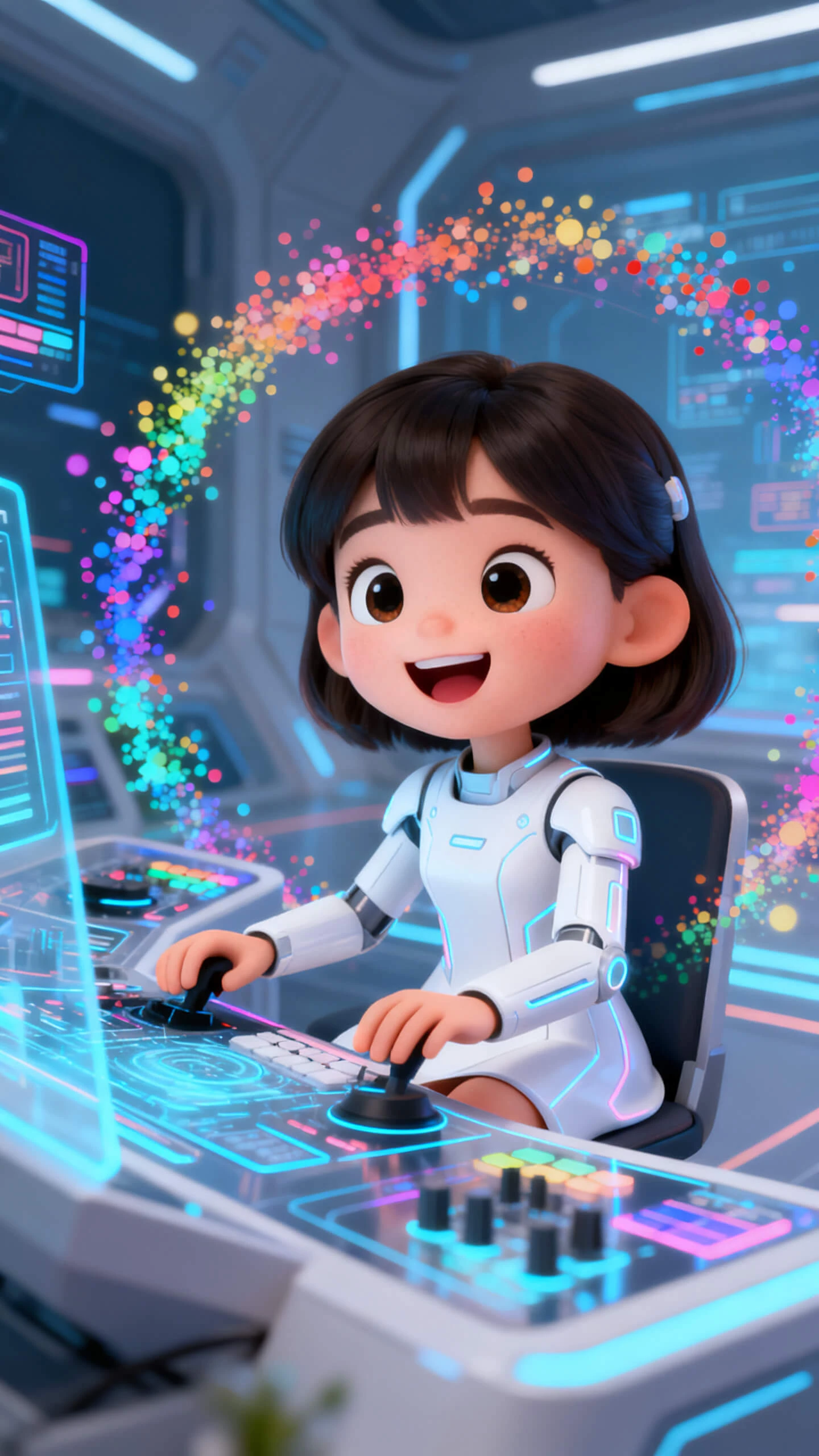
Magiclight AI stands out among photo-to-avatar converters with powerful all-in-one functions, rich styles and full video production support.

Magiclight AI does the visual work from a single photo and a text description. There are no manual layer adjustments, and the tool has built-in storytelling abilities.
A typical app offers one or two looks. Magiclight AI offers 16 subtitle settings, 40 music tracks, and 21 cover templates for every generated video.
Characters created in Magiclight AI carry visual features into other tools on the platform. The same avatar appears consistently across explainer videos and long-form content.
Most avatar generators rely on preset adjustments. In Magiclight AI, a prompt of up to 1,000 words lets creators specify personality, wardrobe, expression, and mood of characters.
The workflow in Magiclight AI connects character creation to scene refinement and video production. You do not need a separate app to publish the avatar you just made.
Since Magiclight AI supports 11 languages, creators across regions can use the same tool to make characters in their preferred language. No translation skills are required.


Upload your photo and get a finished avatar in 4 steps. Magiclight AI’s photo-to-avatar tool handles styling, so you can focus on other video elements.
Import your portrait or any photo that you like. Add a name and a short description so the platform understands the character's identity before styling begins.
Select a visual style and an AI model for your avatar clip. Each choice changes the final look of the generated character.
Polish each expression, pose, and outfit with Nano Storyboard. Tweak each frame until you get the look you want.
Add any final touches and then fully preview the clip. Export and share the final video with others whenever you want.
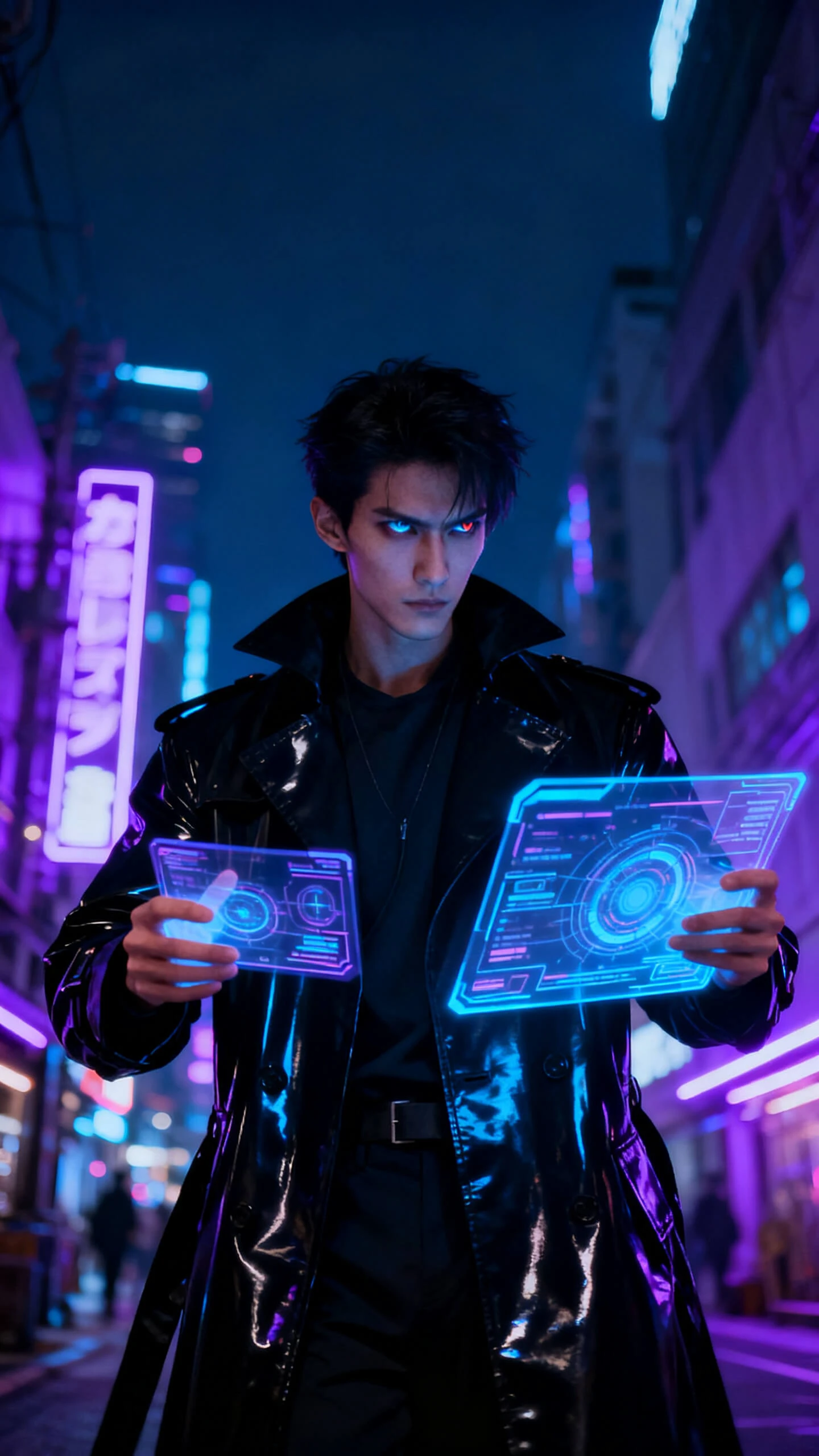
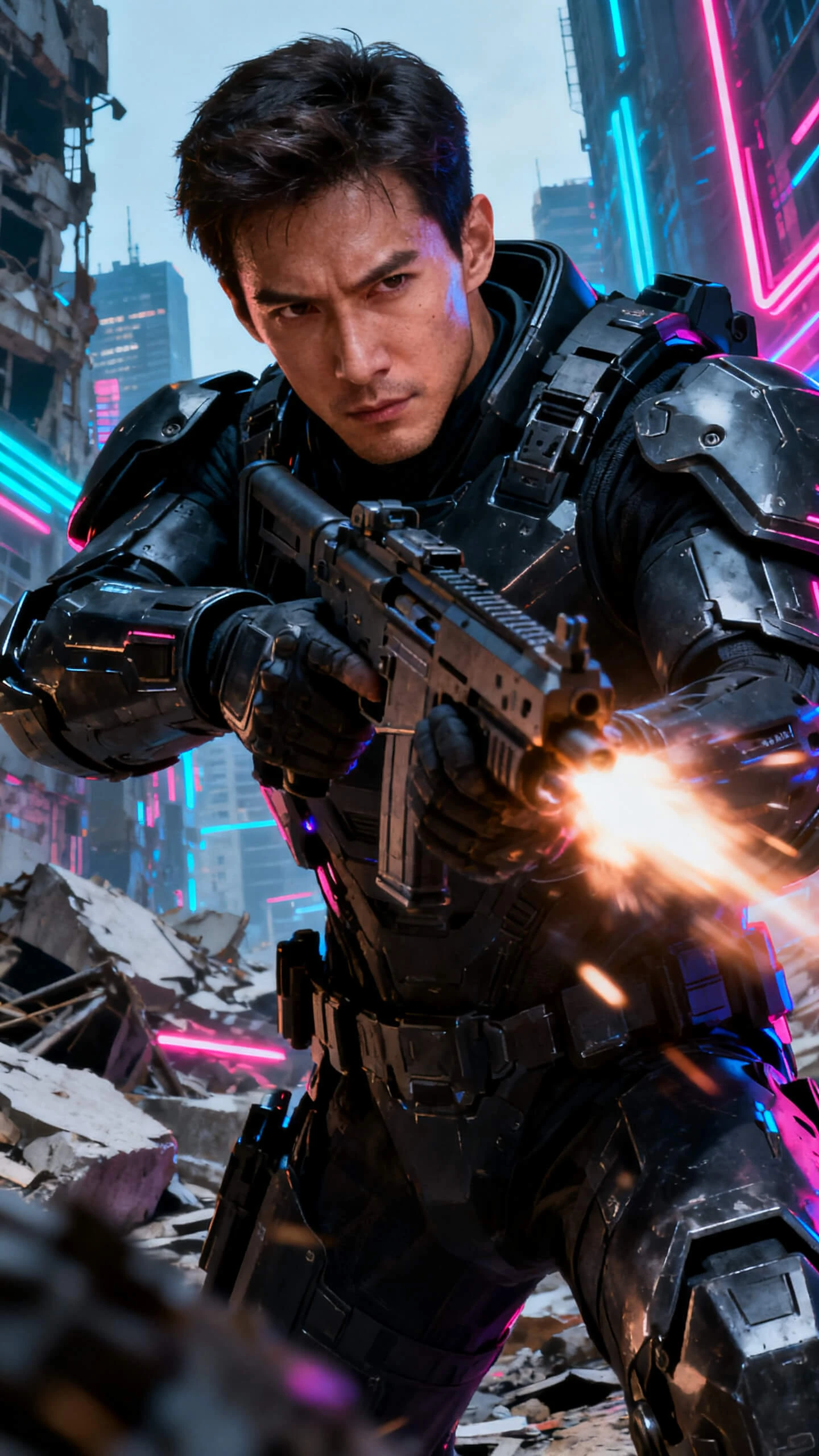
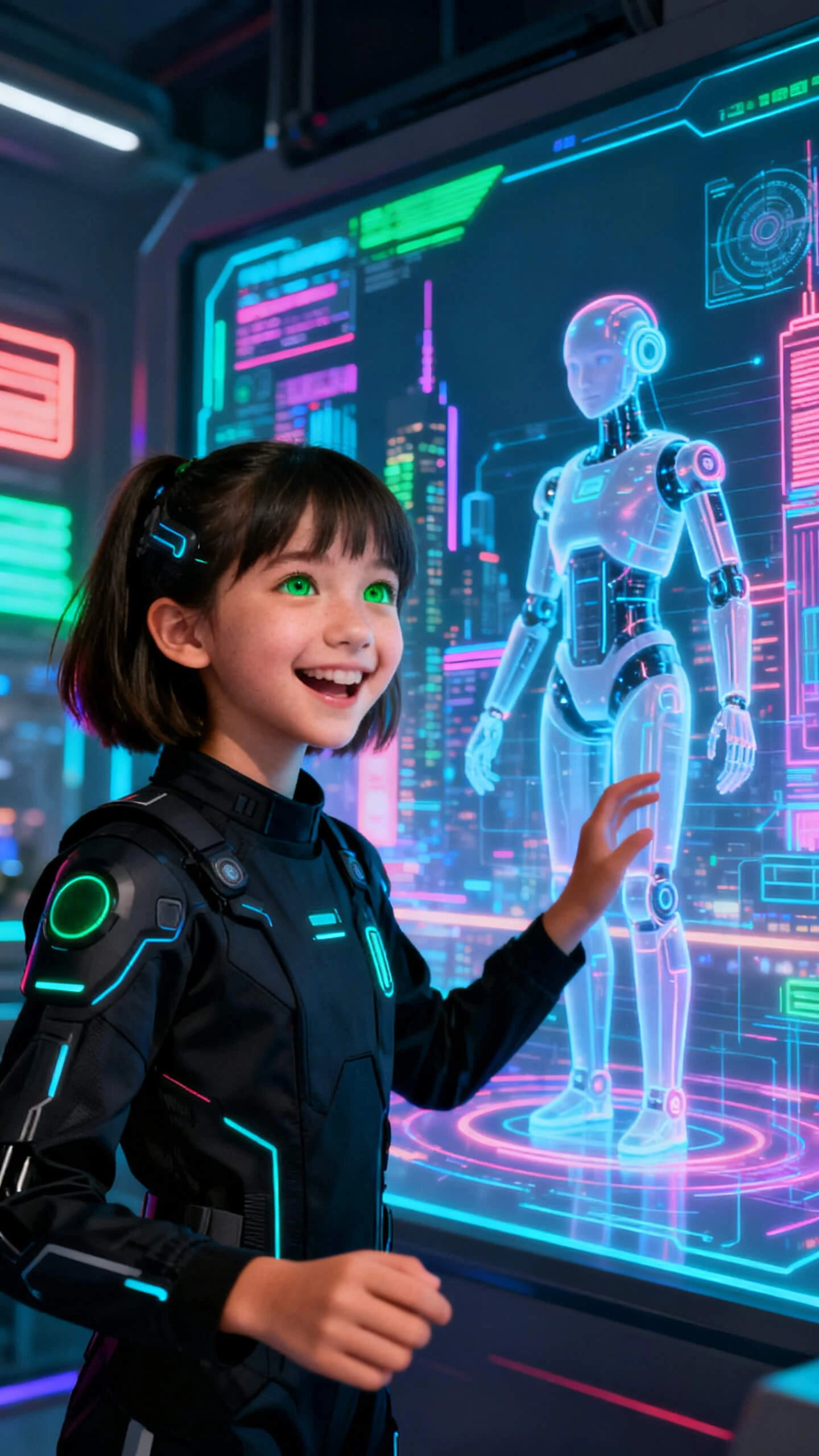
Users upload a photo, and it is turned into a cute character with Magiclight AI’s photo-to-avatar tool. It supports 20+ visual styles, so you always get a unique character.
You upload a portrait, write a character prompt up to 1,000 characters, and choose a visual style. Magiclight AI combines the image and prompt to generate a matching character.
Magiclight AI offers free credits upon sign-up that lets users explore the AI Character Creation tool before upgrading. Before upgrading, check current plans on the website.
No. Magiclight AI is built for creators without a design background. You upload a photo, write a description, and the platform handles all the styling.
Yes. Characters created in Magiclight AI can be carried into the platform's video workflows, including storyboard scenes and long-form content.
With the AI photo to avatar tool in Magiclight AI, you can choose from many styles. Disney, Pixar, Ghibli, realistic, comic book, and more are available.



Try Magiclight AI to turn any old photo or portrait into a styled, export-ready character.