








Hero background

Kids Story Generator

Turn your ideas into fun stories for kids with Magiclight AI. Create engaging characters, imaginative adventures, and colorful story videos in just a few steps. No video editing skills needed.

Create a Kids Story for Free
Kids story video generator preview
Nano Banana
Google VEO 3
Sora 2
Gemini
Hailuo
Kling
Midjourney
Qwen
Seedance
Wan
Nano Banana
Google VEO 3
Sora 2
Gemini
Hailuo
Kling
Midjourney
Qwen
Seedance
Wan

Explore the Features of theMagiclight AI Kids Story Generator

Explain the day to your child before it happens. Every step goes in order in the kids story generator, each with a clear pose, ready for a TV screen or a phone.

16 Animation Models for Different Experiences

Pick from 16 animation models in Magiclight AI to suit the moment you are explaining. A first school day can feel playful, while a doctor visit can use a calmer look that keeps each step easy to follow.

Create Now
16 animation models for different kids story experiences

50 Poses to Show What Happens Next

Young children often learn by watching what happens first. In Nano Storyboard, Magiclight AI gives you 50+ poses to show actions such as sitting in a chair, waiting calmly, or waving goodbye.

Explore Storyboard
Nano Storyboard with 50+ poses for kids stories

50+ Visual Styles to Set the Right Look

Not every new experience needs the same look. Choose from 52 visual styles, using Realistic when familiar surroundings matter or Picture Book when a softer, friendlier scene feels more suitable.

Choose a Visual Style
50+ visual styles for kids story videos

9:16 for a Quick Watch Away From Home

Keep the story nearby when the real moment is about to begin. A 9:16 version fits a phone screen, making it easy to replay the steps in the car, at the airport, or while sitting in a waiting room.

Start Creating
Vertical 9:16 kids story video for phone screens
Who Can Use the Magiclight AI Kids Story Generator
A story can make an unfamiliar moment feel less surprising. Use the kids story generator in Magiclight AI for school, travel, family changes and safety routines ahead of the day.
First school day kids story videos
For First School Day Videos
Give MagicLight Agent the teacher's name and each step of the school day.
Use a photo reference in Magiclight AI to keep their character familiar.
Pick Picture Book from 50+ styles for a gentle first-day school story.
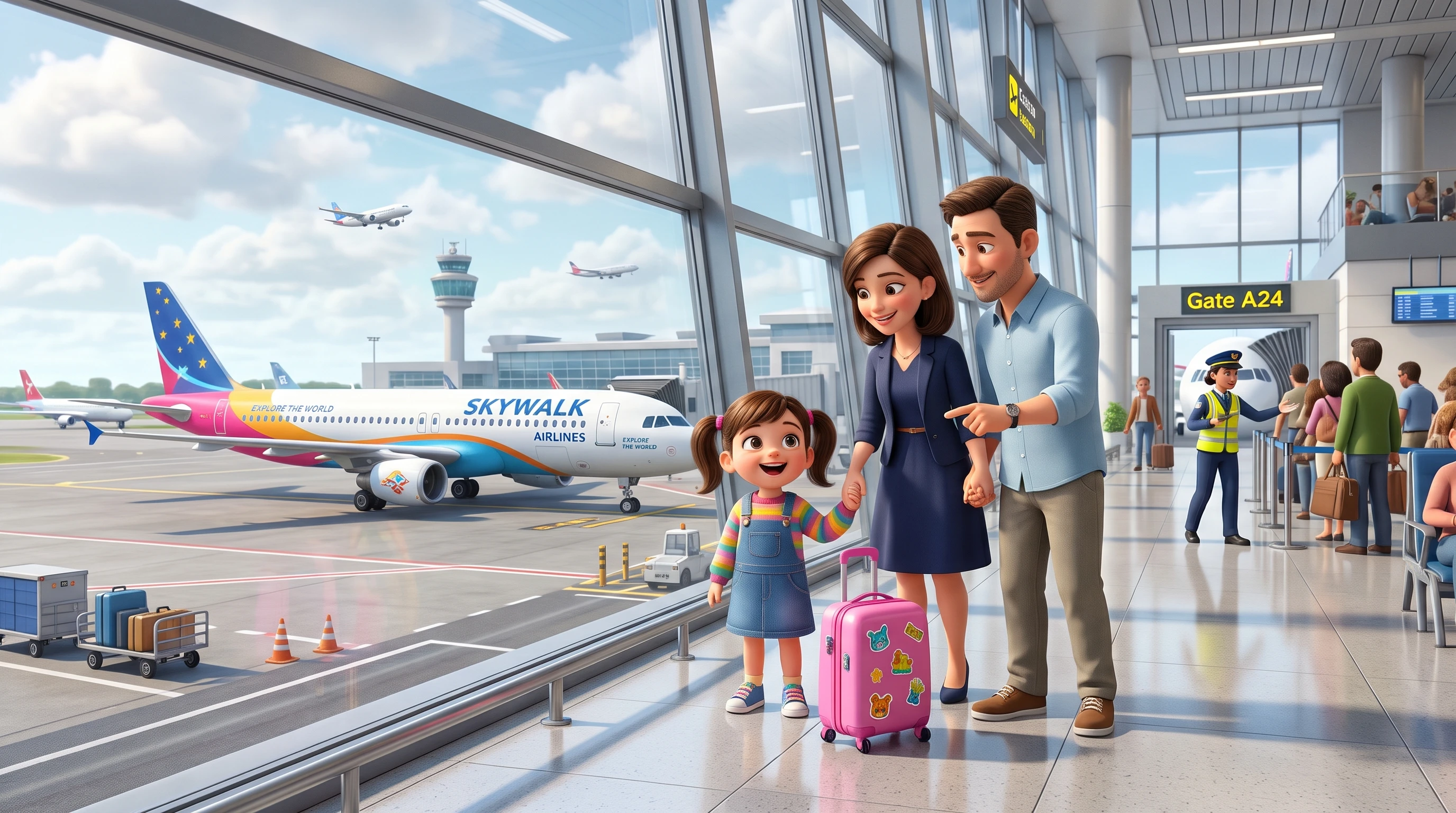
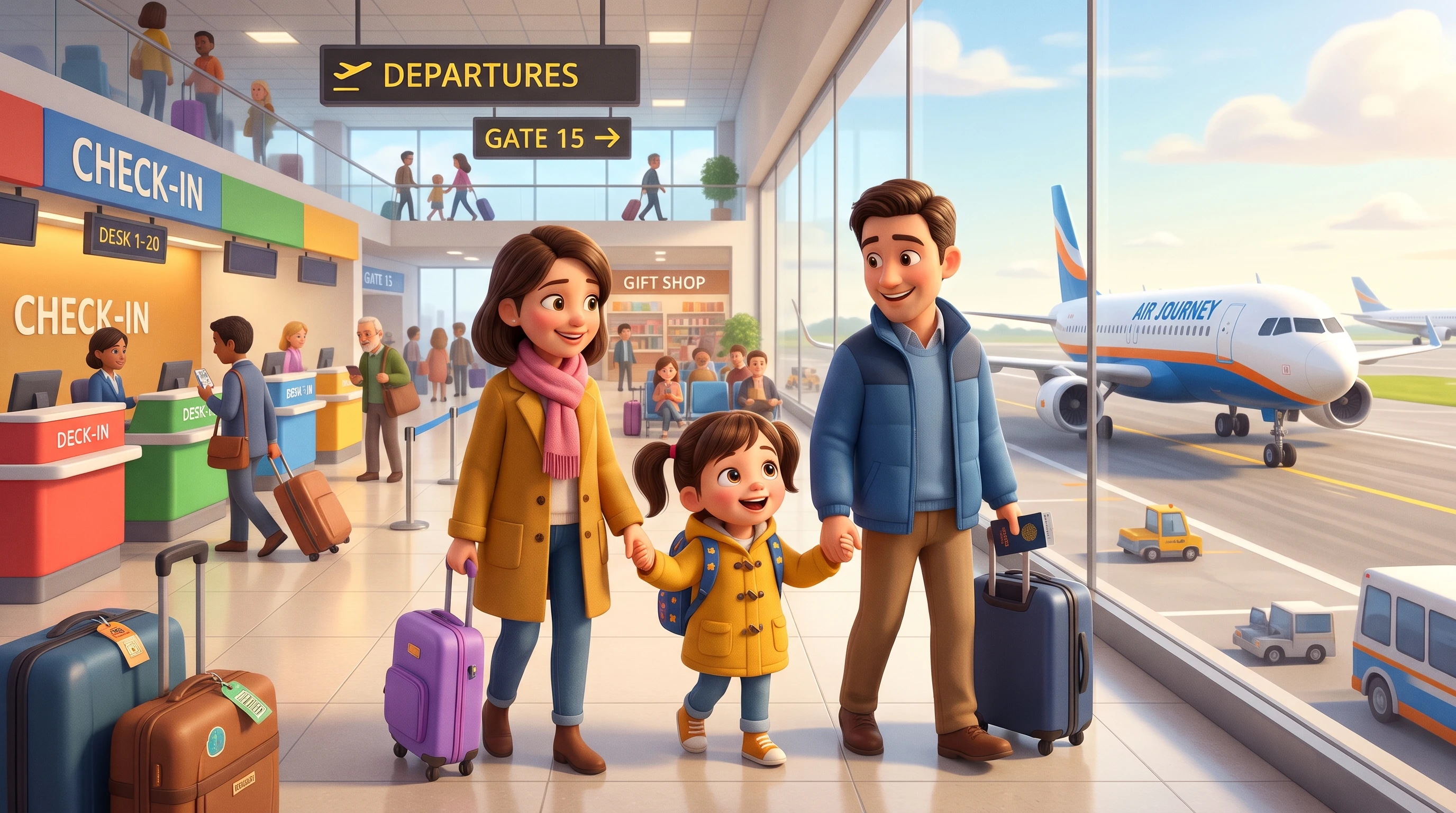
Kids story videos for first plane trips
For First Plane Trips
Choose from 37 Magiclight AI voices to give airport steps a calm narrator.
Make the flight story in one of 11 languages your child understands best.
Use Nano Storyboard positions to show check-in, security, and boarding too.
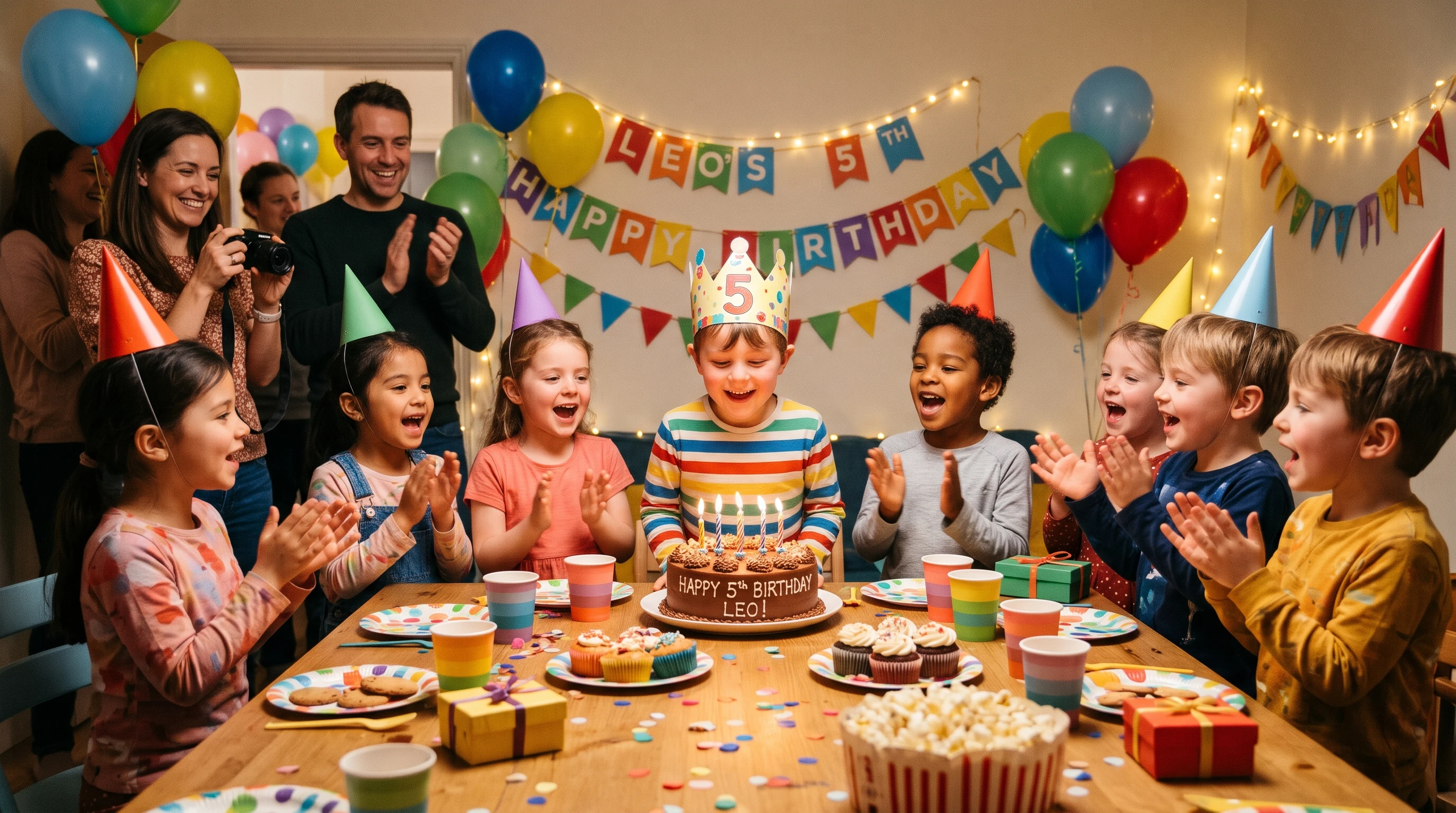
Kids story videos for welcoming a new baby
For Baby Shower Videos
Choose from 40 music options for a gentle first meeting with the new baby.
Use Nano Storyboard to show how your child can gently greet the new baby.
Pick a 16:9 Magiclight AI video to watch together on the family TV screen.
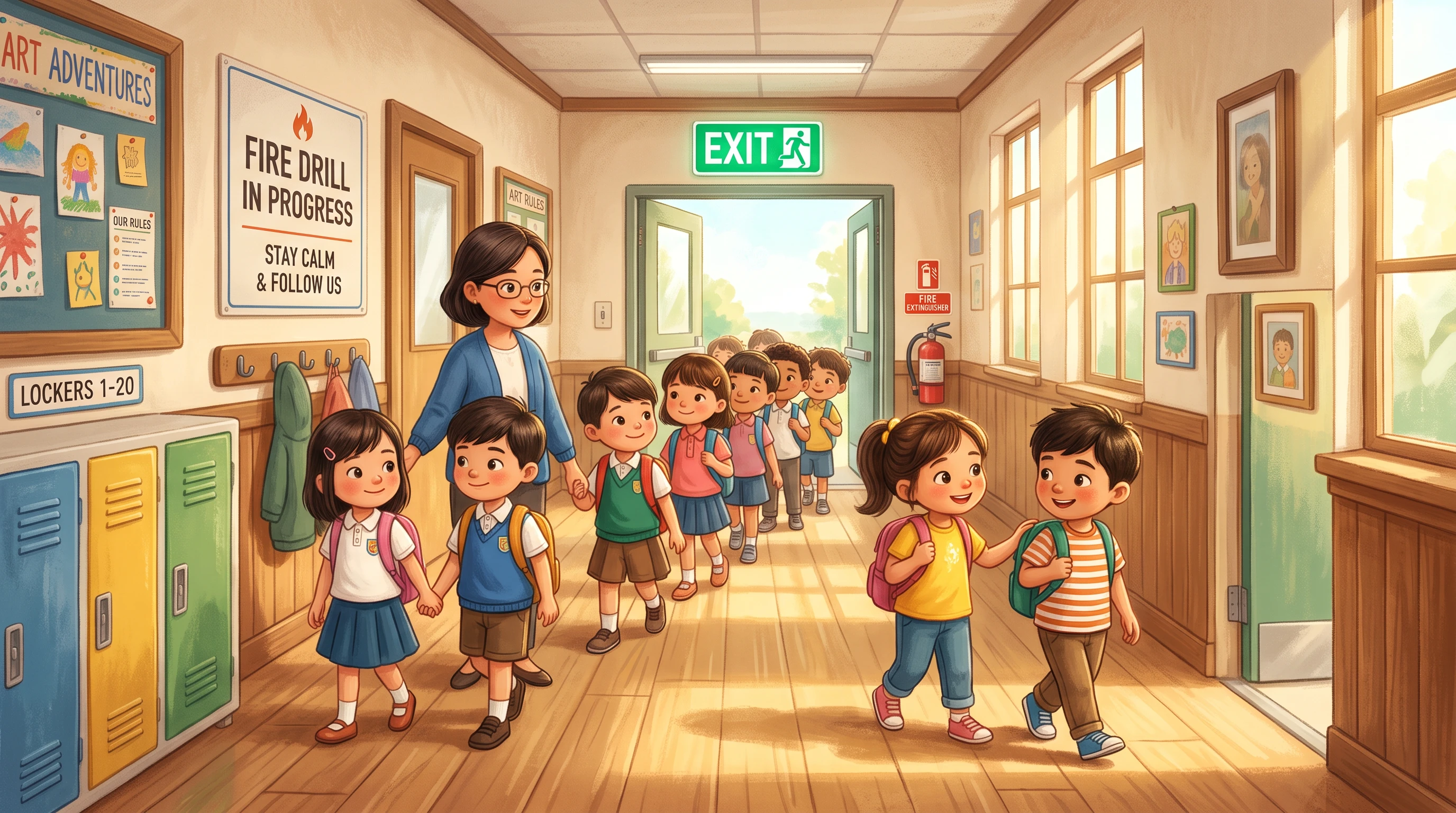
Kids story videos for school activities
For School Activities
Pick from 14 story models to present the fire drill in a kid-friendly way.
Make a 9:16 Magiclight AI copy that parents can replay on a phone at home.
Try one of 16 animation models to show the class leaving in a calm order.

How to Use the Magiclight AI Kids Story Generator

Getting the small details right can make the story more useful for your child. Follow 4 simple steps in the kids story generator to set up the scenes, voice, and final video.

1.

Describe the Event Step by Step

Enter up to 12,000 characters describing the experience in order, from hanging up a backpack to circle time. MagicLight Agent turns those details into a clear story script to use.

2.

Define a Visual and Choose Characters

Match the story to your child and where they will watch it. Choose from 52 visual styles and continue with selecting the preferred characters or your own generated options.

3.

Check Each Pose and Expression

Check every scene in Nano Storyboard before you generate the video. With 50+ poses available, you can match each character action to what your child will actually do that day.

4.

Add Steady Elements and Generate a Kids Story

Choose from 37 voices and 40 music options to set a steady pace. Generate your story in up to 1080p, then watch it together and pause if your child wants to ask a question too.

What Users Say AboutMagiclight AI's Kids Story Generator

Emily Carter

Teacher

I used Magiclight AI to show my class what happens during a fire drill. The simple scenes made the routine easy to introduce before we practiced it together at school.

Rachel Morgan

Nurse

Preparing kids for an unfamiliar appointment can take time. Magiclight AI gave me a visual story that showed the visit in understandable steps without making it feel overwhelming.

Sophie Bennett

Parenting Blogger

I tried Magiclight AI for a first-flight story and liked how easily I could include airport steps. It gave parents a practical way to introduce the trip before leaving home.

Daniel Brooks

Video Editor

I wanted something I could put together without spending an evening editing every scene. Magiclight AI handled most of the video work while still giving me control over the important details.

FAQs on Kids Story Generator

Is this the same as a Social Story?

Not quite. Social Stories follow 10 criteria from Carol Gray, who created them. Magiclight AI kid story generator borrows the idea of showing what comes next, so if your child has a therapist, ask how it fits.

How often should my child watch the story?

Watch it a few times in the days before the event. Once your child seems calm about it, watch less often, and make a new Magiclight AI version if details shift.

What if plans change on the real day?

They often do. Have Magiclight AI use words like “usually” and “might,” as in “The plane might be late,” so a change does not feel like a broken promise.

Should the story mention the parts that hurt?

Yes, briefly and honestly, like “The shot might sting for a moment.” Show what comforts them, such as a hug or a favorite toy, and keep “It won't hurt” out of the Magiclight AI script.

Is it only for first-time stories?

No. Any Kids Story you describe works in Magiclight AI, like a dragon who wants to learn to swim, and the steps are the same as for a first-time story.

How long can I make a kids story?

Magiclight AI supports Story to Video projects up to 50 minutes, giving you room for longer stories. For a simple routine, though, keep the video focused on the steps your child needs to know.

Create a Kids Story for Teaching With Magiclight AI

Show your child what the big day will be like. Add the important steps to Magiclight AI's kids story generator and make a story they can watch beforehand.