14 Story Models for Different Plots
Magiclight AI gives you 14 story models to work with when writing your interactive story. GPT-6 Astra and GPT-5.6 are among the choices you can try to see which version suits your idea.
Create Your Story

Give your audience a reason to return for the next chapter. Magiclight AI helps turn each chosen direction into another video episode. No animation experience needed.
Create an Interactive Story for Free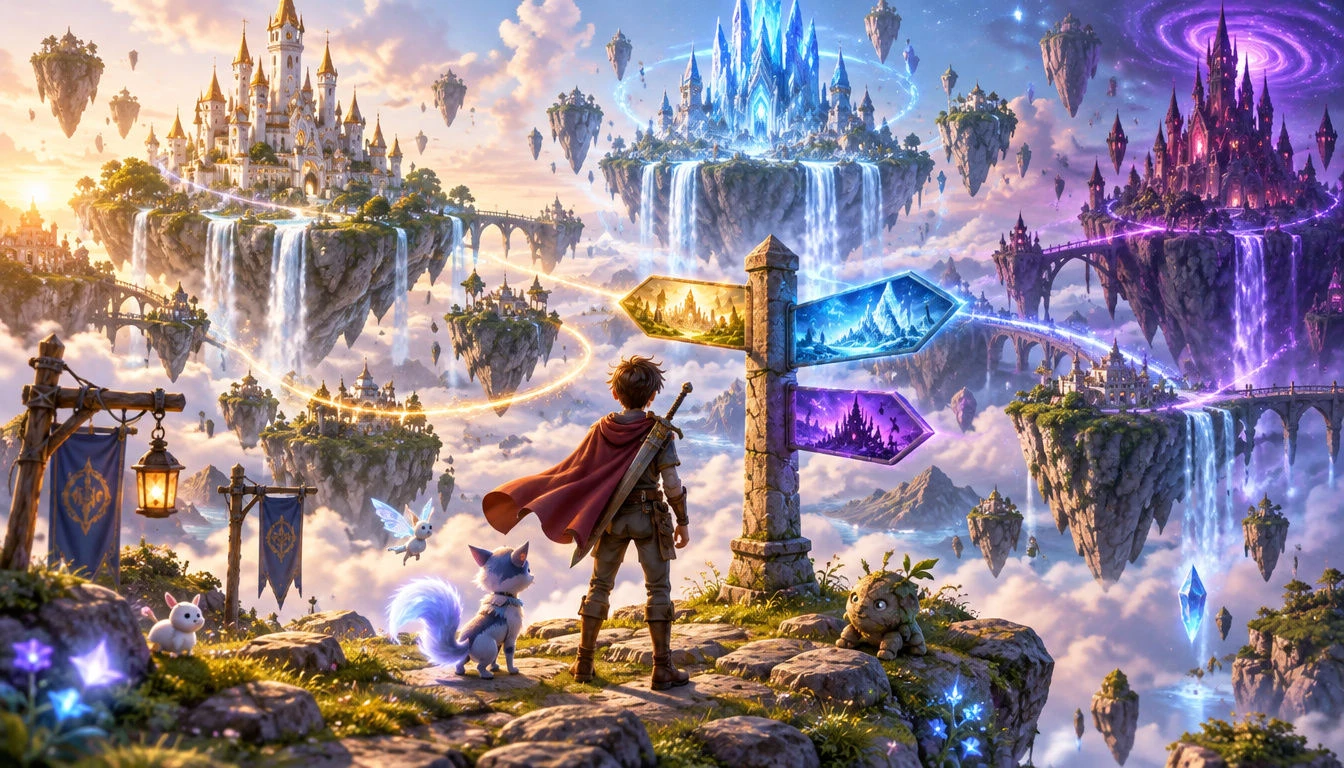










Plan an episode that ends before the main character makes a decision. The Magiclight AI interactive story generator helps you create the next chapter from the audience's answer.
Magiclight AI gives you 14 story models to work with when writing your interactive story. GPT-6 Astra and GPT-5.6 are among the choices you can try to see which version suits your idea.
Create Your StoryChoose from 21 cover templates to introduce your next episode. Add a short title that shows the decision viewers need to make before they watch the story and leave their vote.
Create Episode Covers
The final scene needs to show both choices clearly before the episode ends. Magiclight AI provides 16 subtitle settings that you can use to display the options for your viewers.
Create a Video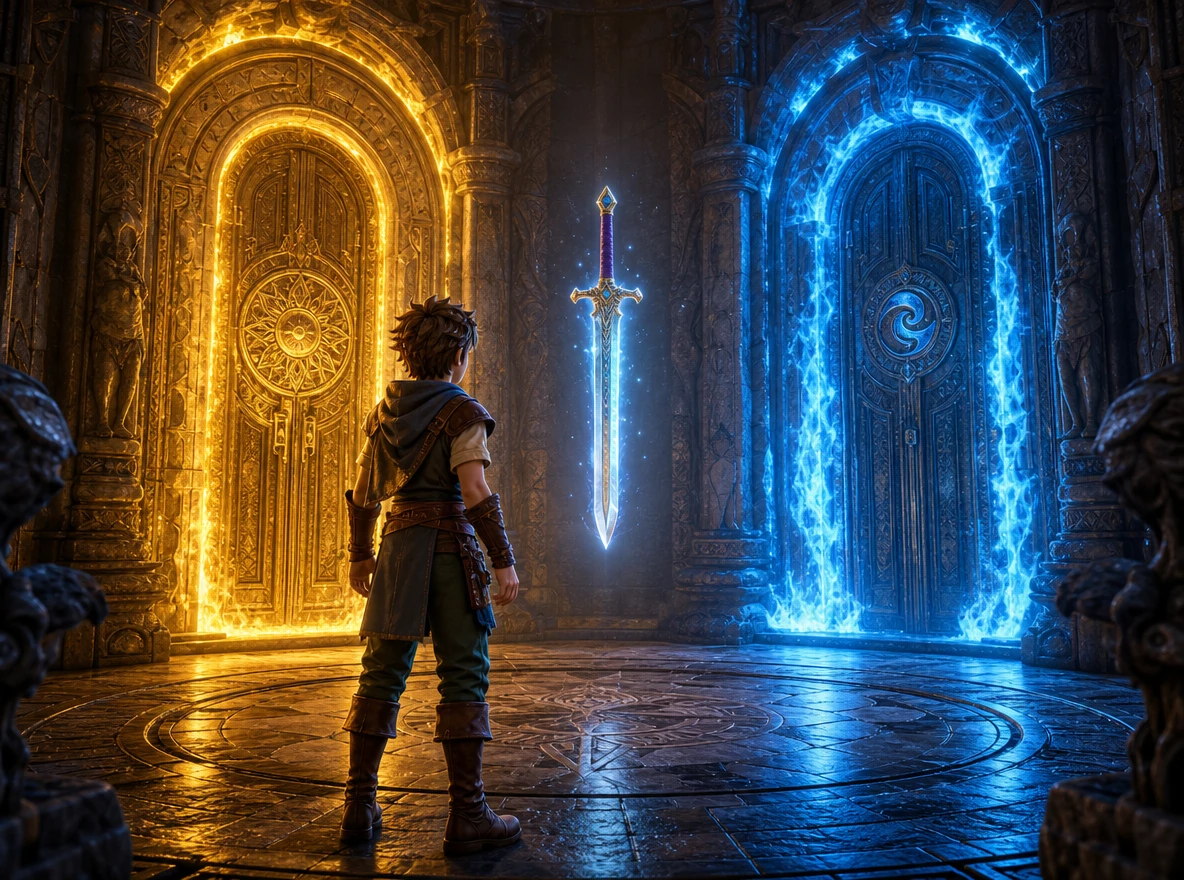
Describe your main character in 1,000 characters before making the video. Include details about their face and clothing to help keep their appearance familiar across episodes.
Start Creating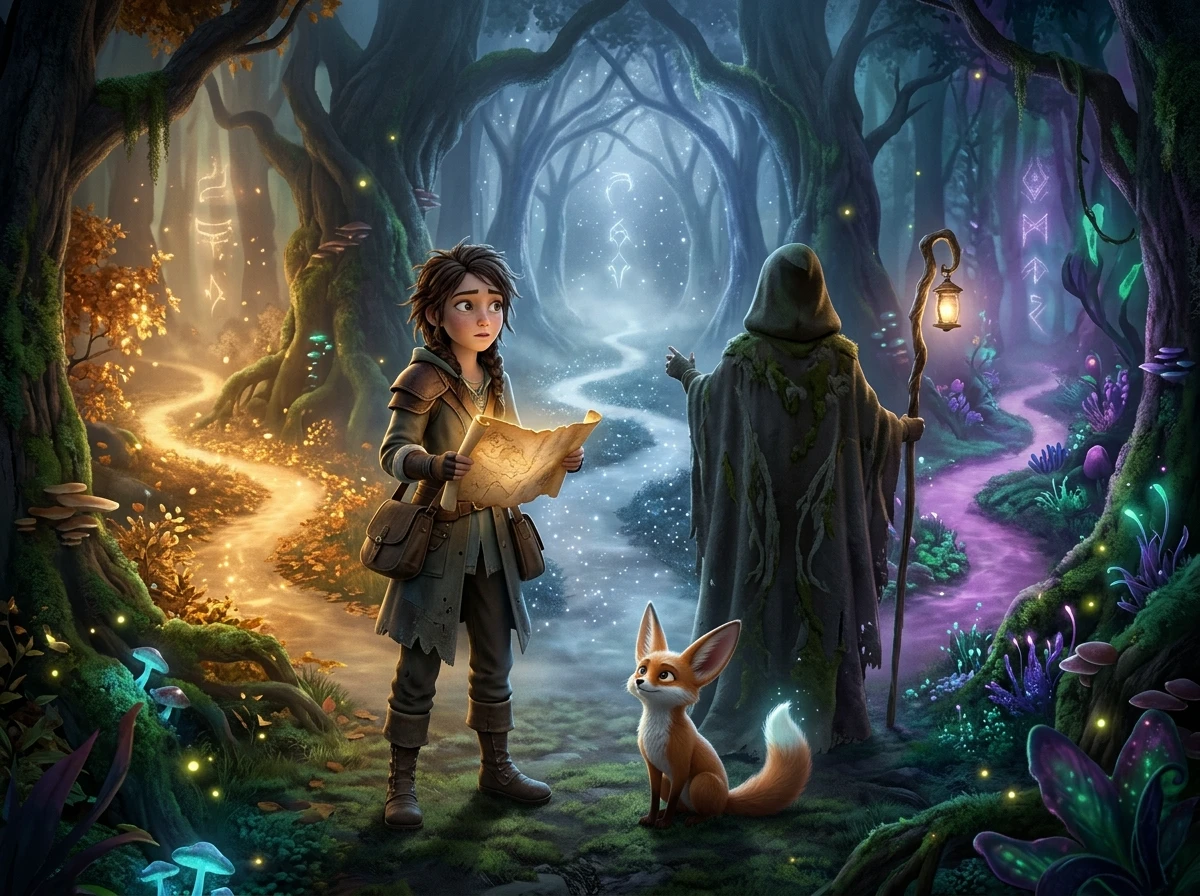


You can make your first episode with the interactive story generator in 4 steps. Prepare the script, settle on the characters, check the scenes, and finish the video with audio.
Use the 12,000-character script space to explain your plot and where viewers must choose. MagicLight Agent identifies the video niche for you to review before you confirm it.
Select a visual style that suits the episode. For a custom character, write a 1,000 character description of their appearance or provide a reference photo before continuing.
Open Nano Storyboard to see how your script looks scene by scene. Change any poses or camera angles that need work, then let MagicLight Agent animate the approved scenes.
Look through the 37 voice options to find a narrator that fits your story. Add the audio and captions you want, then generate the episode and export it for your viewers.
Livestream Host
My chat loves picking the next move. Last Friday, they voted for the worst possible choice, and now everyone wants to see how the next episode turns out.
Primary School Teacher
The children actually argued about which ending made more sense. We took a class vote, watched the result, and even the quieter kids wanted to join in.
Content Creator
I used to struggle with ideas for part two. Now the comments give me something to work from. It's been fun seeing viewers disagree about where the plot should go.
College Student
A few friends tried this for our weekend story game. Nobody agreed on the ending, which made it even better. We're already planning another round for Friday.
Yes. Magiclight AI gives you 1,000 characters to describe a character's appearance. You can also upload a reference photo if you already have a particular look in mind.
Yes. Save your characters in Magiclight AI and use them again when making another episode. This helps viewers recognize the cast even when the story takes a different direction.
Magiclight AI creates video stories rather than playable text games. You can plan your story branches in a tool like Twine, then use those ideas to make separate video episodes.
You can decide on a backup ending before posting the episode. If very few people respond, follow that path and keep the series going rather than waiting for more votes.
Usually 2 choices work well because viewers can answer quickly. You can offer three for a bigger decision, but too many options may make the voting harder to follow.
Yes. The Magiclight AI interactive story generator helps you create video episodes from different versions of your script. You can explore another ending without changing the whole story.



Give viewers two choices and see which one wins. Use Magiclight AI to create the next episode around their decision.