








Hero background

Minecraft Animation Maker

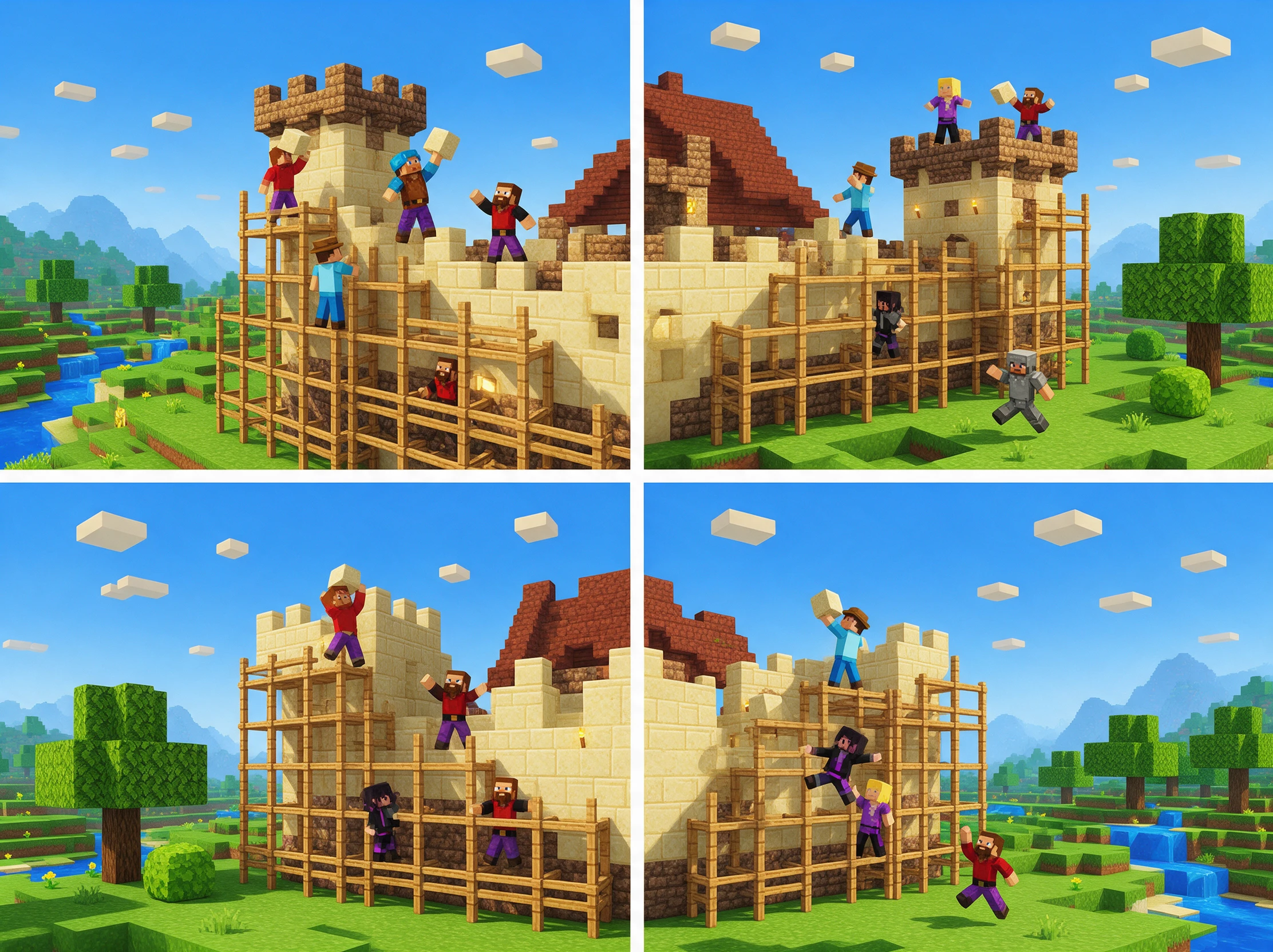
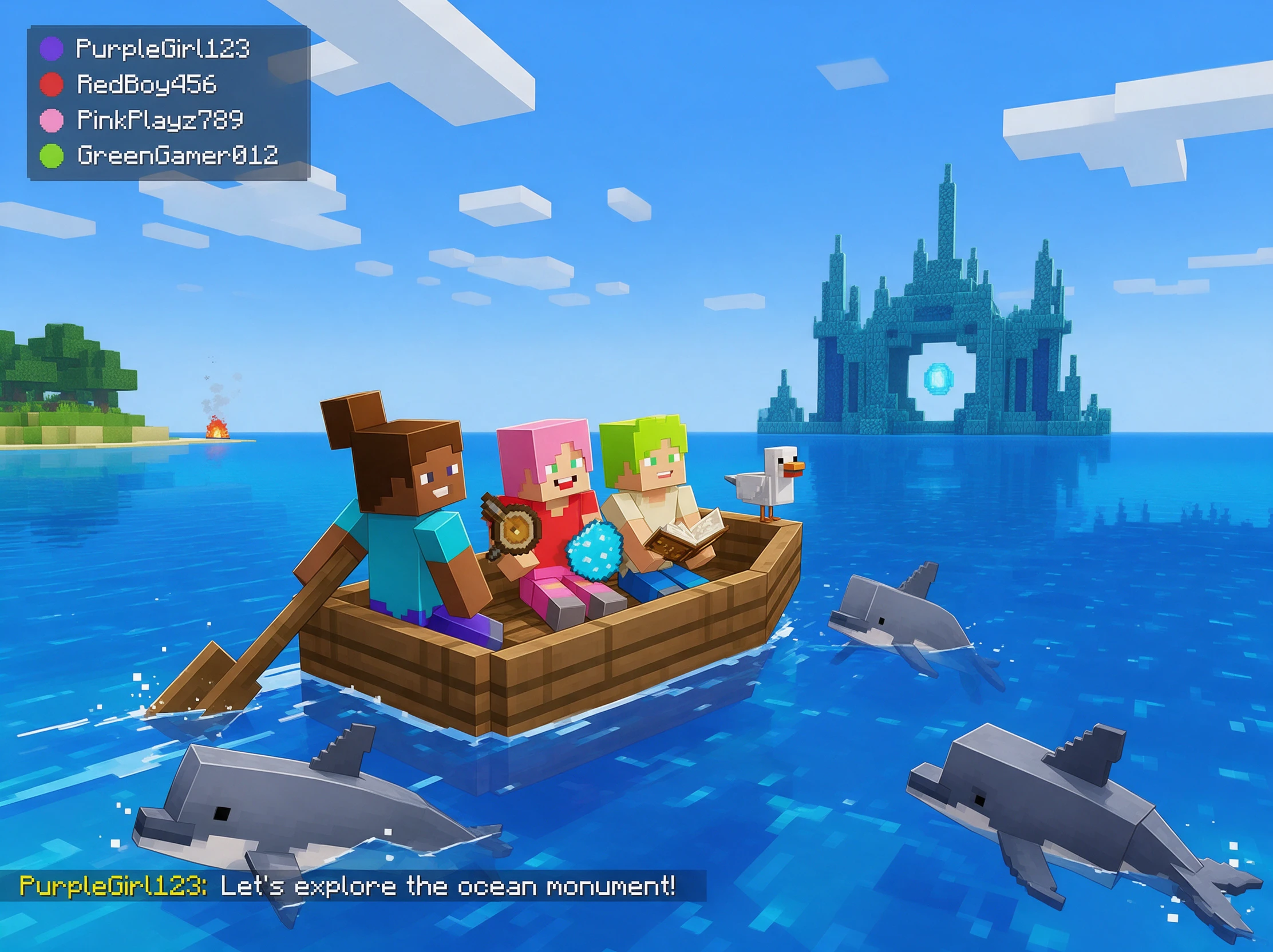
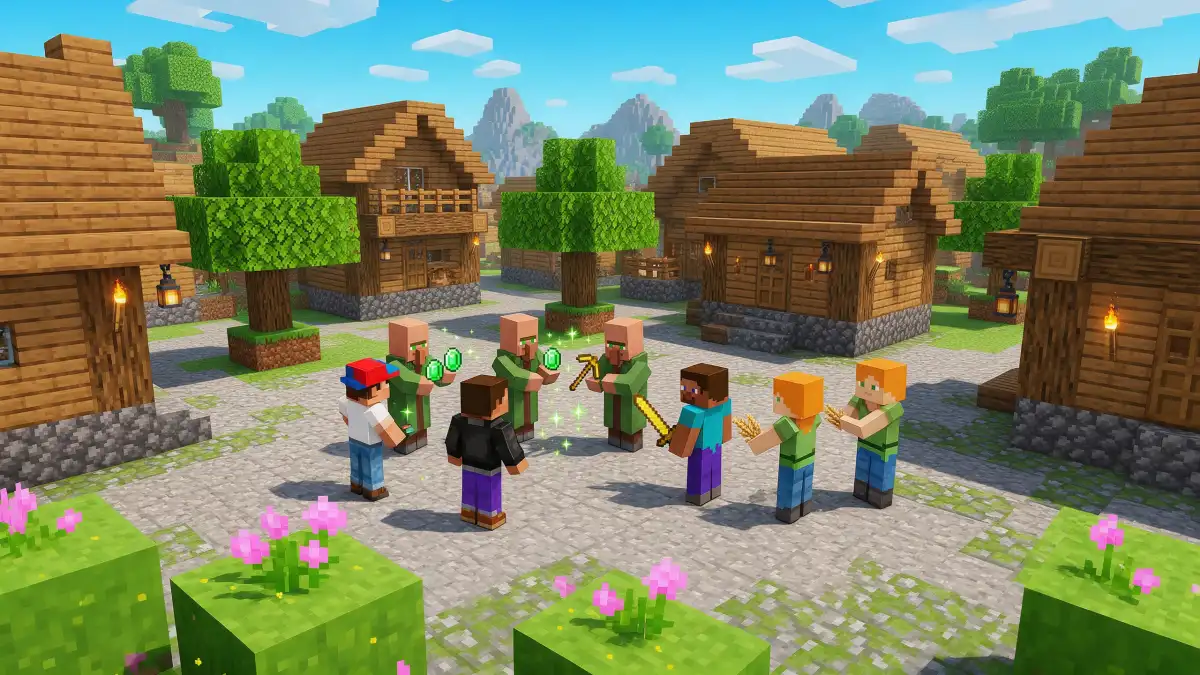
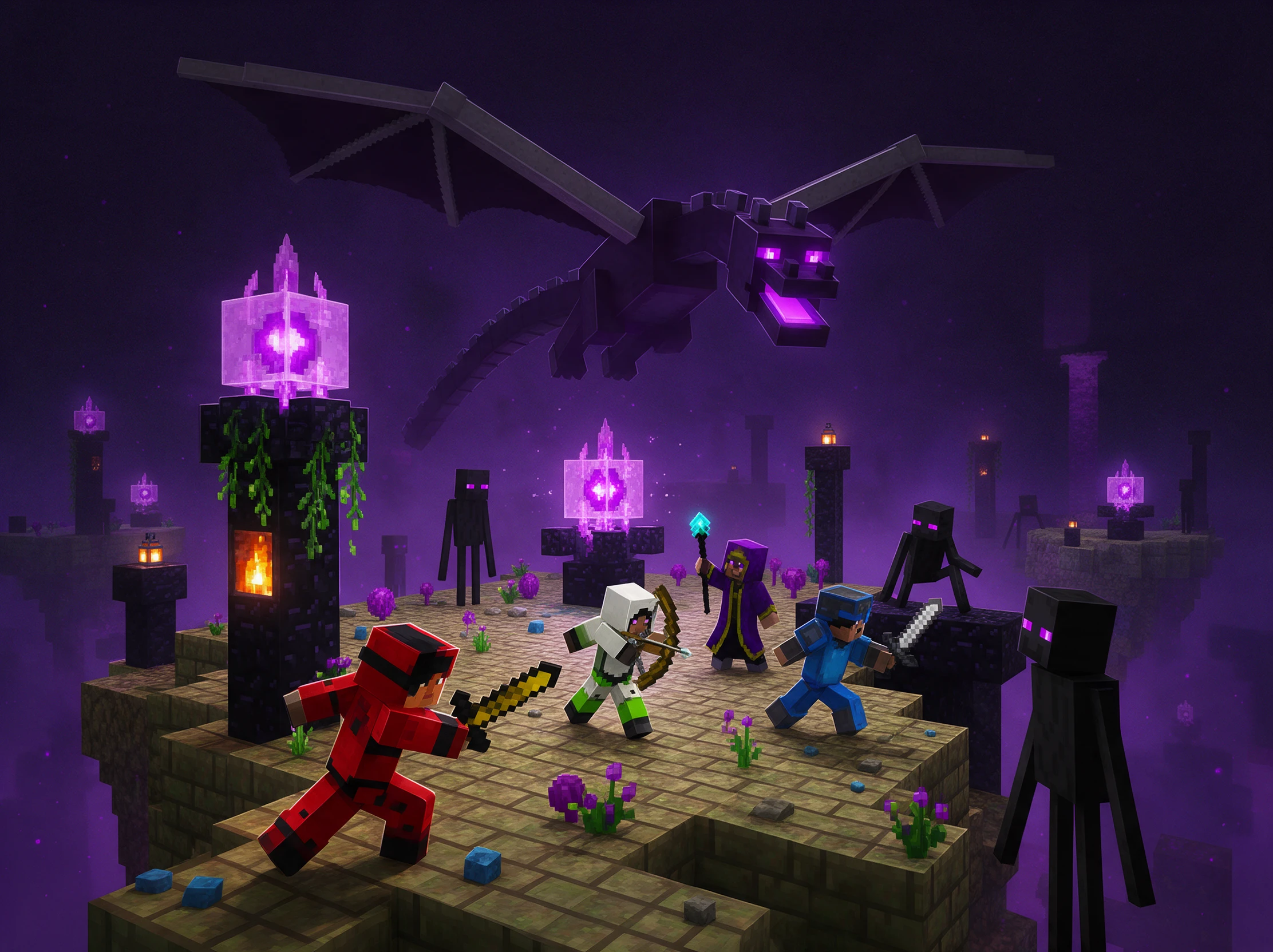
Create Minecraft-style animated videos with MagicLight AI. Describe your ideas and turn them into engaging scenes with blocky characters and environments. No animation skills needed.

Create a Minecraft Animation for Free
Minecraft Animation preview 1
Nano Storyboard
Google VEO 3
Sora 2
Gemini
Hailuo
Kling
Midjourney
Qwen
Seedance
Wan
Nano Storyboard
Google VEO 3
Sora 2
Gemini
Hailuo
Kling
Midjourney
Qwen
Seedance
Wan

Top Features ofMagiclight AI Minecraft Animation Maker

From a village adventure to an unexpected monster encounter, every blocky world has a story. Magiclight AI Minecraft animation maker helps you develop its characters and scenes.

MagicLight Agent for Blocky Adventures

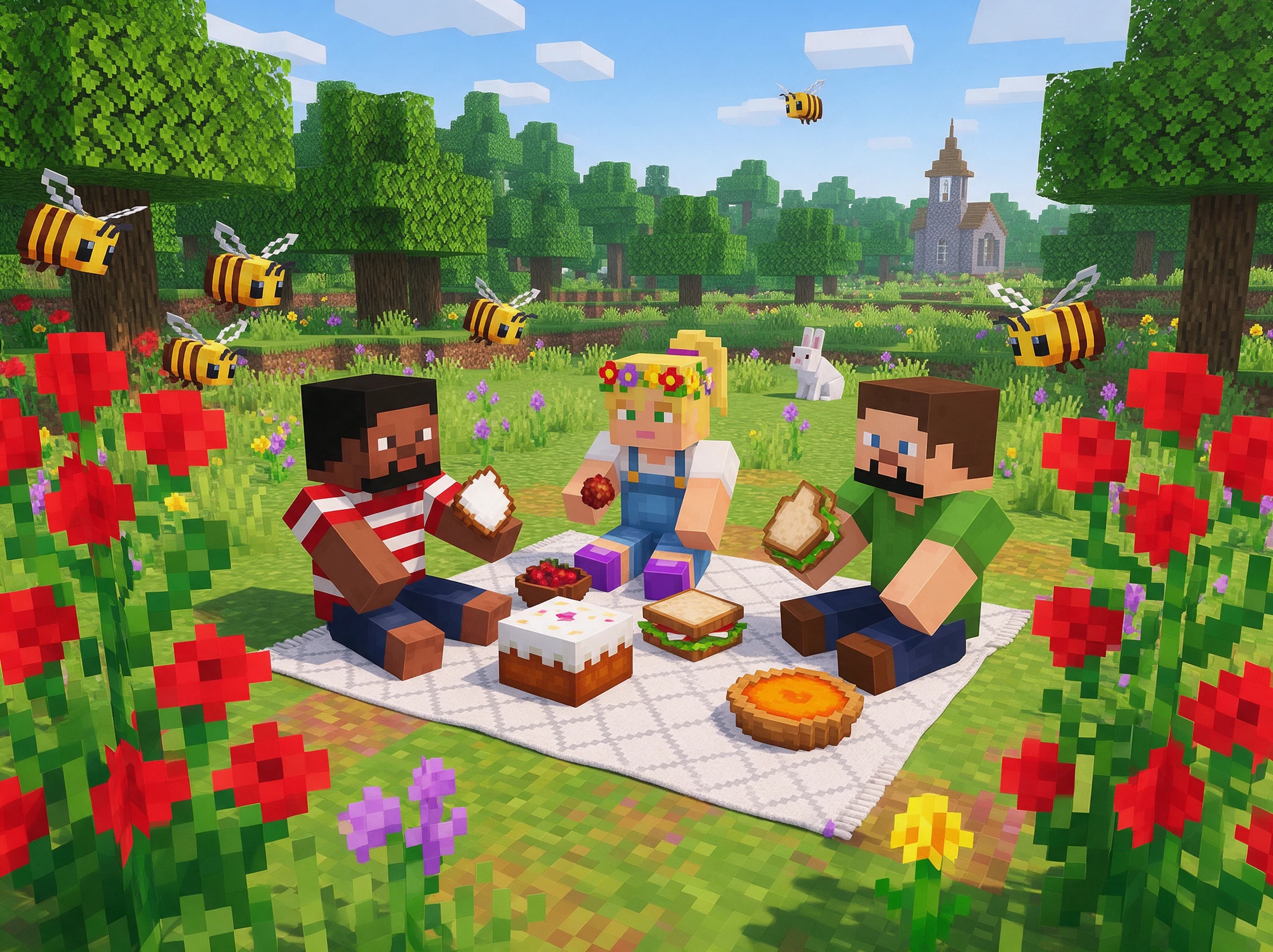
Tell MagicLight Agent about a funny mining accident or an unexpected encounter in your game world. It helps develop a script and arrange the scenes. Review the storyline before moving on to animation.

Create Now
MagicLight Agent for Blocky Adventures

1,000 Characters for Custom Blocky Heroes

Give your original blocky character a distinctive appearance within 1,000 characters. Describe square facial features, pixelated clothing, and accessories. Save your character in the Character Library to bring them back in future adventures.

Generate Story
1,000 Characters for Custom Blocky Heroes

50+ Character Poses for Blocky Action

Explore over 50 character poses in Nano Storyboard to arrange your adventure scenes. Show a hero preparing for battle or reacting to a hidden treasure. Adjust expressions and camera angles before animating the scene.

Generate a Story
50+ Character Poses for Blocky Action

37 Voice Options for Animated Characters

A brave explorer might need a confident voice, while a friendly monster calls for something playful. Magiclight AI offers 37 voice options to give your blocky characters personalities that suit their roles.

Start Creating
37 Voice Options for Animated Characters
Who Can Use Magiclight AI Minecraft Animation Maker
A memorable gaming moment can become a funny animated story. Magiclight AI Minecraft animation maker also helps gaming creators, storytellers, and parents develop original blocky adventures.
For Game Nights
For Game Nights
Turn a funny gaming moment into an animated story with Story to Video.
Narrate your group's adventures in 11 supported languages.
Choose from 21 cover templates for your animated game night recap.
For Weekly Shorts Channels
Keep your blocky heroes familiar across episodes with Series Mode.
Create 9:16 animated adventures for YouTube Shorts and Instagram Reels.
Explore 16 animation models for different blocky action scenes.
For Bedtime Stories
For Bedtime Stories
Give friendly blocky characters gentle voices from 37 available options.
Set a peaceful mood with a choice of 40 background music tracks.
Explore 52 visual styles for colorful bedtime adventures.
For Mob Reveals
For Mob Reveals
Describe an original blocky creature within 1,000 characters.
Stage a surprise monster encounter using 50+ poses in Nano Storyboard.
Connect 2 creature poses with Frame to Video for a dramatic reveal.

How to Use Magiclight AI as a Minecraft Animation Maker

Remember a funny gaming moment or imagine a new blocky adventure. The Minecraft animation maker in Magiclight AI helps you turn that story into an animated video through 3 steps.

1.

Step 1. Design Your Blocky Characters

Open the Asset Store in Magiclight AI and describe each character within 1,000 characters. Save your finished characters in the Character Library for future adventures.

2.

Step 2. Develop Your Adventure Script

Head to Story to Video and enter your script. Select a 3D visual style, story model, and narration language that suit your adventure. Mention saved characters using the @ tag before submitting your story.

3.

Step 3. Refine Your Scenes and Animate

Review your adventure scenes in Nano Storyboard and adjust character poses and expressions. Assign suitable voices and add sound effects to action scenes. Select Animate All and download your video.

What Users Say AboutMagiclight AI as a Minecraft Animation Maker

Caleb Rivera

Caleb Rivera

YouTuber

I wrote our funniest server night into the script box and reviewed every scene. The blocky cast looked right after I fixed two round heads with Magiclight AI.

Mina Park

Mina Park

Content Creator

I saved my hero with a long prompt and mention it with @ every week across Magiclight AI. The same face and outfit show up in each new short.

Hannah Weiss

Hannah Weiss

Parent

I picked a calm narrator voice and the 10-20 minute preset for a bedtime tale in Magiclight AI. My son asked for the story again the next night.

Dmitri Volkov

Dmitri Volkov

Animator

I used the Top view and Low angle options to frame my mob reveals in Magiclight AI. Then I compared two takes in History and kept the better one.

FAQs on Minecraft Animation Maker

Is this an official Minecraft product?

No, Magiclight AI is not made by, endorsed by, or affiliated with Mojang or Microsoft. This Minecraft animation maker setup creates blocky animations from your own story and characters, not from anything inside the game.

Can I create my own blocky mobs and heroes?

Yes. Describe your creature's square features, pixelated textures, and distinctive colors in Magiclight AI. Create friendly monsters, adventurous miners, or unusual creatures to populate your blocky world.

How can I achieve a Minecraft-style look in my animations?

Describe cube-shaped trees, square-headed characters, and pixelated surfaces in your prompt. These visual details help Magiclight AI understand the blocky appearance you want for your animated adventure.

How long can a blocky animated episode be?

Magiclight AI supports animated stories lasting up to 50 minutes. Choose the 3–5 minute duration preset for a quick adventure or develop a longer story with multiple scenes.

Will my blocky hero look the same next time?

Save your hero in the Character Library and mention it using the @ tag in future scripts. This helps Magiclight AI maintain familiar facial features, outfits, and colors across different adventures.

Can I create Minecraft-style animations without recording gameplay?

Yes. Magiclight AI lets you create blocky adventures directly from a written script. Describe your characters, surroundings, and actions to develop animated scenes without capturing footage from the game.

Create a Minecraft Animation With Magiclight AI

Last week’s funniest moment is still fresh, so turn it into an episode now. Feed it to the Magiclight AI Minecraft animation maker with the heroes you already saved.