








Hero background

Plot Twist Generator

Turn your story idea into an animated video with MagicLight. Describe the plot and the unexpected twist, then let AI bring the story to life. No need to write every scene yourself.

Create a Plot Twist Video for Free
Plot Twist Story Grid 1
Nano Banana
Google VEO 3
Sora 2
Gemini
Hailuo
Kling
Midjourney
Qwen
Seedance
Wan
Nano Banana
Google VEO 3
Sora 2
Gemini
Hailuo
Kling
Midjourney
Qwen
Seedance
Wan

Features of theMagiclight AI Plot Twist Generator

A missing key, a suspicious message, or a forgotten photograph can change how a mystery ends. The Magiclight AI plot twist generator helps develop these clues into scenes that lead toward a surprising reveal.

12,000 Characters to Develop Your Plot Twist

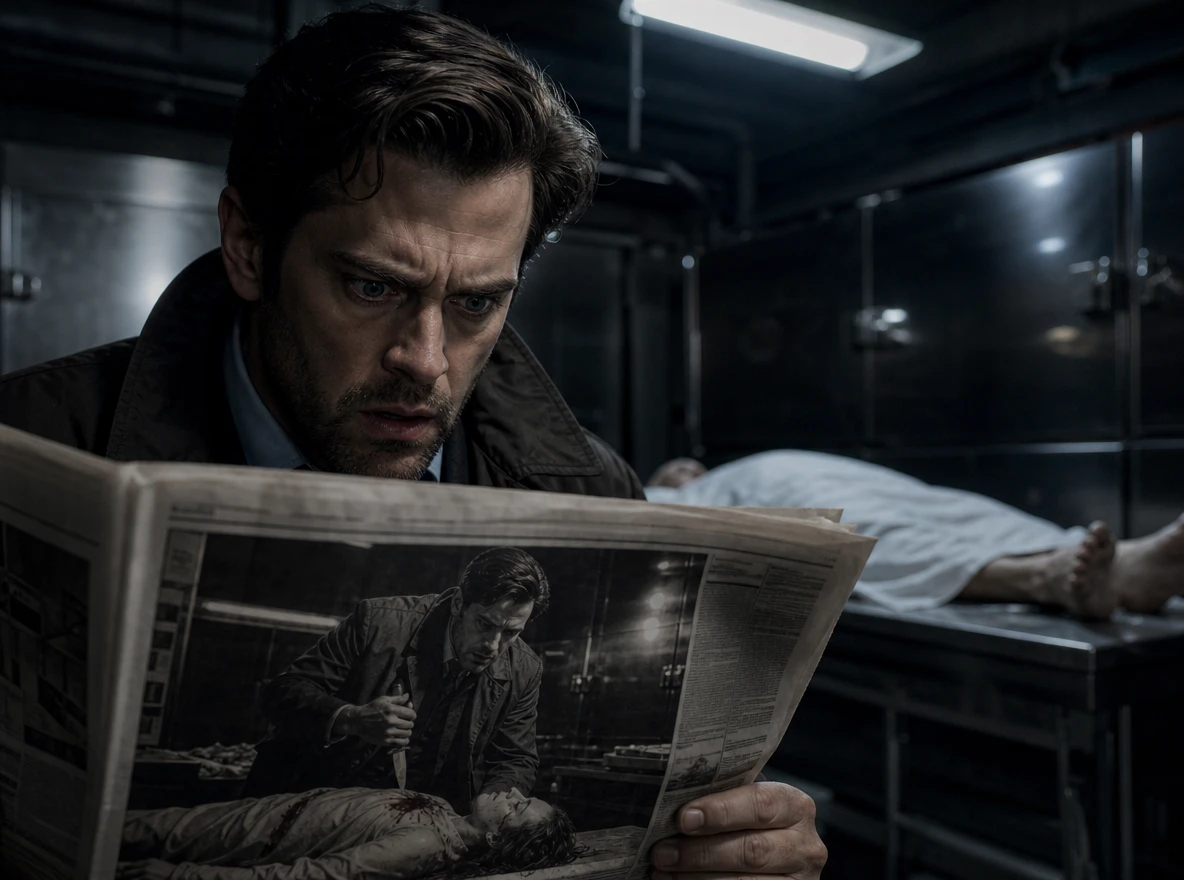
Add an existing story or plot outline of up to 12,000 characters in Magiclight AI. Describe the hidden clue, misleading event, and unexpected ending. MagicLight Agent helps develop the story for your review.

Create a Plot Twist Video for Free

Long plot twist script input

AI Story Models for Unexpected Endings

Explore 16 different story models in Magiclight AI to develop your mystery plot. Try GPT-6.1 Terra or DeepSeek V4 to work on hidden clues, misleading characters, and surprise endings. Review the script to ensure the reveal fits earlier scenes.

Create a Plot Twist Video for Free
Multiple AI story models for surprise endings

Character Expressions for Dramatic Reveals

Adjust your character's facial expressions in Magiclight AI Nano Storyboard. Choose any of the 9 shocked reactions when a secret comes out or a calm expression when the culprit is revealed. Use close-up shots to highlight the moment.

Create a Plot Twist Video for Free
Character expression adjustment for dramatic reveal

Free Story Previews for Plot Twist Ideas

Test a short mystery video using Magiclight AI's available free options. Review how the clues appear and whether the final reveal makes sense. Check your account's duration and watermark limits before generating.

Create a Plot Twist Video for Free
Free preview for plot twist story ideas
Who Can Use the Magiclight AI Plot Twist Generator
Unmask a narrator who lied from line one. The Magiclight AI plot twist generator helps writers, educators, and video creators develop these surprising story moments.
Here are some of the use cases for Magiclight AI Plot Twist Generator:
Mystery short video creation
For Mystery Shorts
Use Magiclight Agent to develop a false suspect and a hidden culprit.
Add an early clue within the 12,000-character mystery script.
Choose from 16 story models to explore different mystery endings.
Twist ending horror story
For Twist-Ending Horror
Choose the Suspense visual style for a dark horror atmosphere.
Use AI Edit expression to show fear when the villain is revealed.
Select a shot out of 50+ options in Nano Storyboard for the final reaction.
Writing class plot twist lesson
For Writing Class Lessons
Create story versions with 16 animation models to compare styles.
Choose English or Spanish from the 11 available video languages.
Use Smart Polish to improve the pacing of a mystery script.
Twist ending brand advertisement
For Brand Story Ads
Add a mysterious question with the 21 cover title templates available.
Preview AI voices out of 37 options to find the narrator for the reveal.
Use Video Clone to adapt a sample ad into a twist-ending promotion.

 How to Use the Magiclight AI Plot Twist Generator

A surprising ending needs clues that connect to earlier scenes. Magiclight AI plot twist generator helps develop your story through Story to Video. Follow these 4 steps to create your video.

1.

Step 1. Enter Your Plot Twist Story

Open Story to Video in Magiclight AI and enter your script of up to 12,000 characters. Include the hidden clue, false suspect, and final reveal. Let MagicLight Agent develop the storyline.

2.

Step 2. Choose the Visual Style and Characters

Select a visual style that suits your mystery. Choose characters from the Character Library or describe new ones in up to 1,000 characters.

3.

Step 3. Refine the Clues and Reveal Scenes

Open Nano Storyboard to review the clues and final reveal. Adjust character expressions, poses, and camera angles. Use a close-up to highlight the culprit's reaction.

4.

Step 4. Add Narration and Generate the Video

Choose an AI narrator, background music, and subtitle style. Generate your video, review the plot twist, and download the final result.

What Users Say About the Magiclight AI Plot Twist Generator

Evelyn Hartley

Evelyn Hartley

Novelist

I pasted a finished short story and the Magiclight Agent suggested a twist plus one clue for scene two. Seeing it narrated showed me exactly where the hint was too loud.

Dario Costa

Dario Costa

YouTuber

My mystery shorts now have a fair clue early and a reveal in the last seconds. Switching the final close-up to Terrified in Magiclight AI took one edit and changed the whole ending.

Marianne Cole

Marianne Cole

English Teacher

I show students two versions of one story created from Magiclight, one with a clue and one without. They find the hint themselves, and the Spanish version helps my learners follow along.

Ibrahim Sayed

Ibrahim Sayed

Screenwriter

I saved my twist rules as a Polish skill, so every draft follows the same clue timing. Testing in a free 1-minute cut of Magiclight AI keeps my early drafts quick.

FAQs on Plot Twist Generator

When does a plot twist feel fair to viewers?

When the clue shows up before the reveal. Tell the Agent in Magiclight AI’s plot twist generator to show it plainly but briefly, so a rewatch turns it up, and avoid explaining new facts in the final scene.

Could an existing story of mine get a twist?

Yes, as long as it is 12,000 characters or shorter. Paste it in, and the Agent can suggest a twist that fits the story, along with one clue to add in an earlier scene.

Which twists work best in a short video?

Simple ones built on one hidden fact work best, such as a narrator who isn’t who they claim to be or a helper who is secretly the villain. Both fit comfortably in a few minutes.

Should the title hint at the twist?

No, keep the answer out of it. A cover title that asks a question, like “Who Locked the Door?”, draws viewers in, and the cover settings let you add your own title text.

Does a twist story cost anything to try on Magiclight AI?

Starting is free; Story to Video lets you make a video of up to 1 minute with a watermark, while animation and lip sync are for members, apart from the free MiniMax H3 Fast shots.

Can I change the plot twist after generating my story?

Yes. Magiclight AI lets you revise scenes through Nano Storyboard. Adjust an earlier clue, change a character's reaction, or refine the final reveal.

Create Your Next Plot Twist with Magiclight AI

Take a story you thought was finished and give it one hidden fact. The Magiclight AI plot twist generator places the clue early, so viewers find it on a rewatch.