1500 Characters to Direct the Shot
The prompt is the whole direction here. Use up to 1500 characters for the camera, the lighting and the movement, since ten seconds leaves no room for anything you did not ask for.
Create Now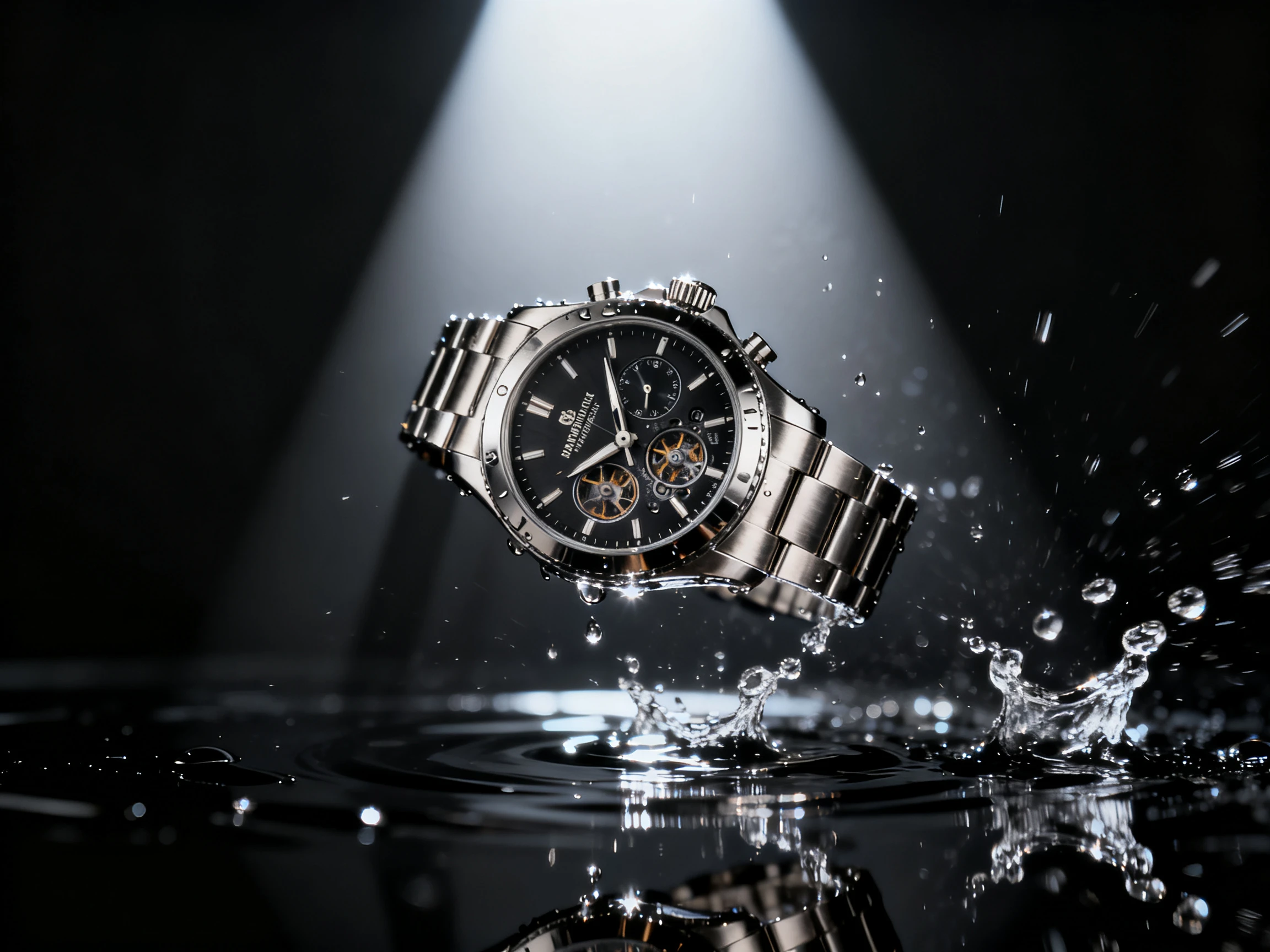

Turn a single product photo into video and show your item in motion. Magiclight AI handles the movement, style, and short clip from one image. No studio or product shoot needed.
Create Product Videos for Free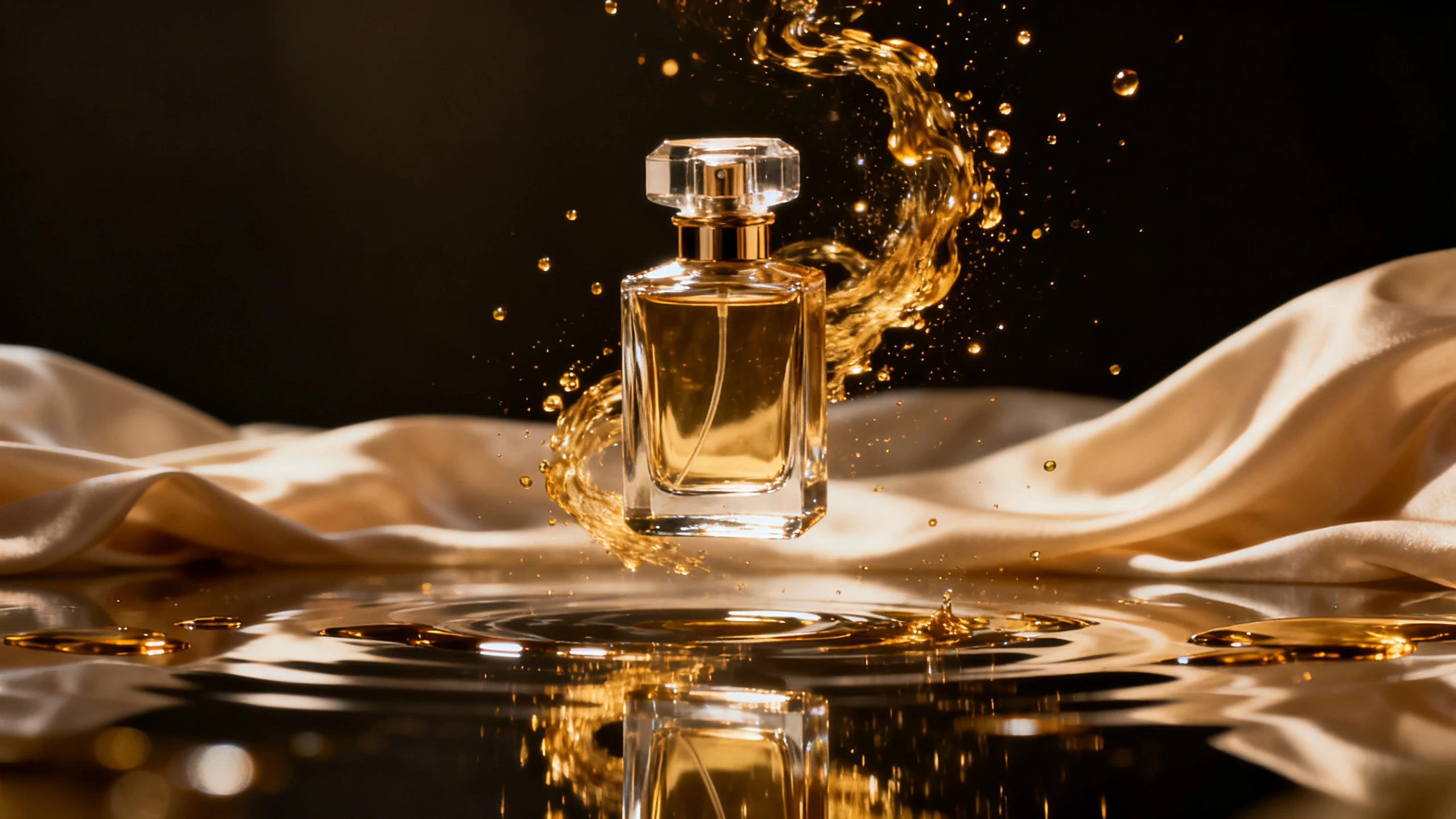










One product image is enough to get started with this product photo to video AI. Describe the motion you want, select a model, and let your product move on screen.
The prompt is the whole direction here. Use up to 1500 characters for the camera, the lighting and the movement, since ten seconds leaves no room for anything you did not ask for.
Create NowOne photo can run through different video models. Magiclight AI offers 20 options, including Gemini Flash 3.5 and Seedance 2.5, so you can compare results and keep your preferred version.
Create Characters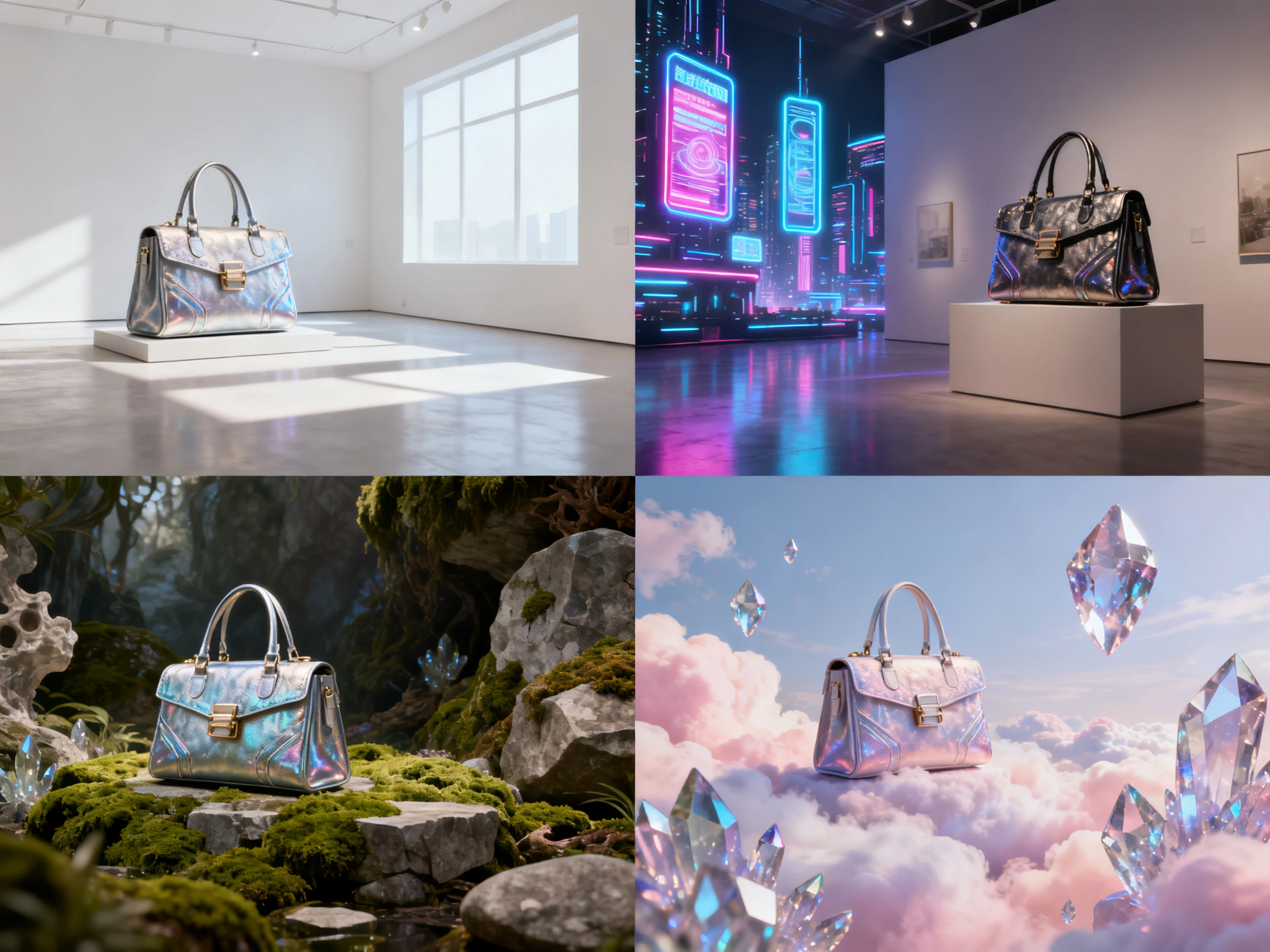
Choose a 10- or 15-second clip depending on what your product needs. Magiclight AI keeps both lengths short enough for shoppers to watch without stretching the shot unnecessarily.
Generate a Video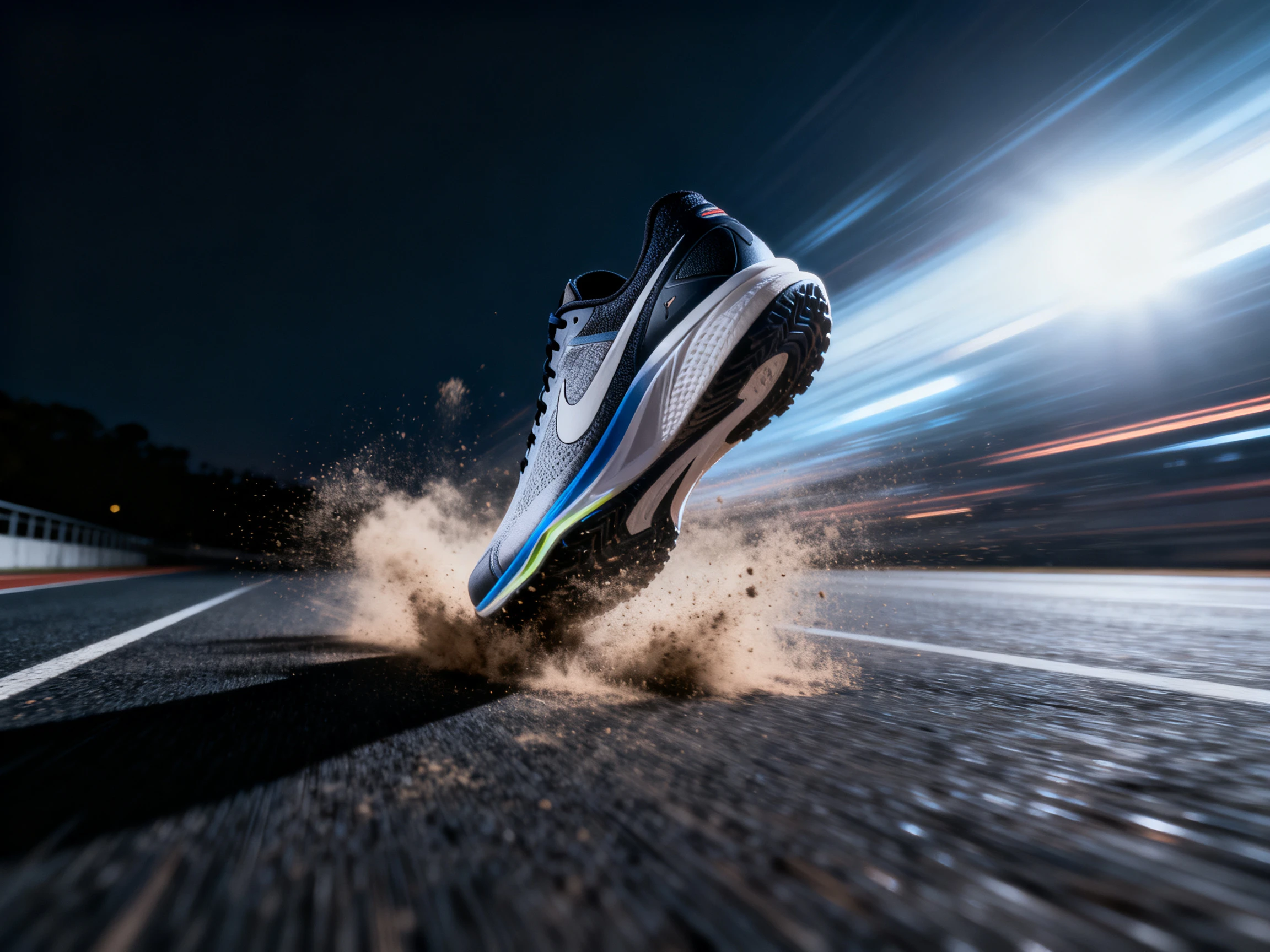
Magiclight AI gives the same product photo in both wide and vertical formats. One upload covers 16:9 and 9:16, so your listing page and Story can use the same shot.
Start Creating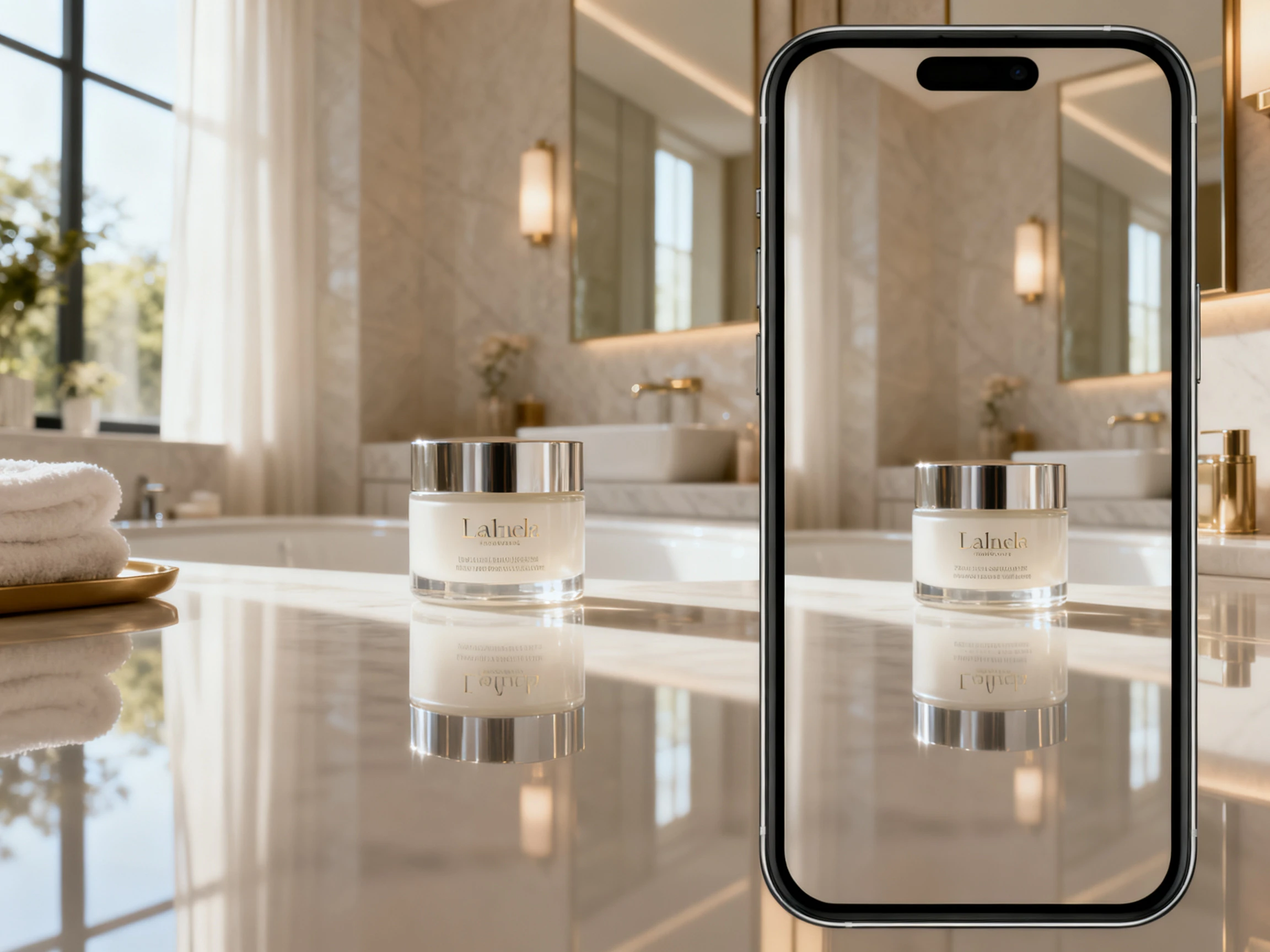


The product photo to video AI takes your image through 4 simple steps. Upload your photo, describe the movement, choose a model, and select the final format.
Upload the product image you want to turn into a video. Start with a clear JPG or PNG so Magiclight AI has a strong image to work from.
Enter a detailed prompt of up to 1500 characters to guide the motion. Describe the camera, lighting, movement, and pace you want to see in the clip.
Choose from 20 video models, then set the style, duration, and aspect ratio. Take a 16:9 cut for the listing and a 9:16 version for vertical placements.
Watch the generated product video and check that the movement looks right. Once you are happy with the result, download the finished video to your device.
Product Photographer
Clients pay for the stills and often ask if they can get video too. With Magiclight AI, I can give them a clip from the same shoot without booking another day.
Marketplace Seller
Magiclight AI gave me another option when the first model bent the product label. I ran the same photo through a different model and got a much better result.
Ecommerce Manager
We used to create 30-second product videos that people rarely watched through. Our 10-second clips from Magiclight AI now perform better than those longer videos.
Brand Owner
Half our catalog does not physically exist until someone places an order. We animate the product mockups in Magiclight AI, so those listings can still have videos.
Magiclight AI's product photo to video tool exports animated clips at 720p. Higher resolution is available for videos created from full scripts instead.
Product clips can run for either 10 or 15 seconds per video. For listings and social feeds, this Magiclight AI length works well.
On a paid plan, yes. Free credits let you see how a product animates first, and the Magiclight AI commercial license that covers advertising arrives with the paid tiers.
Free credits come with signup, and Magiclight AI requires no payment card. Use them to animate product shots and see if your photos work.
The product can change if your prompt does not give clear instructions. Tell Magiclight AI what should stay fixed and what should move.
A clean shot on a plain background with even light. Magiclight AI has less to guess at, so the label stays readable and the shape holds through the whole clip.



Your product photo is already approved and ready to use. Magiclight AI product photo to video turns that still image into something shoppers want to watch.