Explore the Magiclight AI Claymation Video Generator Features
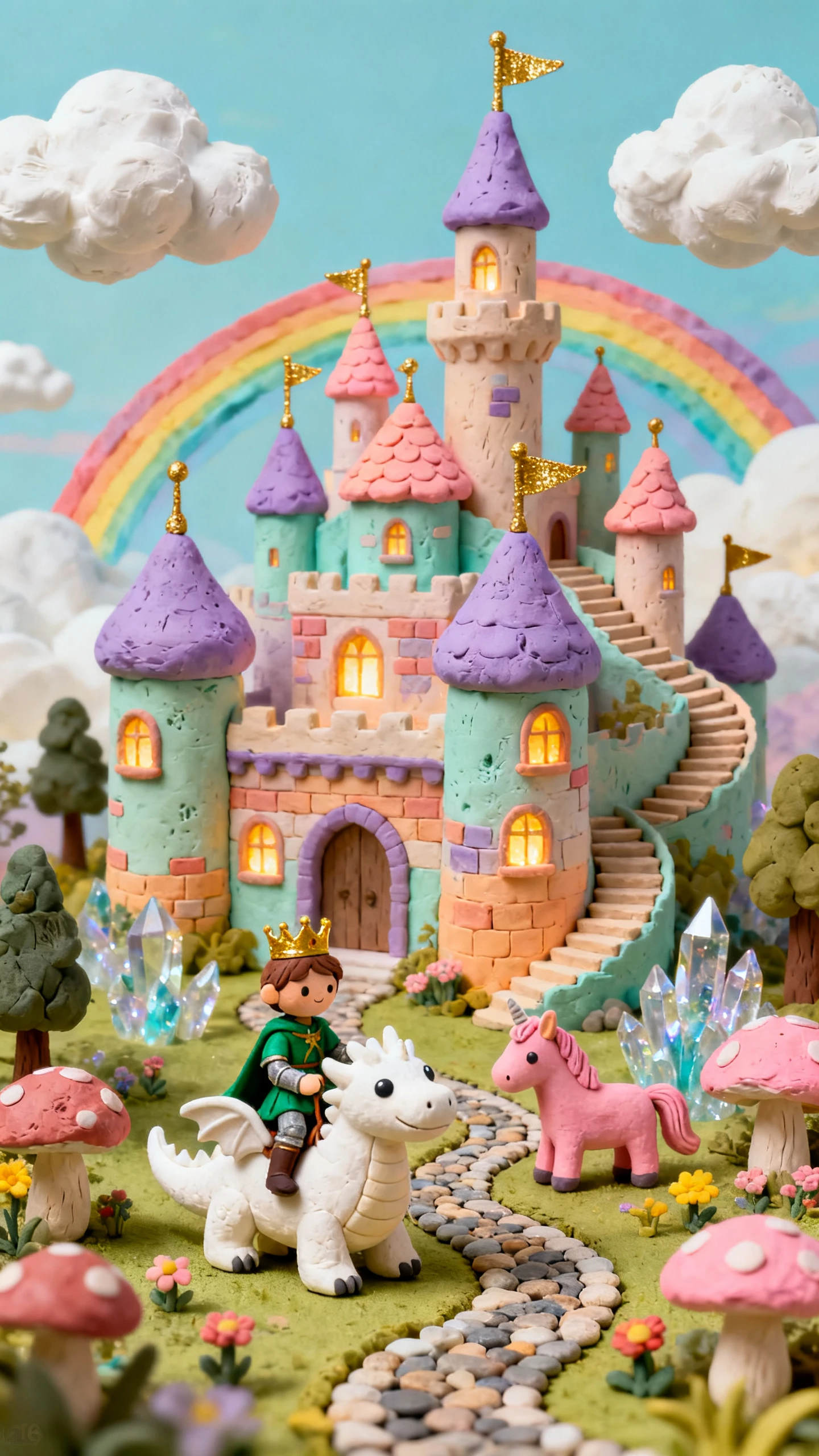
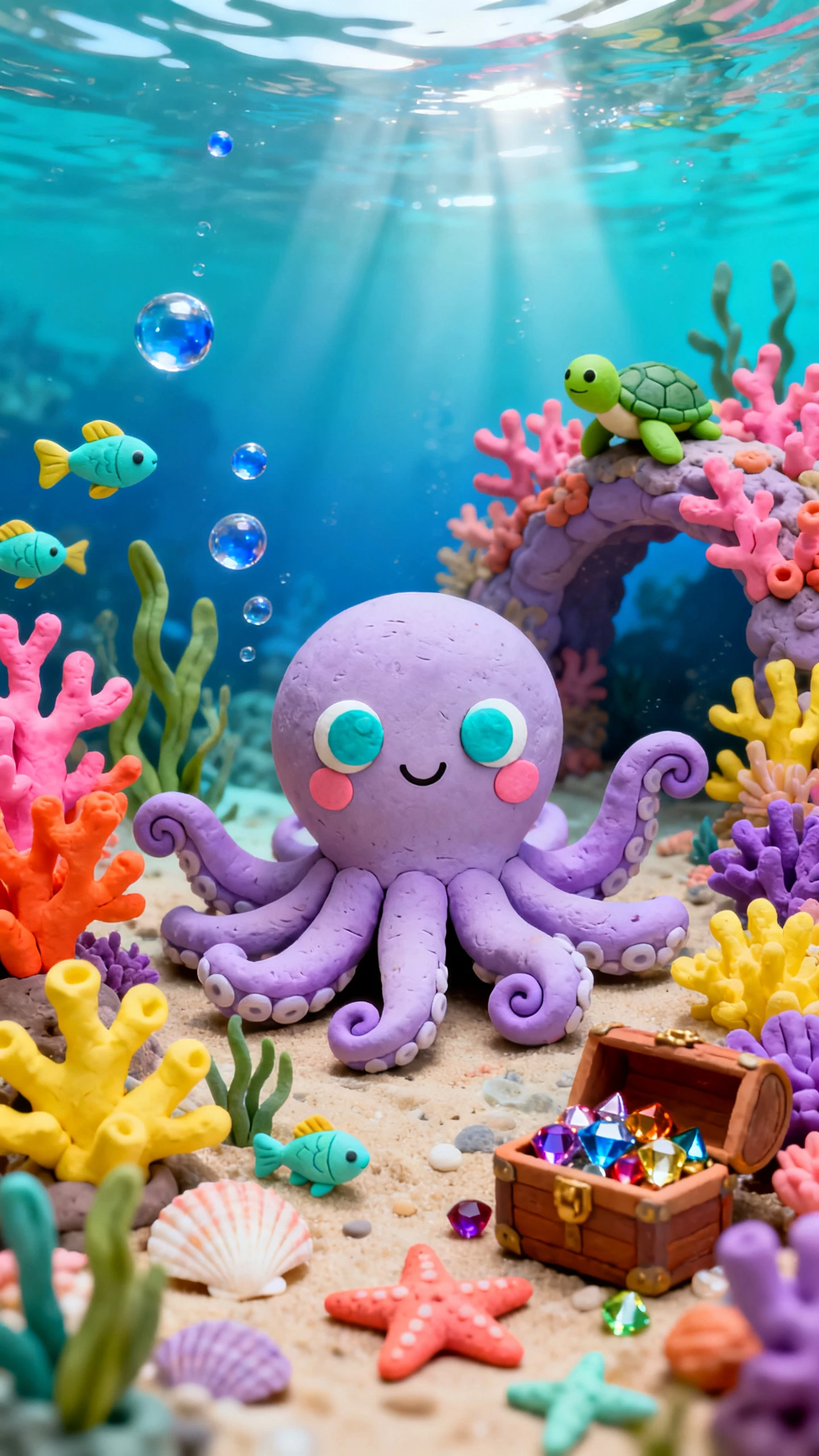
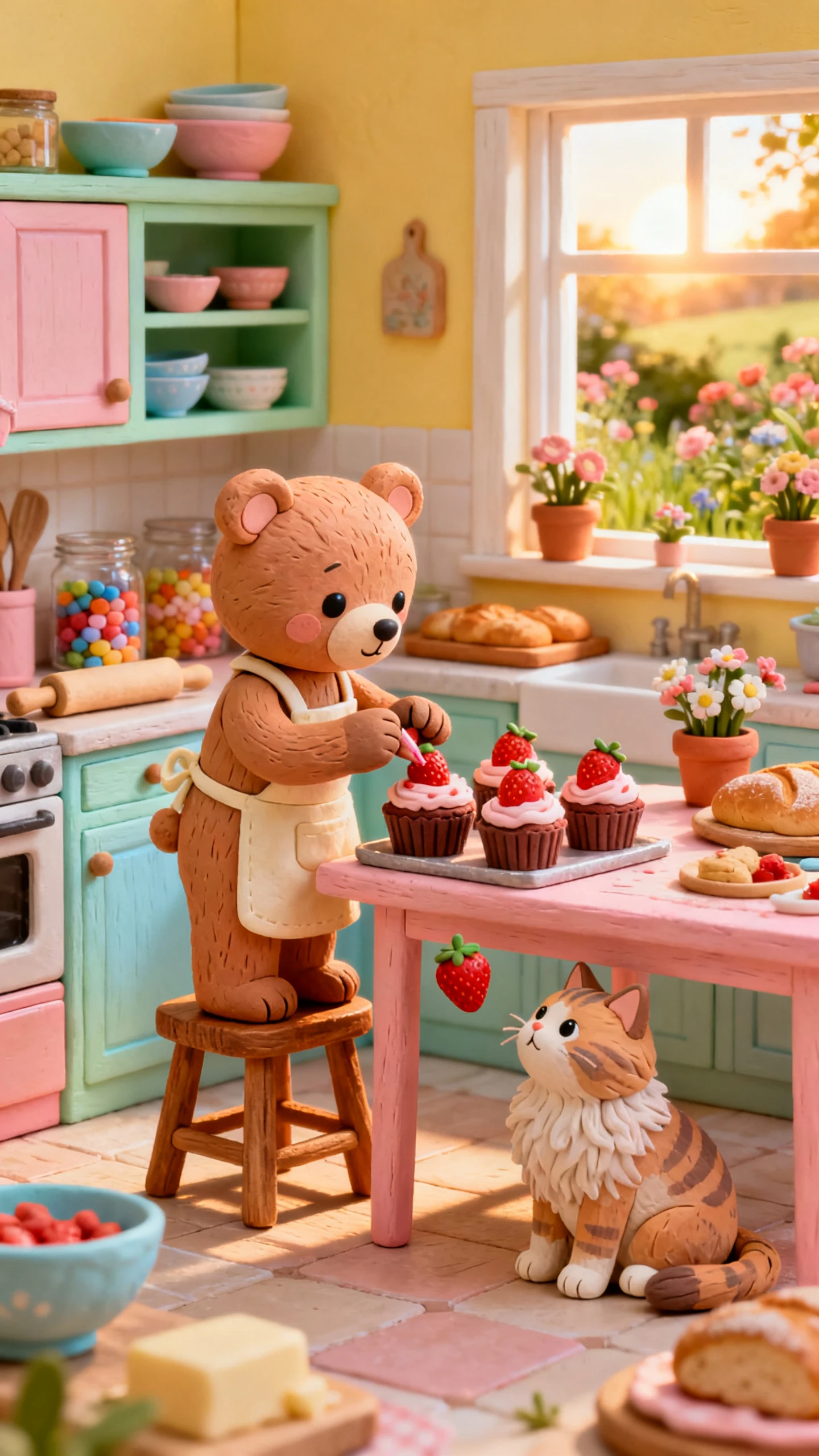
Clay can squash, stretch, wobble, and transform in ways that make every gag more playful. Magiclight AI gives the claymation video generator tools to shape that fun with control.

Turn your ideas into claymation videos with Magiclight AI. Create quirky clay characters, squishy textures, and playful stop-motion scenes without any editing skills.
Create a Claymation Video for Free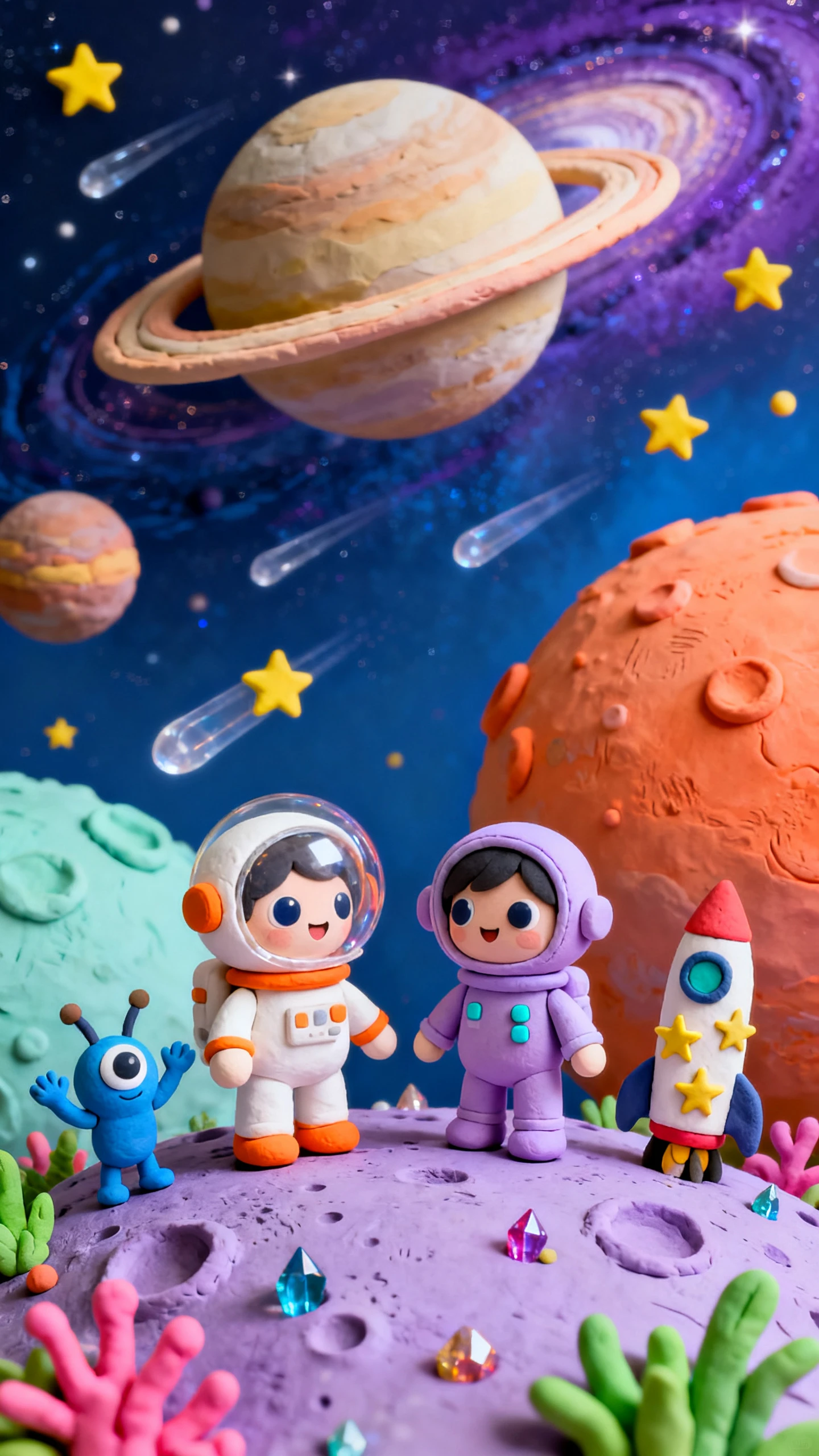
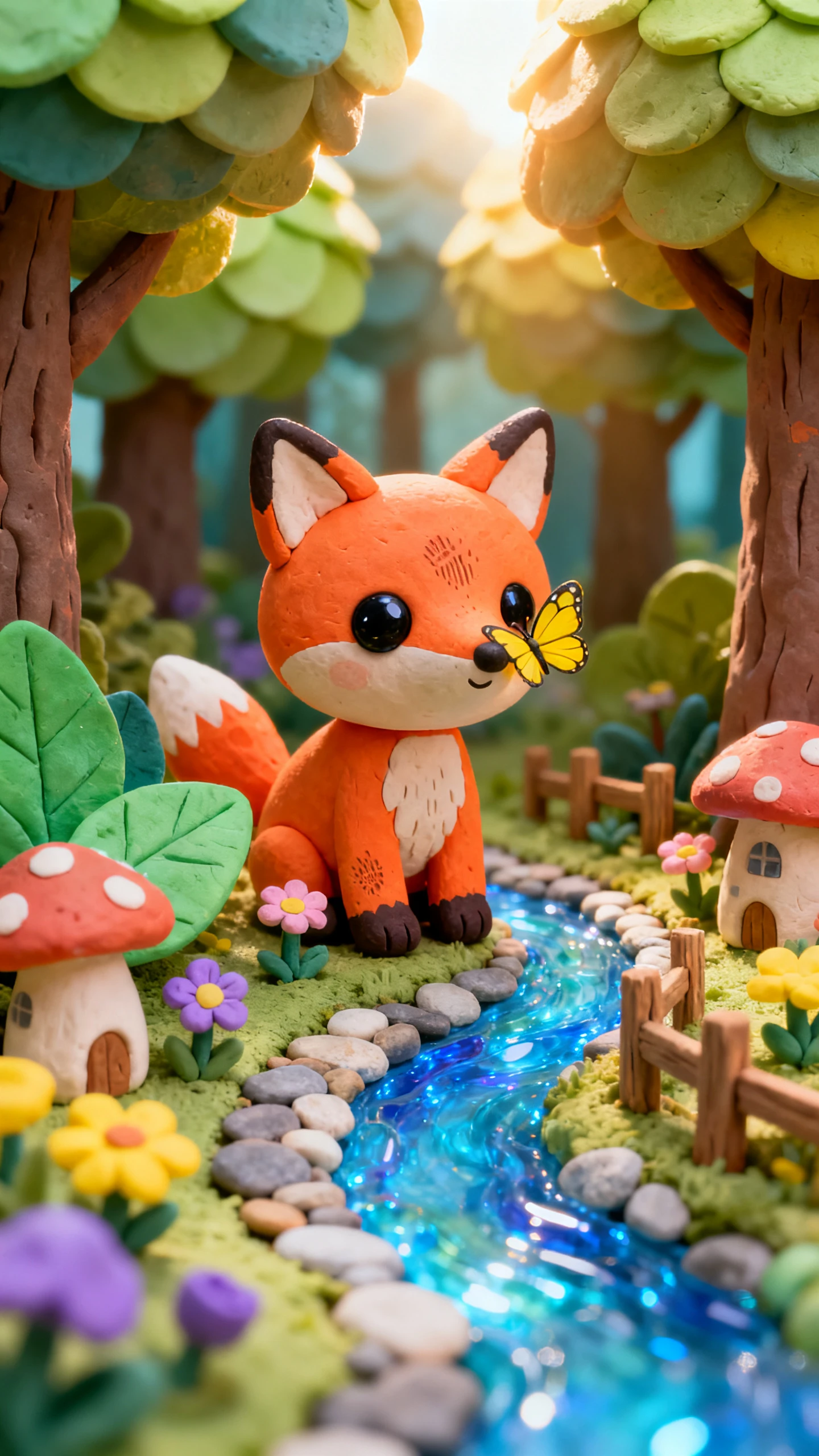
Clay can squash, stretch, wobble, and transform in ways that make every gag more playful. Magiclight AI gives the claymation video generator tools to shape that fun with control.

Give MagicLight Agent a silly idea, like a melting snowman. It develops the setup into a playful clay story packed with physical animations and funny turns.
Match a squeaky voice to a tiny clay mouse or a deep voice to a sleepy bear. With 37 choices, each character gets a sound that fits its comic role.
Compare 16 animation models to find motion that suits each gag. Make clay characters stretch, wobble, squash, or bounce as the comedy unfolds.
Push each joke further with 50+ poses in Nano Storyboard. Try shocked faces, wild gestures, and dramatic reactions until the clay character sells the gag.


Take one squishy idea from gag to finished claymation video in 4 steps. Magiclight AI gives you control over the story, clay cast, physical reactions, sound, and final export.
Write your clay comedy with up to 12,000 characters, or give MagicLight Agent a simple premise. Review the developed story and make sure each scene leads naturally to the next gag.
Describe each original clay character in up to 1,000 characters, covering its shape, colors, clothes, and personality. Save the finished character in the Asset Store for later scenes.
Direct the action in Nano Storyboard, using 50+ poses to plan expressions and comic reactions. Set each wobble, fall, shocked look, or dramatic pose where the joke needs it most.
Choose from the 40-track music library, then check the finished scenes. Export in 720p or 1080p once the clay comedy looks and sounds ready to share.
No. The video is generated by Magiclight AI, with no sculpting and no frame-by-frame photos. You get the clay look and squishy motion in far less time.
Yes. Describe the transformation in your script, like a ball of clay turning into a dog. Magiclight AI animates the change as part of the scene.
Handcrafted mixes cozy materials like felt, yarn, and paper. Claymation in Magiclight AI focuses on plasticine, with squash, stretch, and morphing for comedy.
No. Famous clay characters are owned by the studios that created them, so they stay off limits. Use Magiclight AI to invent your own clay cast and worlds instead.
Yes. Save your original character in the Asset Store and bring it into later projects. Magiclight AI makes it easier to continue a clay series with a familiar cast.
Yes. Magiclight AI supports 11 languages, giving you more ways to present clay stories for different audiences while keeping the same characters, scenes, and playful concept.



Pick a lumpy hero and a silly problem, then let Magiclight AI mold the idea into playful claymation videos packed with squishy movement and bouncy comedy.