Hero background

Minecraft Style AI Video Maker

Turn your Minecraft ideas into blocky adventures with Magiclight AI. Create animated videos featuring pixelated characters, iconic blocky worlds, and exciting stories. No video editing skills needed.

Create a Minecraft Video for Free
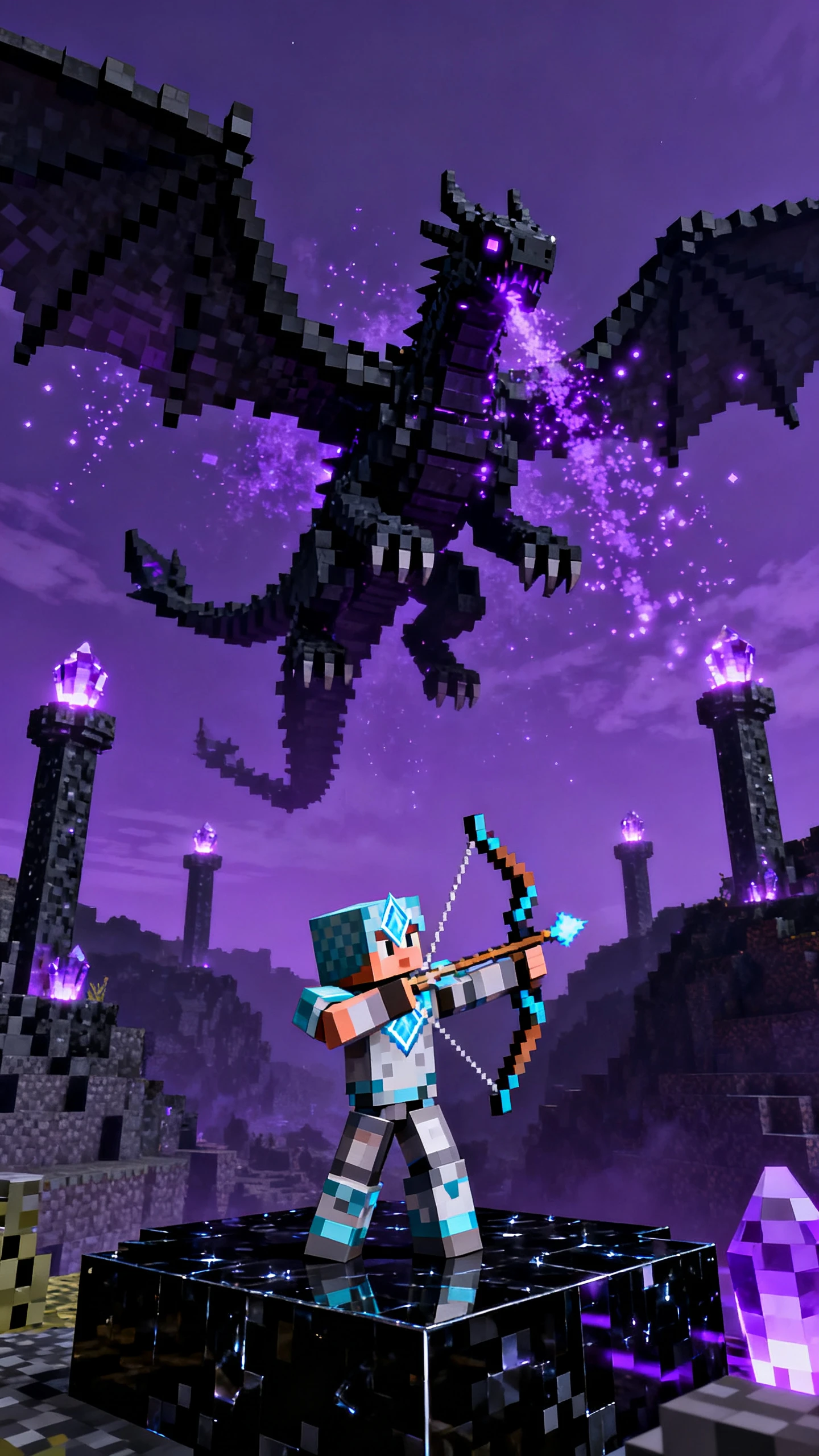
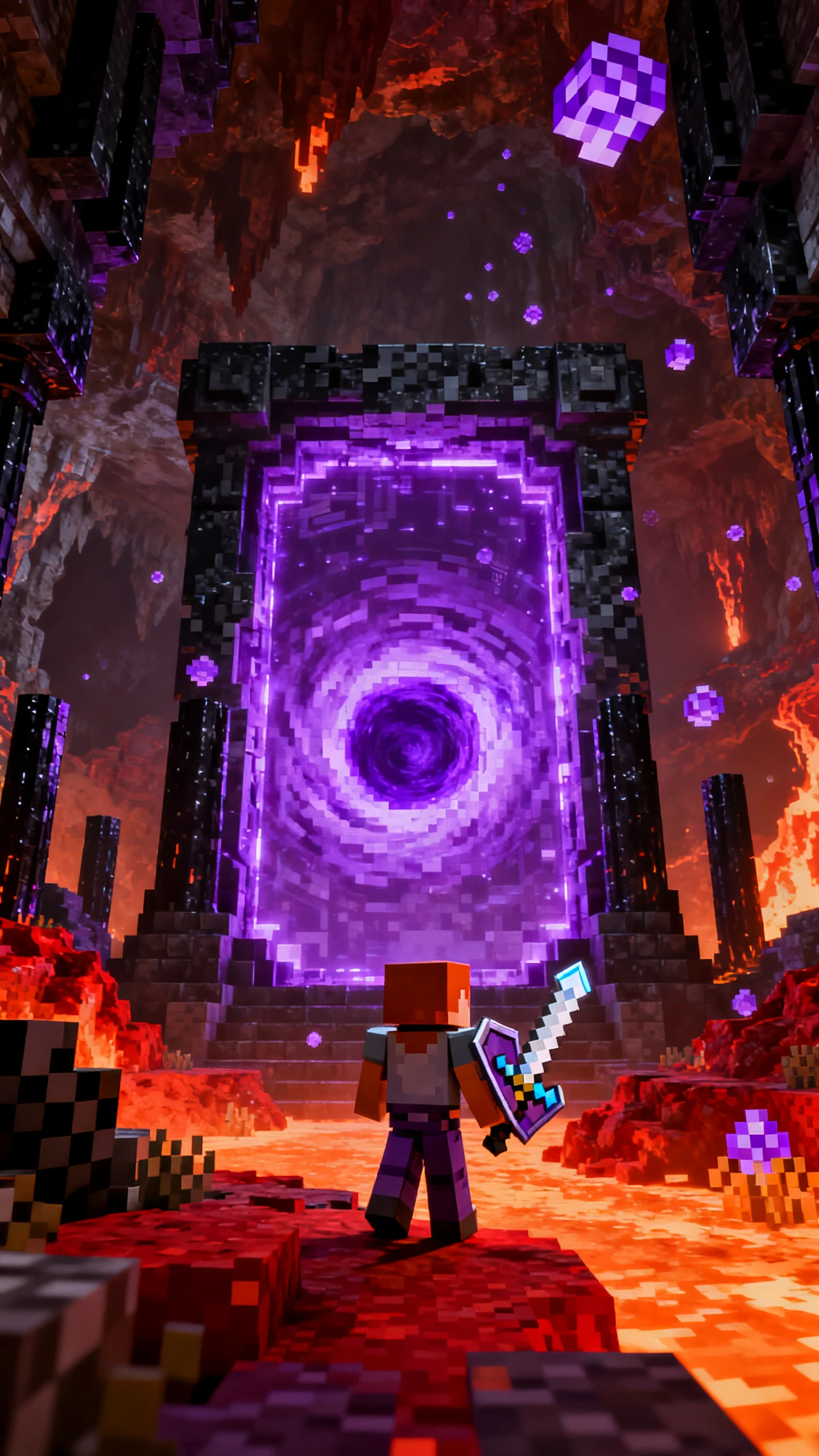
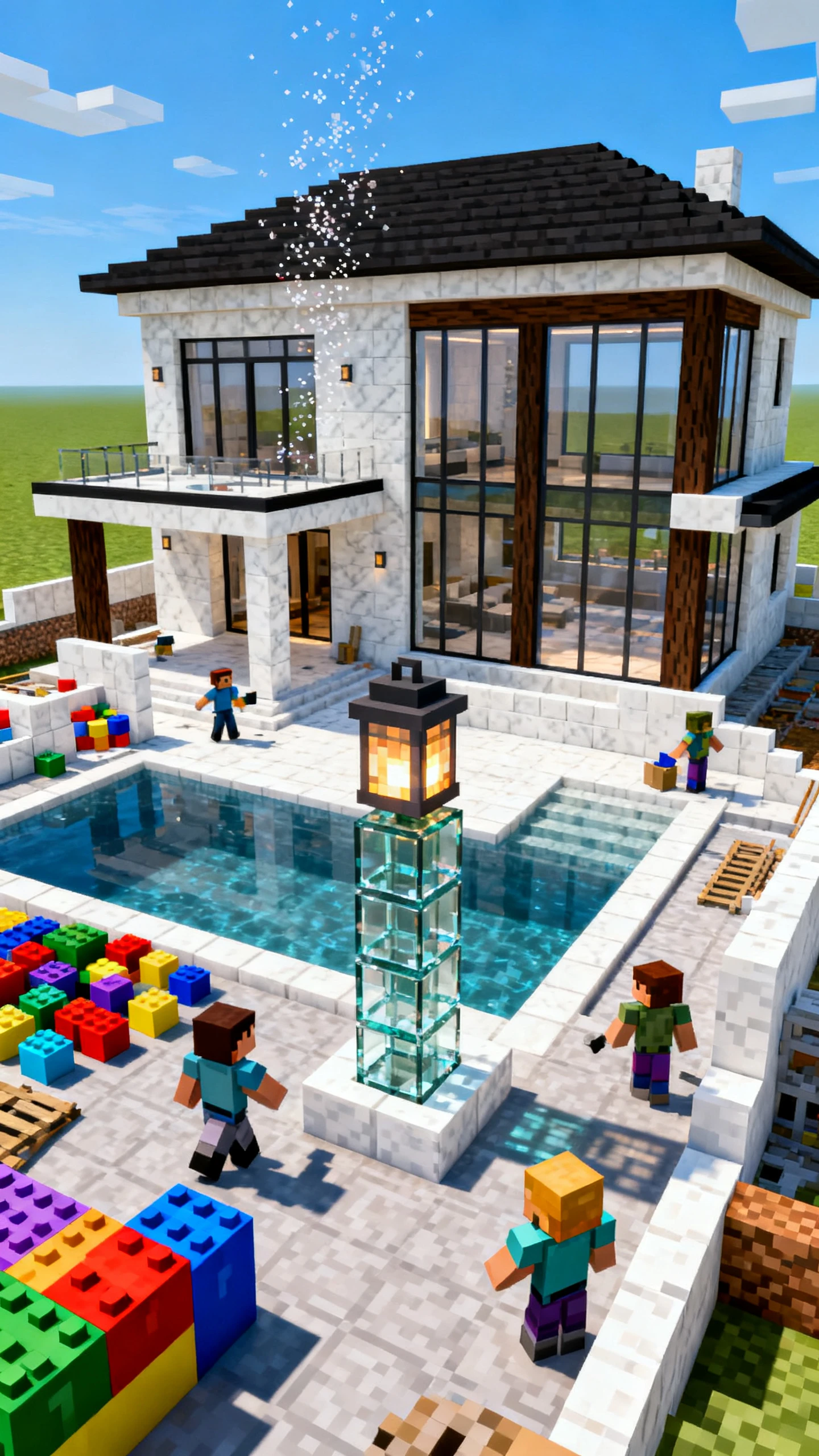
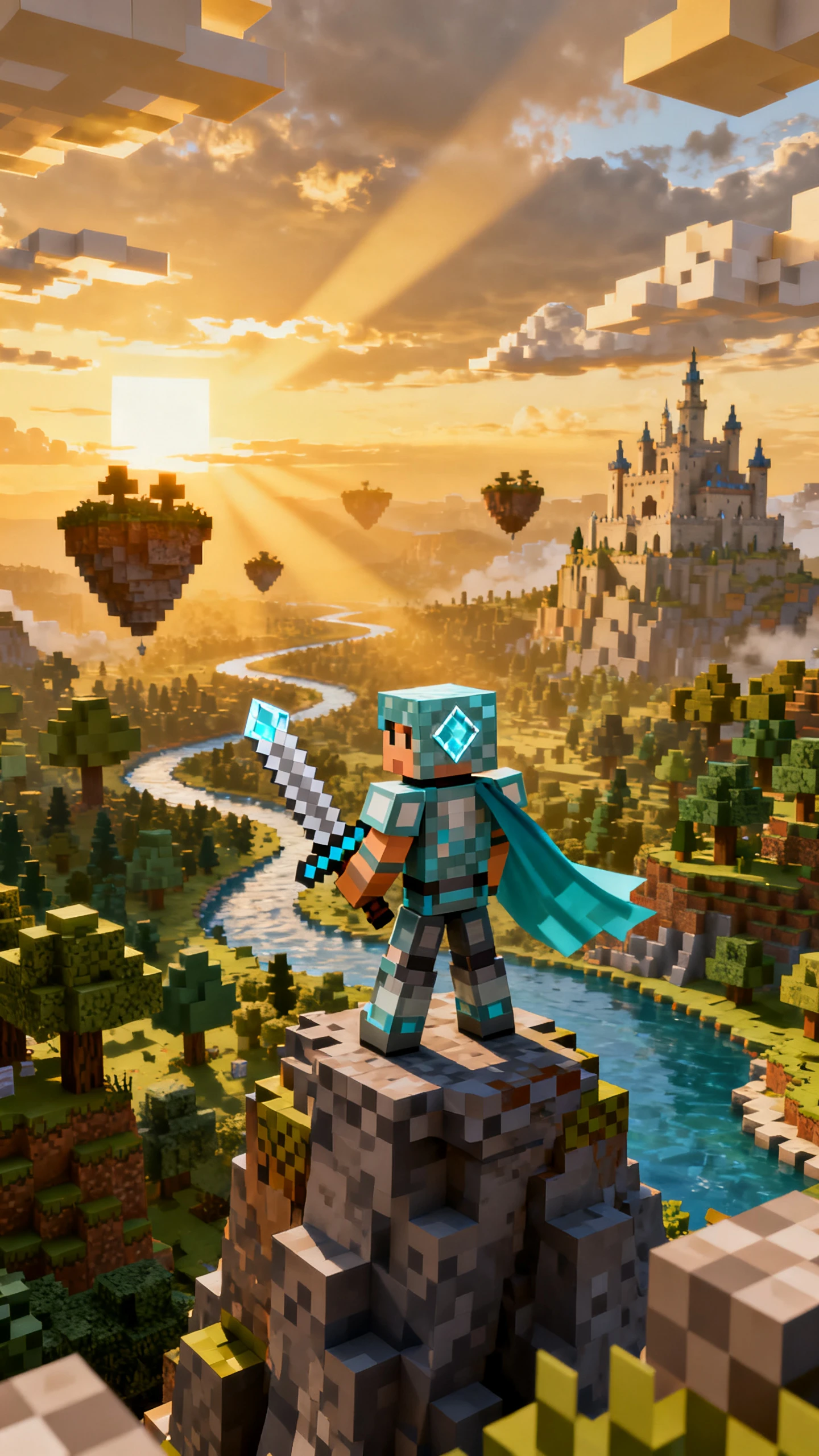
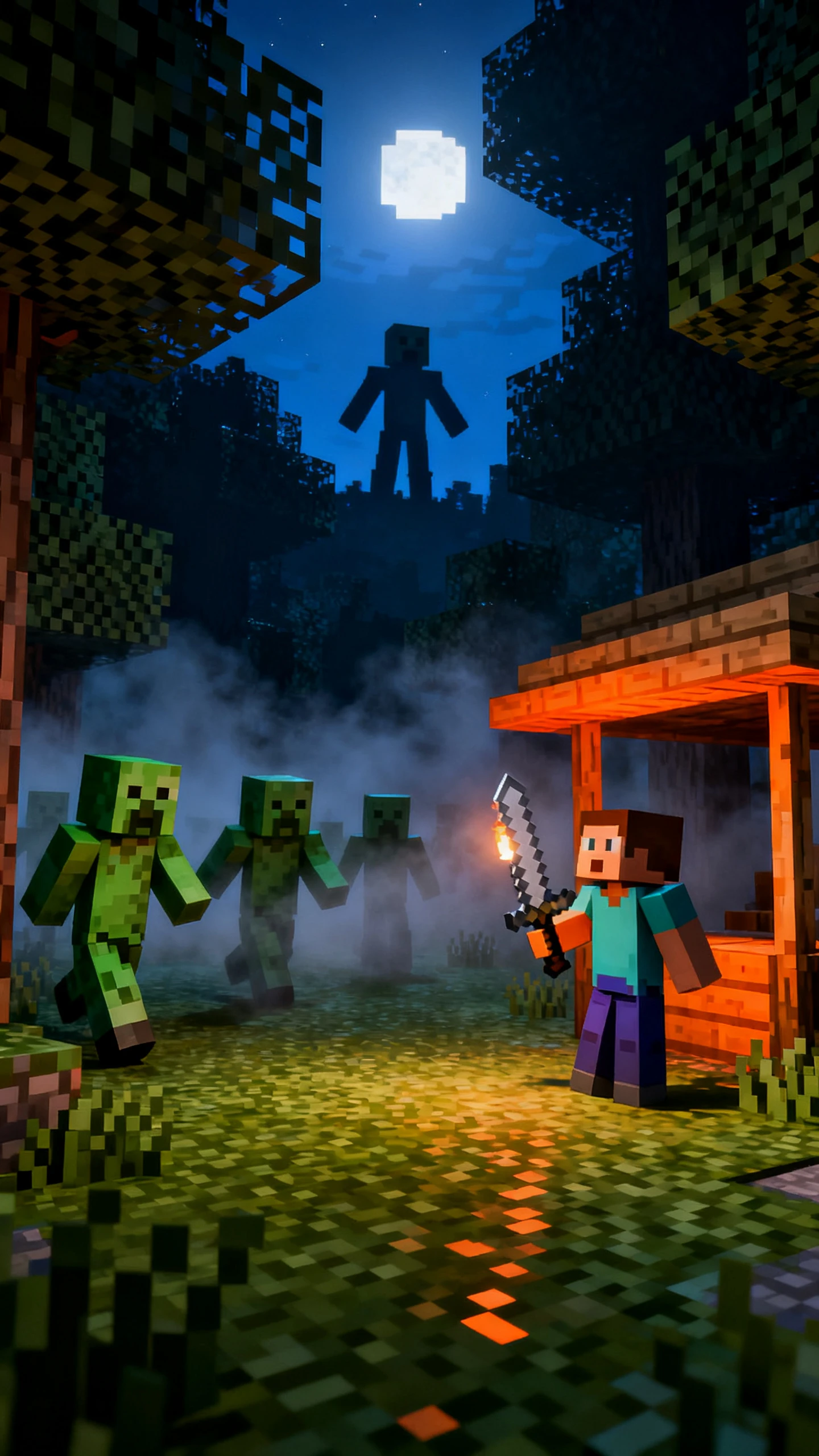
Minecraft-style blocky adventure video preview
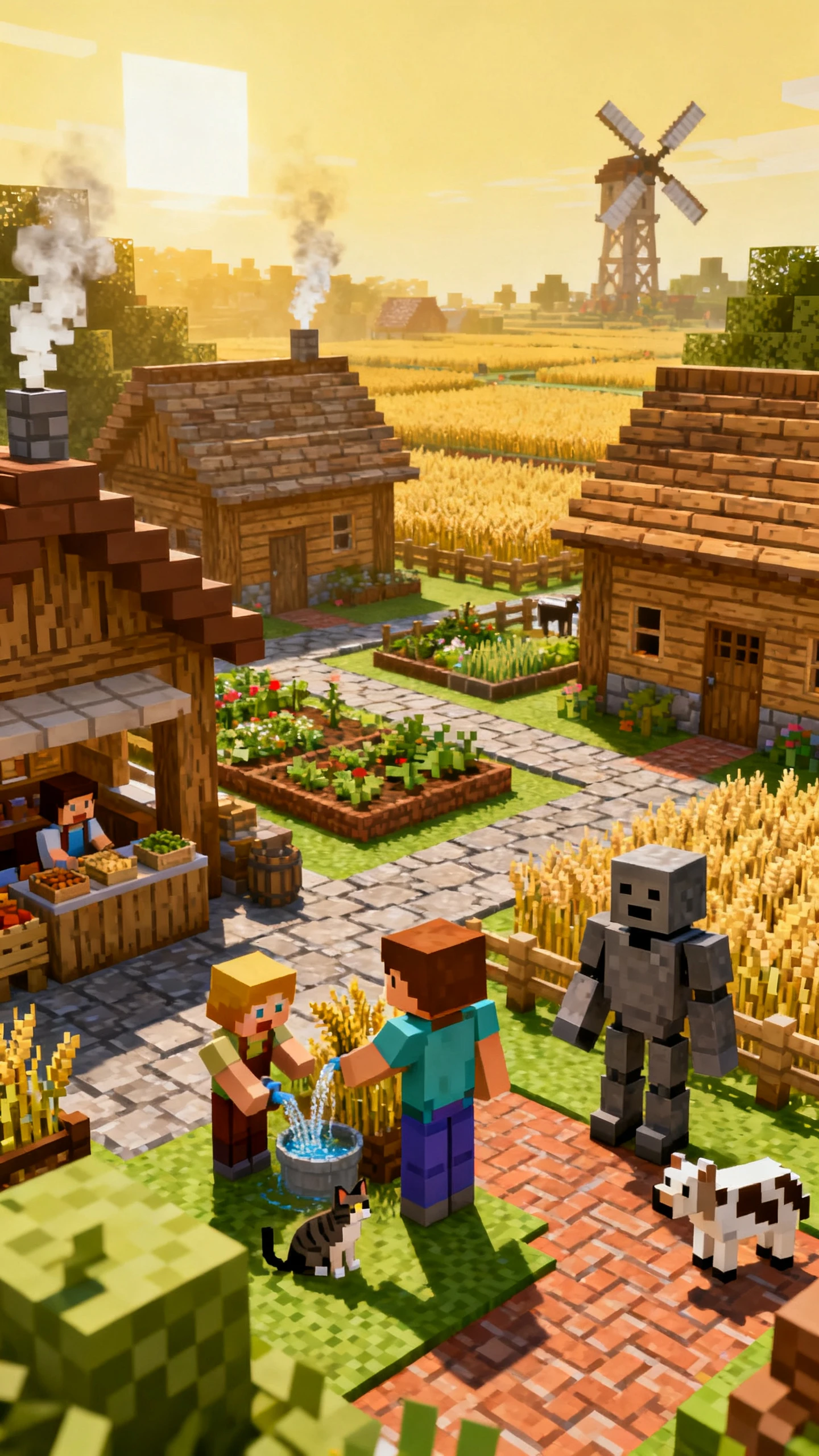
AI-generated blocky character and world
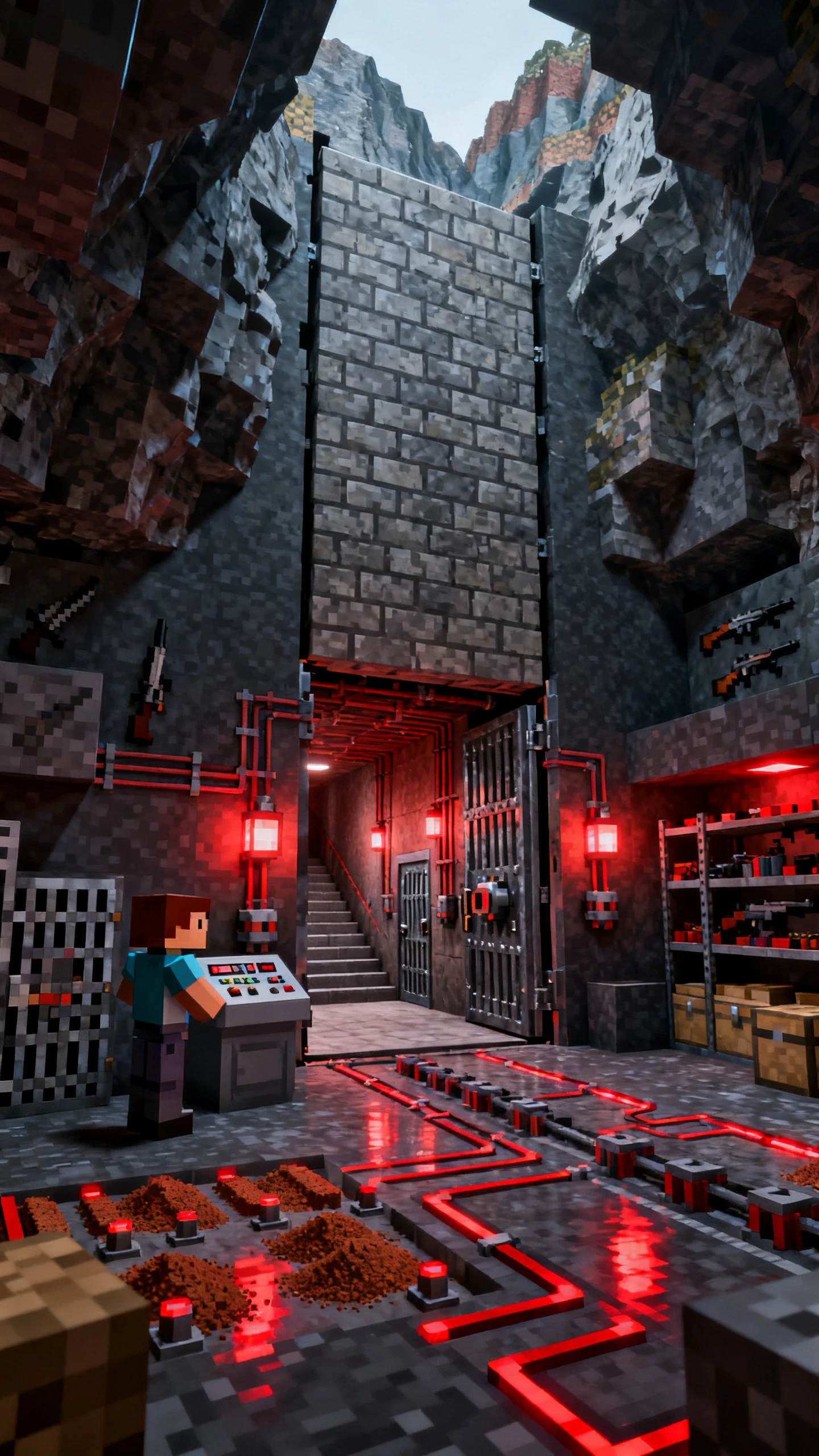
Blocky survival story video scene
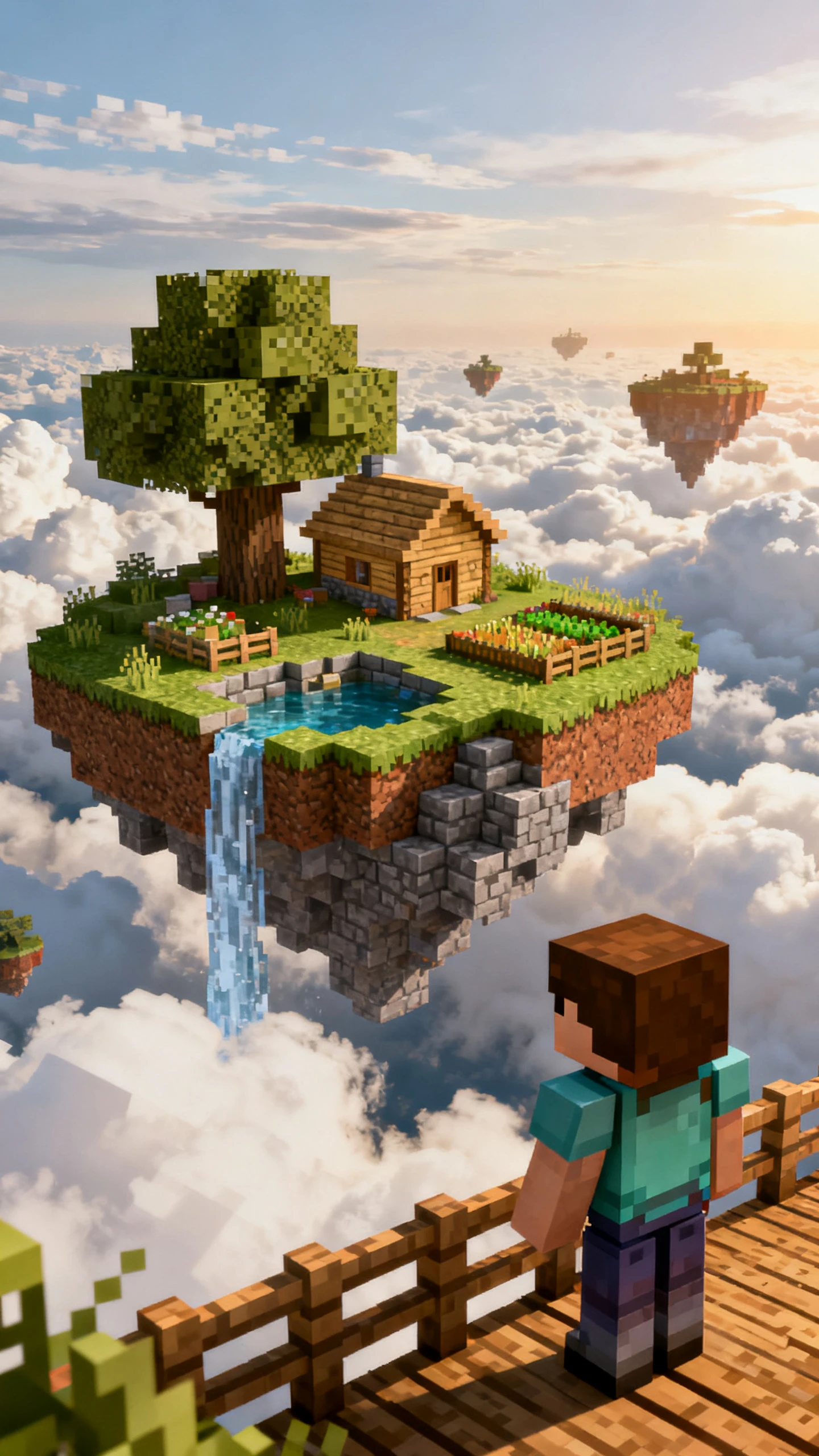
Minecraft-style story-to-video preview
Minecraft-style blocky adventure video preview
AI-generated blocky character and world
Blocky survival story video scene
Minecraft-style story-to-video preview

Top Features of Magiclight AI Minecraft Style Video Generator

Shape what your block hero faces and decide how the world changes over each day. Magiclight AI Minecraft style video generator gives you more ways to shape the whole adventure.

Create a Minecraft Video for Free
3D decorative graphic

12,000 Characters for the Survival Script

Your Minecraft survival story can use 12,000 characters for the script. That gives you space to cover what happens across the challenge without squeezing several days into a few short scenes.

50 Minutes for Longer Minecraft Stories

A Minecraft-style video can run for 50 minutes in Magiclight AI. That leaves plenty of time for a longer challenge where the player starts with little and works toward a final goal.

1000 Characters to Describe Your Player

Give your player a 1,000-character description before starting the video. Write how the character should look so the same blocky player remains recognizable throughout the story.

52 Visual Styles for Your Blocky World

Try over 52 visual styles with your Minecraft story in Magiclight AI. See which one gives the world the blocky look you had in mind and use that style for the finished video.

Who Can Use the Magiclight AI Minecraft Style Video Generator
Minecraft style stories can work for much more than survival videos. Magiclight AI helps different creators turn blocky ideas into videos without spending hours inside the game.
Explore how different creators can use Magiclight AI to make Minecraft-style videos:
Minecraft-style survival story for video channels
For Survival Channels
Follow one player through a 50 minute challenge from the first day onward.
Switch between over 52 visual styles when a new series needs another look.
Ask MagicLight Agent to turn a loose challenge idea into a proper story.
Blocky adventure for a Minecraft community
For Minecraft Communities
Introduce a new server quest through a story instead of a regular tour.
Bring custom server characters into an adventure made for your members.
Describe a new hero in 1000 characters before putting them into the story.
Minecraft-style educational story for school clubs
For School Clubs
Explain a tricky class topic inside Minecraft world to students.
Try 14 story models to find a format that works well for the lesson.
Rework a school project as a blocky story the whole class can watch.
Minecraft-style video creation for beginners
For New Video Creators
Take an idea from your notebook and turn it into a Minecraft video for friends.
Browse 40 background music choices to find one that suits your adventure.
Finish a first story without learning game capture or editing software.
Why Choose Magiclight AI Minecraft Style Video Generator
Take your survival idea further with the Magiclight AI Minecraft style video generator. Shape how the challenge unfolds and get the story ready before turning it into a full video.
Plan the Story With MagicLight Agent
Give MagicLight Agent a survival challenge and let it work out the story around it. Review what happens across the adventure before turning the idea into a full video.
Set the Mood With 40 Music Options
Add background music from 40 options available in Magiclight AI. Use a calmer track for quiet parts of the story or something stronger when the survival challenge gets harder.
Try 14 Story Models
Run your survival idea through any of the 14 story models in Magiclight AI. Compare the results and keep whichever takes the challenge in the direction you want.
Narrate With 37 Voice Options
Select from 37 voice options for the person telling your survival story. Try different voices and keep the one that sounds right for the way you want the adventure told.
Add Day Counts With 16 Caption Styles
Put the current day on screen using one of 16 caption styles. Change the caption look to make numbers such as Day 25 or Day 100 easy to notice during the story.
Create Wide or Vertical Videos
Make the survival story in 16:9 for a wider screen or 9:16 for a vertical video. Magiclight AI gives you both formats so the same idea can work in different places.

How to Make a Minecraft Style Video With Magiclight AI 

Turn your Minecraft style survival idea into a complete video with Magiclight AI. Follow these 4 steps to set up the story, create your player, and finish the adventure.

1.

Step 1. Set Up Your Survival Story

Write your survival story using 12000 characters, choose the video duration, and select from 14 story models. MagicLight Agent can also help shape your idea into an adventure.

2.

Step 2. Design Your Blocky Player

Pick from over 52 visual styles to set the look of your Minecraft world. Create a new character with a 1000-character description or select one you have already saved.

3.

Step 3. Arrange the Adventure in Nano Storyboard

Open Nano Storyboard and work through the story scene by scene. Set your player’s pose and adjust each shot to match what is happening at that point in the adventure.

4.

Step 4. Give Your Story a Voice

Choose from 37 voice options to find a narrator that fits your survival story. Add the finishing touches and review the completed adventure. Then, save your final video.

FAQs on Minecraft Style AI Video Generator

What kind of Minecraft style story can I make?

You can turn your own survival idea into a complete blocky adventure. Magiclight AI helps shape the story and carries it through each scene.

How can I keep a survival story interesting?

Use MagicLight Agent to work out what happens as the challenge moves forward. It can help turn a simple idea into a story with enough changes to keep it moving.

Can I make a long Minecraft style video?

Yes. The Minecraft style video generator can create videos up to 50 minutes long. That gives a survival challenge enough room to unfold without rushing through the story.

Do I have to use a narrator?

No. You can let the scenes tell the story without a narrator. Magiclight AI also has 37 voice options when you want to add narration.

Can my character stay the same throughout the video?

Yes. Magiclight AI lets you save your blocky character and bring it into later scenes. Your main player can keep the same appearance as the story continues.

Is the Minecraft style video generator free to try?

Yes. You can try the Minecraft style video generator after registering. You do not need a payment card to create your first blocky video.


Create a Minecraft Adventure Video With Magiclight AI

Turn your survival idea into a blocky adventure with Magiclight AI, ready for everyone to watch.