








Hero background

Pixel AI Video Generator

Turn your idea into a complete pixel‑style video. The Magiclight AI pixel AI video generator keeps the characters, scenes, and visual style consistent. No manual pixel editing needed.

Create a Pixel AI Video for Free
pixel ai video generator
gemini
sora
seedance
hailuo
kling
midjourney
qwen
nano banana
veo3
gemini
sora
seedance
hailuo
kling
midjourney
qwen
nano banana
veo3
gemini
sora
seedance
hailuo
kling
midjourney
qwen
nano banana
veo3

Top Features of the Magiclight AIPixel AI Video Generator

Find out how the Magiclight AI pixel video generator carries one retro look through every scene. Pick the style, describe your video, and control how they move.

One Style Kept Across Every Scene

Choose your pixel look once and keep it consistent throughout the video. Magiclight AI carries the same pixel scale, palette, and visual style into every new scene without changing the look between shots.

Start Creating
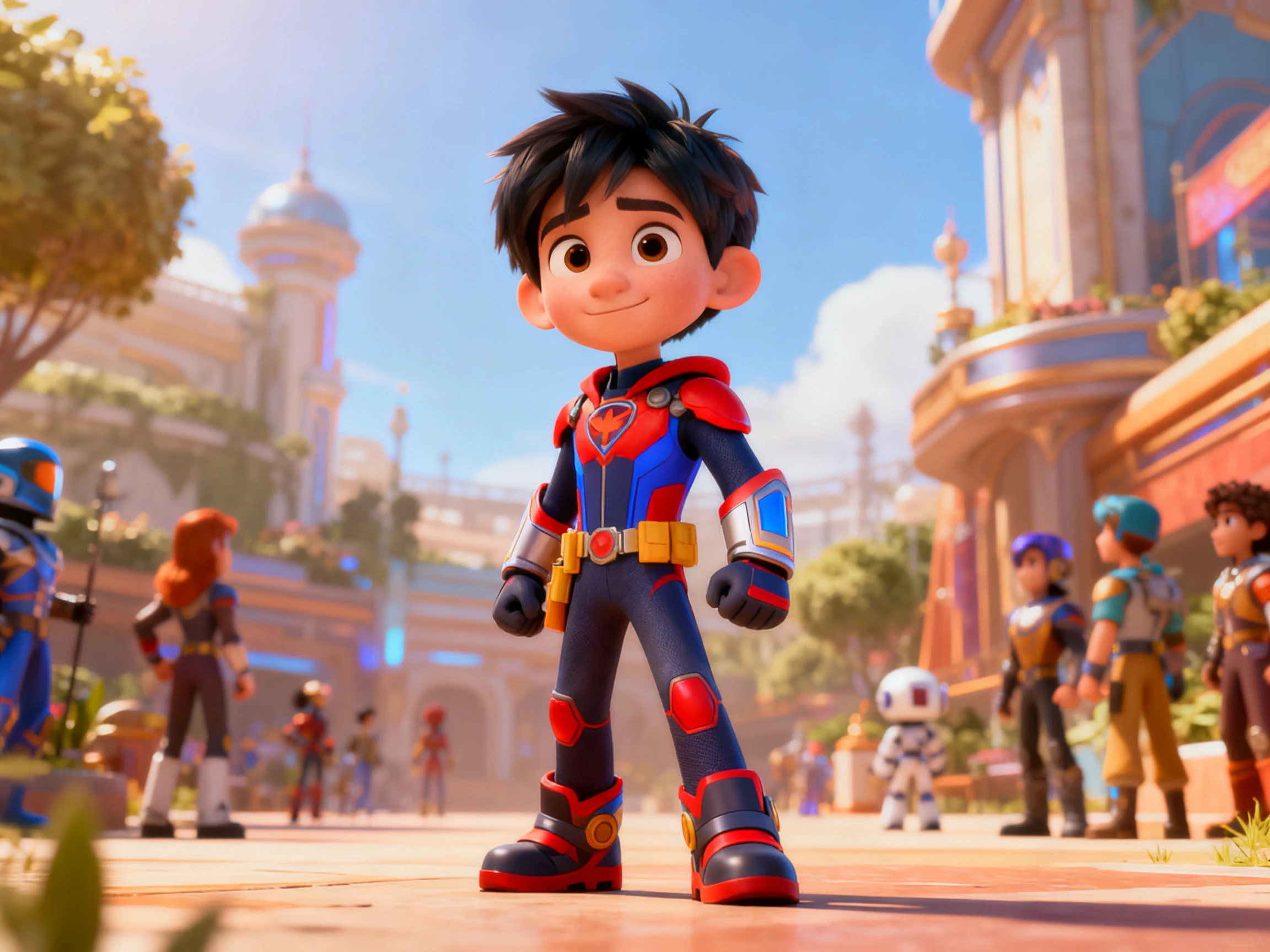
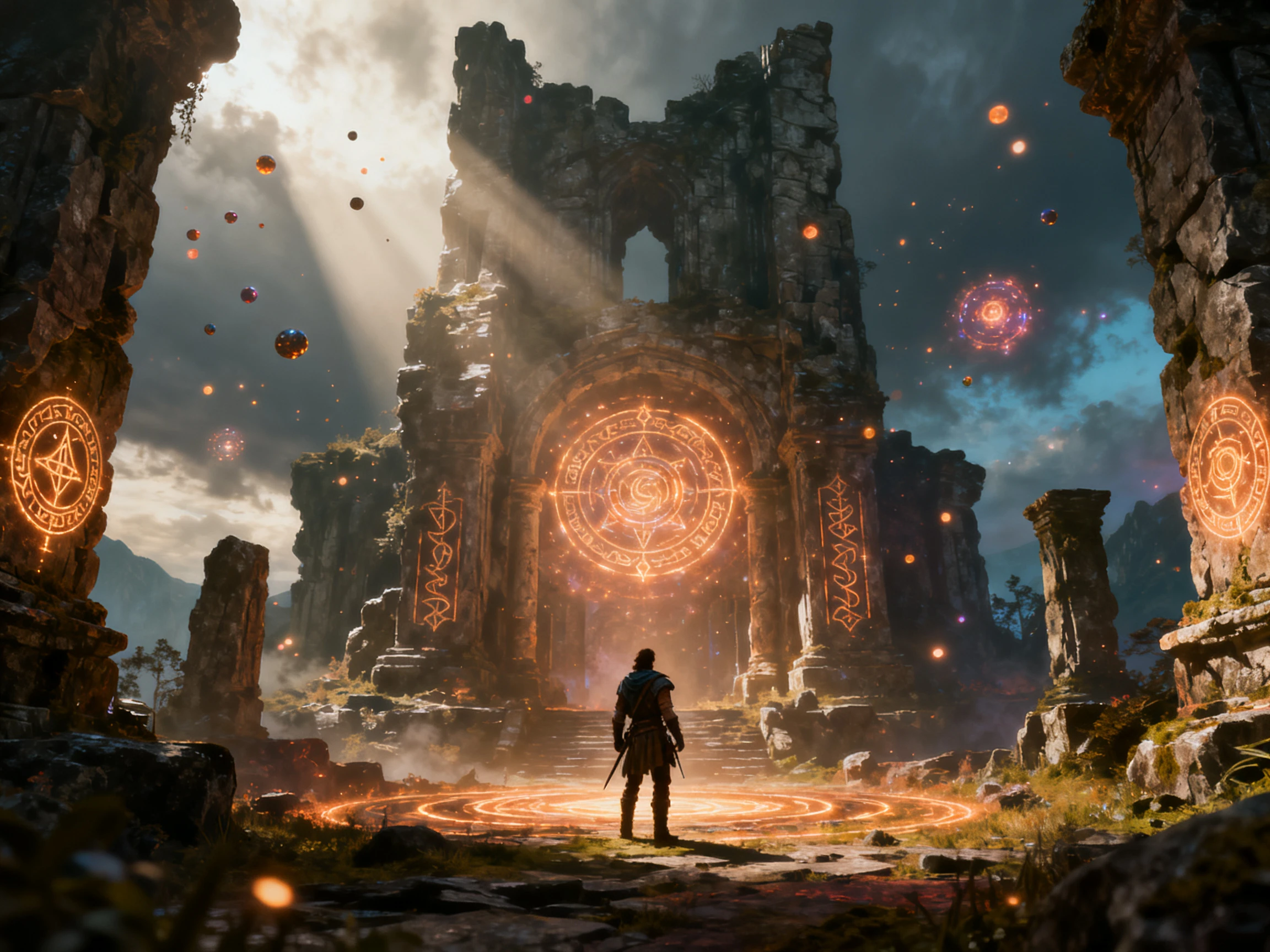
consistent pixel style across scenes

1000‑Character Prompts for Each Sprite

Describe each character in up to 1000 characters with the details you want. Set the palette, outline, and proportions in Magiclight AI, then save it to keep the same character across later scenes.

Start Creating
pixel sprite prompt setting

16 Animation Models for Pixel Motion

Give your video the type of movement that fits your retro style. Magiclight AI offers 16 animation models, letting you choose the option that keeps the motion closer to pixel animation instead of a modern look.

Start Creating
pixel animation models

50 Poses to Keep Sprites Moving

Keep your sprites active across different scenes with 50 available pose options. Choose a pose and expression for each shot in Magiclight AI, so characters can react and move instead of staying in one position.

Start Creating
pixel sprite pose library
Who Can Use Magiclight AI Pixel AI Video Generator
Game teams and creators can get a retro look without sprite sheets. Magiclight AI turns each pixel AI generator video into consistent retro scenes.
Retro Channels
For Retro Channels
Carry one pixel look across your entire upload schedule.
Run a full episode from a script of up to 12,000 characters.
Caption short clips using any of the 16 subtitle settings.
Game Teams
For Game Teams
Create an entire pitch video within a single weekend.
Bring the same characters back for your next game project.
Export everything in 16:9 at 1080p for your submission.
Music Channels
For Music Channels
Choose a track from the 40 options available in the library.
Switch to a vertical 9:16 format for short‑form uploads.
Match the visual palette with the era and style of your track.
Indie Gamers
For Indie Gamers
Show a game concept before any of it is fully developed.
Describe each pixel character in up to 1000 characters.
Release the finished trailer commercially under a paid plan.

How to Use the Pixel AI Video Generator Free

Turn your retro idea into a complete video in 4 easy steps. Set the style with the Magiclight AI pixel video generator, add your characters, plan the scenes, and choose the motion.

1.

Step 1. Describe and Save Your Sprites

Describe each character in up to 1000 characters, including the palette, outline, and proportions. Save your sprites so the same characters can return across later scenes.

2.

Step 2. Choose Your Pixel Style

Provide the script in up to 12,000 characters and select the pixel look you want to use across your video. Set the palette and overall visual direction before moving on to your characters.

3.

Step 3. Arrange Scenes in Nano Storyboard

Choose your generate pixel character for the video and continue. Use the Nano Storyboard to review each scene and adjust the characters, poses, and movement.

4.

Step 4. Set the Motion and Download

Choose the subtitle style and set the final video format for your platform. Download your finished pixel video in 1080p once everything looks ready.

What Users Say About Magiclight AI'sPixel Video Generator

Otto Berglund

Pixel Artist

Every tool I tried changed the pixel size from one shot to another. With Magiclight AI, the same look stays consistent throughout the whole video.

Mira Kowalczyk

Game Jam Organizer

Magiclight AI helps when teams only have 48 hours, and the trailer gets left until last. They can still get one ready before the deadline.

Nico Ferreira

Chiptune Musician

My tracks used a static image for years because I cannot draw. Now I use Magiclight AI to give them moving pixel visuals instead.

Yasmin Tahir

Games Journalist

Our channel covers retro games, so the visuals need to match the subject. We use the same pixel look in Magiclight AI to keep every episode consistent.

FAQs on Pixel AI Video Generator

Does the pixel look hold across every scene?

The pixel AI video generator keeps one visual look across scenes. Your palette and pixel scale stay consistent throughout Magiclight AI videos.

Can I convert footage I already have?

Magiclight AI generates fresh scenes instead of converting your existing footage. Use a video converter when you need existing footage pixelated instead.

Is the pixel AI video generator free to try?

Free credits from Magiclight AI become available after you register. No payment card is needed before trying your first pixel scene.

Can I use the sprites in an actual game?

The sprites created in Magiclight AI are intended for video projects. Finished videos are exported, not sprite sheets or transparent PNG game assets.

How do I stop it looking like a blur filter?

Describe your palette and pixel scale clearly before generating each video scene. Clear prompts give Magiclight AI better direction for keeping edges sharp.

Can I put chiptune music under the video?

Magiclight AI includes 40 music tracks, but none are chiptune specific. Bring your own track through the music route when needed instead.

Create Pixel‑Style Videos With Magiclight AI

Pixel art works best when the same visual rules stay consistent. The Magiclight AI pixel video generator keeps that look steady across every scene.