Hero background

Rick and Morty AI Video Generator

Describe your Rick and Morty-style video idea and the strange world you want. Magiclight AI turns your prompt into a sci-fi cartoon with your own characters. No animation skills are needed.

Create a Rick and Morty Video for Free
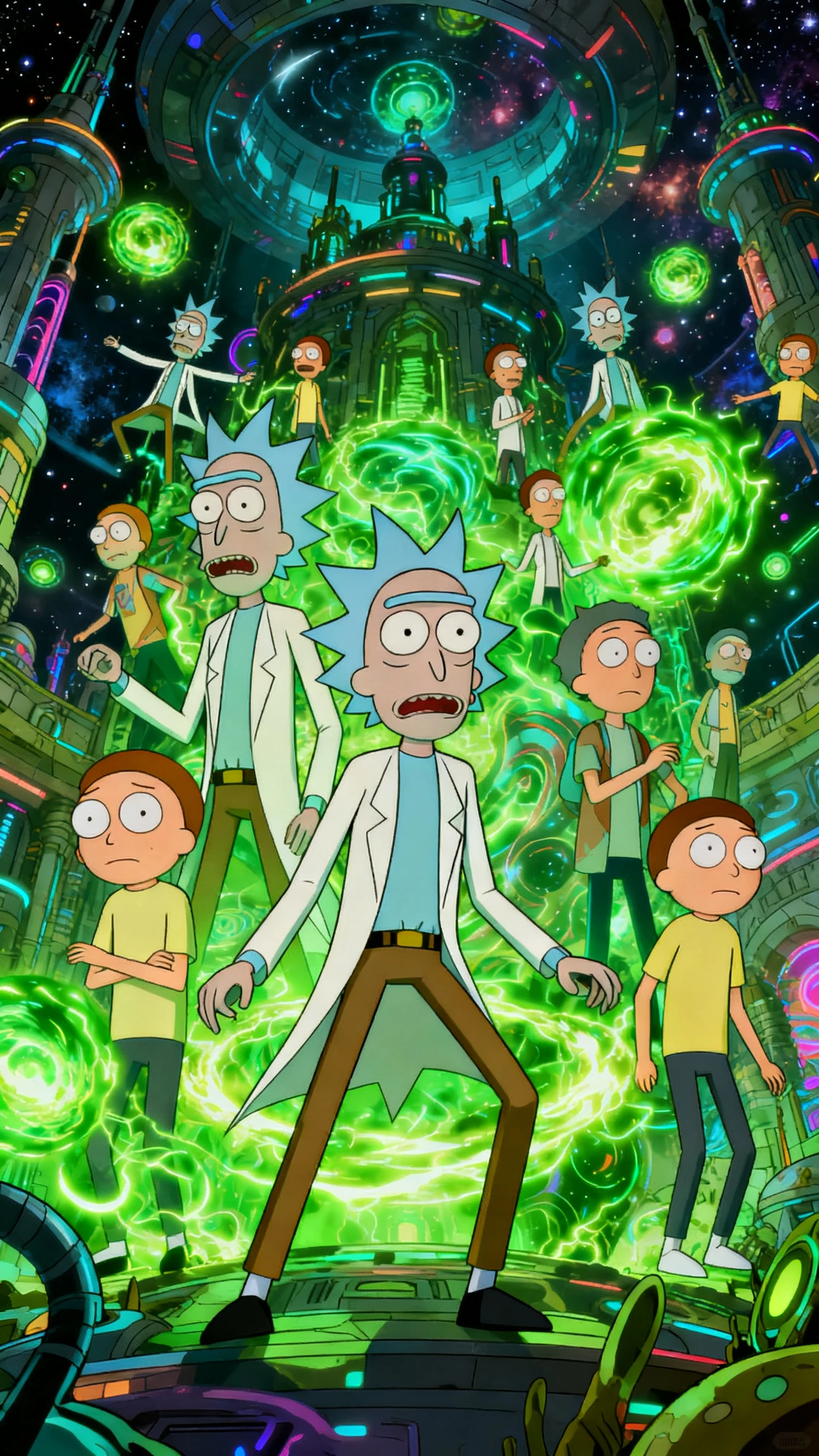
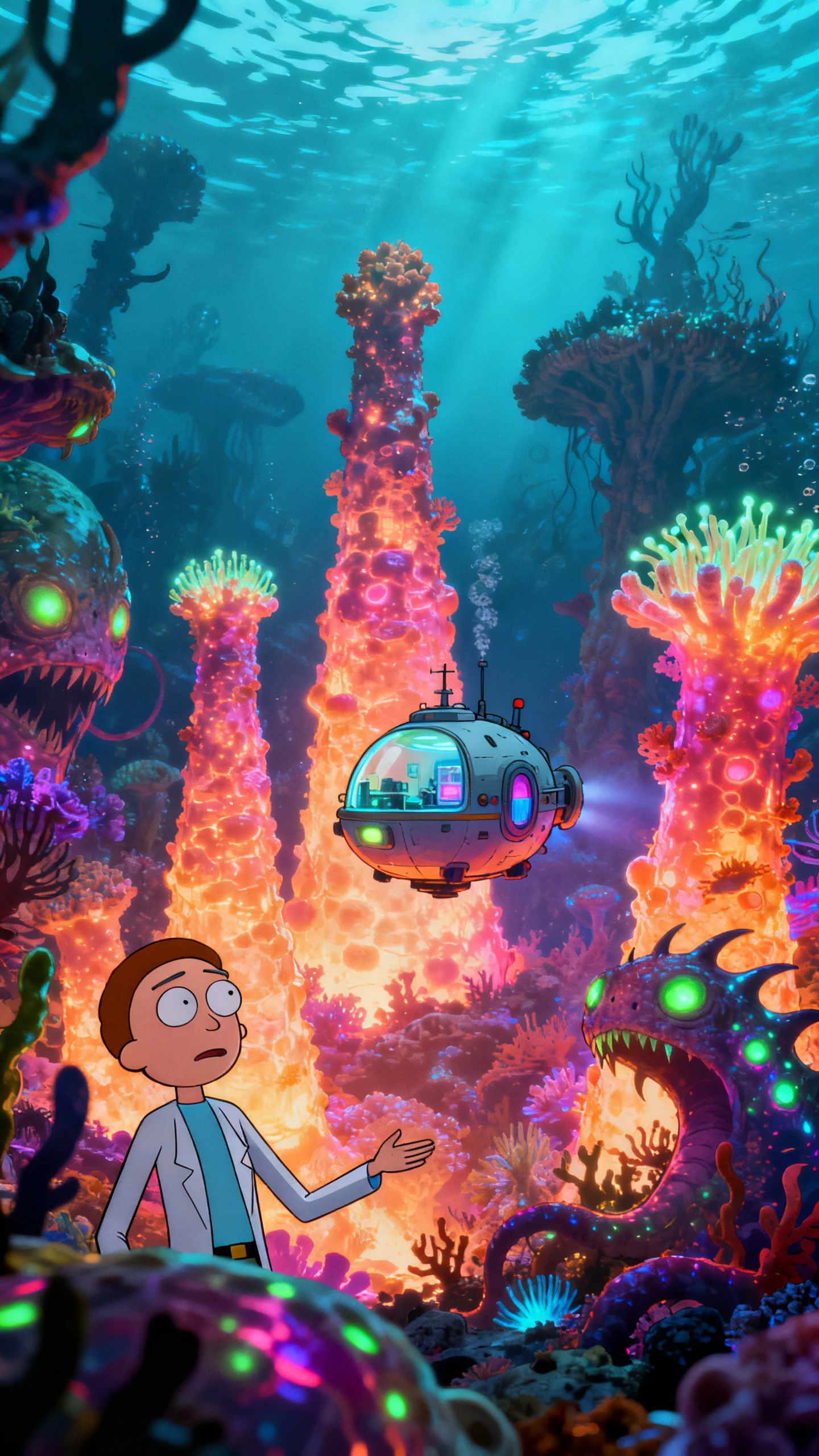
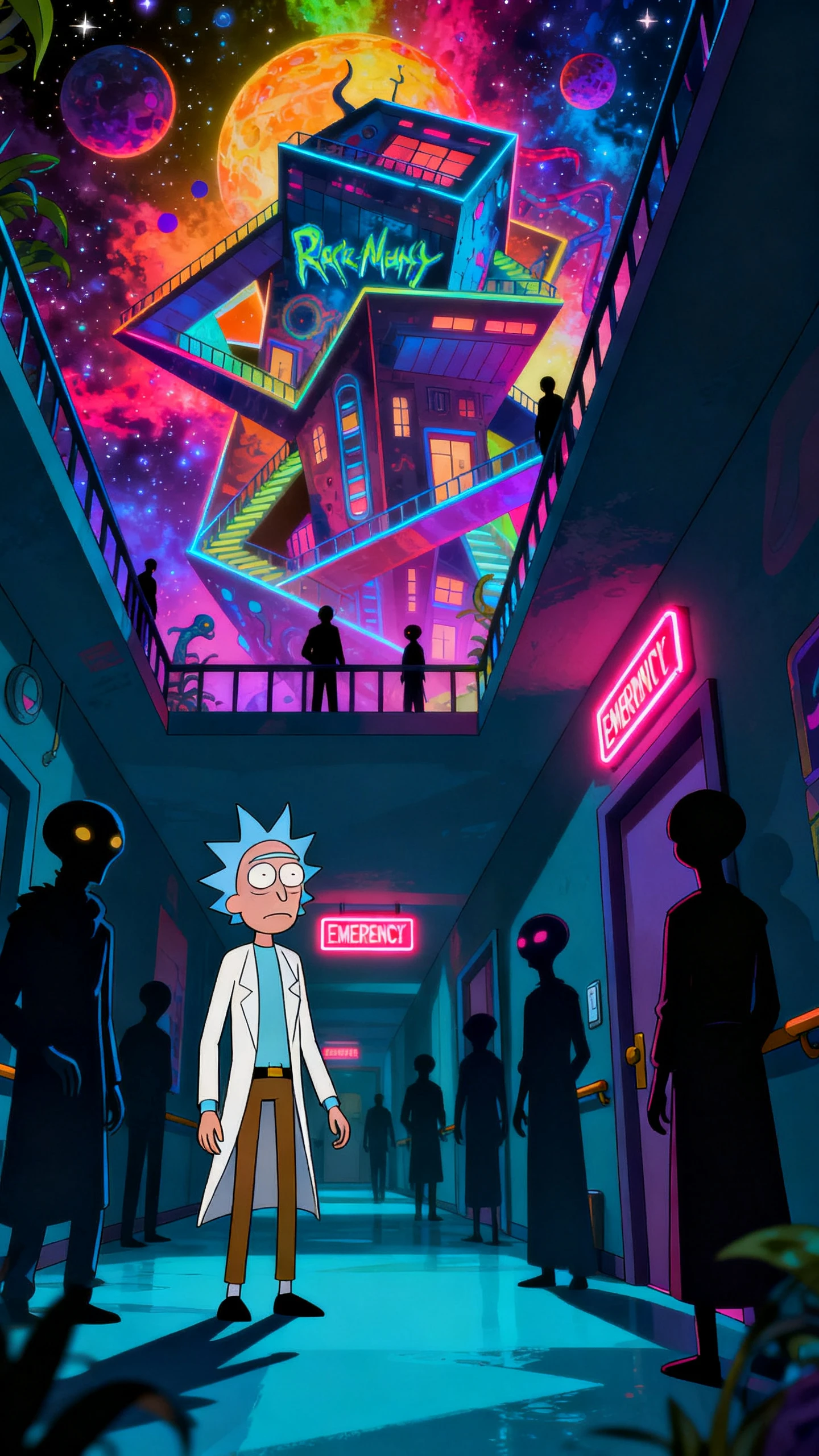
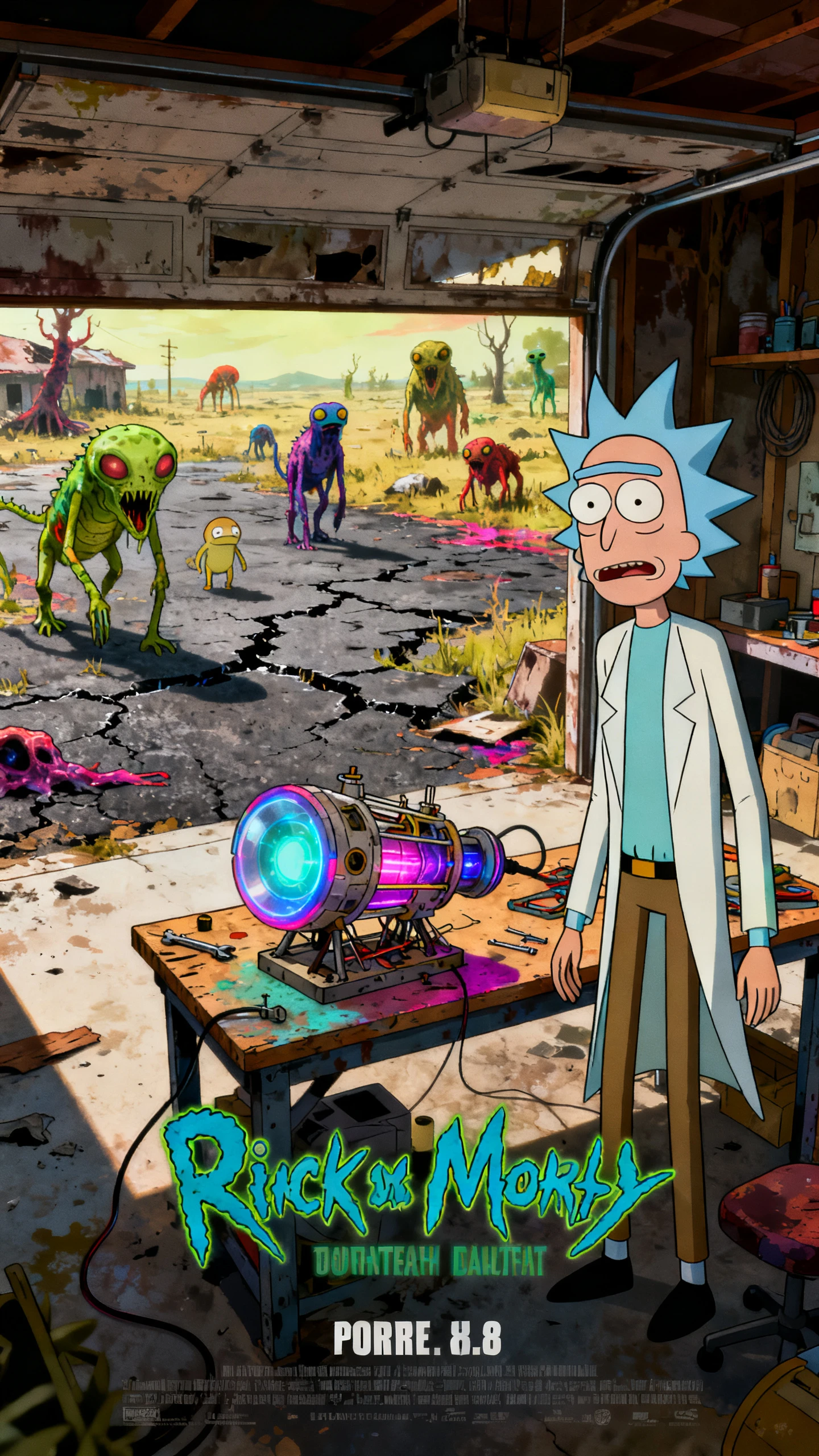
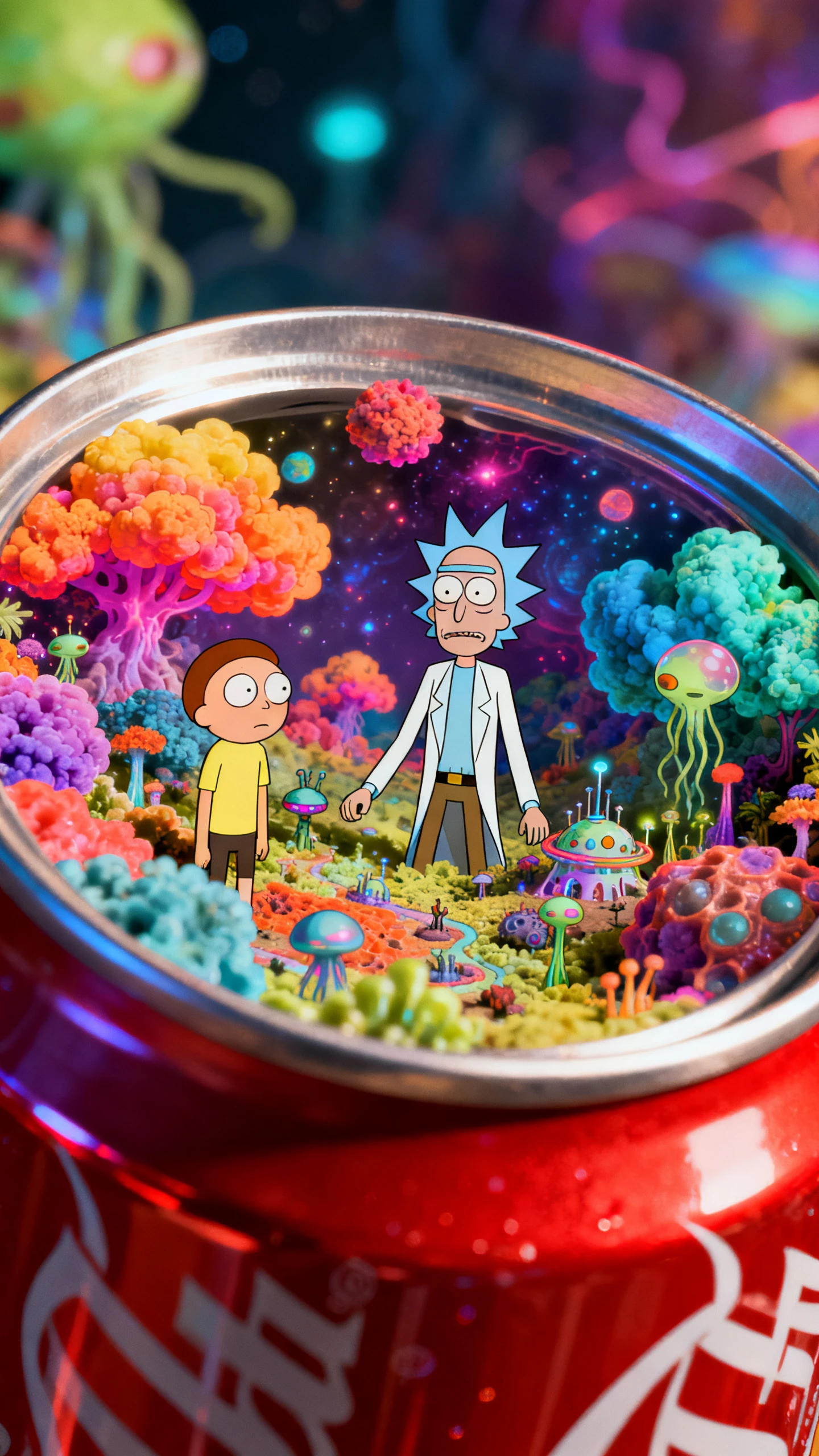
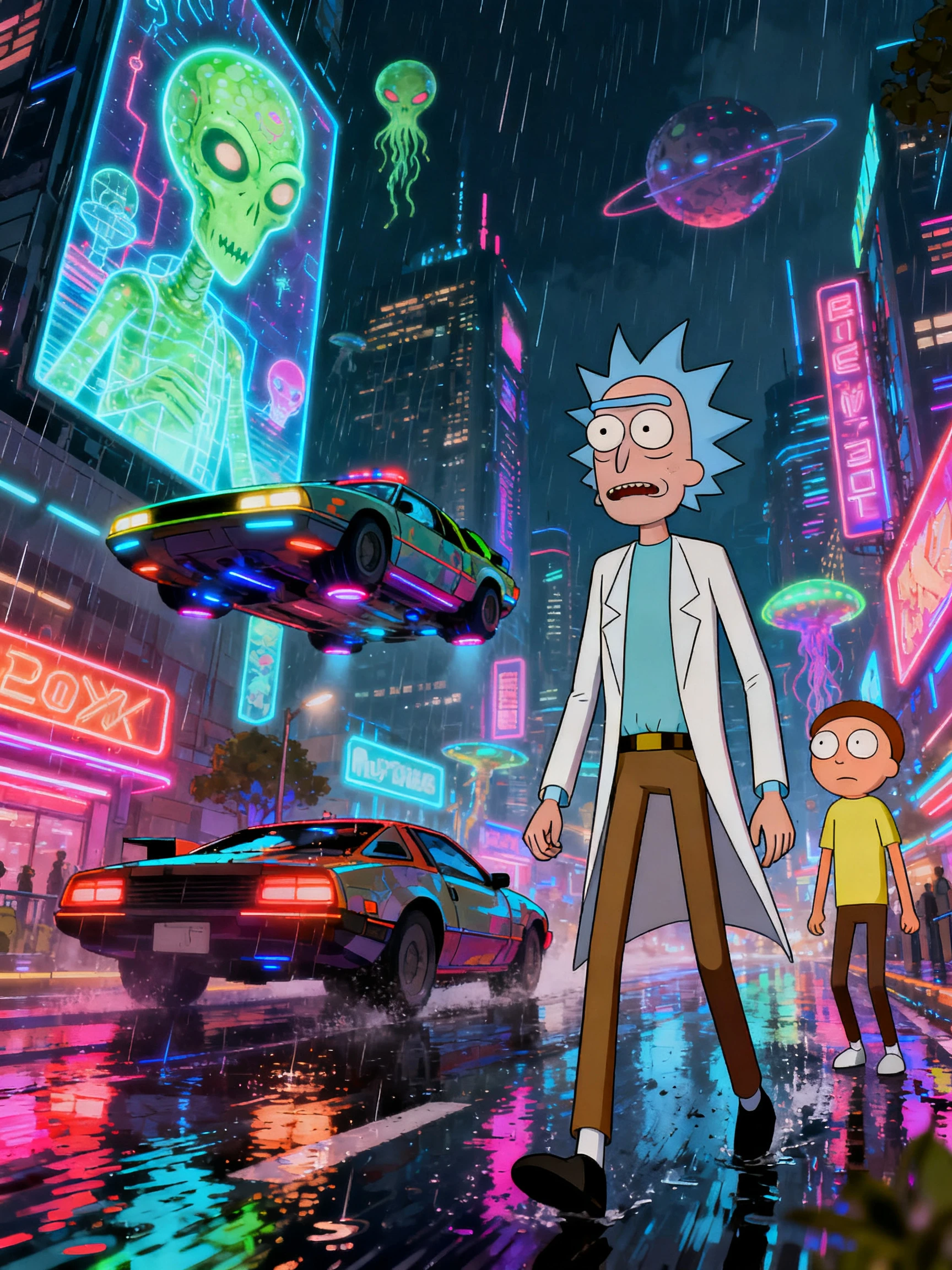
Rick and Morty style AI sci-fi cartoon video with weird alien planet adventure
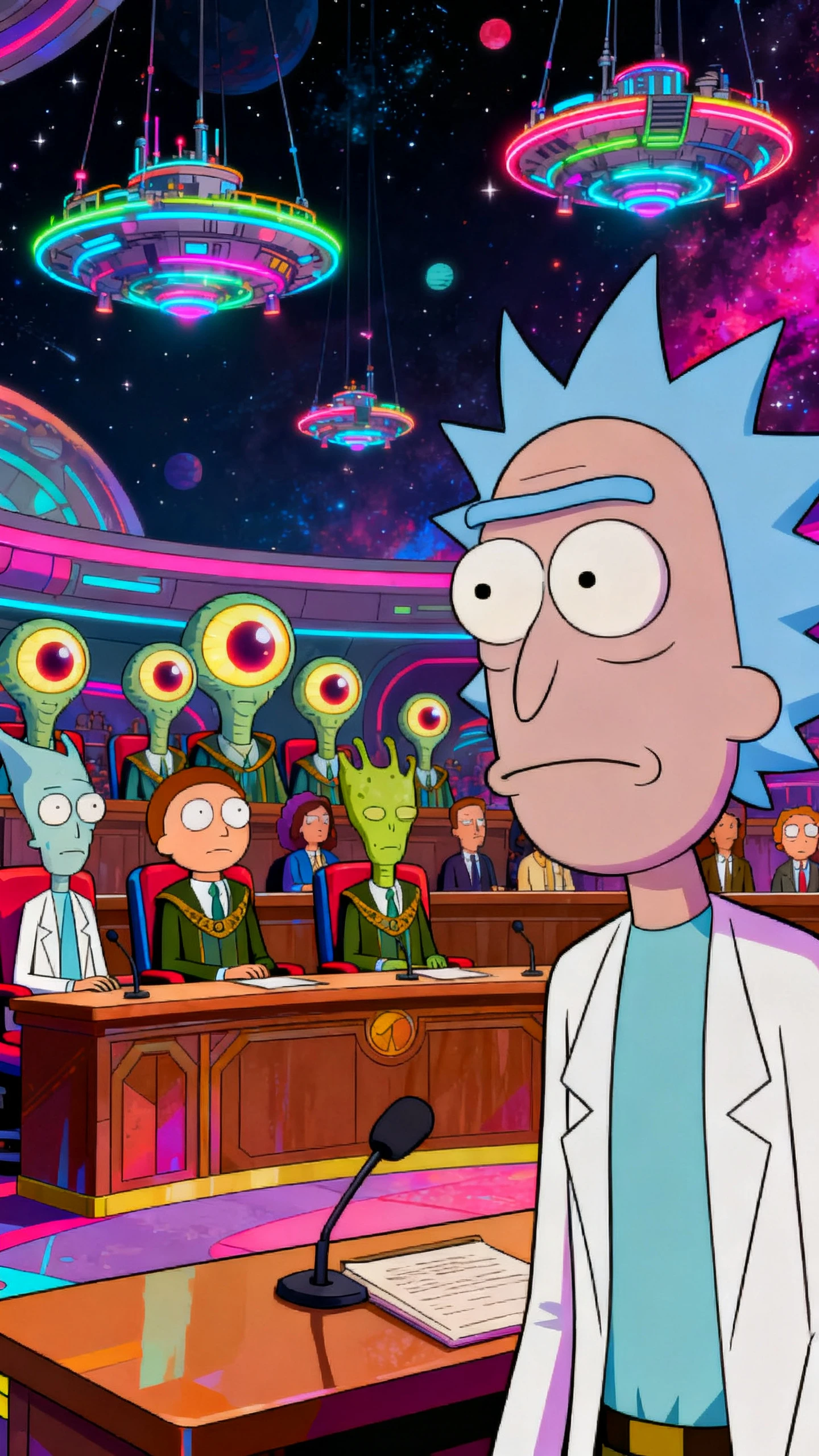
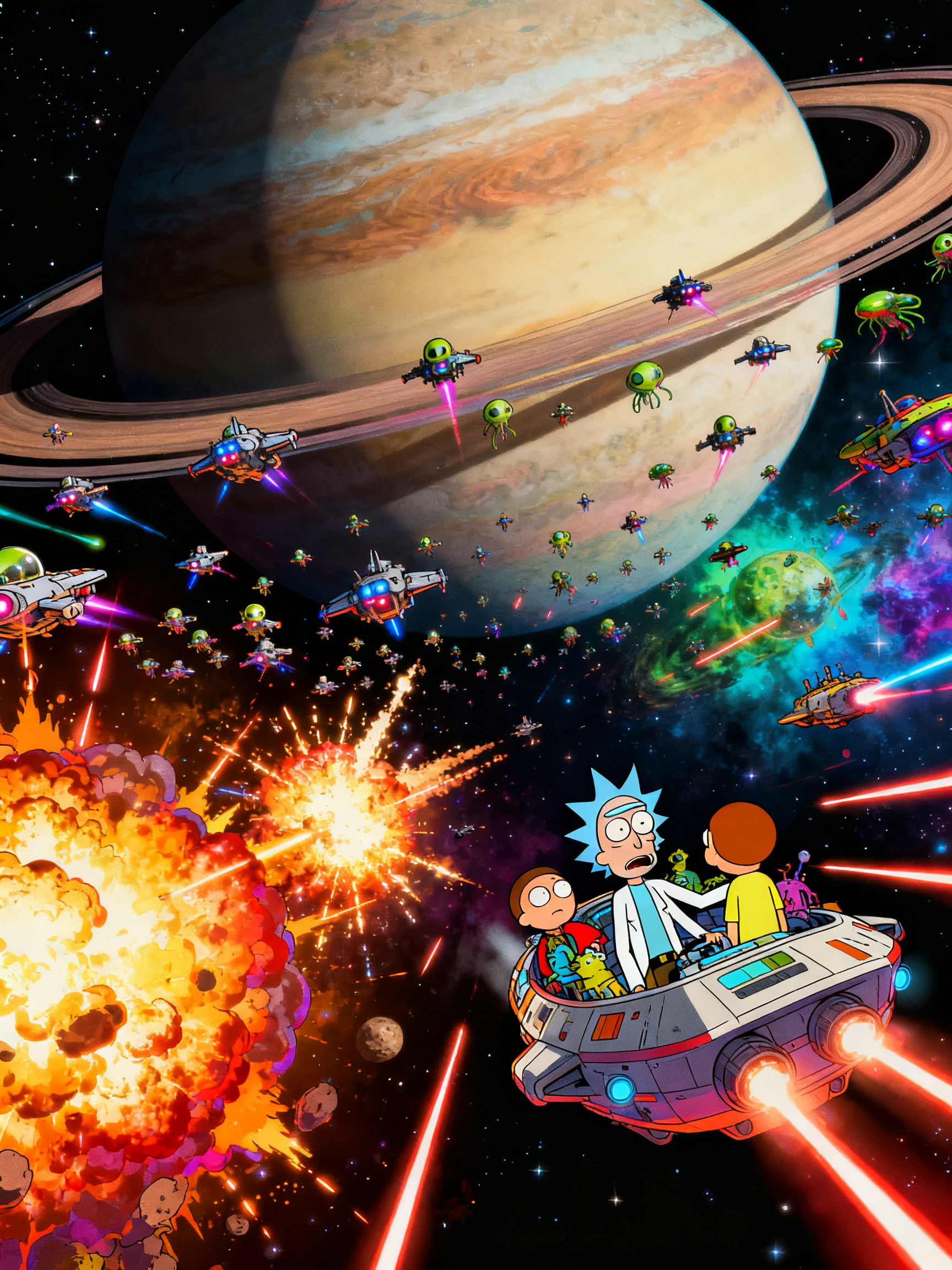
Flat adult cartoon sci-fi characters and dimension adventure visuals
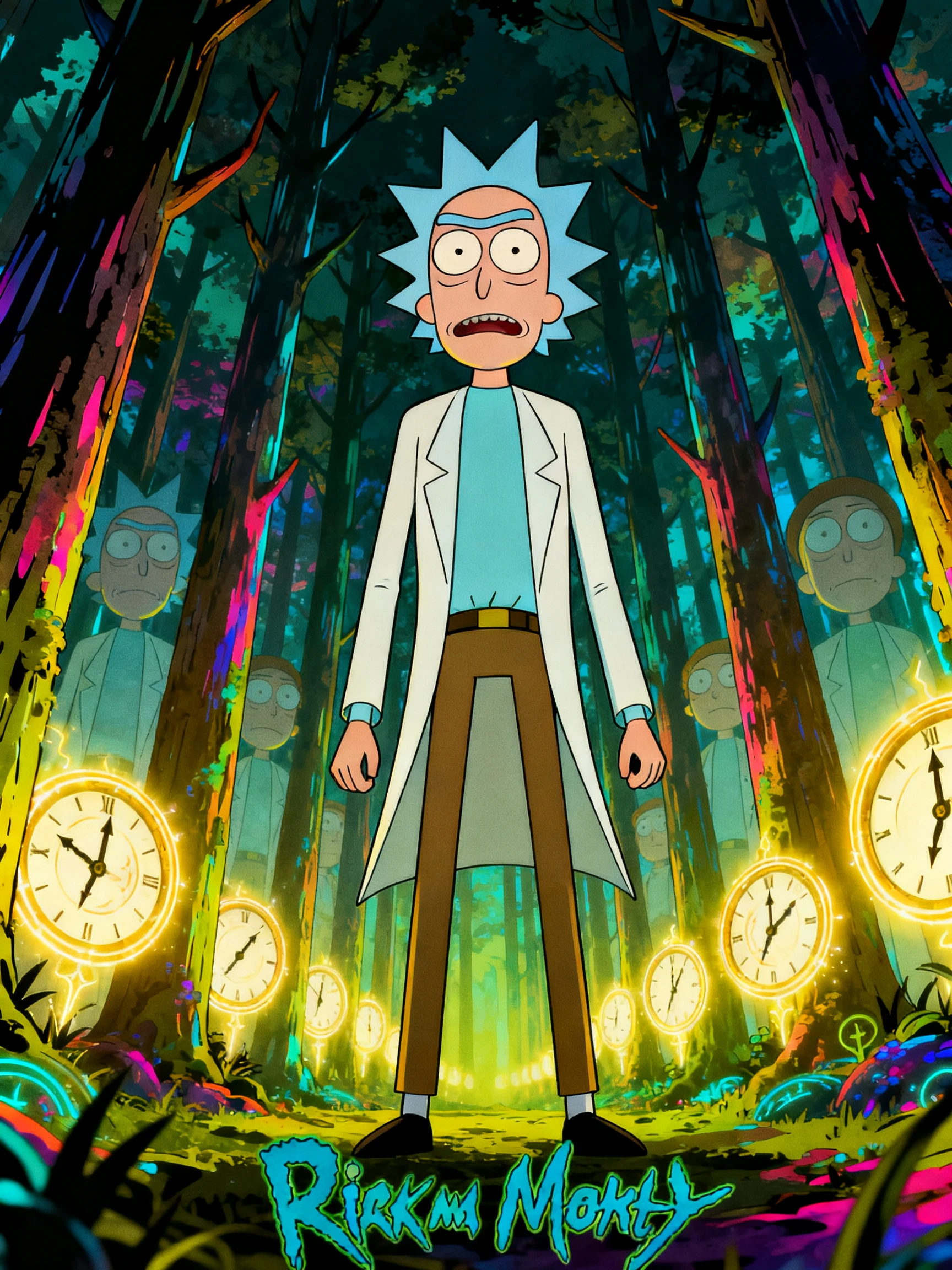
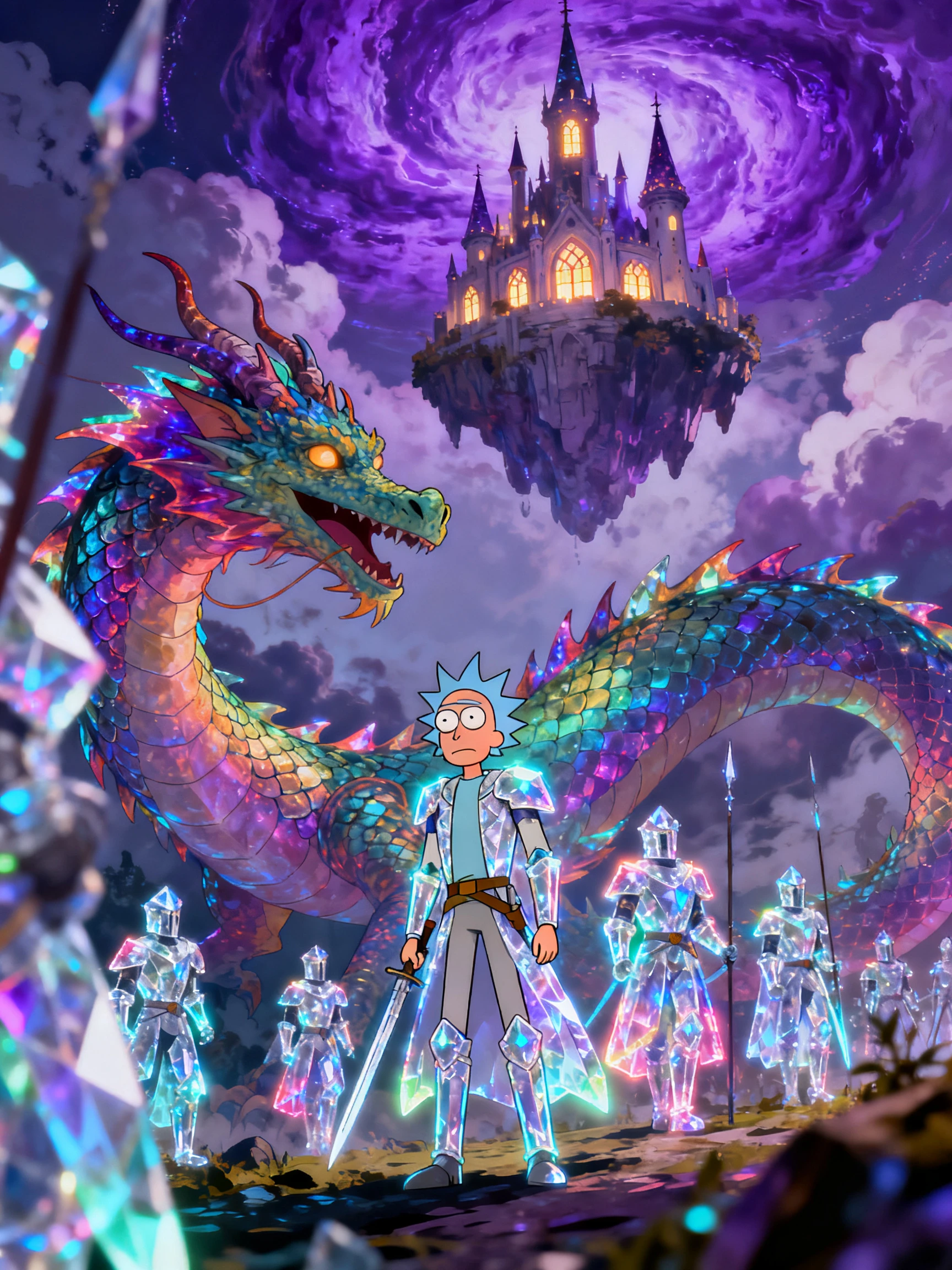
AI-generated Rick and Morty style sci-fi scene
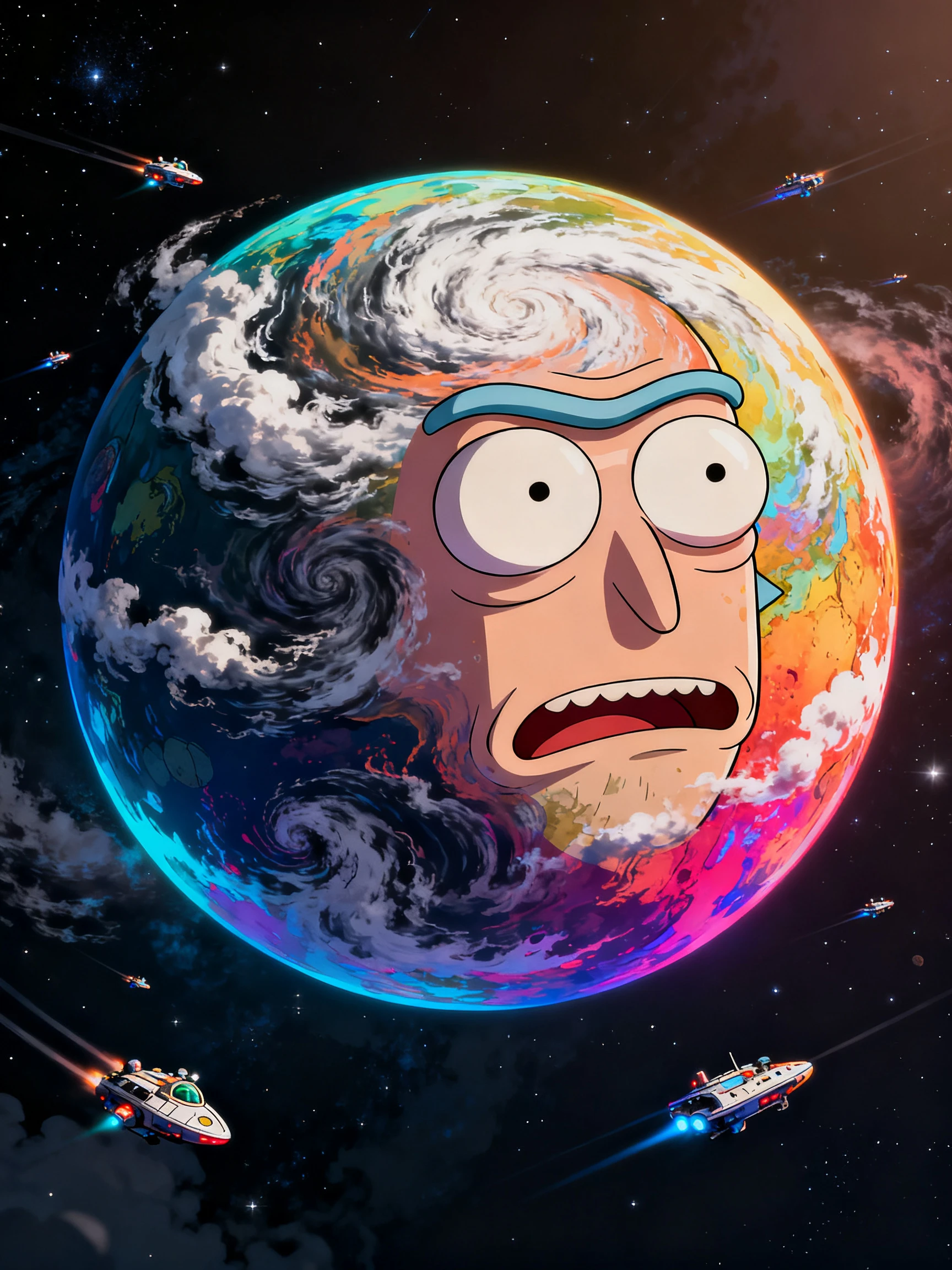
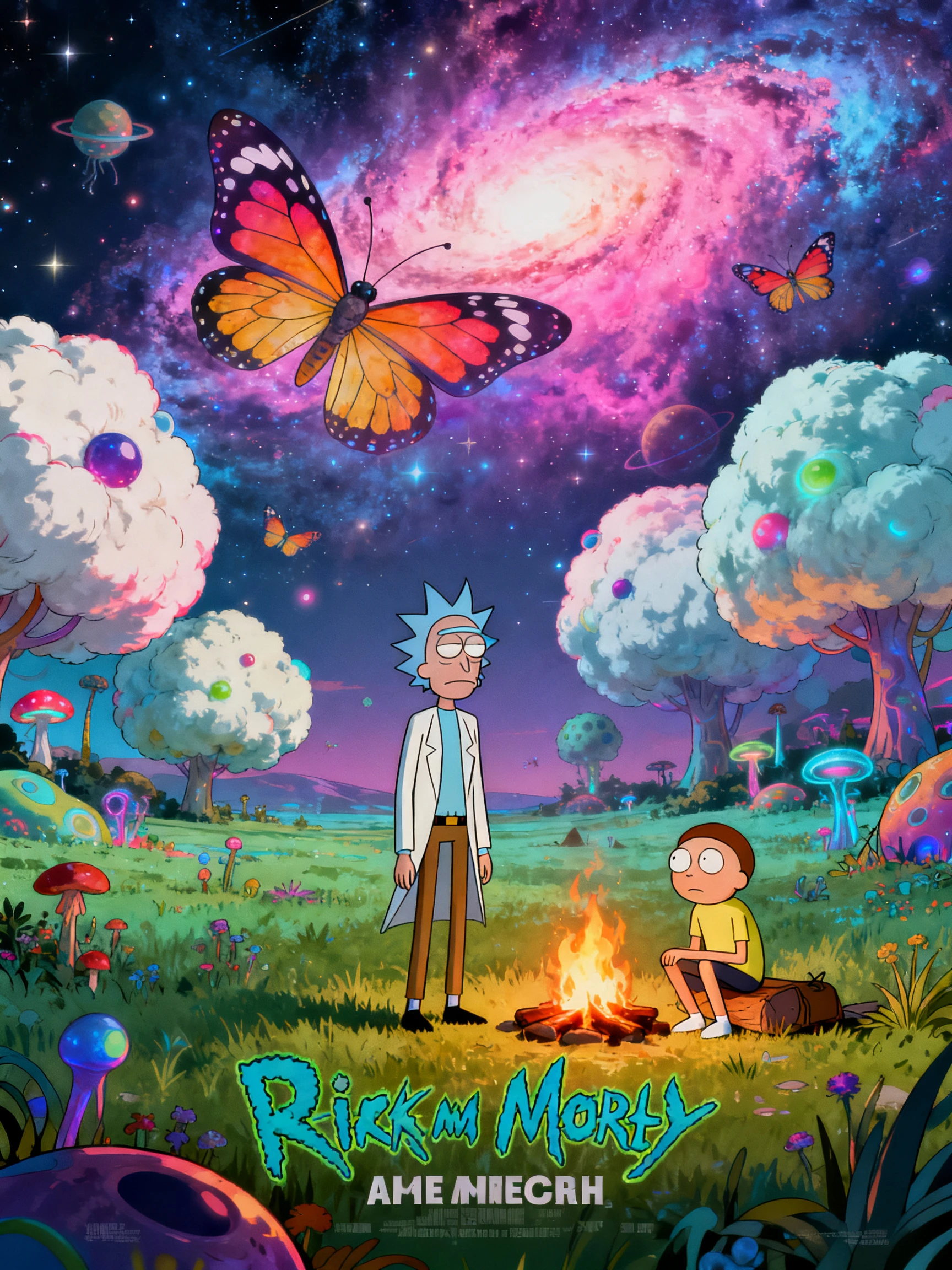
Animated sci-fi comedy storytelling example
Sci-fi comedy example 2
Sci-fi comedy example 3
Sci-fi comedy example 4
Sci-fi comedy example 5
Rick and Morty style AI sci-fi cartoon video with weird alien planet adventure
Flat adult cartoon sci-fi characters and dimension adventure visuals
AI-generated Rick and Morty style sci-fi scene
Animated sci-fi comedy storytelling example
Sci-fi comedy example 2
Sci-fi comedy example 3
Sci-fi comedy example 4
Sci-fi comedy example 5

Top Features of Magiclight AI Rick and Morty Video Generator

Choose the setting and tell Magiclight AI what happens there. It turns your idea into a Rick and Morty style video with the sci-fi feel you want.

Create a Rick and Morty Video for Free
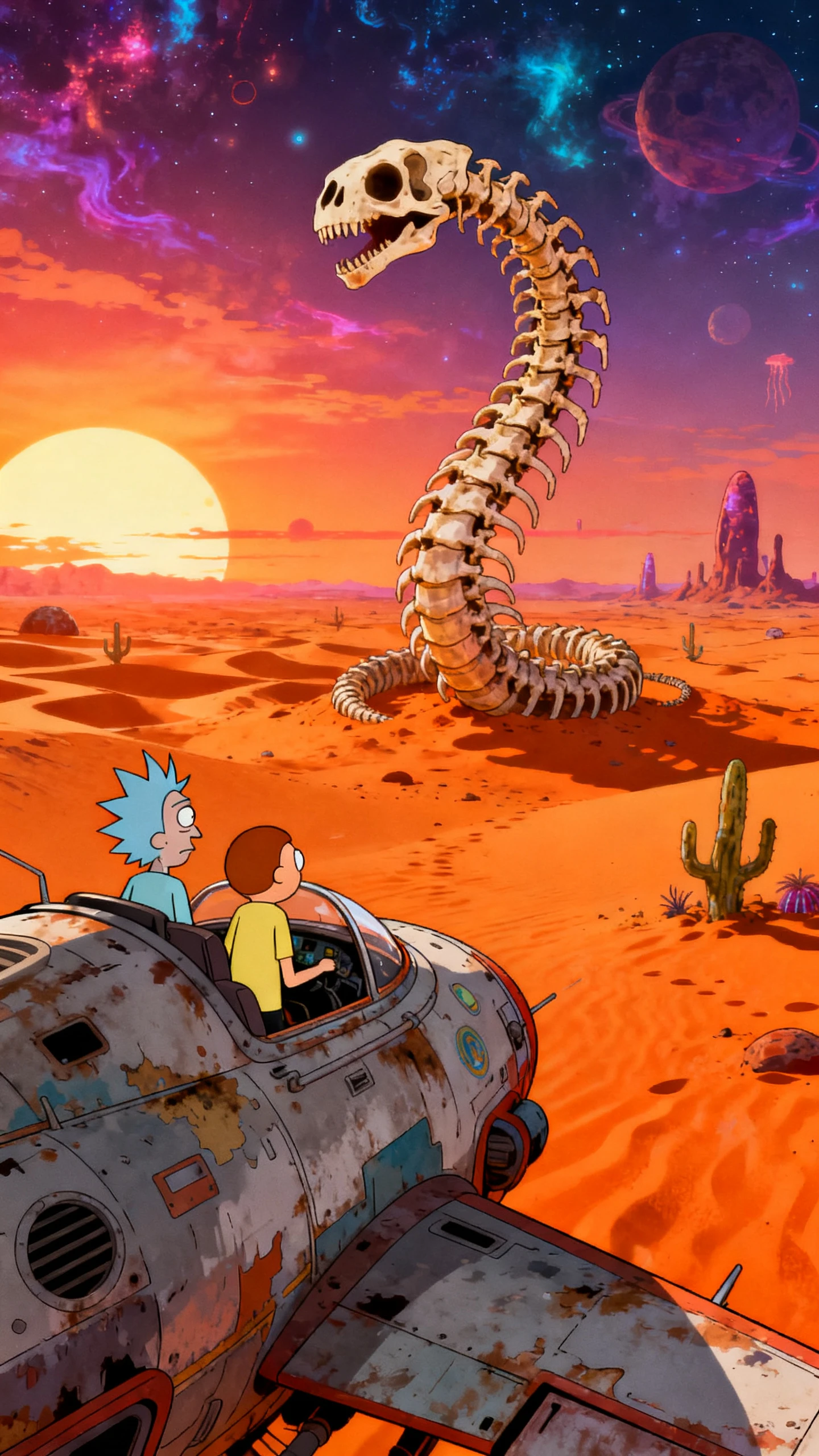
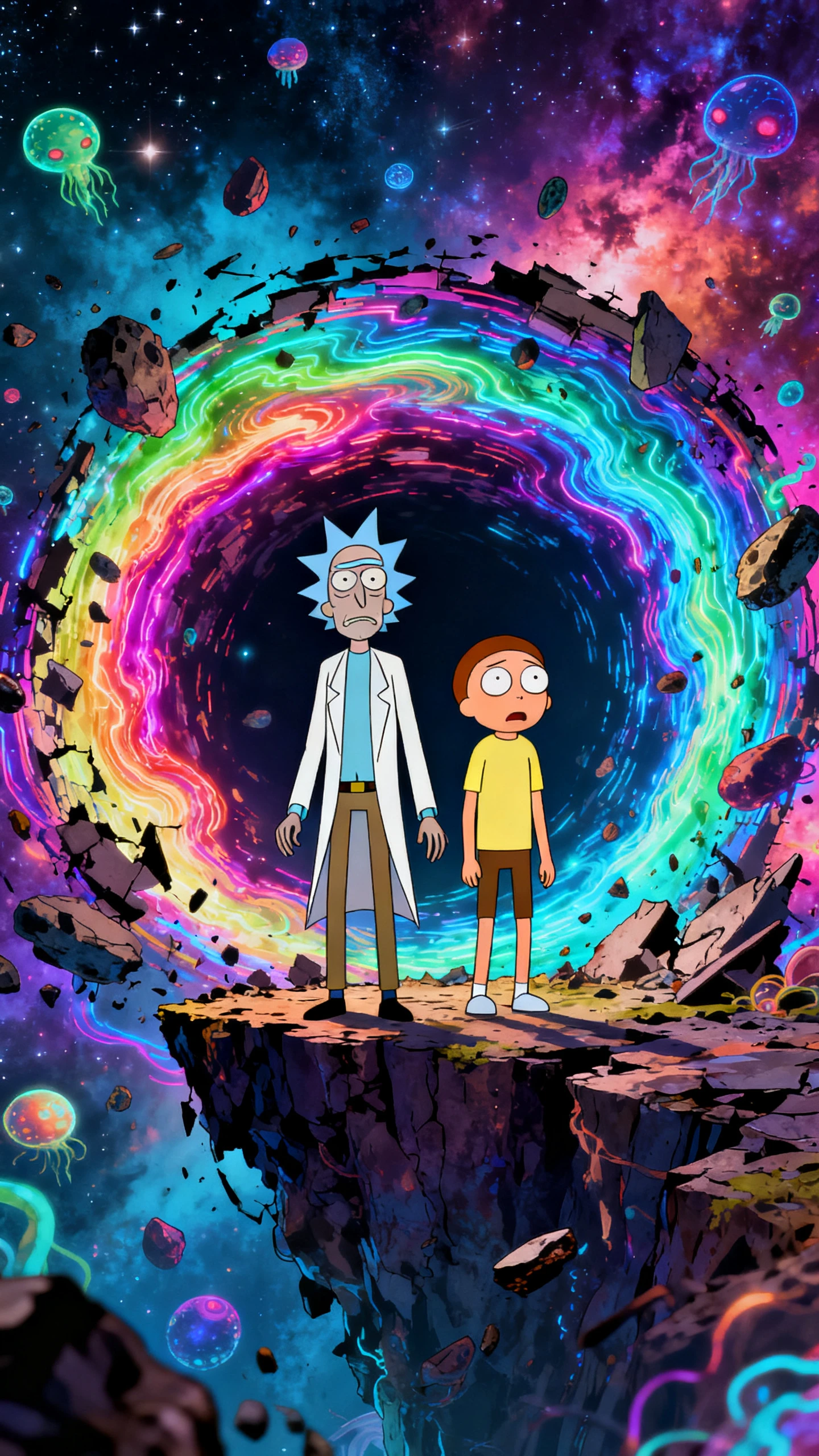
Rick and Morty style decoration

MagicLight Agent Writes the Dimension Hop

Start with a weird idea like a planet where everyone is a sandwich. MagicLight Agent takes it from there by writing the trip and the twist that sends everything wrong.

50+ Visual Styles for a Flat Adult Cartoon Look

Try 52 visual styles and settle on the flat adult cartoon look that fits your idea. Magiclight AI keeps that look in place when the story moves to another strange world.

1000 Characters for Creating Your Own Cast

Describe the person you want in the story using 1000 characters. Magiclight AI takes those details and gives them the look you pictured for your video.

37 Voices for a Mismatched Duo

Choose from 37 voices and make sure your two leads sound nothing alike. Give the tired genius a rough voice and the nervous sidekick one that feels completely different.

Who Can Use the Magiclight AI Rick and Morty Style Video Generator
A strange sci-fi idea can become more than a note sitting in your phone. Magiclight AI helps writers and creators turn those ideas into Rick and Morty-style videos.
For Comedy Writers
For Comedy Writers
Turn a sci-fi joke into an animated episode created around your own duo.
Try a pilot idea on screen before you take the concept to a studio.
Use a 12,000-character script to shape the story from start to finish.
For Animation Students
Create a portfolio short using one of 50+ different visual styles here.
Describe a new character in 1,000 characters before you make the clip.
Try the same scene with new timing to see which version lands better.
For Podcasters
For Podcasters
Transform a podcast moment you love into a short animated sci-fi scene now.
Pick from 37 voice options to give each regular a voice all their own.
Choose from 40 background music options to set the mood for every bit.
For Sci-Fi Story Channels
Generate a new what-if universe for every episode on your sci-fi channel.
Use 50 minutes of video to give a longer story room to play out fully.
Take viewers through alien worlds and strange timelines in each story.
Why Choose the
Magiclight AI Rick and Morty Style Video Generator
Get the strange humor and the sci fi story right in the Magiclight AI Rick and Morty style video generator before you finish the episode. After that, you can work on each scene.
Control poses and expressions for comedy sci-fi scenes
Best Reactions That Land
Set a blank stare or shocked face from the 50 poses available in Nano Storyboard. Use the full expression controls to get the reaction right for each joke.
Background soundtracks for portal chases and quiet scenes
Music for Every Scene
Choose from 40 background music options for the scenes in your episode. Pick one for a wild portal chase and another when the story moves into a quieter moment.
Long sci-fi comedy script support
Longer Stories in One Video
Write the complete story with a script of 12,000 characters in Magiclight AI. Turn that script into 50 minutes of video when the idea needs more time on screen.
Caption styles for sci-fi comedy videos
Sci Fi Jargon You Can Read
Put the strange science terms and quick jokes on screen with captions in Magiclight AI. Choose from 16 caption looks and keep each line easy to read during the video.
Different story templates for sci-fi comedy episodes
14 Story Models to Try
Run the same story with any of the 14 story models available in Magiclight AI. Compare the results and keep the version that gets the humor and story right.
Horizontal and vertical format options for cartoon clips
Wide or Vertical Videos
Select landscape when you want to make an episode for YouTube. Choose portrait for TikTok or Reels so the video fits the platform where you plan to post it.

How to Make a Rick and Morty Style Video With Magiclight AI

A strange idea can turn into a complete Rick and Morty style episode in 4 steps. Magiclight AI takes you from the first story idea to the finished video.

1.

Step 1. Write Your Episode

Enter your story idea or paste a script of 12,000 characters into Magiclight AI. Choose from the story models to get the tone you want for the episode.

2.

Step 2. Create Your Characters

Describe each person in 1,000 characters and choose a flat adult cartoon style. Magiclight AI creates the characters from the details you provide.

3.

Step 3. Set Each Storyboard Scene

Open Nano Storyboard and set the pose and expression for each scene. Adjust the timing of a reaction when you want a joke to land a little later.

4.

Step 4. Add Voices and Export

Choose from 37 voices for your main cast and the other roles in the story. Add the music and captions before you export the finished video.

FAQs on Rick and Morty Style AI Video Generator

Is Magiclight AI connected to the official Rick and Morty show?

No. Rick and Morty belongs to its creators and rights holders. Magiclight AI is a separate tool made for original sci fi stories with your own cast.

What about using characters from the original show?

Characters from the show belong to their rights holders. Make your own duo in Magiclight AI with a different look and personality for your story.

How dark can the humor get?

Dark jokes and cartoon sci fi violence can be part of the story within the platform rules. Explicit material is not allowed, so keep that in mind when writing each scene.

How long can an episode run?

Magiclight AI supports videos as long as 50 minutes. You can use that time for a regular episode or give a longer story more room to unfold.

Which format works for social media clips?

Choose 9:16 when you want a vertical clip for social media. The same duo can also appear in your shorter videos and longer episodes.

What voice options are available for the cast?

Magiclight AI includes 37 voice options for your story. Pick different voices for the main duo and choose others when more people appear in the episode.


Create Your Sci-Fi Show With Magiclight AI

Choose a strange world and an unlikely duo. Magiclight AI turns their adventure into a wild sci-fi cartoon.