
Up to 50 Minutes for Longer Sci-Fi Stories
Magiclight AI supports videos up to 50 minutes, giving longer sci-fi plots room for character arcs, wider settings, and slower story turns without squeezing everything into a short clip.
Create Now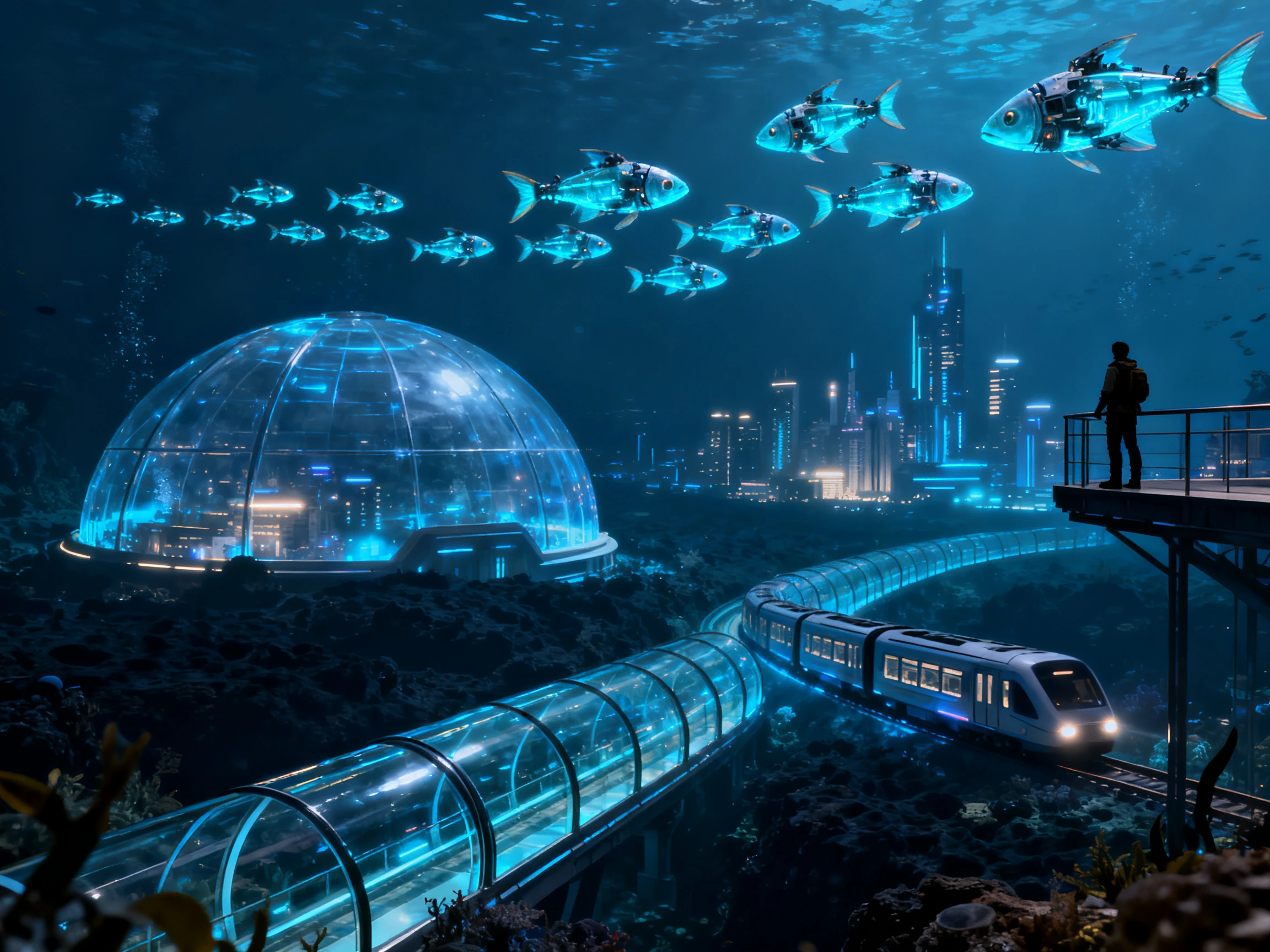

Turn your scripts into sci-fi worlds, characters, and scenes with MagicLight AI. No studio or production experience required.
Create a Sci-Fi Video For Free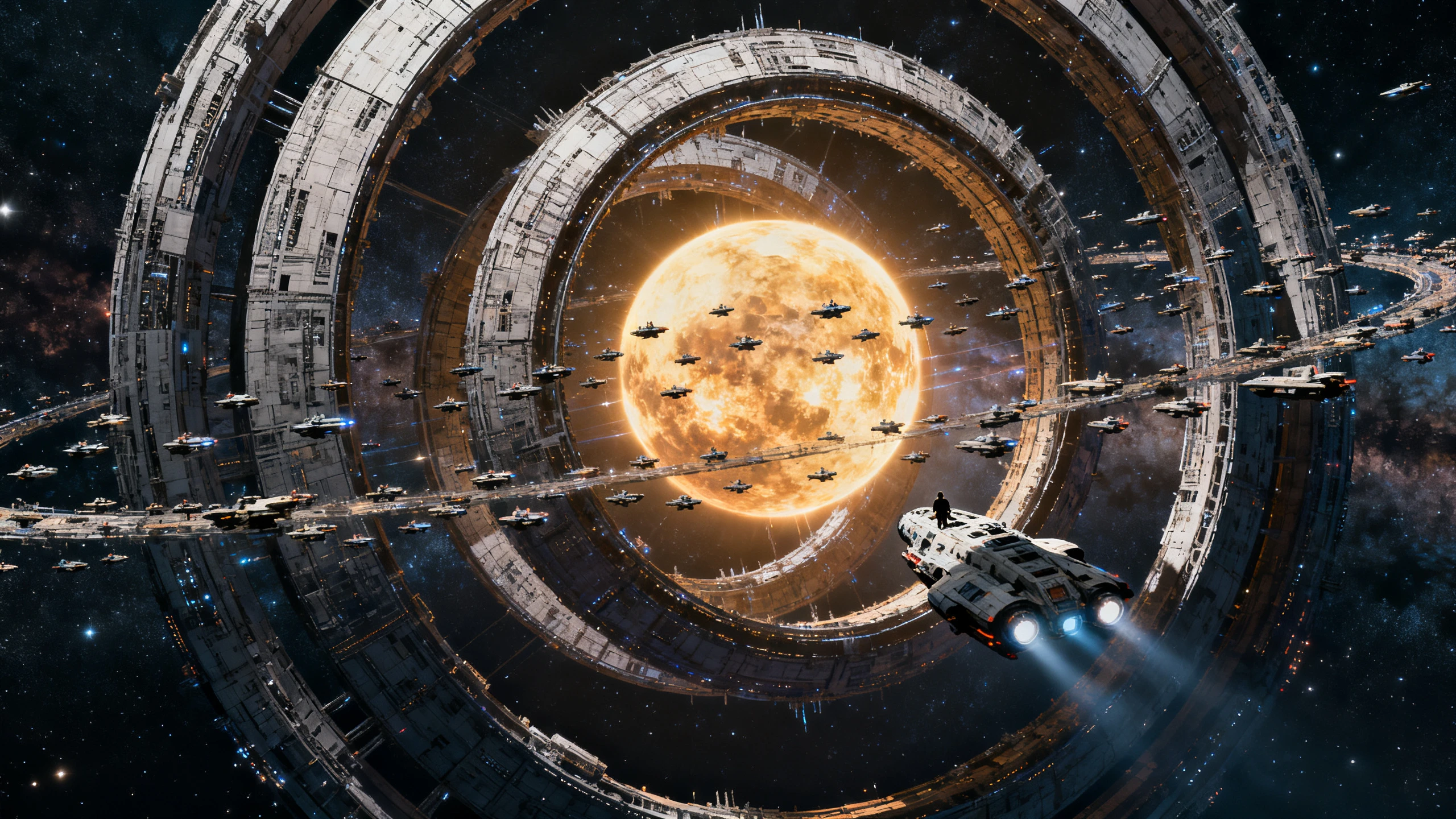










Magiclight AI gives science fiction videos more room to move beyond simple sets and repeated scenes. Set the world, define the cast, and shape the story before generation.
Magiclight AI supports videos up to 50 minutes, giving longer sci-fi plots room for character arcs, wider settings, and slower story turns without squeezing everything into a short clip.
Create NowChoose from 16 animation models to change the visual direction of your story. Magiclight AI helps sci-fi scenes take on different looks for alien worlds, future cities, space travel, or sci-fi drama.
Explore Styles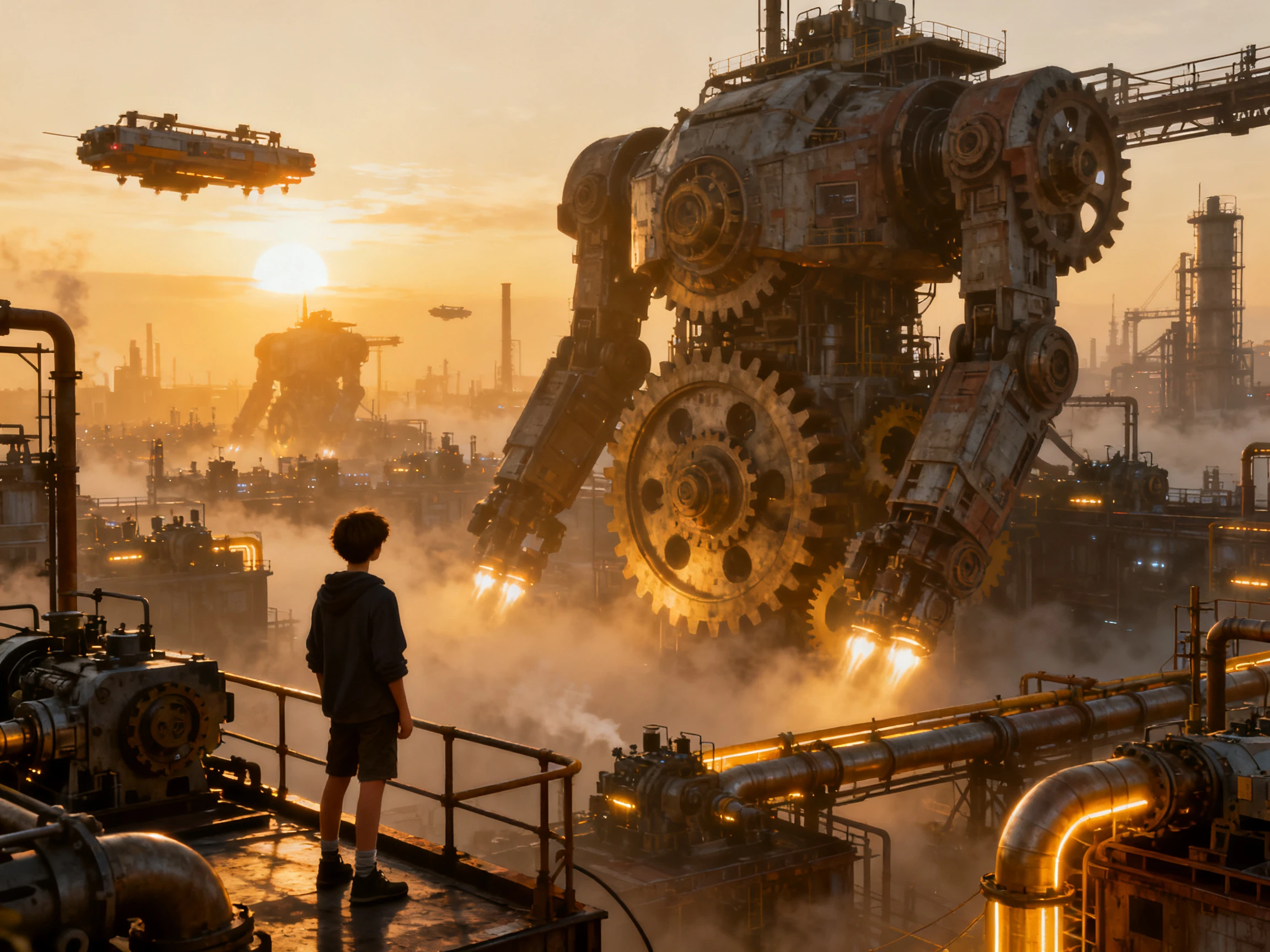
Test your script across 14 story models to see how the reveal changes the pacing. Magiclight AI helps you place the twist later or earlier so the second half still has somewhere to go.
Test Story Models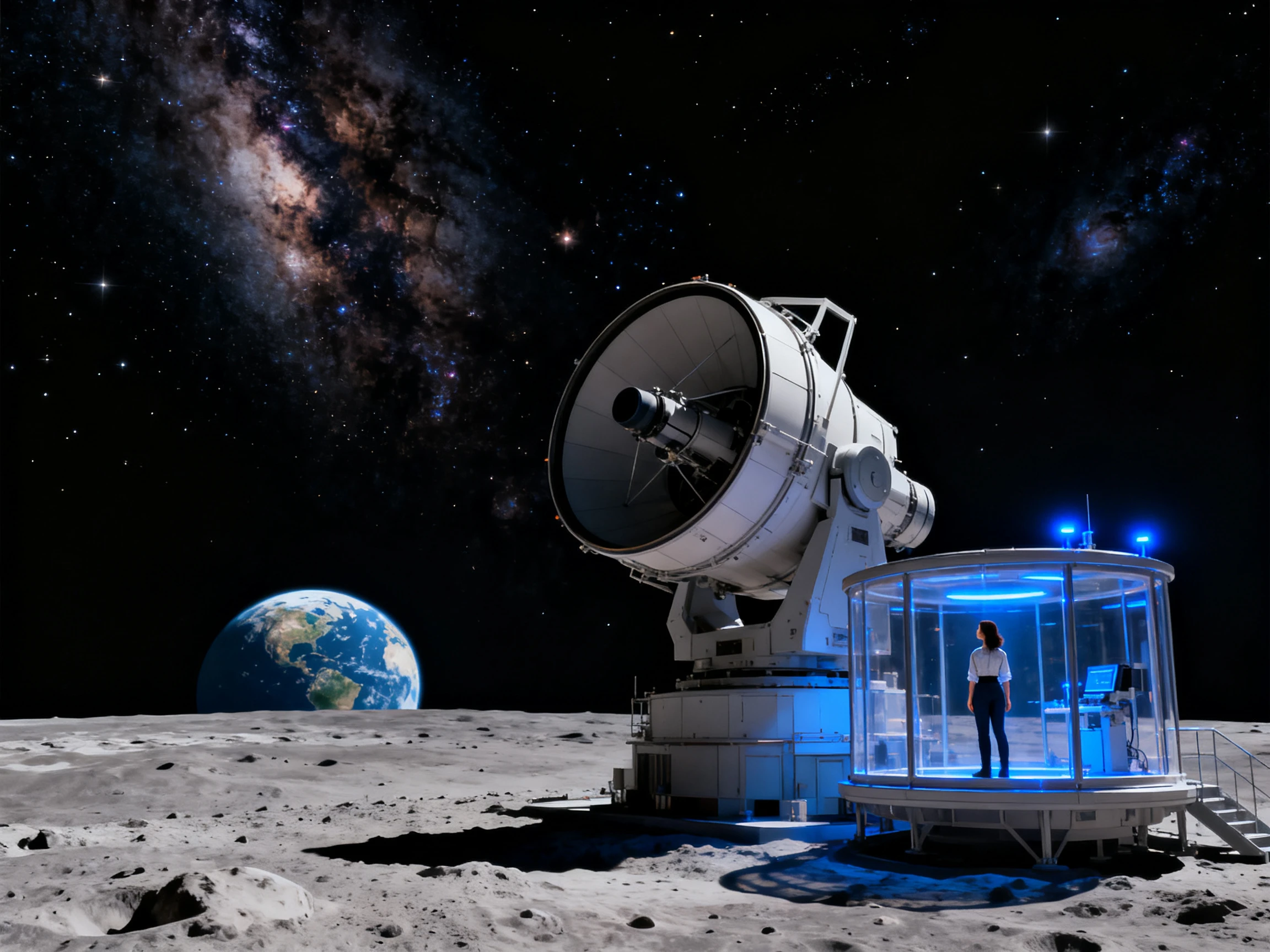
Describe a pilot, android, scientist, or alien in up to 1000 characters. Add clothing, age, face, gear, and other details so the same character stays recognizable across scenes.
Create Characters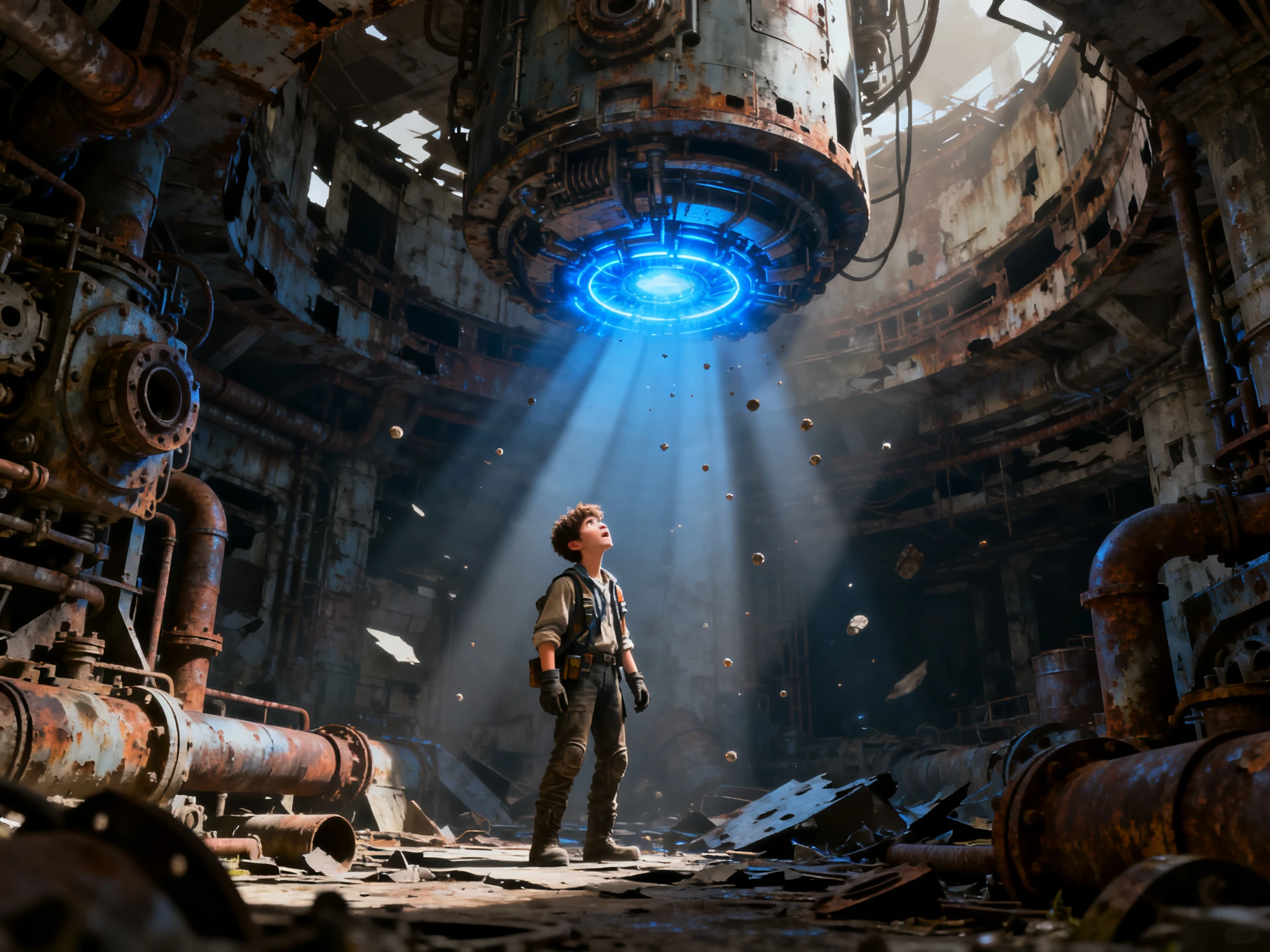


Magiclight AI takes your sci-fi drama from script to final video in 4 steps. Set the world, choose the characters, review the scenes, then add audio and generate.
Describe one or more characters with up to 1000 characters for each prompt. Set details such as appearance, clothing, gear, species, or role so the same crew can return across the story.
Add your sci-fi script with up to 12,000 characters. Magiclight Agent identifies the video niche, then lets you review and confirm the story before choosing from 20+ visual styles and suggested characters.
Check every scene inside Nano Storyboard and adjust any part that needs changing. Review the opening, then use Magiclight Agent to animate all scenes and compose the complete video.
Choose from 37 voices and 40 background music options for the video. Add subtitles with 16 available settings, generate the final result, and export the finished sci-fi story.
Filmmaker
Every sci-fi script I wrote kept shrinking to whatever location I could afford. With Magiclight AI, I can finally put the story on the station I actually wrote.
YouTuber
My channel needs a different world almost every week, and there is no room in the budget for effects-heavy shoots. Magiclight AI turns the setting in my script into scenes I can actually use.
Novelist
I had described the same city across three books without ever seeing it. Magiclight AI got close enough to the version in my head that I could finally judge what the world looked like on screen.
Game Developer
Backers wanted to understand the world before we had a playable level. We used Magiclight AI to turn the concept into a trailer that gave them something visual to react to.
A Magiclight AI sci-fi video avoids costly sets, locations, and effects by creating the world from your script instead of relying on a full physical production.
Yes. A sci-fi drama still needs clear stakes and believable characters. Magiclight AI handles the visual world, but the story still gives viewers a reason to care.
Set the rules for technology, places, and characters before you start. Magiclight AI follows those details across scenes, helping the same world feel connected.
Magiclight AI can show technical ideas you describe, but it does not verify the science. Check the physics, technology, and other facts before adding them.
New Magiclight AI users get credits to try the tool before choosing a paid plan. Use them to test a sci-fi video and see how your world appears on screen.
Keep one strong idea at the center of the story instead of adding too much at once. Magiclight AI then has a clearer direction for the scenes and world.



Let the setting grow with the story. Magiclight AI turns your written world into scenes without forcing the idea to stay inside a small production.