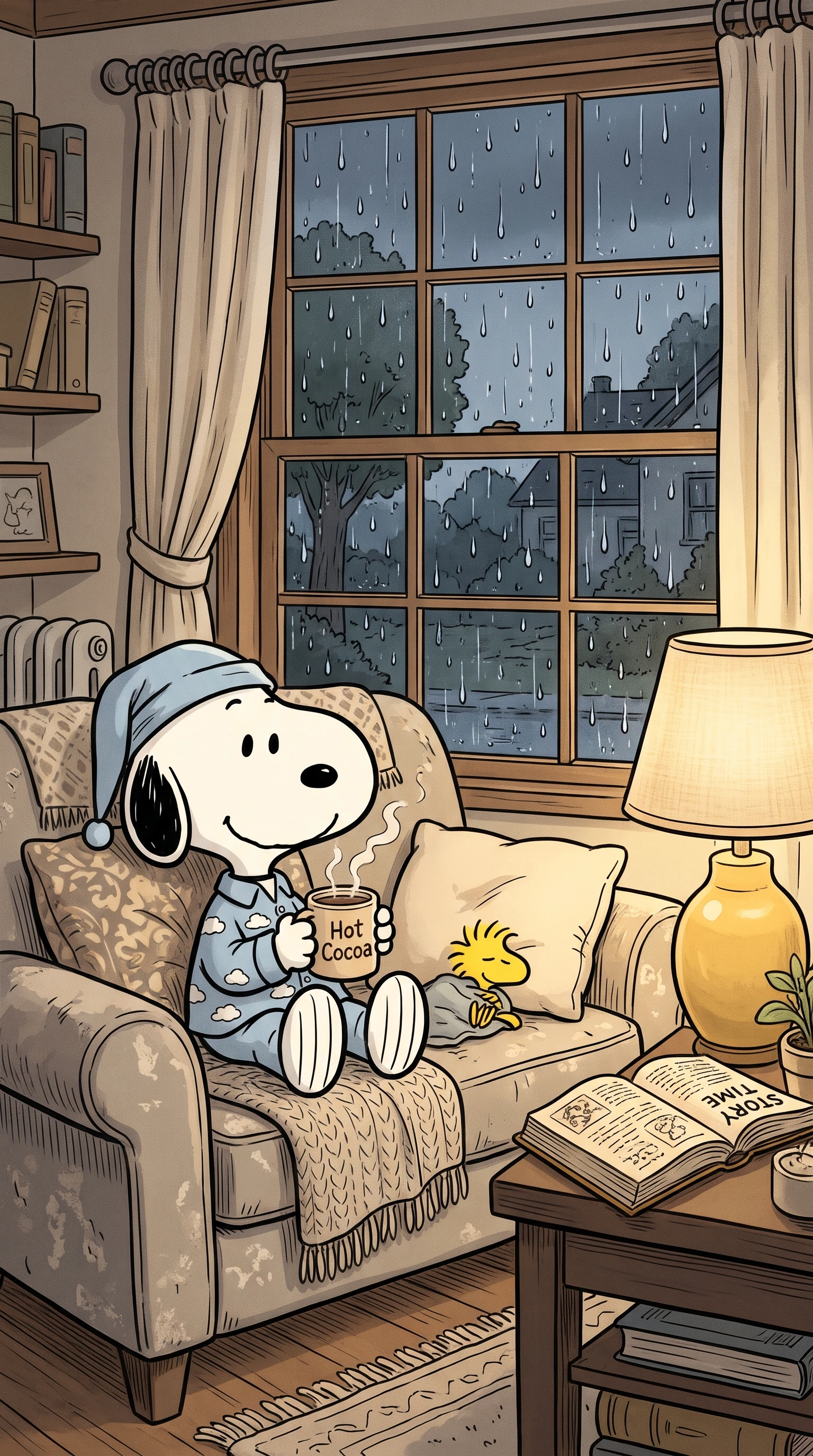
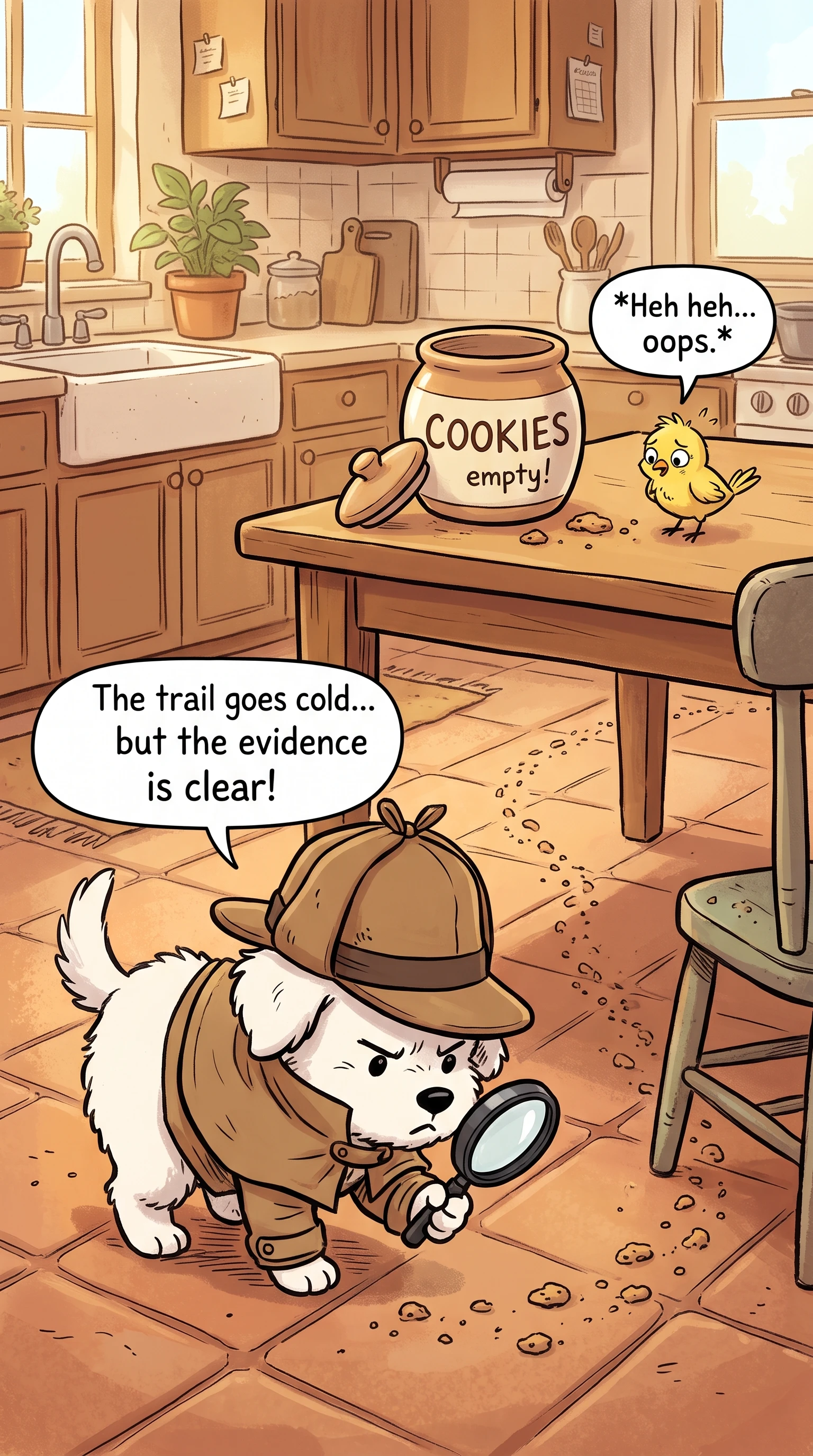
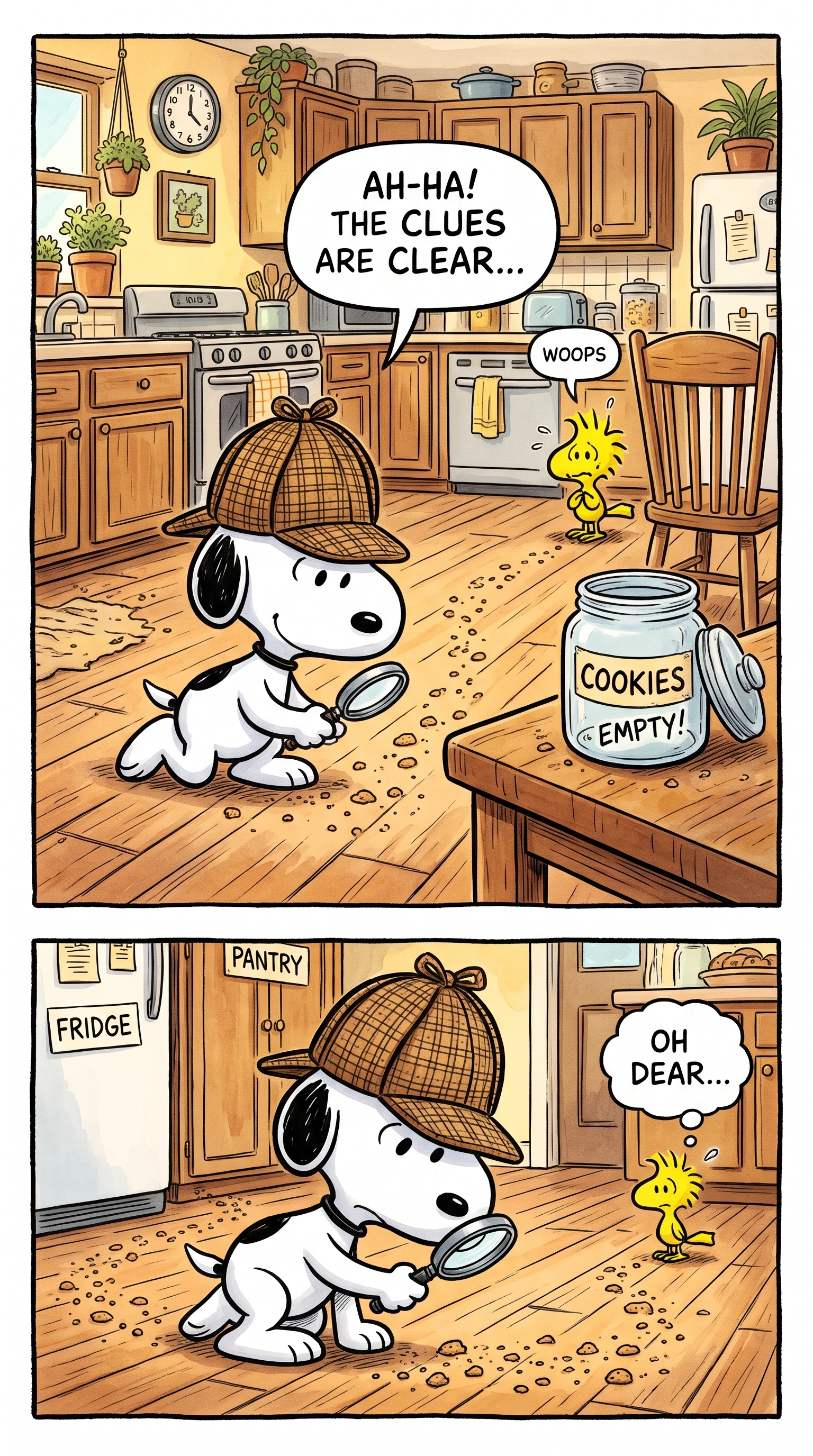
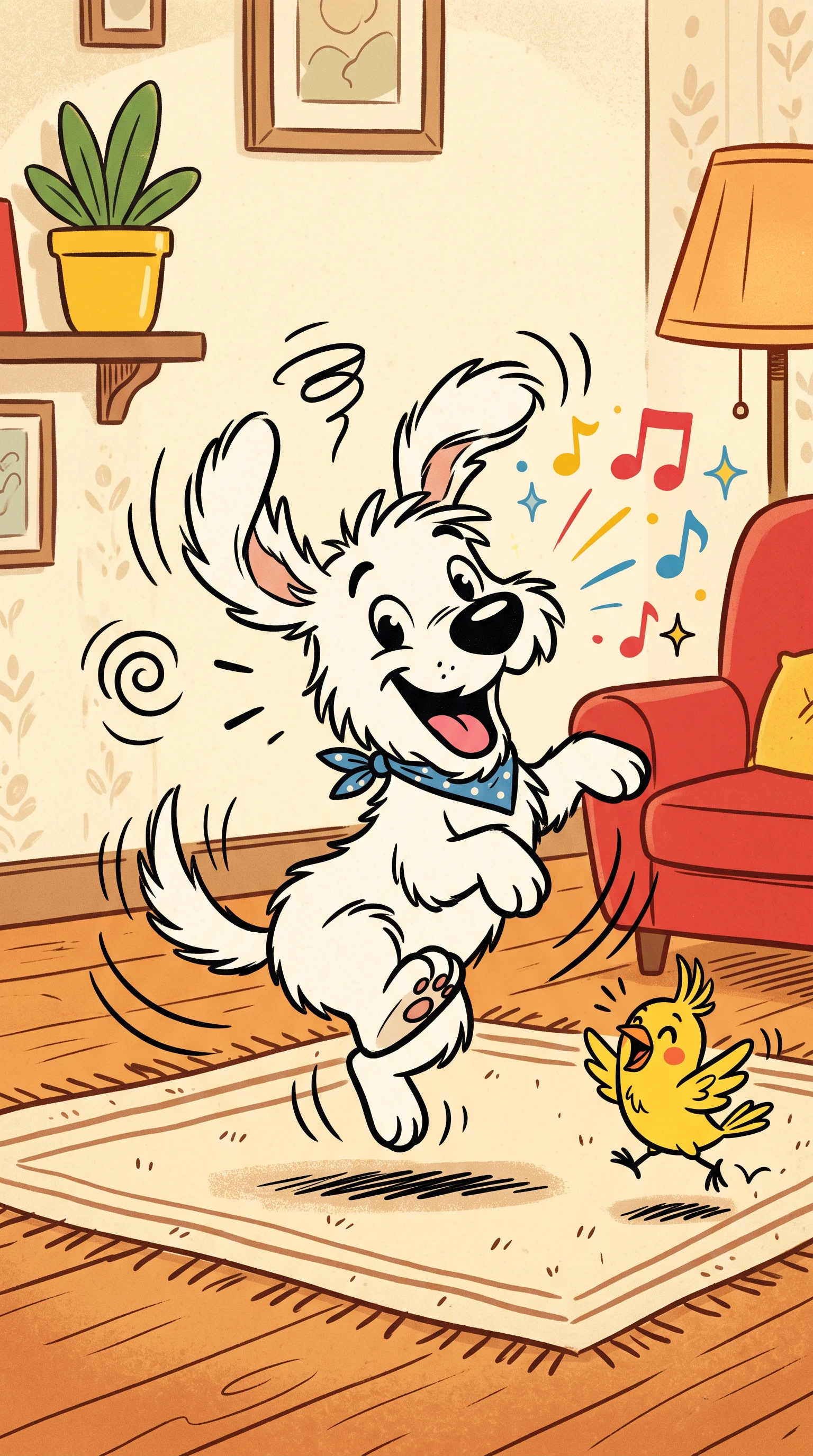
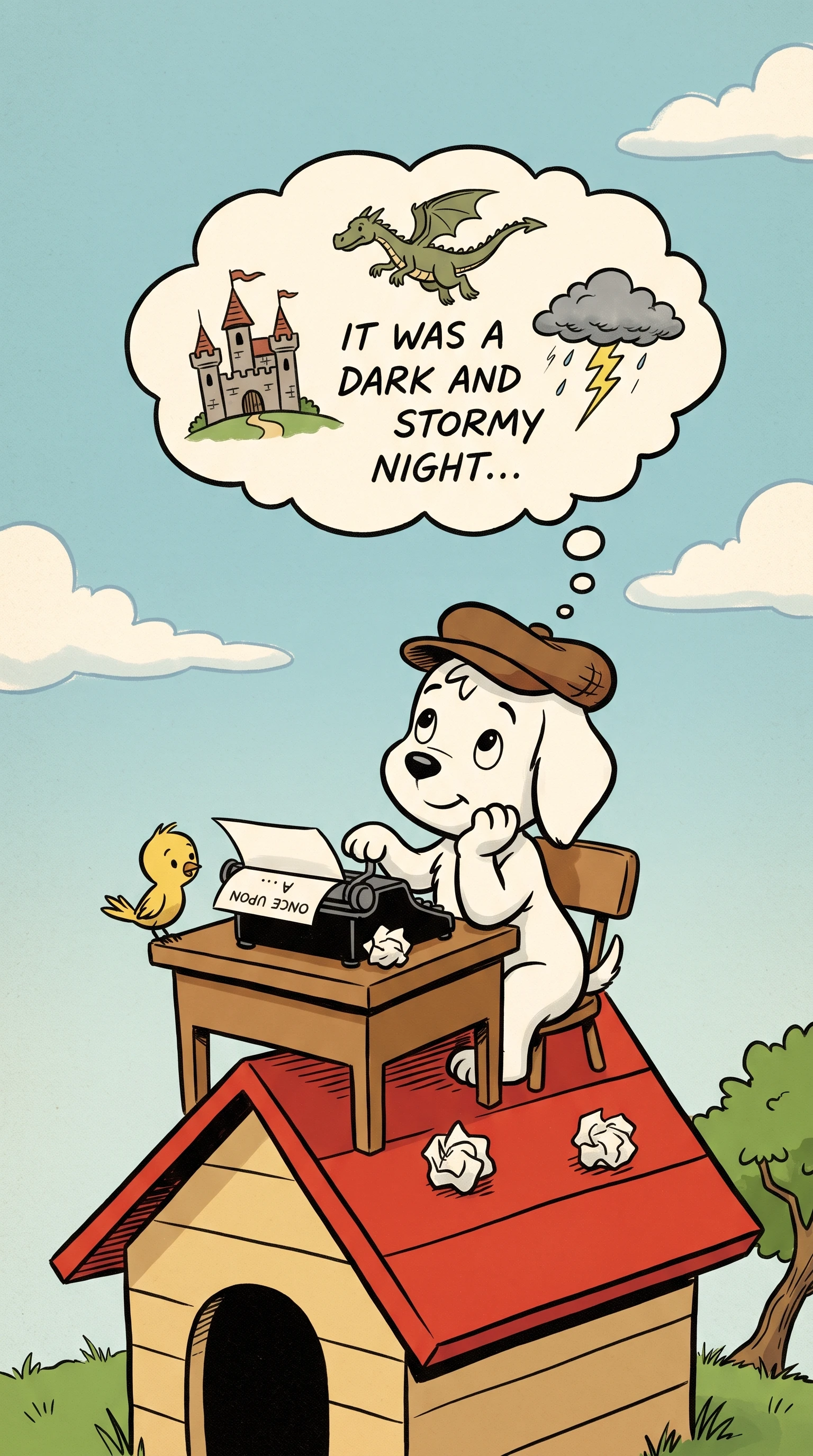
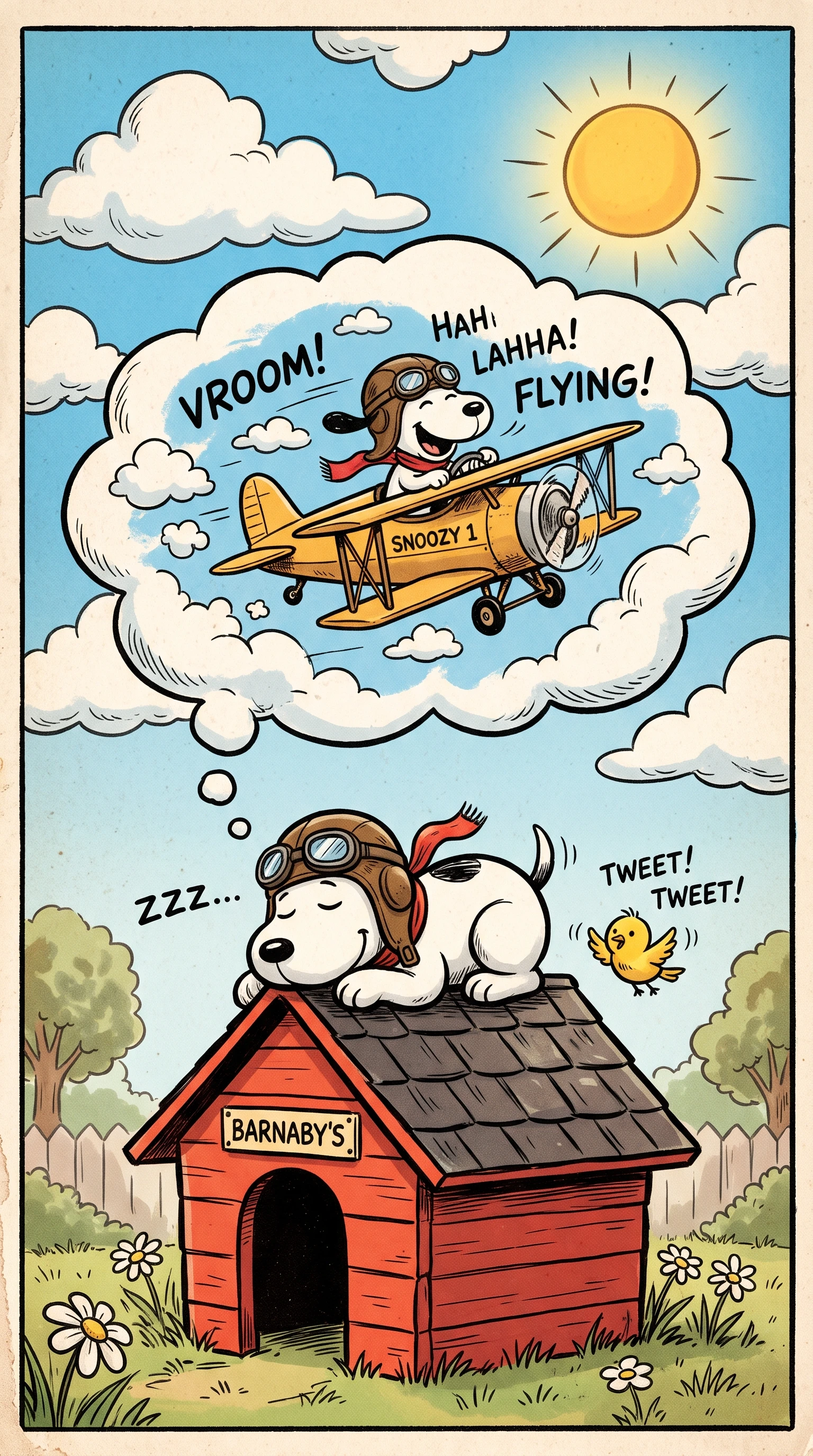
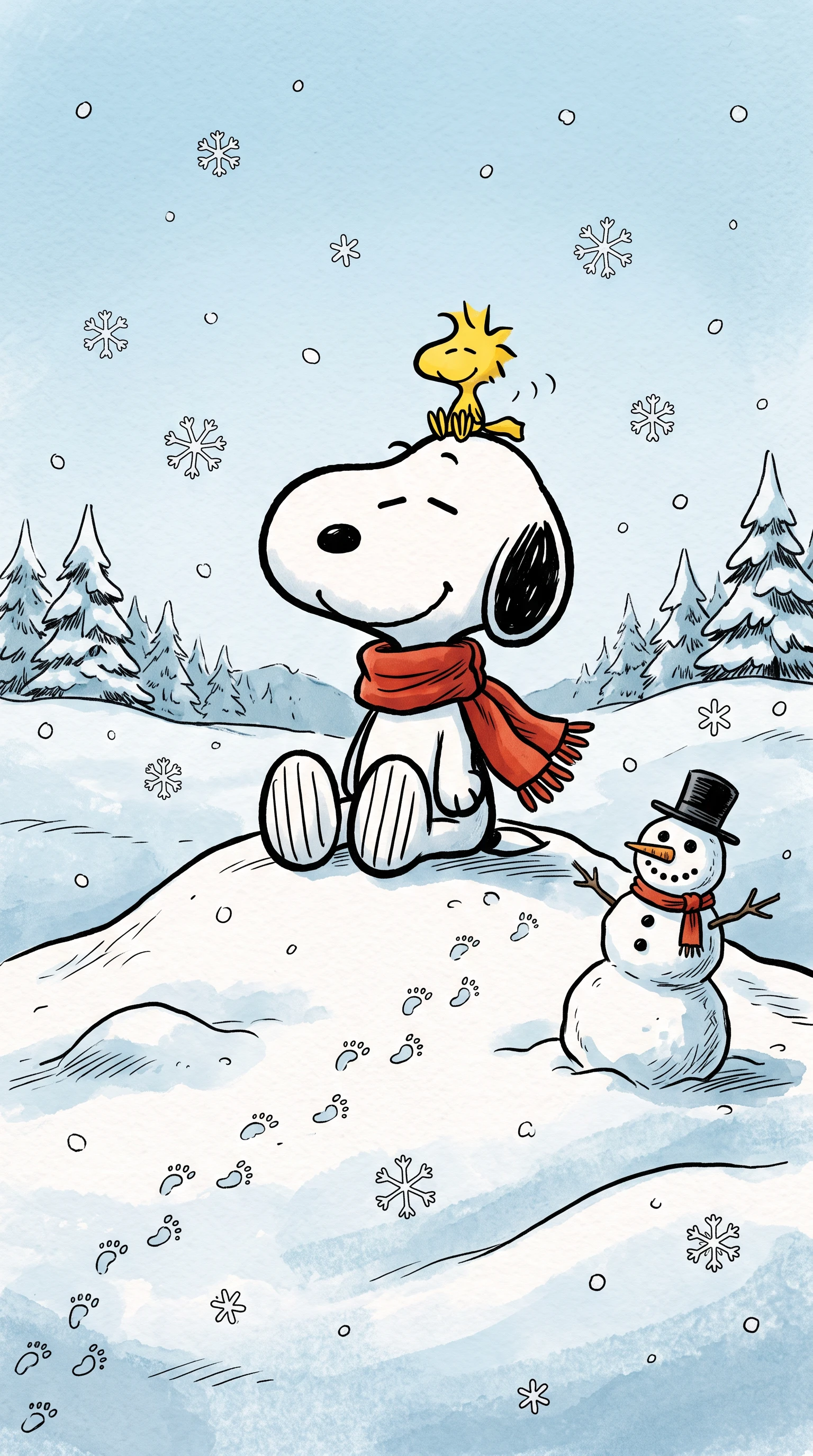
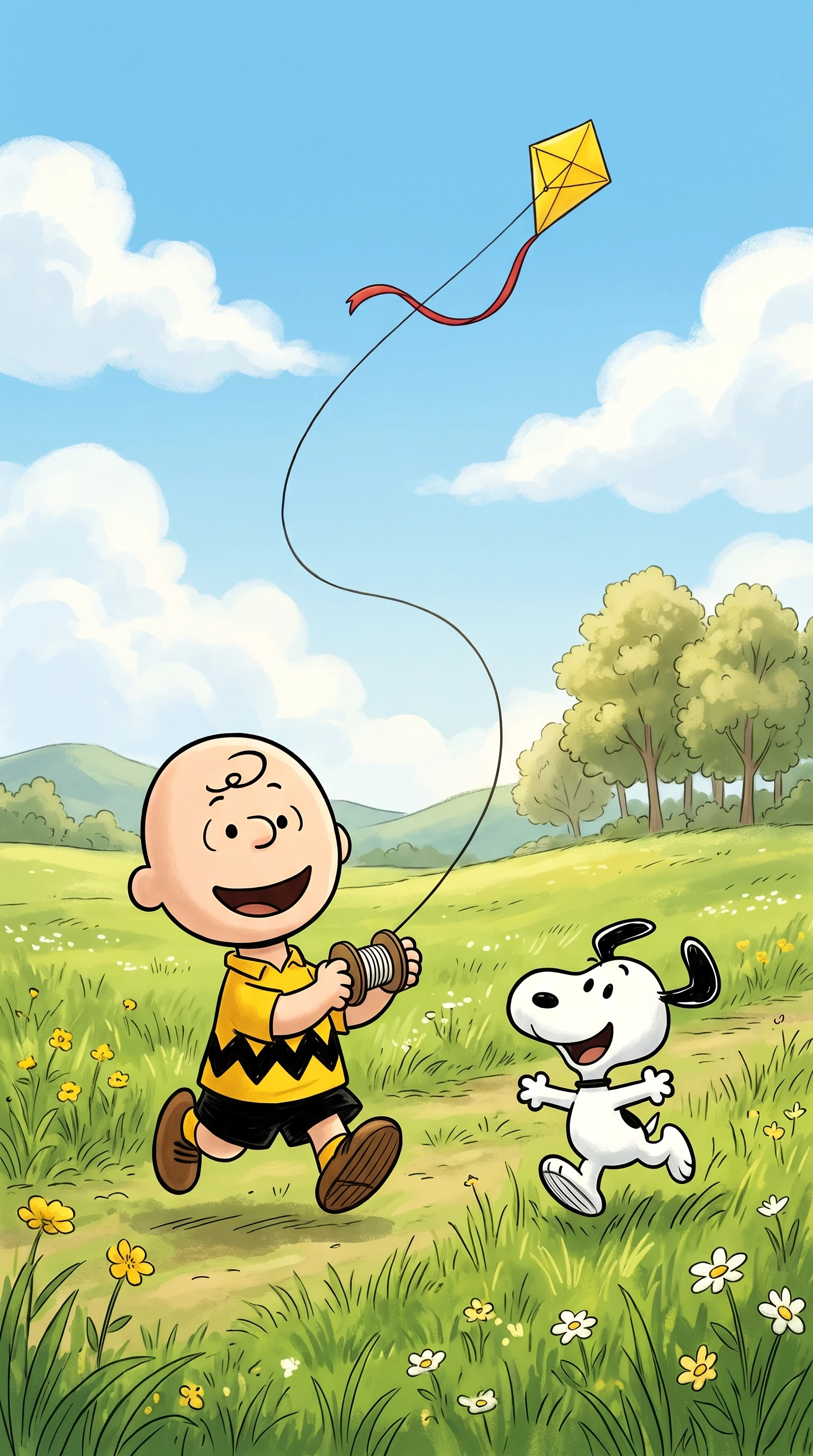
Turn your ideas or images into Snoopy-style comic videos with Magiclight AI. Bring Snoopy-inspired characters, funny expressions, and playful comic scenes to life without any editing skills.
Explore the Magiclight AI Snoopy Comic Style Video Generator Features
Quiet humor works when every pause, reaction, and small problem has room to land. For Snoopy comic style videos, Magiclight AI provides tools suited to short, character-led strip stories.
Browse 200+ story templates when you need a starting point. Adapt them around missed buses, stubborn pets, school mornings, rainy afternoons, or other ordinary situations.
37 Voices for a Distinct Comic Cast
Choose from 37 voices for your original characters. Give the worrier, daydreamer, cheerful friend, or grumpy neighbor a delivery that matches their personality.
11 Languages for a Wider Audience
Present narration and dialogue in 11 supported languages. A simple Snoopy visual joke can keep its familiar setup while reaching viewers who speak different languages.
16 Subtitle Settings for Quiet Punchlines
Place short dialogue, observations, and final punchlines with 16 subtitle settings. This works especially well for restrained jokes where a few words finish the Snoopy-style scene.
Who Can Use the Magiclight AI Snoopy Comic Style Video Generator
Small, honest jokes about everyday life connect with nearly every age. Webcomic artists, social accounts, office teams, and card senders all use Snoopy comic style videos to share a smile.
Small, honest jokes about everyday life connect with nearly every age. Webcomic artists, social accounts, office teams, and card senders all use Snoopy comic style videos to share a smile.
For Webcomic Artists
Animate weekly strips with 52 visual styles for a fresh look each time.
Test new characters using 1,000-character descriptions before drawing them.
Export finished strip videos in 1080p for sharper social media sharing.
For Social Media Accounts
Use 9:16 videos to fit quick daily gags naturally into vertical feeds.
Keep recurring characters ready in the Asset Store for an ongoing series.
Choose from 40 music tracks to give seasonal posts a light comic mood.
For Office Teams
Use 37 voices to give coworkers distinct personalities in an office gag.
Add dialogue with 16 subtitle settings for clear workplace punchlines.
Create fuller office stories with scripts of up to 12,000 characters total.
For Holiday Card Senders
Pick from 14 story models to give each holiday strip a story approach.
Use a reference image when designing an original family comic character.
Narrate New Year greeting strips in any of 11 supported languages.
Why Choose Magiclight AI Snoopy Comic Style Video Generator
Keep every quiet animation consistent from one episode to the next. Magiclight AI gives Snoopy comic style videos stronger cast control, flexible formats and clean exports for posting.
Develop Small Ideas With MagicLight Agent
Give MagicLight Agent a simple situation, such as a ruined nap or missing lunch. It can develop that starting point into a fuller script before you move into scenes.
Package Each Episode for the Series
Use 21 cover templates and 16 title styles to give each new episode a recognizable opening while still changing the title and featured moment.
Find the Right Look With 50+ Visual Styles
Explore 52 visual styles for your original comic cast. Choose a restrained direction that keeps backgrounds simple and puts expressions, poses, and reactions at the center.
Format Short Gags for Vertical Viewing
Choose 9:16 when an episode is meant for vertical viewing. Short exchanges and compact scenes can move naturally from one moment to the next on a phone screen.
Reuse Your Cast Across New Episodes
Create your character with a 1000-character prompt, save original characters and bring them back for later stories. This makes it easier to continue a recurring neighborhood, family, or school cast.
Export With Clearer Visual Detail
Export finished videos in 720p or 1080p. Higher-resolution output helps small facial reactions, simple line work, subtitles, and other visual details remain clear.
How to Make a Snoopy Comic Style Video With Magiclight AI
Good Snoopy comic style videos make ordinary moments worth watching. Follow these 4 steps in Magiclight AI to set up the situation, land the joke, and finish your strip.
1.
Step 1. Plan the Little Joke
Set your story in up to 12,000 characters around one small problem. Divide the idea into 4 clear moments, letting the first three lead smoothly into a simple final punchline.
2.
Step 2. Shape Your Comic Cast
Describe each character in up to 1,000 characters, from clothes to personality. Upload a reference image if needed, then save your original cast to use again in later comic strips.
3.
Step 3. Arrange Every Scene
Place each scene in Nano Storyboard and check how the joke unfolds. Change poses, expressions, camera angles, or character positions until every reaction supports the final gag.
4.
Step 4. Finish the Animation and Share
Finish your strip with 40 music tracks and 16 subtitle settings. Check every scene, choose 720p or 1080p, and export a clean video ready for your chosen platform.
Is Magiclight AI connected to Peanuts or its owners?
No. The Peanuts strip and its characters belong to Peanuts Worldwide. Magiclight AI is unaffiliated and provides only a simple strip look in that spirit.
Can I use the original Snoopy characters?
No. The original Snoopy cast is protected, including its famous dog and his friends. With Magiclight AI, you draw up your own cast in a similar simple newspaper-strip style.
What does a good 4-beat gag need?
A good animation needs a clear setup, 2 small build-ups, and a quiet twist at the end. Magiclight AI uses this simple rhythm to shape Snoopy comic-style videos from one idea.
Can I turn my own webcomic into a video?
Choose a character, add a small problem, and finish with a simple joke. Your idea becomes a fun comic strip ready to share with Magiclight AI.
Can I keep the same characters across different comic strips?
Yes. Save your original characters in the Asset Store and bring them into later episodes. With Magiclight AI, a familiar cast can return for new jokes without starting over.
Can my comic strip have different character voices?
Yes. Magiclight AI offers 37 voices, so characters can sound different from one another. Pick a voice that suits each personality, from a cheerful friend to a tired neighbor.
Create Snoopy Comic Video With Magiclight AI
Pick a character, give them a small problem, and end with a simple joke. Magiclight AI turns your idea into a Snoopy comic strip ready to share.