Hero background

One Piece AI Video Generator

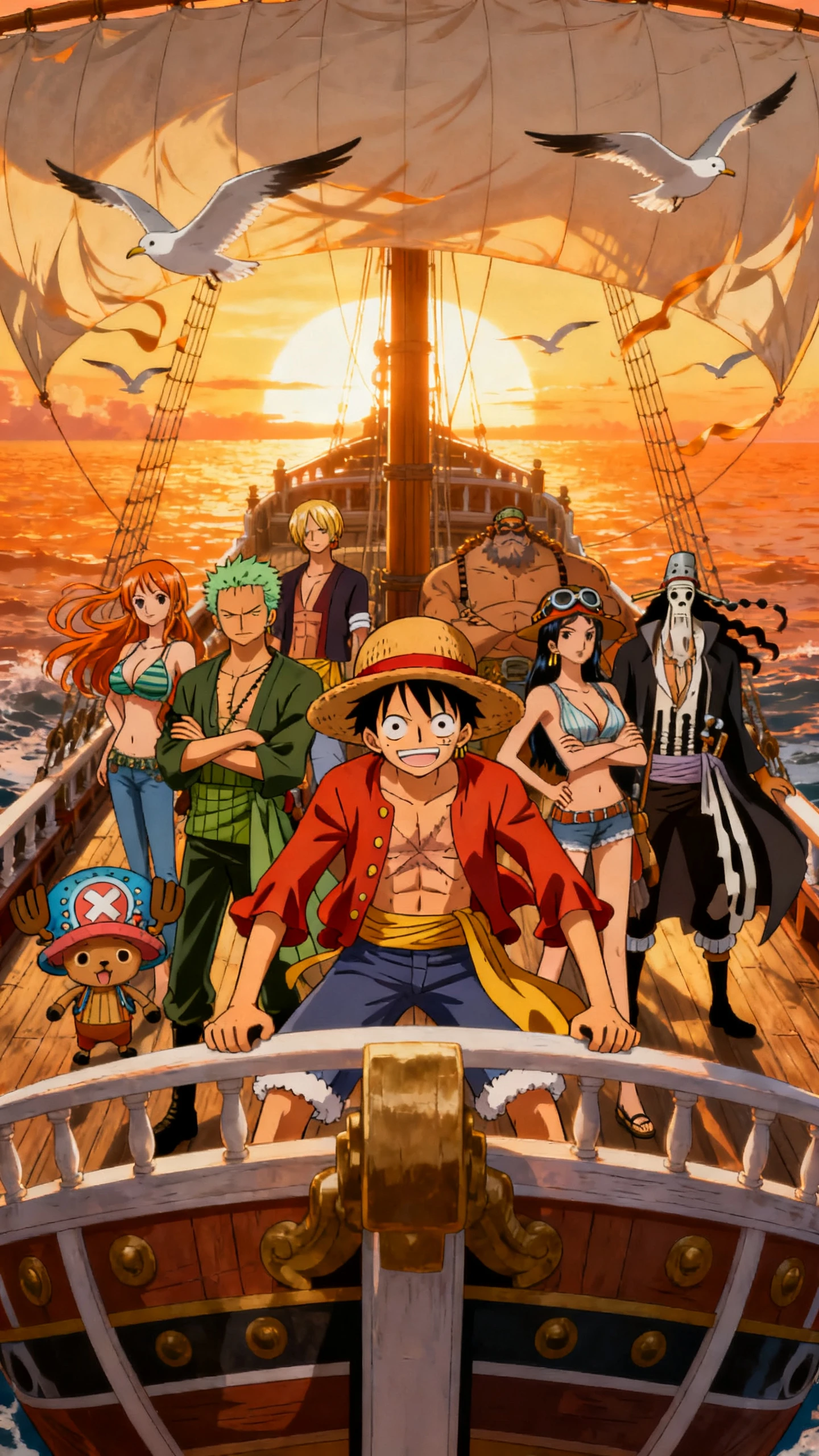
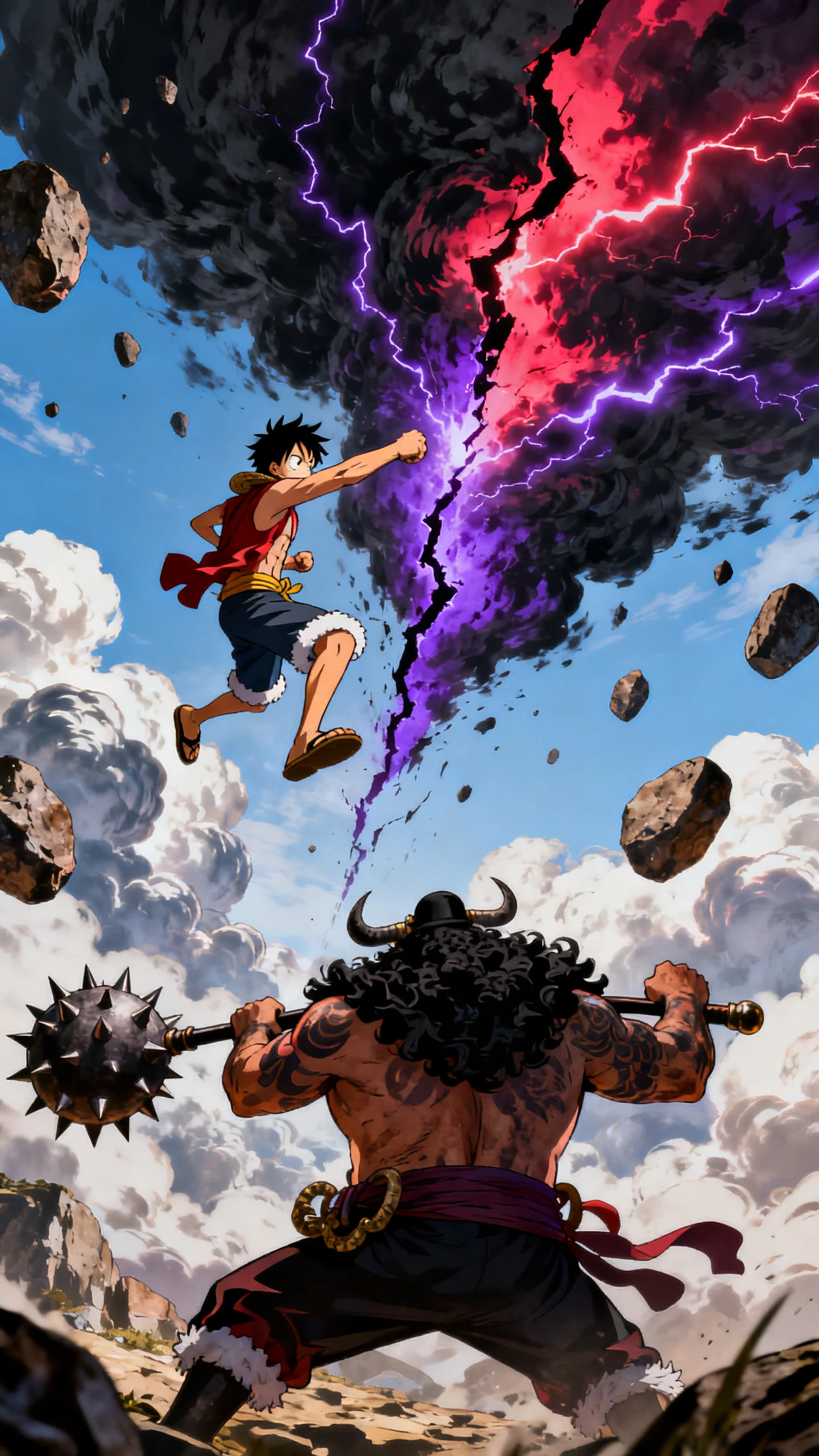
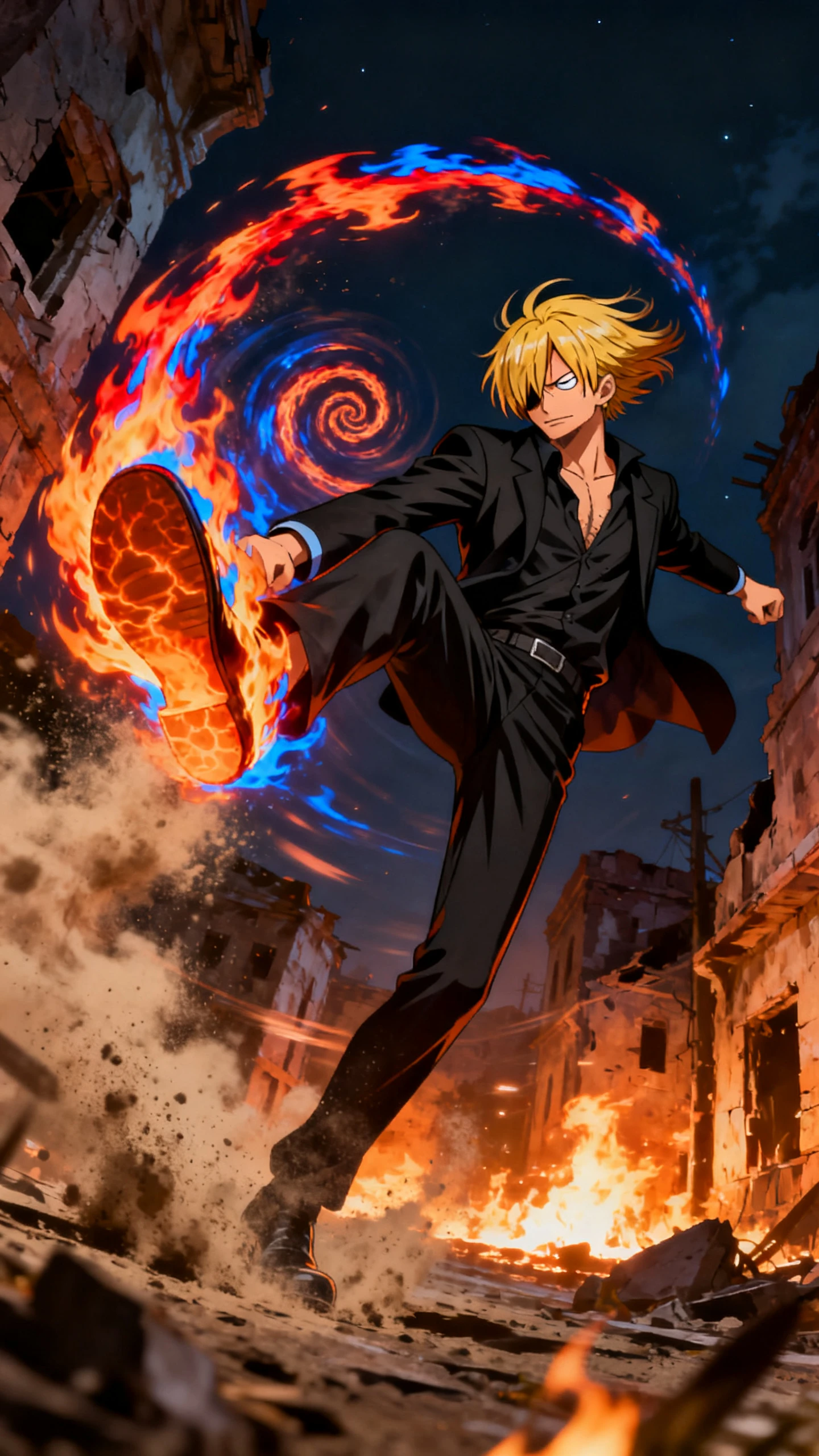
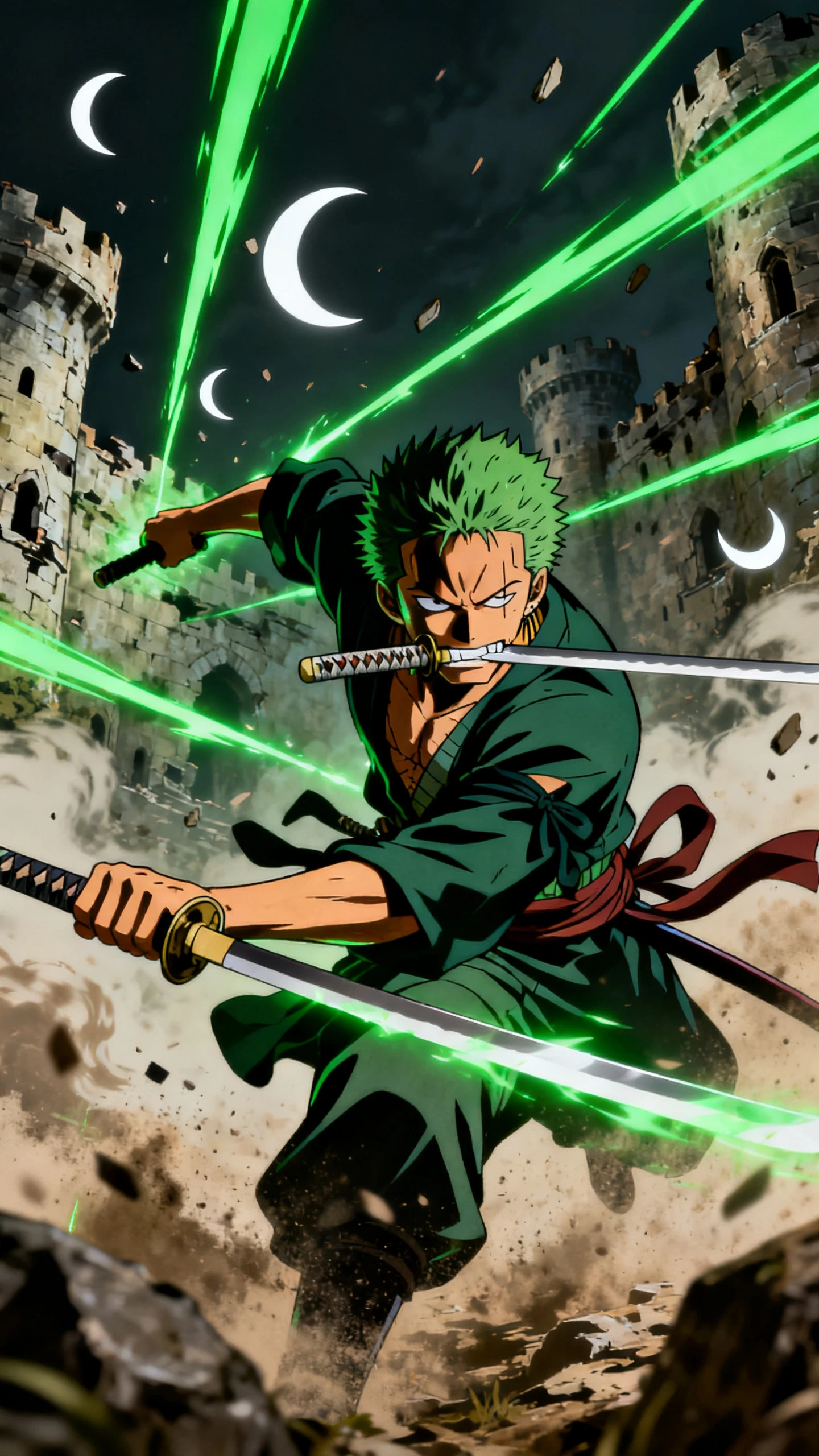
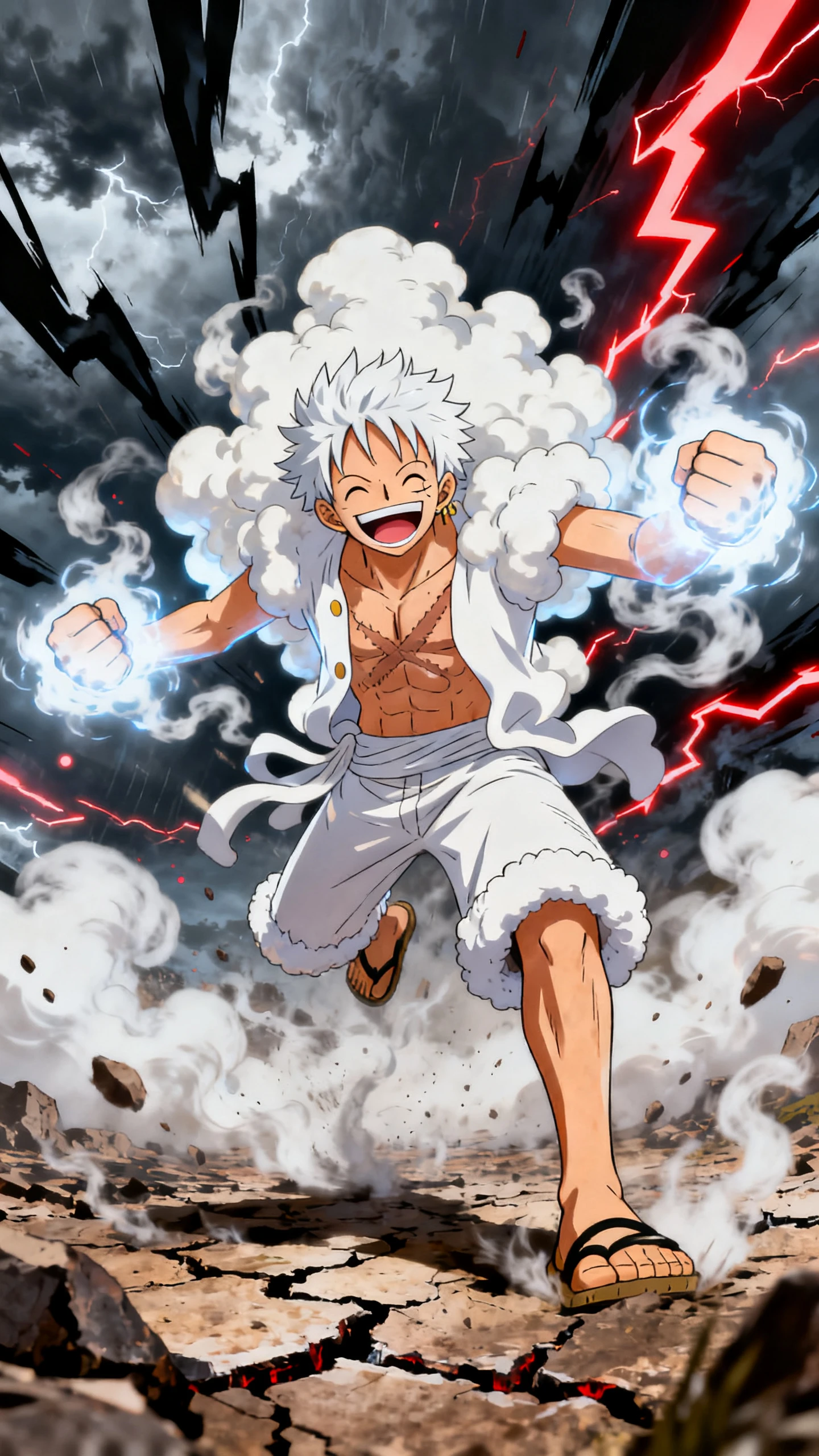
Start with a One Piece style adventure and describe the pirate crew you want. Magiclight AI turns your idea into a colorful anime voyage across strange islands. No drawing skills are needed.

Create a One Piece Video for Free
One Piece-style pirate anime adventure video preview
AI-generated pirate crew and colorful anime world
Pirate anime story video scene
AI anime story-to-video preview
One Piece-style pirate anime adventure video preview
AI-generated pirate crew and colorful anime world
Pirate anime story video scene
AI anime story-to-video preview

Explore the Magiclight AI One Piece Style Video Generator Features

Set the direction for your pirate story and choose the look you want on screen. Magiclight AI One Piece style video generator gives you the tools to shape each part of the tale.

Create a One Piece Video for Free
3D decorative graphic

1,000 Characters for Every Crewmate

Give each member of your pirate crew a 1000 character description. Write how you want that person to look and explain the details Magiclight AI should follow when creating them for the story.

37 Voices to Give the Crew Personality

Pick from 37 voice options to make every member of the crew sound different. Your captain can have one voice while the navigator gets another that better fits the role.

12,000 Characters for an Entire Island Arc

A 12,000-character script leaves room for a complete pirate adventure in Magiclight AI. Take the crew through the full island story and turn it into 50 minutes of video.

50+ Visual Styles for Your Pirate Anime

Magiclight AI gives you over 50 visual styles to try with your pirate story. Select the look that suits your voyage and keep that same style as the crew travels to each new island.

Who Can Use the Magiclight AI One Piece Video Generator
Different creators have their own ideas for a pirate story. The Magiclight AI One Piece style video generator turns those ideas into original anime adventures at sea.
Explore how different creators can use Magiclight AI to make pirate anime videos:
Pirate anime story for video creators
For Pirate Story Creators
Start a new adventure by choosing from 14 different story models.
Keep the same pirate crew together as the story moves to new islands.
Create rival crews that can return later for another sea adventure.
Pirate saga adapted into an anime story
For Writers With a Pirate Saga
Write 12,000 characters when a full pirate chapter needs more space.
See how an important scene plays out before finishing the next chapter.
Turn a favorite moment from your story into its own anime sequence.
Tabletop role-playing crew turned into anime characters
For Tabletop Groups
Give each player a different character using the 37 voice options.
Turn the latest campaign session into an anime recap for the group.
Show everyone on the same ship before the next campaign begins.
Pirate anime episode for an online video channel
For Anime Channels
Make a longer pirate episode that can run for as much as 50 minutes.
Choose from 40 background music options to suit the episode mood.
Share shorter scenes from the story when teasing the next adventure.
Why Choose Magiclight AI One Piece Style Video Generator
Take your pirate idea further with the Magiclight AI One Piece style video generator. Give every part of the voyage its own feel while your crew stays familiar along the way.
Plan the Voyage With MagicLight Agent
Tell MagicLight Agent what should happen during your pirate voyage. It works out the story from your idea, so the crew has a clear reason to travel from one island to the next.
Character Consistency Across Scenes
Keep your crewmates recognizable when the story moves to another scene. Magiclight AI carries their familiar appearance forward, so they still look like the same people later.
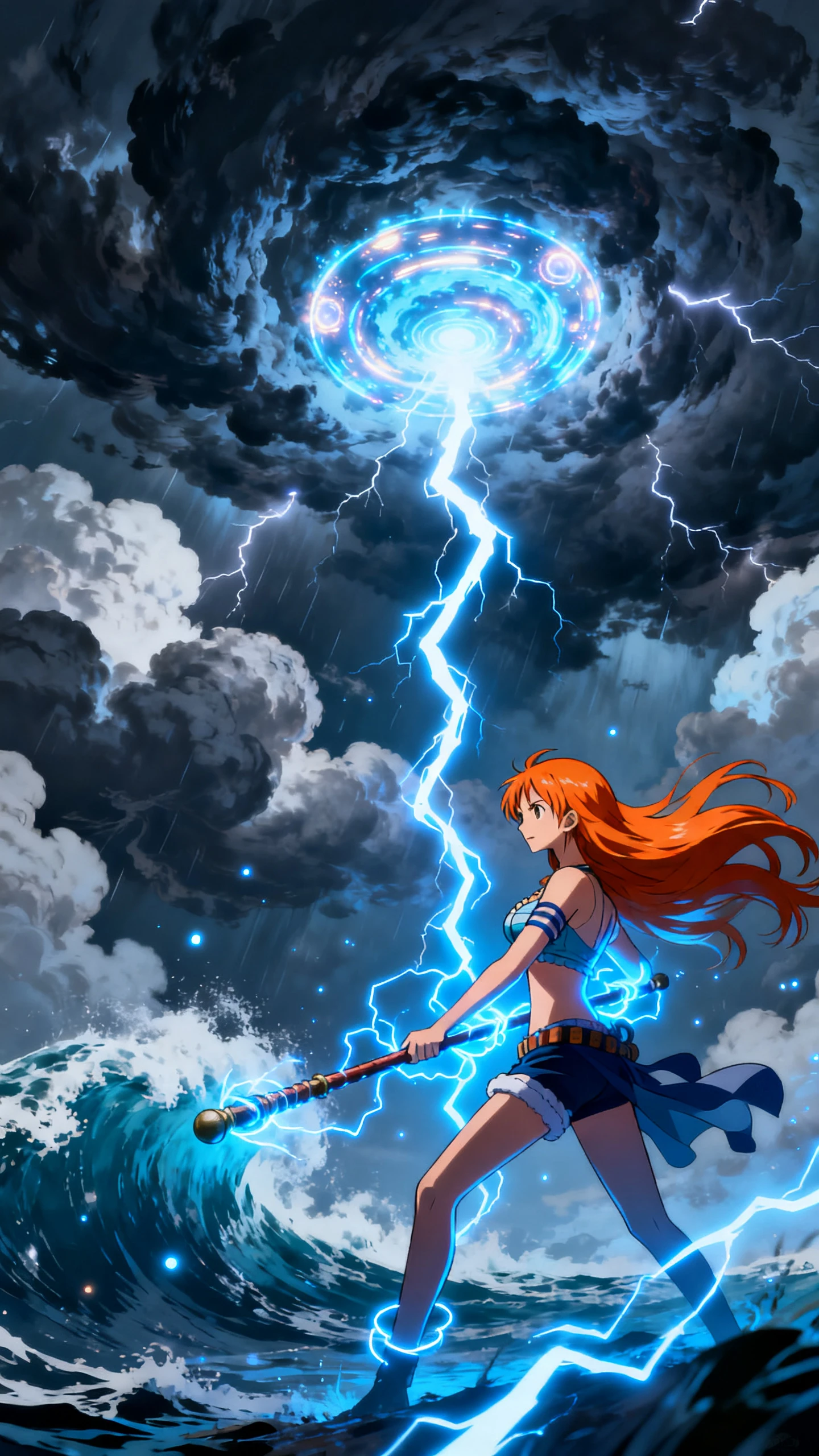
Battle Poses With Big Energy
Put your crewmates into any of the 50 poses available in Nano Storyboard. Change their expressions as well when a fight or funny moment calls for a different reaction.
Different Ways to Tell Each Story
Run the same pirate idea through any of the 14 story models in Magiclight AI. One model may suit a funny island visit while another works better for a serious adventure.
Music for Every Part of the Voyage
Set the mood with any of the 40 background music options in Magiclight AI. Play something cheerful on a quiet day at sea or switch to a heavier track when trouble arrives.
Captions for Names and Bounties
Put island names or pirate bounties directly on screen using 16 caption styles. Pick one that suits the anime look so viewers can follow important details during the voyage.

How to Make a One Piece Style Video With Magiclight AI

Bring your pirate idea to life as a One Piece style video with your own story and characters. These 4 simple steps take you from the first idea to a finished anime voyage.

1.

Step 1. Write Your Pirate Story

Enter a script of 12,000 characters and explain what happens during the voyage. MagicLight Agent can help shape your story before you move ahead with the video.

2.

Step 2. Create Your Pirate Crew

Describe the characters you want and select from over 50 visual styles for their look. You can create each crewmate and keep the same appearance throughout the story.

3.

Step 3. Arrange Your Anime Scenes

Open Nano Storyboard and place your characters into the scene. Select their poses and adjust their expressions to match what is happening at that point in the story.

4.

Step 4. Add Voices and Finish the Video

Select from 37 voice options to find a fitting sound for each character. Add the final touches to your anime video and review the completed story before saving it.

FAQs on One Piece Style AI Video Generator

What makes a good crew for a One Piece style video?

Start with an original crew for your One Piece style video. Give each pirate a personal goal so everyone has their own reason for joining the voyage.

How do I keep my characters consistent across the story?

Save each character once you are happy with the design. Bring them back in later scenes so the crew keeps the same look as the voyage moves from one island to another.

Which visual style should I pick for my pirate story?

Pick a visual style that suits the story you want to tell. Magiclight AI has over 50 options to try, from colorful anime scenes to a look that feels right for a serious pirate tale.

What can I change in Nano Storyboard?

Open Nano Storyboard to arrange an important scene your way. Choose from 50 poses and adjust the expressions to show exactly how each character responds to what is happening.

How much space do I get for my pirate script?

Magiclight AI gives you 12000 characters for the script. That leaves room for a longer adventure where your crew reaches an island and sees the story through before sailing away.

Do all of my pirate characters need the same voice?

No. You have 37 voice options for your characters. Pick voices separately so the captain does not have to sound like the rest of the crew.


Create Your Own Pirate Story With Magiclight AI

Choose a captain with a big dream and a crew ready for the journey. Magiclight AI turns their voyage into a lively pirate adventure.