Explore the Magiclight AI Watercolor Video Maker Features
Set the feeling you want and explain how your scenes should appear. The Magiclight AI Watercolor Video Maker paints your story with a gentle flow across every scene.

Turn a quiet idea into a watercolor video. Explain the scene you picture and watch soft painted moments unfold across the screen with no brushes or painting skills.
Create a Watercolor Video for Free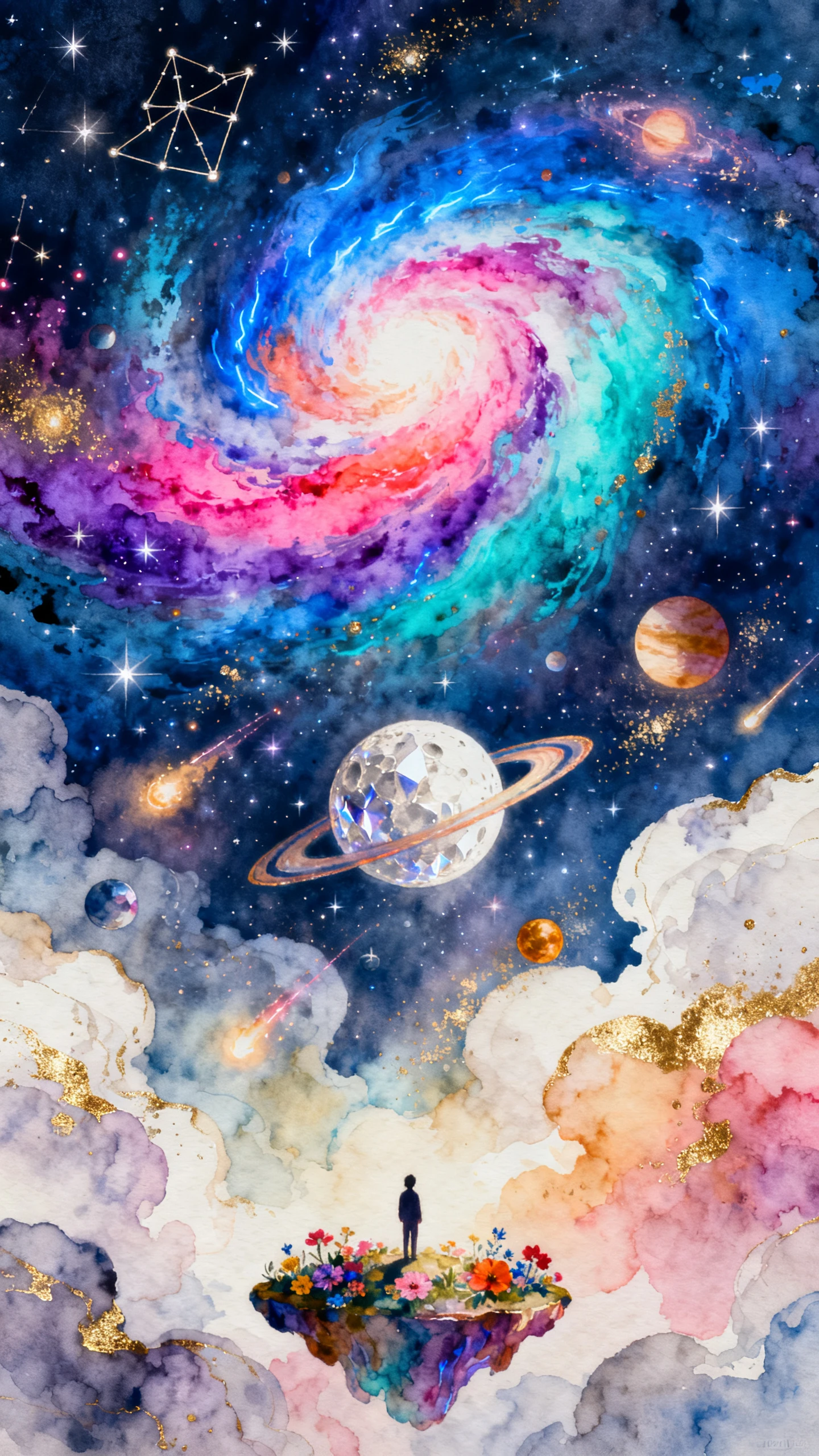
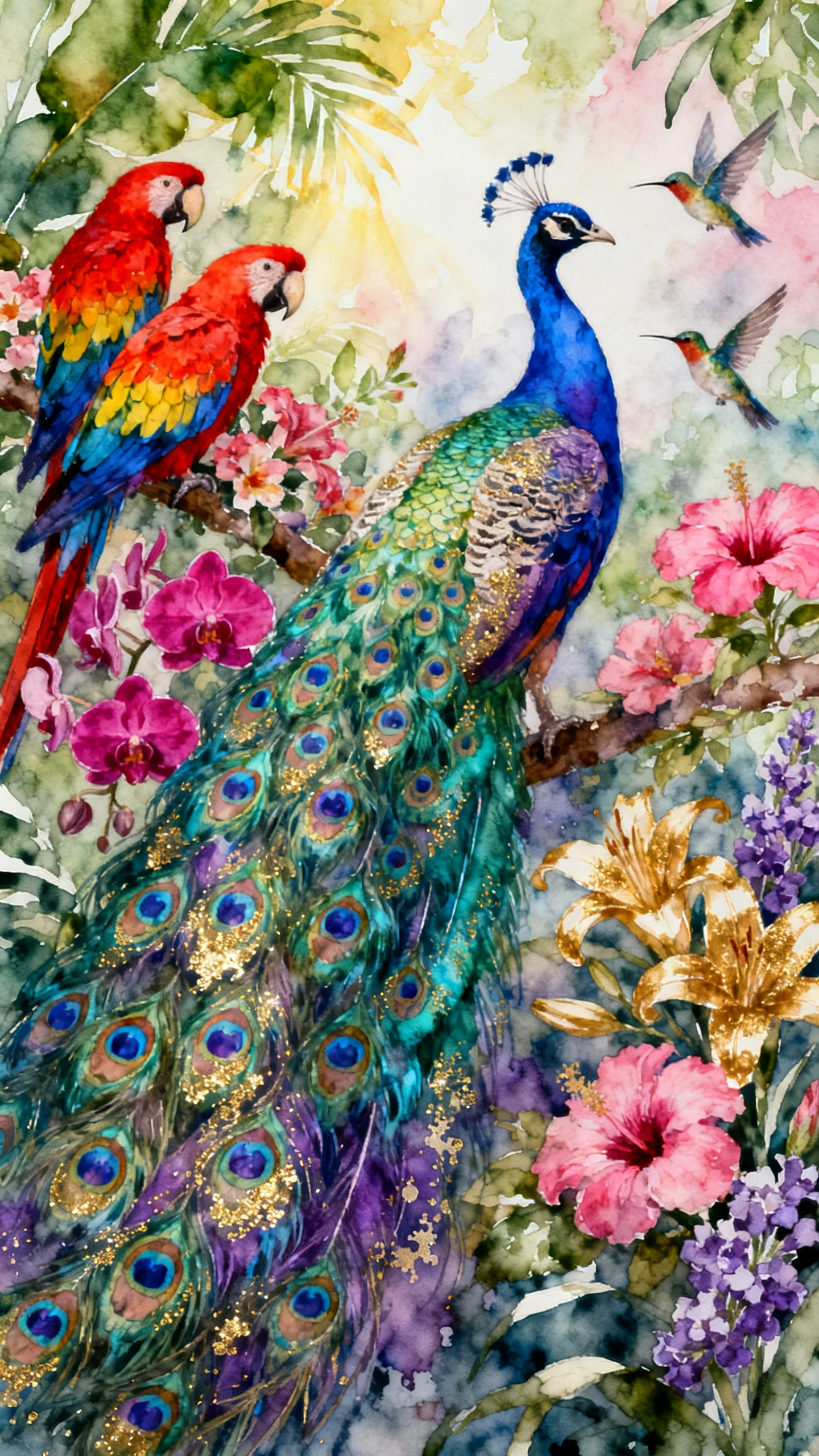
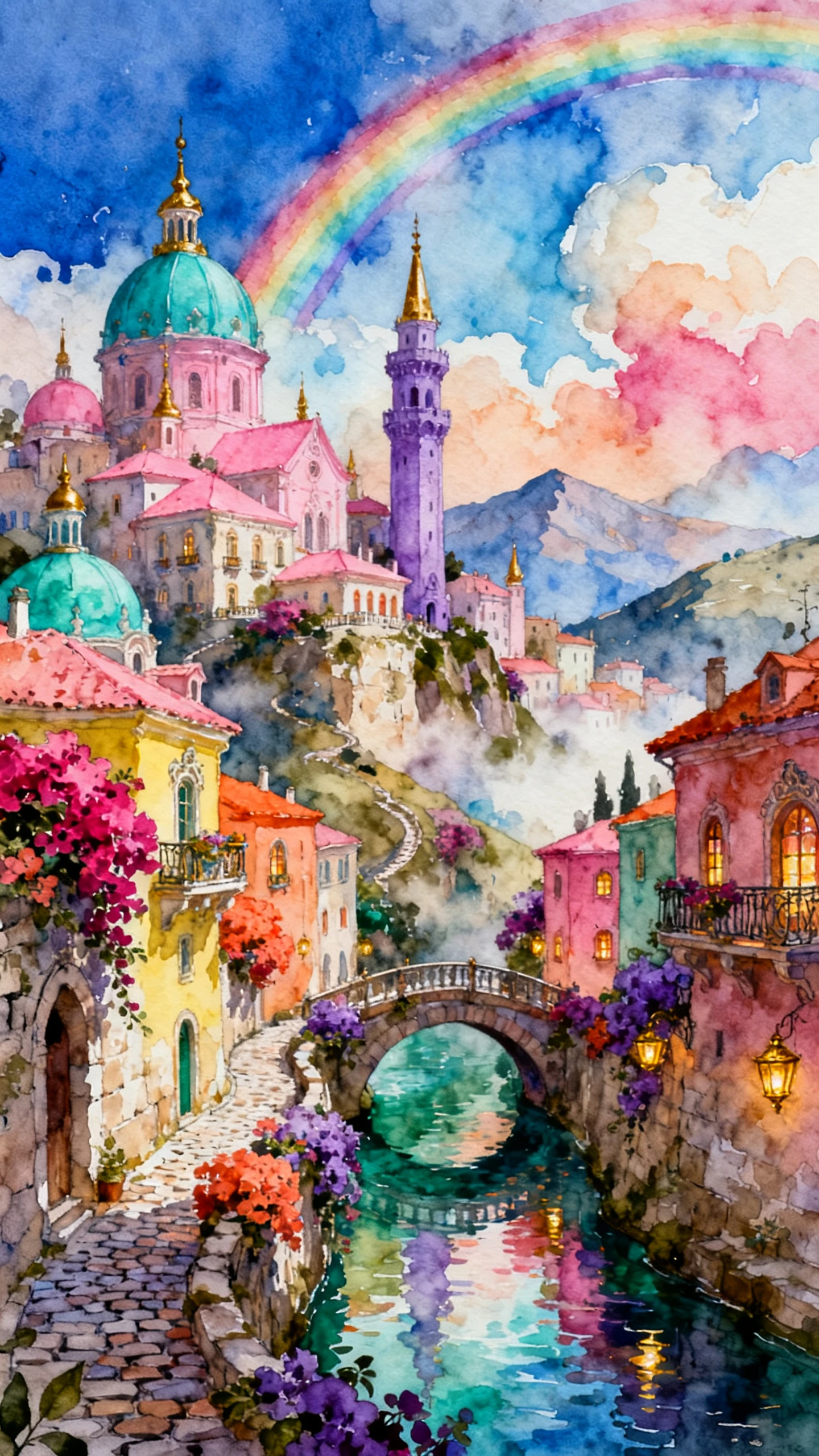
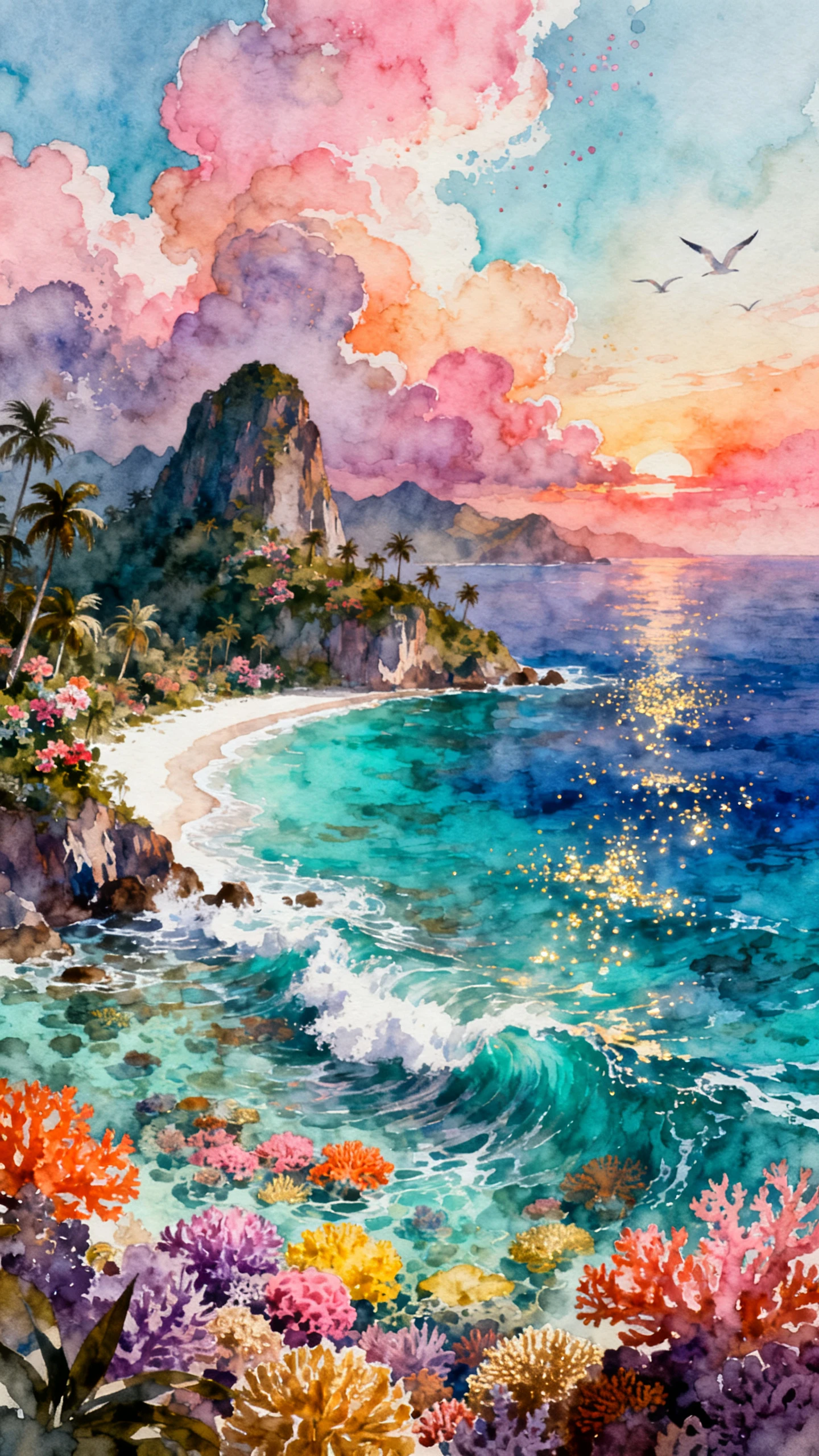
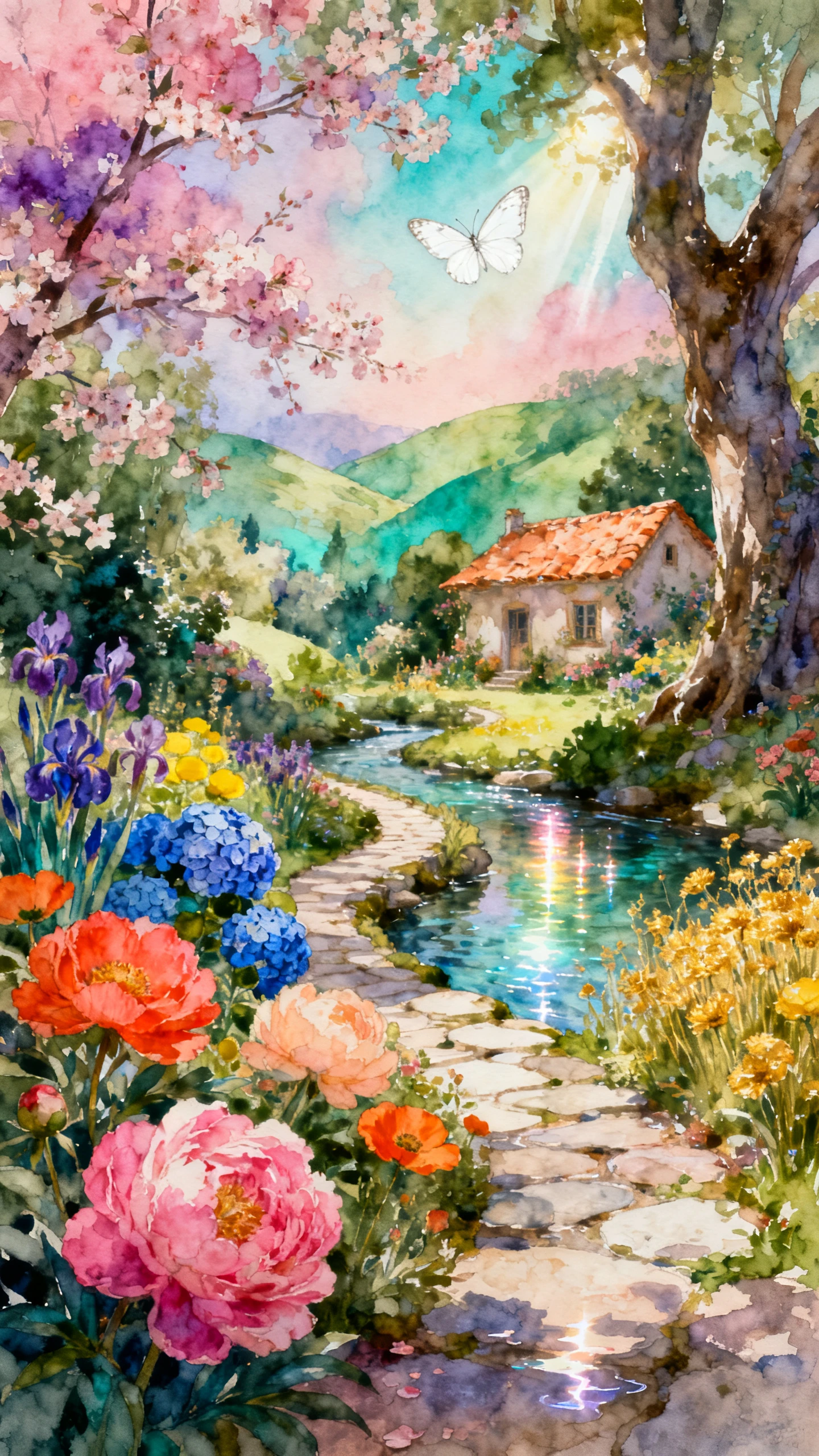
Set the feeling you want and explain how your scenes should appear. The Magiclight AI Watercolor Video Maker paints your story with a gentle flow across every scene.

A watercolor story can run for 50 minutes in Magiclight AI. Use the extra time for longer ideas, giving your painted scenes enough room to unfold at a calm, natural pace.
Write 1000 characters about the character you want in your video with their look and clothes. Magiclight AI turns those details into a character made for your watercolor story.
Try over 52 visual styles for your watercolor story. The same idea can take on a softer or rich painted feel helping you settle on the version that fits your story best.
Pair your painted scenes with one of 40 background music options in Magiclight AI. The right track can support your watercolor story without pulling attention away from the visuals.


Your watercolor video comes together in 4 stages inside Magiclight AI. Each one covers a different part of the process, from the first script to the finished result.
Write your story inside the 12,000-character script space. MagicLight Agent reads what you have written and prepares a direction that you can approve before creating scenes.
Browse over 52 visual styles and settle on one that suits your watercolor idea. For the people in your story, select an available character or make someone new for the video.
Nano Storyboard lays out your story one scene at a time. Look through the sequence and change anything that feels out of place before MagicLight Agent brings those scenes to life.
Improve your background music with 40 options and decide how its captions should appear from 16 styles. Generate the watercolor video once the final details feel right.
Soft color washes meet visible paper texture in each scene. Loose brush marks keep the picture natural, while gentle edges make the whole video feel hand-painted too
Watercolor is not limited to children's stories. The Magiclight AI watercolor video maker suits poetry, memories, wellness pieces, and wedding stories for adults.
Yes. Use your own cloned voice for narration to give poems or personal memories a familiar sound instead of relying on the standard narrator throughout the video.
Permission matters when the poem belongs to another writer. Use public domain work, or get the rights you need before turning someone else's poem into your video.
Nano Storyboard shows each scene before final generation. You can review the sequence and adjust individual scenes that do not match the watercolor story you pictured.
Yes. New Magiclight AI accounts include free credits, which gives you a way to try the watercolor video generator before deciding whether you need a paid plan later.



Bring the poem, memory, or vow that matters to you. Magiclight AI turns it into soft watercolor scenes with a voice that takes its time.