Explore Features of Magiclight AI Minecraft Video Generator
Your gaming worlds deserve more life. Magiclight AI Minecraft video generator gives you camera moves, timing, and sharp visuals for every moment.

Fans can create pro-looking gameplay edits faster with Magiclight AI's Minecraft AI video generator. Start creating your next Minecraft video today.
Create Minecraft AI Videos Now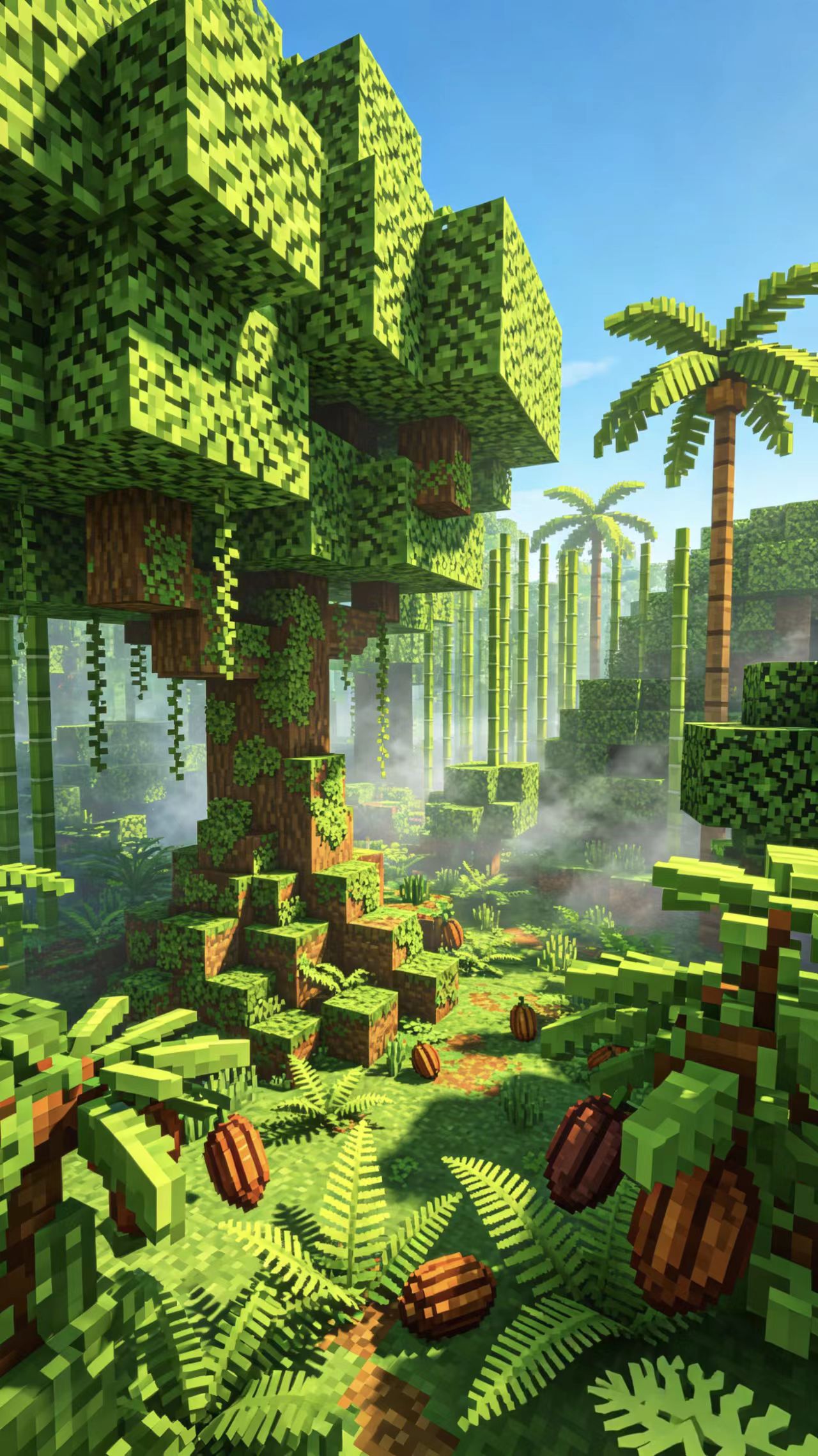
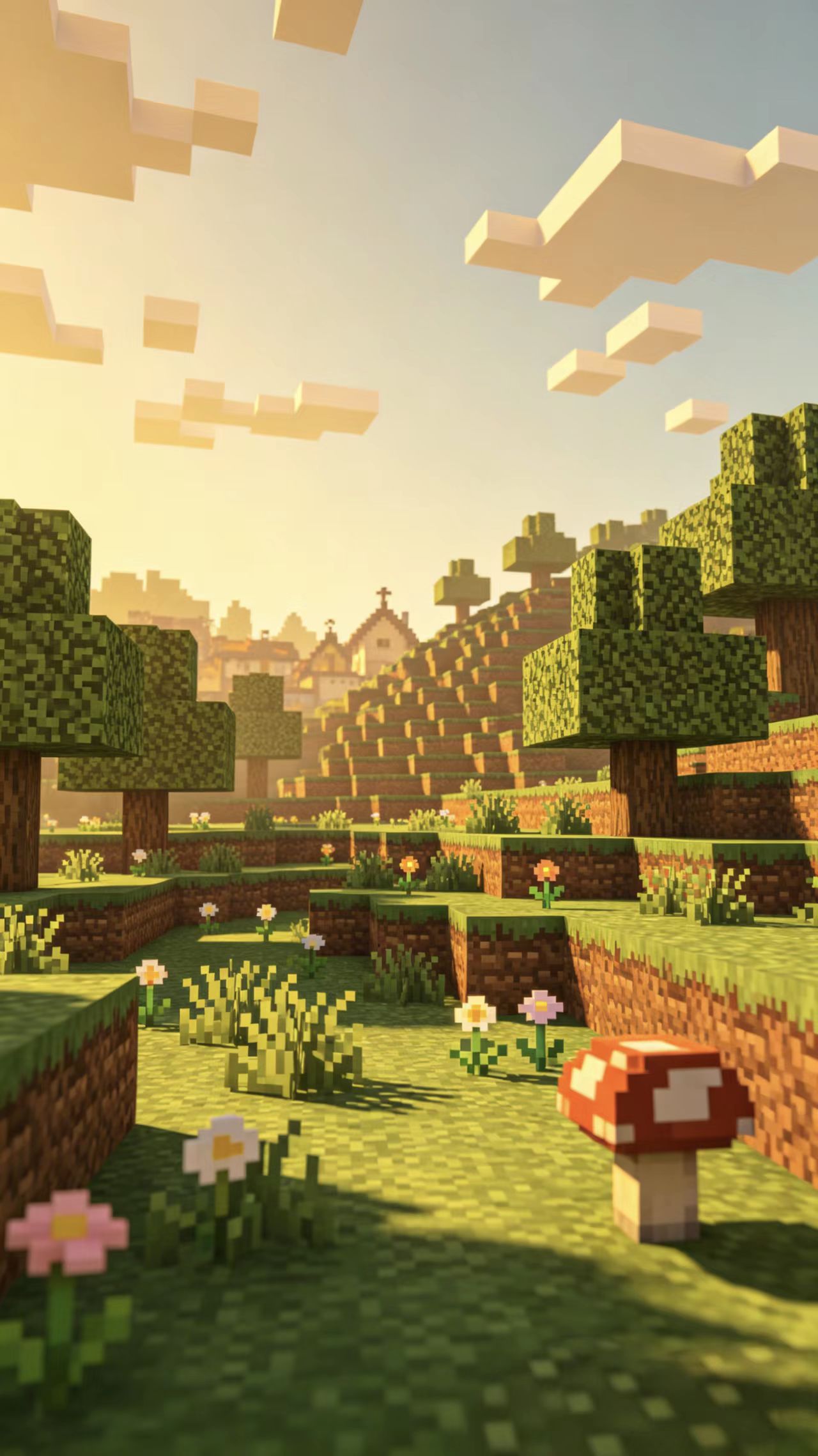
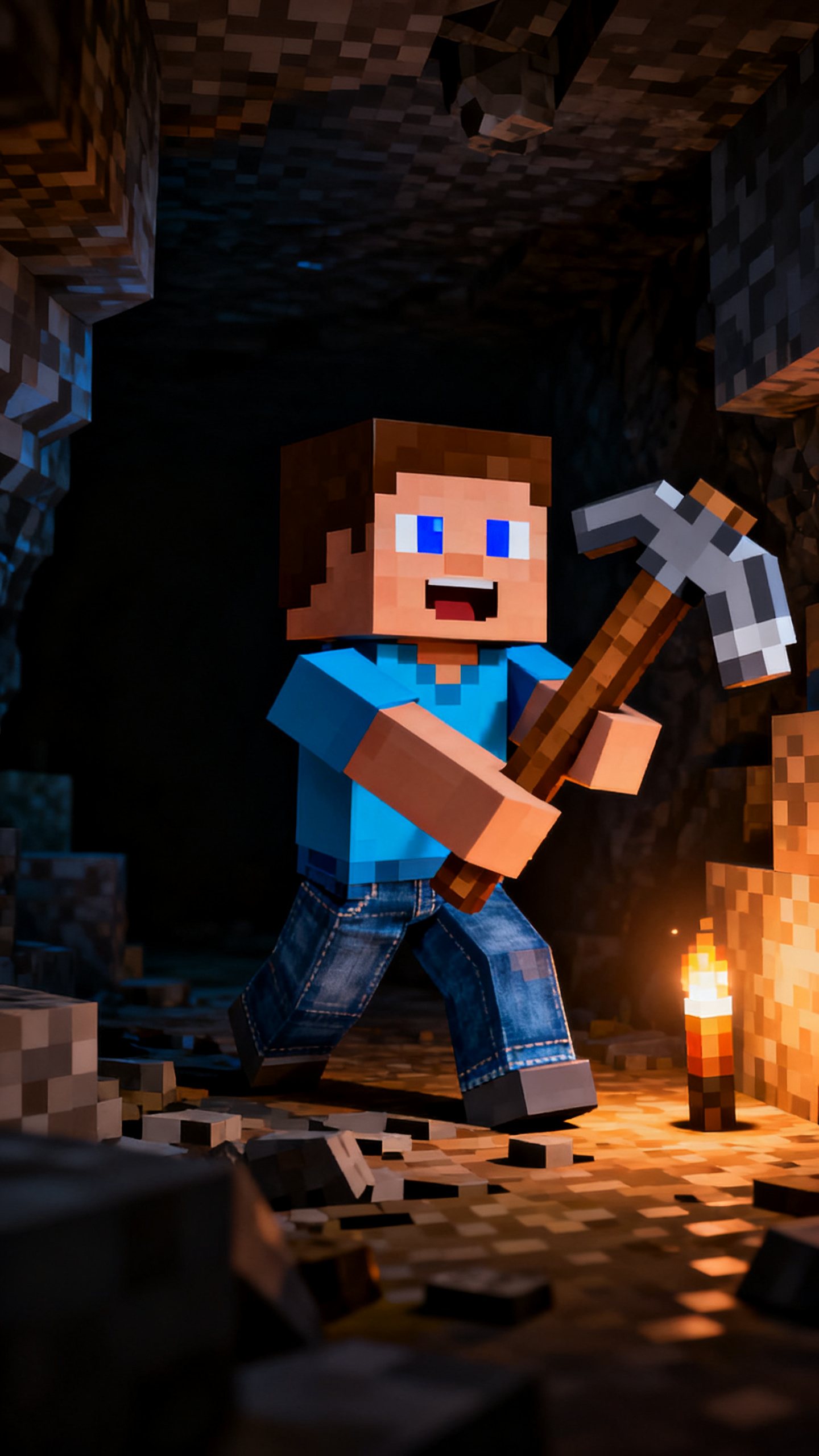
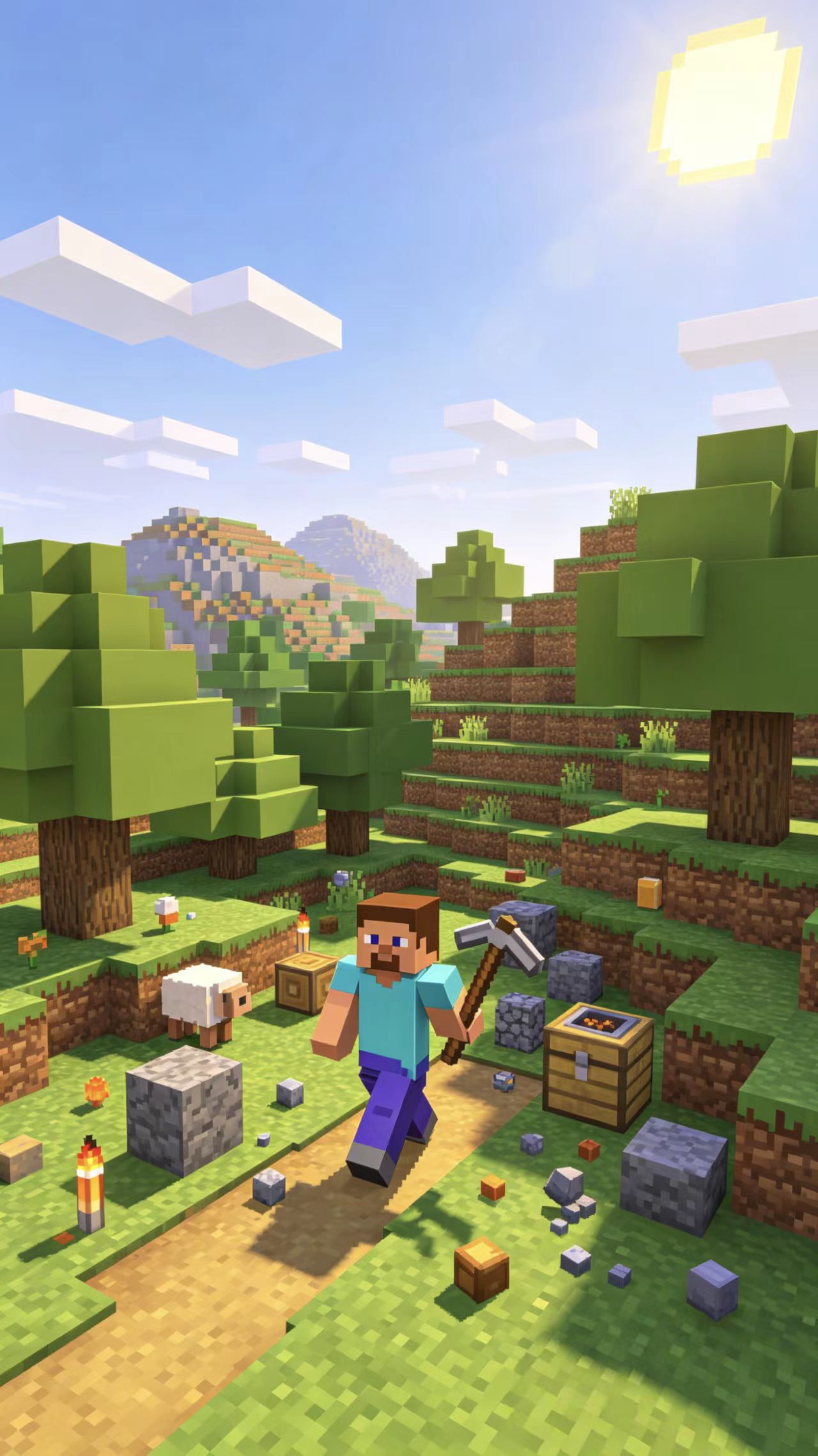
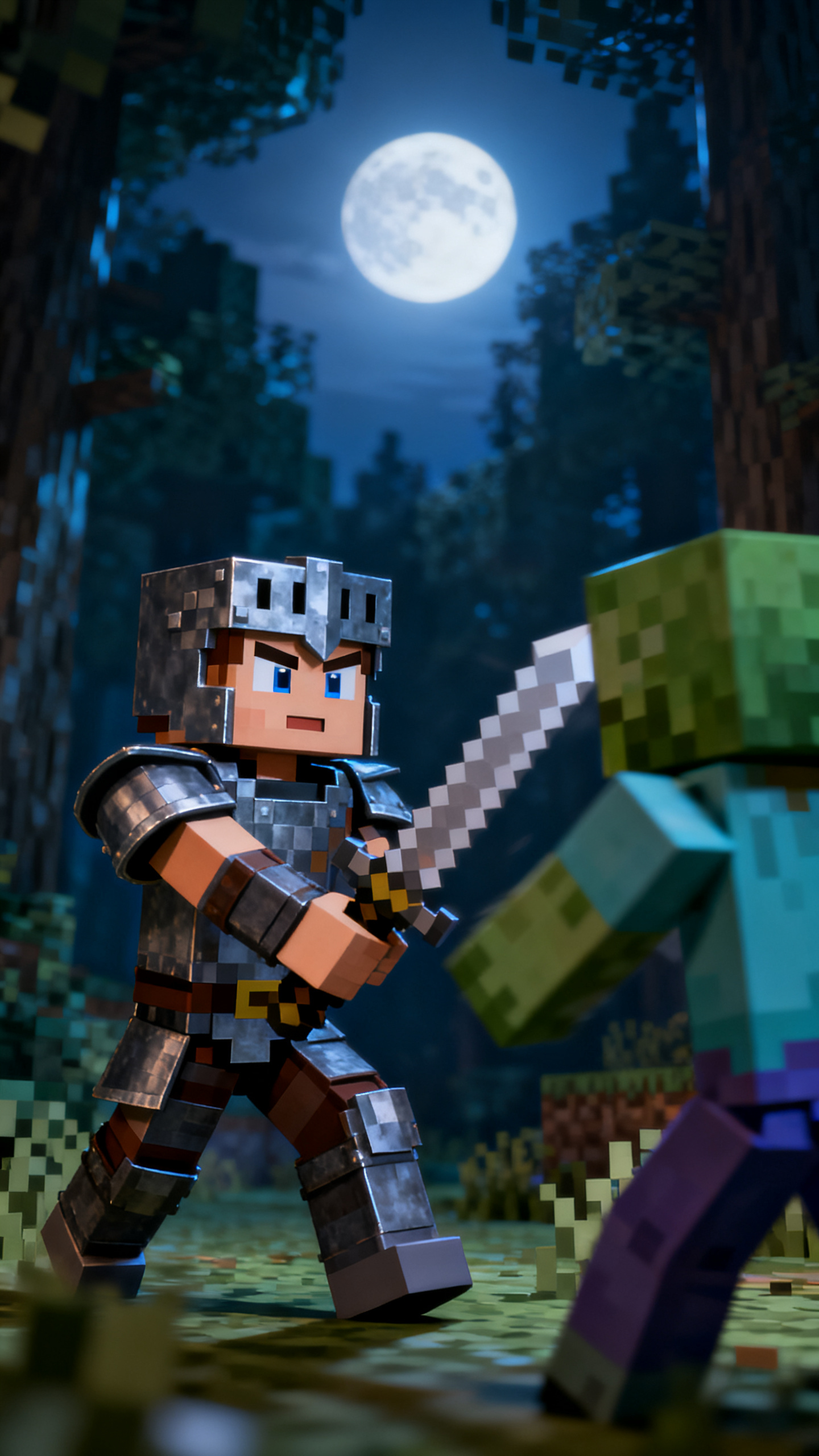
Your gaming worlds deserve more life. Magiclight AI Minecraft video generator gives you camera moves, timing, and sharp visuals for every moment.

Start with a story, prompt, or rough idea and get a ready-to-post video. Magiclight AI handles scenes, pacing, and timing for you.
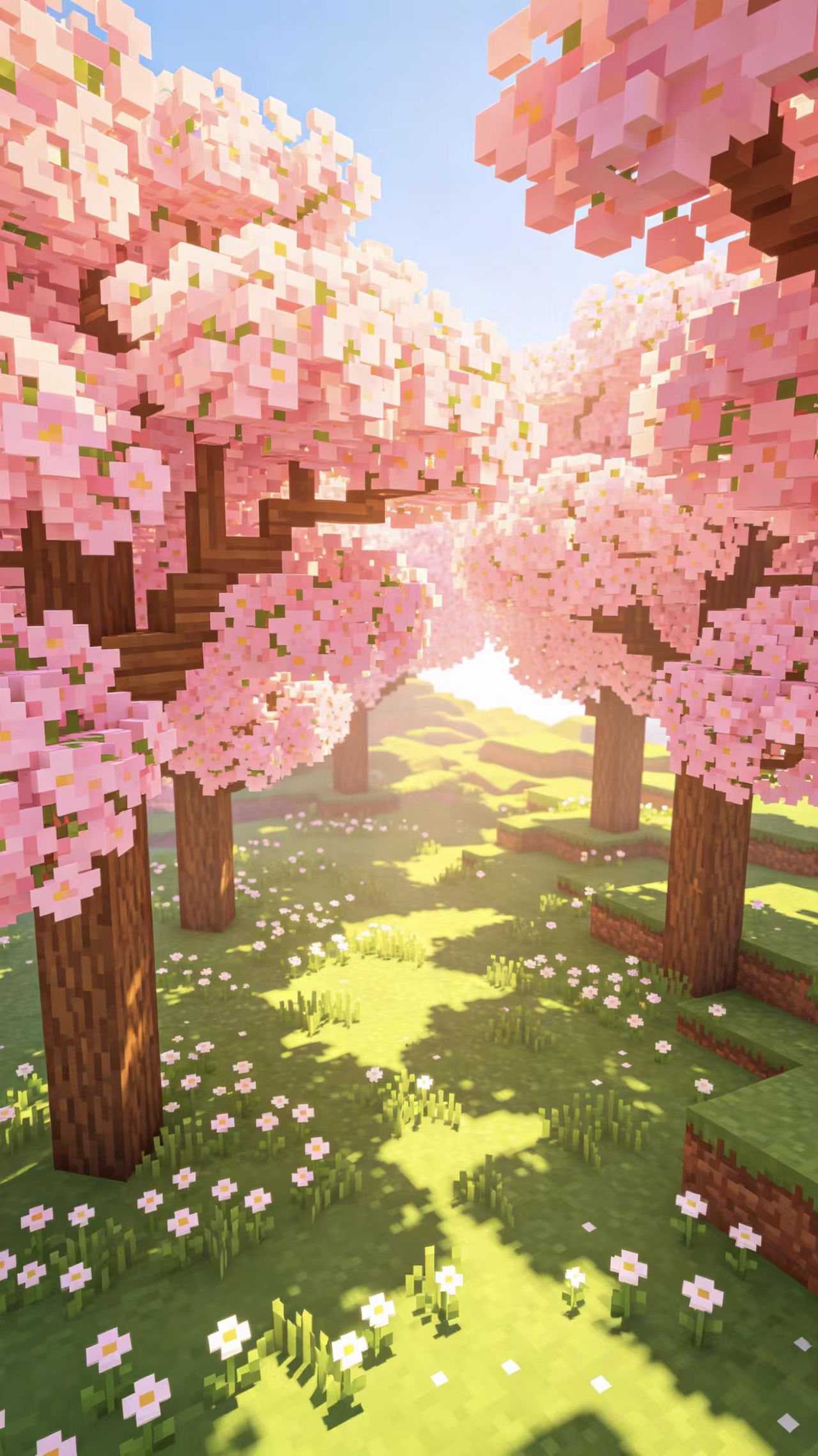
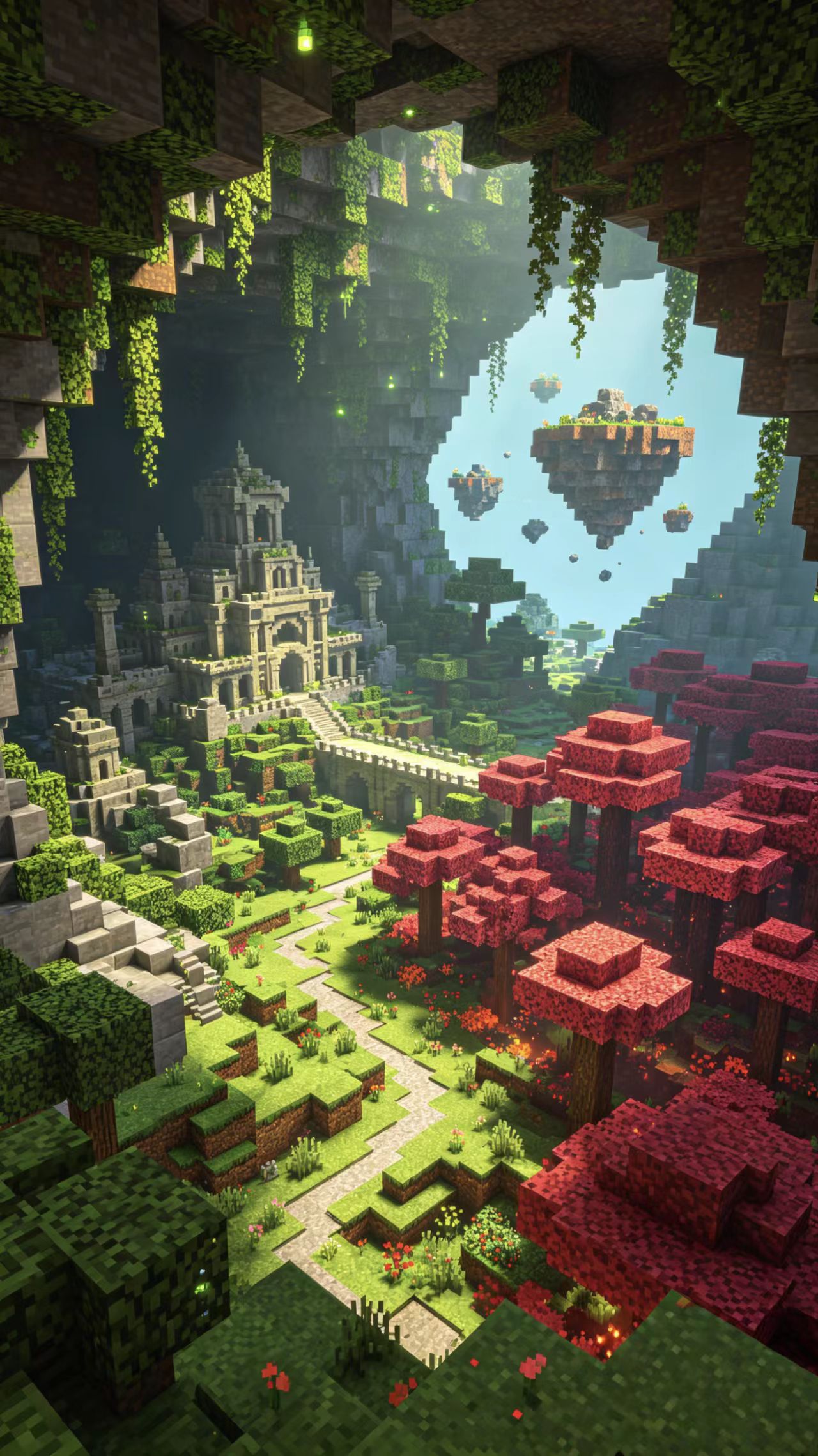
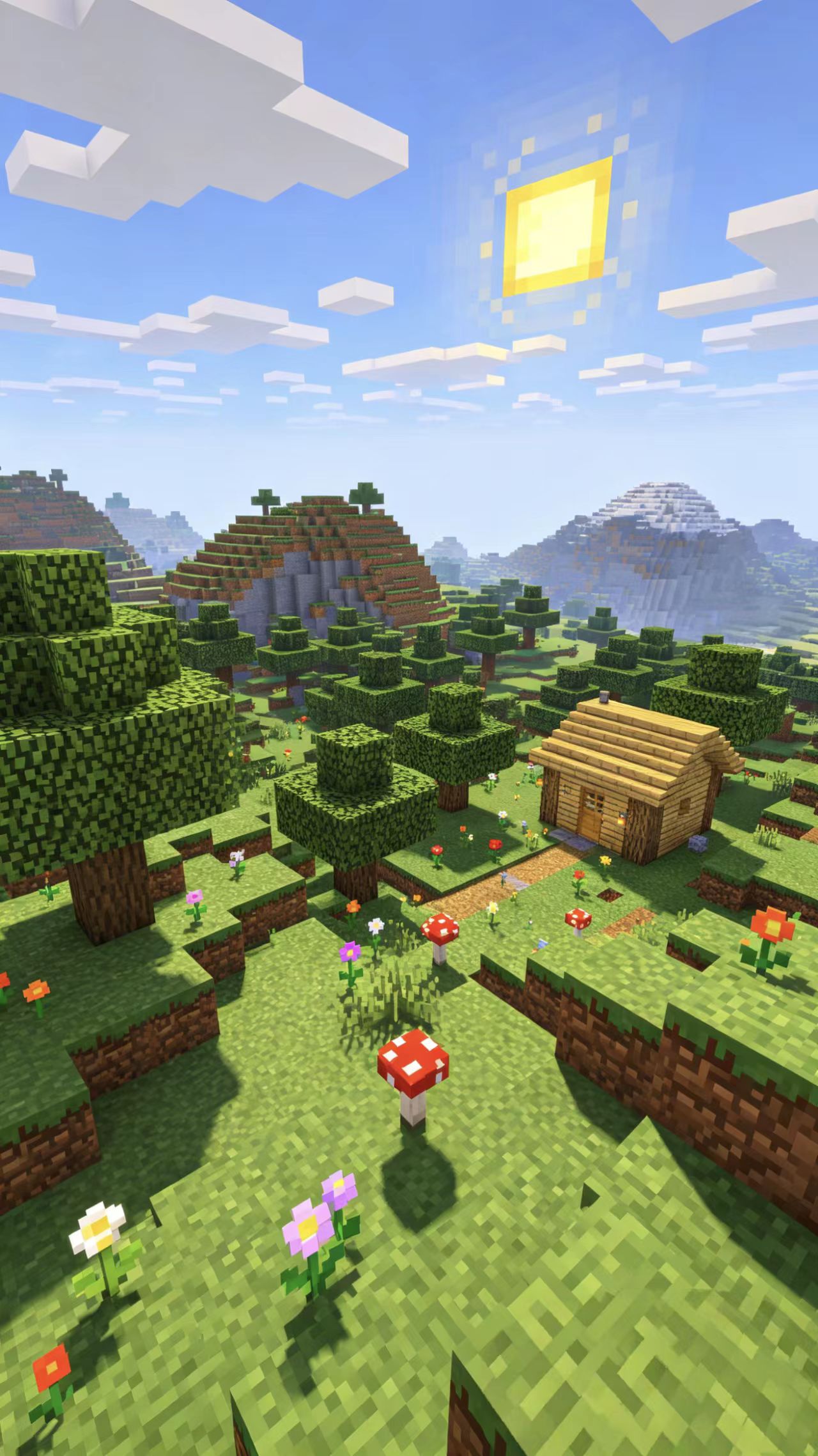
Instead of recording gameplay, Magiclight AI creates scenes and backgrounds similar to the game world. Detailed prompts are followed carefully.
Add motion and depth with moving platforms, jumps, and runs. Magiclight AI turns static images into active gaming worlds within seconds.
Create game lore clips with clear voiceover, background music, and on-screen text. Everything is synced for smooth story flow.


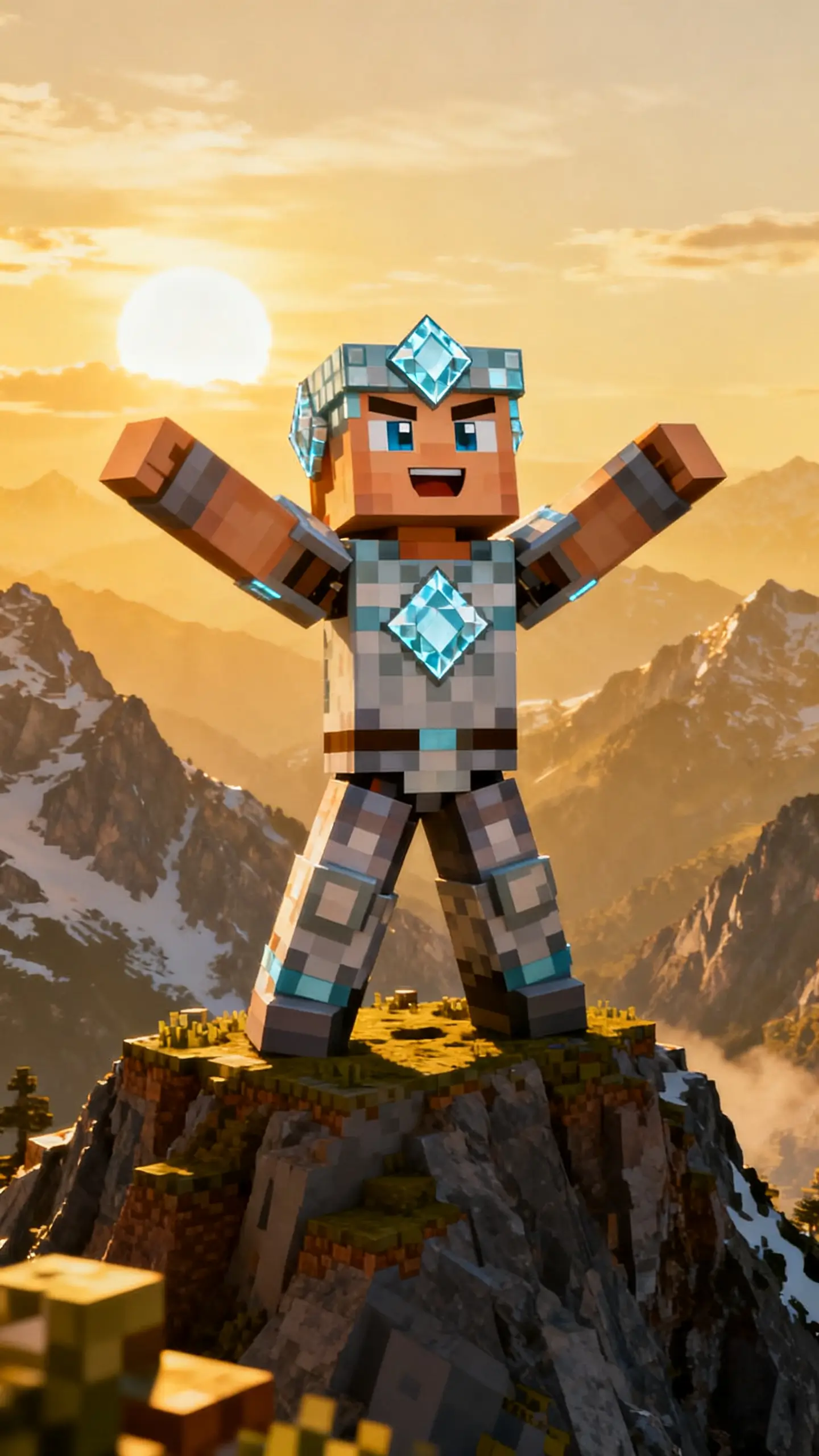
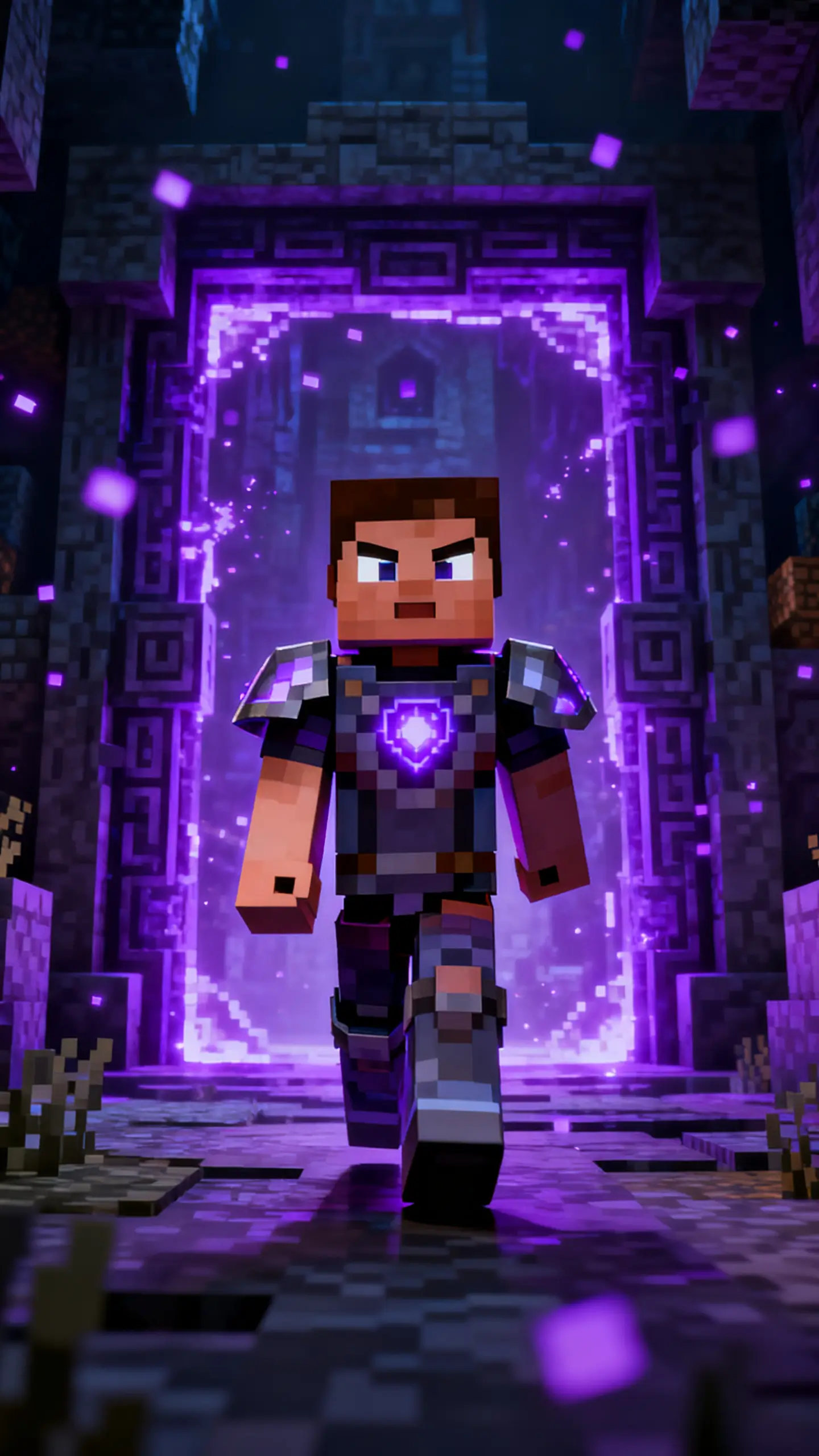
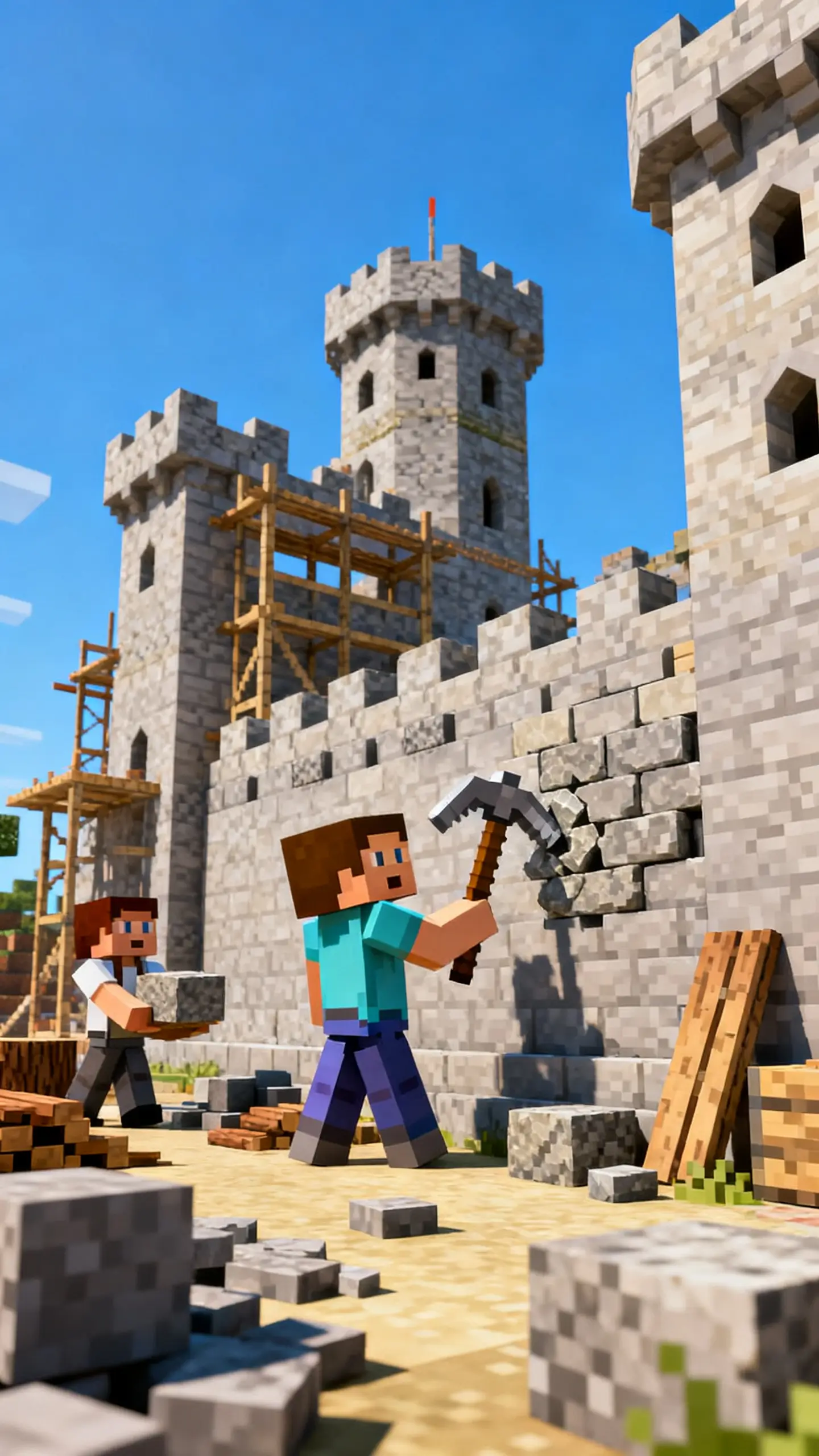
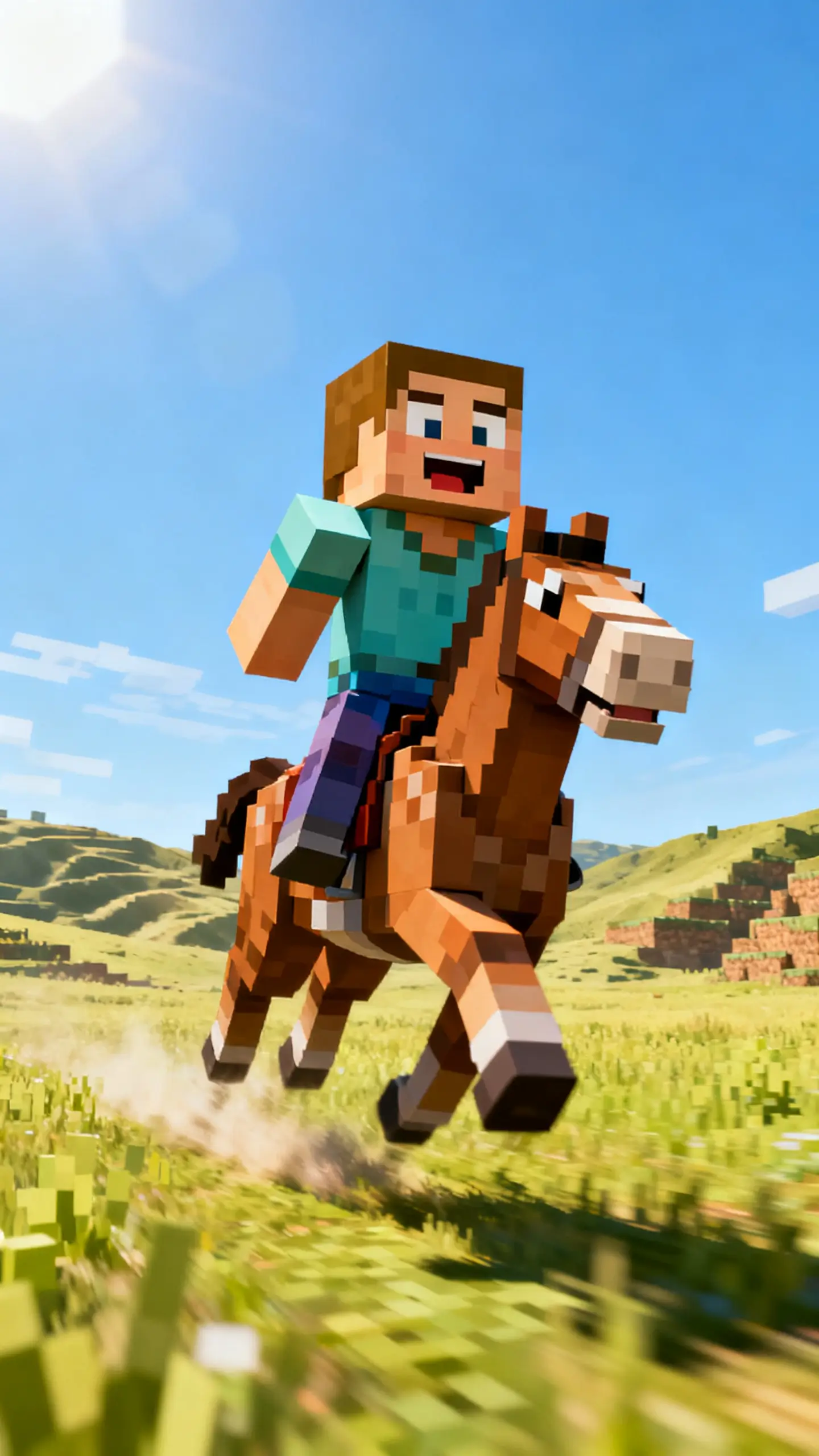
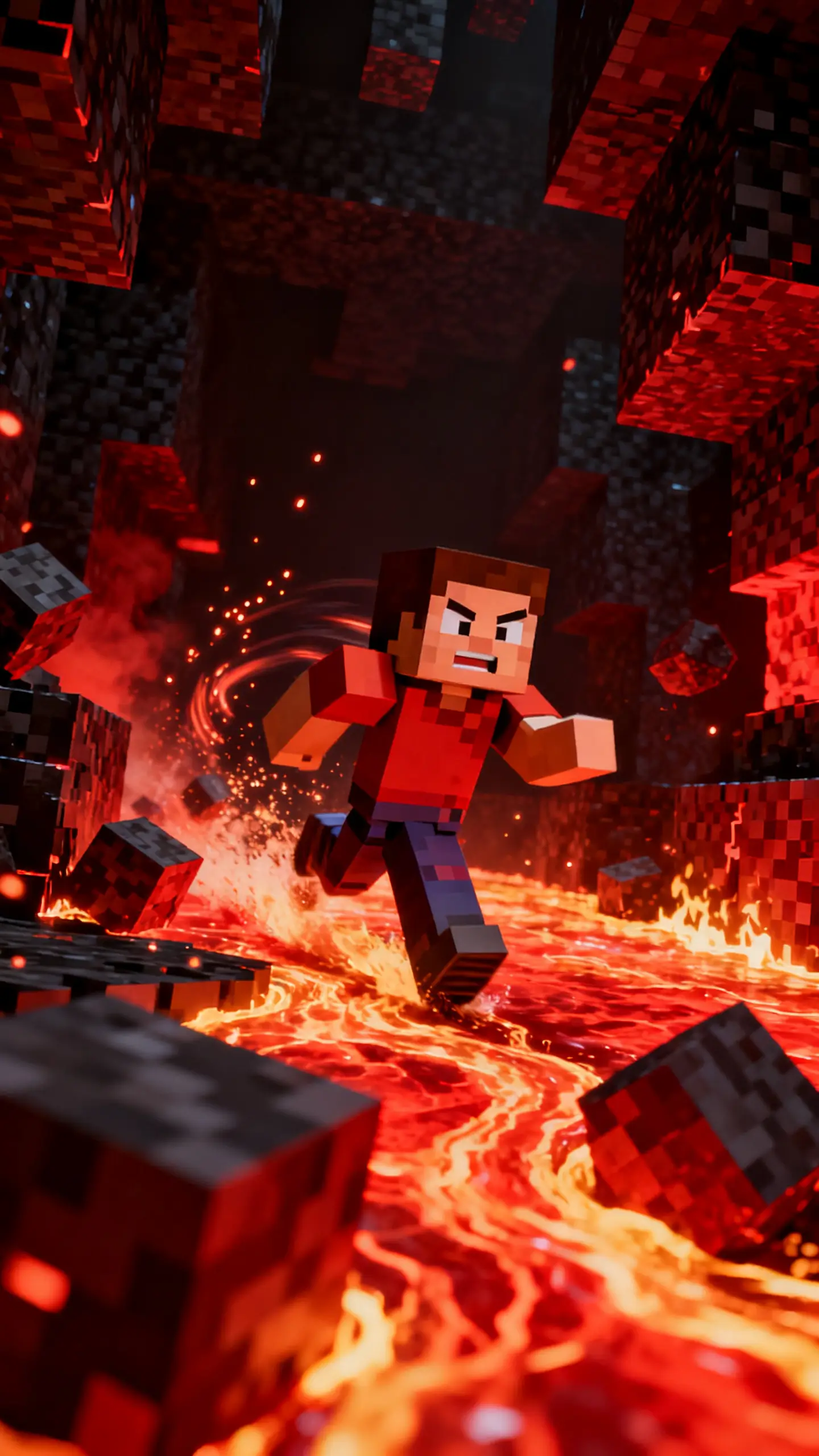
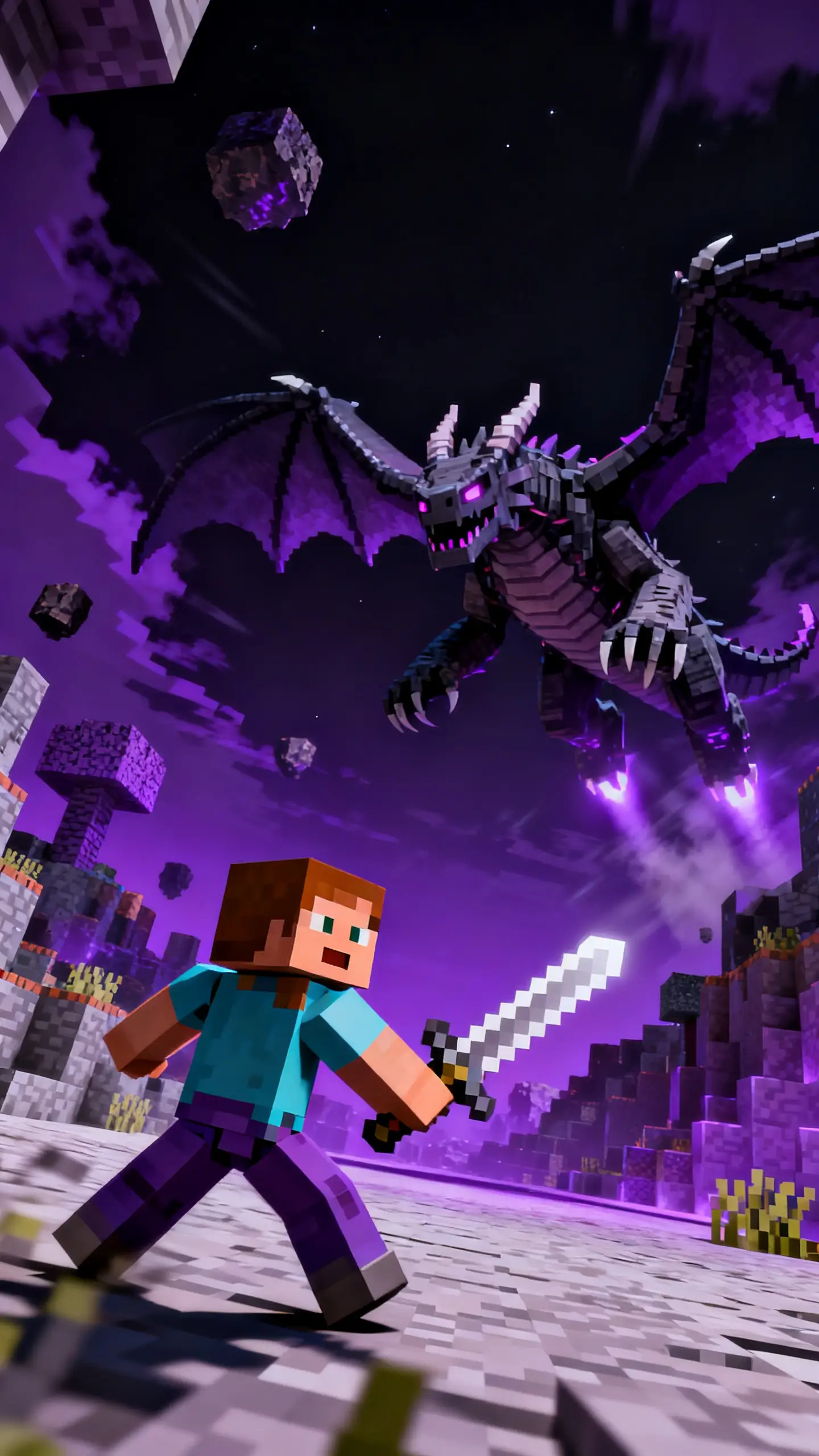
Begin with an idea or image, and Magiclight AI's Minecraft video generator creates instant game lore. Edit scenes till you get a smooth video.
Enter an idea or image from Minecraft. If nothing comes to mind, pick an AI-generated script or template to start with.
Choose a visual style to create your characters. Pick a voiceover and change age/accent so they sound like real game character.
Make changes to animated scenes in the Nano storyboard editor. Adjust body shapes, facial expressions, and poses until everything looks perfect.
Make last-minute edits, choose your export size and resolution, then download your clip. Share by publishing on the Magiclight AI platform.
A Minecraft AI video generator is a tool that turns scripts or ideas into Minecraft‑style clips with minimal editing. Magiclight AI does this for short, social‑ready videos.
Yes, Magiclight AI's Minecraft video generator is designed for beginners to get good clips fast without complex software. It guides you with prompts and templates.
Short stories, parkour highlights, challenges, and lore clips all work well. Magiclight AI turns these ideas into scroll‑stopping vertical videos.
Most clips take only a few minutes once your script or idea is ready. Magiclight AI handles visuals, audio, and timing while you focus on what to publish.
Magiclight AI gives fast Minecraft‑style shorts with clear visuals and synced audio for parkour and lore. It cuts editing time while keeping clips sharp and consistent.
Yes, Magiclight AI offers a free tier so you can test the Minecraft AI video generator for free. Explore core features before you upgrade.



Build ready‑to‑share Minecraft parkour or lore clips in minutes with Magiclight AI.