Hero background

Talking Animals AI Video Generator

Create AI videos of animals talking, sharing funny conversations, or acting out your story ideas. Magiclight makes it easy, with no editing skills required.

Create Talking Animals Video for Free
Talking animals AI video story examples
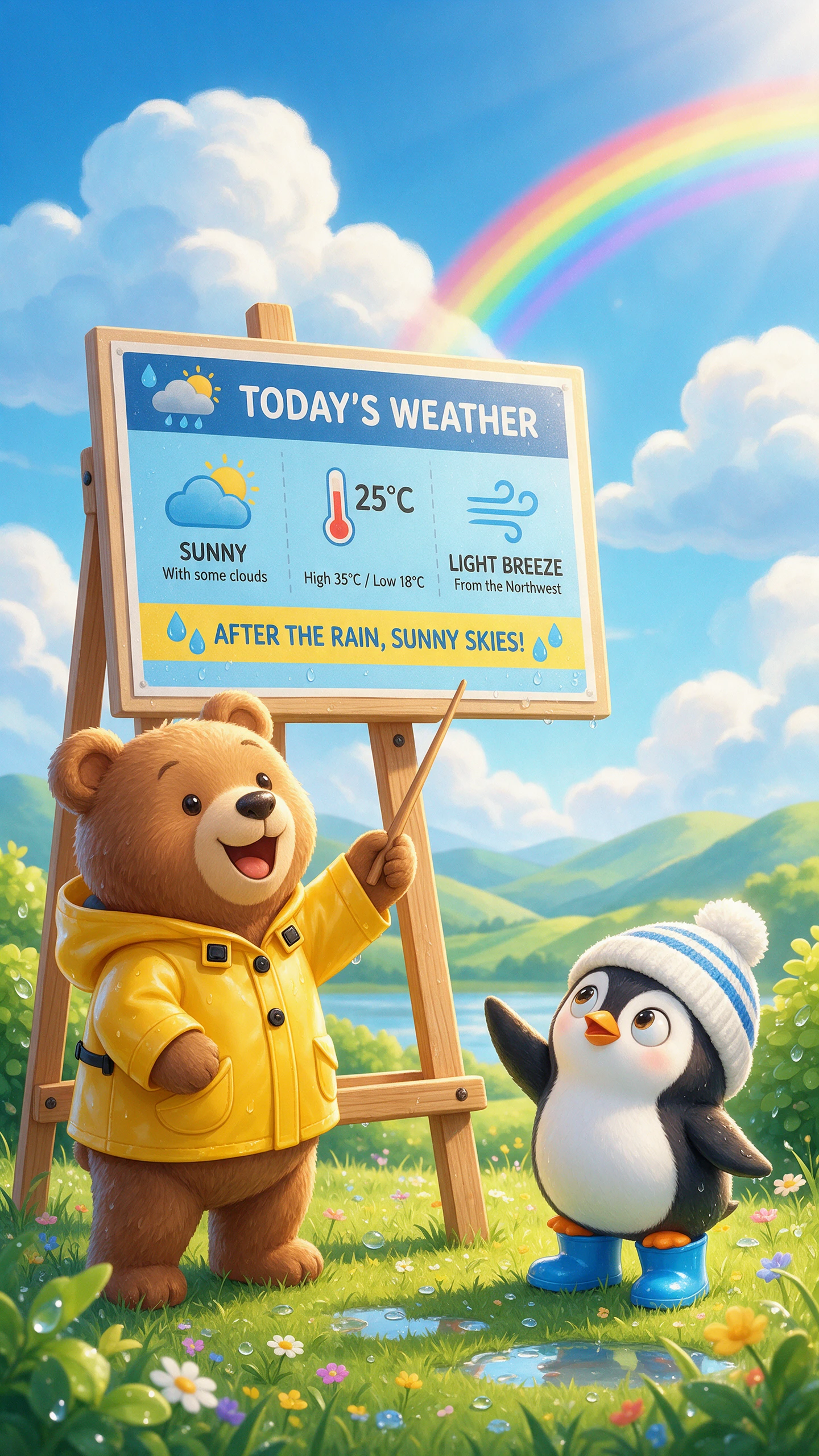
AI-generated animal conversation video
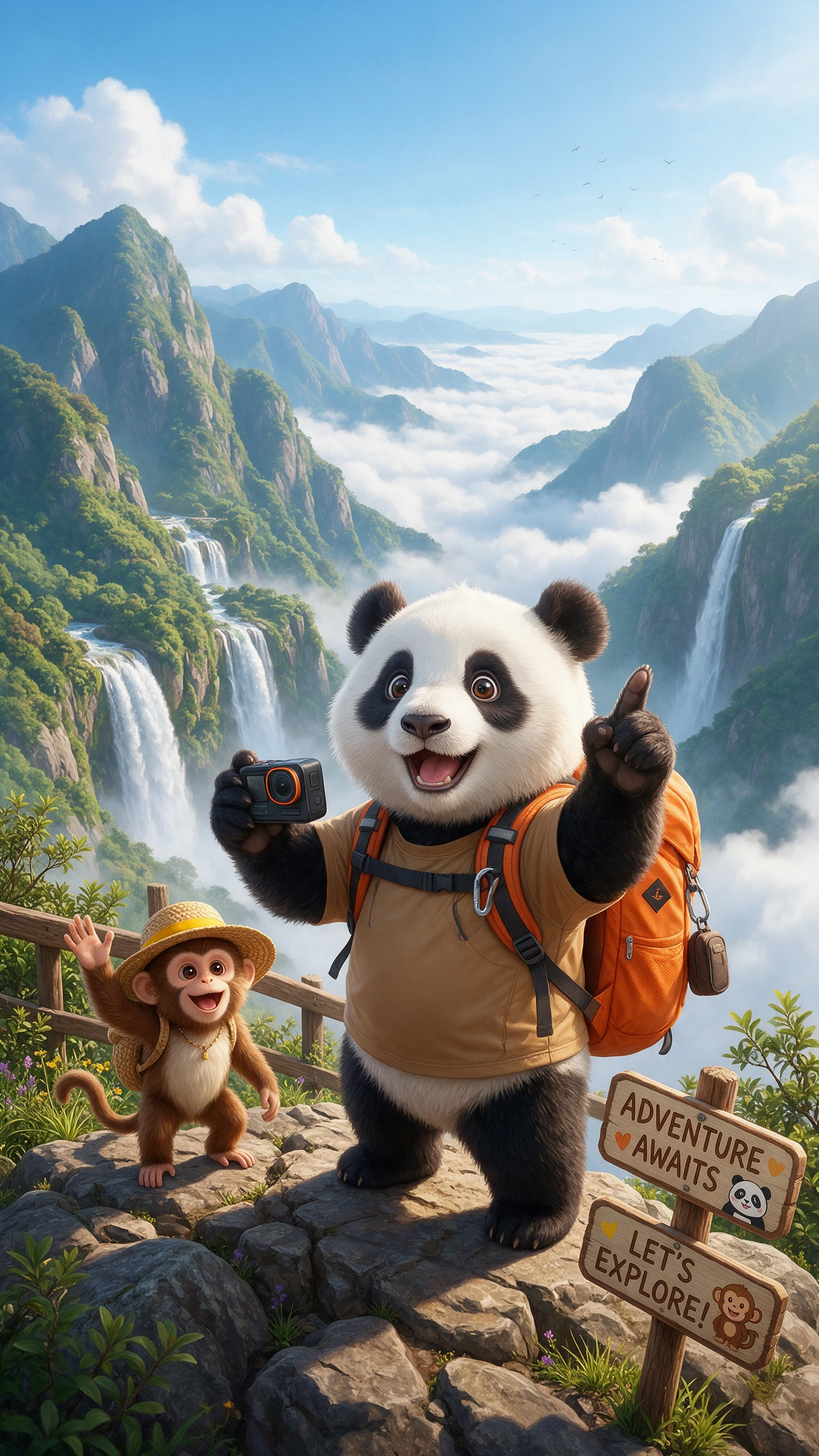
Talking animal video cover example
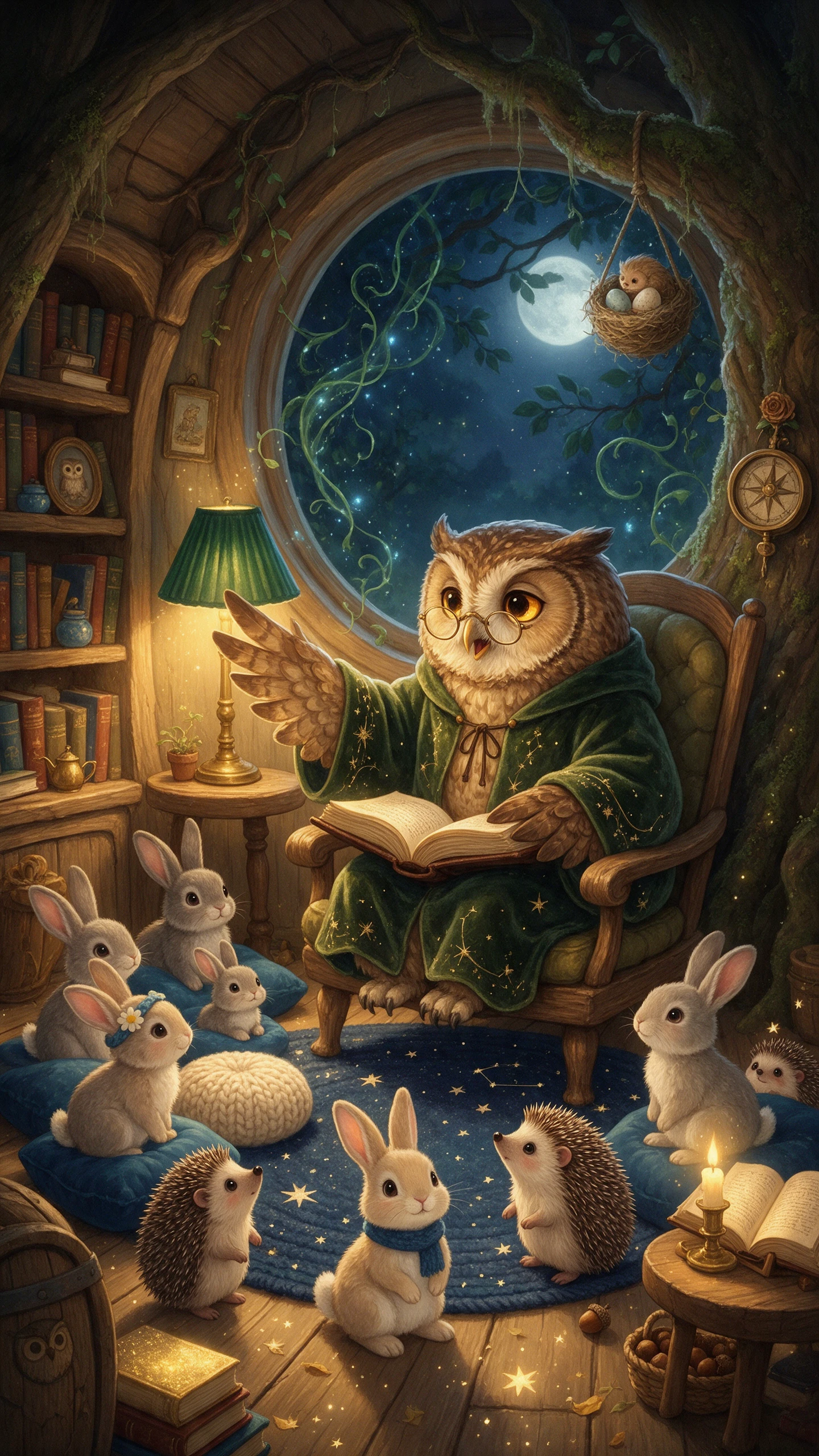
AI animal storytelling video example
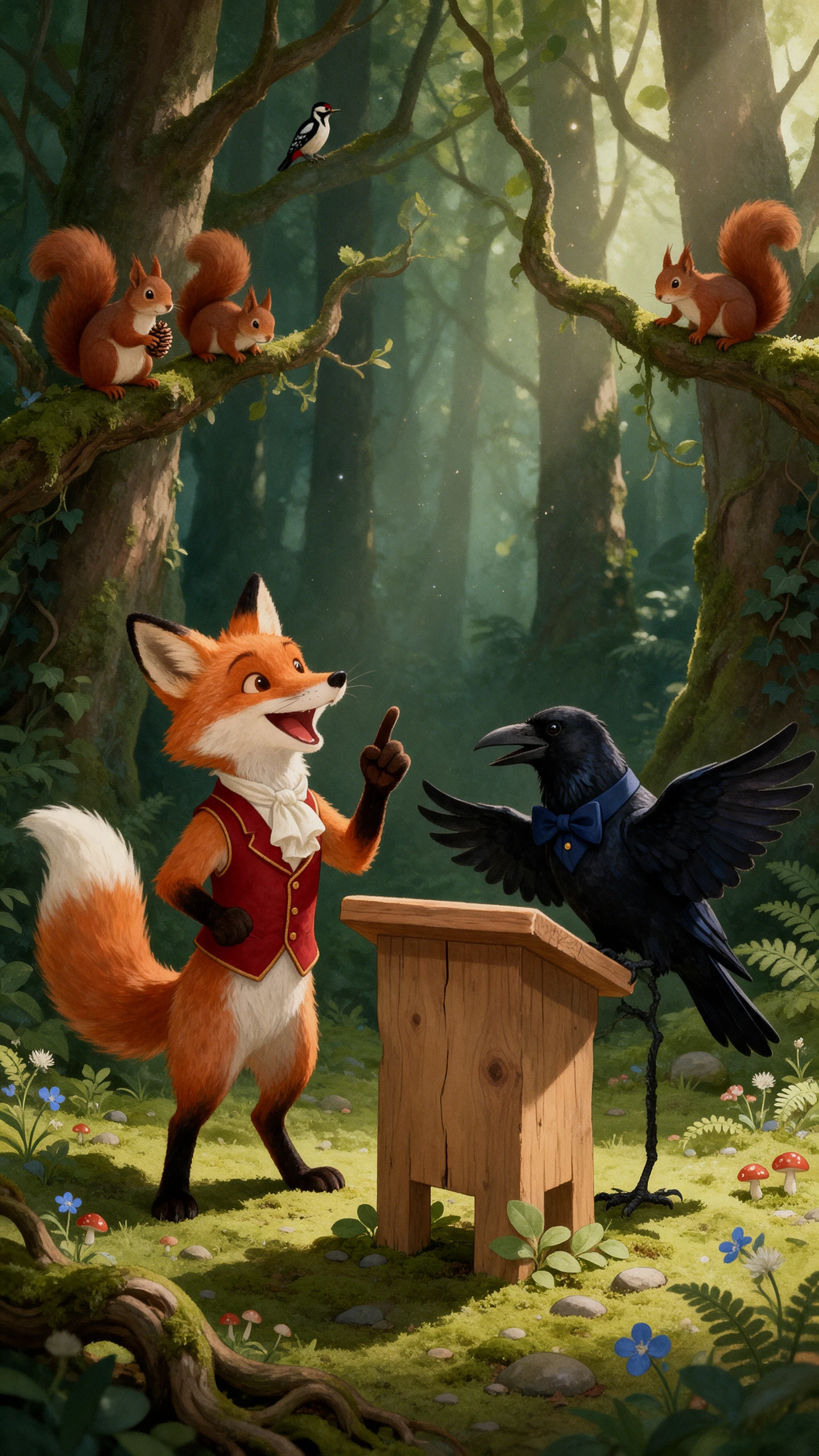
Talking animals AI video story examples
AI-generated animal conversation video
Talking animal video cover example
AI animal storytelling video example

Top Features of Magiclight AI Talking Animals Video Generator

Imagine a sleepy bear explaining why he missed the forest picnic. With Magiclight AI talking animals, that small excuse can become a scene with its own conversation.

Create Talking Animals Video for Free
3D decoration

1000 Characters for Each Animal

Magiclight AI gives you 1000 characters to describe each animal's appearance. Describe a sleepy cat with messy fur that gets annoyed whenever someone wakes it from a nap.

Animal Conversations With MagicLight Agent

Tell MagicLight Agent which animals are talking and what happens between them. It can write a conversation where a fox tries to explain why the hens do not trust him.

12000 Characters for Your Story Script

Write your animal story in 12000 characters with Magiclight AI. A lost puppy can ask an older dog for help finding its way home through a longer conversation.

50 Poses in Nano Storyboard

Magiclight AI offers 50 poses in Nano Storyboard to show how animals react while talking. Give a curious cat a surprised look when the family dog reveals a secret.

Who Can Use the Magiclight AI Talking Animals Video Generator
Animal shelters have stories worth sharing, while teachers need fresh ways to explain everyday lessons. Magiclight AI talking animals helps both bring their ideas to the screen.
Explore how different users can create talking animal videos:
Animal rescue teams creating talking animal videos
For Animal Rescue Teams
Share a rescue dog's first night at the shelter through its own voice.
Turn a shelter adoption event into a funny conversation between pets.
MagicLight Agent can draft a story about a stray dog's first warm meal.
Veterinary clinics creating talking pet videos
For Veterinary Clinics
Explain a pet's first vaccination through a nervous kitten's story.
Give your clinic mascot a 1000 character description for its new look.
Remind dog owners about summer heat through a thirsty puppy's story.
Wildlife parks creating talking animal videos
For Wildlife Parks
Take young visitors beneath the waves with a chatty sea turtle guide.
Choose from over 50 visual styles for a story about forest wildlife.
Show a baby penguin asking its mother why the ice is melting so fast.
Teachers creating talking animal lesson videos
For School Teachers
Teach kindness through a mouse who shares lunch with a hungry lion.
Plan a longer animal lesson with 50 minutes of video in Magiclight AI.
Use 12000 characters to write a class story about a dishonest rabbit.
Why Choose Magiclight AI Talking Animals Video Generator
A funny animal story deserves more than a single viewing. Magiclight AI talking animals gives your characters a familiar look while helping their stories reach different audiences.
Make Animal Stories Last 50 Minutes
A longer story gives your characters more time to develop. Magiclight AI supports videos lasting 50 minutes, which works well for a classroom animal adventure with several scenes.
Choose From 16 Subtitle Styles
Some viewers watch videos without sound. Magiclight AI offers 16 subtitle styles to display animal conversations on screen and help you understand the dialogue when the audio is muted.
Find the Right Voice From 37 Options
Choose from 37 voice options in Magiclight AI to give each animal its own sound. A tiny mouse can speak in a deep voice, while a large bear might sound surprisingly gentle.
Keep Animal Characters Consistent
Save your animal character for another story without changing its familiar appearance. The same clinic cat can return every week to explain a different pet care topic through Magiclight AI.
Give Animals a Voice in 12 Languages
Your animal characters can speak in 12 languages with Magiclight AI. A rescue center can share the same pet adoption story with families who speak different languages.
Pick From 21 Video Cover Templates
A good cover gives people a reason to watch your animal story. Magiclight AI has 21 cover templates that help you present your main character before viewers open the video.

How to Make a Talking Animals Video With Magiclight AI 

Your animal characters need a story before they have anything to say. Magiclight AI takes you through 4 steps to create talking animal videos from your own ideas.

1.

Step 1. Write Your Animal Story

Start with a script of 12000 characters describing what happens between your animals. MagicLight Agent helps organize the story into scenes, which you can review before moving ahead.

2.

Step 2. Create Your Animal Characters

Your animals need their own appearance to suit the story. Choose an existing character or create a new one with a 1000 character description of its looks and personality.

3.

Step 3. Check the Scenes in Nano Storyboard

Nano Storyboard shows how your animal story will appear scene by scene. Review the characters' expressions and make changes where needed before MagicLight Agent animates the story.

4.

Step 4. Give Each Animal a Voice

Choose from 37 voice options to suit your animal characters. Add subtitles to help viewers understand their conversations, then generate the complete video and export it.

FAQs on Talking Animals AI Video Generator

Can talking animals have conversations with more than two characters?

Yes. You can write a scene where several animals take turns speaking. A group of farm animals might argue over who ate their breakfast while each character gets a reply.

How is this different from the Animals video generator?

The Animals generator focuses on narrated pet and wildlife stories. Talking animals videos give each creature its own dialogue, making conversations the main story focus.

Can each animal have a different voice?

Yes. Pick a different voice for each animal from 37 options. A shy rabbit can sound soft while a confident rooster talks boldly, helping viewers recognize each character.

Can I make my clinic or shelter mascot talk?

Yes. Create a mascot from a description or reference image, then save its appearance for future videos. Magiclight AI talking animals keeps your mascot familiar each time.

Which visual styles suit talking animals?

Cartoon, cute 3D and storybook styles help animal expressions stand out. Magiclight AI offers 50+ visual styles, giving you different looks to match the mood of your story.

Can I use these videos for a clinic or zoo?

Yes. Provided your Magiclight AI plan includes commercial use rights. Check the terms of your plan before publishing talking animal videos for a clinic or a zoo.


Create AI Animal Videos With Magiclight AI

Give your animals a story to share. Magiclight AI brings their conversations to life with distinct voices and expressive characters.