12,000-Character Story Broken Into Scenes
A Veo prompt covers one shot and no more. Feed a story of 12,000 characters into Magiclight AI and it comes back as a shot list, with each scene carrying its own description.
Start Creating Free

Turn one script into consistent Veo 3 prompts with Magiclight AI. Keep every scene connected with no prompt engineering or video editing skills required.
Create Veo 3 Prompts For Free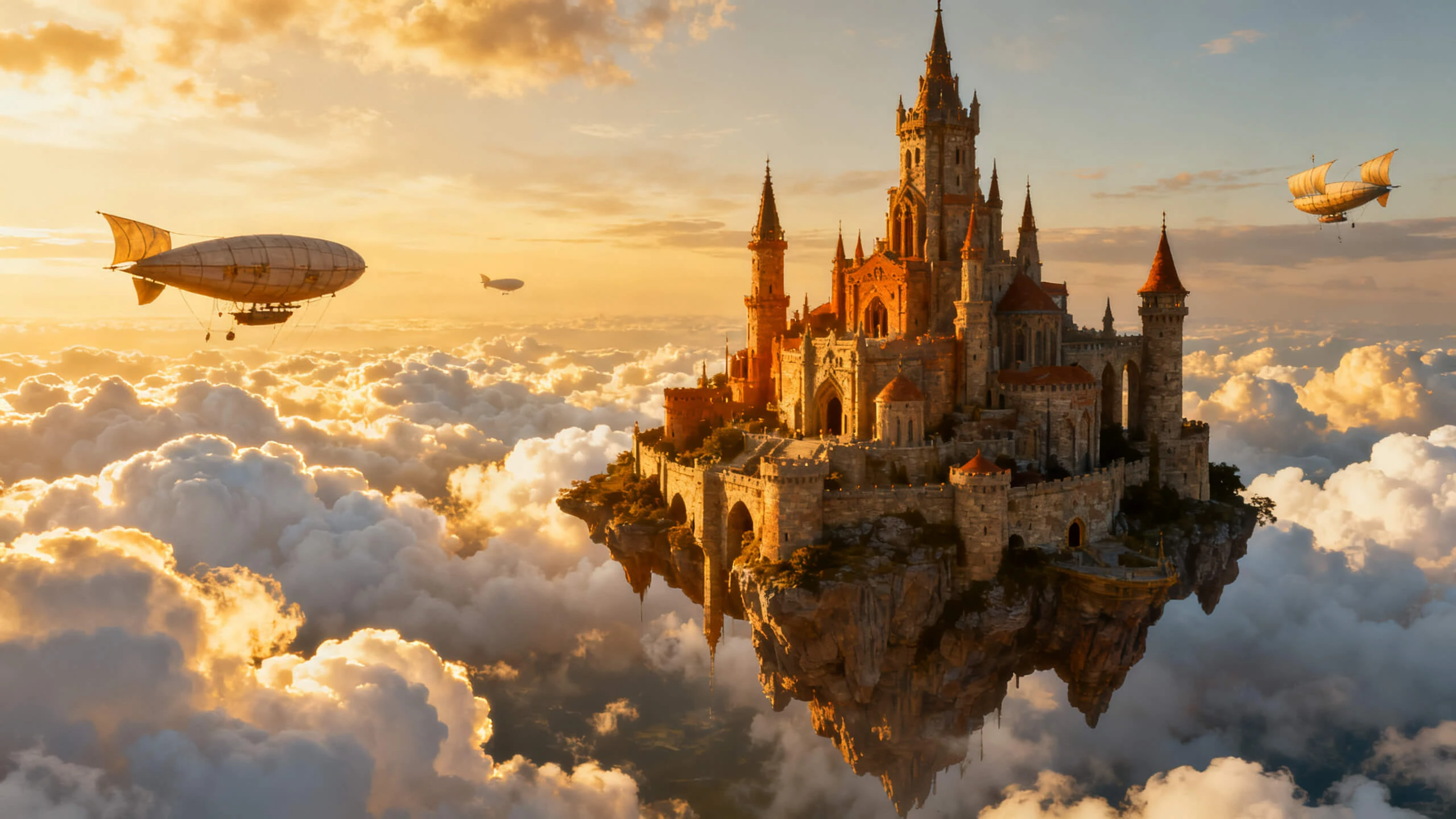










See how the Magiclight Veo 3 prompt generator turns one story into a prompt for every shot in it. Write the script, set the cast, then read the shot list.
A Veo prompt covers one shot and no more. Feed a story of 12,000 characters into Magiclight AI and it comes back as a shot list, with each scene carrying its own description.
Start Creating FreeYou do not have to leave the page to run the prompts. Veo 3 variants sit among the 20 video models available inside Magiclight AI, so the shot brief and the generation happen in the same place.
Start Creating Free
Matching a character across separate Veo prompts is the hard part. Describe each one in up to 1000 characters, save it, and the same face carries into every shot prompt without being re-described.
Start Creating Free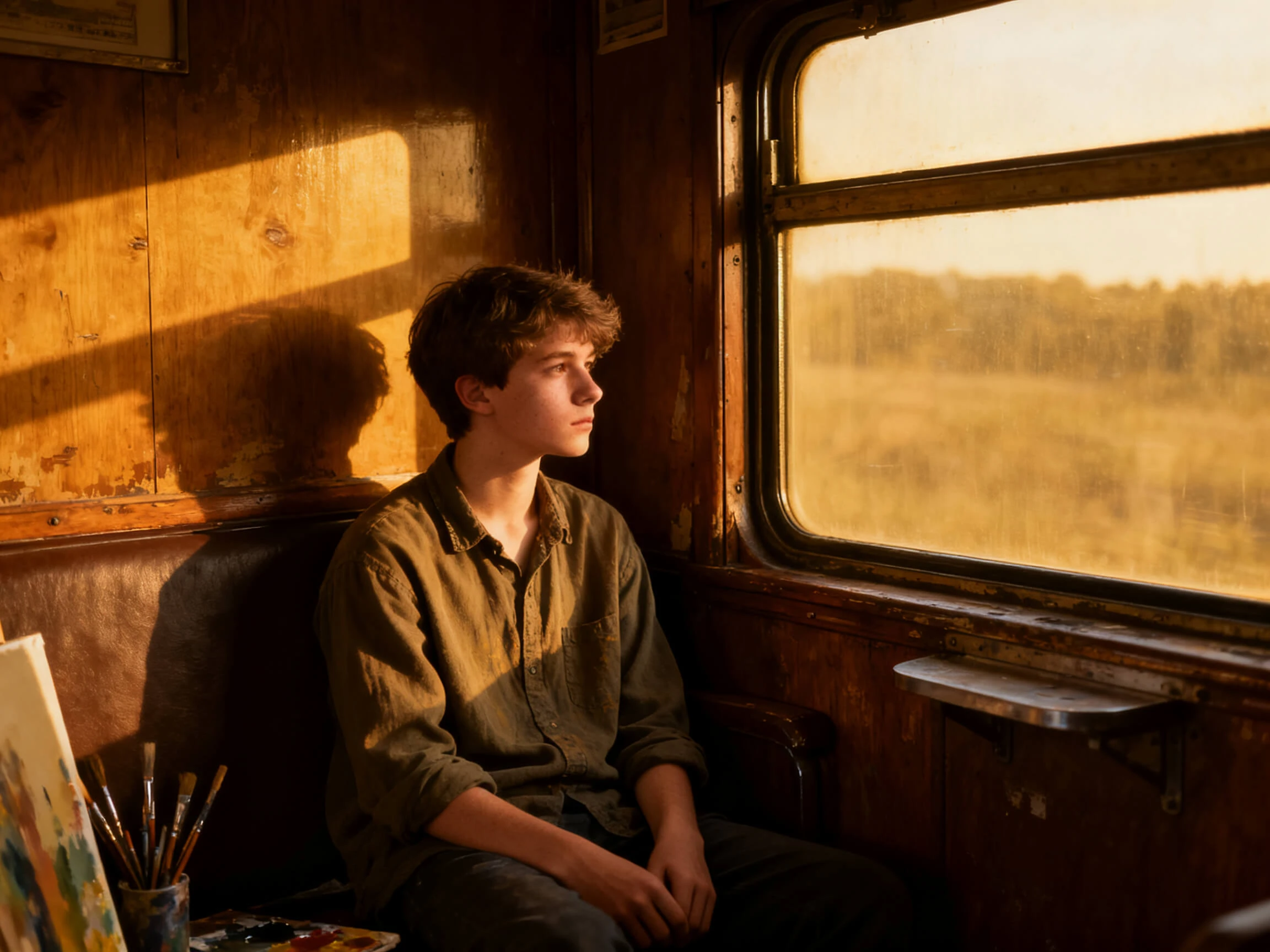
Camera language is half of a good shot prompt. Set the angle, the framing and one of the 50 poses per shot in the Nano Storyboard, which fills in detail a written prompt usually leaves out.
Start Creating Free


Let the story lead across 4 steps. The Google Veo 3 prompt generator maps it into scenes, keeps the cast consistent, adds shot details, and prepares each scene for generation.
Paste your story or script, using up to 12,000 characters when needed. Magiclight AI organizes the narrative into scenes that can be prepared individually for video generation.
Select the appropriate character option out of the AI-generated results or existing libraries. This helps keep the same character appearance consistent as the story moves between scenes.
Access Nano Storyboard to adjust details such as camera direction, character expressions, and poses. These choices give the video model clearer direction for each scene.
Continue to select an appropriate subtitle style and background music for the Veo 3 video. Preview and make any refinements if needed before exporting the final result.
Channel Owner
My character kept changing between Veo shots when I wrote every prompt separately. With Magiclight AI, I can reuse the same character across the scenes.
Ad Creative
I wanted to see the same concept through more than one model before choosing. Magiclight AI let me run the shot list without rewriting the prompts.
Course Creator
My lessons were already written, but turning them into visual scenes was difficult. I now use the scene planning in Magiclight AI to organize the script before generation.
Freelance Filmmaker
Camera direction was always the hardest part for me to describe in a prompt. Setting the shot visually first removes much of that guesswork in Magiclight AI.
No, and that is the point. Magiclight AI Veo3 prompt generator writes the shot briefs and runs them itself, so there is nothing to copy across into Google Flow or the Gemini app.
Veo 3 variants are among the 19 video models available inside Magiclight AI. The shot prompts get built from your script and sent to whichever model you select.
Signing up hands over free credits and asks for no card. They cover writing a script, creating a cast, and reading the shot list in Magiclight AI before any video is generated.
As many as the script contains. A 12,000-character story breaks into scenes, and Magiclight AI writes a brief for each one rather than capping you at a single clip.
Any scene can be changed on its own. Adjust the description, the pose or the camera in the storyboard, and Magiclight AI regenerates that shot without touching the rest.
No. Subject, camera, style and the rest are set as fields rather than written out as a sentence, so Magiclight AI handles the phrasing that written prompts usually get wrong.



One shot is not a video, and 30 prompts are not a workflow. Magiclight AI takes the script once and writes every shot brief in it for you.