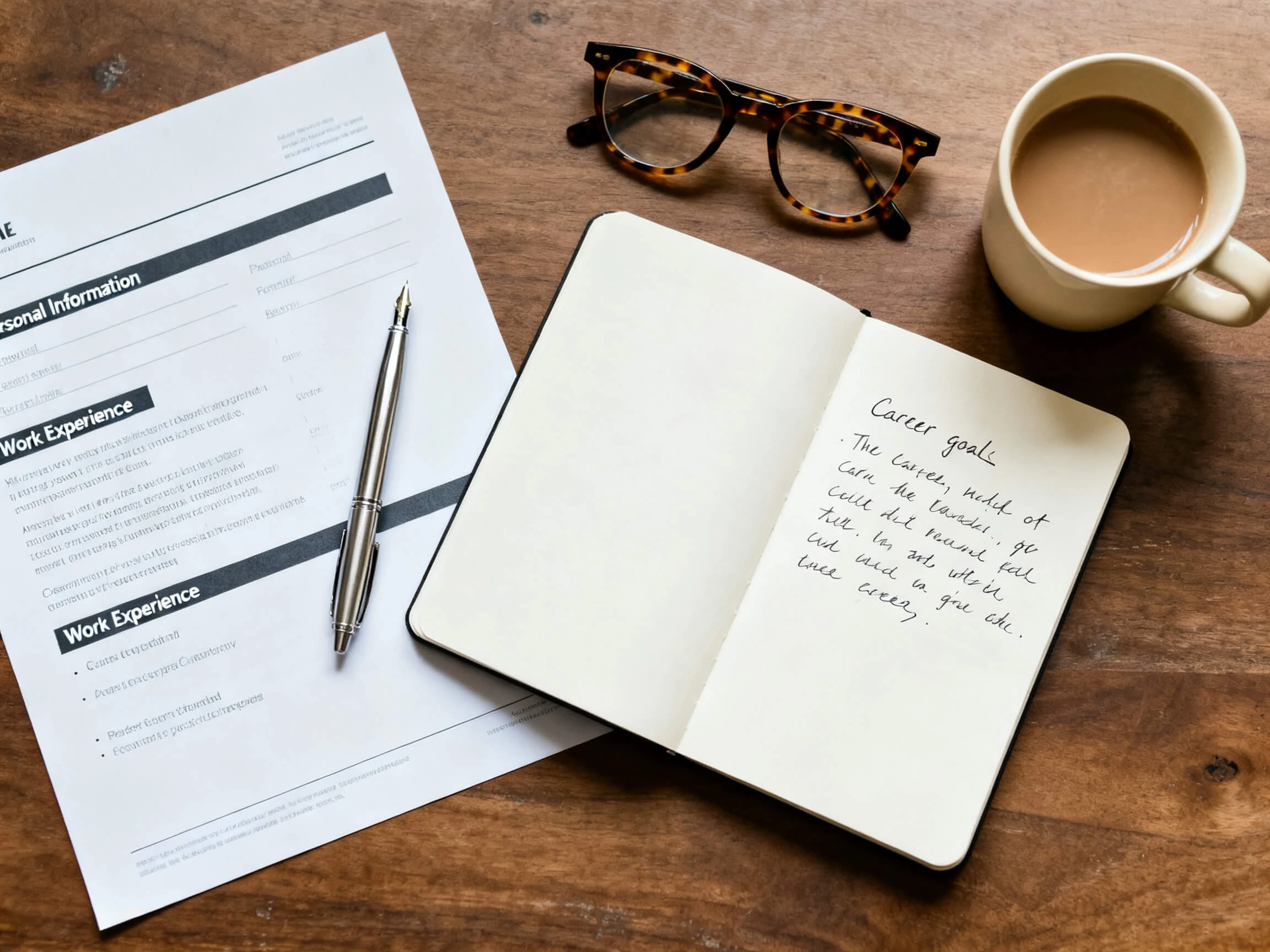
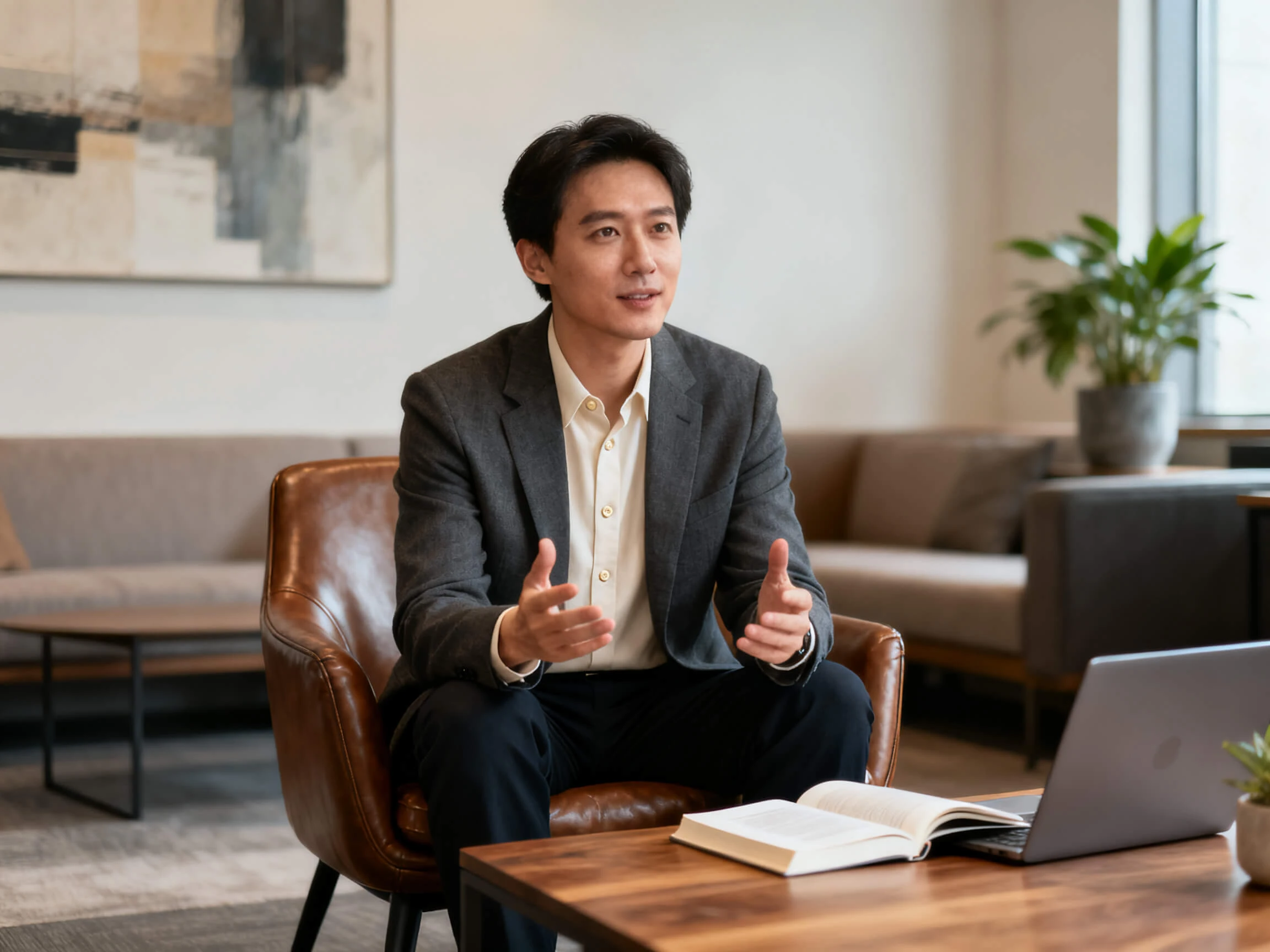
Showcase your projects, skills, and achievements in a polished video resume with Magiclight AI. Bring your experience to life without a camera, filming setup, or editing skills.
Top Features of the Magiclight Video Resume Creator
See your written CV take shape with the Magiclight AI video resume maker. Paste your text, choose a presenter, clone your voice, and show your experience through complete scenes.
12,000 Characters for Complete Video Resumes
A CV runs longer than most tools expect. Magiclight AI accepts up to 12,000 characters and separates your career into scenes, so years of roles appear as a clear sequence instead of one dense block.
Nobody wants a stranger reading their career out. Record your voice once, and the Magiclight AI video resume creator carries it across every scene, keeping the narration recognizably yours.
Magiclight AI offers 9 different story models, ranging from GPT-5.6 to Claude Opus 4.6, for improving the video resume script. Counter all issues within the CV script to remove any unprofessional content.
Writing about a rebrand is not the same as showing it. Set the pose and the scene shot by shot from 50 options, so each role plays as something that happened rather than a line on a list.
From design portfolios to graduate applications, use a free video resume maker when your skills, projects, and experience are easier to show on screen than describe in writing.
For Design Portfolios
Show every project as a scene from among the 4 style sections.
Prove the skill by making the CV itself into an example.
Export at 1080p in a 16:9 frame for the portfolio page itself.
For Graduate Applications
Cover placements and coursework inside 12,000 characters.
Narrate the entire thing using a clone of your own voice.
Add captions with the 16 subtitle settings for muted play.
For Freelance Pitches
Swap one scene when the pitch changes rather than all of it.
Send a vertical 9:16 cut when the pitch goes out to a phone.
Use the finished video commercially on any paid plan.
For LinkedIn Videos
Let a single presenter carry every version that you post.
Set the pose on each shot from the 50 available options.
Recreate it in any one of the 11 languages that you work in.
How to Create Using Magiclight AI Video Resume Creator
Turn your CV into a video in 4 steps with a free online video resume maker. Add the text, choose a presenter, set each role as a scene, and add your narration.
1.
Create Your Presenter
Describe the character you want in up to 1,000 characters or use a reference photo. Select a visual style that fits the role or industry you are applying for.
2.
Add Your CV Text
Paste up to 12,000 characters of your CV into Magiclight AI and use it as the video script. Include the roles, achievements, and experience you want to present.
3.
Review Your Resume Scenes
Go through the scenes in the storyboard and adjust the poses, expressions, camera angles, and visual details so each section supports the experience being presented.
4.
Add Your Voice and Export
Clone your own voice or choose from the 37 available voices. Add captions and audio, then export the finished video in up to 1080p in your preferred format.
What Users Say About Magiclight AI's Video Resumes
Imani Clarke
Recent Graduate
My CV had 3 placements on it, and none of them meant much written down. With Magiclight AI, I could show that experience visually instead of leaving it as a few lines on a page.
Petra Novotna
Freelance Animator
Using an animated CV for an animation job made sense from the start. The format did half the talking for me, while Magiclight AI gave my work a more visual way to come across.
Hassan Adeel
Product Designer
An animated figure reading out my career in some stranger's voice felt wrong. Cloning my own voice inside Magiclight AI is what fixed that for me.
Line Jorgensen
Career Coach
Most of my clients freeze the moment a camera points at them. For those people, Magiclight AI has been a useful way to make a video resume without having to record themselves.
Animated, and that is worth deciding on before you start. Magiclight AI does not record you, so if the goal is an employer seeing your actual face, a phone camera does that job better.
Can it use my own voice rather than a stock one?
Voice cloning is the reason most people use this for a CV. Record yourself once, and the animated presenter in Magiclight AI is narrated in your voice rather than a stranger's.
Is the video resume maker online free to use?
Credits land on registration, and no card is required. They cover a first version in Magiclight AI, normally enough to decide whether the format suits your field.
Will Employers Actually Accept a Video Resume?
Some employers accept video resumes, but requirements vary. Pair your written CV with a Magiclight AI video resume creator so recruiters can choose how to review it.
Does the Video CV Maker Free Plan Cover a Full CV?
A full CV can fit in one project with up to 12,000 characters. That gives Magiclight AI room for longer career histories without splitting the script into two.
How Long Should a Video Resume Actually Run?
Keep it near 90 seconds for most applications. You can go longer in Magiclight AI, but a shorter video is easier for busy recruiters to watch from start to finish.
Create Your Portfolio Video With Magiclight AI
A list of roles reads the same as everyone else's. Magiclight AI puts the projects on screen, narrated in your voice, so the reader sees what you did.