
9 AI Models to Develop Your Story
The same idea reads differently depending on who is telling it. Magiclight AI runs your line through 9 story models, so a rough premise comes back as several different structures rather than one.
Start Creating

Take a single idea beyond one frame with the video story prompt generator. Magiclight AI maps what happens next across the story, with no prompt writing skills needed.
Create a Video Story Prompt Now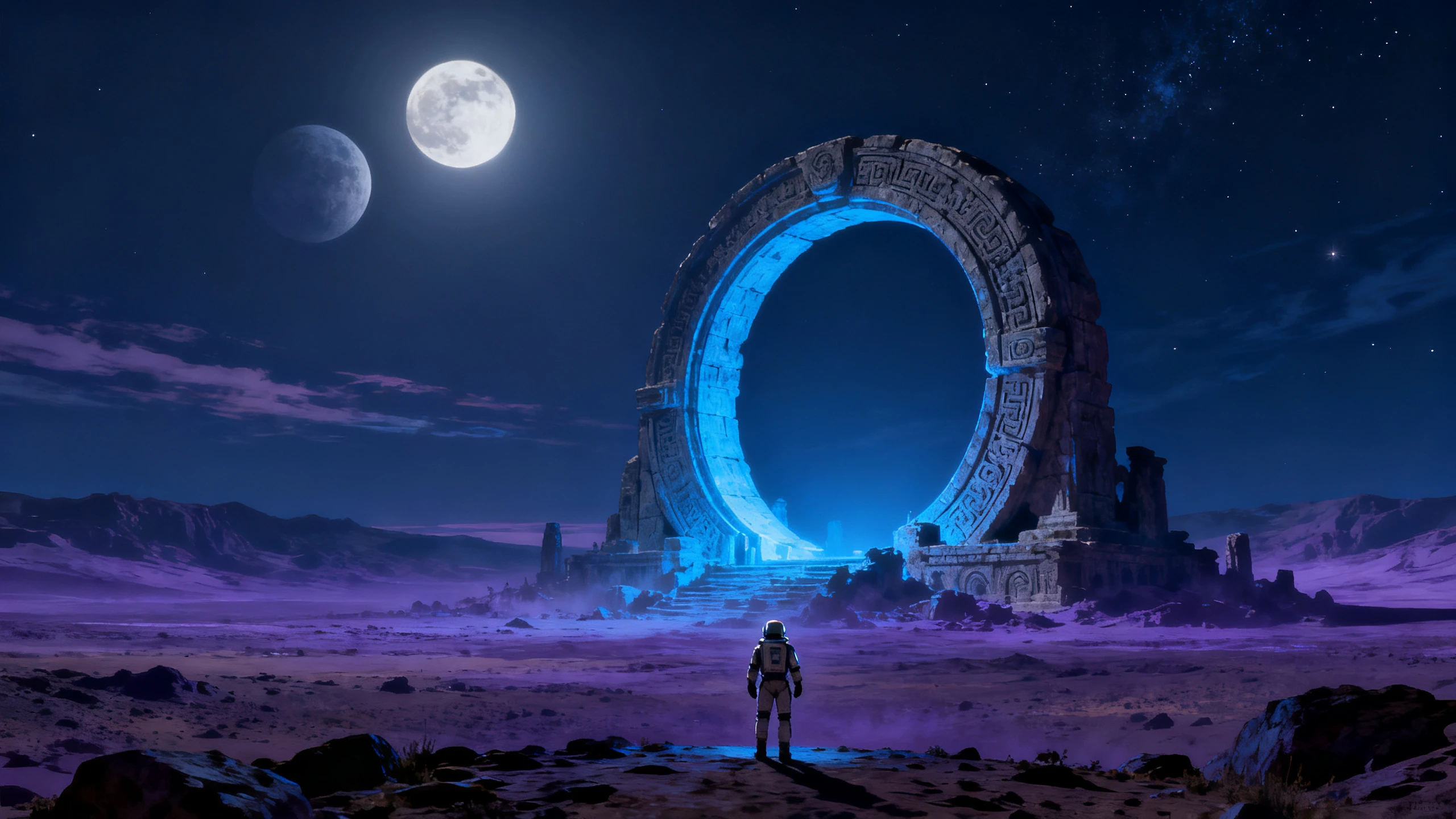









Develop one idea into a complete story with the video story prompt generator. Shape the plot, characters, and scenes without writing every prompt from scratch.
The same idea reads differently depending on who is telling it. Magiclight AI runs your line through 9 story models, so a rough premise comes back as several different structures rather than one.
Start CreatingOne sentence going in does not mean one sentence coming out. There is room for a full 12,000 characters, which is what a story needs once the beats have been broken into scenes.
Start Creating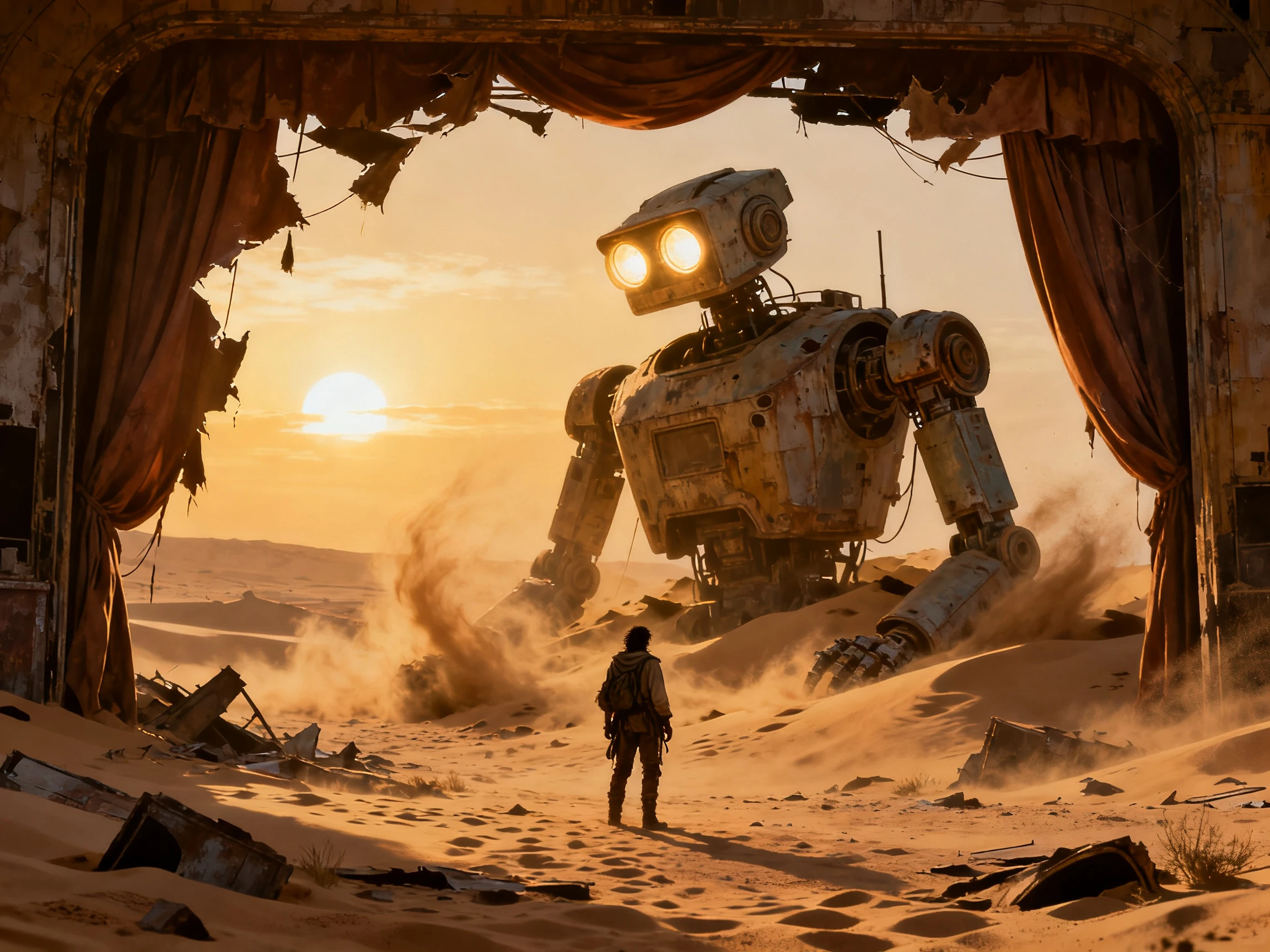
A plot on its own is only half of a story prompt. Describe each character in up to 1000 characters separately, because who is in a scene decides what that scene can actually be about.
Start Creating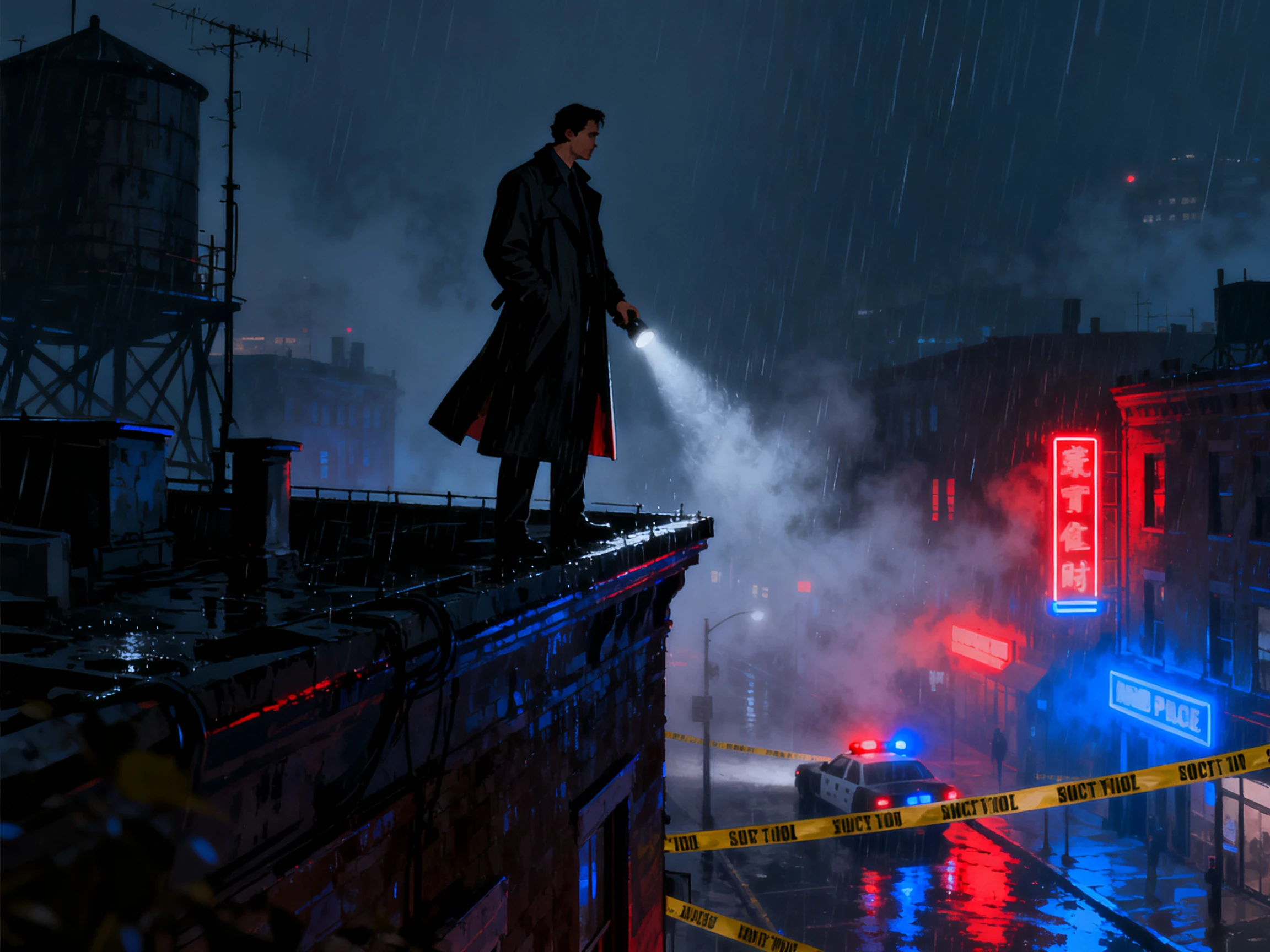
One idea suits some formats and not others. Magiclight AI can take the same premise as a story video, a short drama, a kids story, an explainer, a religious story, or an interview.
Start Creating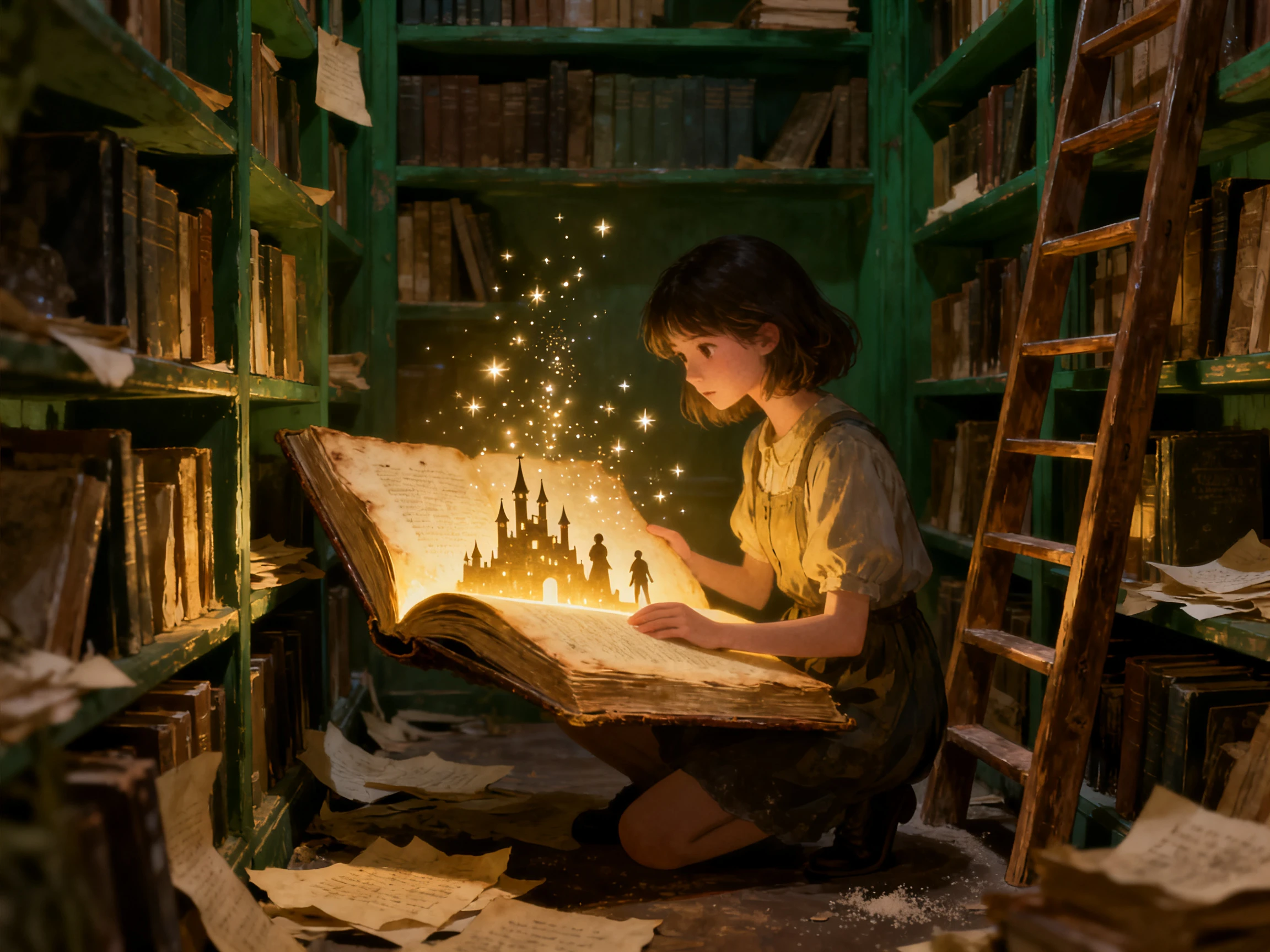


Create your story in 4 steps with the free video story prompt generator. Start with one idea, select a story model, define the cast, and map it into scenes.
Start with a sentence describing your basic story idea. Magiclight AI can expand a simple premise into a structured narrative with characters and scenes.
Pick from the available story models to develop your idea. The selected model helps shape the narrative structure and direction before the storyboard is generated.
Describe the characters and set their appearance before moving ahead. Saved character details help keep the cast recognizable as the story moves between scenes.
Check the generated storyboard scene by scene. Rewrite dialogue, adjust details, rearrange shots, or regenerate visuals until the story follows the direction you want.
Author
I kept searching for the right words when structure was the real problem. Once Magiclight AI mapped my premise into scenes, the direction of the story became much clearer.
Content Strategist
Pushing the same premise through several models showed me three directions I had not considered. Magiclight AI made that a five‑minute job rather than a week.
Drama Teacher
The same story works as a short drama for one class and an explainer for another. Magiclight AI takes it either way from the same starting line.
Marketing Writer
I never thought about describing the characters before writing the plot. Doing that first in Magiclight AI changed what the scenes ended up being.
No, and that is worth knowing before you start. Magiclight AI reads your idea and creates the video itself rather than producing text for you to carry off to another tool.
One line will do. There is room for 12,000 characters if you already have more written, but Magiclight AI is built to expand a short premise rather than require a long one.
An image prompt describes one frame, and a story prompt has to cover change over time. Magiclight AI asks for the premise, the cast, and the format separately for that reason.
Yes, and it saves a step. Paste it straight into the script field, and Magiclight AI will break it into scenes rather than starting the structure from scratch.
There are free credits at sign‑up with no card asked for. They cover writing a premise and reading the full breakdown in Magiclight AI before anything is generated as video.
Every scene is editable on its own. Rewriting the premise and running it again is also fine, and Magiclight AI treats that as normal rather than as starting over.



The wording does not have to be right. Give Magiclight AI a basic idea, a cast, and a format, and the scene breakdown is the part it works out for you.