14 Story Models to Shape Her Story
Choose from 14 story models in Magiclight AI, including GPT-6 Astra and Gemini Flash 3.1. Select the model that fits your waifu’s story and guides how her scenes and moments unfold.
Create Now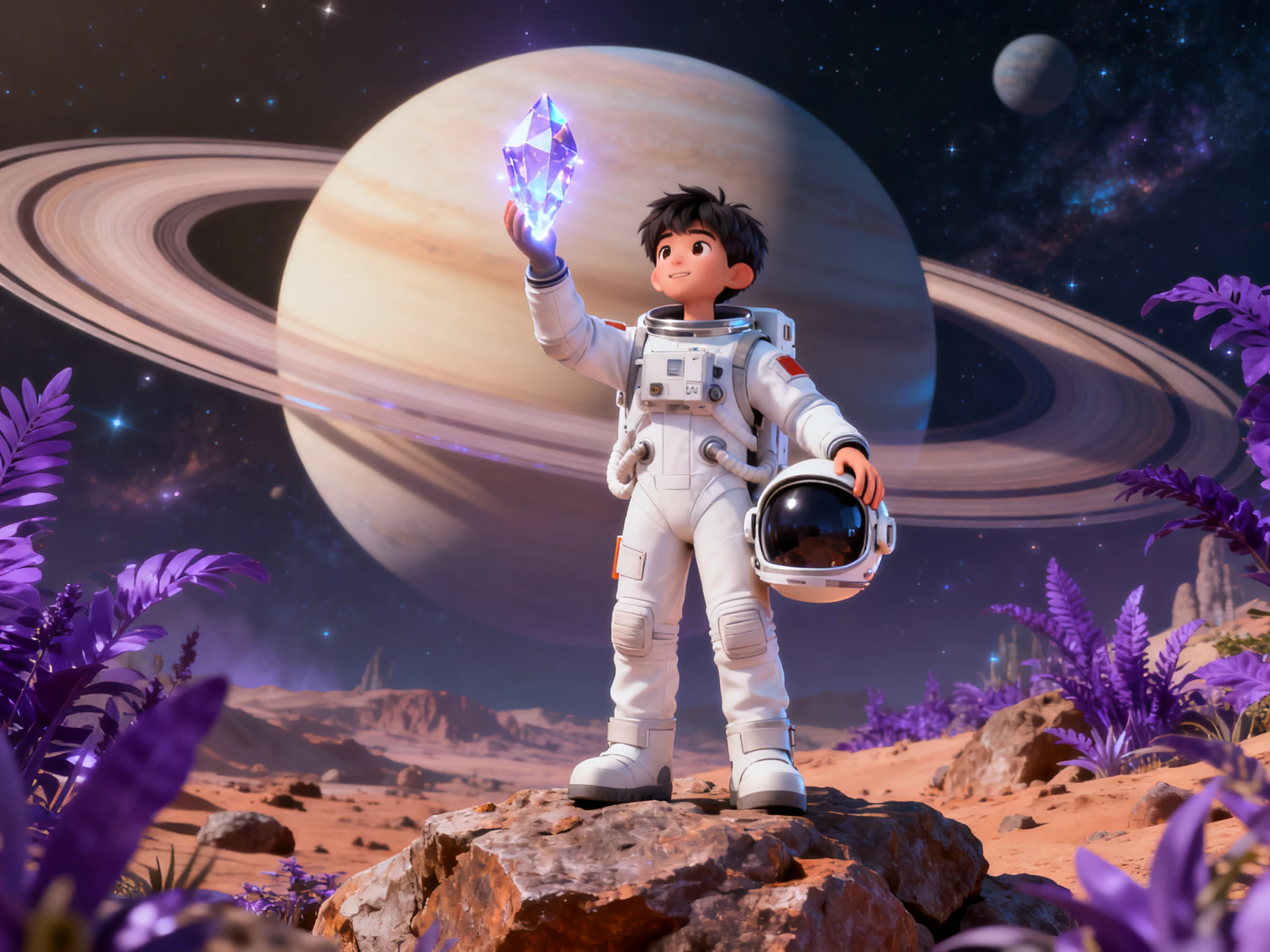

Make your waifu more than a picture. Magiclight AI lets you set her personality, choose a voice, and put her into a scene. No editing skills required.
Create a Waifu Character For Free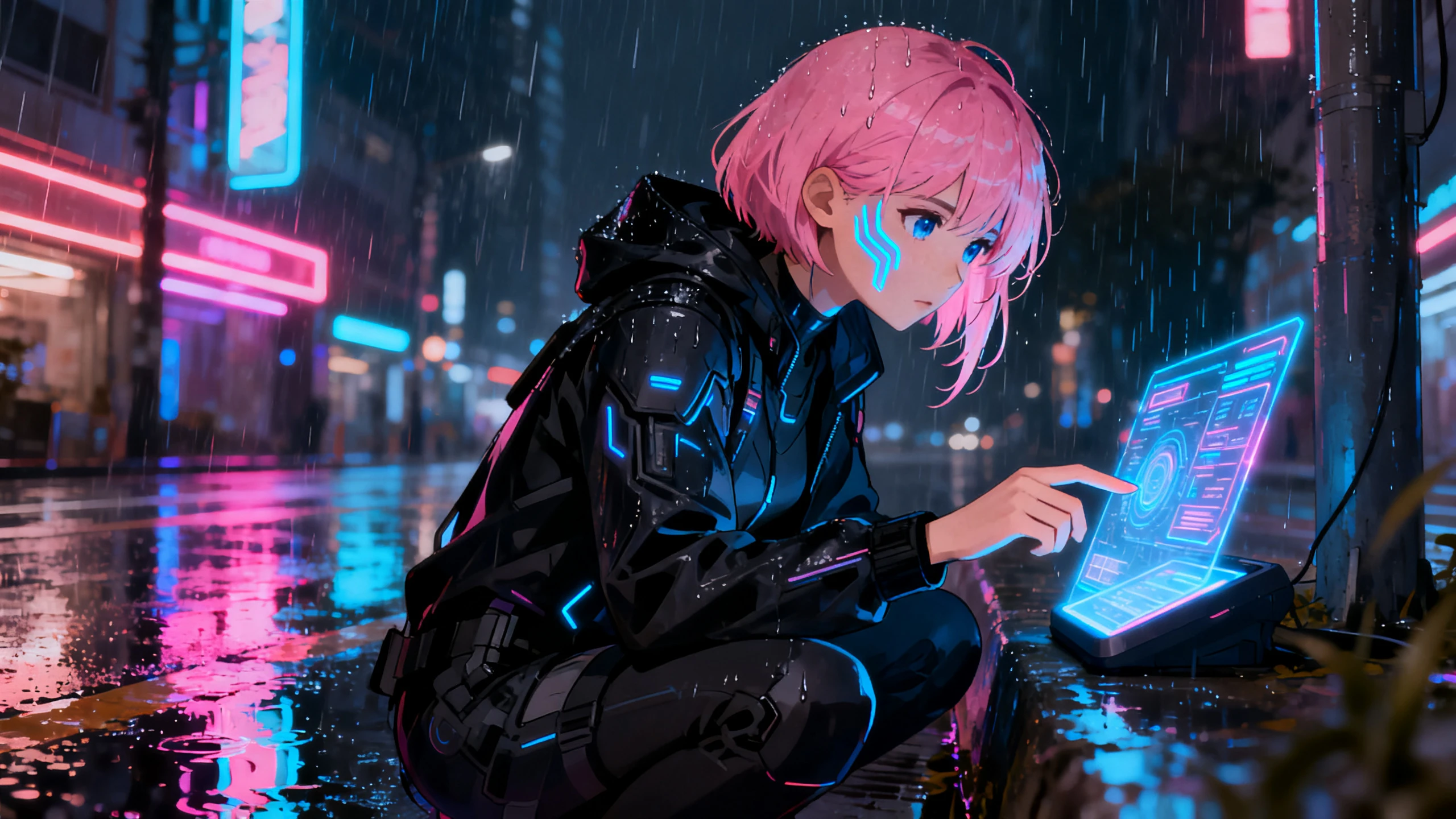










An AI waifu generator usually stops at the design and leaves it there. Write the personality in, pick the voice, then set how she moves.
Choose from 14 story models in Magiclight AI, including GPT-6 Astra and Gemini Flash 3.1. Select the model that fits your waifu’s story and guides how her scenes and moments unfold.
Create NowGo beyond hair and clothes with up to 1000 characters. Describe how your waifu talks, reacts, behaves, and shows emotion so her personality comes through along with her appearance.
Create Character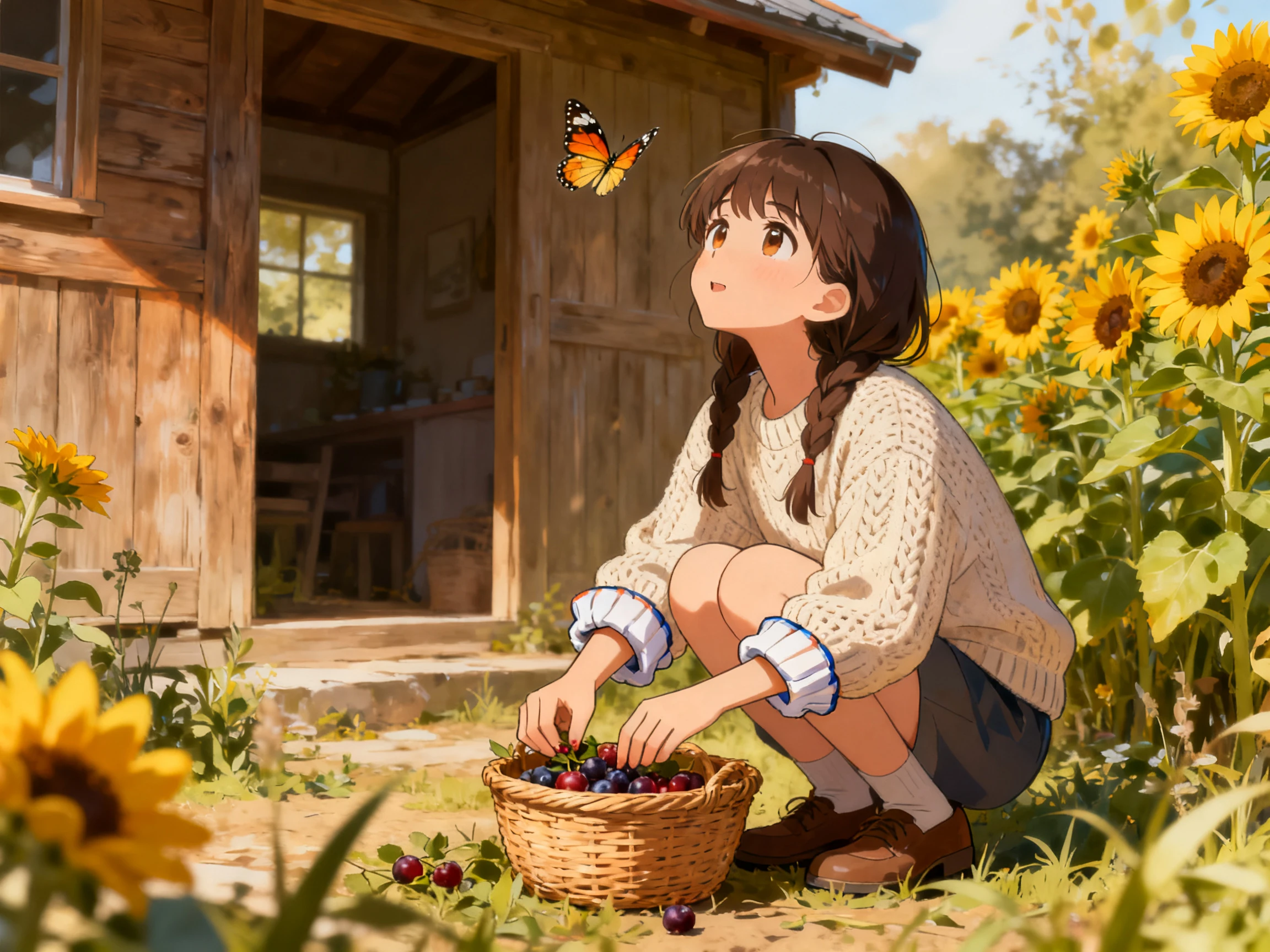
Give your waifu a voice that fits her personality from 37 options. Match her with a sweet, calm, playful, or confident sound and keep that voice with her when she appears in new scenes.
Pick Voice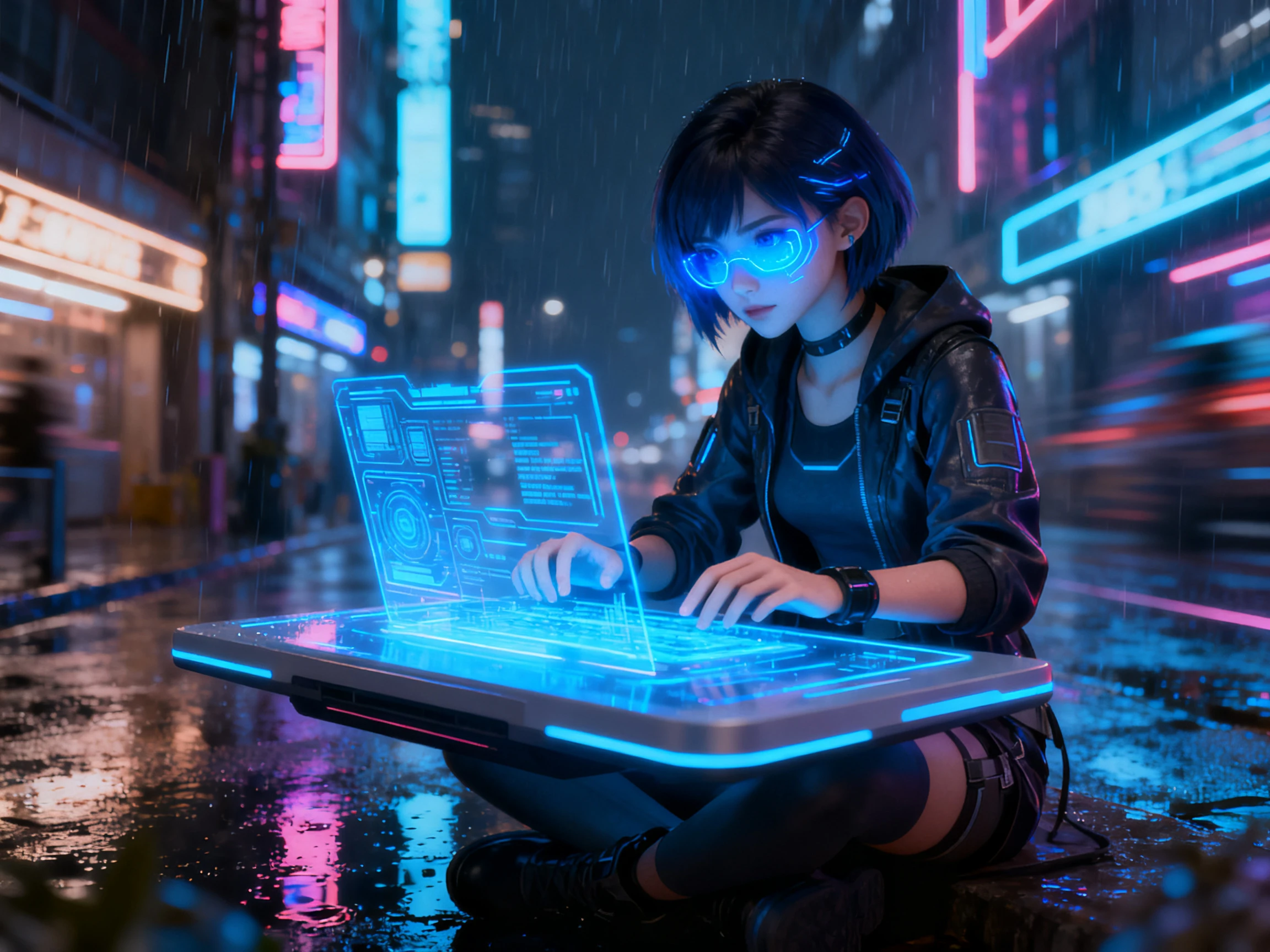
Let her pose say something about who she is. Choose from 50 poses to show your waifu as shy, confident, playful, relaxed, or expressive and match her body language to each scene.
Start Creating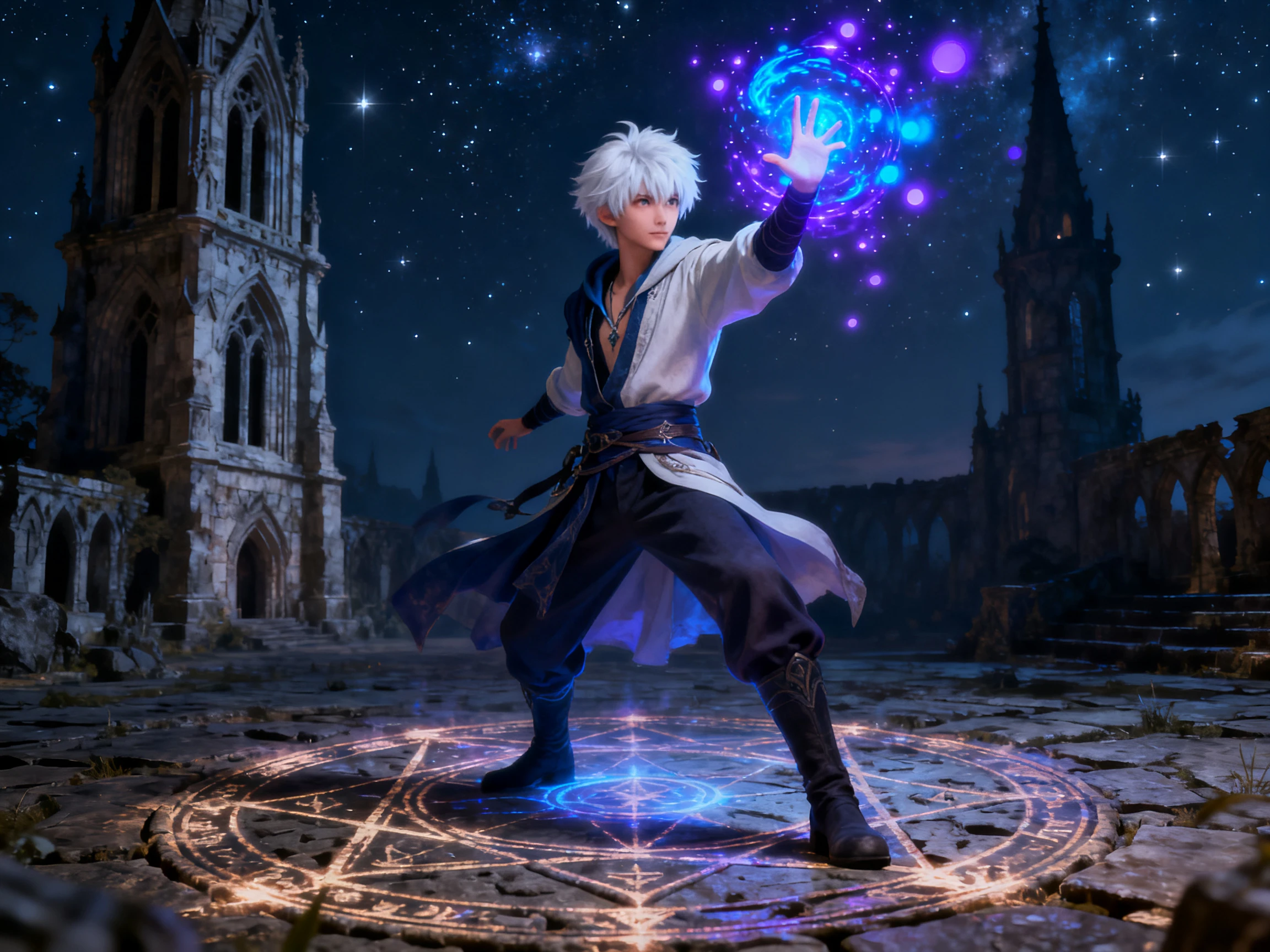


Bring your waifu to life in 4 simple steps. Start with a waifu maker to define her look and voice, save your character, then place her into a scene and see her in action.
Describe her face, hair, outfit, personality, and attitude in up to 1,000 characters. Add enough detail to give Magiclight AI a clear idea of your character.
Add a complete 12,000-character script, and listen to 37 voice options and choose one that matches your waifu.
Select the generated waifu character from the existing library. Choose from 50 poses to match your waifu to the scene.
Generate your finished waifu and export the result in up to 1080p quality. Save her for future scenes and videos so you can bring the same character back again.
Illustrator
Magiclight AI gave voices to the character designs sitting in my folder. Once people could see and hear their personalities, they actually started picking favorites.
Game Developer
My 4 routes needed four characters who felt different. Giving each one a separate voice with Magiclight AI made their personalities much easier to tell apart.
Content Creator
My channel mascot used to come back with slightly different hair every time. I saved her in Magiclight AI once, and keeping her look consistent became much easier.
Digital Artist
A character sheet gets a like, and then people scroll straight past it. Magiclight AI put mine in a clip and the response was totally different.
The personality makes more difference than the appearance. A waifu AI generator that only does the look leaves out the part people attach to, so Magiclight AI covers the voice and the manner as well.
Credits appear when you register, and nothing goes on a card. They cover a first character and a first clip, enough to see whether the design holds in Magiclight AI.
Yes. Magiclight AI can turn a written script into a complete waifu story by generating scenes, characters, visuals, narration, and other story elements within one workflow.
Yes. Add a script to turn the same character into a multi-scene video with a consistent voice and appearance throughout, using Magiclight AI for the full sequence.
Commercial use requires a paid plan. Free credits let you test the character first, while commercial rights are available with eligible paid Magiclight AI plans.
No. Adult or explicit content is not supported. For stories, games, and video projects, Magiclight AI focuses on original fictional characters instead.



A single image only goes so far. With an anime waifu generator, the character can speak and appear again in new scenes, and Magiclight AI adds that extra layer.