
Explore What D-ID AI Video Generator Can Do
Recruit a presenter who never needs a reshoot. Watch the D-ID AI video generator move one avatar between recorded videos, translations, and live conversations.

Add a photo or short recording, enter the script, and D-ID turns it into a video host for recorded or live use. No editing experience is needed to create a talking presenter.
Try D-ID AI for Free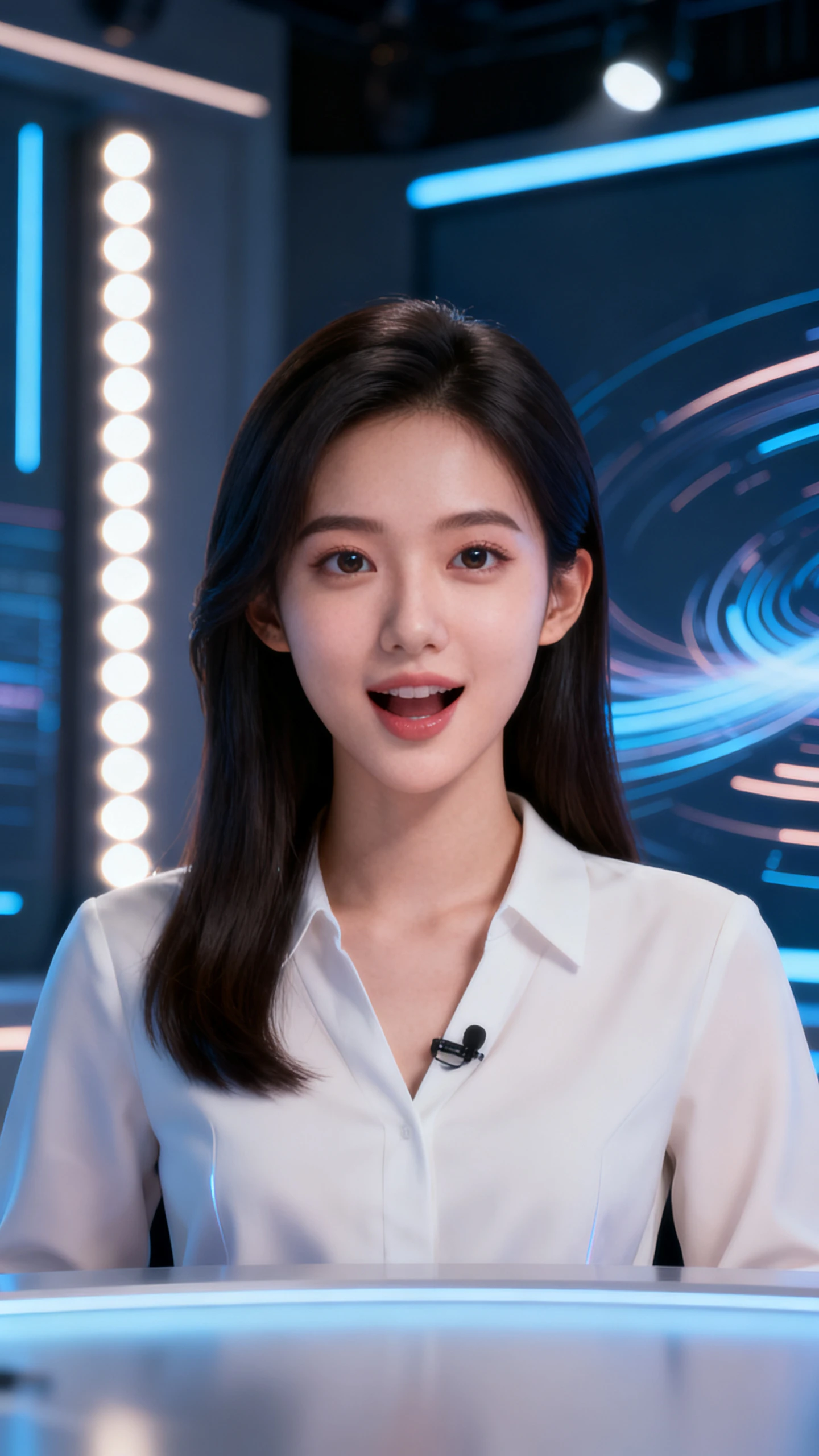

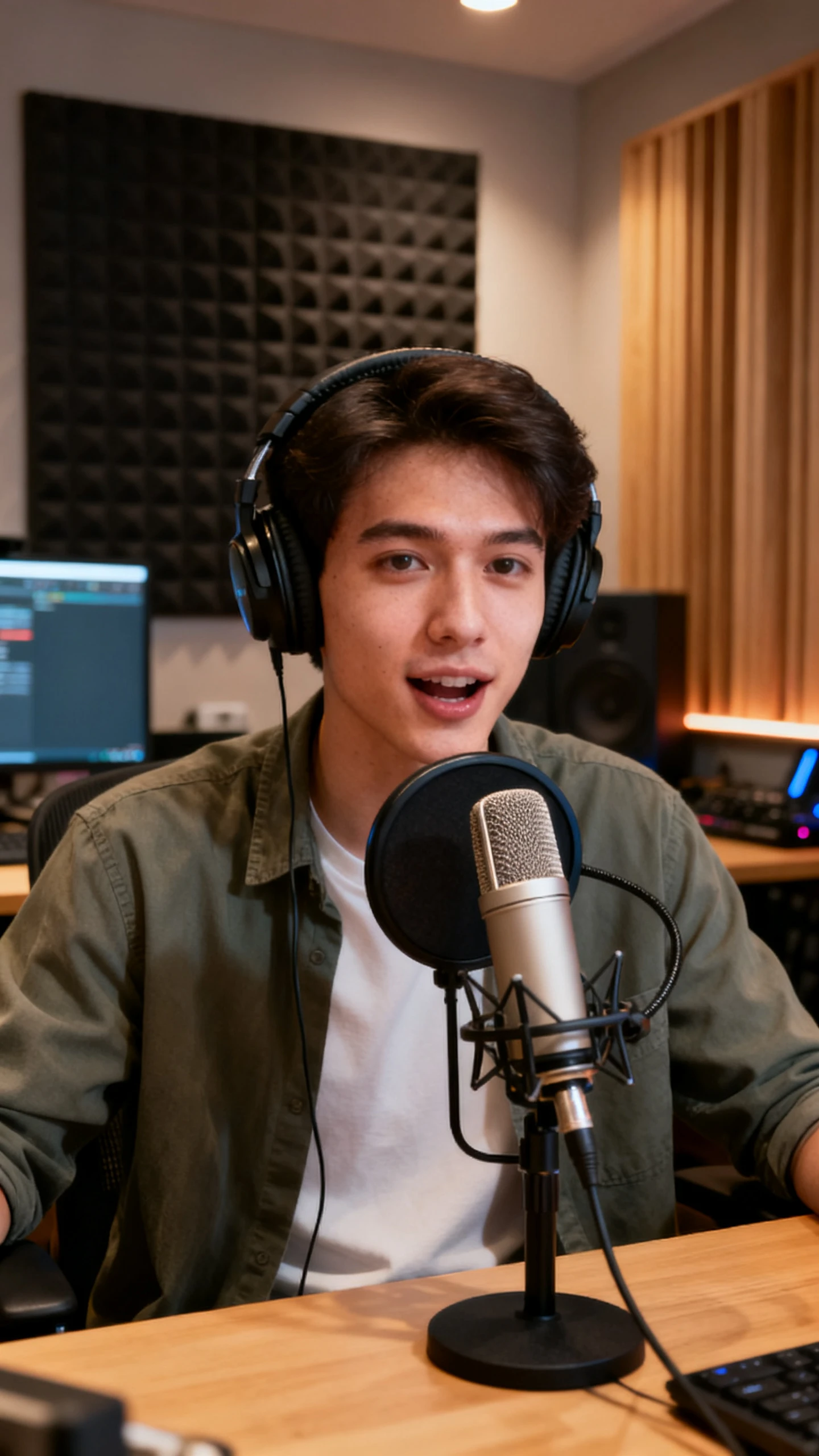
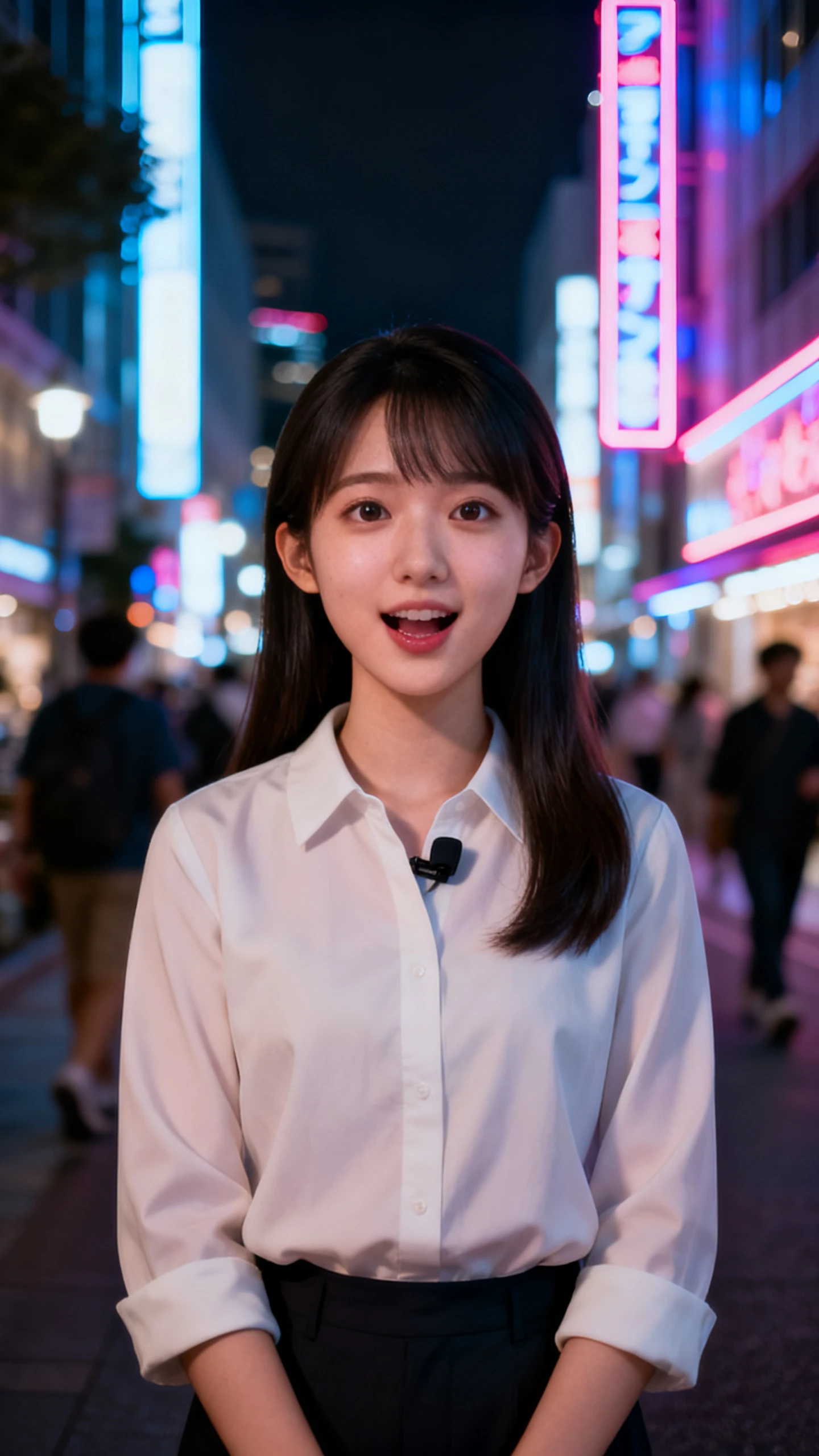

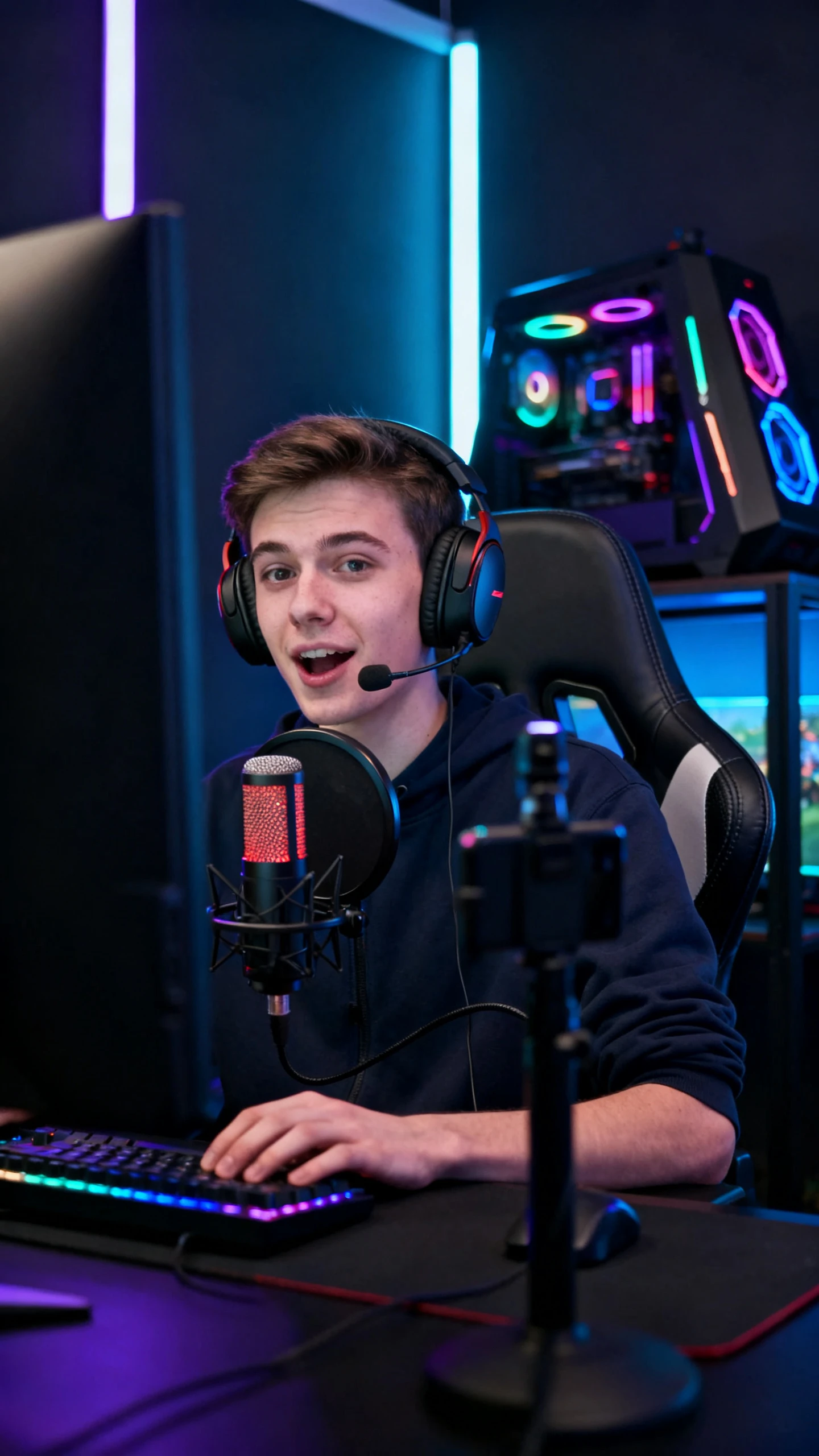


Recruit a presenter who never needs a reshoot. Watch the D-ID AI video generator move one avatar between recorded videos, translations, and live conversations.

Video Studio creates multilingual avatar videos from scripts, briefs, slide decks, or documents. It covers about 120 languages, and each video can run up to 5 minutes as an MP4. Integrations with PowerPoint, Canva, and Google Slides let you start from material your team already made, without revamping slides.
A photo avatar needs just one image, while an Express avatar comes from a short recorded or uploaded video. Premium+ avatars use a 3 to 5-minute recording for sharper facial detail and motion. V4 Expressive avatars are created from several short takes that capture different emotional expressions.
V4 Expressive avatars can deliver a line as Friendly, Professional, Empathetic, Excited, or Frustrated. In live conversations, an LLM picks the sentiment for each turn based on context and intent. The face and voice shift together, and D-ID reports a 5.7 LSE-D lip-sync score for this model.
Visual AI Agents hold real-time conversations using knowledge you upload, up to 5 PDF, TXT, or PPTX files or website URLs. D-ID says agents answer with over 90% accuracy in under 2 seconds. You can embed them on websites, apps, learning platforms, support portals, and kiosks, for jobs from sales support to patient simulators.
With the D-ID digital humans video generator, teams can keep one presenter across explainers, support clips, and live responses. This helps content stay familiar without adding more editing work.
Photo, Premium+, and V4 avatars all work in recorded videos and as real-time Visual AI Agents. Create the presenter once, then reuse it for product explainers or live support. D-ID says V4 conversations respond in under 500 milliseconds, helping the exchange feel quick and natural.
Try D-ID AI for Free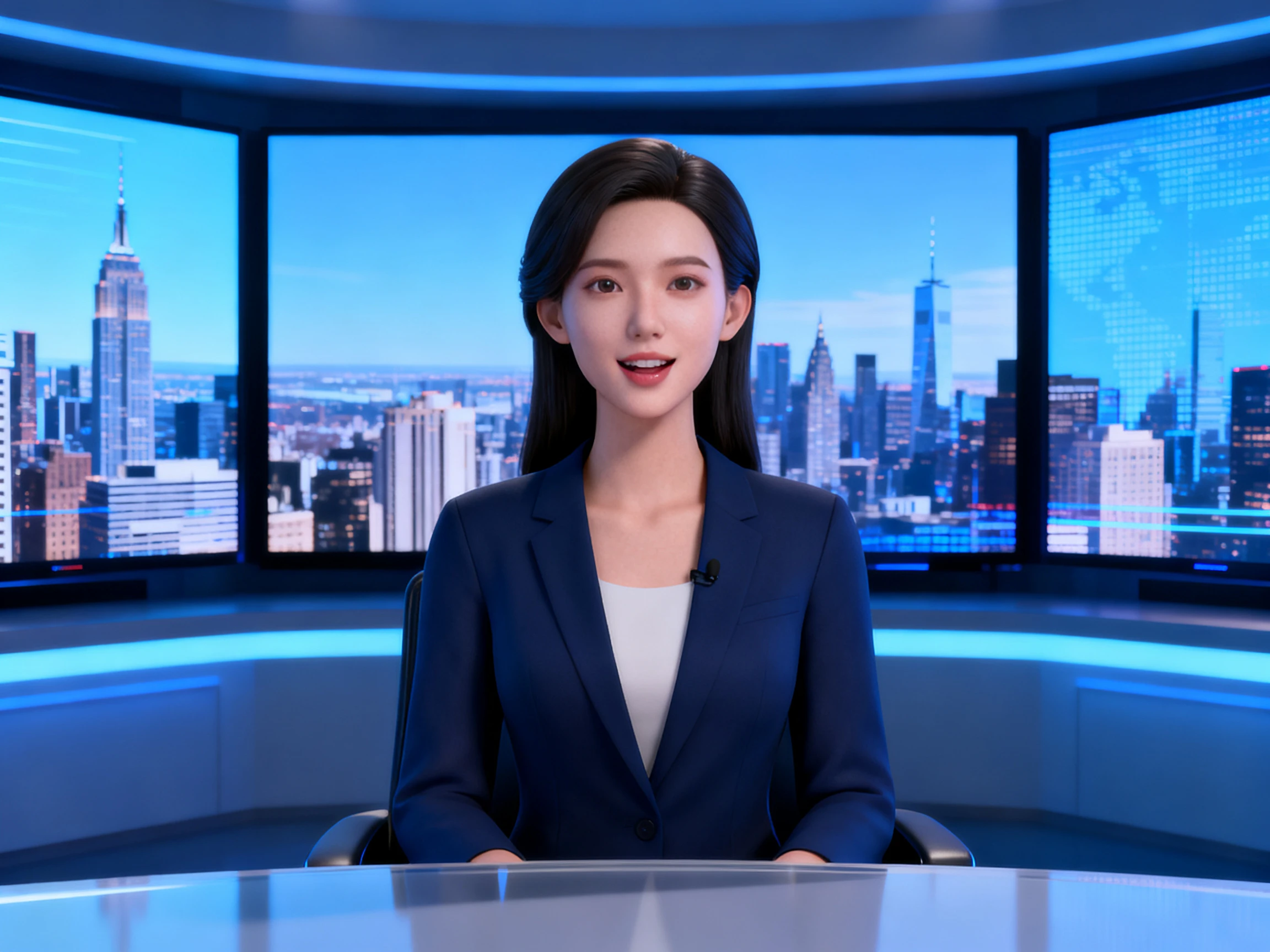
Video Translate carries a finished video into other languages with lip sync that matches the new audio. Voice cloning keeps the presenter sounding like themselves in each version, from Spanish to Hindi. One recording session can then serve every market you sell into, without booking new shoots or voice actors.
Try D-ID AI for Free
You can set up an agent by choosing its role, adding instructions, and uploading documents, no coding needed. For more advanced setups, teams can also connect their own LLM, CRM, or workflow tools. Integrated analytics then show how people interact, so you can refine the answers over time and spot missing topics.
Try D-ID AI for Free
Present the same pitch through each platform and study the delivery. Set the D-ID AI video generator side by side with other avatar tools.
| Platform | Avatar Source | Language Reach | Delivery Format | Users |
|---|---|---|---|---|
| D-ID | A photo or a short recording | About 120 languages | Videos and live AI agents | Training, sales and support teams |
| Magiclight AI | 1,000-character character profiles | 11 languages | Narrated stories up to 50 minutes | Long-form storytellers |
| Synthesia | 240+ stock or custom avatars | 160+ languages | Scripted avatar videos | Enterprise training teams |
| HeyGen | Custom avatars after ID checks | 175+, dialects included | Avatar videos from AI Studio | Solo creators up to enterprises |
| VEED | Any image plus an audio track | Dubs in 29, subtitles in 125+ | Talking clips in a full editor | Marketers and solopreneurs |
Grow a single photo into a talking presenter in 4 clear steps. Everything happens in D-ID Studio, the D-ID AI video generator’s workspace, from the first line of script to the MP4.
Open D-ID Studio and choose a ready-made avatar, upload a photo, or record a short clip for an Express avatar. Premium+ avatars require a longer recording of about 3 to 5 minutes.
Type or paste the script, or start from a slide deck or document. Choose a voice and language, or use your own cloned voice on plans that include voice cloning.
With a V4 Expressive avatar, pick a sentiment such as Friendly or Empathetic. Then generate the video, which can run up to 5 minutes and download as an MP4 file.
Translate the finished video with lip sync, or turn the same avatar into a Visual AI Agent. Upload up to 5 documents so it can answer visitors’ questions in real time.
Training Manager
D-ID turned our slide deck into a presenter-led training video without another shoot. We updated the script later and kept the same on-screen host.
Customer Experience Lead
We added a D-ID Visual AI Agent to our support page so visitors could ask questions live. It gave our help content a more direct, conversational format.
Localization Manager
D-ID helped us translate one presenter video into several languages while keeping the same cloned voice. That cut down the need for repeated recording sessions.
Creative Producer
We created a V4 avatar in D-ID and reused it across explainers and live demos. The different emotion settings made the delivery feel less flat between scenes.
A free trial lets you explore the D-ID AI video generator, but trial videos carry a full-screen D-ID watermark. Paid plans remove it, and each credit covers up to 15 seconds.
Each D-ID video can be up to 5 minutes long and downloads as an MP4. Standard videos support up to 1280 × 1280, while Premium presenters on paid plans can export in 1080p.
These are live presenters that answer questions using the information you provide. You can add up to 5 files, then place them on a website, app, or kiosk.
V4 Expressive avatars can, with Friendly, Professional, Empathetic, Excited, and Frustrated sentiments. In live conversations, an LLM chooses the right one for each turn.
Yes, on paid plans. Pro and API Launch include 1 cloned voice, Advanced and Scale include 3, and Enterprise plans can be customized for larger teams and brands.
Yes, searches for the D ID AI video generator or the DID AI video generator lead to the same company. The D ID is D-ID too, found at d-id.com.



Upload one photo or a short recording and hand it your script. Then let that digital human present your videos and answer visitors’ questions live on your site.