
Explore DreamFace AI Video Generator Features
Shape the sound before bringing the face to life. Find out how DreamFace AI video generator helps you swap complete characters and vocals for unique video creation.

Make any face sing in seconds. Swap singers, separate vocals, turn speech into song, and animate the performance with DreamFace on web or mobile. No editing skills required.
Try DreamFace AI For Free


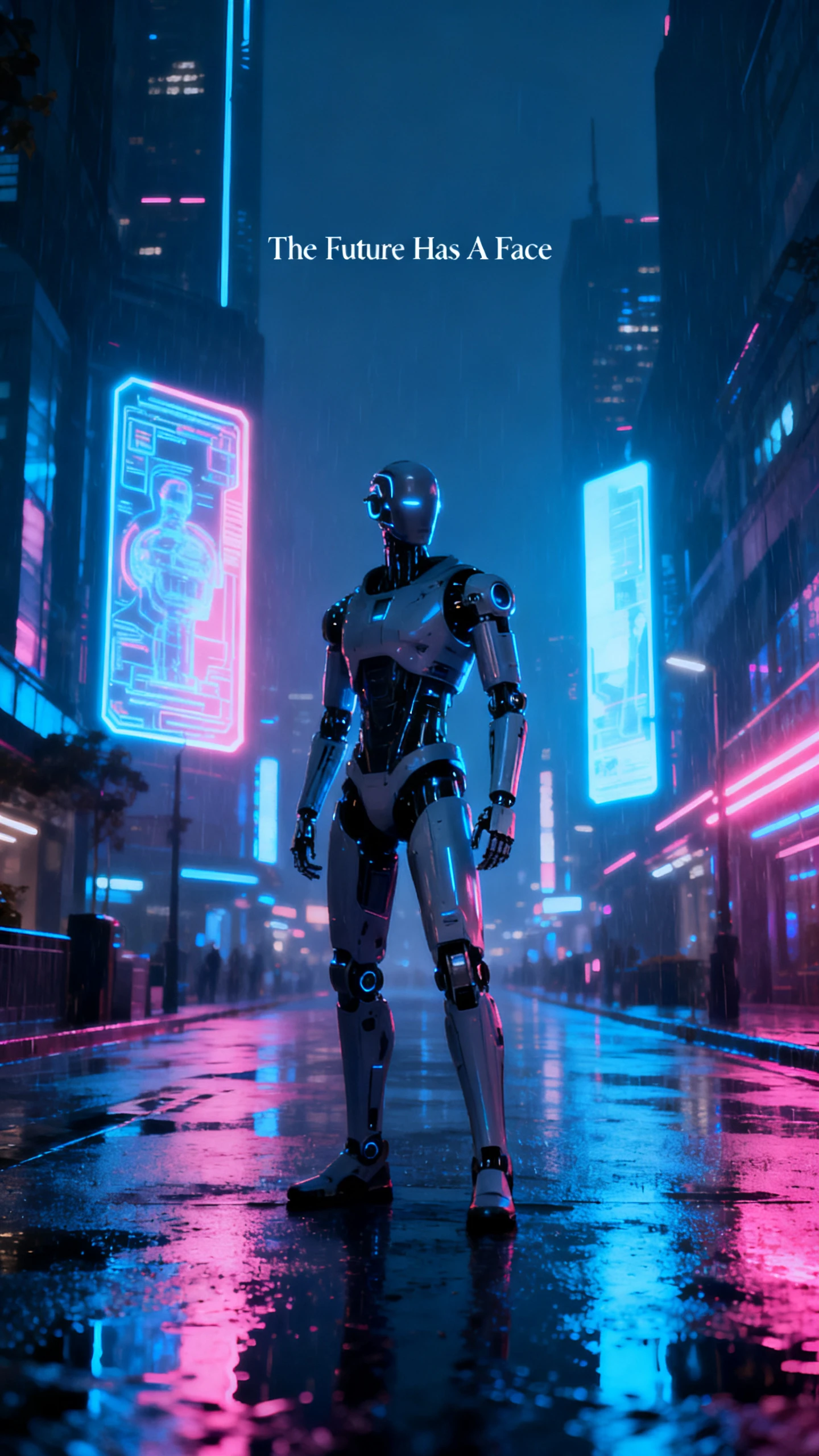
Shape the sound before bringing the face to life. Find out how DreamFace AI video generator helps you swap complete characters and vocals for unique video creation.

AI Cover lets you change the voice performing a song while keeping the original track as the basis of the cover. It turns familiar music into a different vocal performance and is one of DreamFace’s tools for creating AI song covers and playful character performances.
Vocal Split is designed to separate the vocal from the instrumental, giving you individual audio parts to work with. That can leave you with a backing track for another performance or a vocal track to reuse. The process avoids the manual stem-separation work normally done in dedicated audio software.
Singing Voice Conversion transforms an uploaded voice into a singing performance or applies another available vocal style. Voice Clone serves a different purpose. Record or upload permitted voice audio, and DreamFace creates a reusable AI voice for new speech and voiceovers. Its multilingual tools also support generating and translating spoken content across different languages.
Once the audio is ready, DreamFace can pair it with a face through its lip-sync and avatar tools. Upload a photo or avatar, add text or audio, and the platform generates facial movement matched to the speech or performance. DreamFace also supports motion-based character animation for more expressive movement beyond a talking face.
Explore why creators keep returning to this video generator. The DreamFace AI video generator combines audio and animation, giving creators three clear reasons to keep using it.
The same login works across iOS, Android and the web, giving creators access to DreamFace from different devices. You can start creating on a phone and continue working from a larger screen later. Having the same account across all 3 platforms makes it easier to move between devices without managing separate profiles.
Try DreamFace AI For Free
DreamVideo 1.5 powers the text-to-video side and can generate clips of either 10 or 15 seconds. Keeping the model within DreamFace means its video-generation tools sit directly alongside the rest of the platform. If a generation does not turn out as expected, the retry option also makes another attempt easier than recreating the setup from scratch.
Try DreamFace AI For Free
DreamFace can repair and colorize black-and-white photos, restore faded details, then animate the finished image to speak or sing. A worn family portrait can become a moving clip in only a few steps. Background removal and image enhancement are also available alongside these tools when a photo needs cleaning or improving before animation.
Try DreamFace AI For Free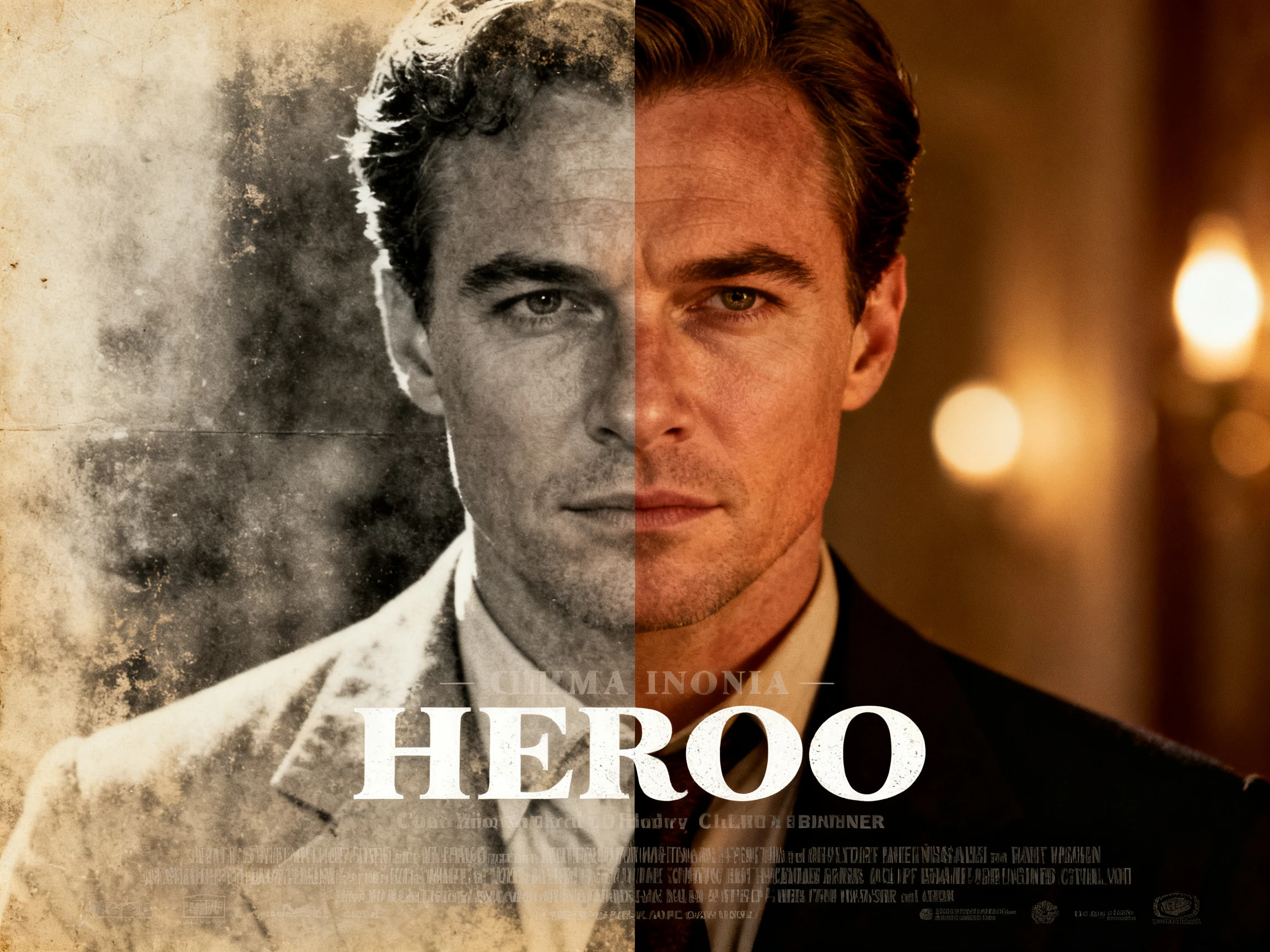
Set face animation aside and listen to what matters. DreamFace AI video generator stands apart from rival avatar tools through its audio features and smoother creative workflow.
| Platform | Voice Tools | Song Editing | Platforms | Users |
|---|---|---|---|---|
| DreamFace | Clone, translate, text to audio | AI Cover and Vocal Split | iOS, Android and web | Social and music creators |
| Magiclight AI | 37 narration voices | No, story narration only | iOS, Android and web | Story creators |
| Mango AI | Talking photo voices | Singing photos only | Web | Social creators |
| Hedra | Voice for a character | No | Web | Creators and marketers |
| Synthesia | 1,000+ voices, 160+ languages | No | Web | Training teams |
Turn a photo and song into one performance in 4 simple steps. Start with the audio in the DreamFace AI video generator, then bring the face to life once the sound is ready.
Pick a sharp, front-facing photo with good lighting, then choose a song, recording, or text-to-speech track. Clear facial details help DreamFace produce smoother lip movement.
Adjust the audio with DreamFace Voice Studio before animation if needed. Upload a voice, choose a style, or use singing voice conversion, then save the finished sound for your clip.
Upload the photo and finished audio, then let DreamFace match facial and lip movements to the sound. For dance clips, choose a movement template before generating the animation.
Generate the finished video, review the result, then download it for social media or other uses. One DreamFace account also gives you access on iOS, Android, and the web.

Music Cover Creator
I split the vocal off a track in DreamFace, recorded my own line, then converted it to singing. The whole cover happened on my phone during a train ride.

Pet Content Creator
My cat singing a chart song gets more views than anything else I post. DreamFace handles the voice and the lip sync in one place, so I post daily without an editor.

Family History Creator
DreamFace helped me colorize my grandmother’s wedding photo and make her sing her favorite song, turning a faded family print into something everyone gathered around and watched.

Social Video Creator
Starting a project on my phone and finishing it on my laptop is the reason I stuck with DreamFace. Nothing needs re-uploading when I switch devices.
DreamFace AI video generator creates animated photos, talking avatars, singing or dancing faces, short AI videos, and voice content, with a stronger focus on social, creative, and entertainment uses.
AI Cover, Vocal Split, text-to-speech, and voice translation sit inside DreamFace Voice Studio, giving you one place to reshape songs, vocals, and spoken audio without extra software.
You can use DreamFace on iOS, Android, and the web with one account. However, automatic syncing of unfinished projects across devices is not clearly guaranteed by the company yet.
Yes. “Dream Face” is a common variation, but the official product name is DreamFace. Check the app title and dreamfaceapp.com to confirm you are using the correct service online today.
Free access is available in DreamFace, while paid plans unlock more generations or features. Pricing, credits, and usage limits can differ between the web and mobile app stores today.
Watch copyright, consent, and voice rights when using DreamFace. Changing a singer does not transfer music rights, and cloning another person’s voice should require clear permission.



Start with a simple voice or song in DreamFace and hear it turn into a finished performance. Once the audio sounds right, add a face and bring the clip to life.