Explore the Features of Vyond Video Maker
From document to animated draft, the Vyond video maker brings generation and editing into one workflow. Here are the features that help you create and refine each video.

Start from a document instead of an empty video timeline. Get an animated draft with characters and narration, then refine each scene inside the studio. No animation skills are required.
Try Vyond Video Maker For Free





From document to animated draft, the Vyond video maker brings generation and editing into one workflow. Here are the features that help you create and refine each video.

Start with a prompt, script, document, PDF, or URL in Vyond Go. It creates a video draft with scenes, characters, backgrounds, and voiceover in place, giving you a structured first version to review before editing.
Open your generated draft in Vyond Studio for hands-on editing. Use the timeline and drag-and-drop controls to change scenes, characters, dialogue, narration, props, backgrounds, and other elements before you export.
Upload a photo, and Vyond converts the person into a Contemporary character. Adjust facial features, clothing, accessories, and other details in Character Creator, then save the character for future videos.
Vyond offers more than 650 text-to-speech voices for narration and character dialogue. Assign different voices to speakers, add dialogue to individual scenes, and change the voice whenever the video needs another speaker.
From training modules to internal explainers, Vyond supports several workplace video needs. Here are 3 reasons the Vyond video maker fits learning teams.
Vyond includes training templates for onboarding, compliance, workplace safety, and employee development. Learning teams can start with a structure suited to internal education instead of planning every training scene from zero.
Try Vyond Video Maker For Free
Policy PDFs, written procedures, and internal resources can go into Vyond Go as source material. Existing training content becomes the basis for a video draft, helping teams move from documentation to visual instruction.
Try Vyond Video Maker For Free
Vyond can translate video scripts and captions into more than 95 languages, helping learning teams adapt one training module for different regions. Existing videos can reach global employees without recreating each version from scratch.
Try Vyond Video Maker For Free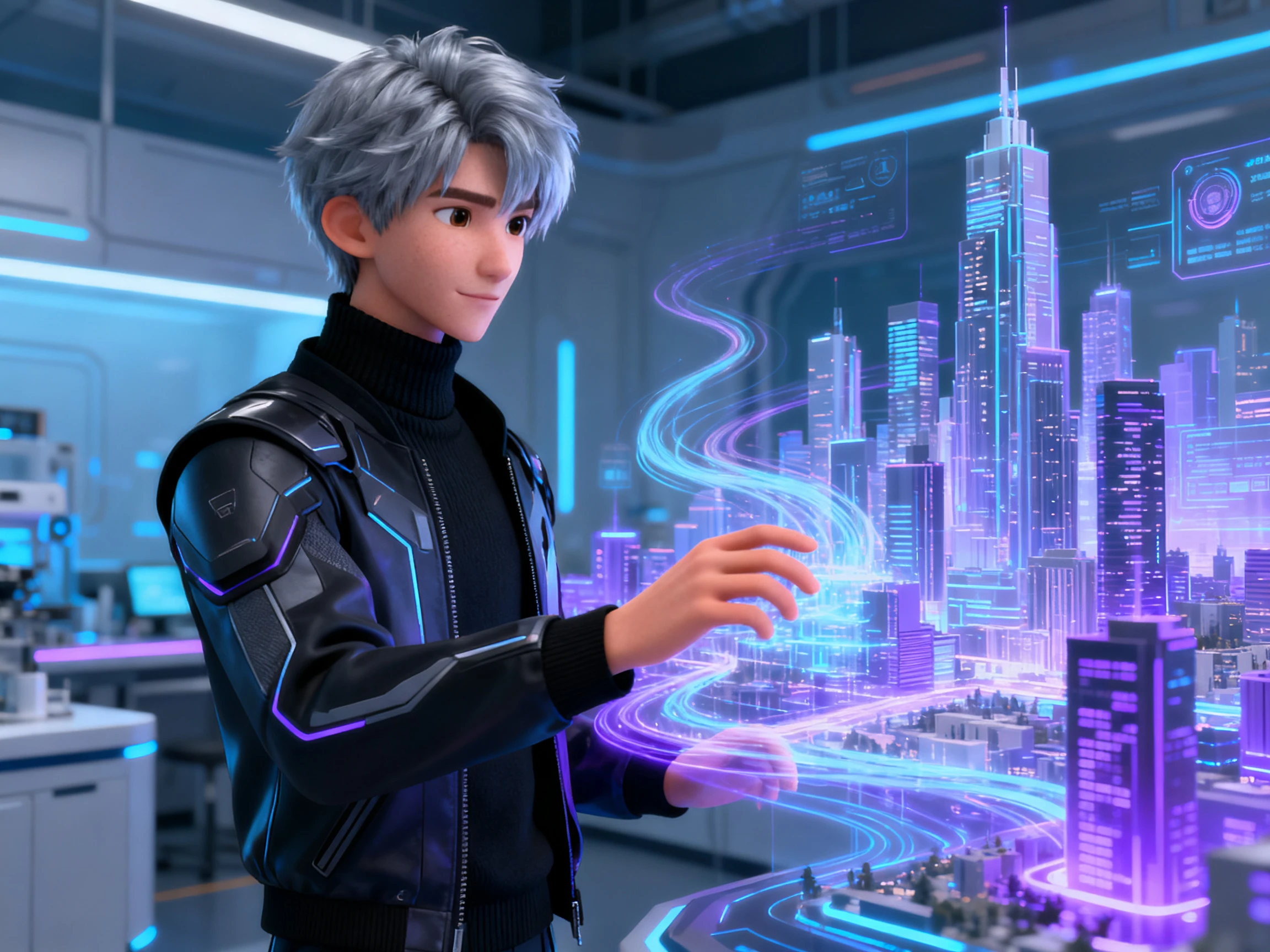
See how the Vyond video maker compares with other animation tools for creating, editing, and finishing videos. Here are the main alternatives lined up:
| Platform | Draft Speed | Manual Control | Character Depth | Free Plan |
|---|---|---|---|---|
| Vyond | Under 90 seconds | Full timeline editing | Create from scratch or a photo | No, trial only |
| Magiclight AI | Script to storyboard | Storyboard scene editing | Saved character library | First story free |
| Animaker | Prompt to draft | Drag-and-drop timeline | Face and outfit generator | Yes, watermarked |
| Synthesia | Script to presenter | Template zones only | 240+ stock avatars | 10 minutes a month |
| Powtoon | Template-led | Slide-style timeline | Preset characters | Yes, limited |
Take your existing document through the Vyond video maker in 4 steps, from generating the first animated draft to editing scenes and exporting your video.
Open Text to Video and upload a DOCX, PDF, PPTX, or TXT file up to 70 MB. Add the key talking points you want covered, then choose a layout and characters for the video.
Vyond Go summarizes the uploaded document before creating the video. Check that summary, revise anything that needs attention, and confirm it before continuing with the video generation.
Generate the video and open the result in Quick Edit. Change the script, replace characters, adjust text-to-speech settings, or edit scene text before moving into the full Studio.
Open the draft in Vyond Studio when you need deeper control. Adjust scenes, characters, props, audio, timing, and other elements, preview the video, then choose your format and resolution for download.
Learning Content Creator
We had dozens of compliance PDFs sitting unread across the company. Vyond helped me turn that source material into video drafts, so I could spend hours refining our training.
Instructional Design Creator
I used to spend hours getting the first training draft into shape. Vyond gives me a useful starting point, then Studio lets me take control of the video.
Internal Comms Creator
Our training videos kept using the same generic cast. Custom characters in Vyond gave us people who fit our workplace and made each module feel distinct.
Corporate Training Creator
Updating one policy for regional offices used to mean coordinating many recordings. Vyond keeps translation inside the workflow, so revisions take less work.
The Vyond video maker creates animated training, explainer, and internal communication videos for business. Vyond Go drafts the video while Studio controls scenes, characters, audio, timing, and other elements.
Vyond Go turns prompts, scripts, documents, and URLs into initial animated video drafts. Studio provides deeper editing controls for changing scenes, characters, dialogue, narration, timing, and other elements.
Yes, Vyond Go accepts DOCX and other files up to 70 MB. It summarizes the document and uses that approved source material to generate the video draft.
Vyond offers a free trial instead of a permanent free plan, allowing up to 3 videos. The trial includes 2,000 AI credits, while its videos carry watermarks and cannot be downloaded.
Yes, Character Creator lets you create new characters or customize existing ones for your videos. You can also upload a photograph and convert the person into an editable Contemporary character.
AI features consume different credit amounts depending on the feature, provider, and selected model. Credits reset each month, while one Vyond Go text-to-video generation currently costs 800 credits.



Bring a policy, procedure, or training document. The Vyond video maker turns your source content into an animated draft you can review and edit.