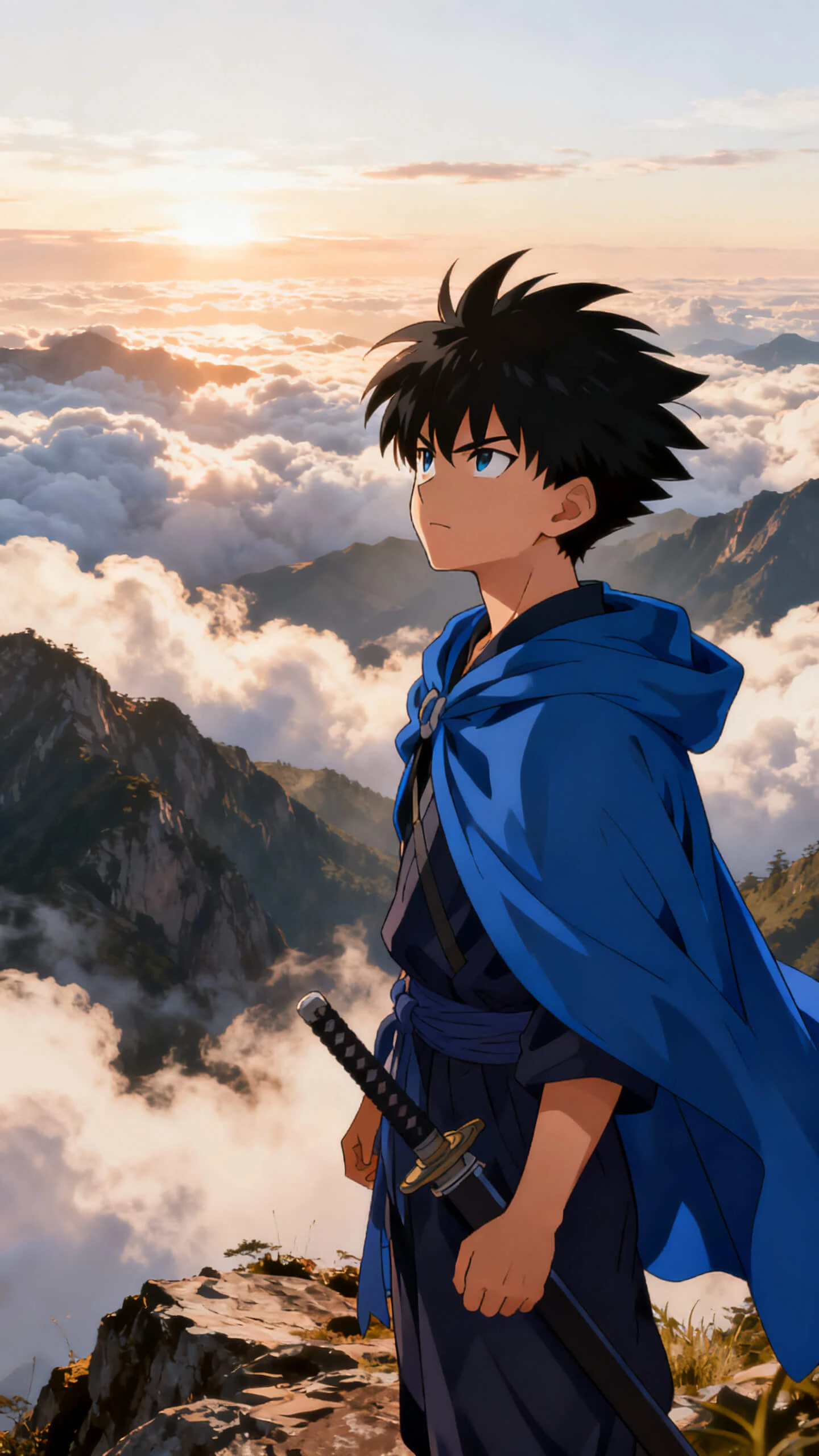
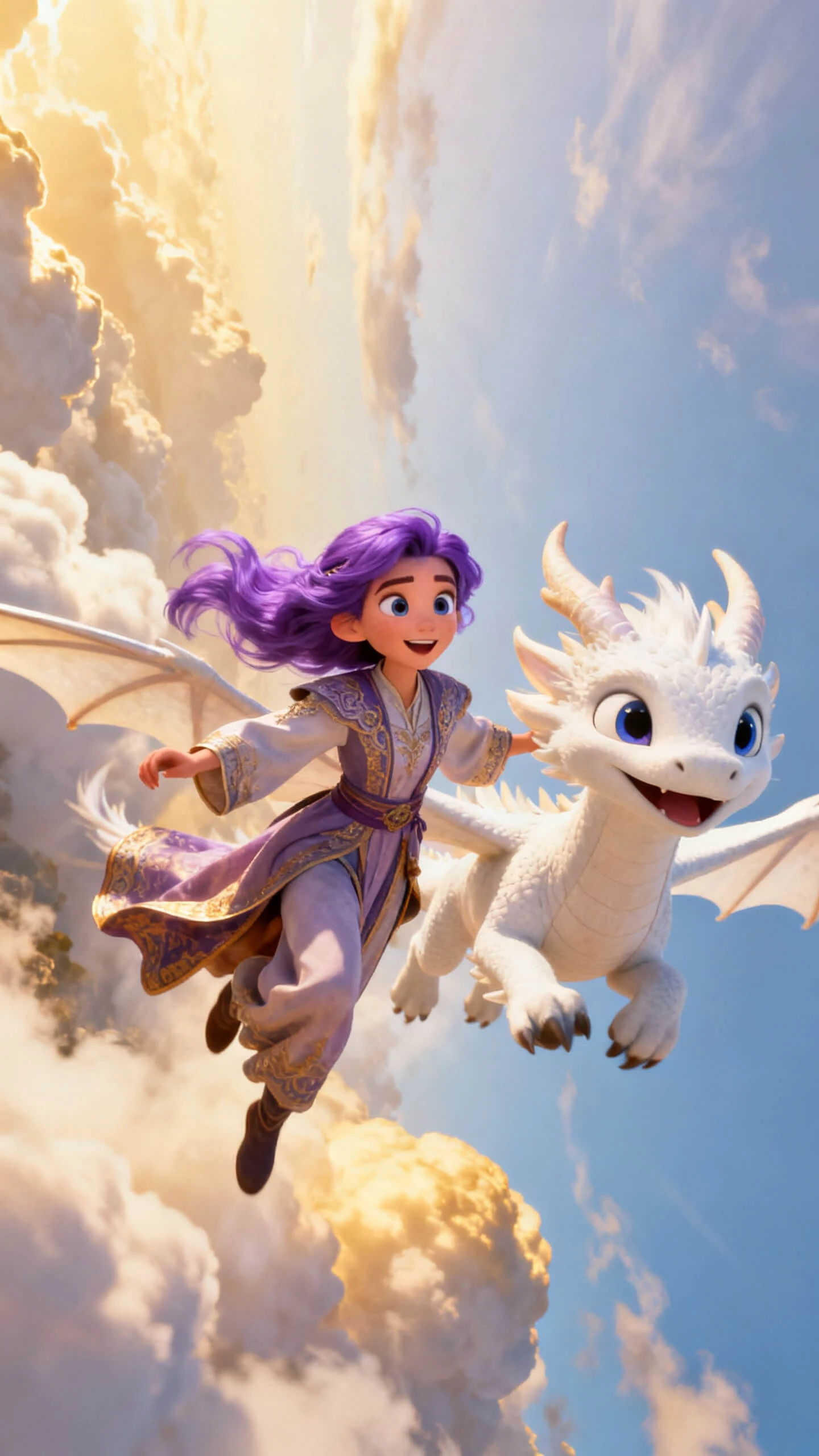
Hero background

AI Anime Generator

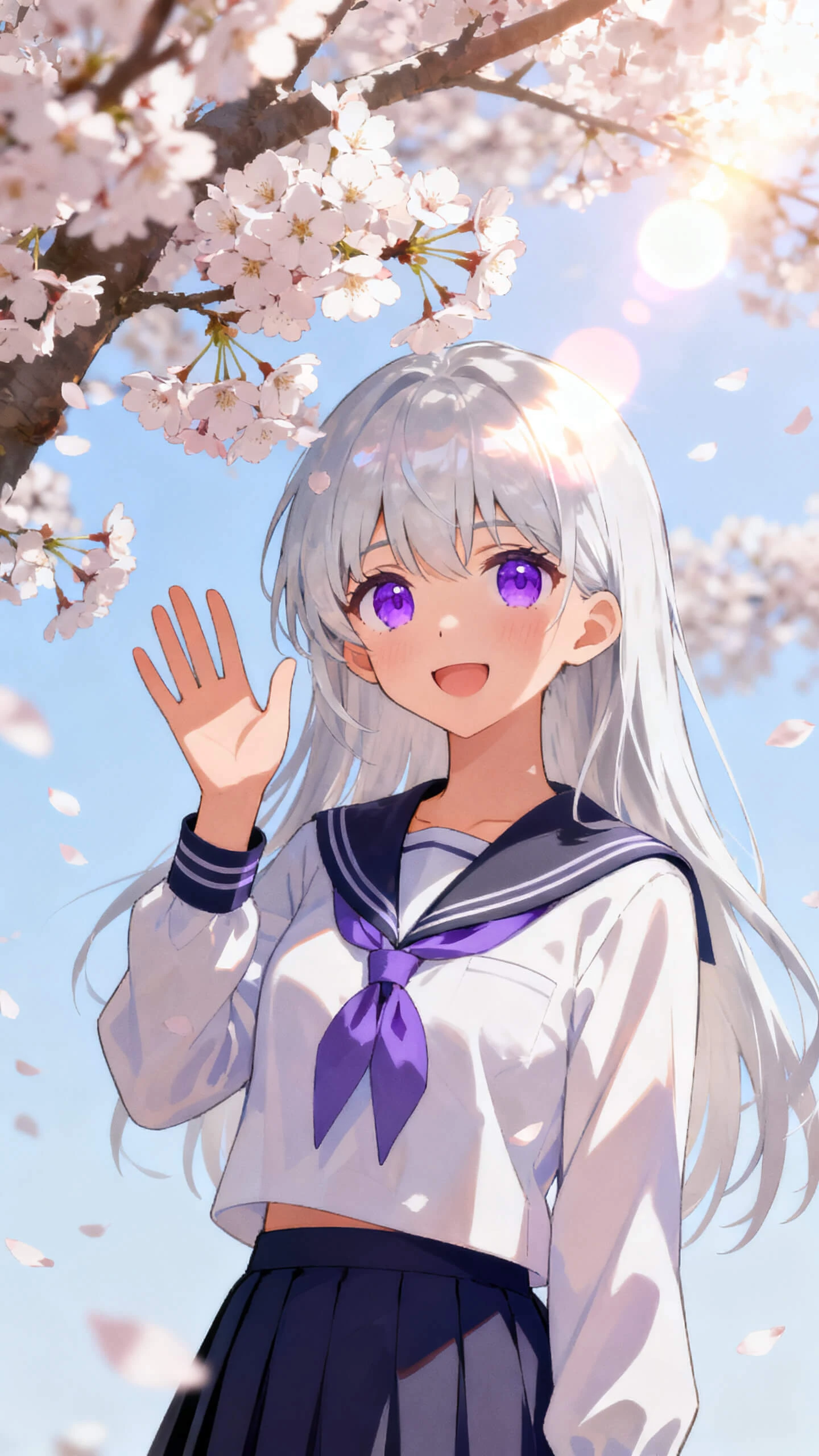
Magiclight AI helps creators turn prompts or photos into anime scenes. With AI anime generator free access, you can style characters, add voice, and export a finished video.

Try AI Anime Generator For Free
ai anime generator
text to anime art
photo convert to anime video
anime character generator ai
free ai anime maker
ai anime generator online
ai anime generator
text to anime art
photo convert to anime video
anime character generator ai
free ai anime maker
ai anime generator online
ai anime generator
text to anime art
photo convert to anime video
anime character generator ai
free ai anime maker
ai anime generator online

Explore Features of Magiclight AI’s Anime AI Generator

The anime AI generator in Magiclight AI turns one character idea into styled art, motion, voice, and export-ready video.

Explore the video generator
3D decoration

Build Dedicated Anime Styles

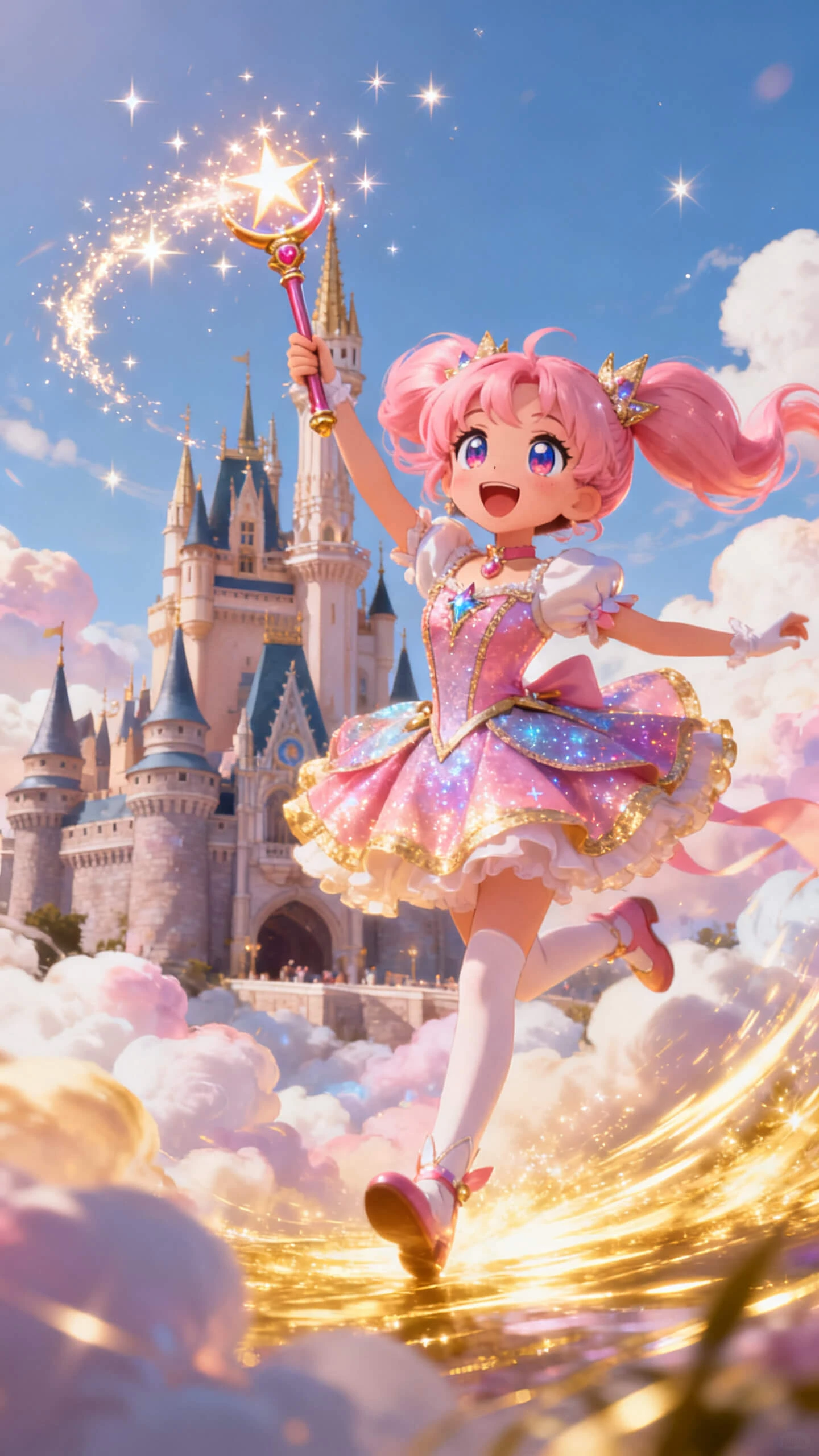
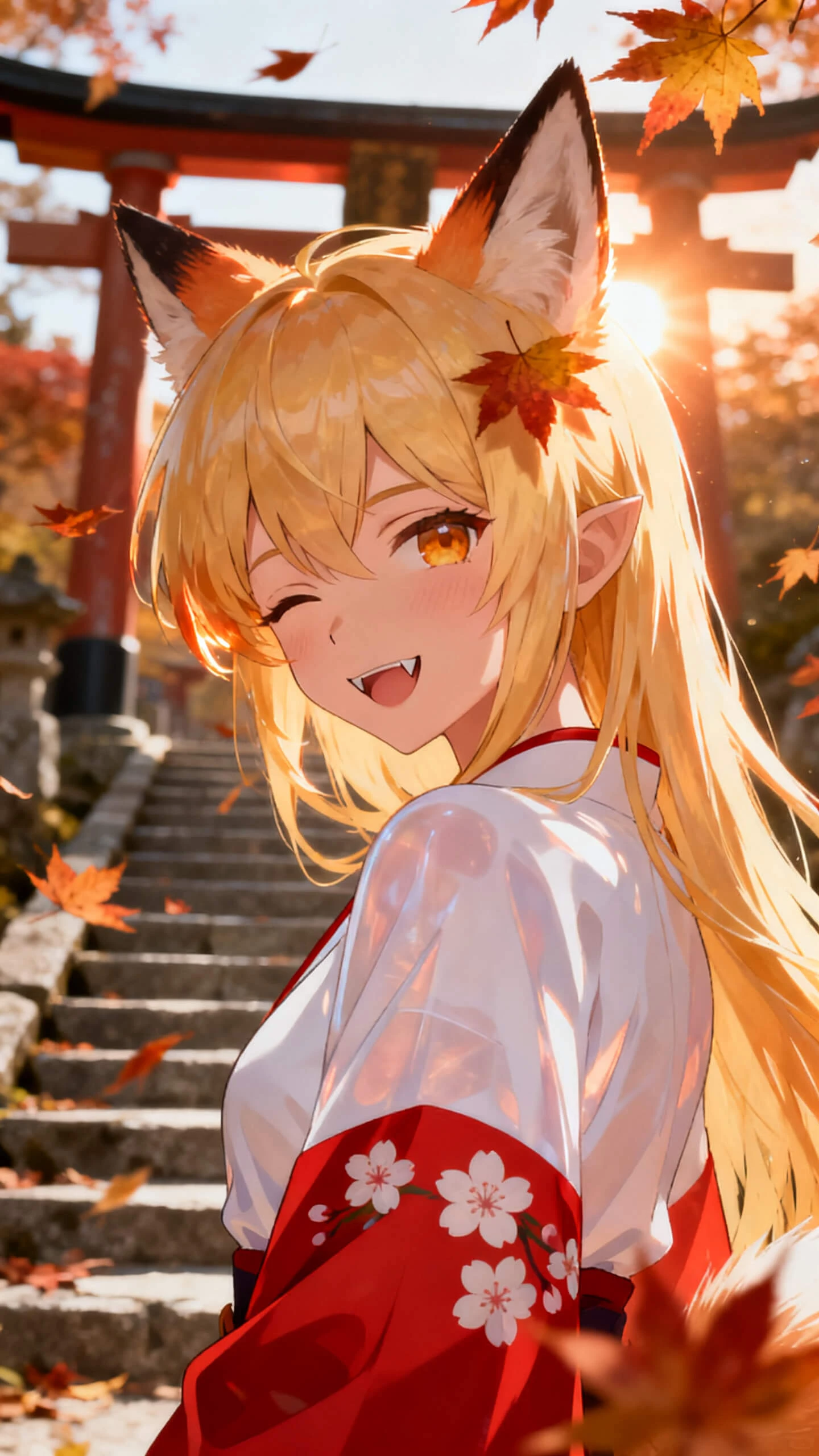
Magiclight AI includes anime, Ghibli-style, xianxia, wuxia, and 3D cute looks, so every world can carry a clear visual identity.

Generate Art From Prompts

Describe a character, mood, or setting, then let the AI anime art generator build portraits, full-body art, or scene concepts from the idea.

Save Characters for Series

Create an anime character once and reuse the same face, outfit, and style across clips, episodes, and story videos without redesigning it.

Animate Scenes With Models

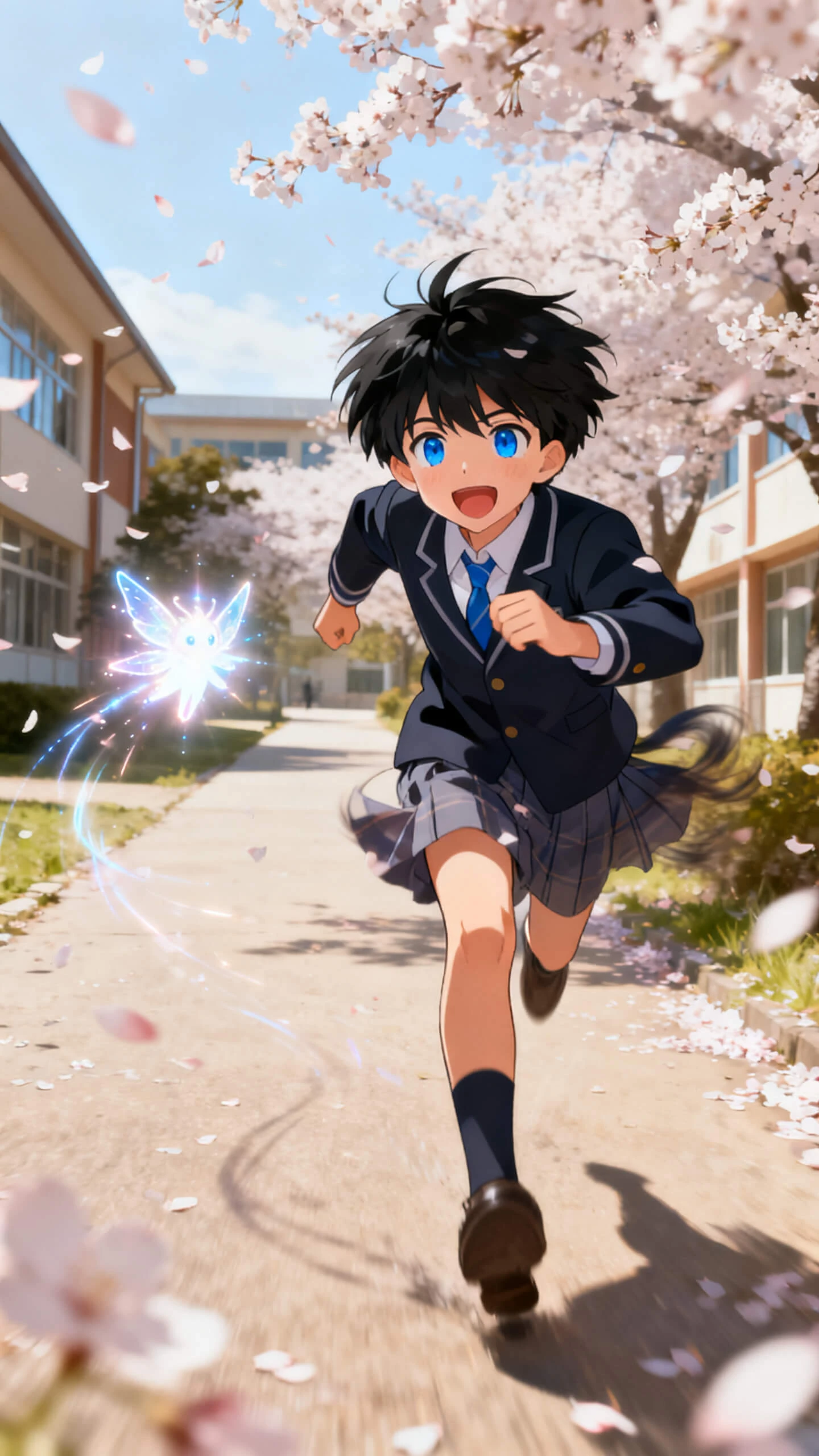
Turn anime images into 10 or 15-second clips through 19 video models, with motion that fits action beats, quiet moments, or dramatic reveals.

Who Gets the Most from an Anime AI Art Generator Magiclight AI
Magiclight AI anime art generator supports portraits, clips, fan worlds, and longer scenes. Each creator uses the same workflow for a different anime goal and platform.
anime content creator tool
For Content Creators and Channels
Create anime shorts, explainers, skits, or story videos without filming.
Add narration from 37 voices or use voice cloning for character delivery.
Export polished anime clips for YouTube, TikTok, Instagram, or Patreon.
anime script to video maker
For Anime Storytellers
Turn scripts or scene ideas into anime clips with a consistent visual direction.
Use Nano Storyboard to plan framing, timing, and character motion before rendering.
Build recurring characters that stay recognizable across episode-style content.
original character anime generator
For Fan Art and OC Creators
Design original anime characters from prompts, photos, or personality notes.
Test Ghibli-style, xianxia, wuxia, anime, or 3D cute looks quickly.
Animate favorite character concepts into short clips for social platforms.
educational anime maker
For Educators and Small Studios
Visualize story scenes, cultural themes, or character examples for lessons.
Use subtitles and voiceovers to make anime content easier to follow.
Prototype scenes before investing in a full animation pipeline.
Why Magiclight AI
Is More Than an Anime AI Generator All-in-One Anime Production Tool
A typical anime AI art generator free tool stops at one still image. Magiclight AI carries the same character into motion, narration, subtitles, music, and export.
Animate Art Into Scenes
Generated anime art can move straight into image-to-video. Upload the image, add motion direction, and build a short animated clip without a separate tool.
Score the Anime World
40 background tracks help match the scene's mood, from quiet atmosphere to dramatic action. Music supports the story without manual audio editing.
Keep Characters Consistent
Recurring characters keep their face, outfit, and style across scenes. That continuity helps a story feel connected instead of built from unrelated images.
Add Voices Across Languages
37 voices and voice cloning give characters clearer delivery. With 11 languages, one anime idea can reach different audiences without rebuilding scenes.
Direct Shots Before Rendering
Nano Storyboard lets you adjust pose, camera angle, and timing before generation. Each important anime shot can be shaped before the final video appears.
Export Without Animation Software
Finished anime videos can be exported in 720p or 1080p. Creators avoid local rendering, editing timelines, and animation software while keeping the workflow simple.

How to Create Anime Art and Videos With Magiclight AI in 4 Steps

The AI anime generator free process moves from idea to art, then into motion and final export. Without drawing skill, animation software, or an editing timeline.

1.

Step 1. Describe Your Anime Character

Enter the character, world, mood, and story direction. Add sub-genre notes such as anime, xianxia, wuxia, or Ghibli-style to guide the visual result.

2.

Step 2. Generate Anime Art and Save the Character

Create the character or scene from your prompt or photo. Save recurring characters in Magiclight AI so the same anime face appears in later videos.

3.

Step 3. Direct the Scene With Nano Storyboard

Set the pose from 50 options, choose the camera angle, and adjust timing. Scene control happens before rendering, so the anime clip follows your plan.

4.

Step 4. Add Voice, Music, and Export

Choose from 37 voices, 40 music tracks, and 16 subtitle styles. Export the finished anime video at 720p or 1080p for sharing or publishing.

FAQs on AI Anime Generator

What is an AI anime generator?

An AI anime generator creates anime-style art or video from prompts and images. Magiclight AI adds styles, motion, voice, music, and export in one workflow.

Is Magiclight AI’s anime AI generator free to try?

You can explore the anime AI generator's free features before choosing paid options. Check the current plan page for limits, exports, and available tools.

What can I create with an AI anime art generator?

You can build portraits, original characters, fan-style scenes, and short anime clips. Magiclight AI keeps the creative flow flexible from image to video.

Can I generate anime art from photos?

Yes, the anime AI art generator can start from uploaded photos or text prompts. Add mood, style, and character details for a more specific result.

Can I keep one anime character across videos?

Yes, saved characters can return with the same face, outfit, and style. This helps series, episodes, and channel mascots stay visually consistent.

How long can an anime video be in Magiclight AI?

Short anime clips usually run 10 or 15 seconds per image-to-video generation. Story video workflows can support longer anime projects up to 50 minutes.


Bring Your Anime World to Life With Magiclight AI

With anime AI generator free access, Magiclight AI shapes characters, scenes, voices, and music into a finished anime world you can share the same day.