Everything a 2D Animation Creator Needs to Turn Ideas into Motion
Magiclight AI brings scenes, voices, subtitles, and animation flow into one workflow. That makes video creation feel simpler and more connected.

Bring ideas to life without a frame-by-frame grind. Magiclight AI helps you turn scripts, lessons, promos, and character scenes into polished 2D videos with less effort. No experience required.
Create 2D Animation Free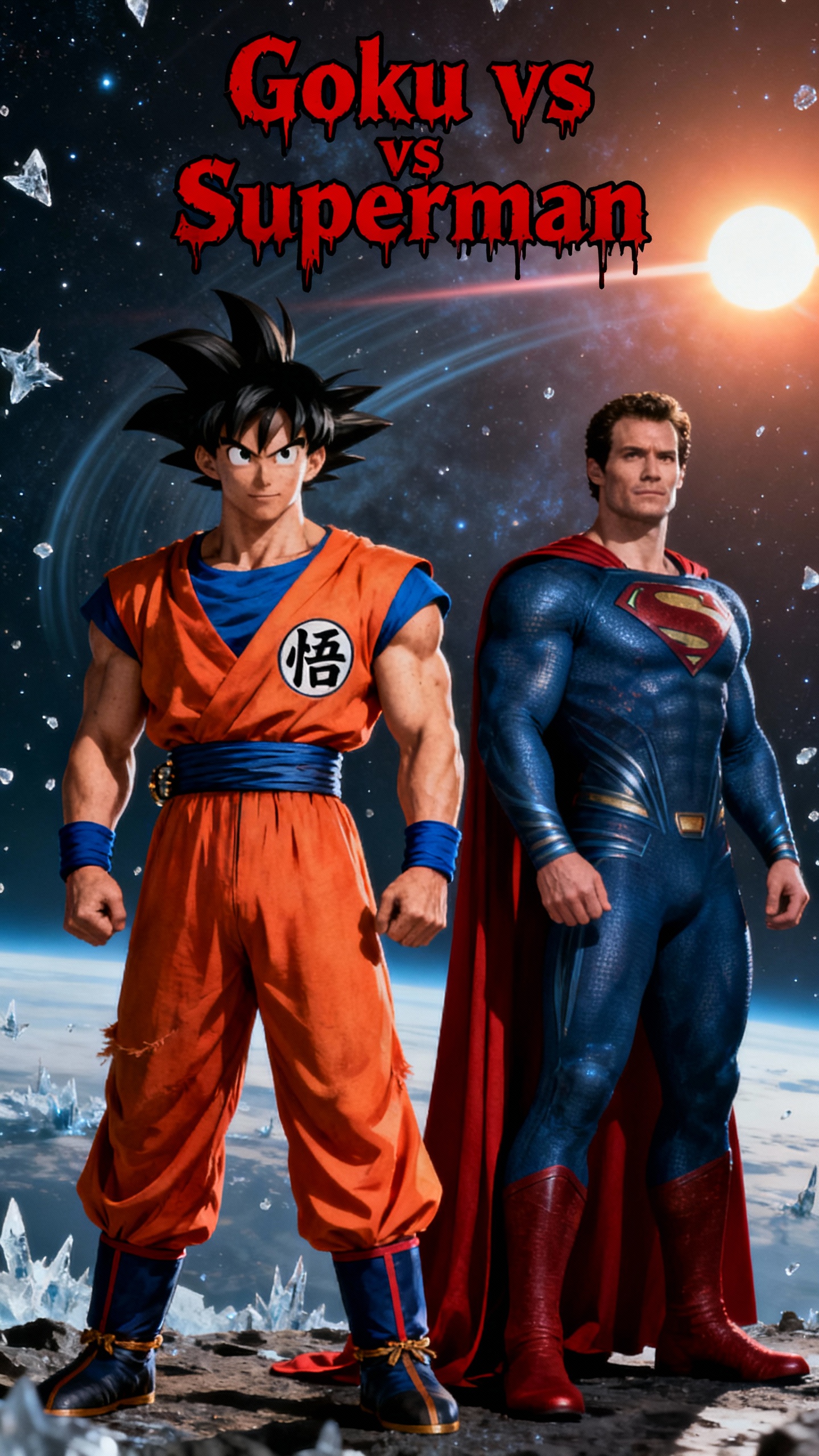
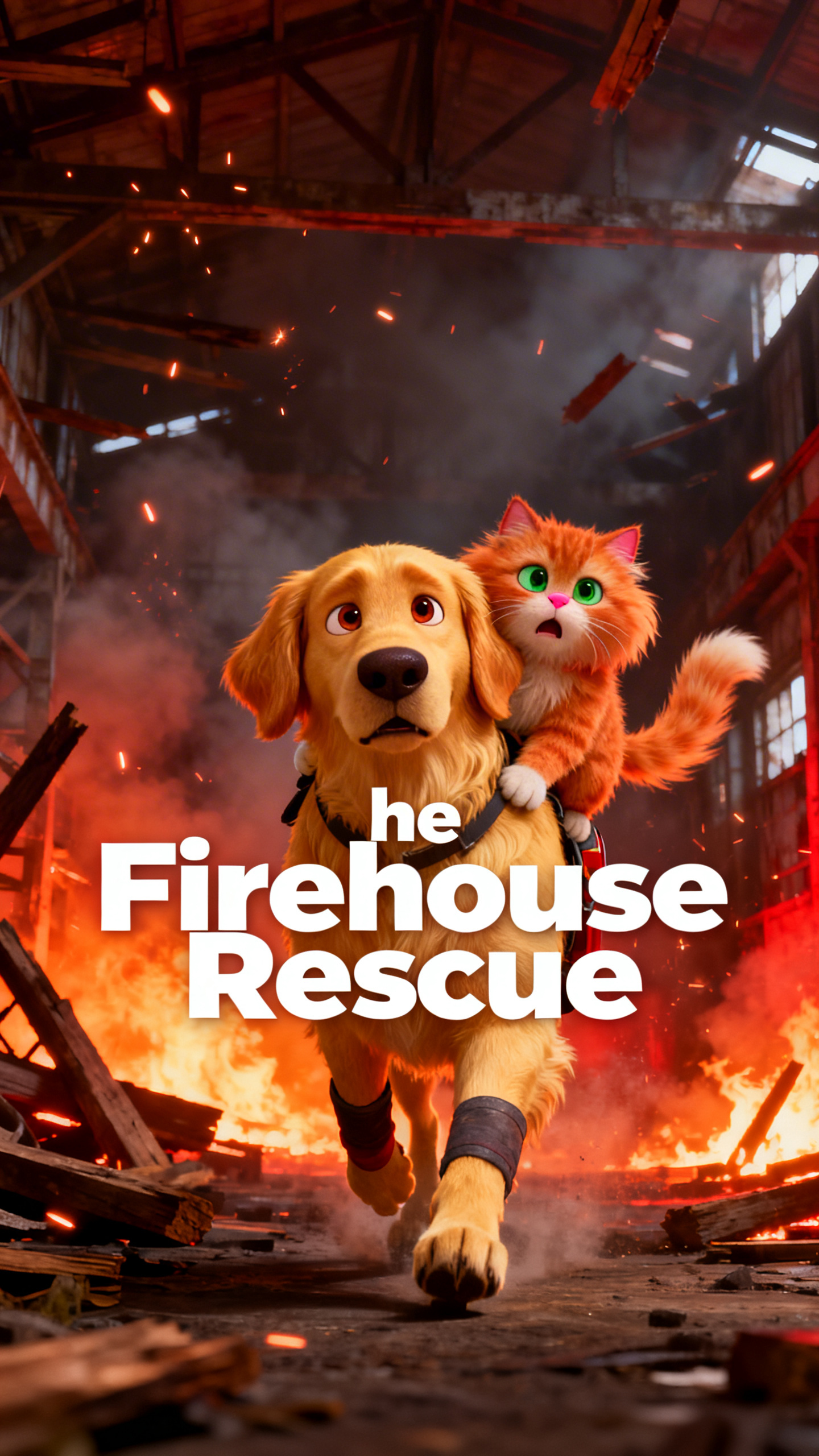
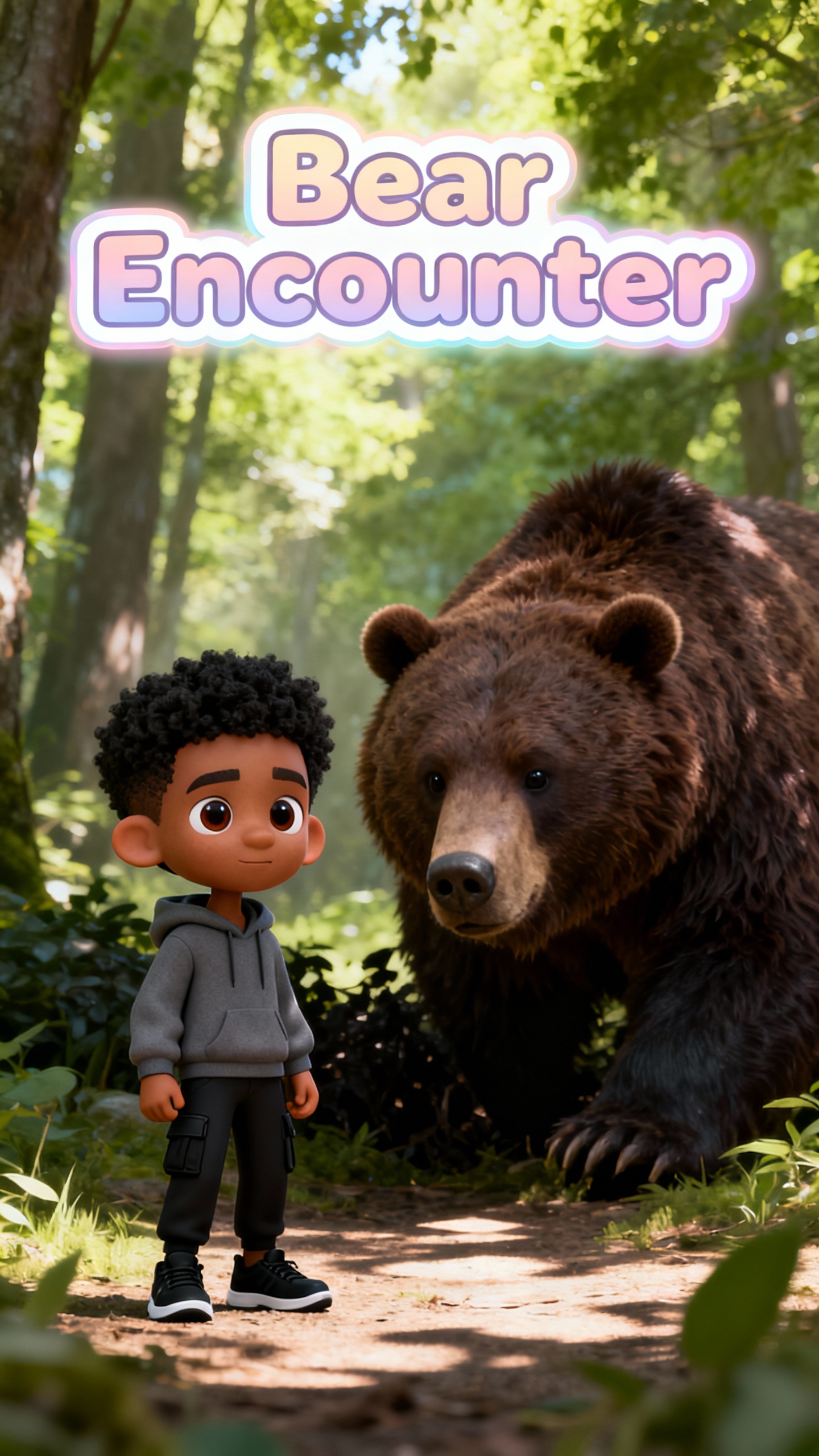
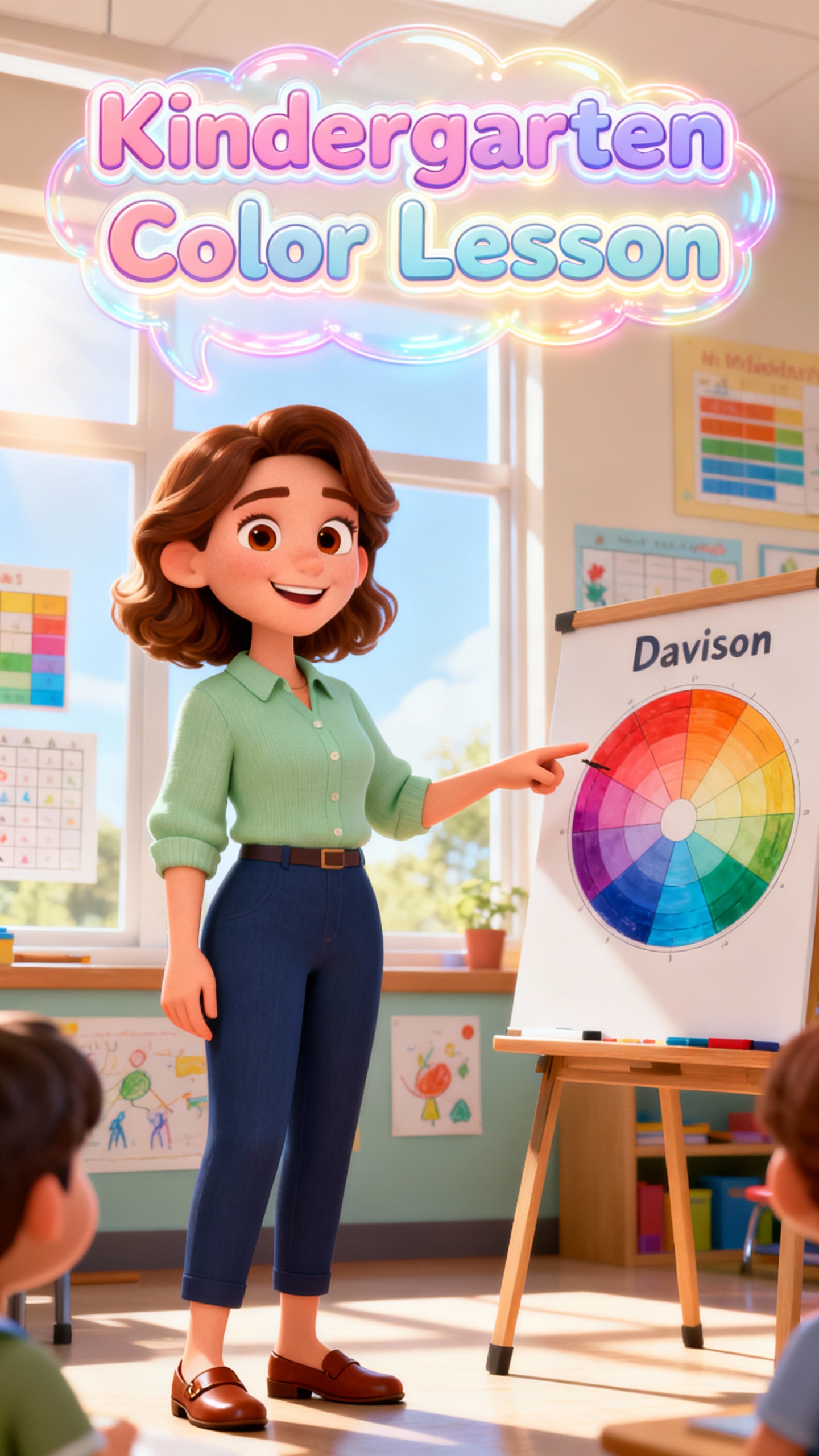
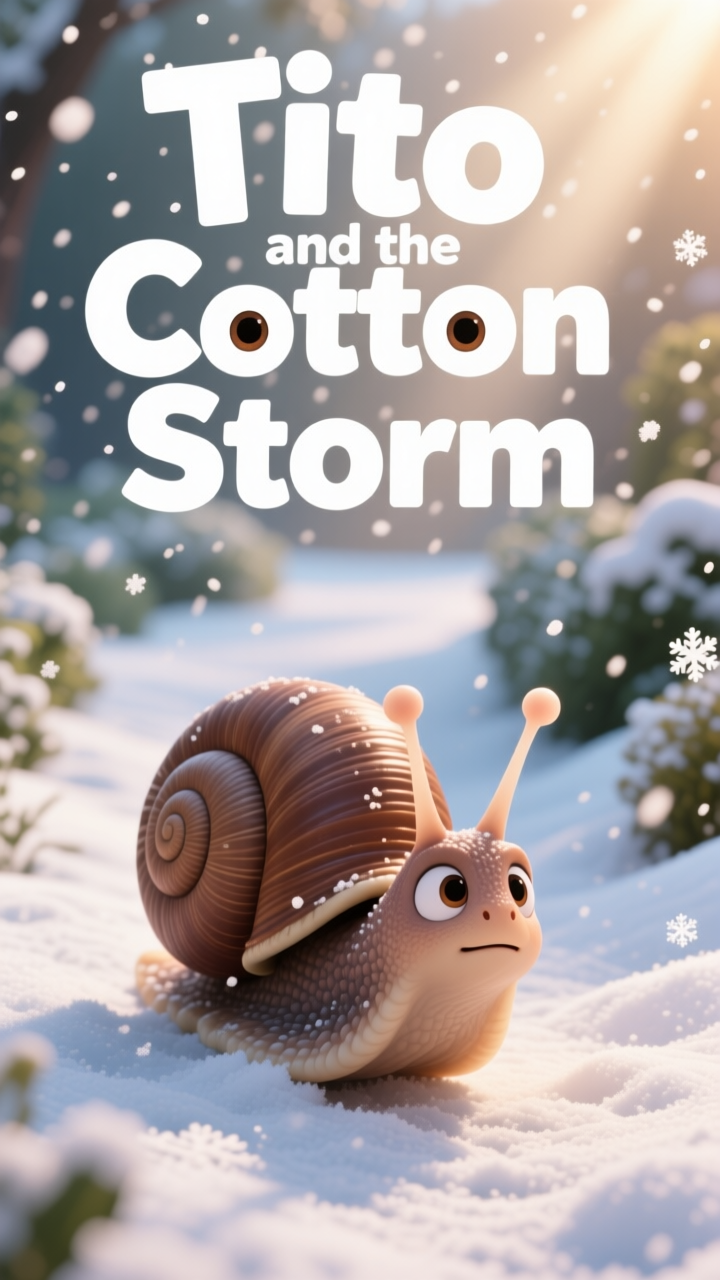
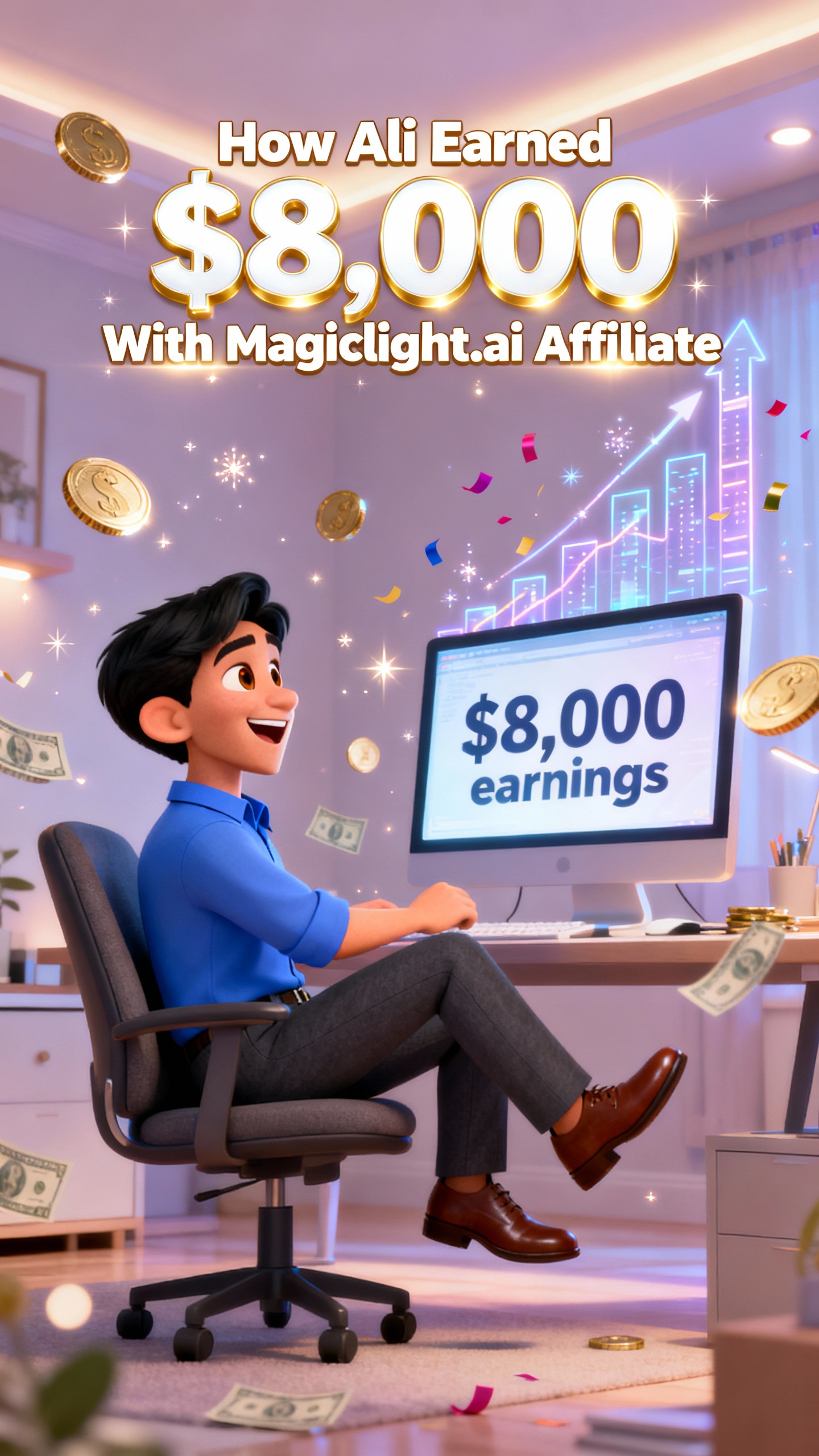

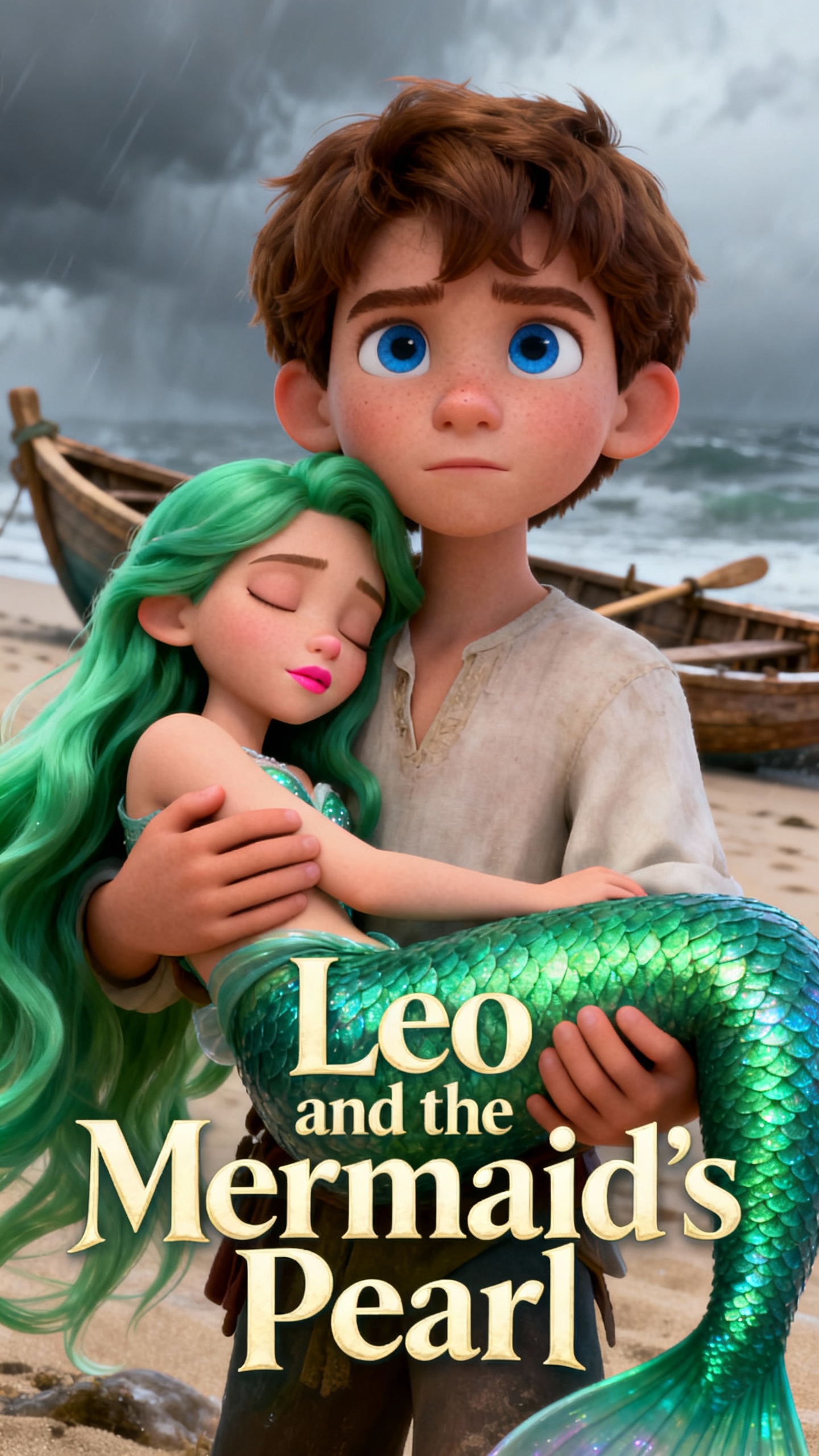
Magiclight AI brings scenes, voices, subtitles, and animation flow into one workflow. That makes video creation feel simpler and more connected.

Give Magiclight AI a script or rough idea, and it builds scenes, motion, voices, and subtitles for you in a single, faster 2D video maker flow.
Choose between classic 2D and more stylized cartoon looks. Magiclight AI helps your 2D project match the mood before you move ahead.
Keep characters visually steady across scenes while you preview, reorder, or trim shots before export.
Voiceovers, music, subtitles, and 1080p export stay inside Magiclight AI. This makes your 2D animation video maker workflow feel cleaner at the end.


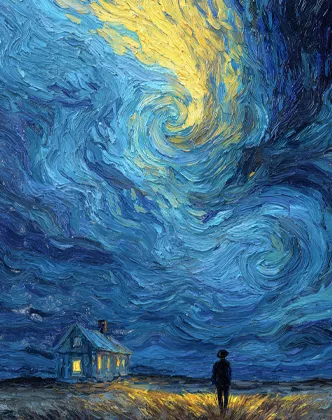
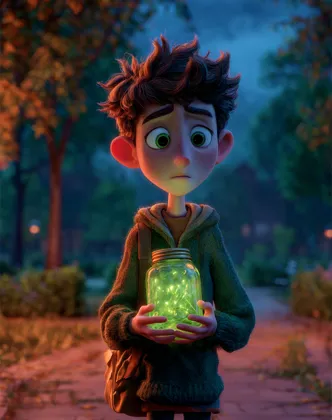
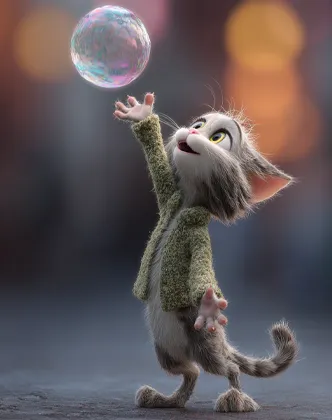
The 2D animation maker's free workflow should feel clear from start to finish. Write the idea, choose the look, refine the storyboard, then export a video ready to share.
Type a script, concept, or short prompt to begin. Even one simple line can give your 2D animation project enough direction to start moving.
Pick the animation style, then shape the characters around your story. Cartoon, explainer, and other looks make it easier to match the right tone.
Review the generated scenes, then edit, preview, or rearrange them as needed. Small changes here can save your project from bigger fixes later.
Add the finishing touches, then export in HD when the flow feels right. Your video can be ready for class, social media, YouTube, or brand use.
Magiclight AI helps turn a written idea into animated scenes without a long manual process. Scripts can grow into motion, voices, and subtitles within a single connected workflow.
Yes, you can test the workflow in Magiclight AI before committing to a bigger project. You can test sample animated videos before deciding to go further.
Yes, and that matters a lot in longer videos. Characters stay more visually consistent across scenes, which makes returning casts easier to follow with Magiclight AI.
It can, especially when one workflow supports more than one style. On Magiclight AI, both cartoon and explainer videos can be built in the same flow.
Yes. For beginners, Magiclight AI keeps the steps easier to follow, so creating animated videos feels less intimidating without a design background.
A strong AI 2D animation generator should do more than just create motion. Scene building, character continuity, editing, audio, and HD export all stay connected inside Magiclight AI.



Transform your next script, lesson, or cartoon concept with Magiclight AI into a polished video with less drag.