Everything You’ll Ever Need to Generate a Cartoon
Magiclight’s cartoon generator is well-equipped with all the necessary features and options required to create a cartoon from text or a natural image.

Turn anything or anyone into a cartoon character instantaneously, just by entering a prompt or uploading a real image. No sketching skills, canvas, or expensive scanner needed.
Try AI Cartoon Generator For Free
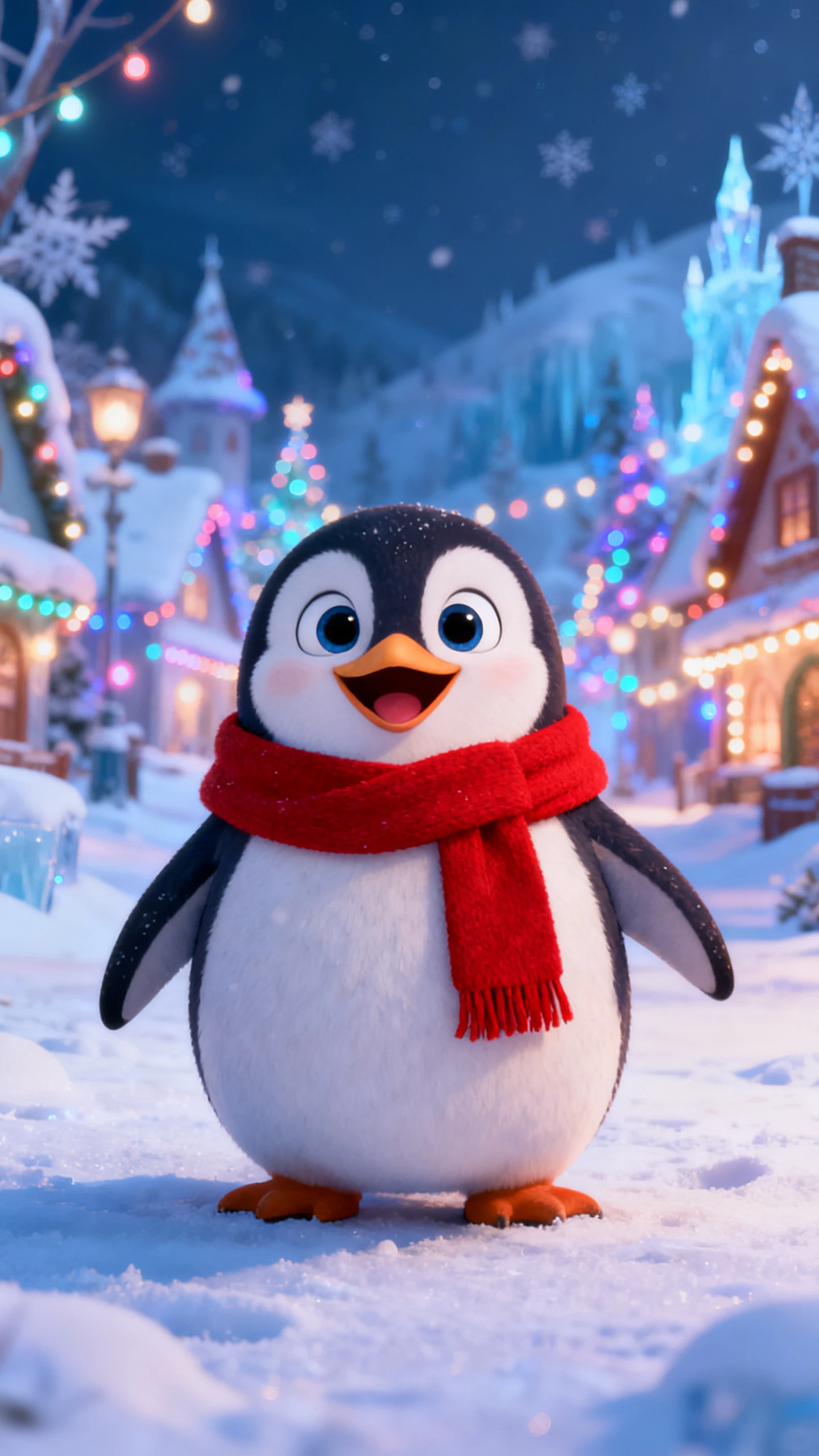
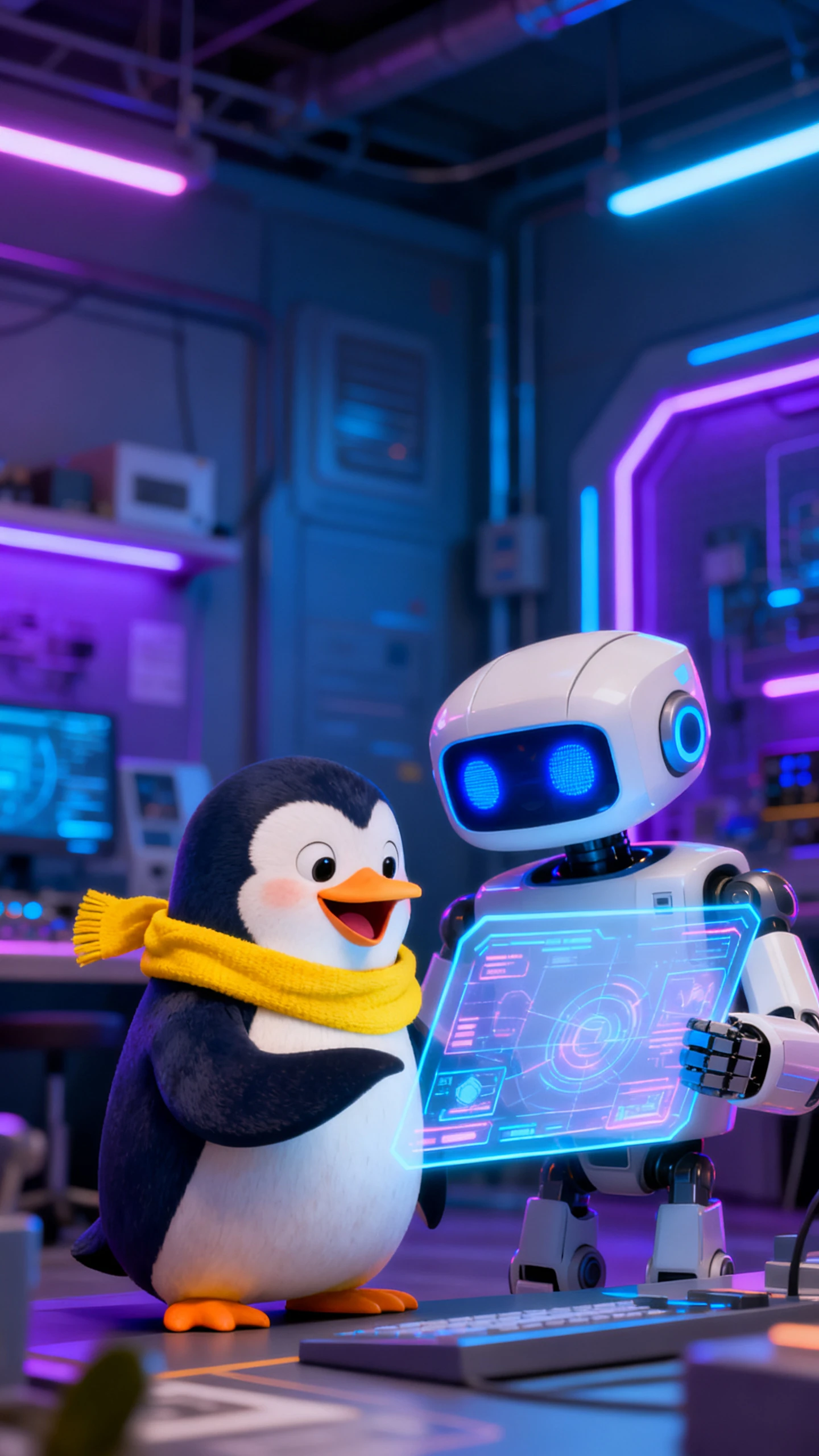
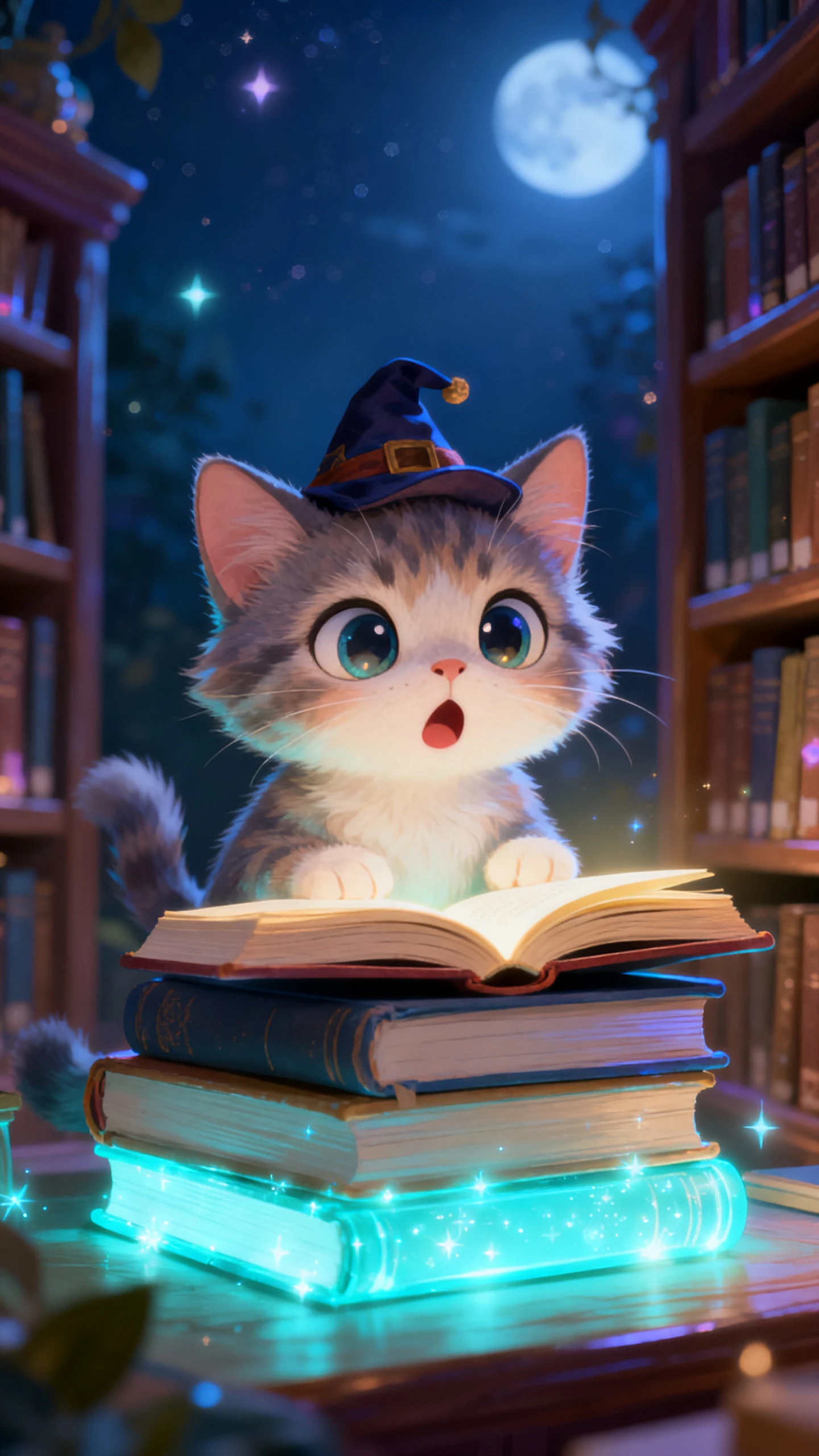
.webp)
Magiclight’s cartoon generator is well-equipped with all the necessary features and options required to create a cartoon from text or a natural image.

Magiclight has a huge library with over 40 styles, including Disney and Pixar-style presets. This allows you to choose the best cartoon type to meet your needs.
Make AI cartoon models. Any model you generate can be integrated into any or all video projects where you want the cartoon as one of the characters taking the lead or playing a significant role.
Type a detailed prompt (up to 600 to 700 words long), adding every piece of information about the character’s attributes as meticulously as possible. The more descriptive you are, the more accurate the cartoon character will be.
Use the ‘AI Expansion’ option to expand the raw prompt and rewrite it more professionally, as prompt engineers do. This helps Magiclight AI adhere to the input strictly when generating the cartoon.


Generating a cartoon from text or real photo isn’t rocket science, as long as you have Magiclight AI and know how to use it.
Give your cartoon a name. This will be an identifier, and can be up to 50 characters long.
Use the prompt field to describe your cartoon in as much detail as you possibly can. You can define attributes, attire, and more in up to 600 to 700 words.
Choose from 40+ styles. Scroll through the library to explore all the available presets, and pick the one that suits you best.
Click ‘Generate’ to generate a cartoon character of yourself in seconds. Optionally, upload an image to give Magiclight a reference for generation.
Considering all the features, tools, and options, Magiclight AI is by far the best cartoon generator that can produce cartoons from text and photos in seconds.
Absolutely. You can generate a cartoon, and then call it in any or all your projects. You can find all your creations under the ‘My Characters’ tab.
Of course. That’s the whole point of using Magiclight, as it allows you to enter a detailed prompt and/or upload an image, and generate a pixel-perfect cartoon out of it. You can choose from 40+ styles to get the cartoon you prefer.
Yes, you can. Just make sure to include all the attributes meticulously, in as much detail as possible, to get the perfect output.
With Magticlight, you don’t have to be a professional prompt engineer. Just use the ‘AI Expansion’ option at the bottom-left of the prompt input field, and Magiclight will generate a professional and most curated prompt for you.
Yes. Use the free credits you get when you sign up to generate an AI cartoon without paying anything.



Start free today. No sketching ninja techniques needed, no expensive colors or canvas required, and no resource-hungry computer is necessary to use the AI cartoon generator by Magiclight.