Explore Features of Magiclight AI’s Creature Fusion Workflow
From fantasy prompts to creature clips, the AI fusion generator video free workflow shapes anatomy, style, motion, and sound without separate design tools or editing.

Magiclight AI turns creature blends into styled scenes for creators, artists, and brands. The fusion AI video generator builds movement, mood, and export in one guided flow.
Create AI Fusion Video For Free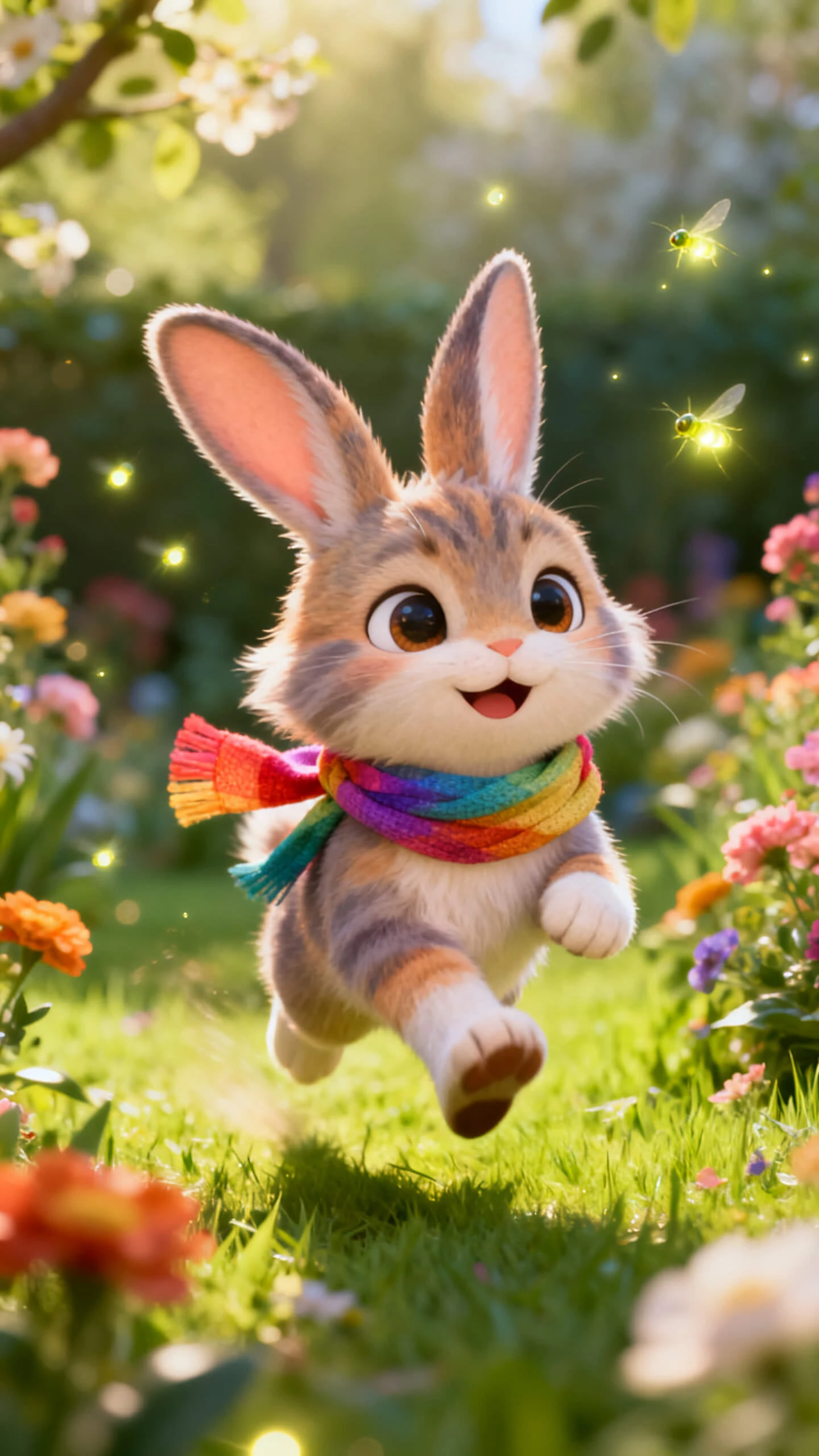
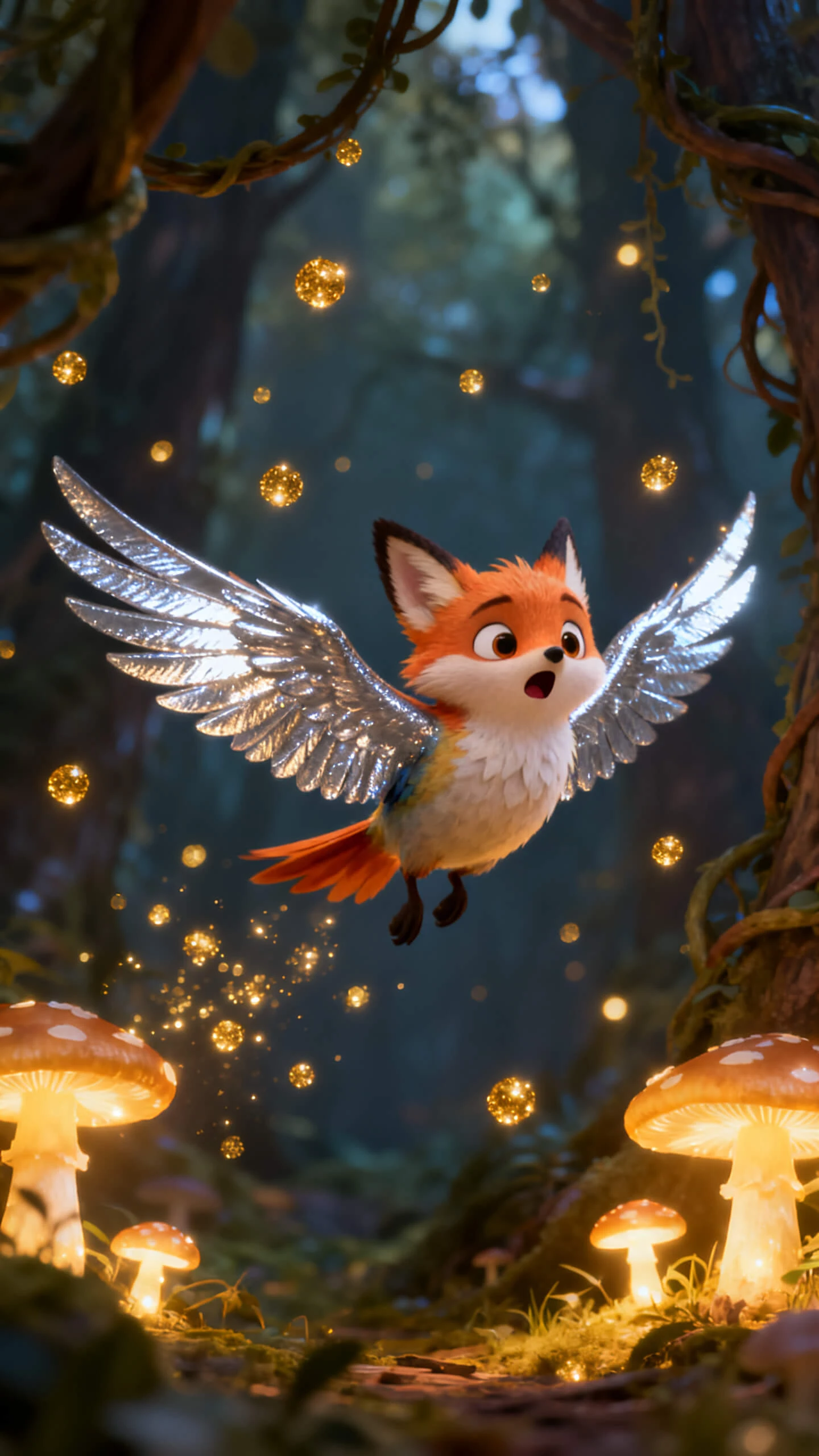
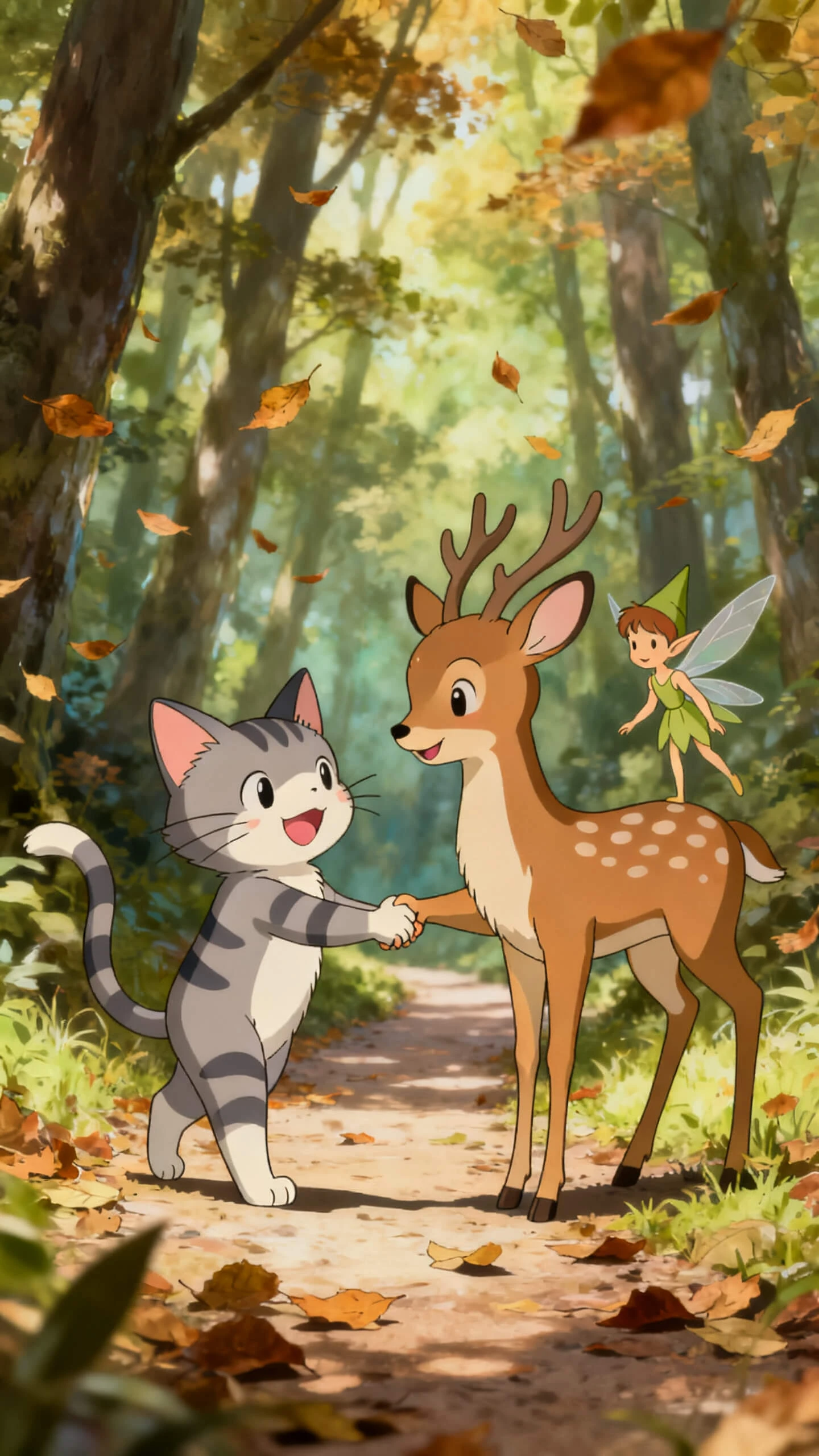
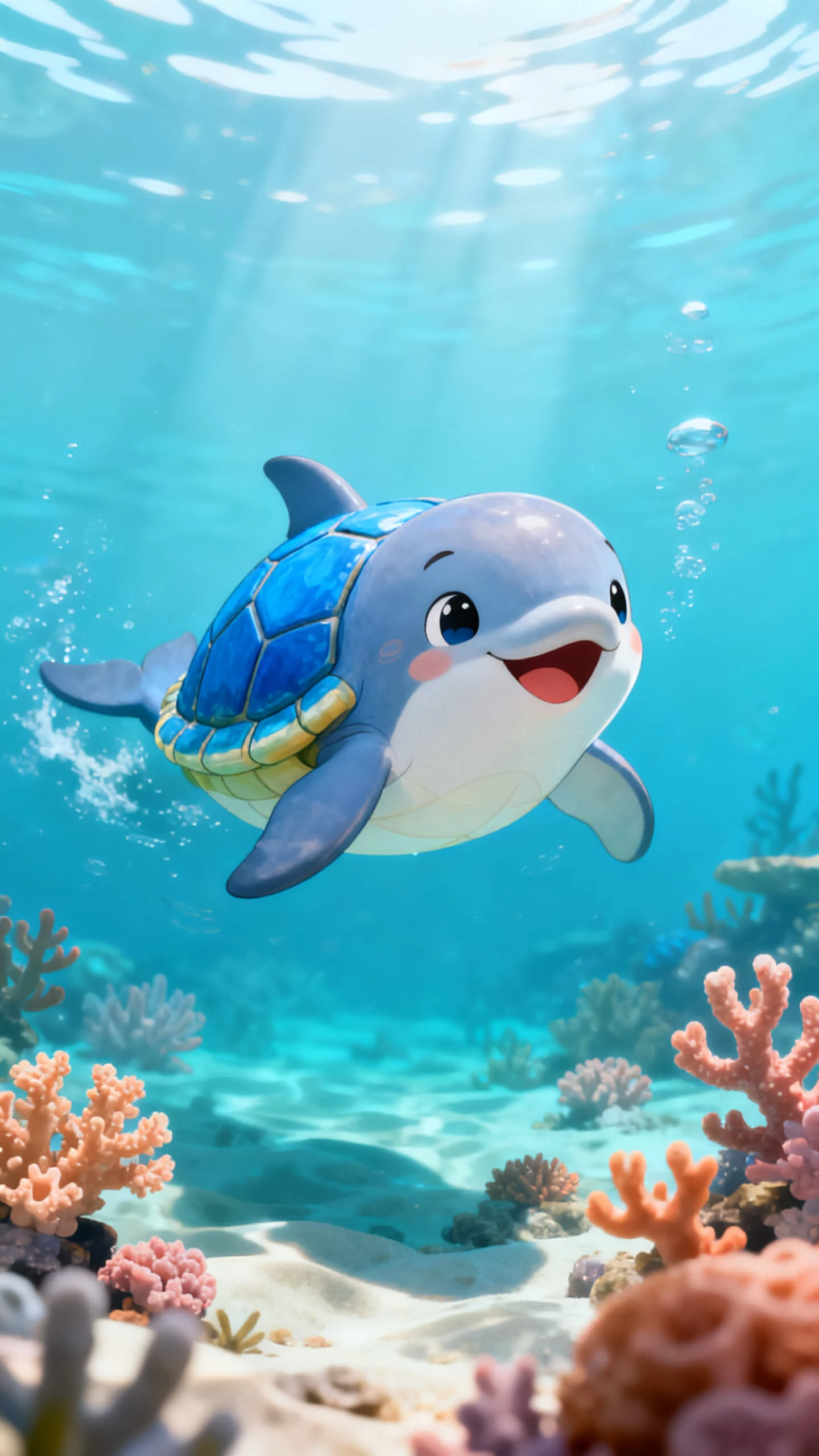
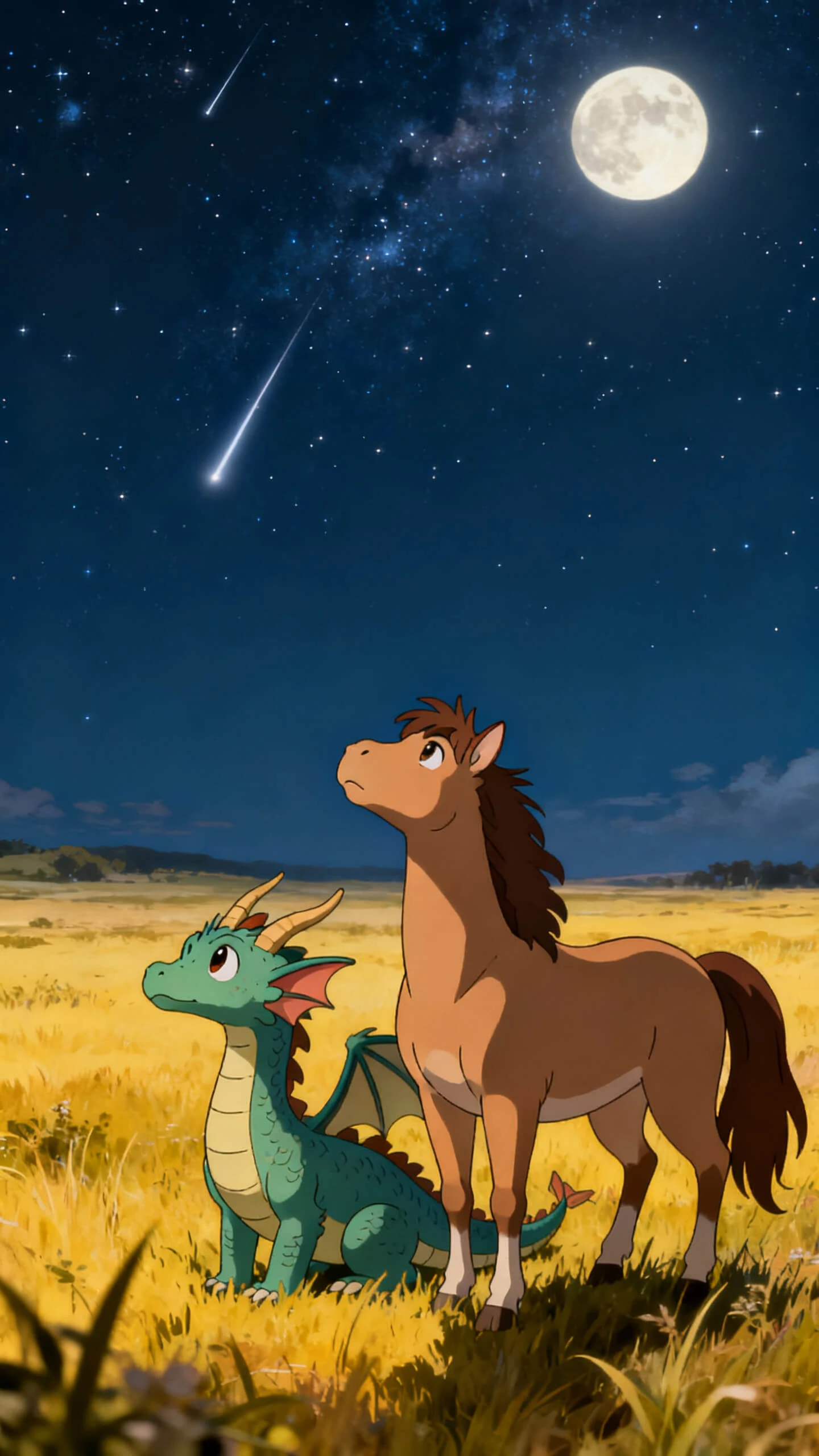
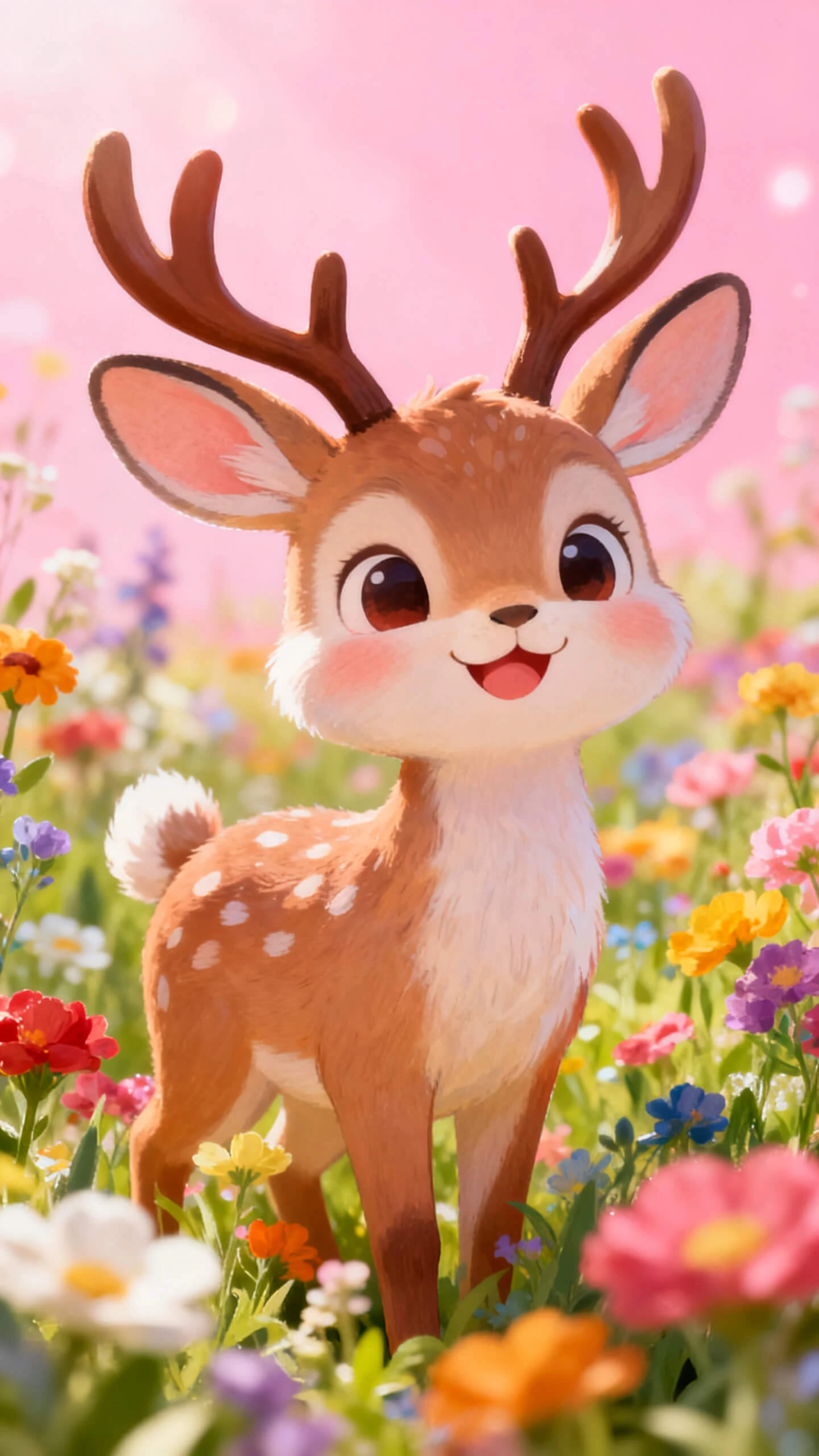
From fantasy prompts to creature clips, the AI fusion generator video free workflow shapes anatomy, style, motion, and sound without separate design tools or editing.

Describe two animals, body traits, colors, and mood. Magiclight AI shapes the blend into a styled creature design without needing sketching tools.
Choose fantasy, cinematic, cartoon, realistic, or creature-design looks. The selected style stays stable, so every frame feels connected.
Upload a reference creature image, add a motion prompt up to 1,500 characters, and turn the design into a 10 or 15-second animated clip.
Set creature poses from 50 options, adjust the camera angle, and shape the environment before the animated fusion clip renders.


The AI fusion video generator's free workflow keeps each step simple and guided from ideas to posts. Describe the species, choose the style, shape the motion, and finish the clip.
Type the two species, shared traits, colors, habitat, and mood. Add details about wings, fur, scales, size, or powers so the creature feels specific, not generic.
Pick from 20+ visual styles, then select one of 19 video models. This sets both the creature’s look and the way it moves through the scene.
Check Nano Storyboard to adjust the creature pose from 50 options, camera framing, expression, and setting. Lock the scene direction before the video renders.
Choose background music, add subtitles if needed, and export in 720p or 1080p. The finished creature video is ready to post, pitch, or share.
A fusion AI video generator turns two animal ideas into one animated hybrid creature. With Magiclight AI, the design, motion, music, and export stay connected online together.
Before upgrading, Magiclight AI lets you explore creature creation and motion workflows first. Check the current plan page for limits, exports, and available tools today online.
Yes, upload a reference image and add motion details before generation starts online. Magiclight AI turns it into a 10 or 15-second animated creature clip smoothly.
Fantasy and creature-design styles fit dramatic hybrids, monsters, and game concepts best online. Inside Magiclight AI, cartoon or realistic looks also suit playful education clips well.
Longer creature worlds can include backstories, battles, environments, and character journeys over time. Magiclight AI supports story-video workflows reaching 50 minutes per session when needed online.
You can add subtitles and voiceovers for audiences across regions and languages easily. For localization, Magiclight AI supports 11 languages within a single project workflow online.



Start with two species and end with a moving creature story. Turn your hybrid animal concepts into engaging ready-to-share fusion videos.