Ease Planning with Magiclight AI Video Generator Start and End Frame
With Magiclight AI, you shape rough visuals into guided scenes. This AI video generator starts and ends frame by frame, turning image ideas into intentional story moments.

Magiclight AI video generator with start and end frame turns your images into controlled scenes that match your original idea. Then it builds finished clips without manual editing.
Start Creating for Free


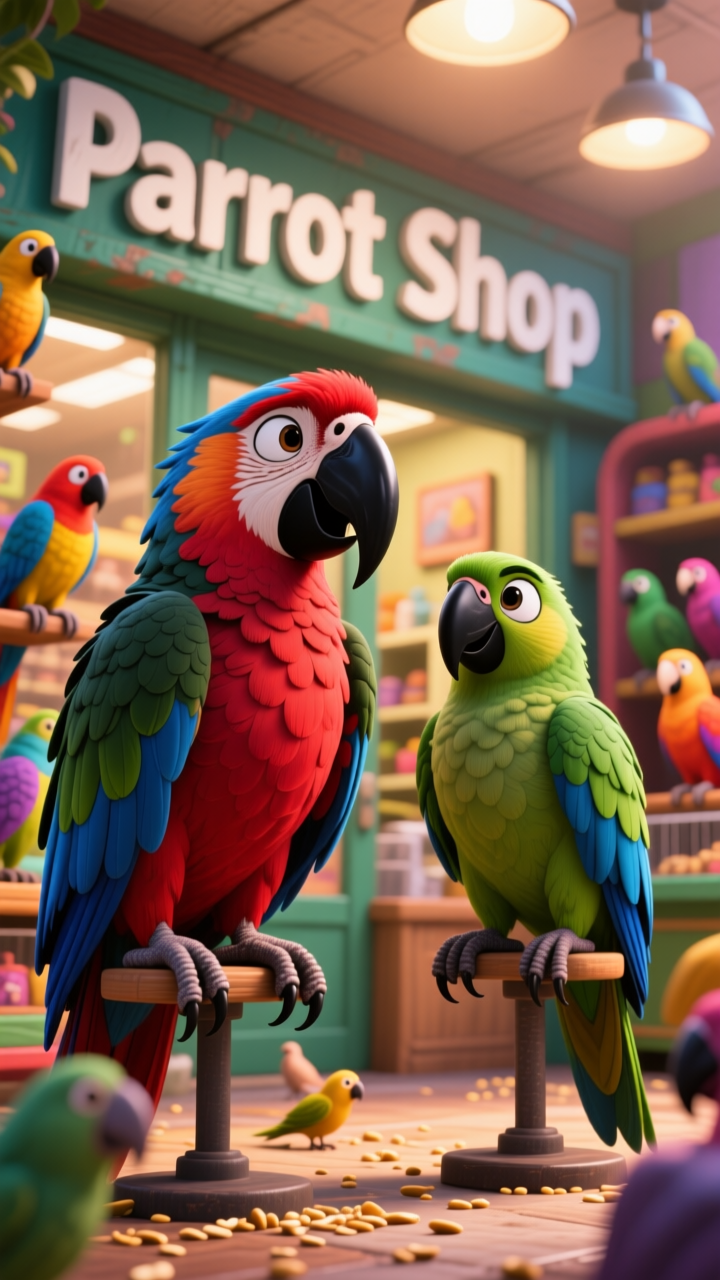
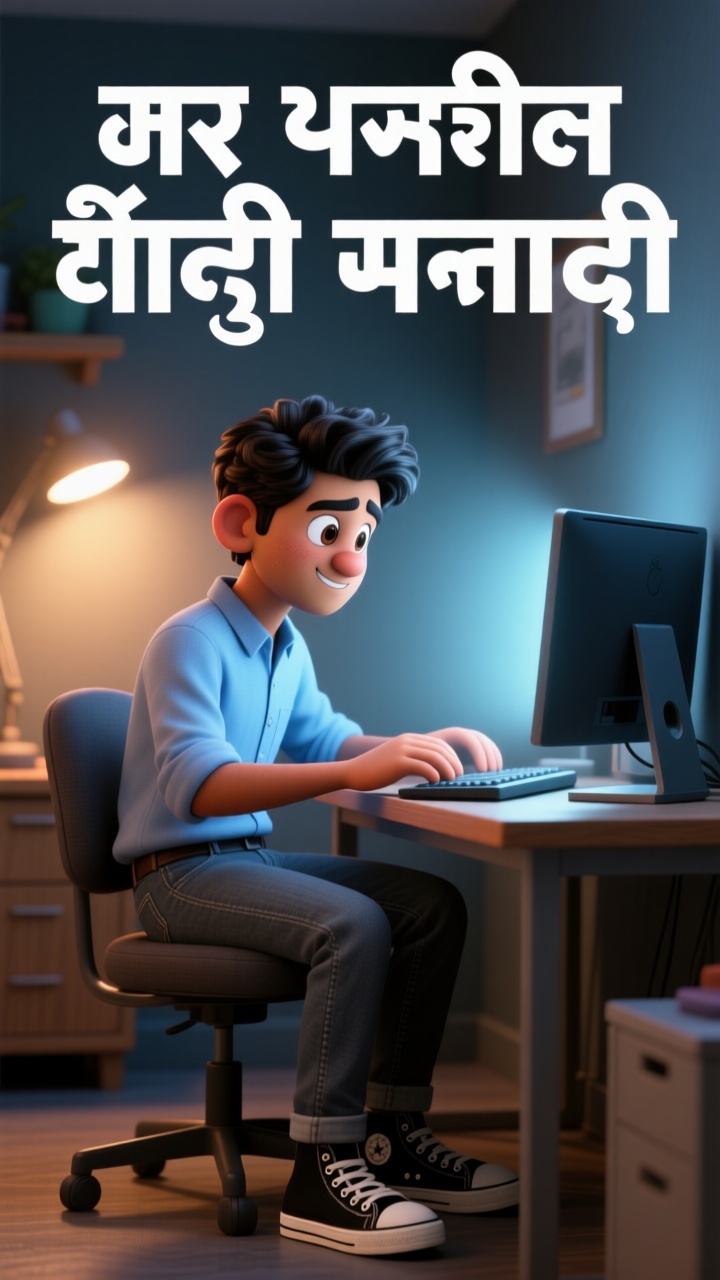
With Magiclight AI, you shape rough visuals into guided scenes. This AI video generator starts and ends frame by frame, turning image ideas into intentional story moments.

Upload your visuals and guide them with a clear text idea of 1500 characters. Magiclight AI uses that direction to animate scenes from start to finish.
Stay in control while the video is building, not after it finishes. Update wording or settings mid‑run so scenes stay closer to your intent.
Magiclight AI focuses on keeping characters and objects stable from start frame to end frame. You get smooth motion without random warps between shots.
Export in standard 720p when you want fast previews or lighter files. Switch to crisp 1080p when your start and end frame video is ready to share.


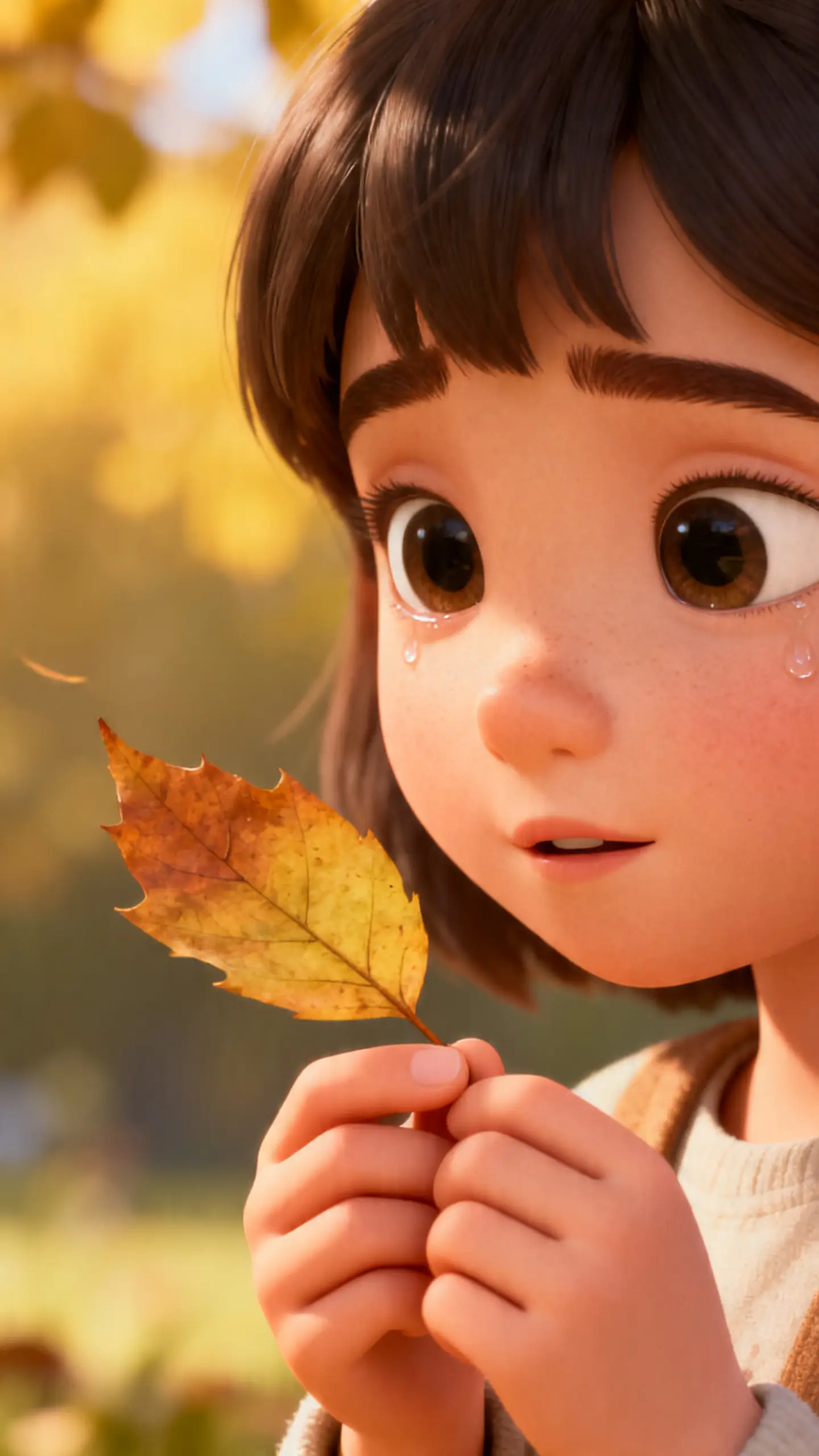
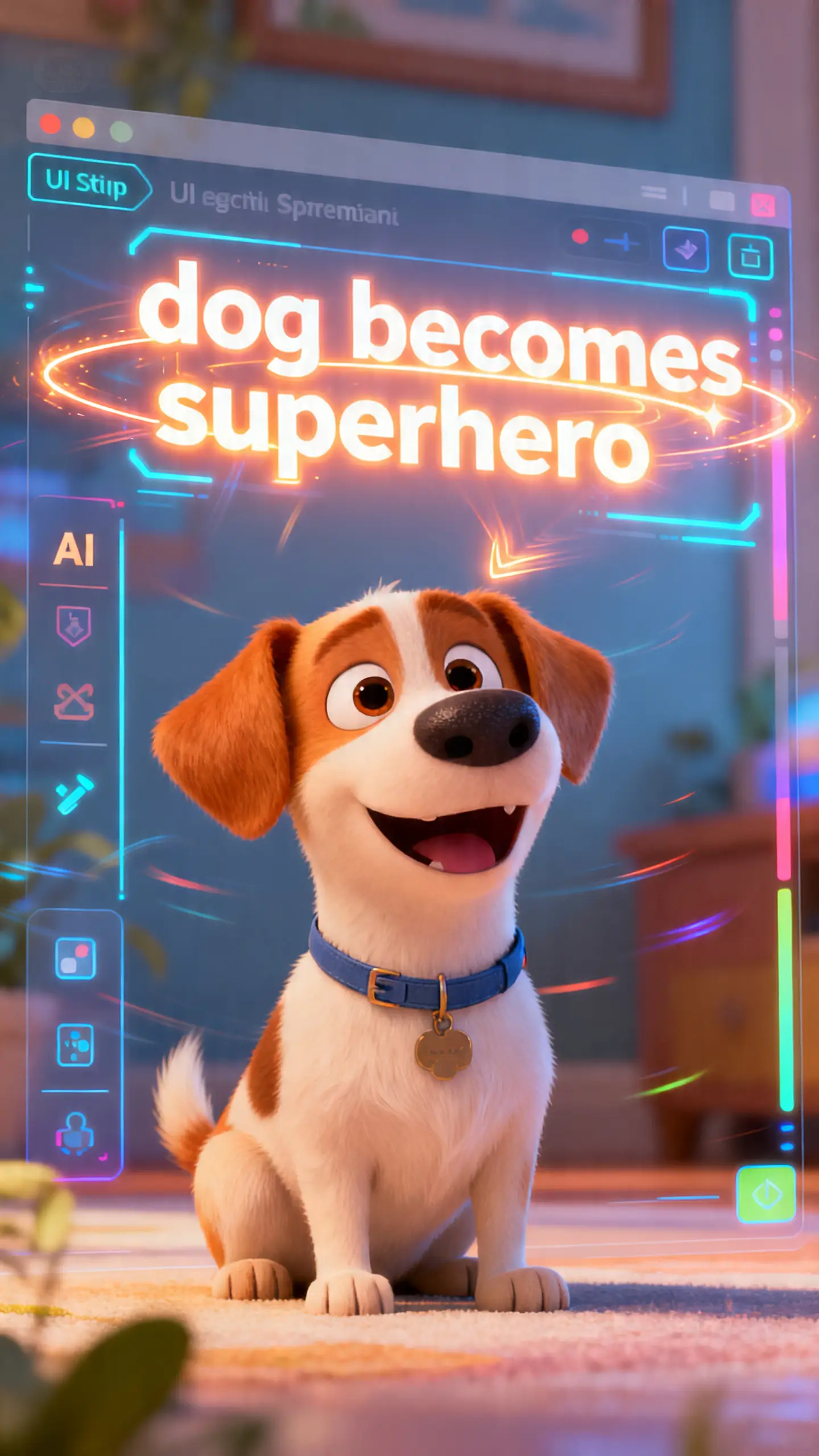
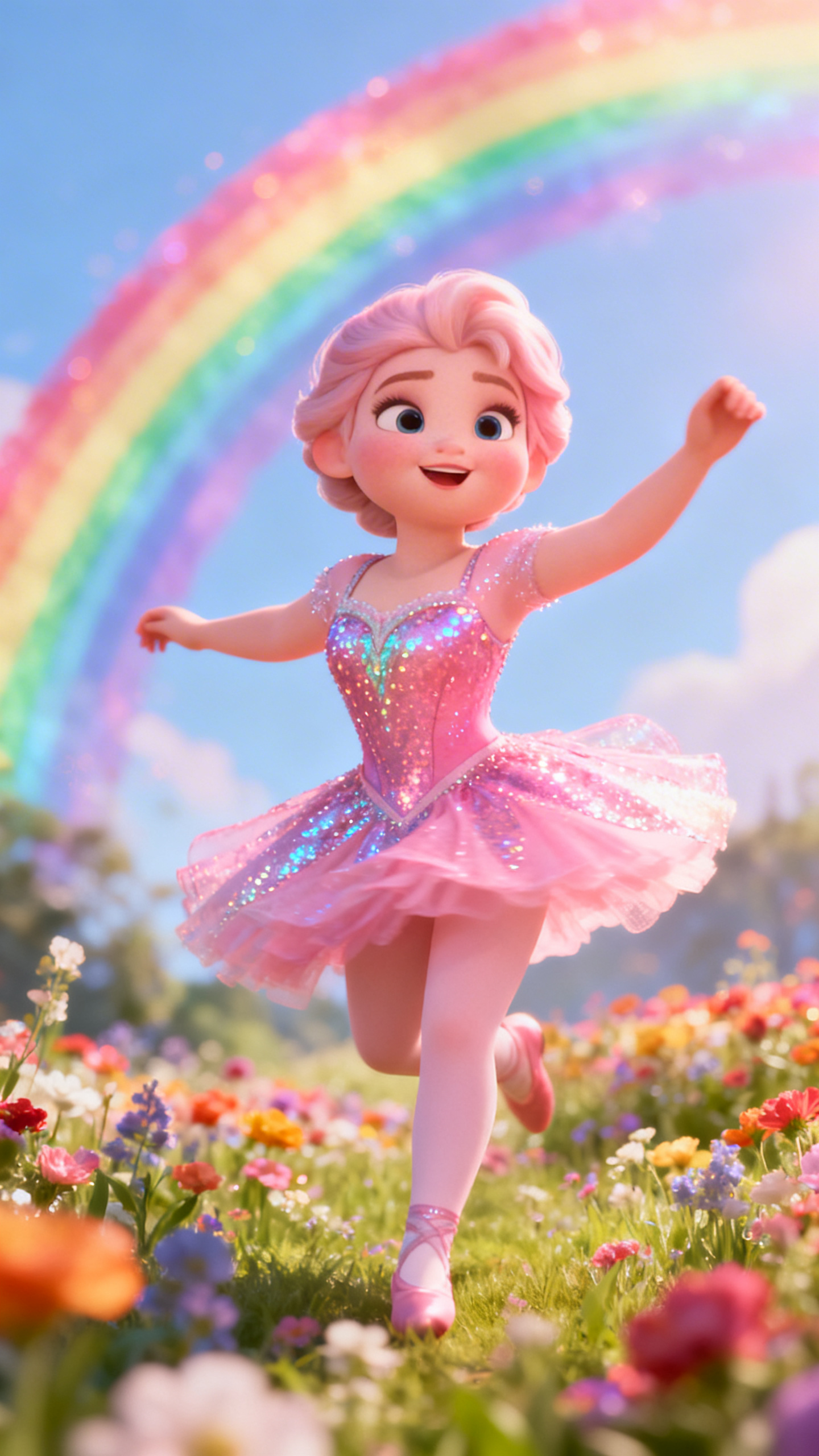
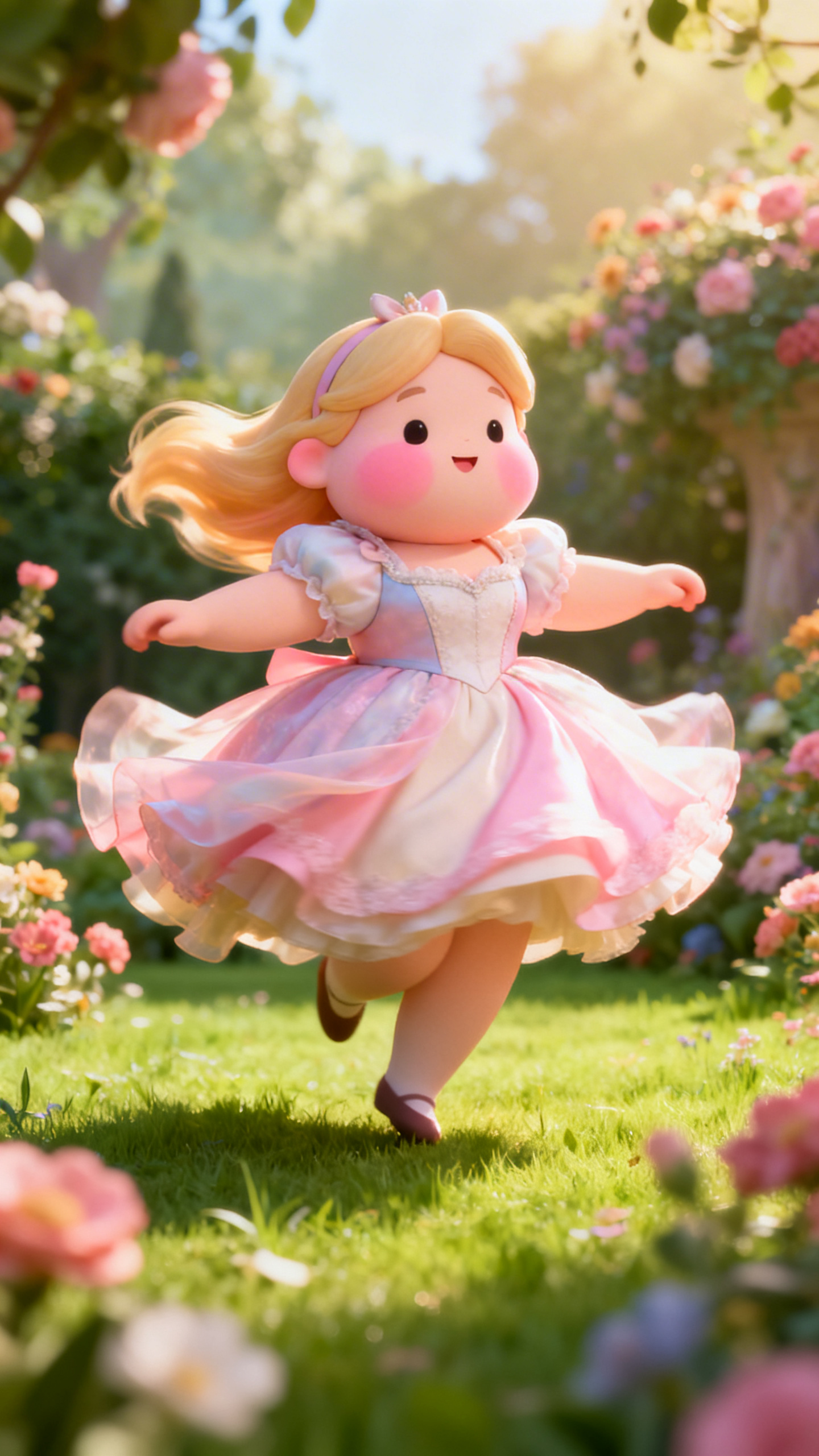
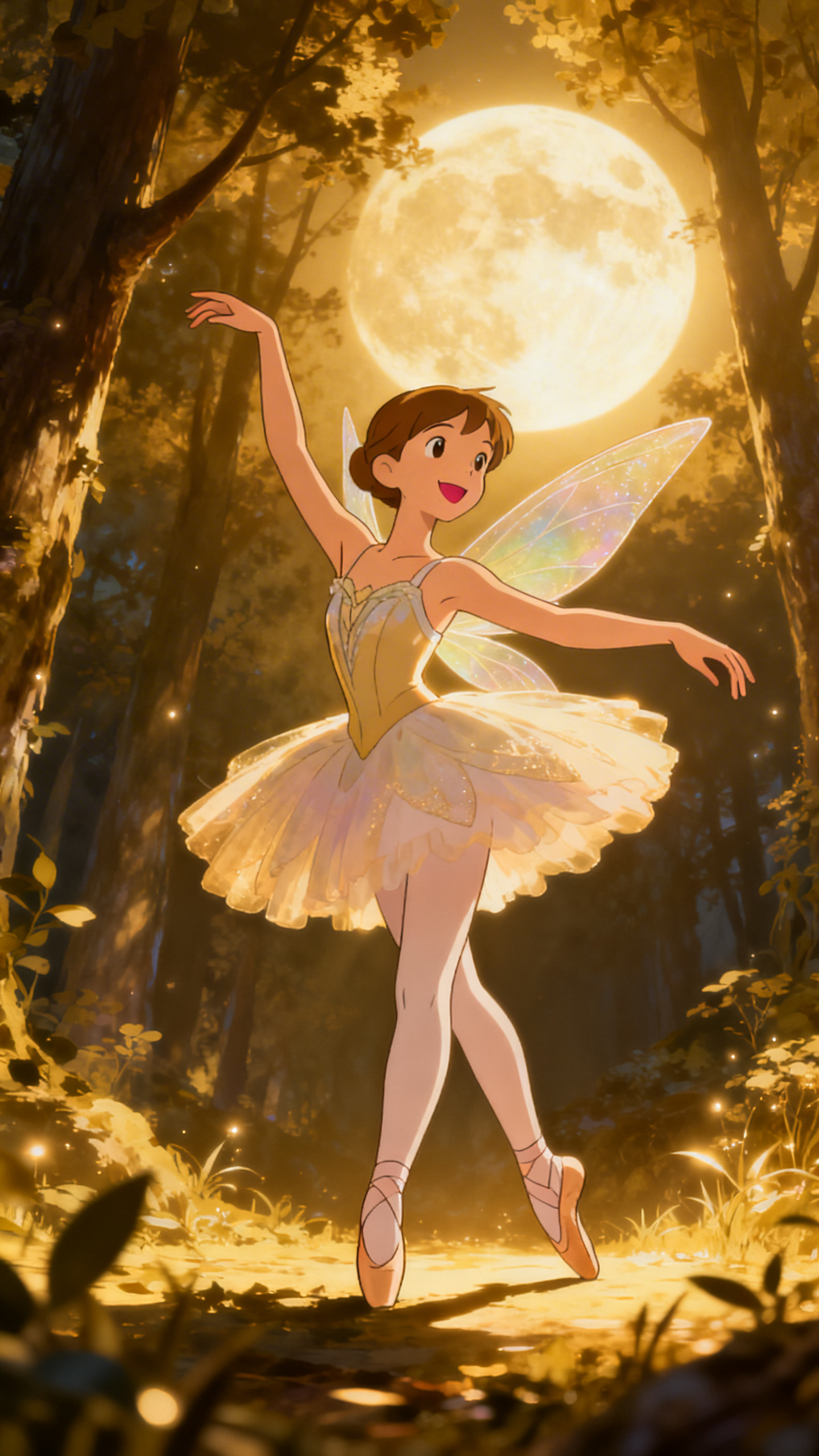
Magiclight AI lets you build scenes without editing skills. These simple, clear steps help you go from idea to a smooth, shareable video.
Type a simple prompt explaining what you want to see in your video. Add key details so the AI clearly understands your story, setting, and main characters.
Upload the image for your opening frame and the final closing frame. Check that both images match your idea so the AI can fill the middle.
Review the auto‑generated scenes in the storyboard view one by one. Tweak mood, expressions, and camera angles until every moment feels right.
Watch a full preview to confirm the flow from first frame to last frame. Export the finished clip and share your AI‑made video wherever you like.
Magiclight AI video generator starts, and the end frame builds motion between your chosen first and last images. Frames stay consistent, so characters and objects feel stable onscreen.
No. You do not need timeline skills or complex editing knowledge to start. The editor inside Magiclight AI guides you through each step with clarity.
Yes, you can edit timing, mood, and shots after frames are chosen in Magiclight AI. The storyboard tools help you easily adjust every scene.
They can upload rough panels and quickly preview motion between key story moments. Using Magiclight AI, those sketches become simple animated clips for pitches.
You can choose smaller previews first, then export sharper files for publishing later. Within Magiclight AI, export options like 720p and 1080p keep things flexible.
Magiclight AI focuses on keeping the look steady while intelligently filling the middle. Its workflow is built around clearer scene control and pacing.
Yes. Magiclight AI can turn basic product photos or poses into smooth transformation clips. This AI video generator starts and end frame that keeps branding consistent.



Pick first and last frames and let your video grow with Magiclight AI.