Create Cute Baby Stories with Magiclight AI Baby Video Generato
Magiclight AI helps you turn small ideas into playful, AI-generated baby videos. It makes each clip stay simple, sweet, and easy for anyone online to enjoy.

Use Magiclight AI's baby AI video generator to transform simple prompts and build full baby stories. Drop in rough thoughts, hooks, or half-finished story lines.
Create Baby AI Video Free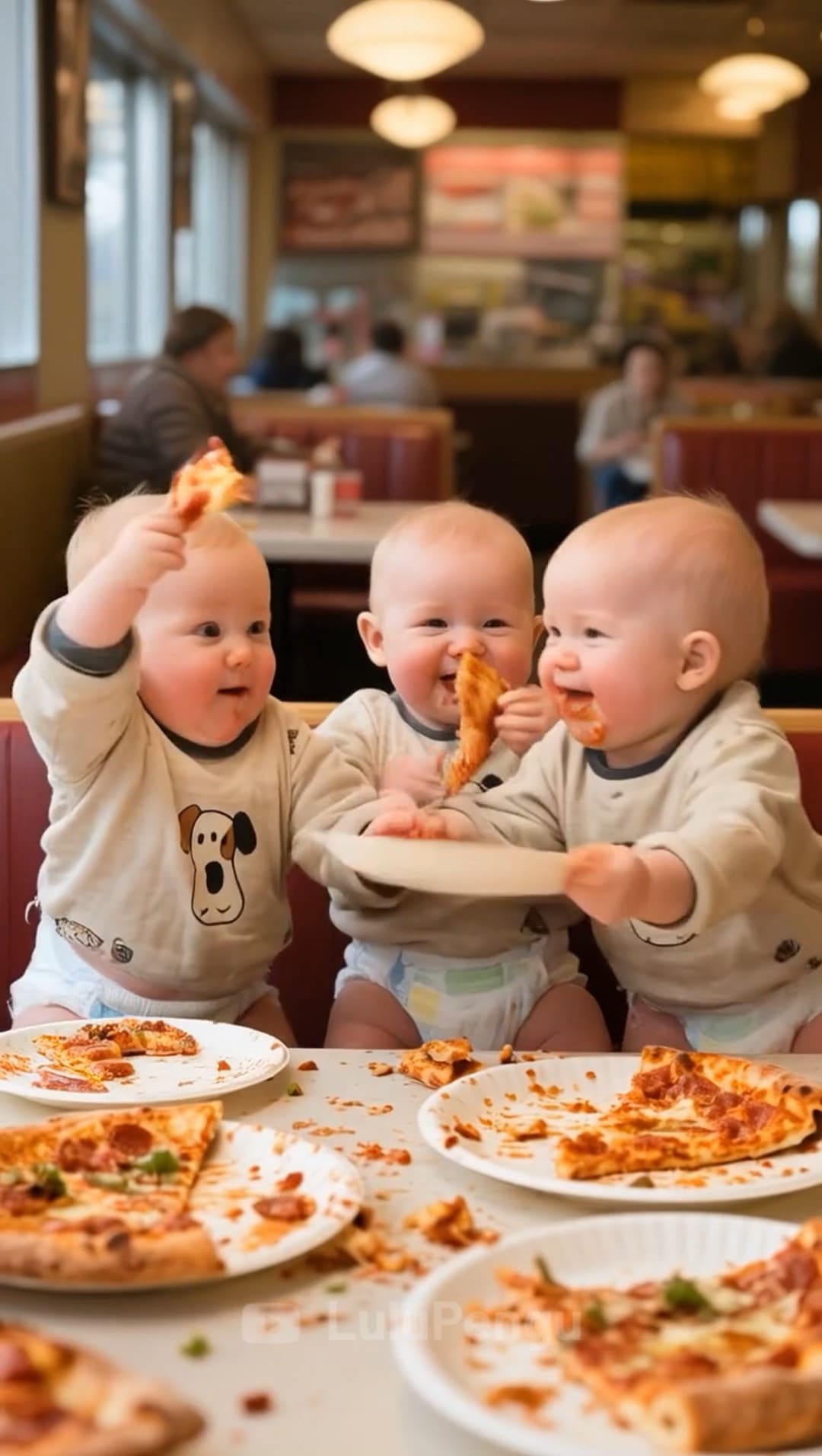
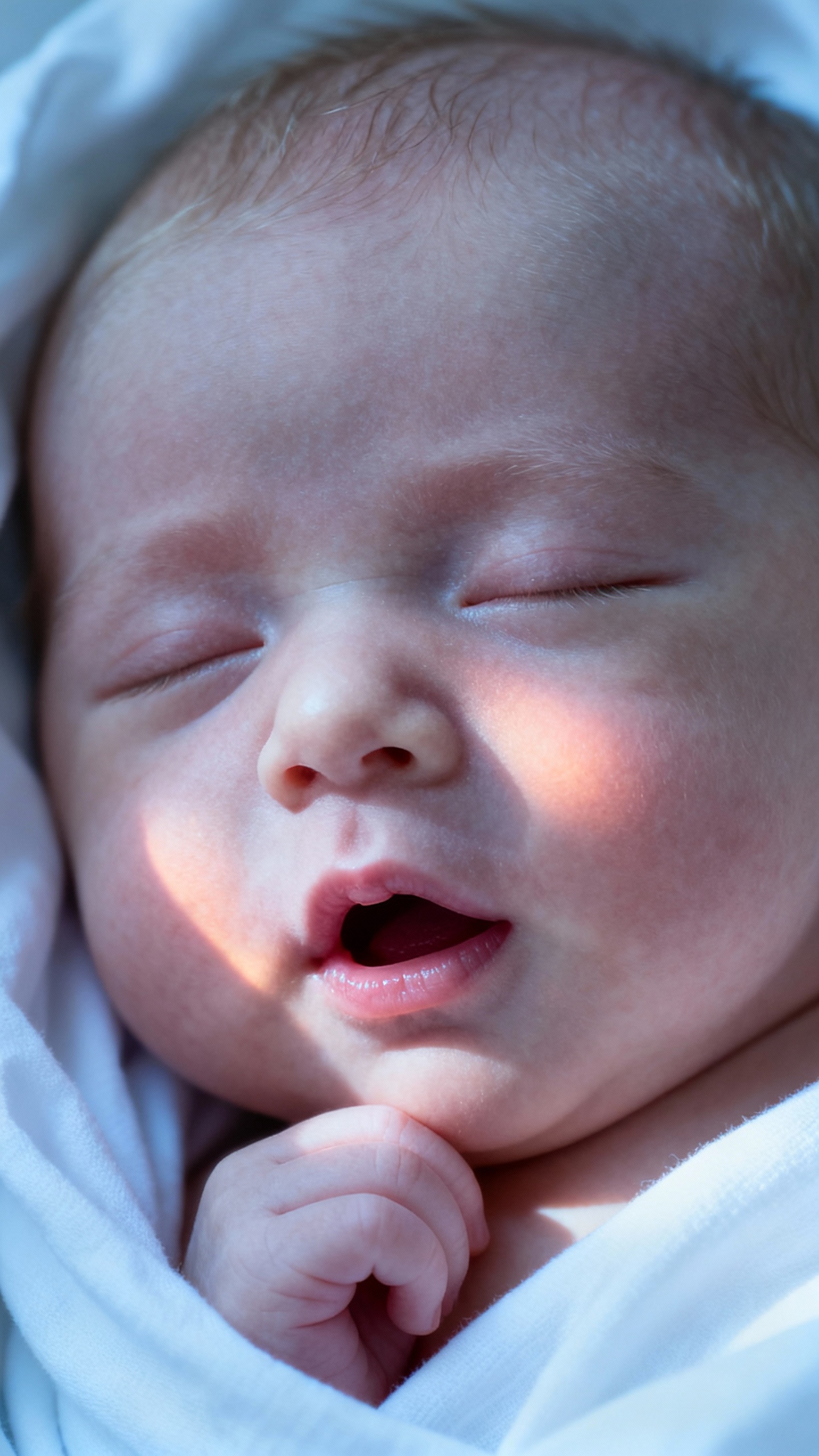
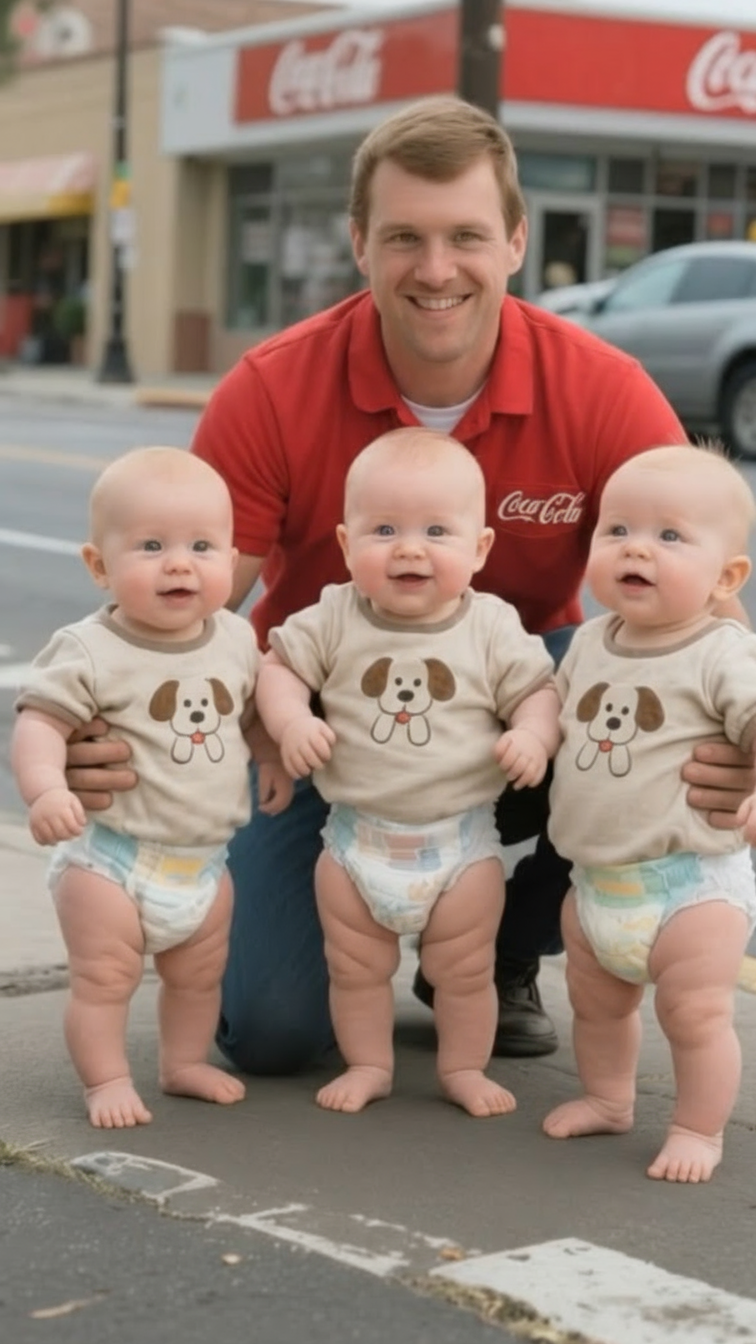


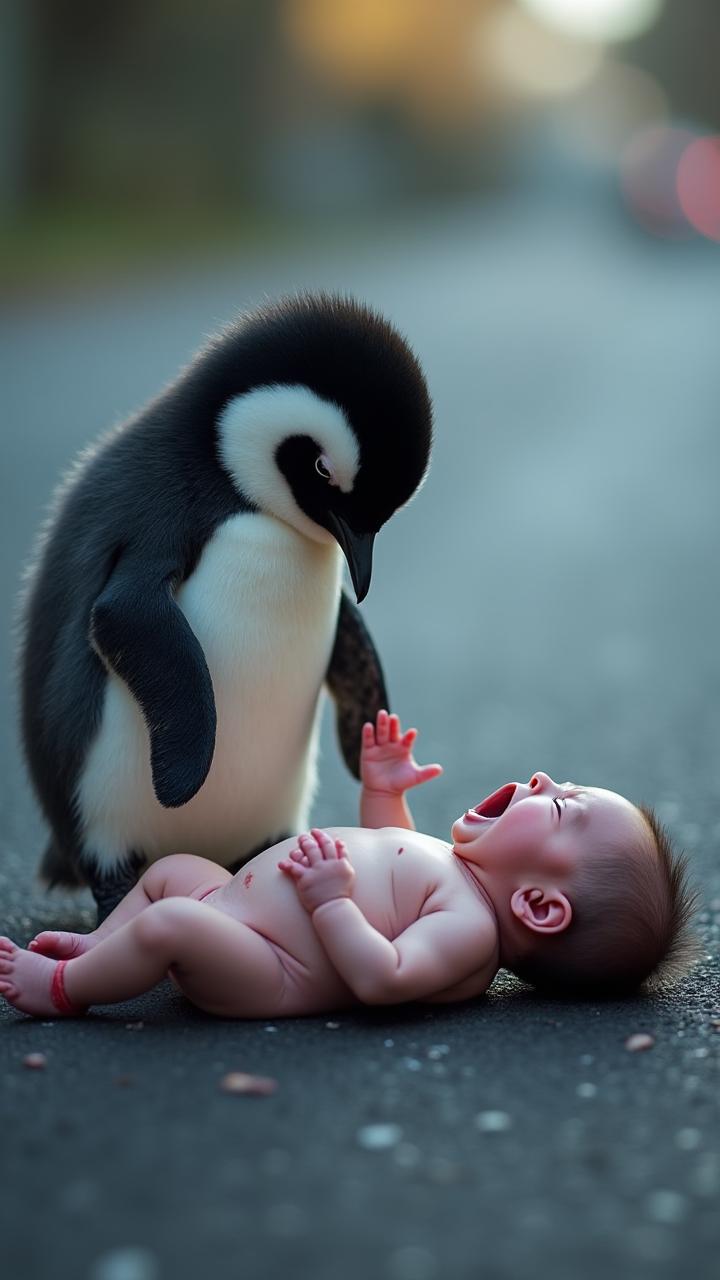
Magiclight AI helps you turn small ideas into playful, AI-generated baby videos. It makes each clip stay simple, sweet, and easy for anyone online to enjoy.

Paste full stories with space for up to 12,000 characters. Magiclight AI turns your dialogue, actions, and scene notes into playful baby moments.
Magiclight AI’s Nano controls refine each scene without design skills. Adjust outfits, body style, and 50 pose options to match the mood of every beat.
Lock in the baby's look and personality once, then reuse it across scenes. Magiclight AI keeps every clip feeling like the same baby world.
Choose from 9 story models to match how you want things to feel. Switch between cozy and cinematic baby worlds while keeping your workflow simple.


Magiclight AI baby video generator gives you a clear, guided path between each step. You can move from the first idea to a rough cut without guesswork.
Type a clear baby story prompt into the box. Describe setting, mood, and baby actions.
Pick an art style that fits your baby world. Adjust baby's look and voice.
Review each generated scene inside the Nano editor. Change expressions, outfits, poses, and pacing until every moment feels smooth.
Watch the full baby video to check the flow and details. Download the final clip, then post it wherever your audience already spends time..
A baby AI video generator is a tool used to turn your baby story prompts into animated video clips. In Magiclight AI, the generator handles scripting and timing in one flow.
No. You don't need any video background, just simple ideas and basic typing skills. Magiclight AI guides you scene by scene, keeping choices understandable.
Magiclight AI lets you create baby videos that run up to 50 minutes. It supports both short clips and extended runtimes, which helps for bedtime videos or calm channels.
Yes. You can start from a single image for some video types. Magiclight AI baby video generator helps grow that still photo into short moving baby scenes.
You can share them on TikTok, YouTube Shorts, Reels, or anywhere else. Magiclight AI includes multiple export options to match major social platforms.
Yes. You can paste story text, dialogue, or hooks directly into the tool. Magiclight AI uses that script to shape scenes, timing, and overall story flow.



Turn baby ideas into clean story clips with Magiclight AI and post instantly.