Hero background

AI Viral Video Generator

Turn ideas into viral clips with a free AI viral video generator built for TikTok, Reels, and Shorts. Add hooks, motion, captions, and music in minutes with Magiclight AI.

Create Viral Videos For Free
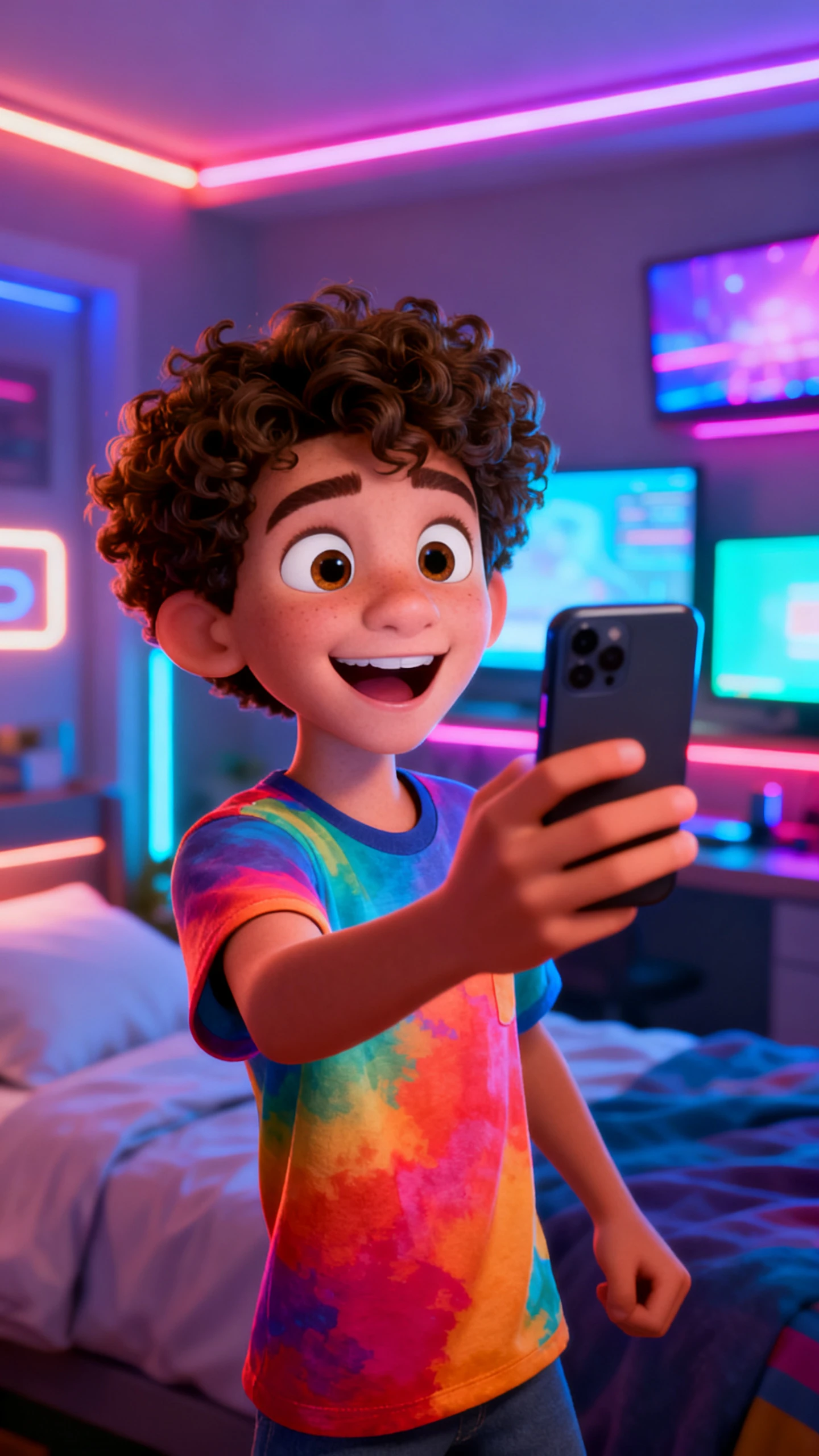
Teenage boy recording a short video on a smartphone in a colorful modern bedroom
a viral video generator
a local viral video generator
Teenage boy recording a short video on a smartphone in a colorful modern bedroom
a viral video generator
a local viral video generator
Teenage boy recording a short video on a smartphone in a colorful modern bedroom
a viral video generator
a local viral video generator

Explore Features of Free AI Viral Video Generator

Going viral starts with format, not luck. Magiclight AI’s viral video generator AI adds instant motion, trending structure, silent captions, and bold visuals for feed impact now.

Explore the video generator
3D decoration

Build Fast Motion Energy

Magiclight AI includes Kling 3.0, Seedance 2.0, and 17 more motion models, helping you choose sharper pacing for scroll-stopping short videos without manual edits.

Match Trending Video Formats

Use 8 director modes to shape hooks, reveals, reactions, and trending formats, especially when making AI viral TikTok video generator content.

Add Captions For Autoplay

Captions from 16 subtitle styles keep hooks readable during silent autoplay. Your message stays clear when viewers scroll quickly without turning the sound on.

Create Bold Feed Identity

Pick cartoon, cinematic, Pixar-style 3D, illustration, or other styles to build a bold feed look that stays consistent through the full video.

Who Gets the Most Benefit From Magiclight AI Viral Video Generator
Magiclight AI’s free viral AI video generator covers every major short-form format. Each performs best on a specific platform when the format matches the feed.
Here are some of the things you can do with Magiclight.ai:
Educators
For TikTok Hooks and Trending Clips
Use fast-cut motion models to open with instant visual energy.
Apply viral director modes for TikTok pacing.
Add auto-captions so the hook lands even on silent autoplay.
Parents
For Instagram Reels and YouTube Shorts
Generate Reel-ready vertical clips from any text prompt or image.
Use bold Pixar-style or cartoon visuals to stop the Reels scroll.
Export in 1080p and post the same session that the video generates.
Twitter/X Reaction and Opinion Videos
For Twitter/X Reaction and Opinion Videos
Turn a hot take or opinion script into a fast-moving viral clip.
Use a cinematic or realistic style for a credible on-screen presence.
Add a strong subtitle overlay to carry the message without audio.
YouTube Short-Form Reveal Content
For YouTube Short-Form Reveal Content
Use the reveal-format director mode for before-and-after content.
Score the reveal moment with a dramatic track from 40 music options.
Export at 1080p with subtitles ready for YouTube Shorts posting.
Why Magiclight AI Videos
Stands Out as the Best AI Viral Video Generator
The best AI viral video generator creates content formatted to spread: consistent identity, platform-matched pacing, and audio-optional delivery baked into every output.
Keep Consistent Visual Brand Identity
Save one character or style, then repeat it across every clip in a series. Your feed becomes easier to recognize when viewers notice the same face, colors, and mood again online.
Extend Viral Ideas Into Series
When one hook needs more depth, build longer episodes up to 50 minutes. The same visual direction can continue across a full content series.
Match Music to Viral Moments
Pick from 40 background tracks for reveals, reactions, dances, or bold opinions. The music supports the clip’s energy without forcing manual timing between scenes.
Export Clips Before Trends Fade
Cloud rendering prepares finished clips in 720p or 1080p without local delays. Post while the trend still feels fresh, instead of waiting for heavy exports.
Localize Clips for Global Reach
Create regional versions with 11 language options for voiceovers and subtitles. Your main clip stays intact while messaging adjusts for each audience.
Format Clips for Social Feeds
Adjust format choices for TikTok, Reels, Shorts, or X before export. Your clip feels native to the platform rather than copied into every feed.

How to Generate a Viral Video With Magiclight AI  in 4 Steps

Magiclight AI turns any viral video idea into a platform-ready clip in four steps. No editing, no timeline skills, and no studio setup required.

1.

Pick Your Format and Enter the Hook

Select a director mode from 8 options to match the viral format you want. Type the hook concept so the viral video AI generator builds toward the right format.

2.

Choose the Motion Model and Visual Style

Select a video model from 19 options to set the motion energy. Pick a visual style from 20+ options to create a bold feed identity.

3.

Add Captions and Music

Select a caption style from 16 options. Choose a background track from 40 options. Magiclight AI syncs the audio and captions automatically before export.

4.

Export and Post Before the Window Closes

Export the finished free AI viral video generator output at 720p or 1080p. The clip is ready to post on TikTok, Instagram, YouTube Shorts, or Twitter/X immediately.

FAQ on AI Viral Video Generator

What is an AI viral video generator?

An AI viral video generator shapes clips with hooks, pacing, captions, and motion. Magiclight AI adds 19 motion models and 8 director modes for feed-ready formats.

Can you try the free AI viral video generator before upgrading?

Before upgrading, Magiclight AI lets you explore the free AI viral video generator. Check the plan page for current limits, exports, and available creative tools details.

Can Magiclight AI create TikTok-style viral videos?

Yes, the 8 director modes in Magiclight AI support hook-first video structures well. Choose a motion model and pacing style before your TikTok generation begins online.

Can I create viral videos in multiple languages?

Magiclight AI supports 11 languages for subtitles, voiceovers, and regional social campaigns online. You can adapt one clip without rebuilding everything from the beginning again manually.

What helps consistent creators keep a recognizable visual style?

Saved characters help your series feel familiar when viewers see repeated clips online. Inside Magiclight AI, the same style can continue across future posts smoothly too.

How long can an AI viral video be?

Short image-to-video clips usually run 10 or 15 seconds per generation session online. For longer viral series, Magiclight AI supports story videos up to 50 minutes.


Turn Ideas Into Viral Videos With Magiclight AI

Magiclight AI turns any concept into a viral video AI generator output that is formatted, captioned, and scored ready to post.