Hero background

Blue Lock OC Maker

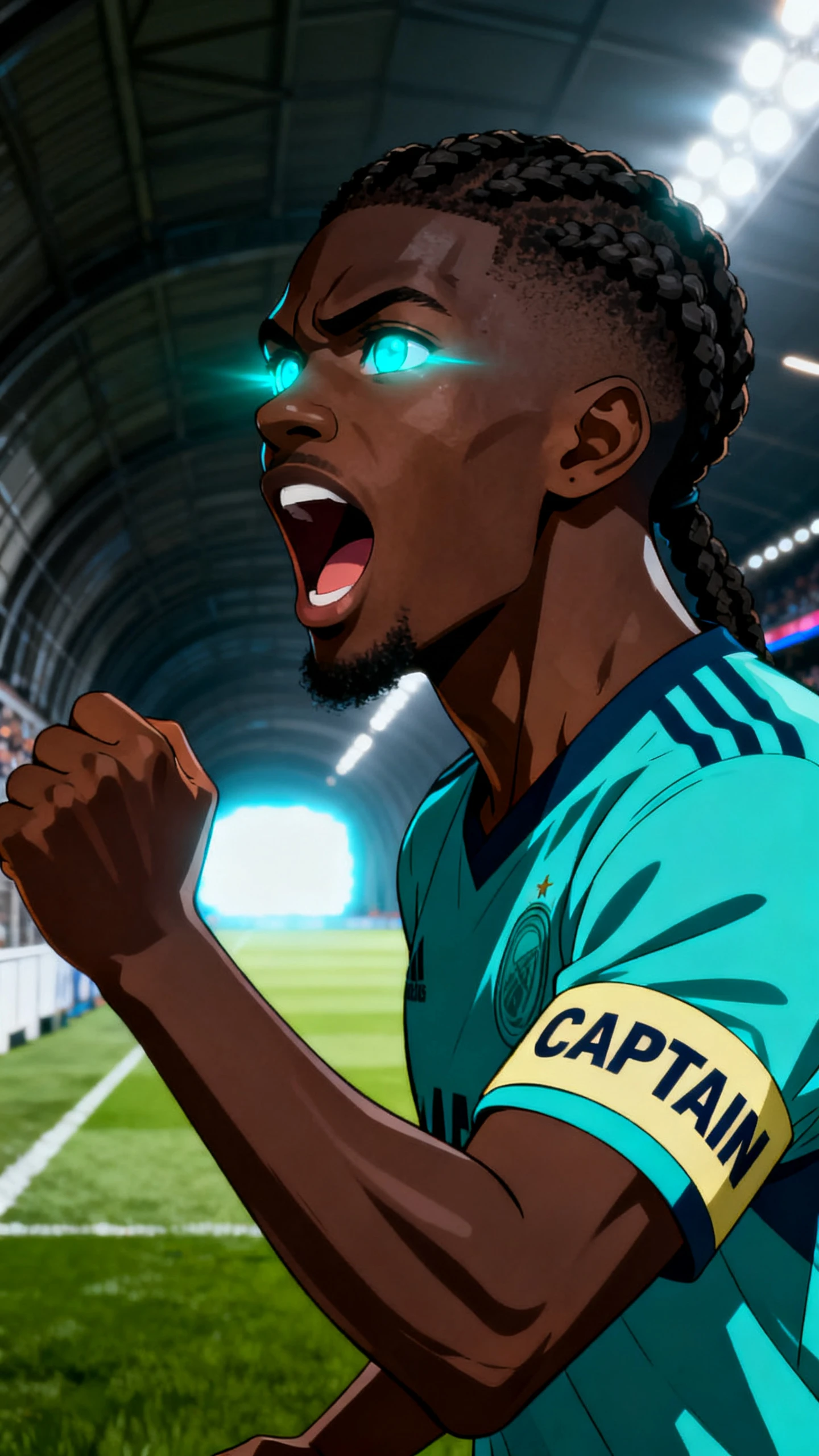
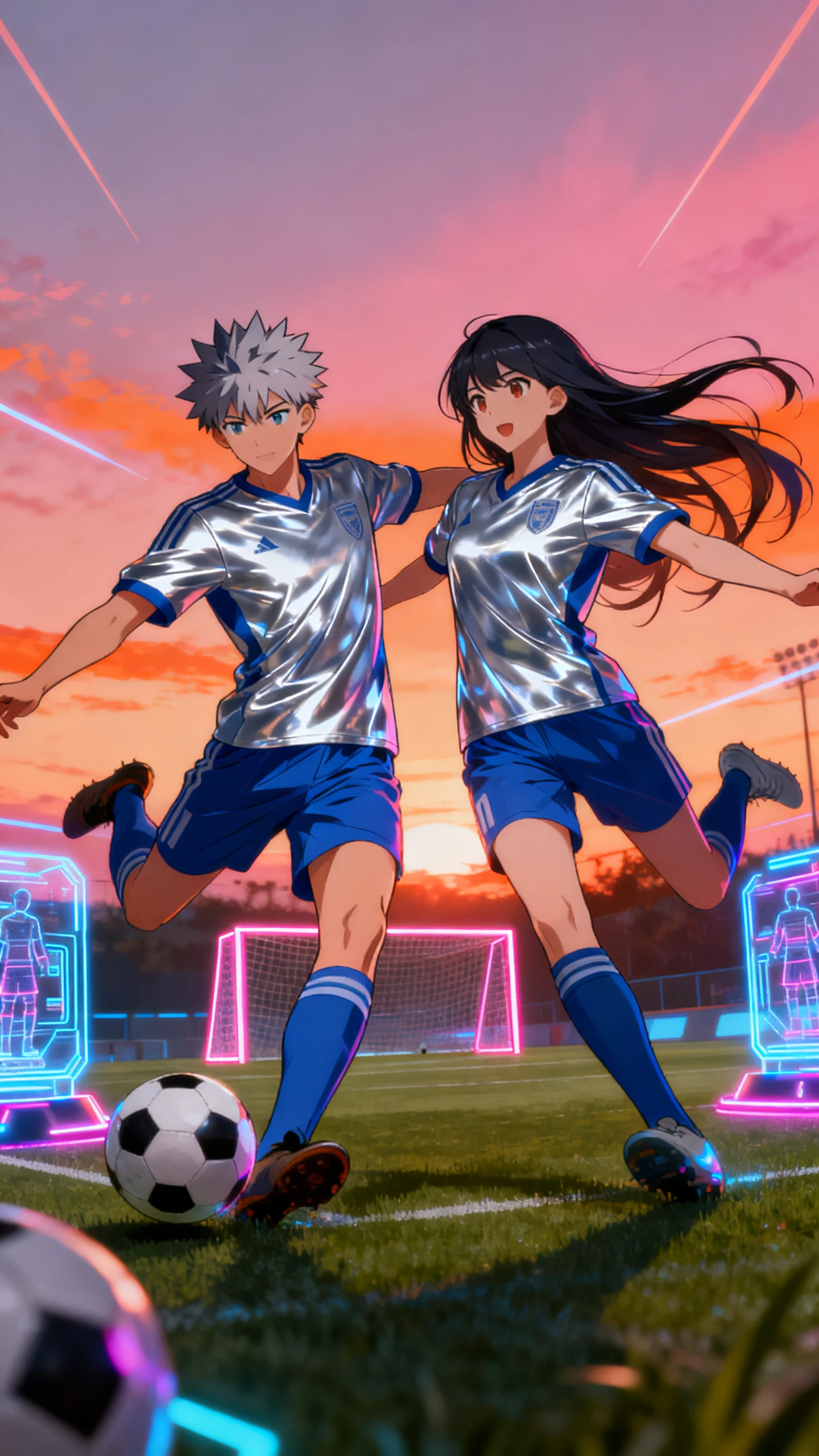
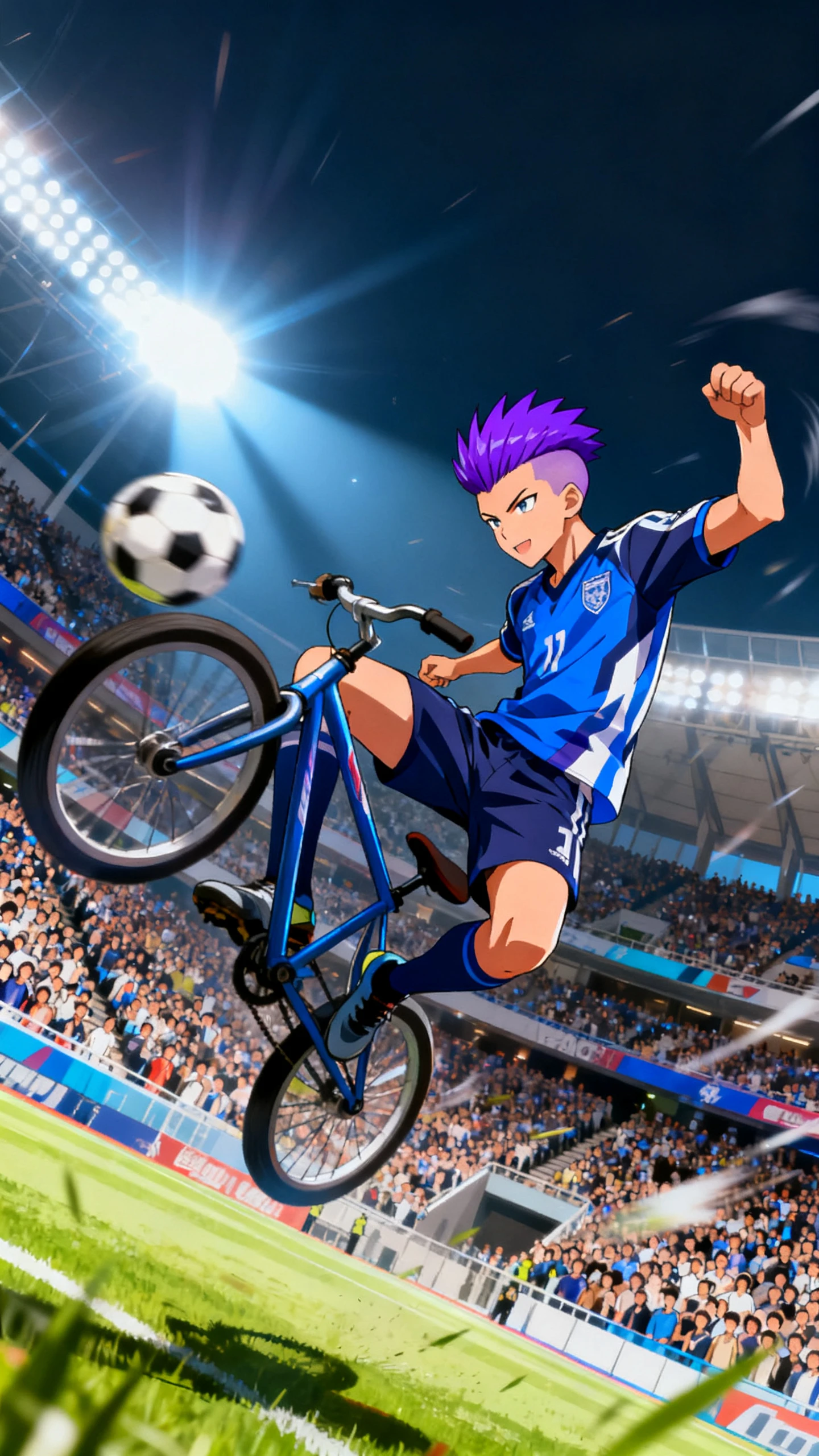
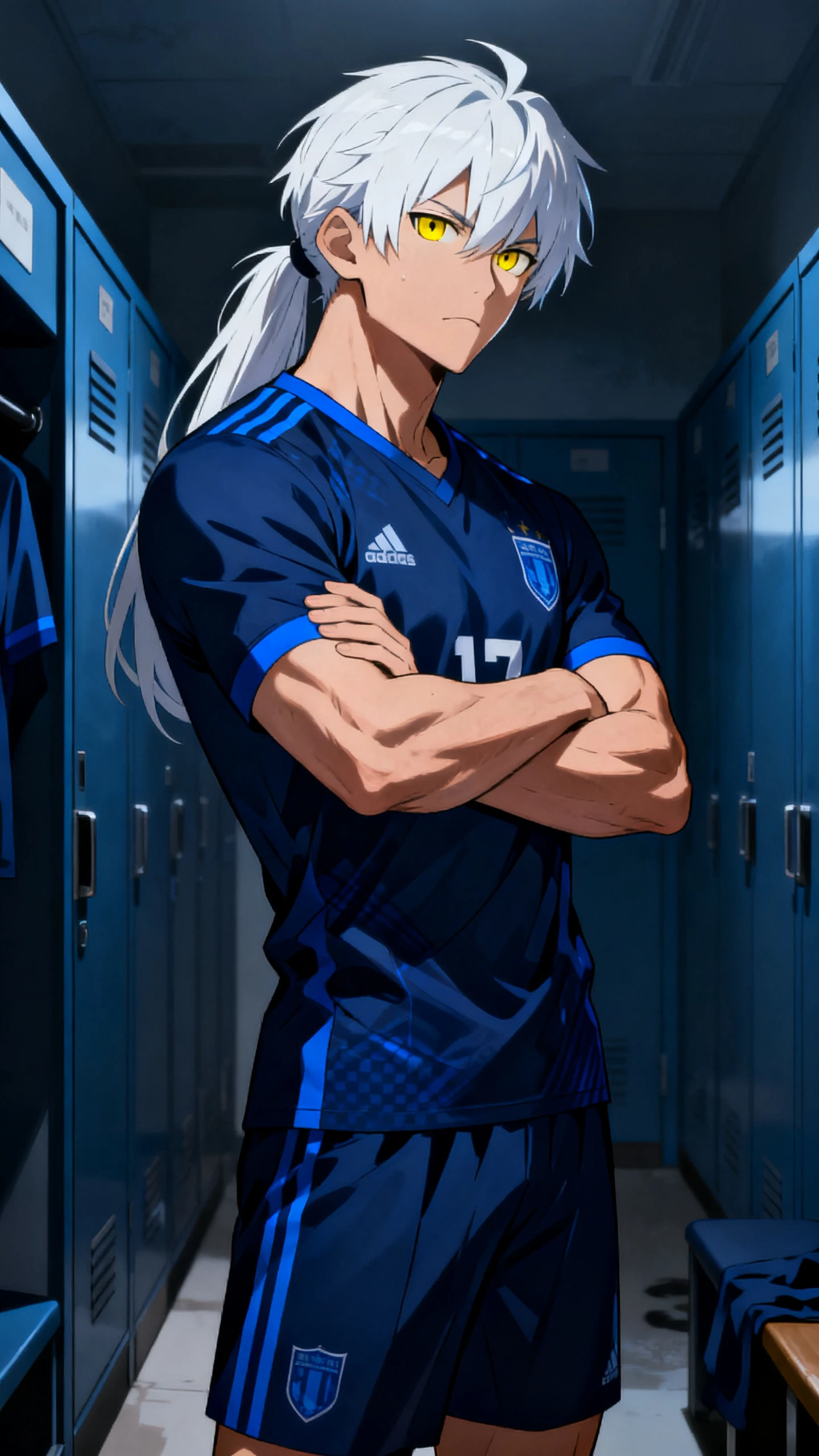
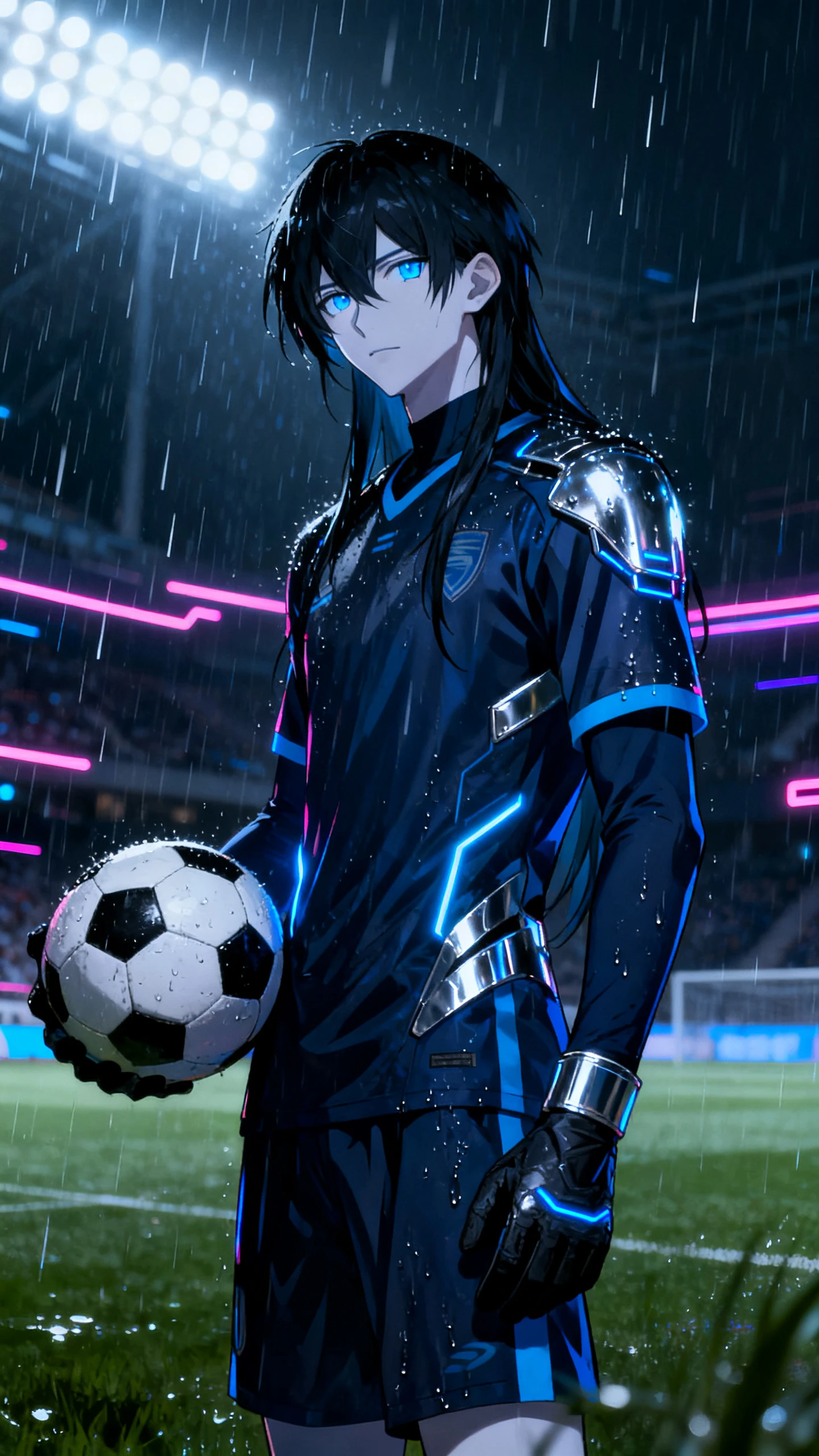
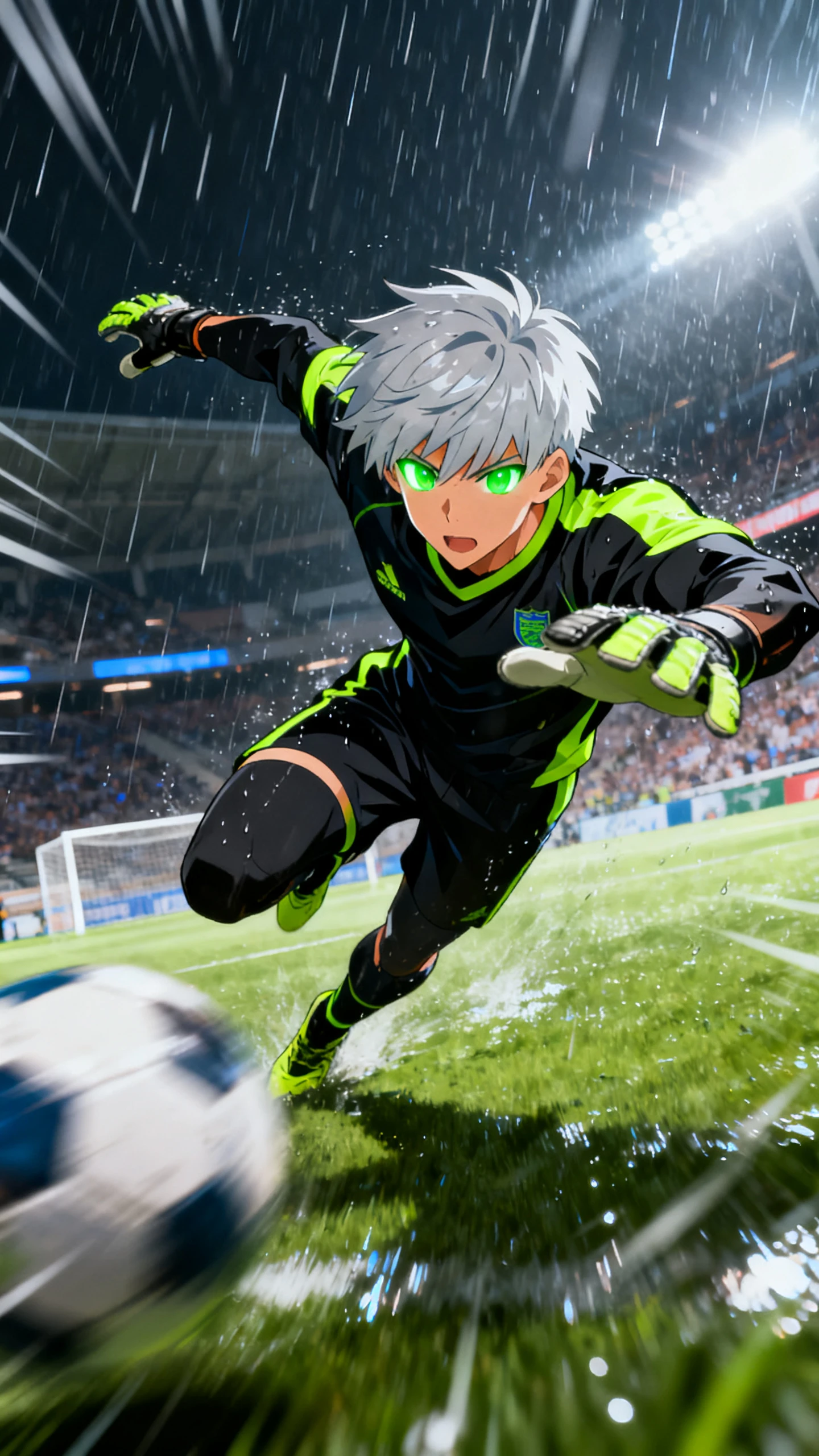
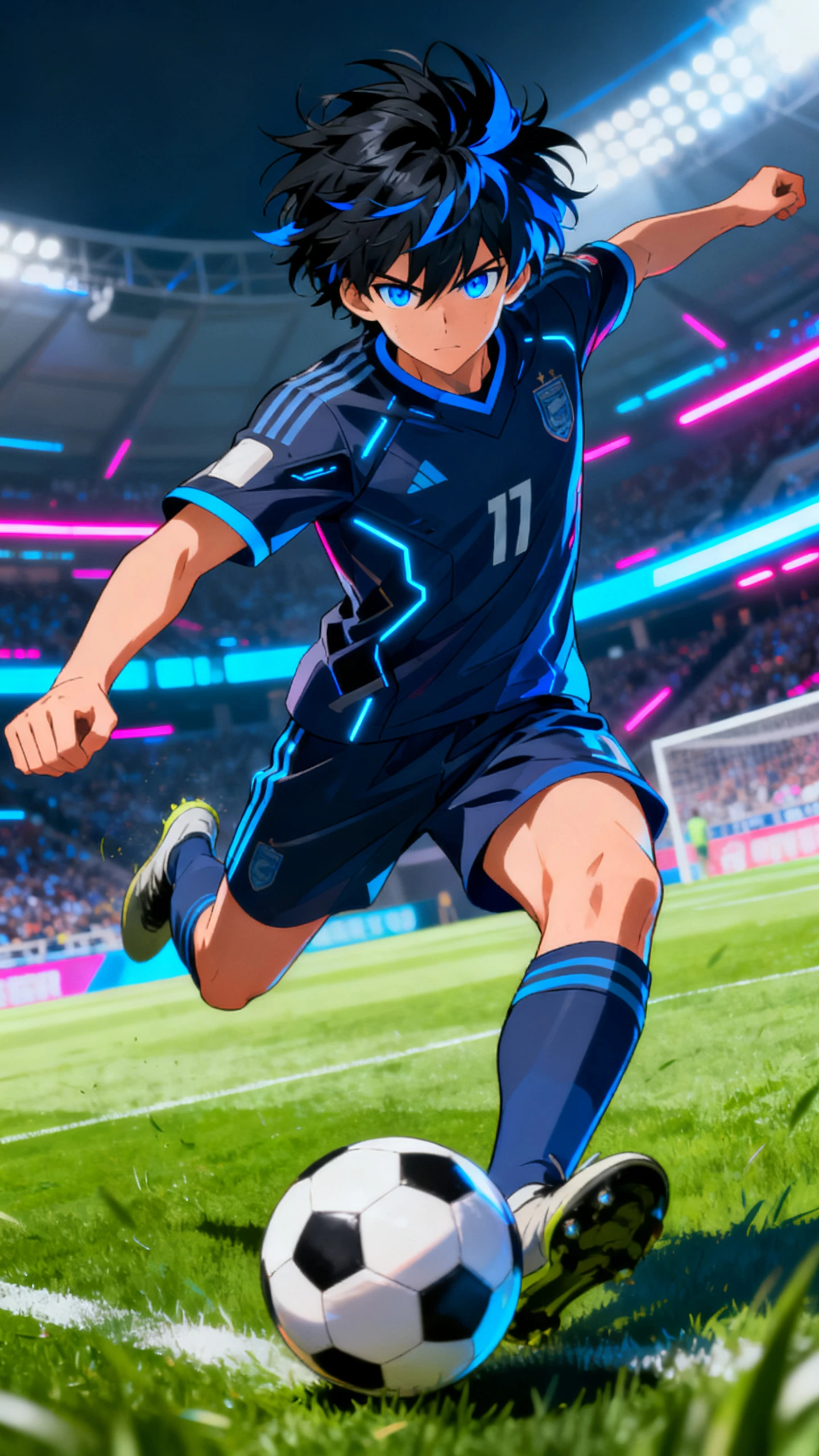
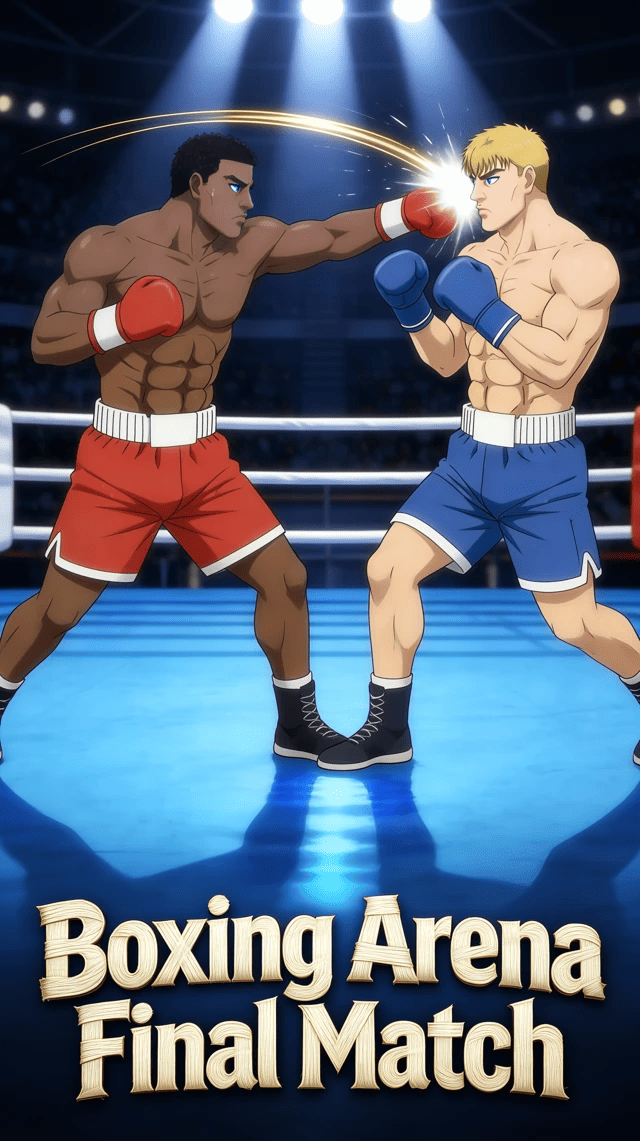
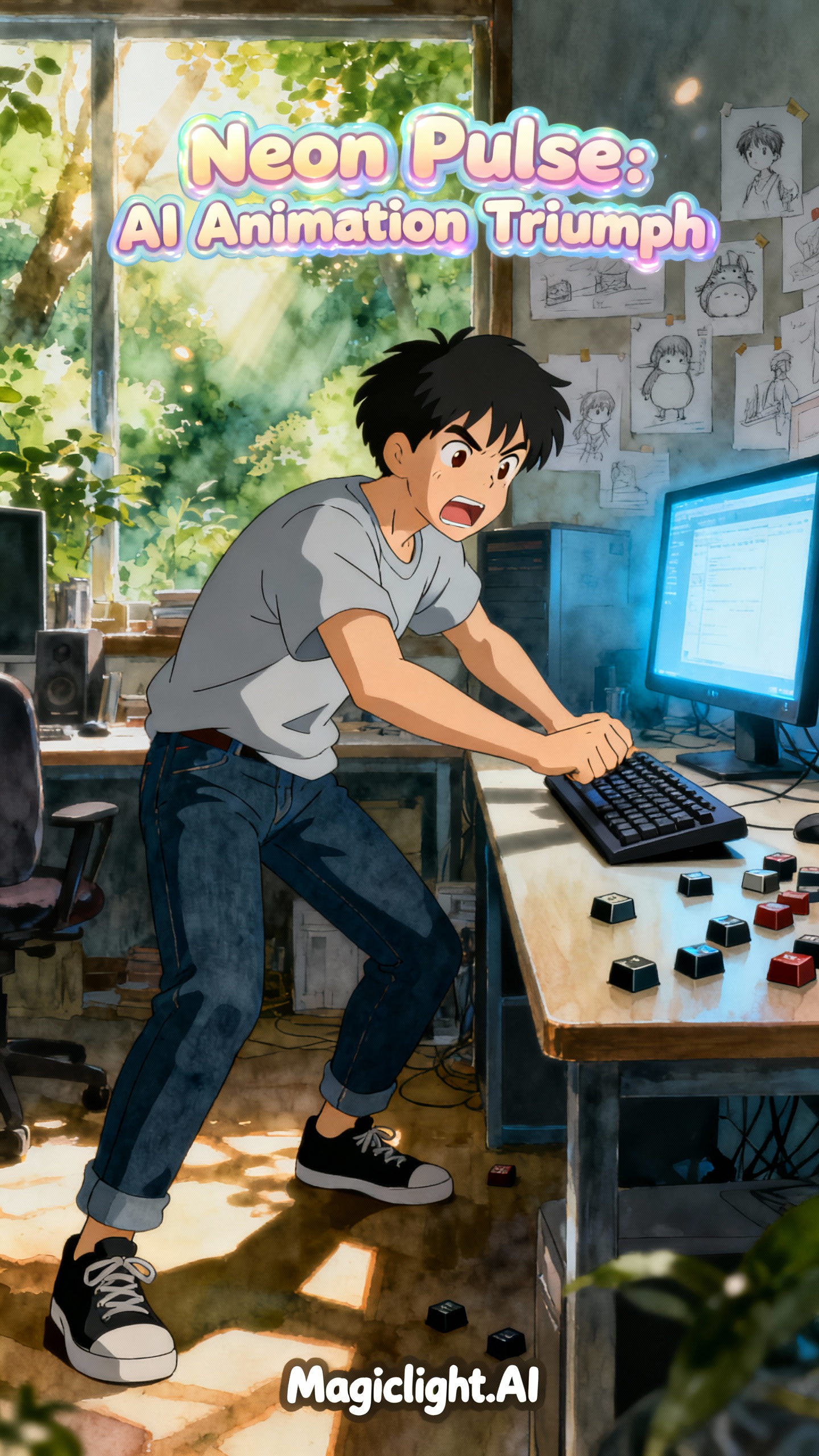
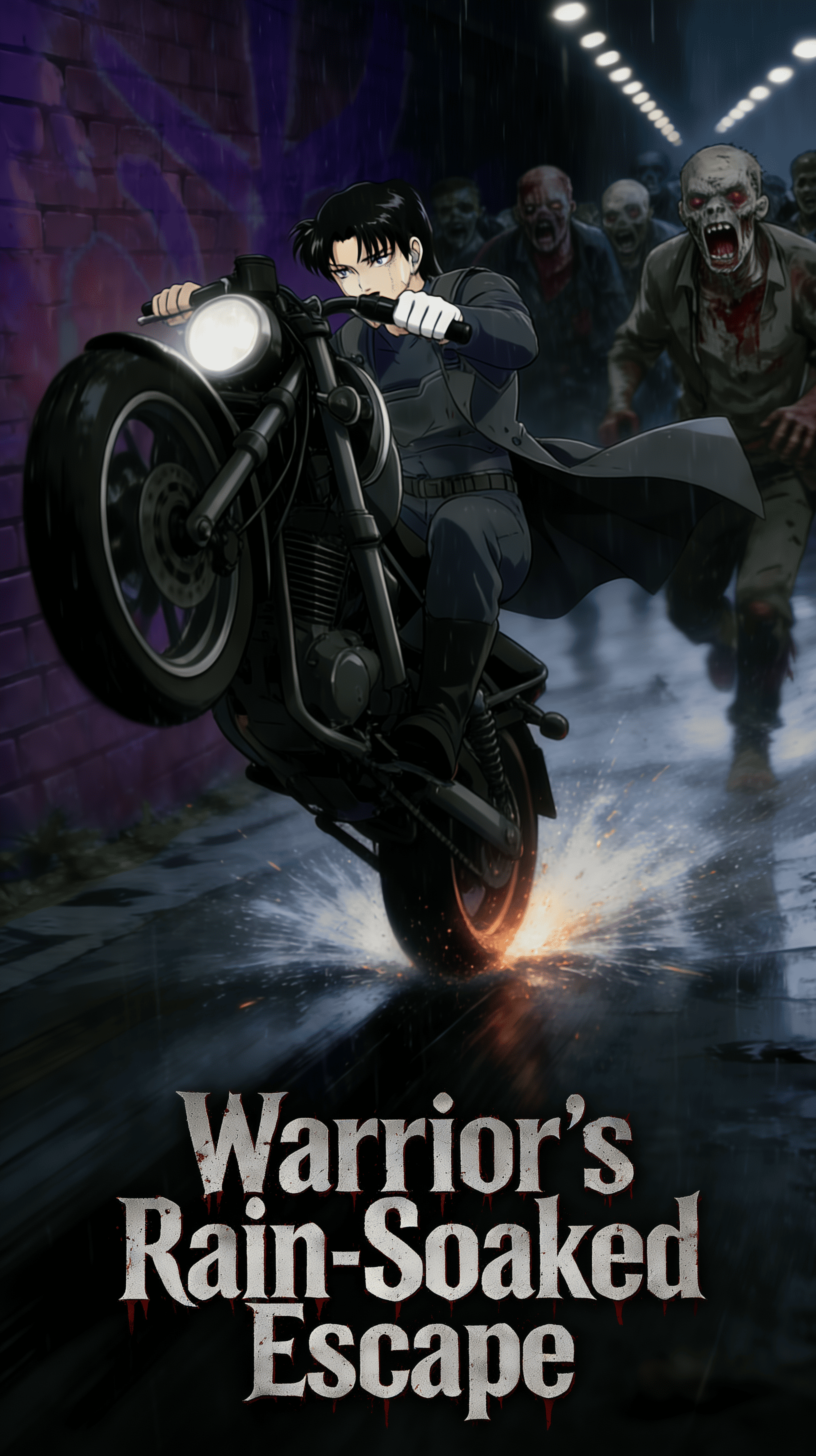
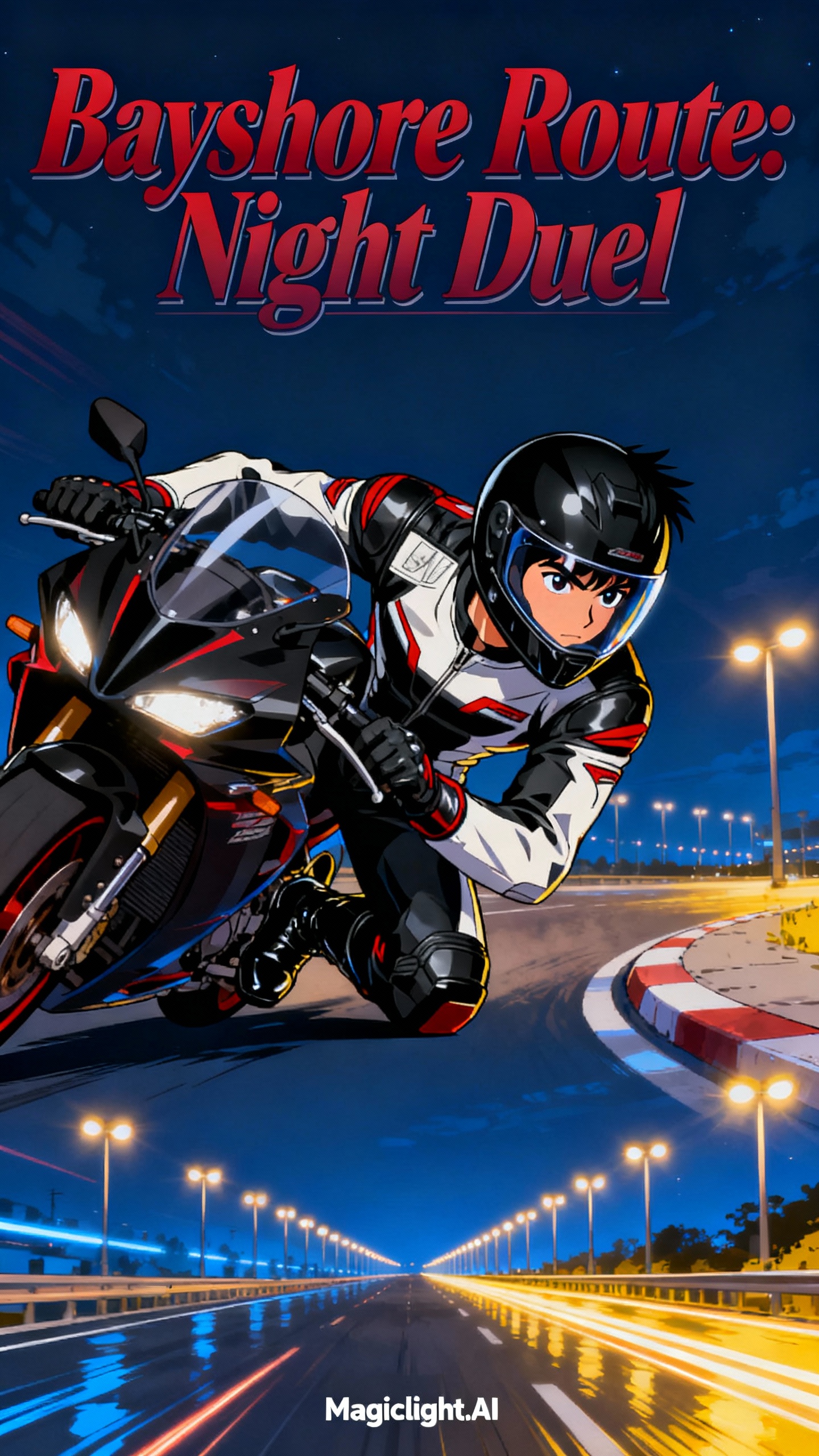
Magiclight AI lets you customize strikers and explore different looks in seconds. Then this Blue Lock OC maker refines poses and style, and exports OC images ready to share.

Create Blue Lock OC For Free
Blue Lock OC maker
anime OC generator
custom anime character creator
Blue Lock character maker
anime striker creator
soccer anime OC
anime football character
AI anime character generator
Blue Lock OC maker
anime OC generator
custom anime character creator
Blue Lock character maker
anime striker creator
soccer anime OC
anime football character
AI anime character generator
Blue Lock OC maker
anime OC generator
custom anime character creator
Blue Lock character maker
anime striker creator
soccer anime OC
anime football character
AI anime character generator

Explore the Features Magiclight AI Blue Lock OC Maker Offers

Fans and creators can use Magiclight AI to build original Blue Lock OCs. Give each character a unique look, attitude, and role, then export images easily.

Explore the video generator
3D decoration

From Photo to Character

Upload a selfie and turn it into a Blue Lock‑style OC that fits the world. Magiclight AI keeps the face recognizable while matching the anime look.

Simple Character Prompts

Describe your OC in up to 1000 words, from look to mindset. Magiclight AI can expand your ideas, filling gaps while keeping details consistent.

Build Full Story Episodes

Create up to 50 minutes of character‑focused scenes or future matches with the same OC. Characters stay saved in Magiclight AI, ready for new episodes.

Consistent Performance in Every Scene

Use 50 dynamic poses and 37 voiceovers with steady character consistency. Accurate lip sync keeps each Blue Lock OC looking right.

Who Can Benefit Most From Magiclight AI Blue Lock OC Maker
Fans can use Magiclight AI to try this Blue Lock OC maker for original strikers. Whether for short videos, fan posts, or roleplay, it helps keep characters consistent.
anime avatar creator
For Anime YouTube Editors
Turn prompts into OC clips for match edits and reels.
Keep one OC consistent across thumbnails, intros, and outros.
Save edit time and effort with auto‑generated striker shots.
Parents
For TikTok and Shorts Creators
Spin quick OC scenes from text for daily short clips.
Reuse the same OC in multiple trending audio formats.
Test new looks and poses fast to find what performs.
original character maker
For Fanfic and Story Creators
Visualize your striker OC in key story moments on screen.
Turn important chapters into short OC video scenes easily.
Keep outfit and personality stable across future OC clips.
anime OC design tool
For Anime Football Content Pages
Introduce custom strikers in lineup reveal OC videos.
Create OC reaction clips from real match highlights quickly.
Build recurring OC segments that keep followers returning.
Why Magiclight AI’s
Blue Lock OC Maker Stands Out
In Magiclight AI, you can shape a Blue Lock OC from just text or images. You stay in one place to design, refine, and export, without juggling extra tools.
Characters
Flexible Models for Different Anime Styles
Choose models like MagicLight 2.0, 2.2, 3.0, Midjourney V7, or Sora to shape each clip’s look. That way, your Blue Lock OC videos stay consistent in mood and visual style.
Blue Lock fan character
Quick Control Over Subtitles, Audio, and Output
Pick from 16 subtitle styles and 40 background tracks to match each scene’s mood. Then export in 720p or 1080p and finish with one of 21 cover templates for ready‑to‑share videos.
Worlds
Rework OCs Without Starting From Zero
Instead of rebuilding, you can re‑edit the generated character when something feels off. Adjust details or refine prompts, and keep your Blue Lock OC video workflow fast.
anime team builder
Voices That Match Language and Accent
For every character, choose language, accent, and gender so scenes feel right. With support for 11 languages, your Blue Lock OC videos can connect with fans in different regions.
custom anime player
Edit, Publish, and Download In One Place
You don’t have to jump between tools just to finish a Blue Lock OC video. Magiclight AI supports editing, publishing, and downloading, so your whole process stays straightforward.
anime character prompts
Plan Scenes With Automatic Storyboards
Magiclight AI builds the storyboard for you automatically. Then use Nano to refine clothing, expressions, and body type before turning storyboards into full OC videos.

How Blue Lock OC Maker Builds Your Character in 4 Steps

Anyone can use Magiclight AI’s Blue Lock OC maker to go from idea to on-screen striker. You bring the concept, and the tool guides you until your OC is ready for video.

1.

Start With Your Striker Idea

Type a detailed prompt for your Blue Lock OC, including look and personality details. Mention skin tone, kit colors, and preferred position to get a closer match.

2.

Refine How Your OC Looks and Sounds

Choose an anime style that fits Blue Lock, then preview your striker on screen. Pick voice, age, and accent so the character talks in a way that feels right.

3.

Adjust Each Scene in the Storyboard

Review storyboard scenes to check poses, expressions, and uniforms for your OC. Tweak body type, facial mood, and outfits until every shot feels on point.

4.

Export or Publish Your Finished Video

Watch a preview of the full Blue Lock OC video and confirm everything is correct. Then download the final file or publish directly to share it with others.

FAQs on Blue Lock OC Maker

What is a Blue Lock OC maker?

A Blue Lock OC maker turns your striker ideas into animated soccer characters. Magiclight AI lets you design, customize, and reuse those characters across many short videos.

Is the Blue Lock OC maker free or paid?

Magiclight AI lets you start using the tool with free options and basic feature access. It also offers paid plans that unlock longer videos and extra controls.

Do I need drawing skills to use the Blue Lock OC maker?

You do not need any drawing talent because the AI handles visuals automatically. Magiclight AI builds your striker from text prompts, photos, or simple idea descriptions.

Can I turn myself into a Blue Lock-style player?

Yes. Upload a clear selfie and describe your ideal striker's appearance details. Magiclight AI keeps your face recognizable while matching the Blue Lock anime style.

What styles can I use for my striker OC?

With Magiclight AI’s Blue Lock OC maker, you can pick from several anime models, each with a different mood. It lets you test styles quickly and lock in the best final look.

Can I reuse the same OC in multiple videos?

Yes. Once created, your OC stays saved and ready for future story scenes in Magiclight AI. The tool keeps the appearance consistent, so every new clip matches previous content.


Create Blue Lock Hero with Magiclight AI

Try new styles and save your favorite Blue Lock OC version in Magiclight AI.