Hero background

Sonic OC Maker Freefor Custom Character Design

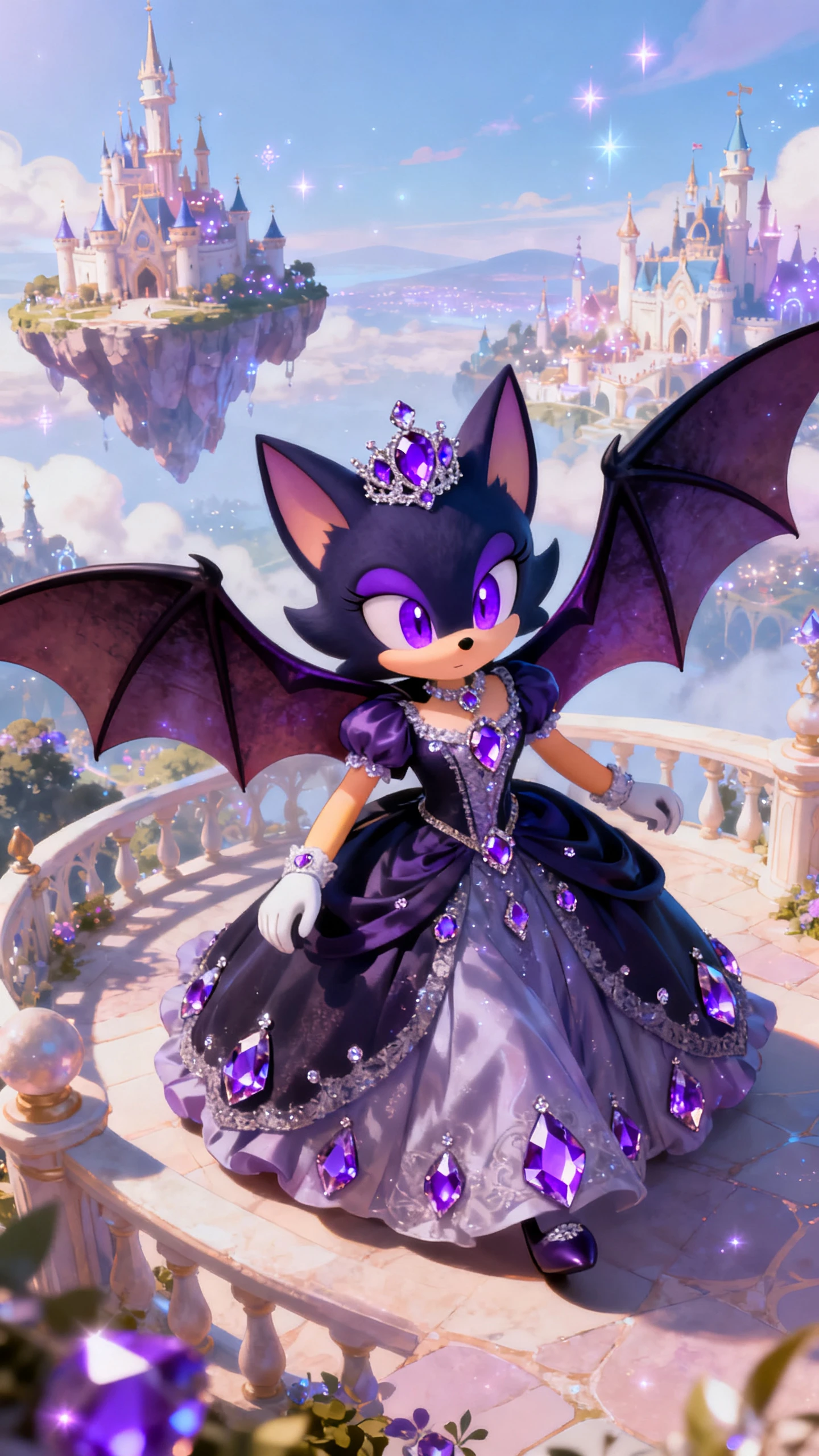
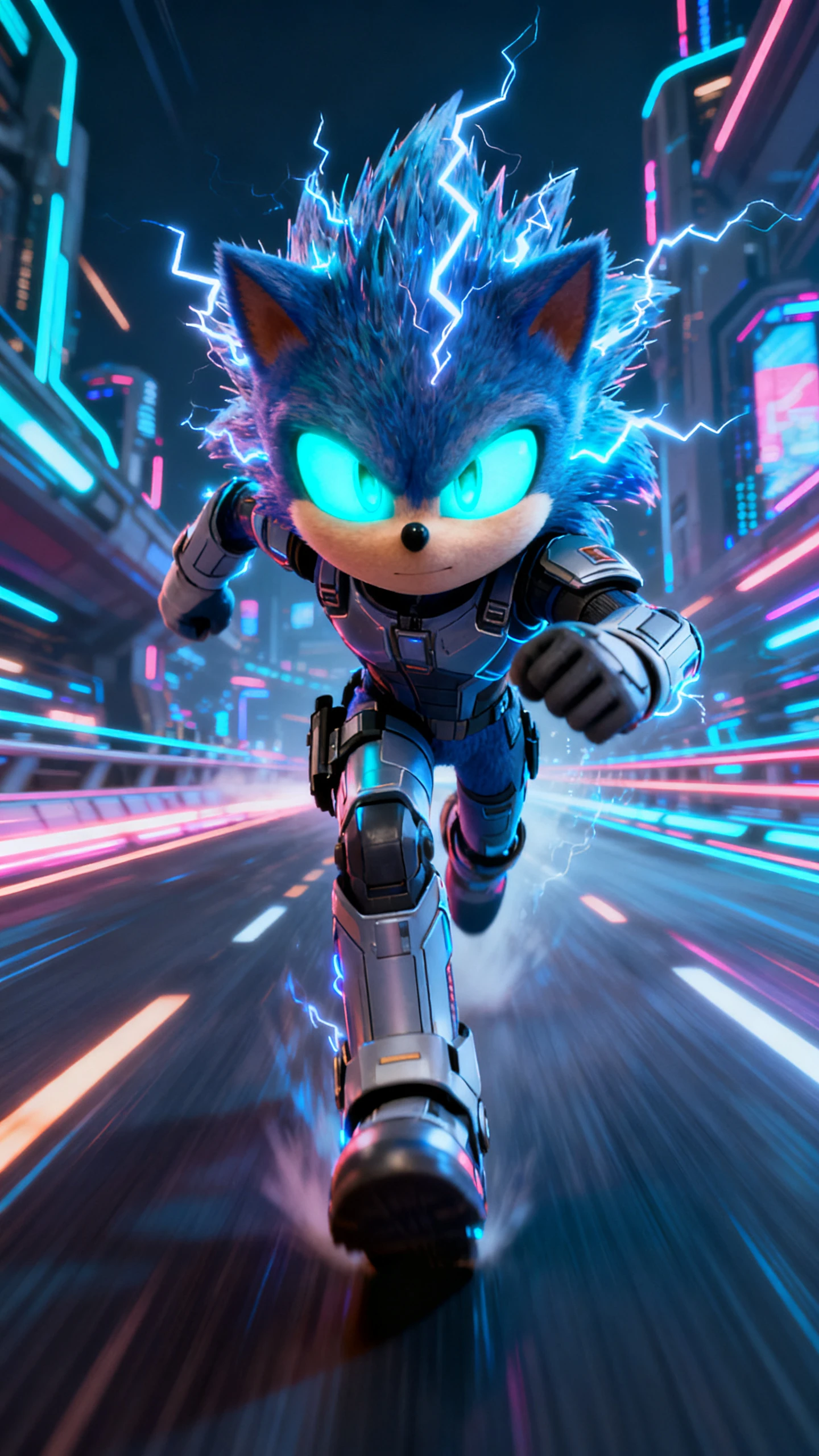
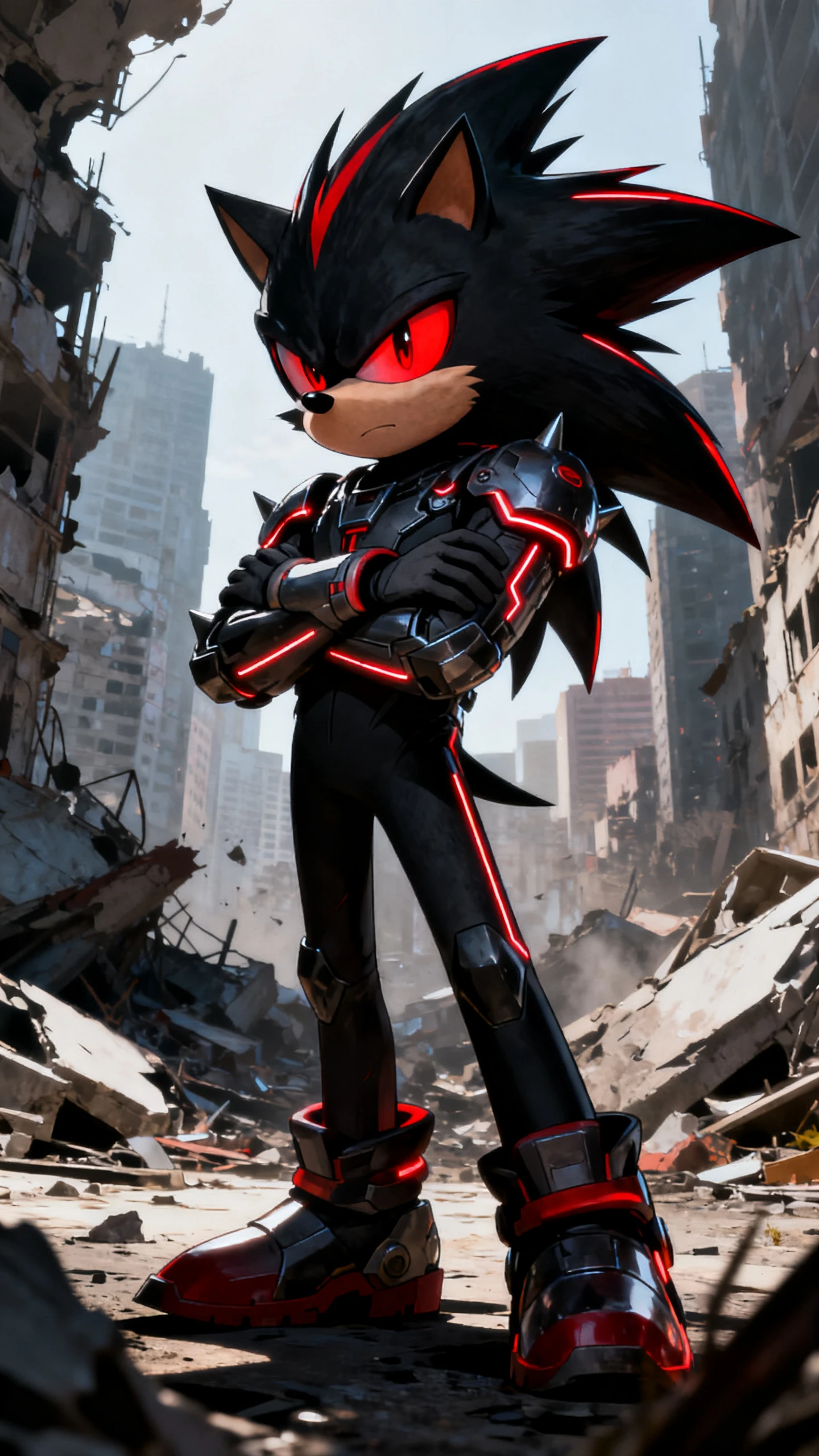
Build a fan-made original character from a prompt or image in minutes. MagicLight AI Sonic OC maker helps you test styles, shape details, and save characters for future videos.

Generate Your Sonic OC Now
sonic oc maker
how to make a sonic oc
sonic oc maker 3d
 how to make sonic oc
make a sonic oc
sonic oc maker free
Simple Character Workflow
Richer Prompts with More Detail
sonic oc maker
how to make a sonic oc
sonic oc maker 3d
 how to make sonic oc
make a sonic oc
sonic oc maker free
Simple Character Workflow
Richer Prompts with More Detail
sonic oc maker
how to make a sonic oc
sonic oc maker 3d
 how to make sonic oc
make a sonic oc
sonic oc maker free
Simple Character Workflow
Richer Prompts with More Detail

Explore Features of Magiclight AI Sonic OC Maker

Make a Sonic OC without a hard learning curve. With MagicLight AI's simple character workflow,you can go from a rough idea to a strong fan-made design much faster.

Explore the video generator
3D decoration

Build From Text or Images:

Type your idea in simple words or upload a reference image to guidethe look. AI Expand helps turn short notes into a fuller character concept fast.

Try More Than One Style:

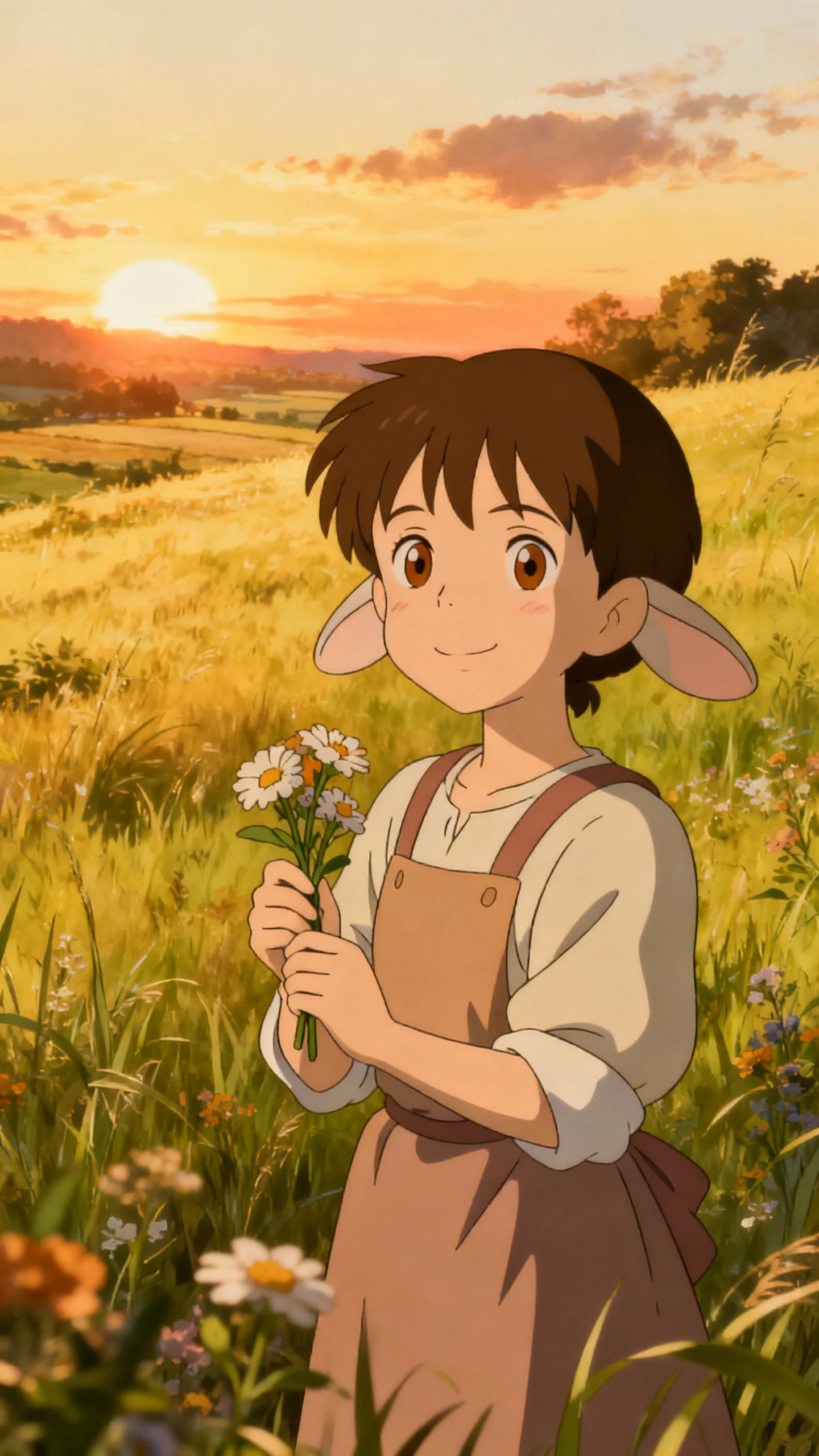
Test different style models to shape a sleek, bold, playful, or morerealistic fan-made hero. This makes your Sonic OC maker 3D workflow feel easier.

Edit Without Starting Over:

Change the name, prompt, and style as you go. MagicLight AIsupports re-editing, so fixing details feels easier than rebuilding everything from scratch

Save For Bigger Projects Later:

Keep your finished character ready for future videos, stories, orvlog-style content inside the wider MagicLight AI workflow.

Who Is Magiclight AI Sonic OC Maker Free For?
Not everyone wants the same kind of OC. This workflow helps beginners, fan artists, storytellers, and video creators build characters with less effort.
Fan Artists
Fan Artists
Build original hedgehog heroes fast.
Test colors, shoes, and attitude.
Create a reference for later art.
Roleplay
Roleplay Fans
Give each OC a clear look.
Try new moods before posting.
Save designs for later stories.
Video Creators
Video Creators
Make mascots for shorts and reels.
Reuse one OC across episodes.
Start from text or an image.
Beginners
New Creators
Make a Sonic OC with ease.
Skip the hard drawing process.
Learn by testing styles fast.
Why Choose
Magiclight AI to Make a Sonic OC
A good Sonic OC maker should help you do more than make one image. It should make choiceseasier, reduce wasted time, and help your character grow into real content later.
Richer Prompts with More Detail
Use up to 1000 characters to describe your Sonic OC in detail. AI expansion and image uploads helpturn a rough idea into a clearer, more complete design from the start.
Set Voice, Age, and Identity More Clearly
Add a name, then shape voice, age, and identity of your OC from the start with Magiclight AI. Thatmakes your Sonic OC feel more personal and more useful for stories, roleplay, or videos.
Pick the Right Model for Your Sonic OC
Choose from MagicLight 2.0, 2.2, 3.0, Midjourney V7, or Sora. That gives your Sonic OC makerworkflow more control over style, detail, and final output.
Re-edit Your Character Without Starting Again
Make changes after generation, rather than rebuilding the whole character. Re-editing saves timewhen you want to fix details, test another look, or improve the prompt.
Shape the Character Style Before You Generate
Select a character style before you generate the design. This helps guide the result toward a sharper,softer, cleaner, or more game-like Sonic OC look.
Keep Growing with Magic Claw
Magiclight AI’s Magic Claw helps you create, publish, and track in one place. That gives your SonicOC more room to grow from a character idea into content you can share.

How to Make a Sonic OC in 4 Easy Steps

If you are learning how to make a Sonic OC, keep it simple: start with a clear idea, shape the look,refine the details, then save or publish the version that feels right.

1.

Type an Idea

Type your Sonic OC idea into the prompt box. You can also upload an image to help guide the design.

2.

Choose the Style

Pick the style and model that match your character best. Then add the main details like color, mood, and look.

3.

Review and Refine

Check the generated character and improve anything that feels off. Adjust the style and details until the OC looks right.

4.

Save or Publish

Save the final character once you are happy with it. You can keep it for later projects or publish it right away.

FAQs on Sonic OC Maker

What is a Sonic OC maker?

A Sonic OC maker helps you build a fan-made original character faster. You can describe the look, generate a design, and refine details without drawing from scratch.

Is this Sonic OC maker free to try?

Yes. MagicLight AI lets users explore the workflow first, so it feels easier to test ideas before spending more time on one design.

How to make a Sonic OC that feels original?

Start with your own colors, attitude, outfit details, and backstory. You can guide the design clearly so your OC feels personal instead of copied.

Can I use this as a Sonic OC maker 3D workflow?

Yes. The workflow can help you test styles that feel more dimensional and game-inspired. The result depends on your prompt and style choice.

How to make Sonic OC ideas from an image?

Upload a reference image and pair it with a clear prompt. Using MagicLight AI, this gives thecharacter a stronger direction and helps the final design stay closer to your idea.

Do I need drawing skills to make a Sonic OC?

No. MagicLight AI is built for beginners as well as creators, so you only need an idea, a few details,and a style direction to get started.


Bring Your Sonic Character to Life Today

Explore different looks, adjust the details, and land on a design with real identity using Magiclight AI.