Hero background

Hunyuan AI Video Generator For Lifelike Visuals

With Magiclight AI's Hunyuan AI video generator, creators can repurpose blog posts into bite-sized videos that boost engagement. Launch cinematic videos now.

Try Hunyuan AI Video Generator For Free
free ai tiktok clip maker
hunyuan ai video generator
hunyuan video generator
hunyuan ai video generator free
hunyuan video generation
longcat video ai
hunyuan video ai generator
longcat video avatar
free ai tiktok clip maker
hunyuan ai video generator
hunyuan video generator
hunyuan ai video generator free
hunyuan video generation
longcat video ai
hunyuan video ai generator
longcat video avatar
free ai tiktok clip maker
hunyuan ai video generator
hunyuan video generator
hunyuan ai video generator free
hunyuan video generation
longcat video ai
hunyuan video ai generator
longcat video avatar

Discover How Magiclight AI’s Hunyuan Video Generator Creates

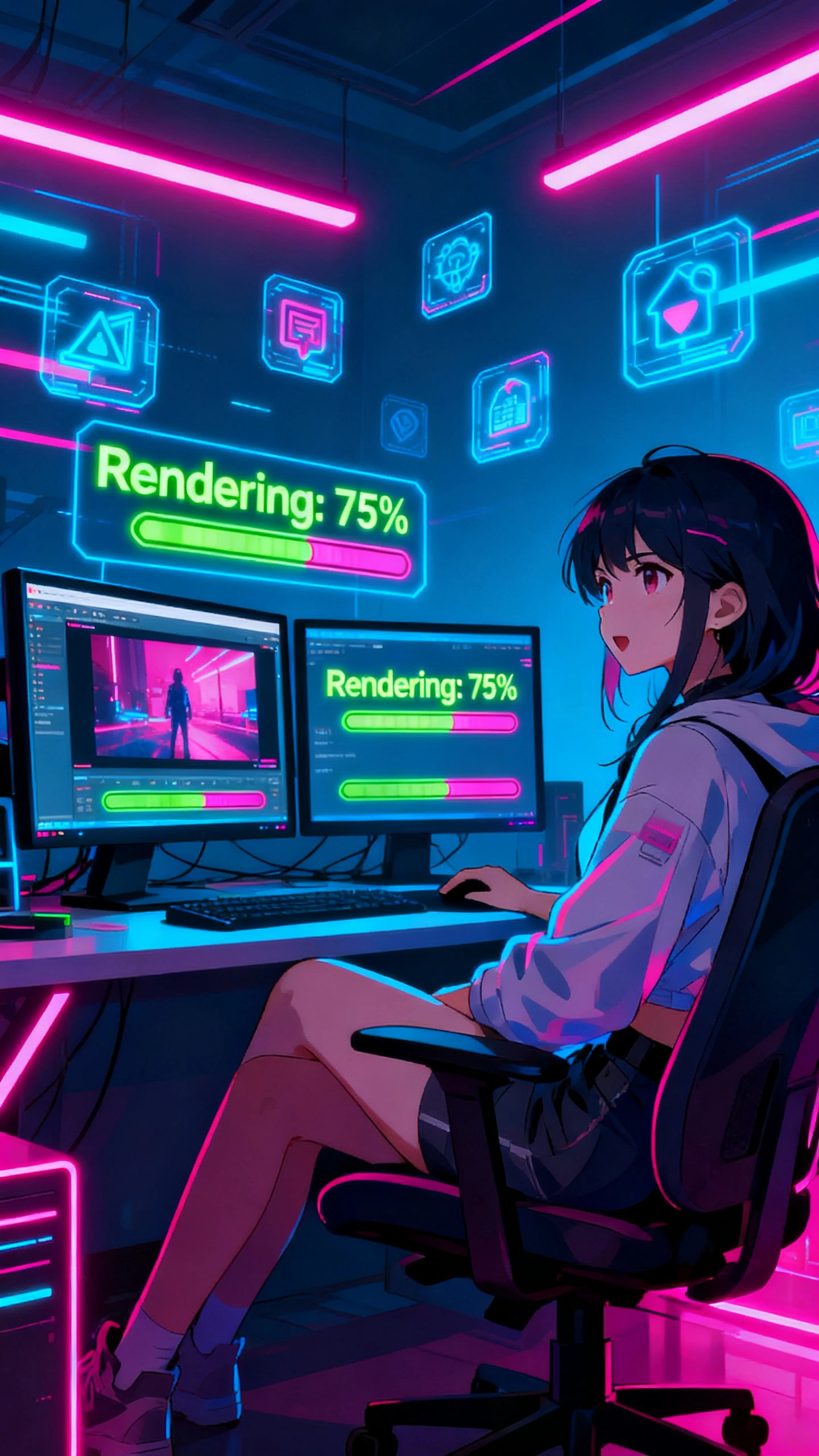
You can create studio‑quality stories, promos, and social clips without complex editing skills. With Magiclight AI’s Hunyuan video generator, get smooth motion for every clip.

Explore the video generator
3D decoration

Upload, Prompt, and Refine

Start with an image, a detailed prompt, and 19 video models to guide your clip. You can re-edit in Magiclight AI until the result matches your vision.

Realistic Motion In Every Frame

Scenes are animated with natural movement for subjects and objects. Magiclight AI predicts realistic motion paths to keep every moment engaging.

Control Every Creative Detail

Shape hairstyles, outfits, poses, and camera moves as you want. The directions are precisely followed, giving you more control in Magiclight AI.

Global‑Ready Content Output

Produce videos in Mandarin, Dutch, French, and more for global reach. With Magiclight AI, anyone can design stories tailored to different cultures.

What You Can Create Quickly With Hunyuan Video Generation
Agencies, creators, and in‑house content teams use Magiclight AI's Hunyuan video generation to keep feeds fresh without extra hires. You can create better videos faster with it.
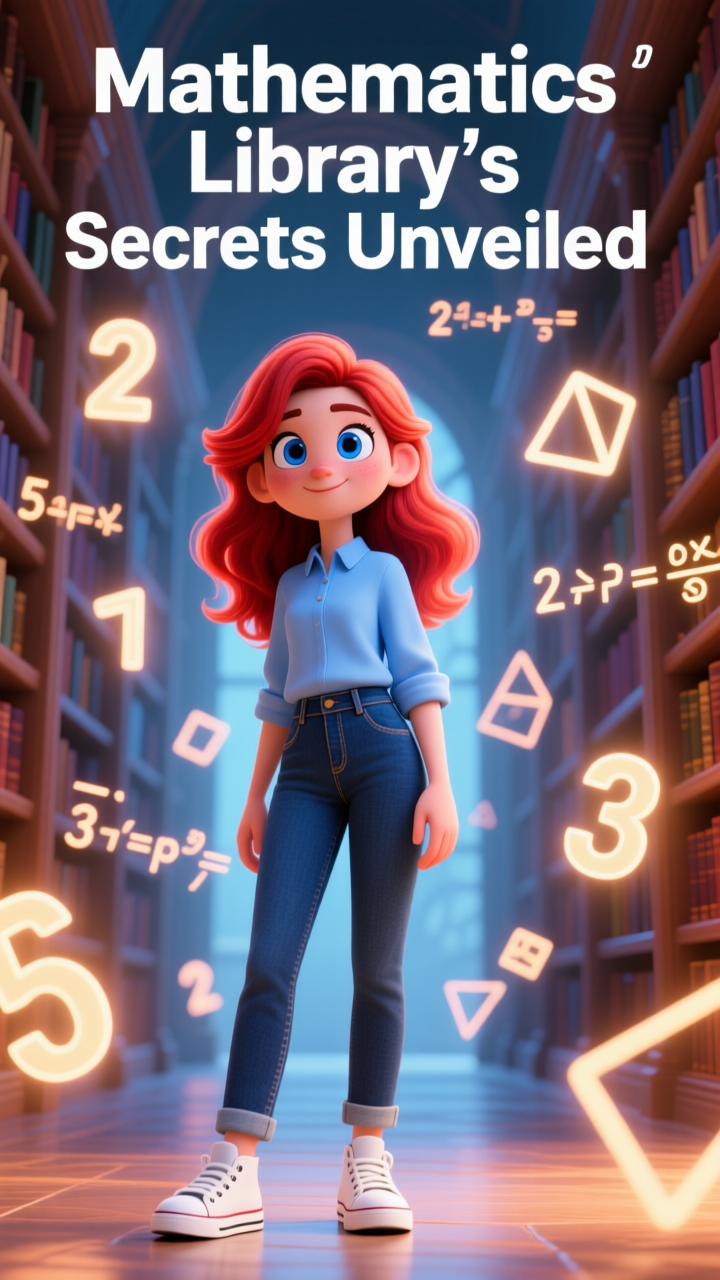
Educators
For Content Creators
Turn rough ideas into polished vertical clips in minutes.
Repurpose old posts into videos without extra filming costs.
Maintain daily posting schedules without burning out.
Parents
For E-Commerce Founders
Convert product photos into studio‑style showcase videos fast.
Build promo clips for launches without agency production fees.
Refresh catalog creatives regularly in less time and effort.
hunyuan ai video generator
For Marketing Teams
Produce campaign teaser videos on tight timelines and budgets.
Quickly generate concept proofs before big production spend.
Generate ad creatives for different regions without hiring crews.
hunyuan video ai generator
For Online Educators
Create multilingual lesson versions without extra production.
Convert static slides into engaging micro‑learning video clips.
Turn lesson outlines into visual explainers in a single session.
Why Magiclight AI’s
Hunyuan Video AI Generator Perfect
Using Magiclight AI’s Hunyuan video AI generator, you can make clips with audio, style, and motion in one place. Creators produce cinematic videos that keep audiences coming back.
Characters
Connected Visuals From Start To Finish
Backgrounds, lighting, tones, colors, and characters remain stable across the whole video. Magiclight AI makes sure all transitions are smooth, so nothing looks randomly stitched.
hunyuan video ai generator
End‑To‑End Long‑Form Video Production
It is possible to create longer videos in Magiclight AI. Build full‑length explainers, lectures, or stories. Pacing and audio-visual syncing are handled quickly and automatically.
Worlds
Ready‑To‑Share Exports In Just a Few Minutes
Magiclight AI lets you pick from 16 subtitle settings, HD resolution, and aspect ratios in one flow. It streamlines these choices, so all your final exports look platform‑ready.
hunyuan video generation
Set Distinct Characters For Every Story Video
Choose character traits, types, and voices to match your narrative needs. Magiclight AI offers dozens of voiceover choices and cloning so each character sounds unique.
hunyuan ai video generator free
One‑Tap Animated Looks For Any Story
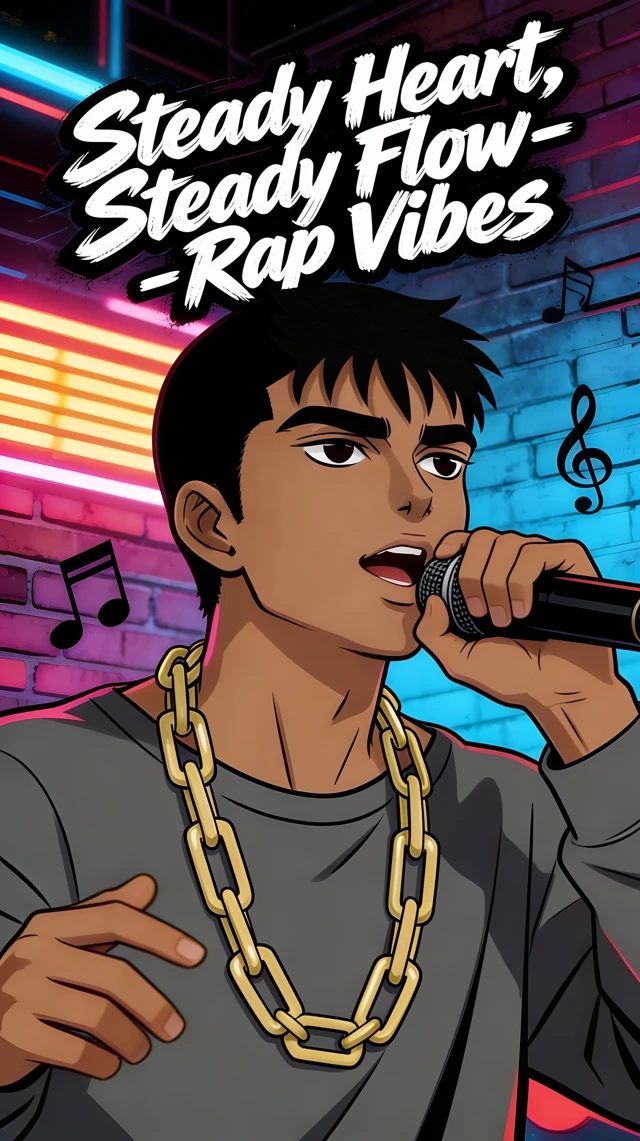
Switch between Wuxia, 90s anime, or Disney Pixar styles with Magiclight AI. You also get quick on-screen tutorials to easily polish and publish each video in one click.
hunyuan ai video generator
Let AI Outline Your Entire Narrative in Seconds
Turn incomplete ideas into clear story structures without manual planning. The beginning, middle, and ending are created by Magiclight AI, so creators focus on their message.

Text to Video With Hunyuan AI Video Generator in Easy Steps

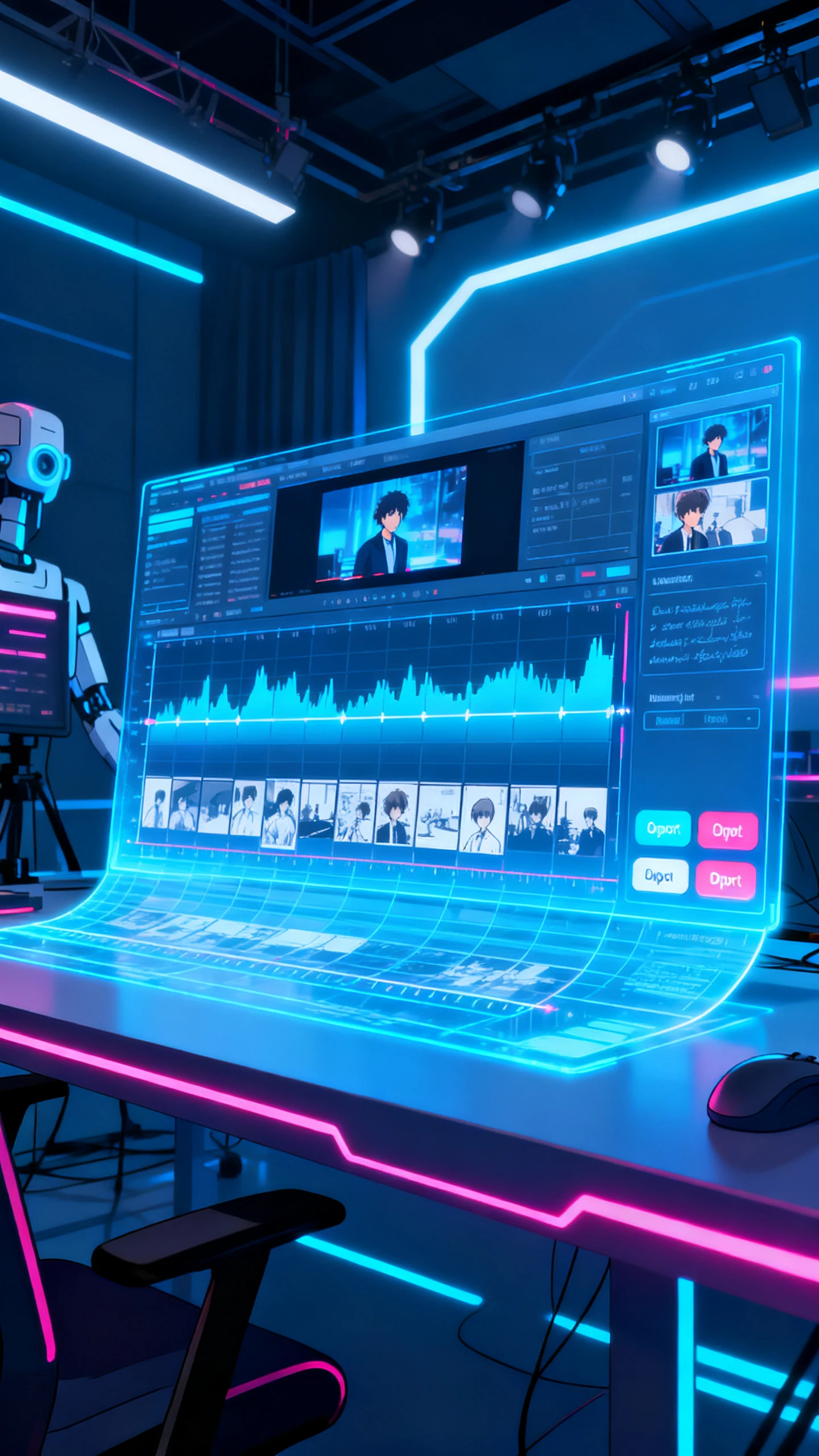
Move from script to storyboard to final export in a few guided clicks with Hunyuan video generator in Magiclight AI. It handles scenes, pacing, voices, and characters for you.

1.

Start With Your Idea

Type a concept or paste a script into the prompt box. You can choose an AI‑generated script as well. Keep it clear and concise, so Magiclight AI can plan strong scenes.

2.

Customize Your Setup

Select an animation style and choose your characters for the video. Adjust their age, name, gender, and voiceover until the cast matches your story.

3.

Refine Animated Scenes

Review each generated scene and tweak mood, pacing, and timing. Use simple text edits to change character poses, outfits, and expressions for every moment.

4.

Export Final Video

Preview your full video to check flow and details before exporting. If you spot any issues, return to the storyboard, refine scenes, and download once satisfied.

FAQs on Hunyuan AI Video Generator

What is Hunyuan video generator inside Magiclight AI?

Magiclight AI's Hunyuan AI video generator turns text, images, or scripts into cinematic clips in a few steps. You get consistent characters, smooth motion, and fast exports.

Is the Hunyuan video generator suitable for teams?

It works well for creators, brands, and designer teams who need frequent content. Magiclight AI speeds up production so groups can post videos faster with less time and effort.

How long can videos created with Magiclight AI be?

With Magiclight AI, you can create short clips or long‑form videos depending on your script length and plan. It links scenes together so even 30–50 minute videos feel connected.

Can I customize characters, voices, and languages in Magiclight AI?

Yes, you can set character looks, voices, and pick from multiple languages for narration. Unlike other tools, Magiclight AI keeps your settings the same for every generated scene.

Is there a way to try the Hunyuan AI tool for free?

Creators can make videos with the Hunyuan AI video generator for free on a starter plan with limited credits. Explore key features before paying for upgrades in Magiclight AI.

What inputs does the Hunyuan video generator support?

Prompts, full scripts, or reference images can be uploaded to Magiclight AI. It then turns those inputs into structured scenes you can later refine and export.


Turn Your Rough Ideas to Videos Now

Share a short prompt, script, or image and watch how Magiclight AI turns it into smooth, vivid clips.