Hero background

ChatGPT Images 2.0 For Teaching With Visual Stories

Try out ChatGPT Images 2.0 in Magiclight AI to turn complex lessons into simple, visual teaching videos that learners remember. Create your first video today.

Try ChatGPT Images 2.0 For Free
best ai tools to animate images
chatgpt video generator free
chatgpt ai video generator
ai video generator chatgpt
chatgpt image to video generator
chatgpt music video generator
free ai video generator chatgpt
best chatgpt video generator
best ai tools to animate images
chatgpt video generator free
chatgpt ai video generator
ai video generator chatgpt
chatgpt image to video generator
chatgpt music video generator
free ai video generator chatgpt
best chatgpt video generator
best ai tools to animate images
chatgpt video generator free
chatgpt ai video generator
ai video generator chatgpt
chatgpt image to video generator
chatgpt music video generator
free ai video generator chatgpt
best chatgpt video generator

What ChatGPT Images 2.0 in Magiclight AI Can Accomplish

Turn your static visuals into polished, ready‑to‑share dynamic videos in less time and effort. With ChatGPT Images 2.0 in Magiclight AI, every scene and detail tells a story.

Explore the video generator
3D decoration

Static Images to Polished Videos

Describe motion, mood, and style in plain text, and watch your image come to life. Magiclight AI turns your prompts into smooth tutorial videos.

Realistic Motion, Frame by Frame

Magiclight AI gives you authentic movement that follows real‑world physics, not random distortion. It animates every single detail realistically.

Instant Variety in Every Style

Explore bold looks from Ghost Horror to Zootopia‑like worlds effortlessly. With Magiclight AI, each style is applied to videos without extra setup.

Complete Storytelling Toolkit Built‑In

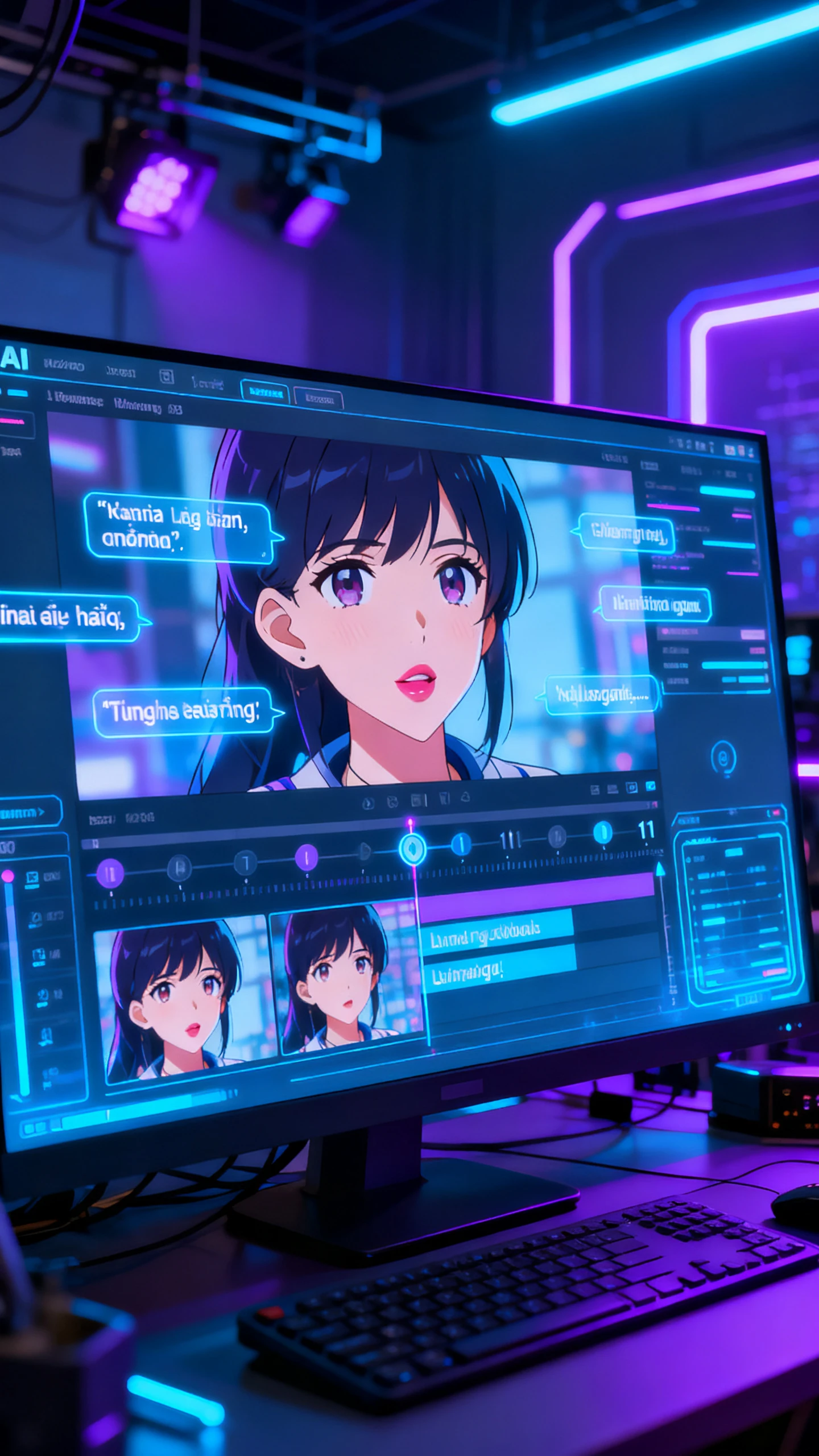
Add subtitles, context, and background music to set the perfect tone for your tutorial. All these tools are kept together within Magiclight AI.

Possible Everyday Ways to Use ChatGPT Images 2.0 in Magiclight AI
Within Magiclight AI, ChatGPT Images 2.0 makes it easy to turn everyday images into polished videos without complex editing skills. Therefore, you can create all kinds of content.
Educators
For Tutorial Videos
Skip manual screen recording and use automatic visuals.
Turn simple text steps into clear visual walkthroughs.
Build consistent, easy-to-follow tutorials without a big budget.
Parents
For Product Demos
Produce more demo variants without extra studio costs.
Convert photos into how-to-use videos in less time and effort.
Create product feature highlights with realistic audio and motion.
chatgpt image to video generator
For Educational Videos
Turn complex topics into engaging visuals in minutes, not days.
Swap custom illustration work with smart auto‑graphics.
Scale educational lessons faster than hiring video creation teams.
chatgpt music video generator
For Onboarding Explainers
Generate engaging SOP videos faster with AI than live filming.
Replace boring trainer sessions with reusable visual clips.
Update onboarding content in less time, effort, and money.
Why ChatGPT Images 2.0
in Magiclight AI Outshines Other AI Tools
The real advantage of using ChatGPT Images 2.0 in Magiclight AI is not just turning images and prompts into videos. You get better visuals and reliable pacing, all in one place.
Characters
Keep Lip Sync Natural Across Multiple Languages
Switch between 11 different languages without rebuilding your whole video from scratch. Magiclight AI maintains lifelike expressions and sync, so each region gets a polished result.
chatgpt video generator free
Go From Incomplete Thoughts to Finished Narratives
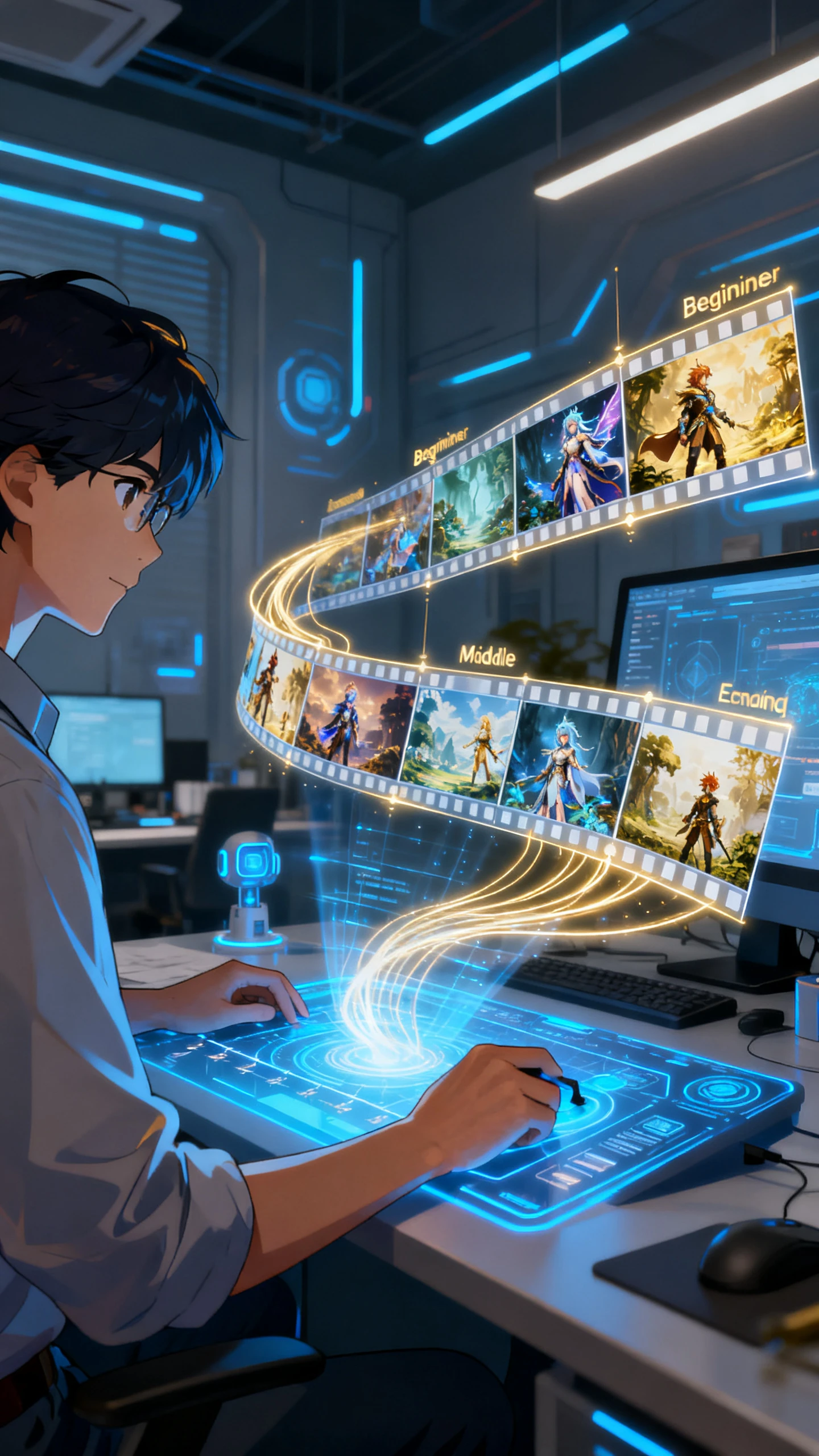
From one rough idea, Magiclight AI creates a complete beginning, middle, and end for your video. It organizes your ideas into a coherent story flow that feels intentional.
Worlds
Consistent Characters That Hold the Story Together
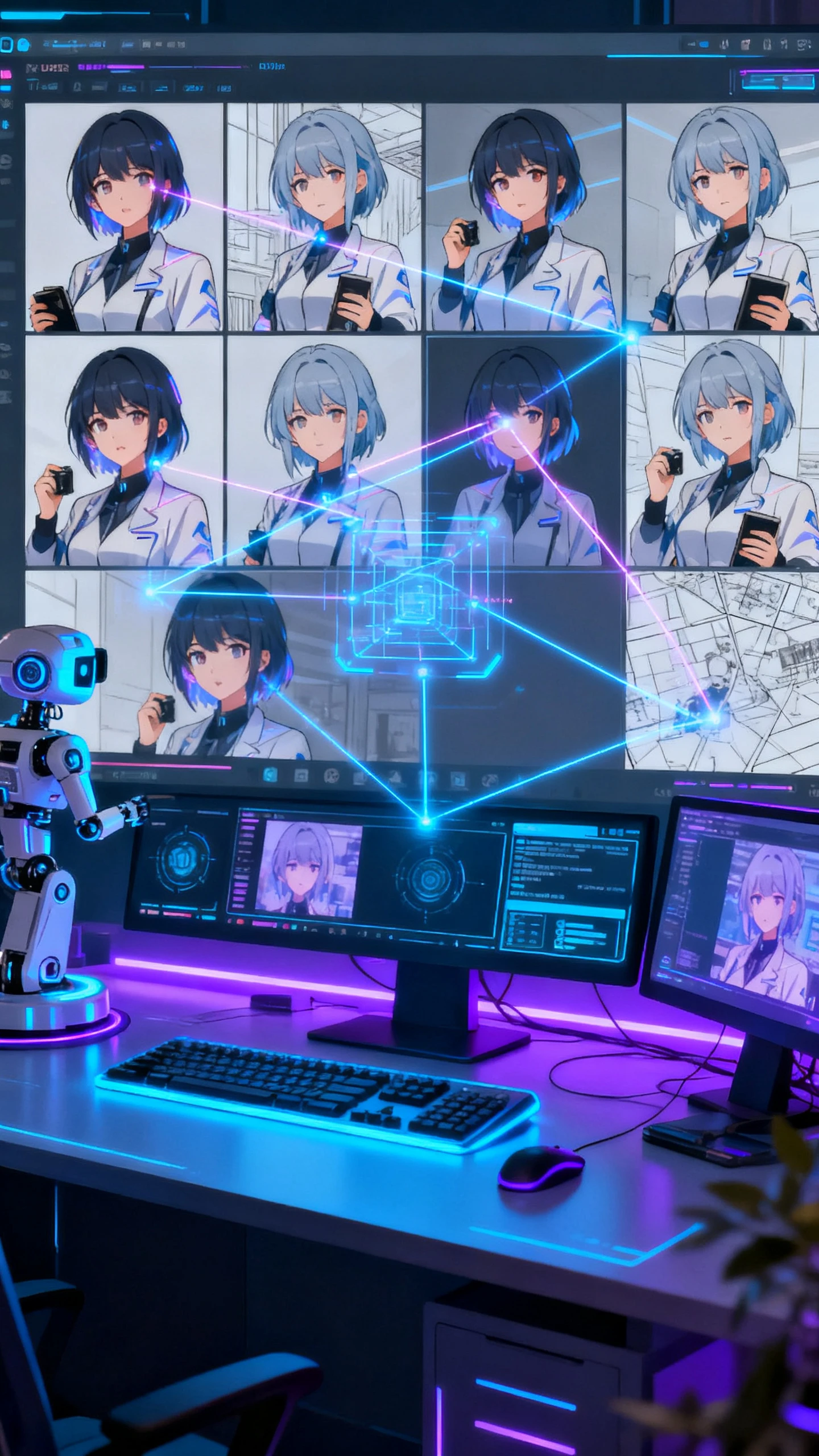
Magiclight AI helps to avoid mismatched outfits, faces, or props that break your story. It tracks characters and settings so that each video feels complete and connected.
chatgpt ai video generator
Build a Character Library That Grows With Your Brand
Keep your main characters ready for future campaigns or episodes using Magiclight AI. The tool makes it easy for creators to reapply them without a fresh setup each time.
free ai video generator chatgpt
Cinema‑Ready Characters Built From Plain Text
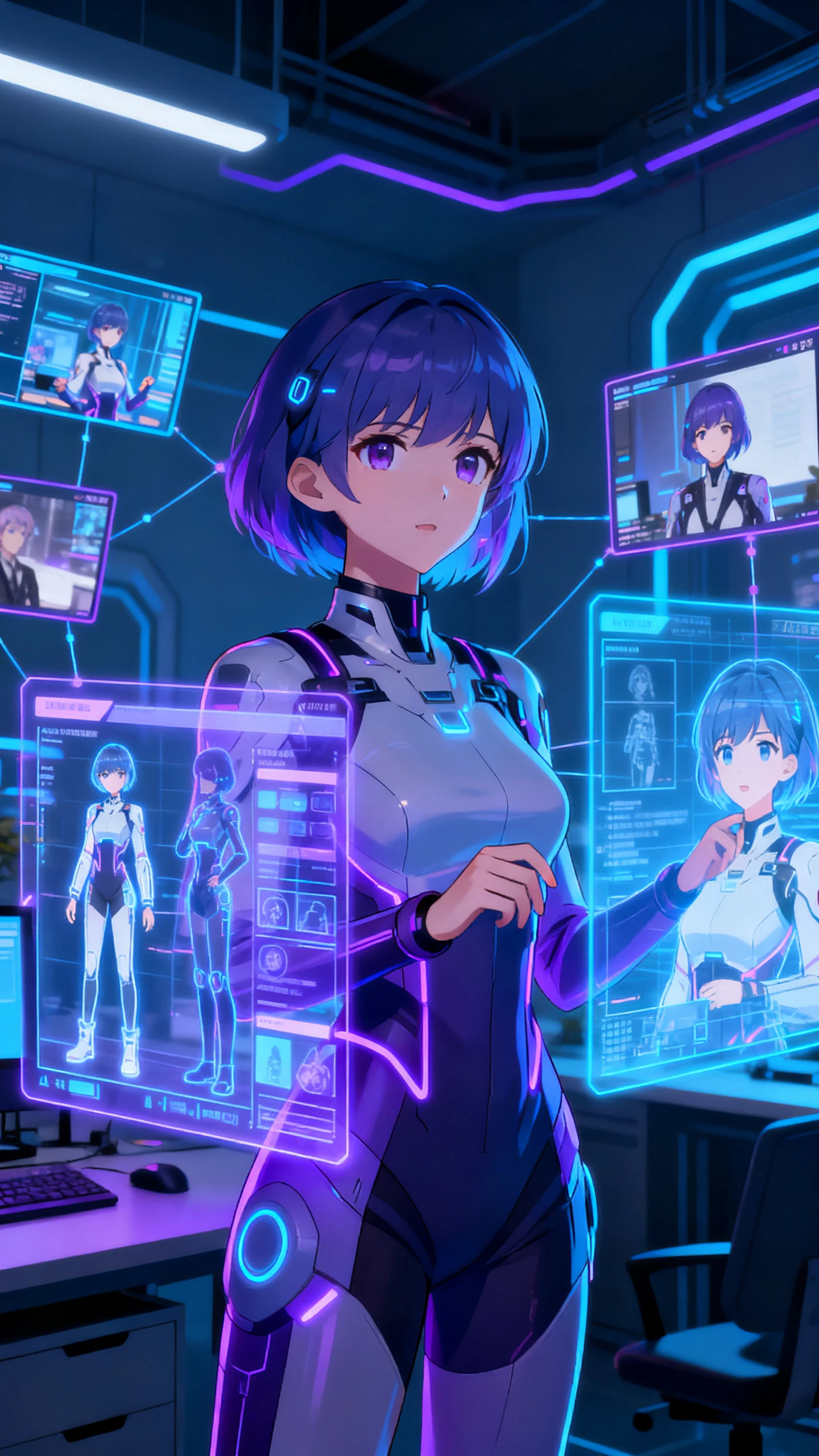
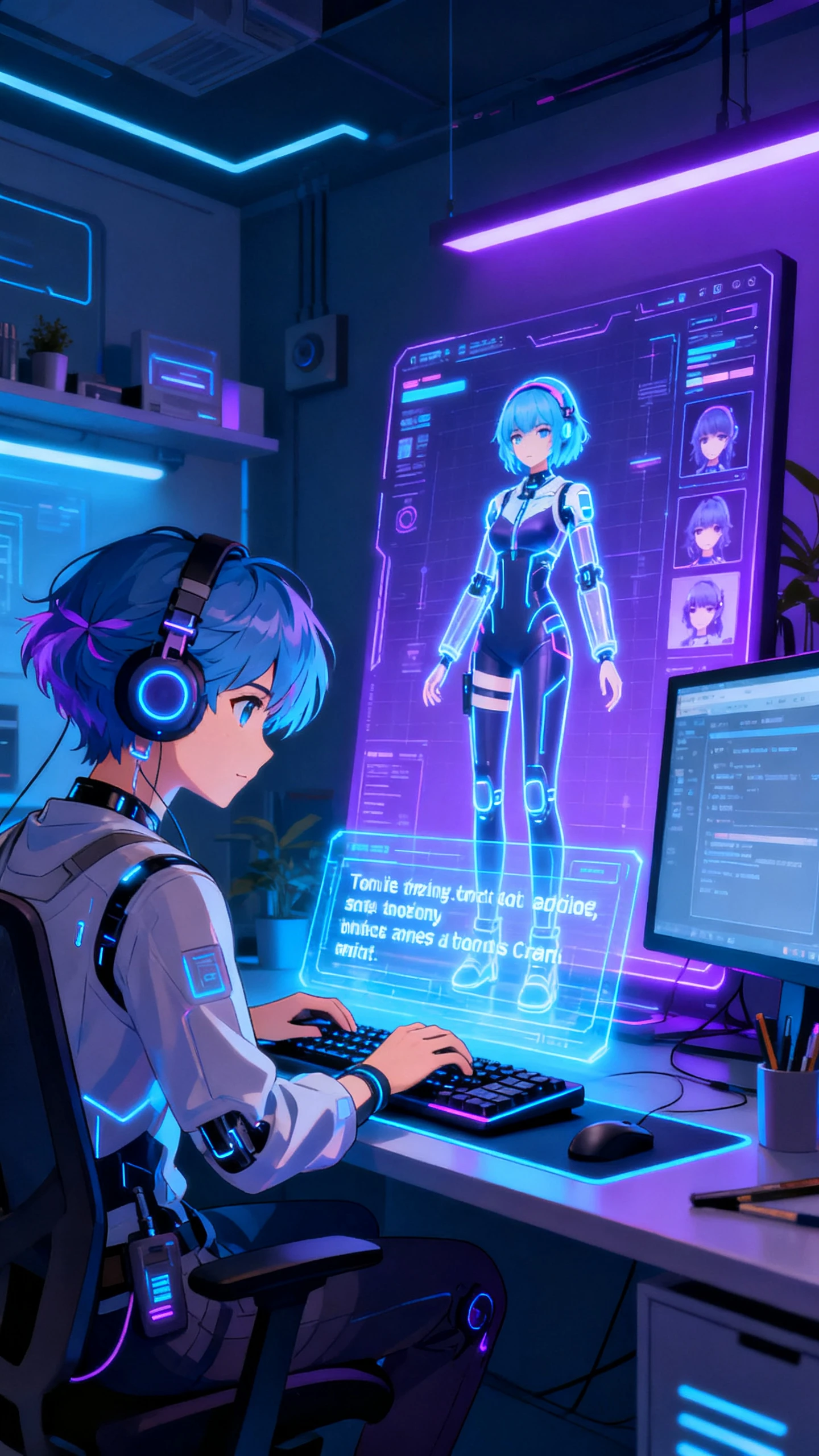
Skip manual tweaking and endless revisions just to get a character right. With Magiclight AI, you can simply enter a description and build the exact look, from head to toe.
best chatgpt video generator
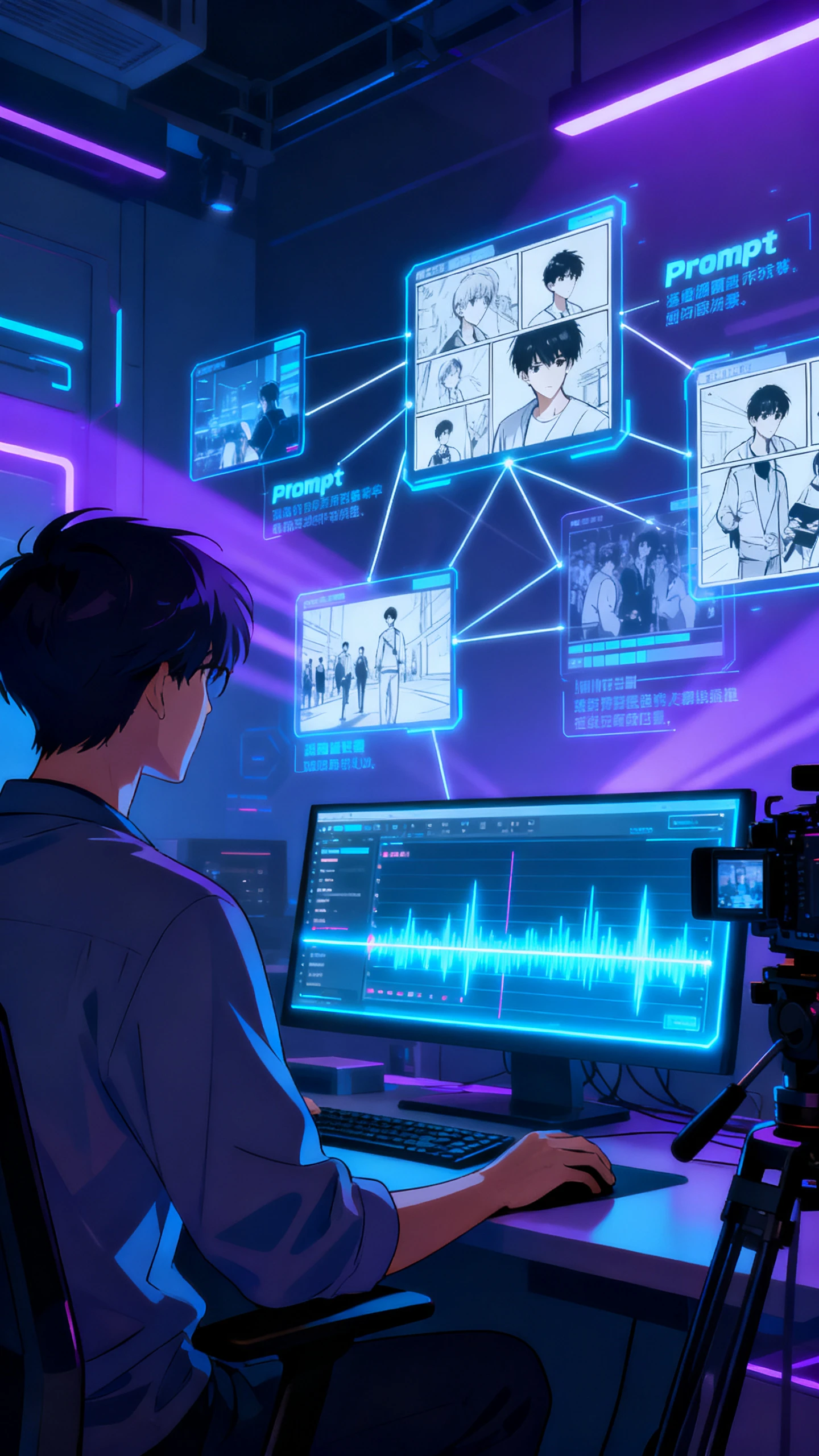
Plan Every Shot With a Smart, Visual Storyboard
See how your video will unfold before spending time on full production. Update the storyboards as you tweak prompts for tighter, clearer storytelling in Magiclight AI.

Easy Steps to Create Learning Videos With ChatGPT Images 2.0

See how easy it is to drop in your visuals, pick a style, and refine scenes with ChatGPT Images 2.0 in Magiclight AI. The guided workflow keeps every step beginner friendly.

1.

Upload Your Image

Import your key images or slides that support your topic. Use clear, high‑quality visuals so the AI can build focused, easy‑to‑follow scenes.

2.

Describe the Lesson

Enter text instructions about what you want to teach in the video. Here, you can mention steps, examples, and what students should understand by the end of the clip.

3.

Choose Video Style

Select the video duration, aspect ratio, and animation style for the clip. Match the look to your subject matter to make the lesson more engaging.

4.

Download the Finished Clip

Watch the full tutorial once to see how the visuals and pacing align. Then, download the final clip or regenerate any scenes if needed.

FAQs on ChatGPT Images 2.0

What is ChatGPT Images 2.0 in Magiclight AI used for?

Magiclight AI uses ChatGPT Images 2.0 to turn images and prompts into polished teaching or tutorial videos. You get smoother visuals and faster production than manual editing.

Can I use my own images and screenshots in videos?

Yes, you can upload your own images, slides, or screenshots directly into Magiclight AI. The AI tool then adds motion, structure, and style around your visuals.

How long does it take to create a full lesson video?

Most simple tutorials take a few minutes to set up in Magiclight AI. With our software, easily automate story flow, characters, voiceovers, and visuals to save time and effort.

What kinds of tutorial videos work best with Magiclight AI?

You can build software walkthroughs, course lessons, onboarding clips, and more in Magiclight AI. Any topic that benefits from clear, visual steps works well here.

Is ChatGPT Images 2.0 in Magiclight AI good for beginners?

Yes. ChatGPT Images 2.0 in Magiclight AI is designed for non‑experts who still want professional‑looking videos. Clear steps and smart defaults help you get results quickly.

Can I edit or regenerate parts of my video if needed?

Anyone can tweak prompts, visuals, and scenes whenever they like in Magiclight AI. If a certain section of the video is off, you can regenerate it instead of starting over.


Turn Images into Teaching Videos with Magiclight AI

Convert your slides or lesson photos into polished, easy‑to‑follow tutorials using Magiclight AI so you can educate viewers faster.