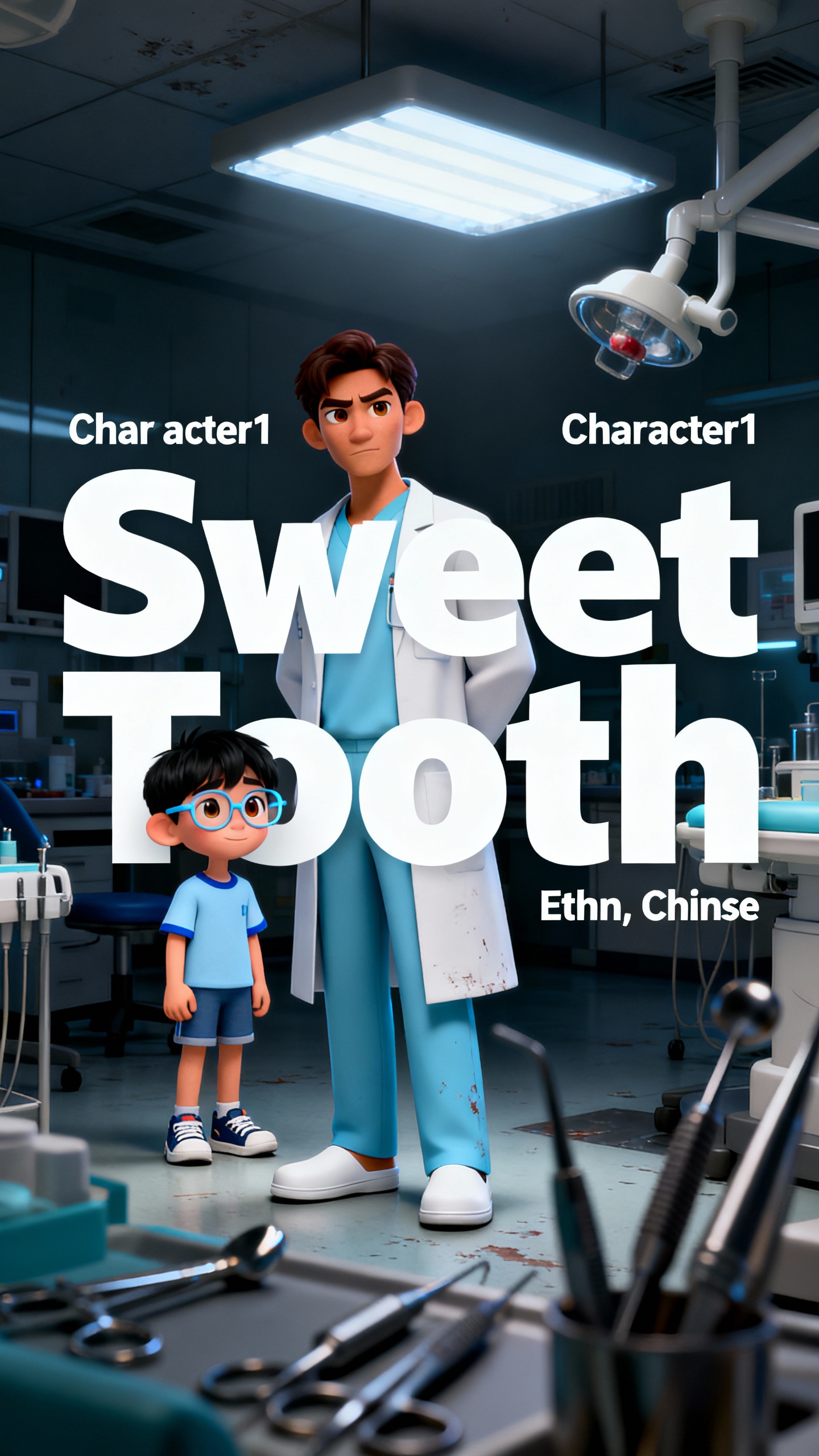
Hero background

DeepSeek AI Video Generator

Turn prompts and images into full-length animated clips using Magiclight AI DeepSeek AI video generator. Create an engaging clip now.

Try DeepSeek AI Video Generator Now
deepseek ai video generator
ai video generator deepseek
image to video converter
animated video maker
AI video creation tool
short video generator
explainer video AI
professional video creator
deepseek ai video generator
ai video generator deepseek
image to video converter
animated video maker
AI video creation tool
short video generator
explainer video AI
professional video creator
deepseek ai video generator
ai video generator deepseek
image to video converter
animated video maker
AI video creation tool
short video generator
explainer video AI
professional video creator

Explore the Features of DeepSeek AI Video Generator

You create, refine, publish, and track the performance of your clips on a single platform. MagiclightAI’s DeepSeek video generator has features that others can’t match.

Explore the video generator
3D decoration

Easy Templates For Diverse Content:

You can use the hundreds of different templates toinfluence a quick and professional video creation across Magiclight AI.

Simple for Anyone to Use:

Clean controls and live previews make Magiclight AI easy to use foreveryone. It lets you use these features without any tech skills or setup.

Strong Reasoning for Hard Tasks:

Magiclight AI solves complex problems and clearly explainshard ideas. The tool then turns that deep reasoning into simple explainer videos.

Remembers Your Full History:

It carefully tracks very long chats and scripts. Magiclight AI usesthis memory to make sure your videos are accurate and on topic.

Who Can Use the DeepSeek AI Video Generator
People who want polished, on-brand videos prefer Magiclight AI's DeepSeek video generator. It makes the video creation process easy and fast for all kinds of creators.
Content Managers
Content Managers
Turn brand images into story‑style ad videos in minutes.
Auto-generate content series from one script outline.
Re-use posts for scroll‑stopping short videos for no extra cost.
Creative Startups
Creative Startups
Test multiple pitches as fast image‑to‑video variants.
Turn app screenshots into clean, feature-tour videos.
Launch quick product explainers from simple text briefs.
Course Creators
Course Creators
Build recap videos from slide images and notes quickly.
Turn diagrams into step‑by‑step explainers with no editing skills.
Convert lesson scripts into clear teaching videos in seconds, not days.
Marketing Agencies
Marketing Agencies
Produce client explainer videos without full crews.
Turn client brand kits into fast image‑led promos with no effort.
Scale video packages quickly using reusable text templates.
Why Magiclight AI’s
DeepSeek AI Video Generator Stands Out
Creating full-length videos should be fast and simple. Magiclight AI’s DeepSeek AI video generatorunderstands your prompt and creates transitions and motions accordingly.
Fast Video Creation with Magic Claw
Magiclight AI offers a chat-based assistant that lets you create, schedule, and track your video'sperformance. Everything is on one platform, making the process easier.
Clear Export and Format Options
The Magiclight AI DeepSeek generator exports projects at 1080p, and the aspect ratio can be adjustedto match the platform. Effects and transitions are smooth in every clip.
Ready-to-Share Videos For Everyone
With support for 11 languages and 9 story models, Magiclight AI lets you create content for a wideaudience. Users all over the world can share and enjoy your videos.
Quickly Add Subtitles, Music, and Covers
Users can select from 16 subtitle styles, 40 music tracks, and 21 covers before publishing inMagiclight AI. Unlike other tools, you get precise creative control without complex timelines.
Custom Characters For Every Clip
You can set your avatar's name, then adjust their age, body type, clothes, and expressions inMagiclight AI. The tool keeps your cast consistent across every new clip.
Image to Full Story Video
One image can be turned into a full video using Magiclight AI. Just upload your image and shape itwith a prompt, and you get a polished moving video within seconds.

Make Smooth Clips With DeepSeek AI Video Generator  in 4 Steps

Start with an image, and Magiclight AI’s video generator, DeepSeek, creates a smooth story clip. Youcan change each video element until it looks just the way you want.

1.

Upload a Photo

Choose a photo that you want to turn into a video. Drag and drop it onto the interface, and Magiclight AI will do the rest.

2.

Refine the Prompt

Type a detailed prompt and be as specific as possible. Your instructions will guide the AI model to create motions, effects, and actions.

3.

Choose Video Style

Select DeepSeek V4 video style from the drop-down. Then, set the video duration, aspect ratio, and HD resolution option.

4.

Download the Video Clip

Preview the video and regenerate if you are not happy with the results. In case you are satisfied, download your clip.

FAQs on DeepSeek AI Video Generator

What is the DeepSeek video generator in Magiclight AI?

In Magiclight AI, the DeepSeek AI video generator lets you turn simple prompts into finished videos with scenes, text, and visuals. You get fast results without complex tools.

Can DeepSeek in Magiclight AI use both text and images?

Yes, you can start from scripts, notes, or images when using DeepSeek. Magiclight AI turns each into a video, matching visuals and pacing to your content.

Is it possible to edit or reuse videos in Magiclight AI later?

Magiclight AI lets you reopen a project, adjust scenes, and produce a fresh version whenever you like. It keeps your DeepSeek setups up to date so you can easily update content.

Why should I use DeepSeek AI video generator instead of other tools?

Unlike other tools, it saves time by skipping complex timelines and manual cuts. Magiclight AI handles structure, scenes, and export, so you finish more in less time.

Can I share my videos with other creators?

Yes. The polished videos you create using Magiclight AI can be shared quickly on other platforms. You can either publish on the official website or post to your social media page.

Is the DeepSeek video generator in Magiclight AI free?

Users can explore various features and characters in Magiclight AI for free. With enough credits, youget an idea about what the tool offers before committing to a paid plan.


Create Ready‑to‑Share Videos Today

Turn text and images into professional animated videos with Magiclight AI DeepSeek Video Generator in minutes!