Hero background

Claude AI Video Generator

Turn a simple idea into a complete, share-ready video with Magiclight AI's Claude video generator in just minutes.

Try Claude AI Video Generator Free
claude ai video generator
claude video generator
claude video generation
can claude ai generate videos
claude ai video generator
claude video generator
claude video generation
can claude ai generate videos
claude ai video generator
claude video generator
claude video generation
can claude ai generate videos

Explore Magiclight AI's Claude Video Generator Features

Magiclight AI's Claude video generation tool takes your idea from text to a full, polished video. You get scenes, voices, music, and captions all in one place.

Explore AI Video Creation
3D decoration

Smart Script Writing With Claude AI

Claude AI reads your idea and builds a full script with scenes and flow. Magiclight AI turns that script into a ready-to-edit storyboard.

Long Videos with consistency

Most tools stop at short clips, but Magiclight AI goes up to 50 minutes. Write a long script and get a full video with proper structure.

Claude Powered Model Choices

Choose from Claude Opus 4.8, Mythos, or more for advanced reasoning. Magiclight AI lets you switch models based on the control your project needs.

Subtitle Styles for Audience

Add captions to your video using 16 subtitle styles in Magiclight AI. Make your content good to watch for viewers who prefer reading along.

Who Is Magiclight Claude AI Video Generator Best For
Magiclight AI's Claude video generator helps many types of creators make great videos. You do not need any editing skills to get a polished result fast.
For YouTube and Short-Form Creators
Create videos up to 50 minutes long from a single prompt.
Use 19 video models to get the right motion and scene style.
Magiclight AI handles scripting and editing altogether.
For Social Media Content Creators
Use 21 cover templates to make every video look sharp.
Pick from 40 background tracks to set the content mood.
Views and engagement data are tracked without switching tools.
For Small Business Owners
Turn a 12,000-character script into a polished explainer video.
Add any of the 37 voiceovers to match your audience type.
Finished videos are exported in 1080p resolution.
For Parents and Teachers
Pick from 7 kids' story themes with one-click creation.
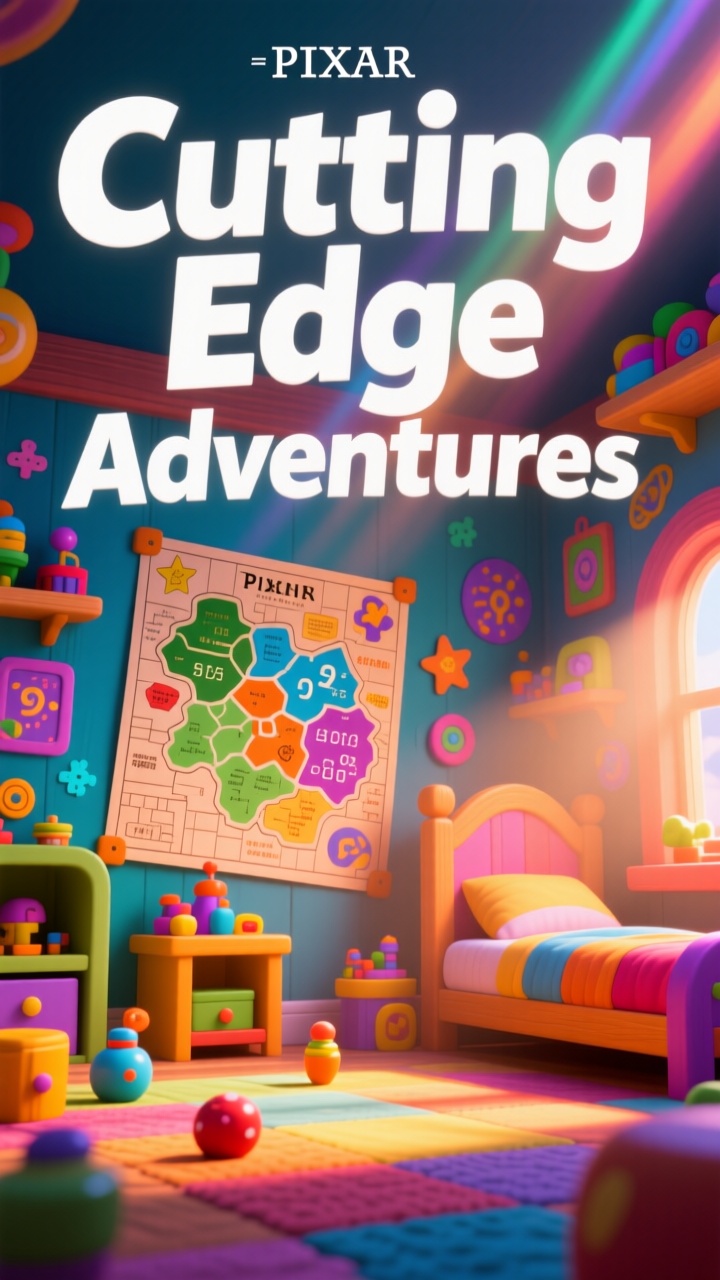
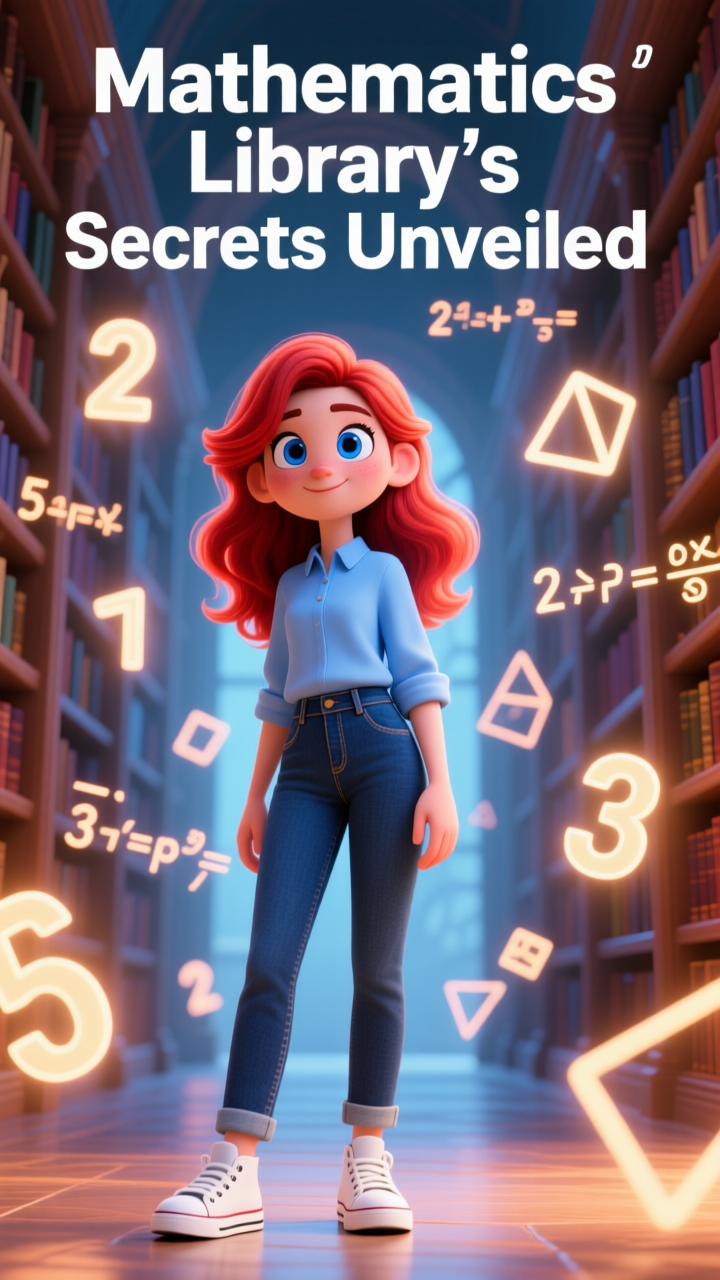
Generate bright videos with styles like Pixar or picture-book.
Engaging kids' content comes together in simple steps.
Why Magiclight AI Is
the Best Claude Video Generator
Magiclight AI gives you more than just Claude AI video generation tools. It helps you move faster, stay creative, and publish better content every time.
Nano Storyboard Gives You Full Scene Control
Magiclight AI lets you adjust every small detail inside each scene. You can change poses, expressions, clothing, and timing before the final video generation.
Publish Without Extra Licensing Costs
With Magiclight AI, you can share your videos freely on any platform or campaign. There are no royalties, no attribution rules, and no usage limits applied.
Massive Style Selection Engine
Inside Magiclight AI, pick from different AI models like Midjourney V7 or MagicLight 3.0. You can make realistic films, 3D cartoons, or anime easily without effort.
Next-Gen Motion Models That Bring Characters to Life
Magiclight AI uses models like Claude Opus 4.6, 4.7, and 4.8 to animate your scenes. Characters move naturally and smoothly with reduced visual glitches.
No Additional Editing Tools Needed
Magiclight AI generates every scene from text alone, so you never need separate tools. A simple written brief becomes a complete movie ready to export.
Character Library With Full Search Options
Browse Magiclight AI's character library and filter by style, gender, and age. Find the right character in seconds or build a custom one from scratch.

How to Use Magiclight AI Claude Video Generator in 4 Steps

Making a video with Magiclight AI's Claude video generator is very simple. Just follow these steps, and your video will be ready to share fast.

1.

Write Your Video Idea

Type your topic, story, or message into the Magiclight AI prompt box. Keep it simple and clear, so Claude AI can build the best script for you.

2.

Choose Your Style and Language

Select a Claude story model for scripting and pick a visual style like cartoon, realistic, or comic for your video. Then, choose your preferred language and a matching voiceover.

3.

Tweak the Nano Timeline

Open the preview panel to check the micro actions and expressions of your actors. Edit the text prompts or change character poses using 50 different movement options.

4.

Export and Share Your Finished Video

Click to generate your full video in 720p or 1080p quality easily. Download it or publish it directly from Magiclight AI to your platform.

FAQs on Claude AI Video Generator

Can Claude AI generate videos on its own?

Claude AI alone does not make videos, but Magiclight AI uses Claude model to write scripts and build full video scenes for you.

Can I try Claude video generation for free?

Yes, you can test the Claude video generation features using the free trial options inside Magiclight AI. This lets you practice prompting before making long movies.

Is the Claude video generator free to try on Magiclight AI?

Magiclight AI offers free access so you can test Claude video generation quickly. Check the current plan options on Magiclight AI to see what is included.

Does Magiclight AI's Claude video generator work for long videos?

Yes, Magiclight AI supports Claude AI video generation for videos up to 50 minutes. This makes it great for full stories, courses, and channel content.

Which script models can I use for the Claude video generation?

You can build scripts using systems like Claude Opus 4.6, Claude Opus 4.7, and Mythos. This feature inside Magiclight AI ensures your text has deep meaning before animation begins.

Do the characters stay steady in Magiclight AI clips?

Yes, Magiclight AI uses advanced saving tools to keep your character faces exactly the same. They will look identical from the first scene to the final shot.


Turn Text to Videos Online With Claude AI Video Maker

Turn any idea into a polished video using Magiclight AI's Claude video generator.