Hero background

Runway AI Video Generator For Cinematic Videos

Use Runway-style AI video generation for cinematic shots, then deepen projects using script input, storyboards, audio, and export in Magiclight AI. No skills required.

Try Runway AI Video Generator Now
Runway AI video generator,
Runway-style AI video generation
Runway ML AI video generator
Runway AI video generator,
Runway-style AI video generation
Runway ML AI video generator
Runway AI video generator,
Runway-style AI video generation
Runway ML AI video generator

Explore Key Features of Runway Video Generator

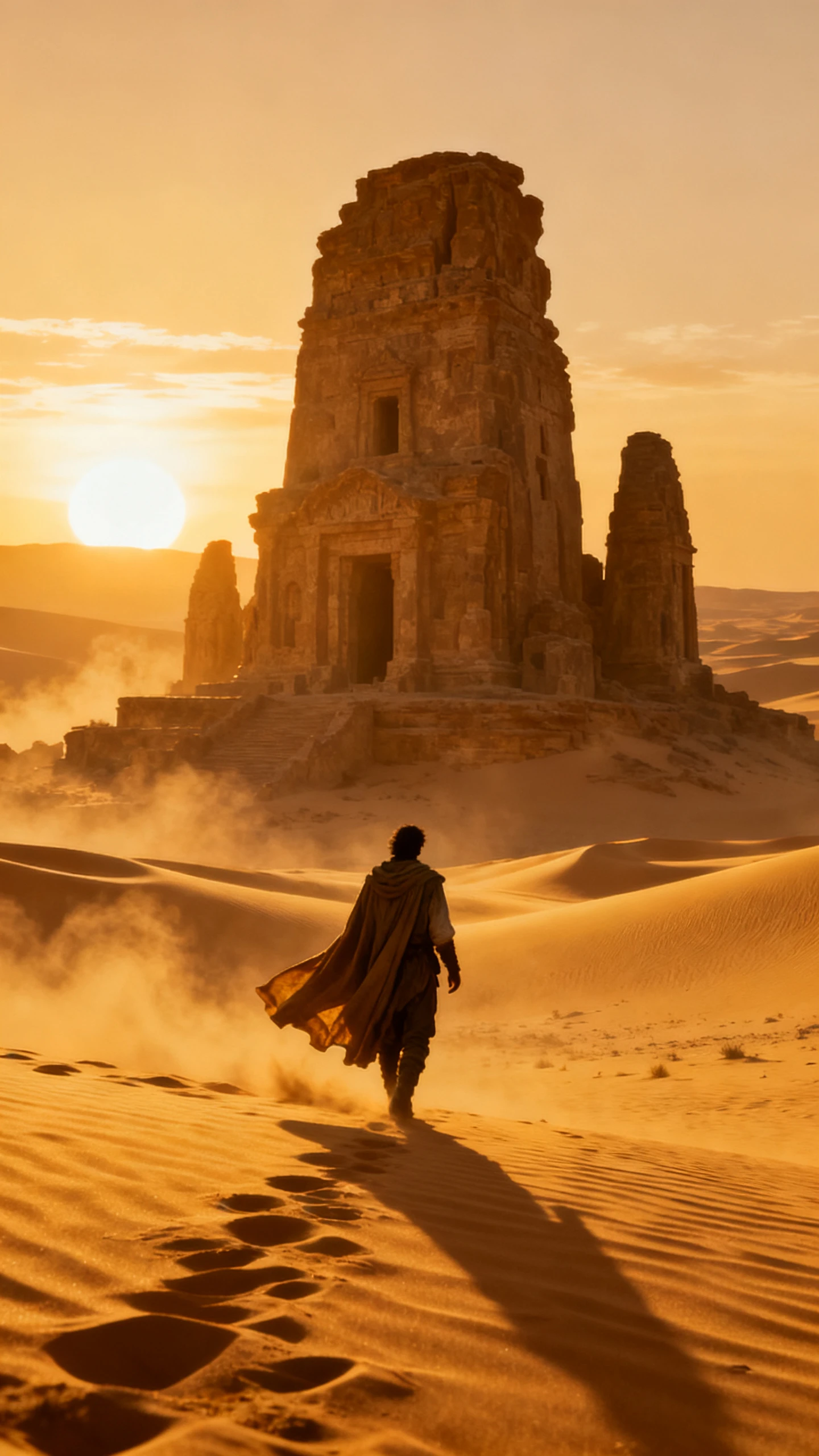
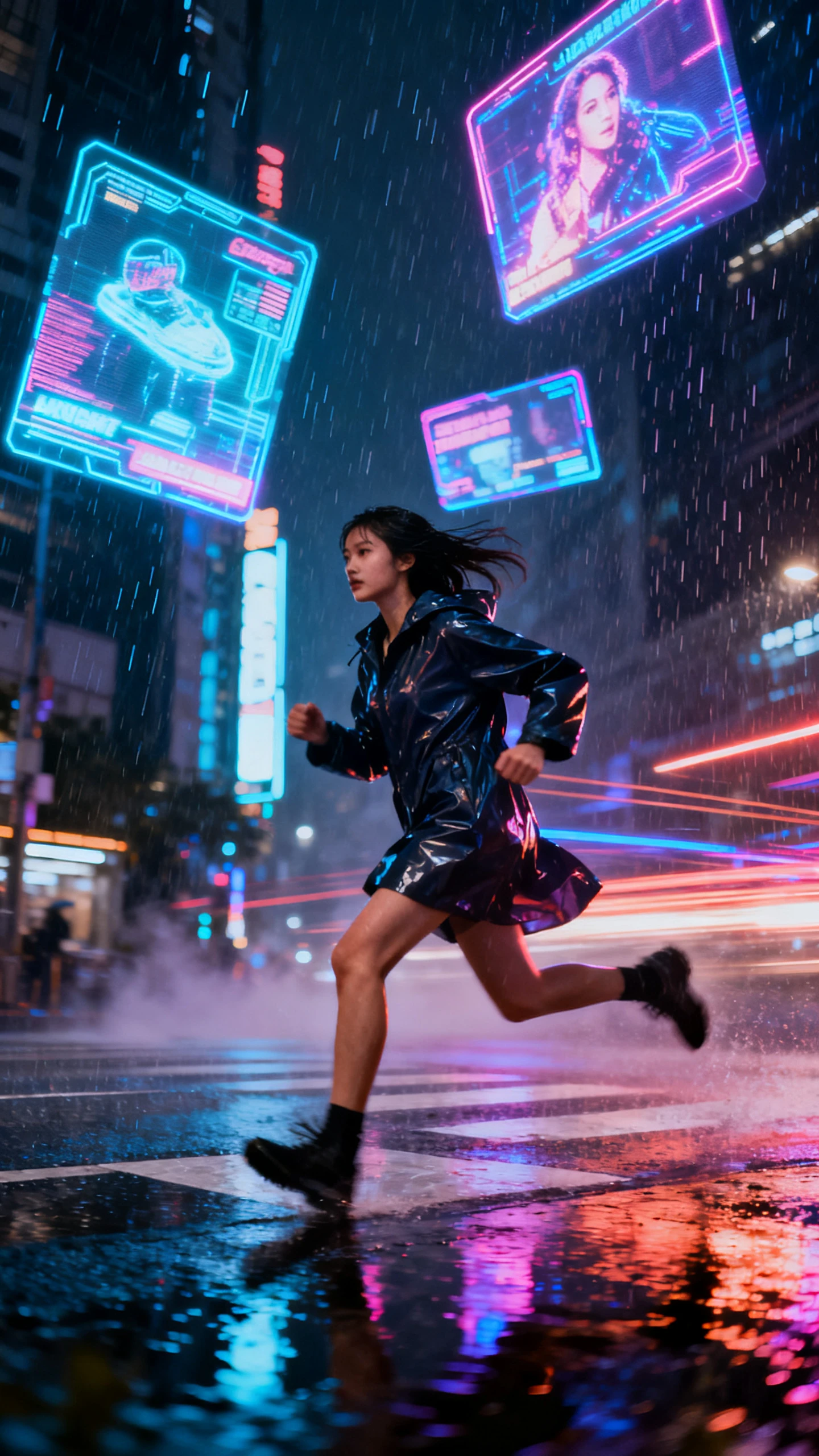
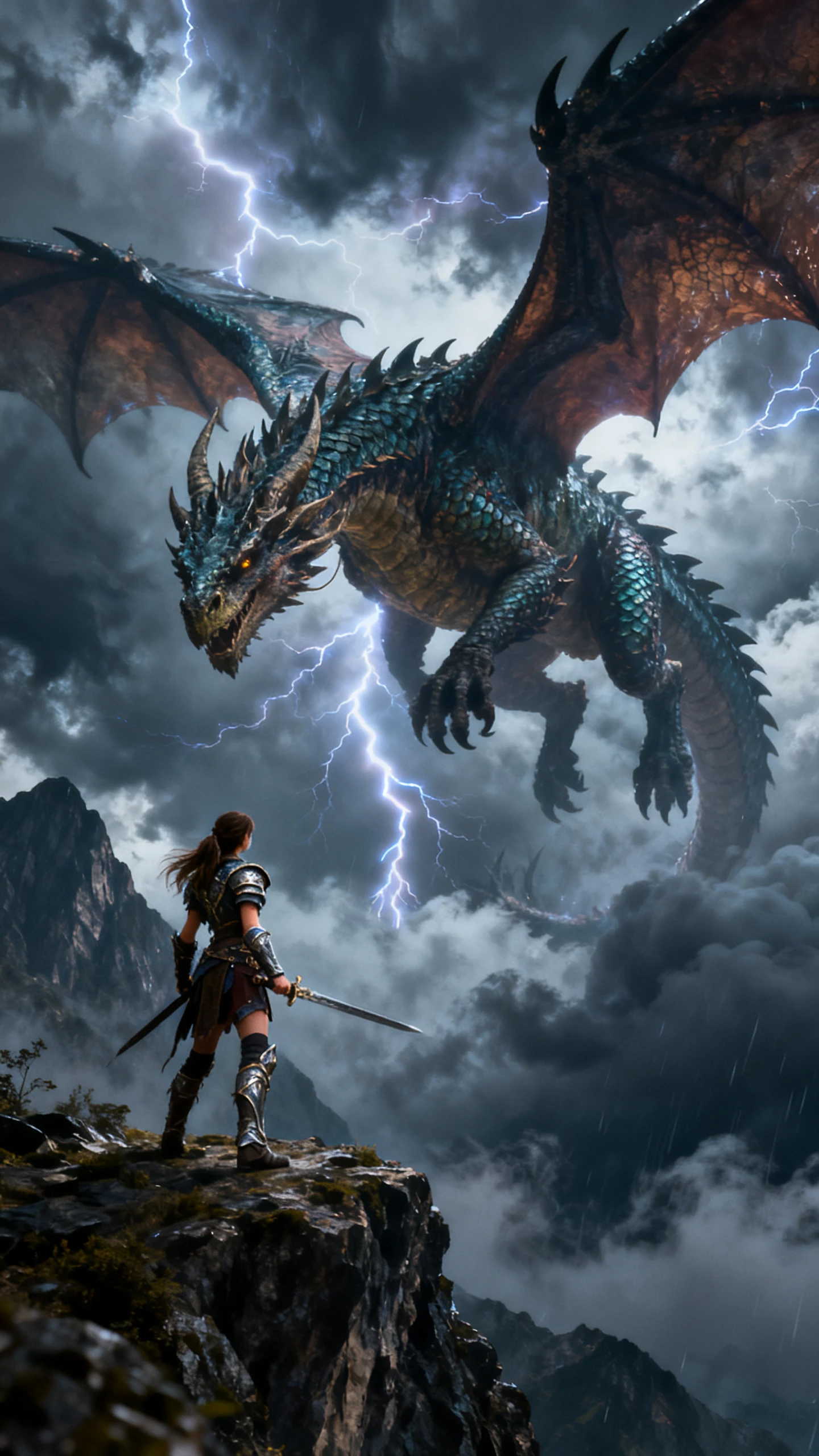
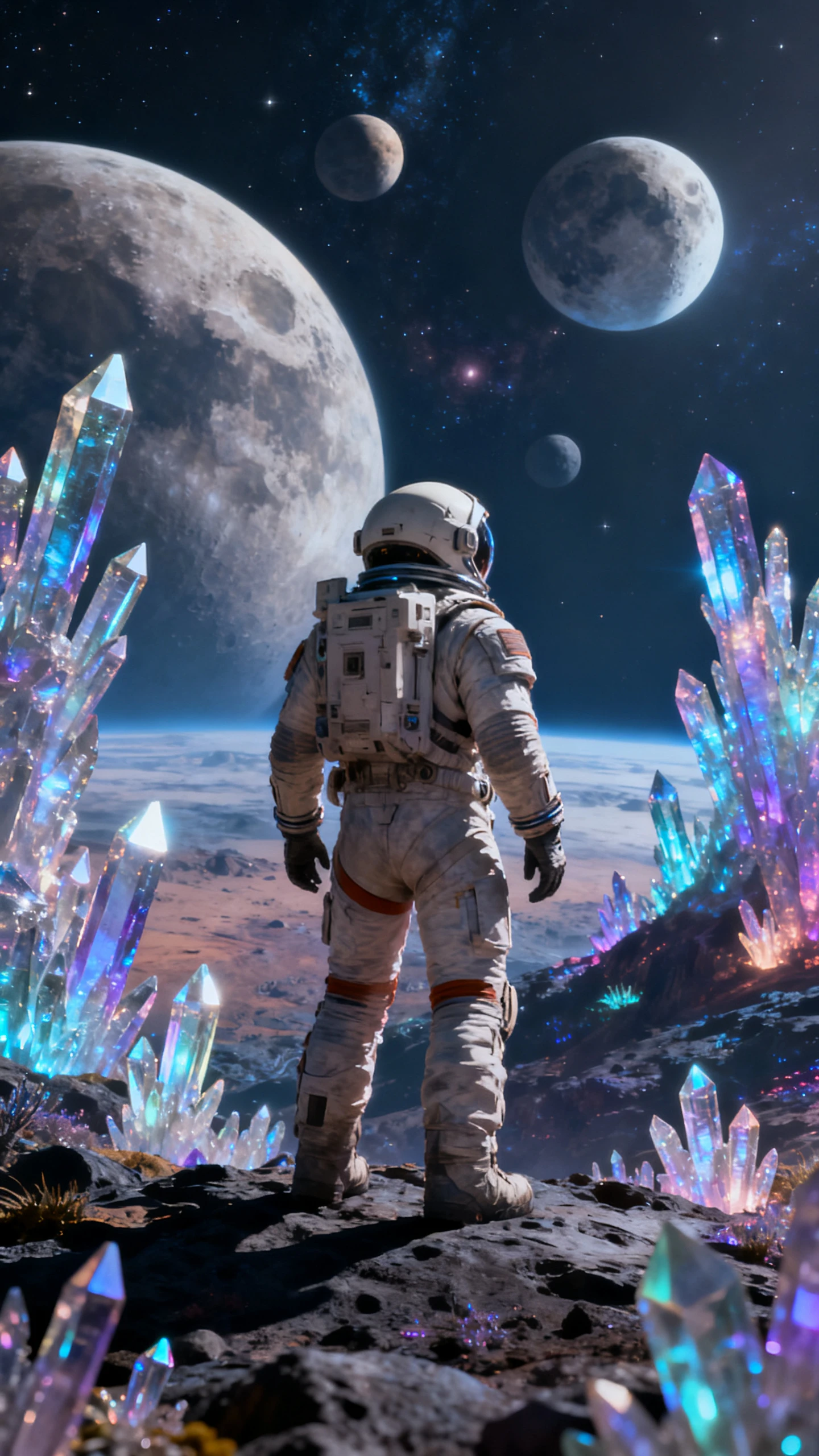
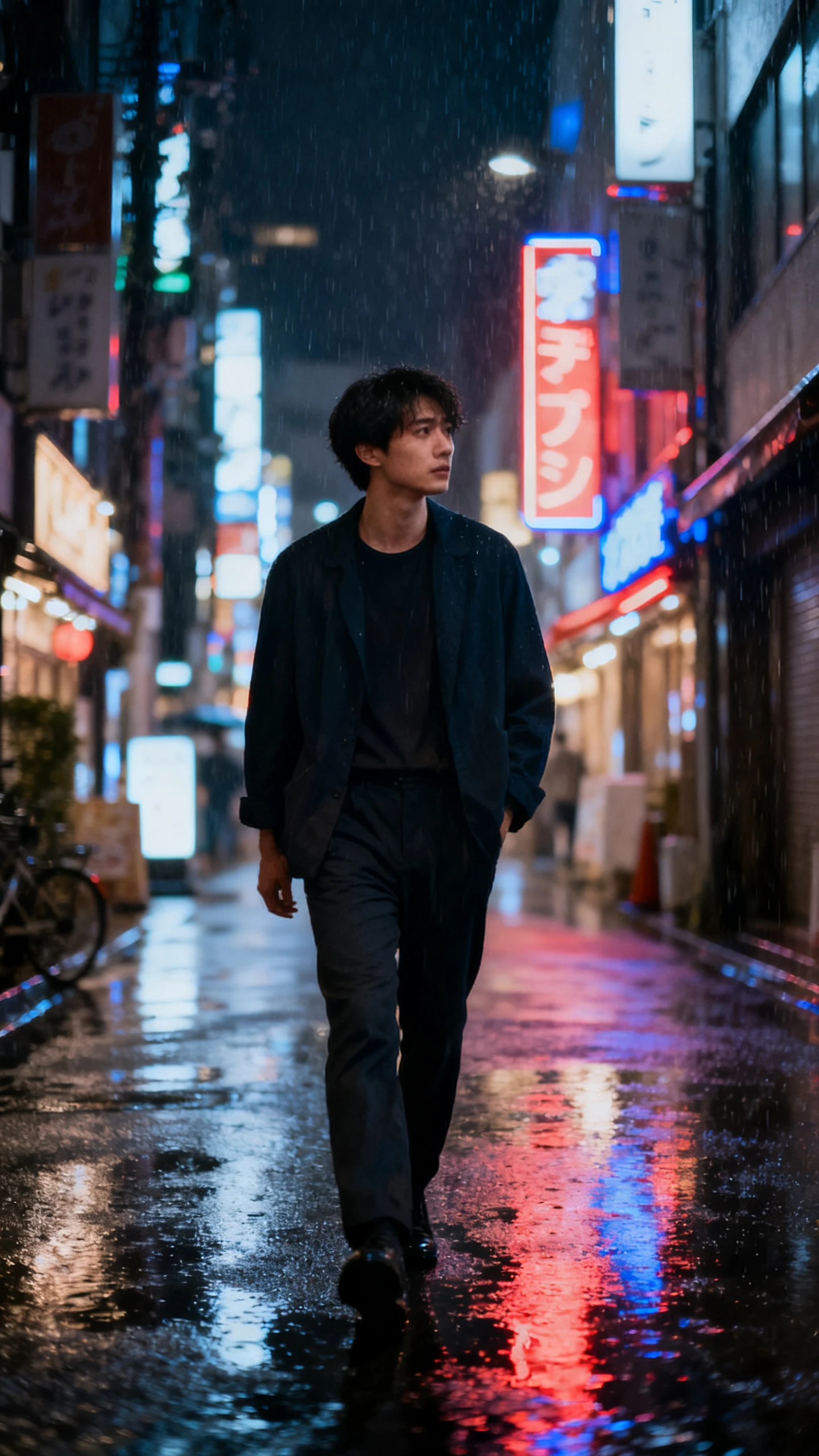
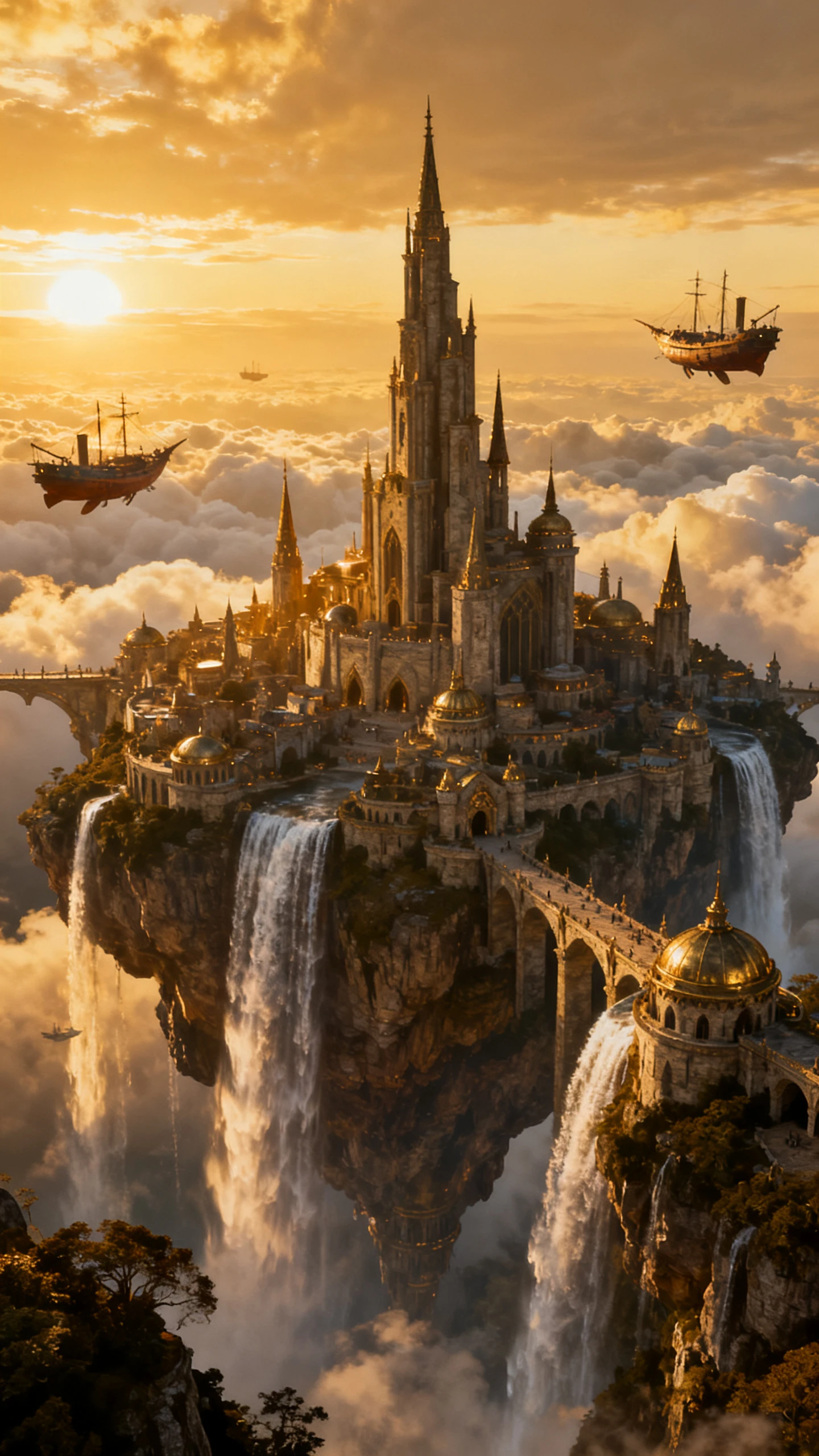
Runway’s AI video generator focuses on powerful text‑to‑video clips and shots. It turns short prompts into polished cinematic moments in just a few seconds.

Explore the video generator
3D decoration

Shape Sound and Captions Together

Pair scenes with curated background tracks and styled subtitles. Magiclight AI lets you adjust text and music timing to make moments expressive.

Model Switching for Every Scene

Magiclight AI includes the latest video models, such as Kling 3.0 and Seedance 2.0. Choose the model that fits each scene across the whole project.

Reach Audiences in More Places

Choose from 11 languages so stories feel native to each audience. Magiclight AI mixes language options with narrative styles.

Polish Every Frame in HD

Export finished clips in 720p or 1080p for clean playback. Keep quality consistent across phones, tablets, and desktops without extra conversion steps.

Who Uses Magiclight AI Runway ML Video Generator
Creators using the Runway video generator need more than clips. Runway AI inside Magiclight AI, follows its own workflow geared to specific output lessons and campaigns.
Social Media and YouTube Creators
For Social Media and YouTube Creators
Get text-to-video style clips, no Runway account required anymore.
Queue, schedule, and push uploads right after videos complete.
Publish content in eleven languages for global-first creator channels.
Short Film and Indie Creators
For Short Film and Indie Creators
Turn a full script into a cast-consistent short movie.
Direct poses and cameras per shot before any frames render.
Export finished films in 1080p, ready for screens and festivals.
 Video Editors Migrating Away From Runway
For Video Editors Migrating Away From Runway
Extend Runway’s generator with a full story pipeline.
Lock character looks across scenes without tedious manual fixes.
Add voice and music inside one timeline, no extra tools.
 Agencies Producing Client Video
For Agencies Producing Client Video
Deliver 1080p campaign videos localized across many languages.
Design scroll-stopping covers with 21 built-in templates.
Monitor performance and keep projects organized inside one dashboard.
Why
Magiclight Runway AI Video Generator Is The Perfect Option
The Runway ML video generator creates strong AI-driven segments. Those clips can then be taken further with scripting, structure, sound, and final export in a production workflow.
One Platform Covers the Whole Workflow
Magiclight AI covers script, model selection, storyboard, audio, and publishing in one place. You don't need to pay for a clip-only tool and rebuild the workflow elsewhere.
Multilingual Output in Worldwide Languages
Magiclight AI adds voiceover and subtitles in 11 languages to every generated video. Creators reaching international audiences do not need a separate localization step.
Long-Form Output Beyond Short Clips
Magiclight AI generates videos up to approximately 50 minutes. Those extended sessions support full stories, explainers, and episodes in a single continuous project.
Create, Edit, and Publish All in One Place
Handle scripts, scenes, captions, covers, and export in one smooth flow. With Magiclight AI, projects move from first idea to final upload in a single workspace.
Consistent Characters Across Every Scene
Character faces and visual identity stay consistent across every scene in Magiclight AI. There is no rework between clips to maintain a presenter or cast appearance.
Cover Art and Thumbnails in the Same Session
Magiclight AI includes 21 cover templates to produce the thumbnail alongside the video. The full release package is complete without opening a separate design tool.

How to Create Long Videos With Scripts  in Magiclight AI

From text input to published video in 4 steps, Runway ML AI video generator on Magiclight AI guides script, storyboard, audio, and export decisions.

1.

Enter the Full Script Into Magiclight AI

Type your full story into Magiclight AI to begin. That starting idea becomes a structured video with organized scenes.

2.

Adjust the Visual Scenes

Choose the visual style, characters, and mood for each scene. Set language and tone so the story matches your audience.

3.

Refine and Adjust the Storyboard

Review the storyboard and tighten pacing across every moment. Edit scenes and transitions until everything flows smoothly together.

4.

Export and Share Results

Pick your resolution and finalize with voice, subtitles, and music. Download the finished video or upload directly to your platforms.

FAQs on Runway AI Video Generator

What is Runway AI Video Generator on Magiclight AI?

Runway AI Video Generator on Magiclight AI turns text prompts into videos with visuals. It can handle structured scripts up to 12,000 characters and generate story-style videos.

What video models does Magiclight AI offer?

Magiclight AI includes 19 models: Kling 3.0, Seedance 2.0, Hailuo 2.3, Veo 3.1, and more. You can select per scene instead of using one proprietary engine.

Do I need technical experience to use Magiclight AI?

No. Magiclight AI uses a visual no-code interface. It lets you produce finished videos from a written script with no technical or editing background needed.

What resolution does Magiclight AI export?

Magiclight AI exports at 720p or 1080p, meeting the standard for YouTube, social media, and professional submissions without any additional processing.

Can I bring my characters back in new videos?

Yes. Runway video generator on Magiclight AI saves your characters for reuse. Their faces, outfits, and style stay consistent everytime.

Can I change scenes after the video is generated?

Yes. You can adjust visuals, timing, and dialogue using Magiclight AI’s editor. It helps you regenerate individual scenes instead of redoing the full video.


Turn Text to Cinematic Clips With Runway AI Video Generator

Turn your story into a full, ready‑to‑publish video with Runway video generator on Magiclight AI.