Everything You Require to Generate AI Meme Video
Turn prompts into funny and trending memes using the Magiclight AI video meme generator. You can easily make content for TikTok, Instagram, and YouTube without editing skills.

With Magiclight AI's meme video generator, influencers can input their ideas, pick a style, and add captions and music. Build iconic meme clips today!
Create Meme Videos For Free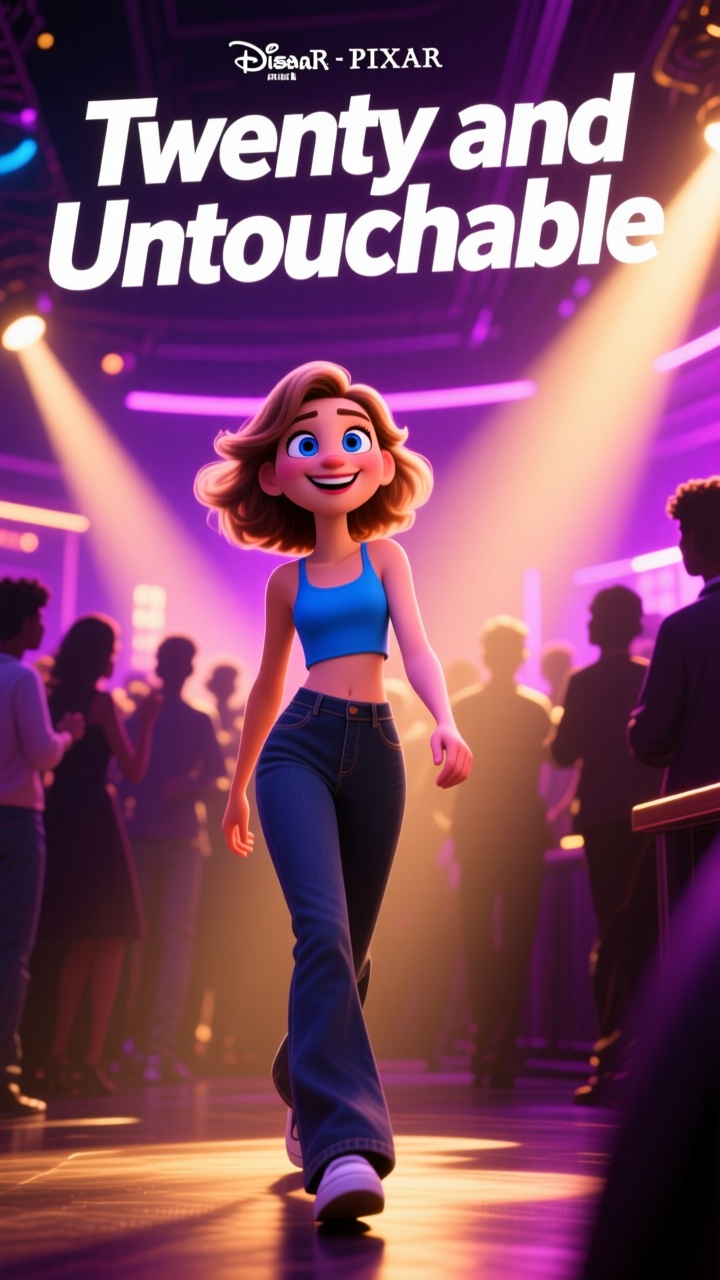
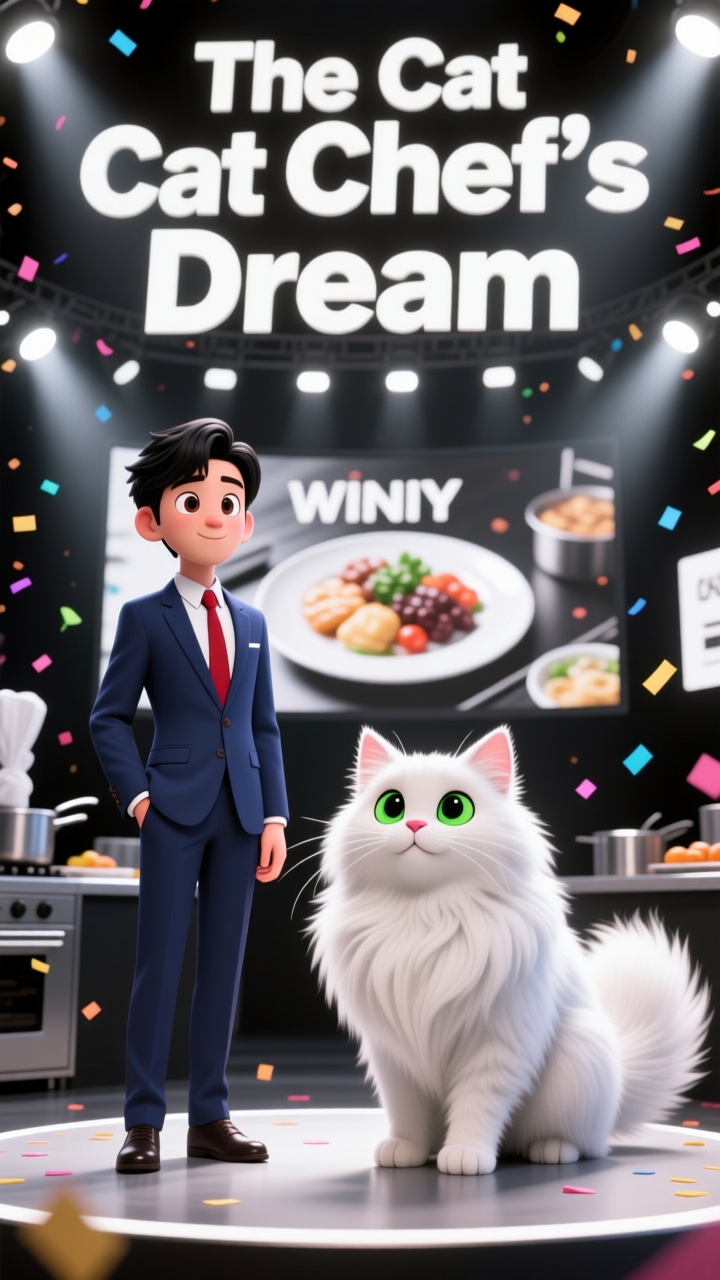
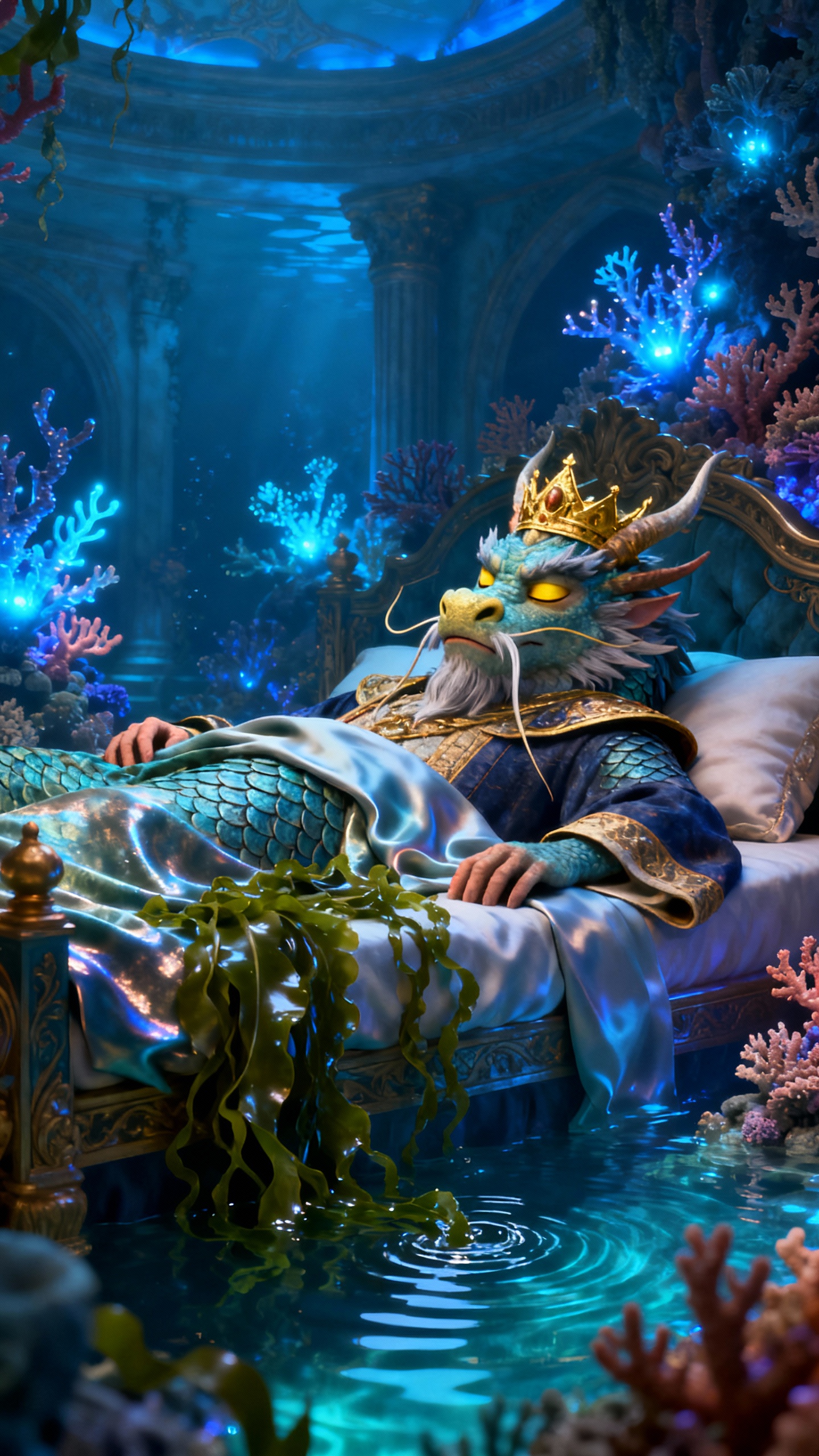
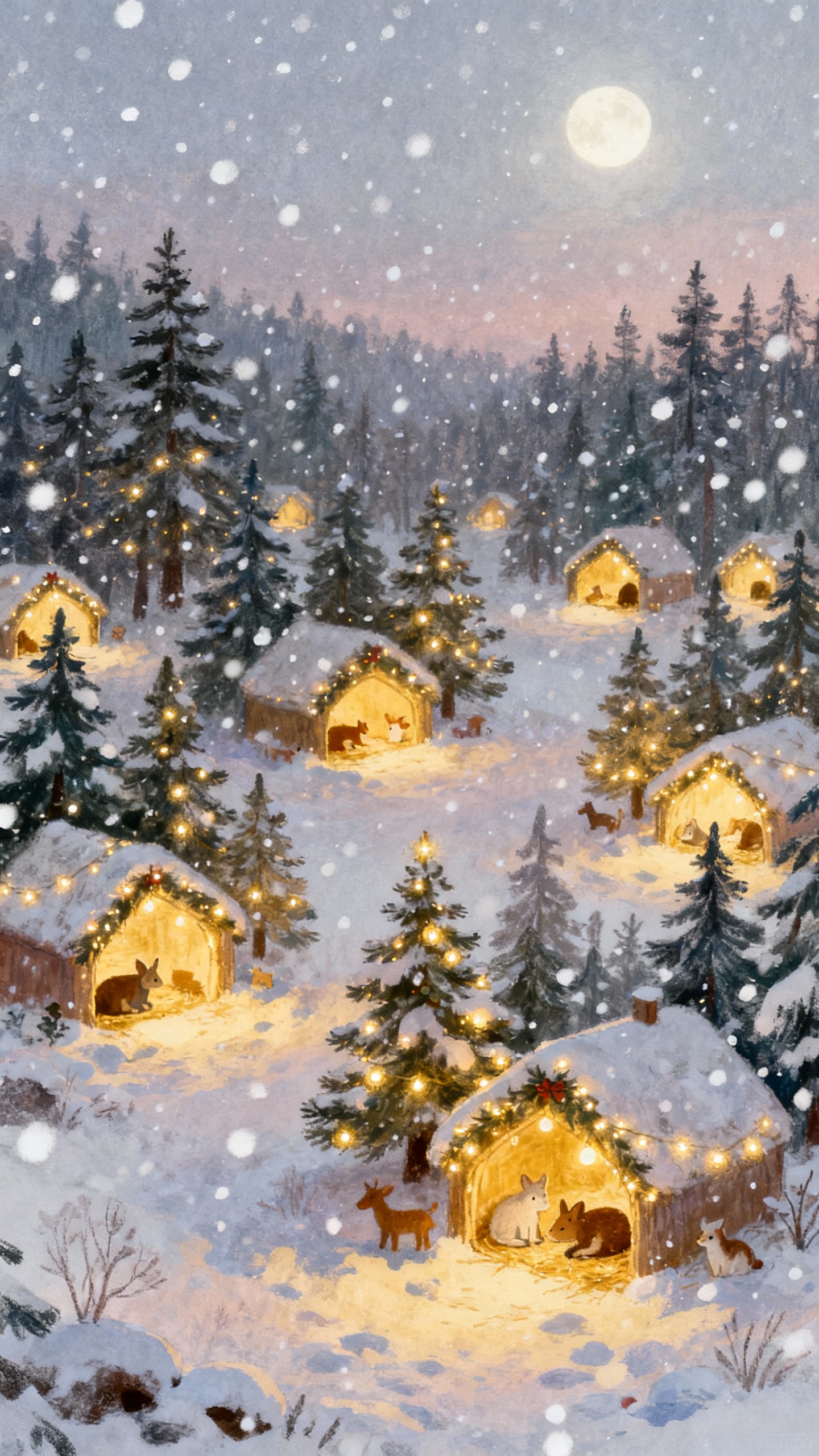
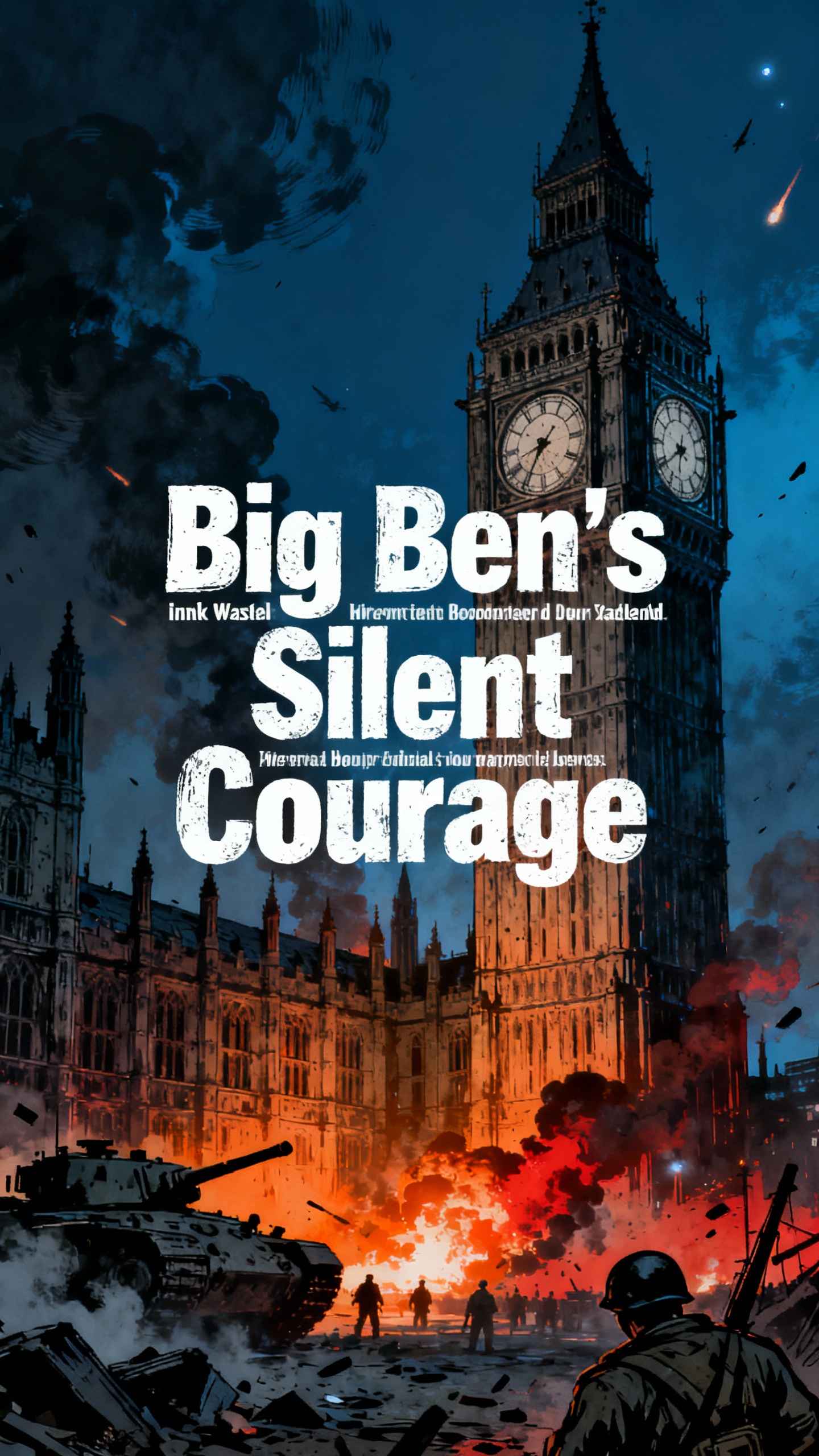
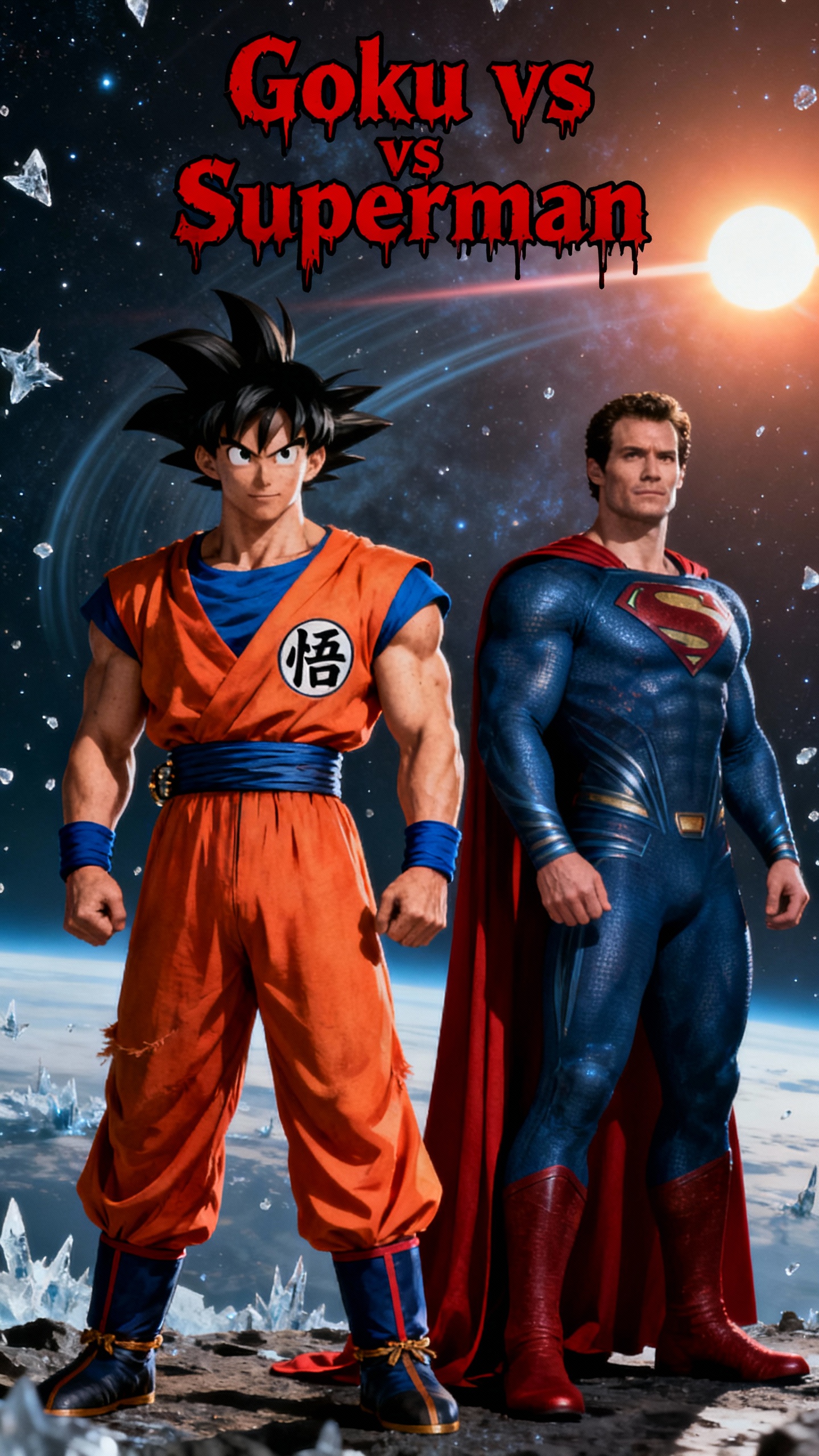
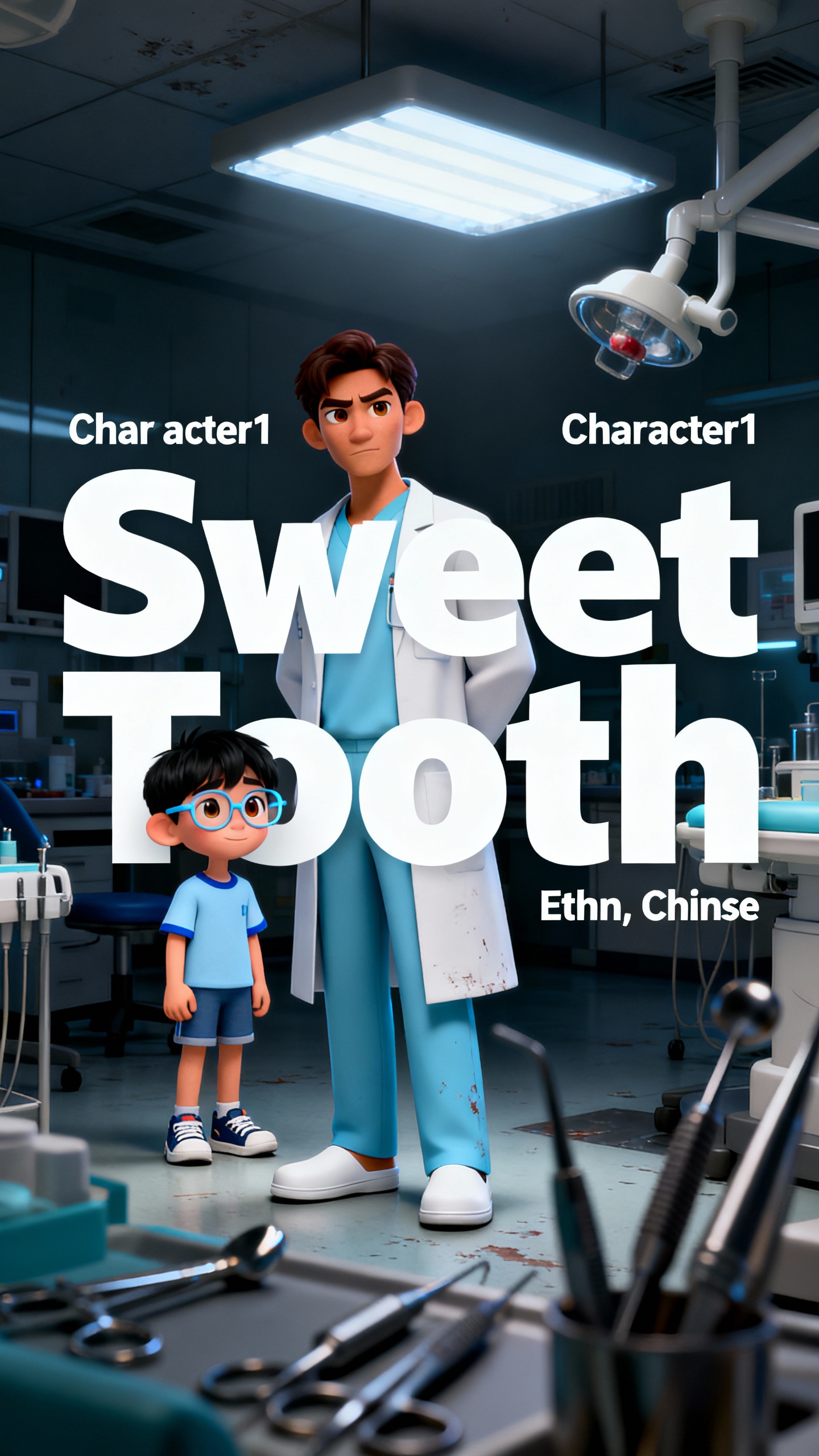
Turn prompts into funny and trending memes using the Magiclight AI video meme generator. You can easily make content for TikTok, Instagram, and YouTube without editing skills.

With Magiclight AI, you create customized characters for your memes. Easily change skin tone, age, clothes, hairstyle, and pose for each character.
Pick from over 20+ styles like Ghibli, Disney, or 3D cartoon. Magiclight makes sure that characters and scenes are consistent across all meme videos.
Start with a photo and add a prompt of up to 1500 characters in Magiclight AI. In return, you get hilarious memes that keep your followers watching.
Magiclight AI lets you choose from 37 voice styles, or you can clone your own. It follows the audio closely and matches every word on your character's lips.


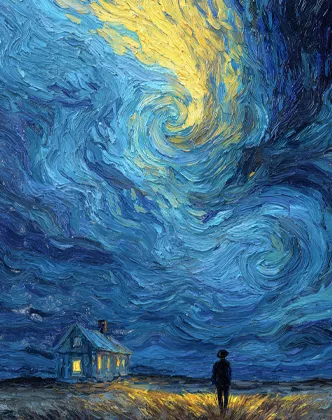
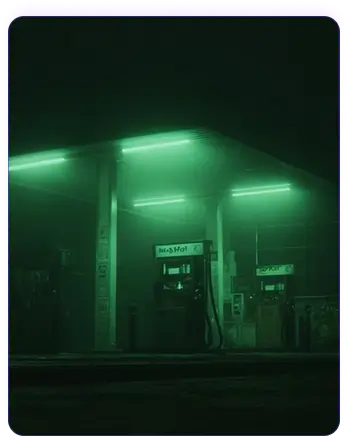
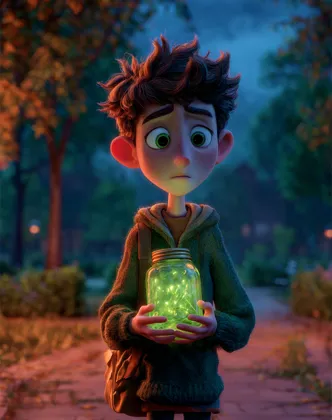
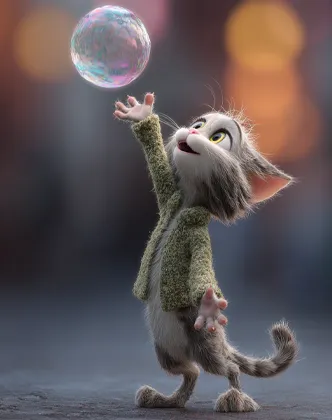
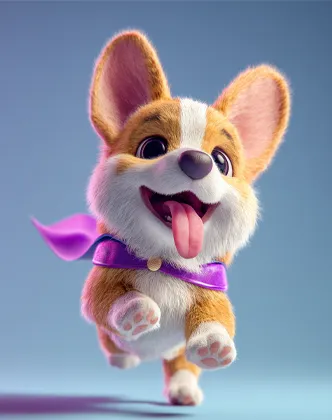
It is easy to create memes with Magiclight AI's meme video generator. Follow a simple workflow that takes you from a text prompt or image to a fully ready meme video.
Drag and drop or upload the image from your device. You can use any image that you think will make an amusing meme.
Shape the image with a prompt so that Magiclight AI knows how to animate it. Use specific words like 'funny face' or 'dark background'.
Select a visual style for your meme. Then, choose an aspect ratio (9:16 or 16:9) depending on where you want to post it.
Preview and regenerate if you are not happy with how it looks. Once satisfied, download the clip and post it for others to see.
It creates trending memes from simple ideas or images. With Magiclight AI video meme generator, you transform simple texts into ready-to-share Reels, Shorts, or TikToks fast.
Yes. Magiclight AI supports 11 languages for both text and voice. This helps you create meme videos that speak to different audiences without extra tools or editing.
Yes, you can add AI voiceovers directly inside Magiclight AI. You just choose a voice, set the tone, and the AI model syncs the audio with your meme video automatically.
Like many other tools, Magiclight AI runs on a credit system. When you sign up, you get free credits, which you can use to explore the different features and create quick memes.
Yes, you can create or pick characters and set cartoon, realistic, or other styles in Magiclight AI. Your chosen look stays consistent across meme videos you generate.
Magiclight AI lets you alter captions, timing, and music after creating the meme video. You just need to select the finished video in the Projects tab and make the required edits.



Type your idea into Magiclight AI and see it turn into a viral meme video in just a few clicks!