Explore Features of Magiclight AI Motion Video Generator
A motion AI video generator should do more than move a still frame. Magiclight AI shapes camera flow, pacing, style, and audio so every scene feels directed and usable.

Magiclight AI helps creators turn prompts or images into moving scenes with the best AI motion video generator, using models, director modes, and export in one workspace now.
Try AI Motion Video Now
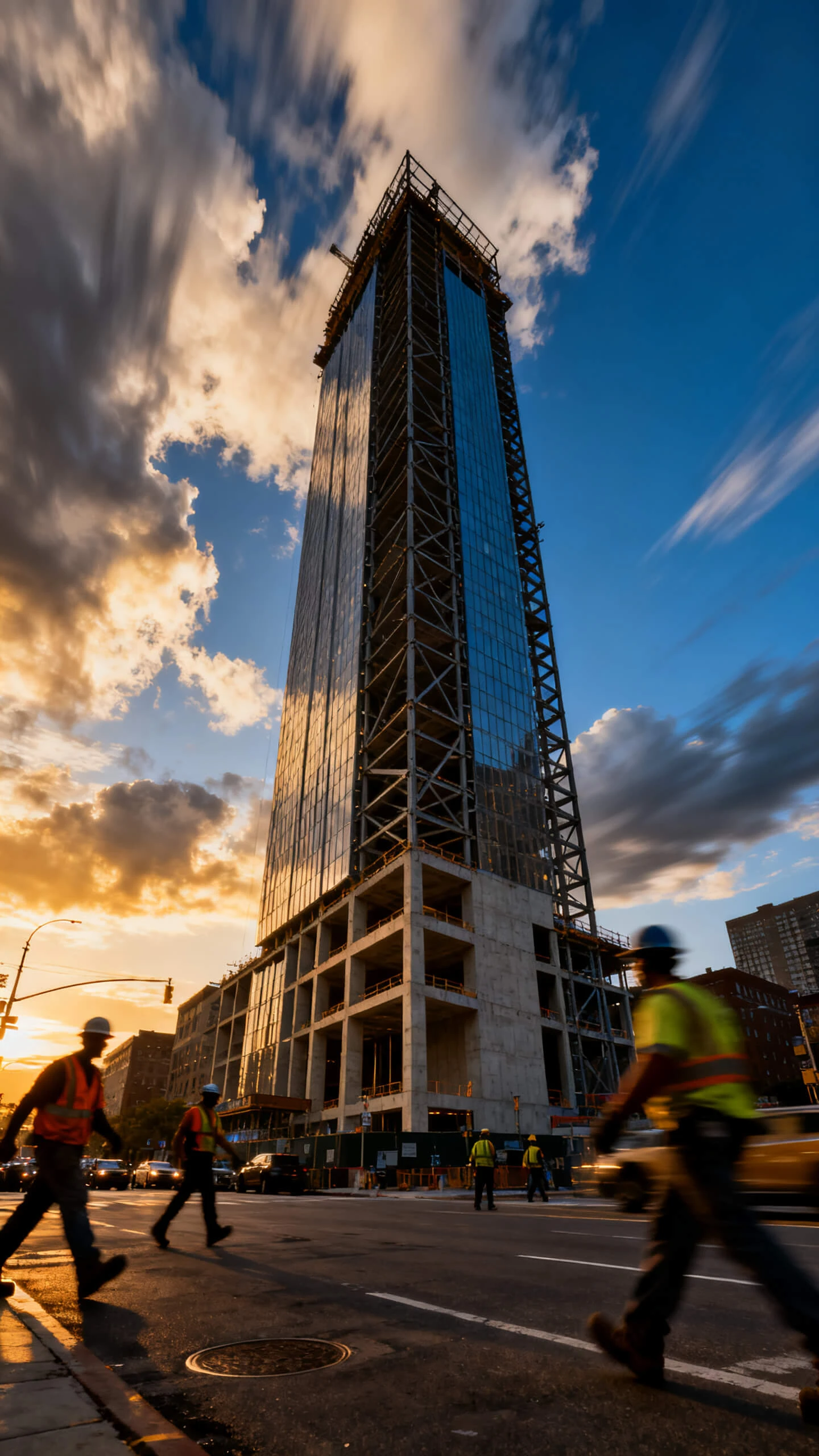



A motion AI video generator should do more than move a still frame. Magiclight AI shapes camera flow, pacing, style, and audio so every scene feels directed and usable.

Choose between Seedance 2.0, Kling 3.0, Gemini Omni, and 16 more video models. Each option gives a different pace, camera feel, and scene movement.
Upload a still image, add a prompt up to 1,500 characters, and generate a 10 or 15-second clip through the AI motion video generator from image flow.
Pick from 8 director modes to shape camera rhythm, scene energy, and motion style before generation starts. The clip follows a clearer creative path.
Use Nano Storyboard to adjust camera angle, movement direction, speed, pose, and framing before the final clip renders on-screen.


Magiclight AI moves your idea through upload, model choice, shot control, and export. The AI motion video generator from Image Flow stays simple, guided, and visual online today.
Start with a prompt, script, or still image. Add movement details such as camera push, slow pan, character action, or scene atmosphere.
Select one of 19 video models, then choose a director mode that fits the pace. This sets the motion style before generation begins.
Review Nano Storyboard to guide camera angle, movement direction, pose, and timing. Each shot can be shaped before the video renders.
Choose background music, add subtitles, and export the finished motion video in 720p or 1080p for publishing, presenting, or sharing.
A motion AI video generator creates videos with planned camera or subject movement. Magiclight AI uses models, modes, and Nano Storyboard for controlled scene direction.
You can explore core creation tools before choosing any paid plan today. Review Magiclight AI's current plan page for limits, exports, and access.
Yes, the AI motion video generator from Image Workflow accepts uploaded stills. In Magiclight AI, prompts guide motion direction, pacing, and visual style.
Magiclight AI helps shape slower movement without high-frame-rate filming equipment. Slow-motion effects come from suitable models, pacing choices, and director settings.
Motion graphics add animated text, overlays, and visual accents to scenes. Magiclight AI keeps those elements aligned with the wider video style.
Image-to-video clips usually run 10 or 15 seconds per generation. Longer story workflows in Magiclight AI can reach 50 minutes per session.



Start with one idea, image, or shot direction. Magiclight AI slow-motion video generator turns it into a dynamic clip.