Explore Features of Magiclight AI’s Painting Animator
Anyone can elevate their creative work with Magiclight AI's paint animator. It transforms static visuals into captivating motion without technical skills or budget.

Magiclight AI’s painting animator adds motion to drawings in seconds with no editing skills required. Animate sketches for social media or portfolios. Try now!
Try Painting Animator For Free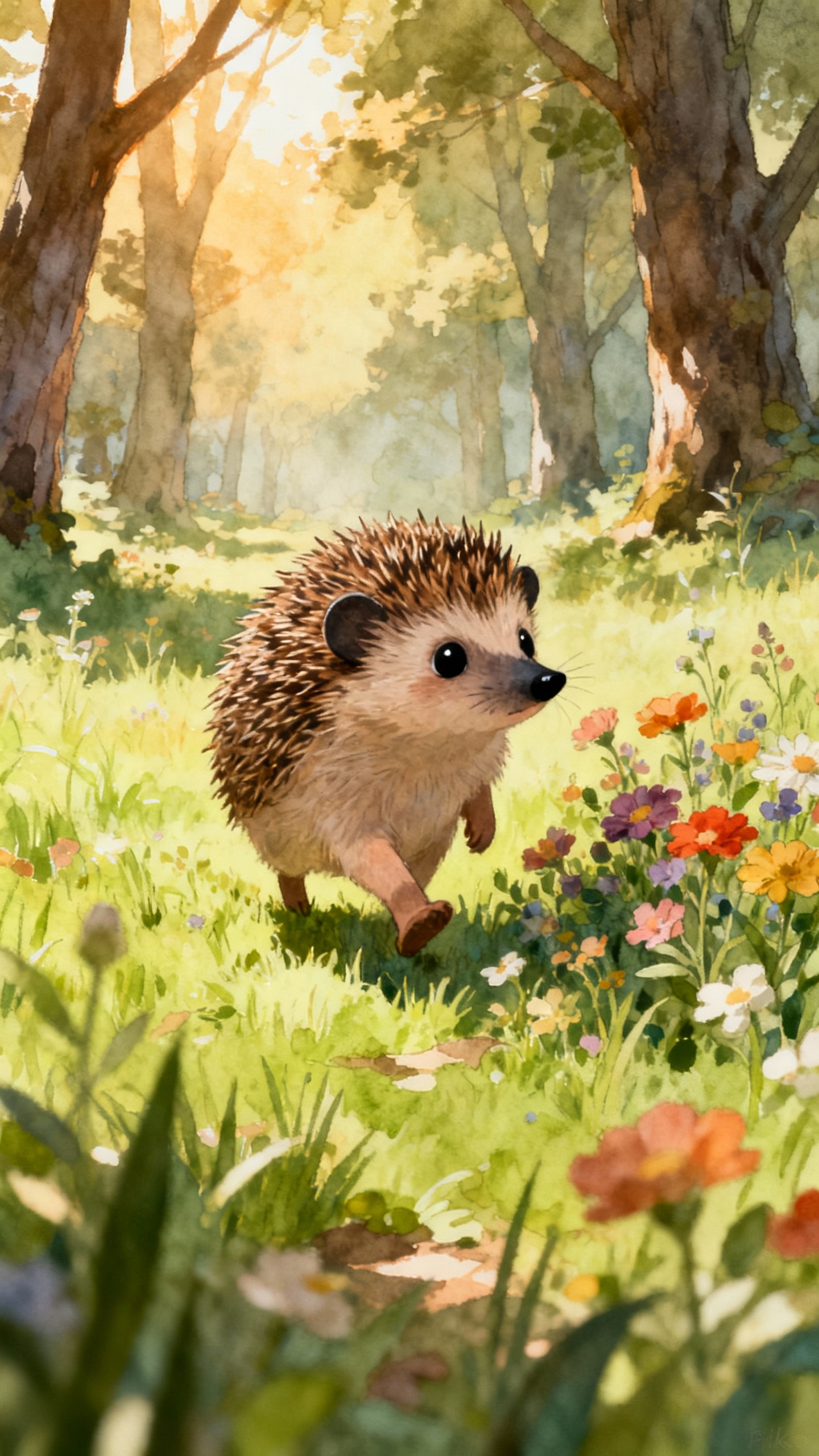
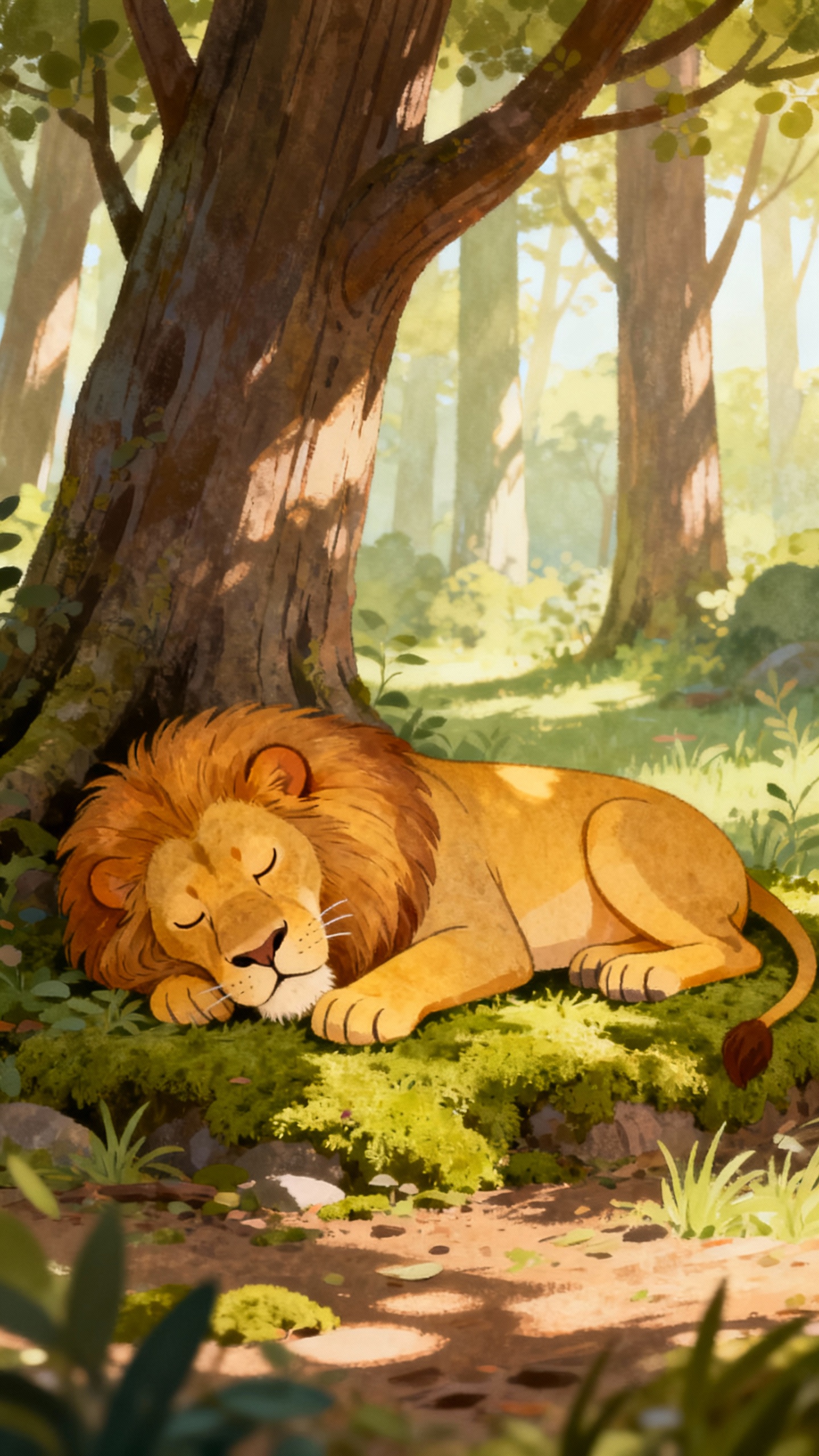
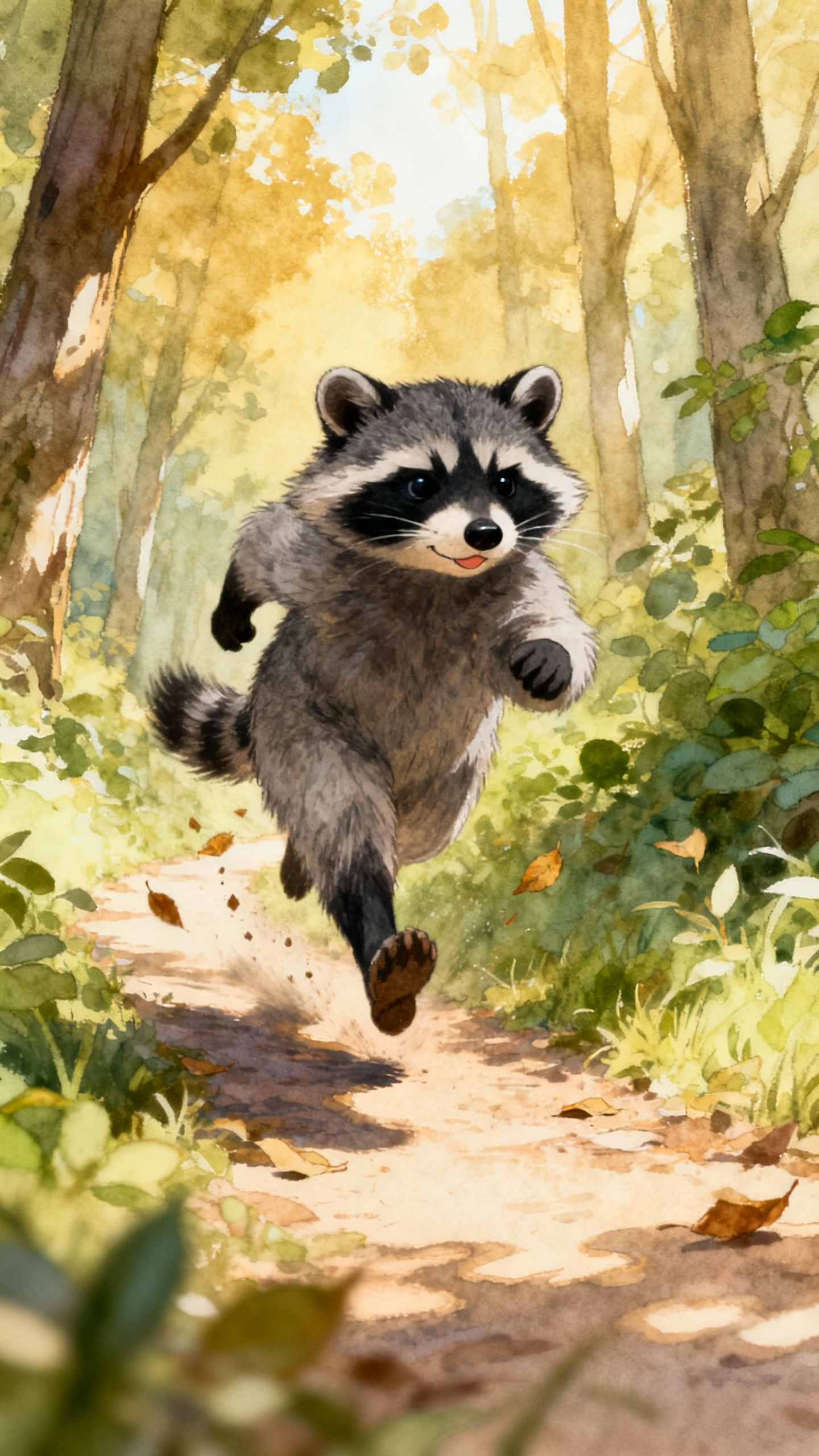
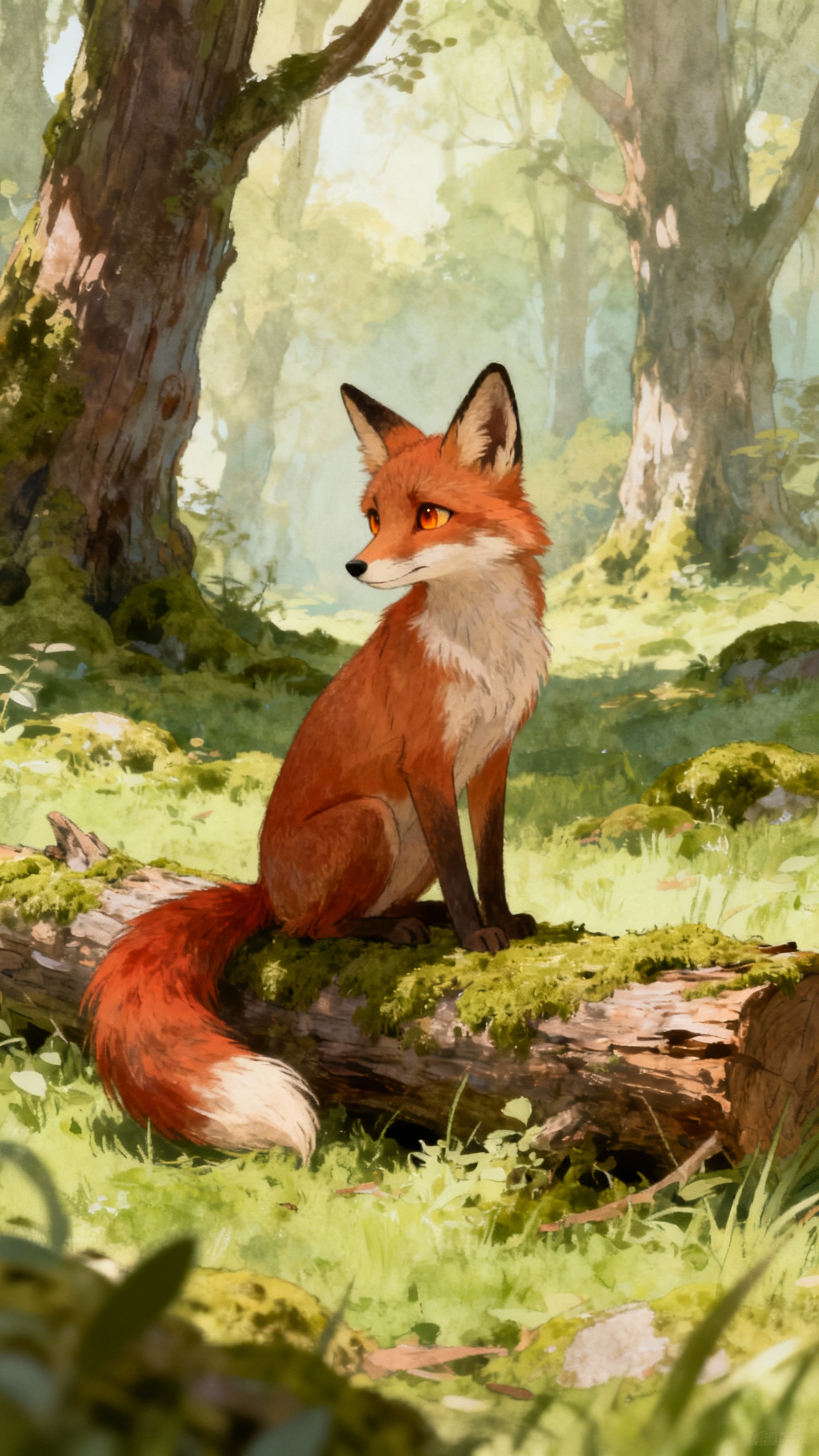
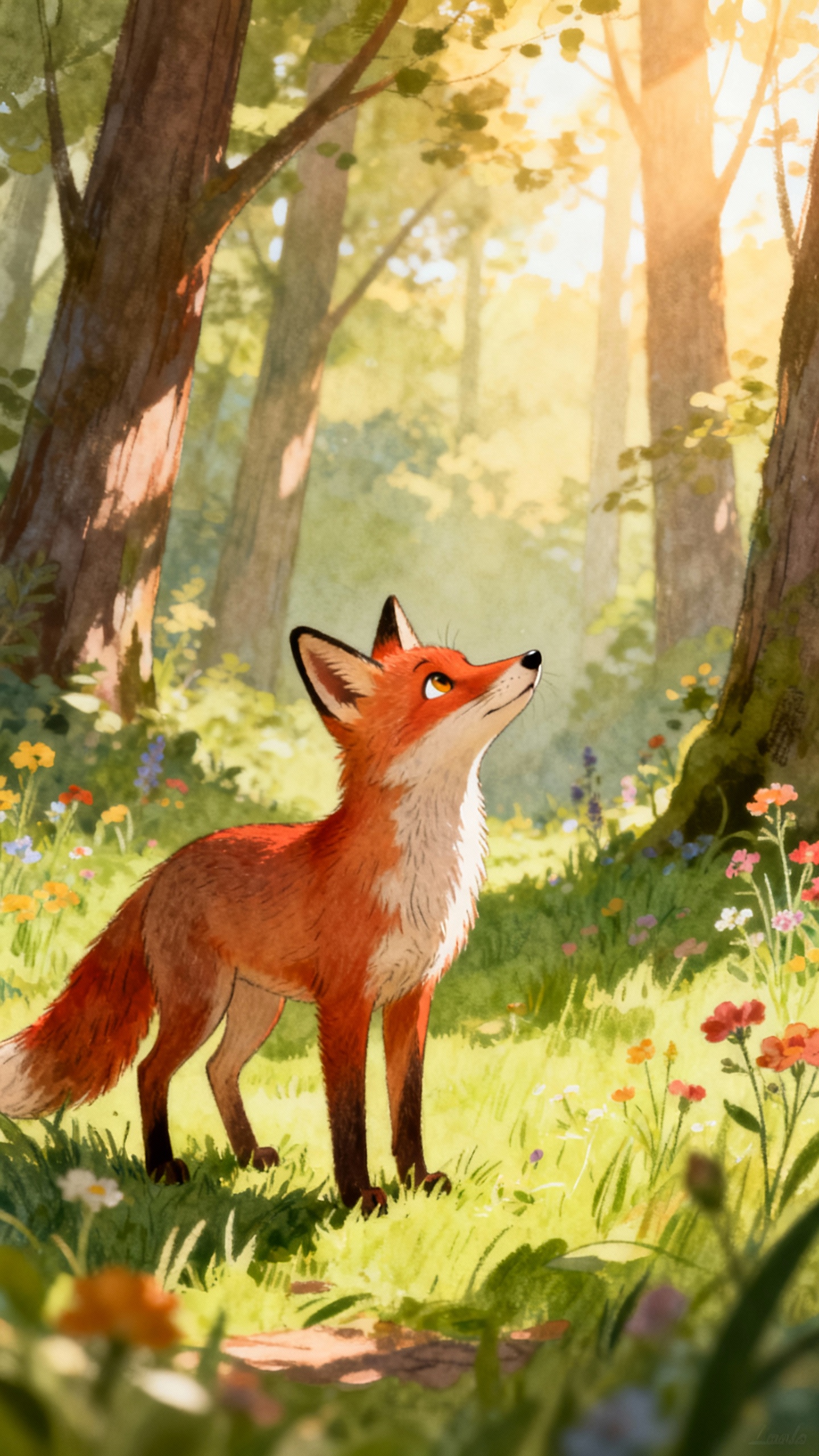
Anyone can elevate their creative work with Magiclight AI's paint animator. It transforms static visuals into captivating motion without technical skills or budget.

Upload your drawing, add motion and color, and even replace objects. Magiclight AI creates 10-15 second clips based on your 1500-character text prompt.
Turn your watercolor painting into a Pixar animation with Magiclight AI. The tool offers 20+ visual styles, so each video has its own look and vibe.
Magiclight AI analyzes image elements to create lifelike motion paths instead of random movements. It brings natural flow to characters and objects.
Every scene maintains stable faces, colors, and backgrounds without unwanted changes. With Magiclight AI, you get a smooth, professional clip.


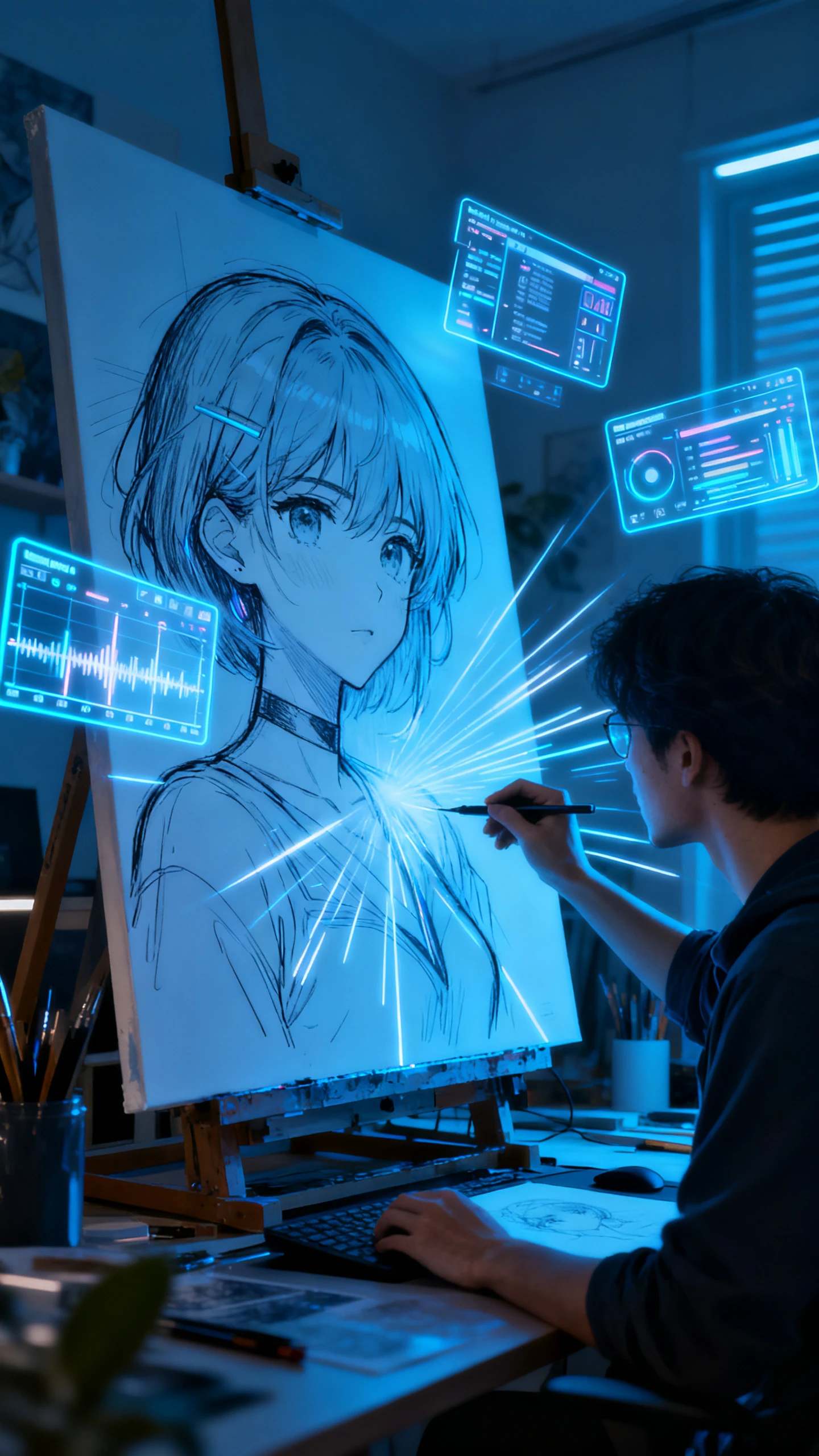
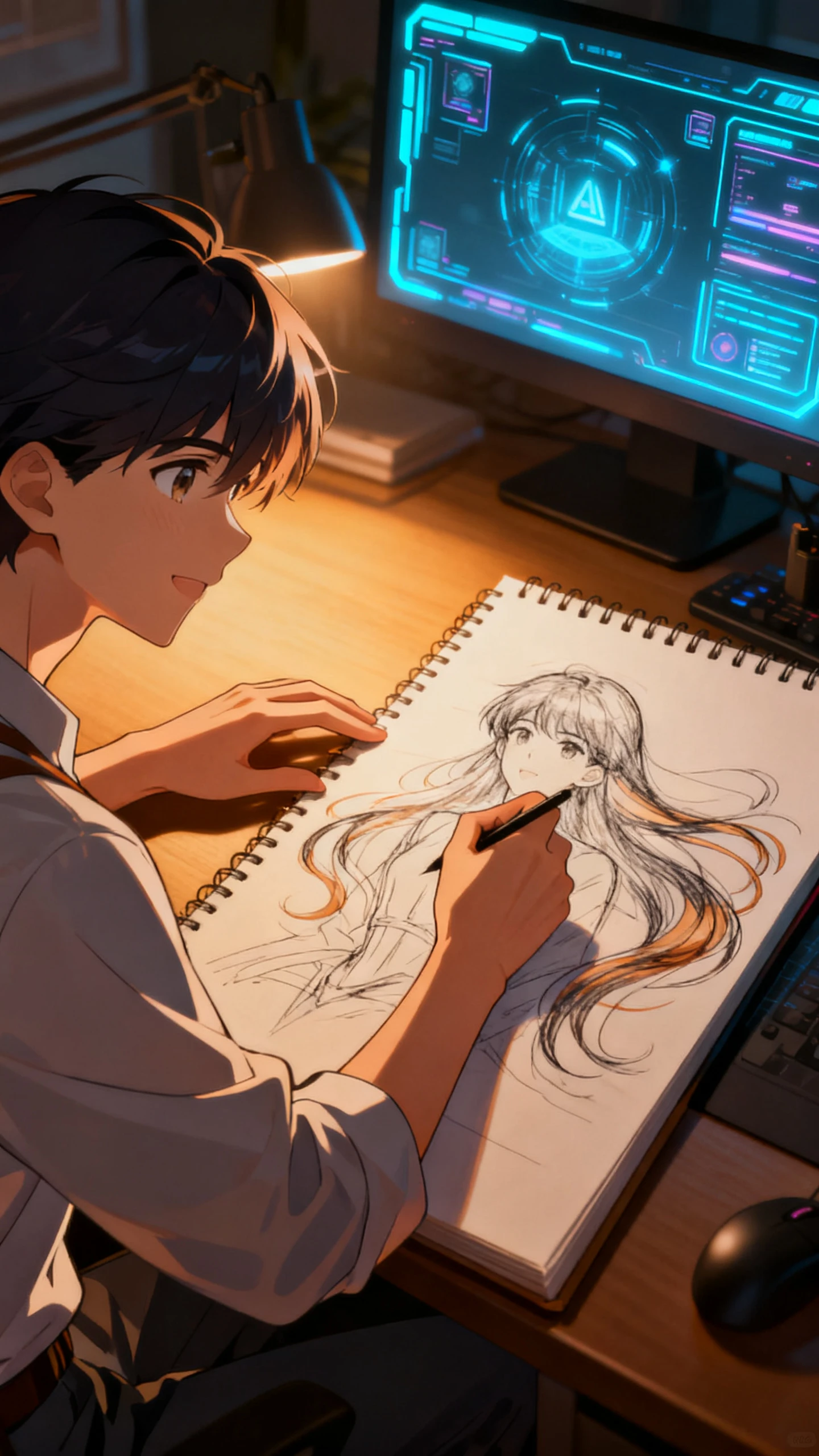
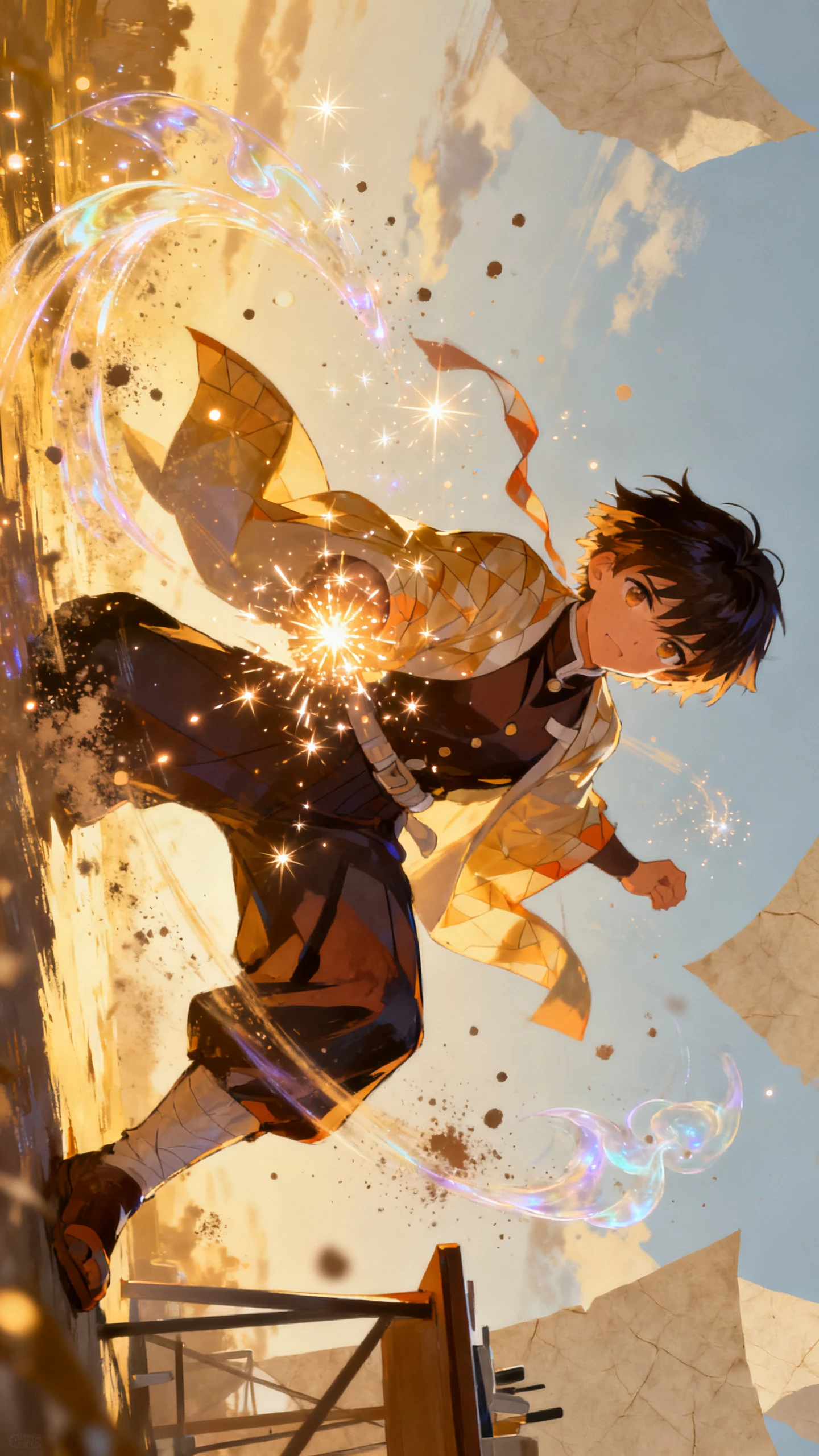
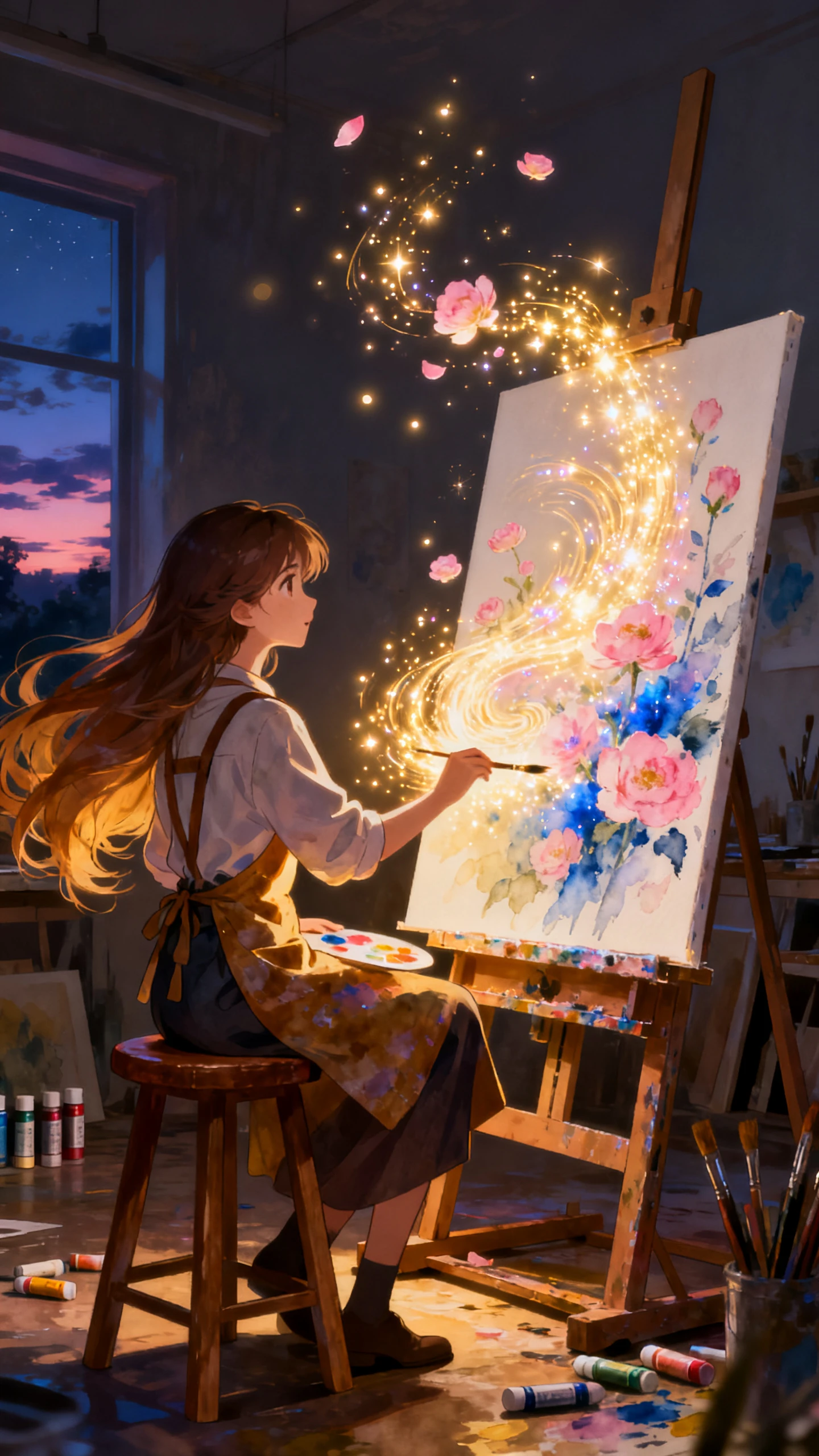
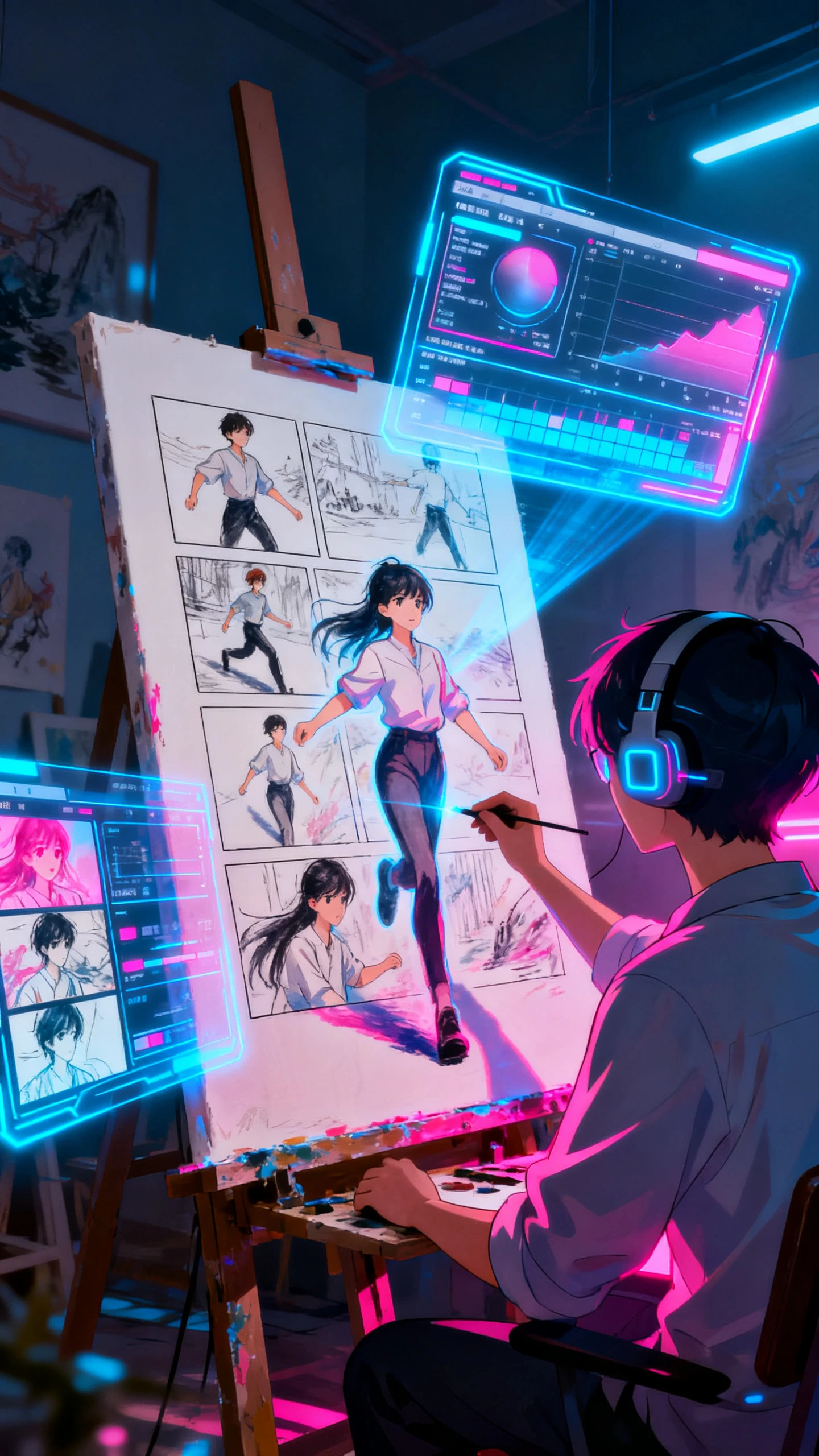
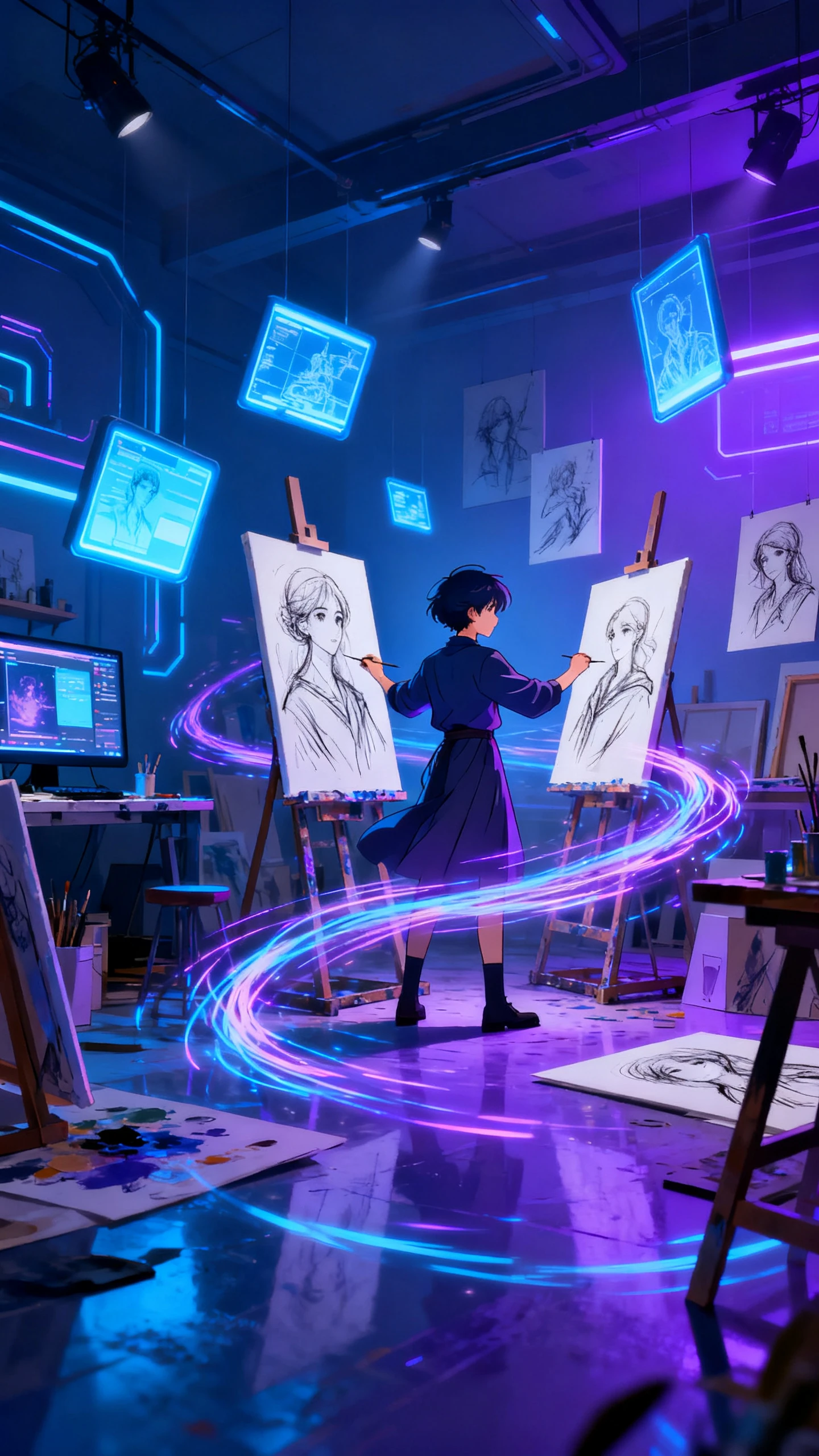
Creating animated videos is effortless with Magiclight AI painting animator. Beginners need to follow 4 simple steps that require no technical or editing skills at all.
Drag and drop your paintings, drawings, or sketches directly into the platform. Magiclight AI accepts multiple image formats for instant processing.
Enter a detailed text prompt describing every action and movement you want in your clip. Specify details like flowing elements or camera movements to ensure accurate results.
Pick an animation style, video length, and output format from the available options. Try to select the resolution and visual style that matches your vision.
Download your completed animated video in high-definition quality that is ready for sharing or publishing. Your painting is now a dynamic video.
A paint animator transforms static drawings into animated videos by adding natural motion to visual elements. Magiclight AI analyzes your artwork and applies intelligent movement.
Yes, both hand-drawn and digital artwork can be animated seamlessly using Magiclight AI. It allows you to upload various image formats, including JPG, PNG, and scanned files.
There are quite a few styles you can choose from, such as comic book, illustration, Jossei, and Wuxia. Users can turn any kind of painting into animated videos with Magiclight AI.
Most paintings are animated and ready for export within minutes, depending on complexity and length. Processing with Magiclight AI is fast and efficient for quick turnarounds.
You can use Magiclight AI and write specific prompts that describe actions, camera angles, and movements. It interprets your instructions precisely, so you get accurate results.
Magiclight AI offers free access to the painting animator, with options for upgraded features and higher-resolution exports. Start animating your artwork for no cost right now.



Start with Magiclight AI today and animate your sketches into professional motion graphics in a few minutes.