Hero background

Sketch to Video AI for Animated Videos

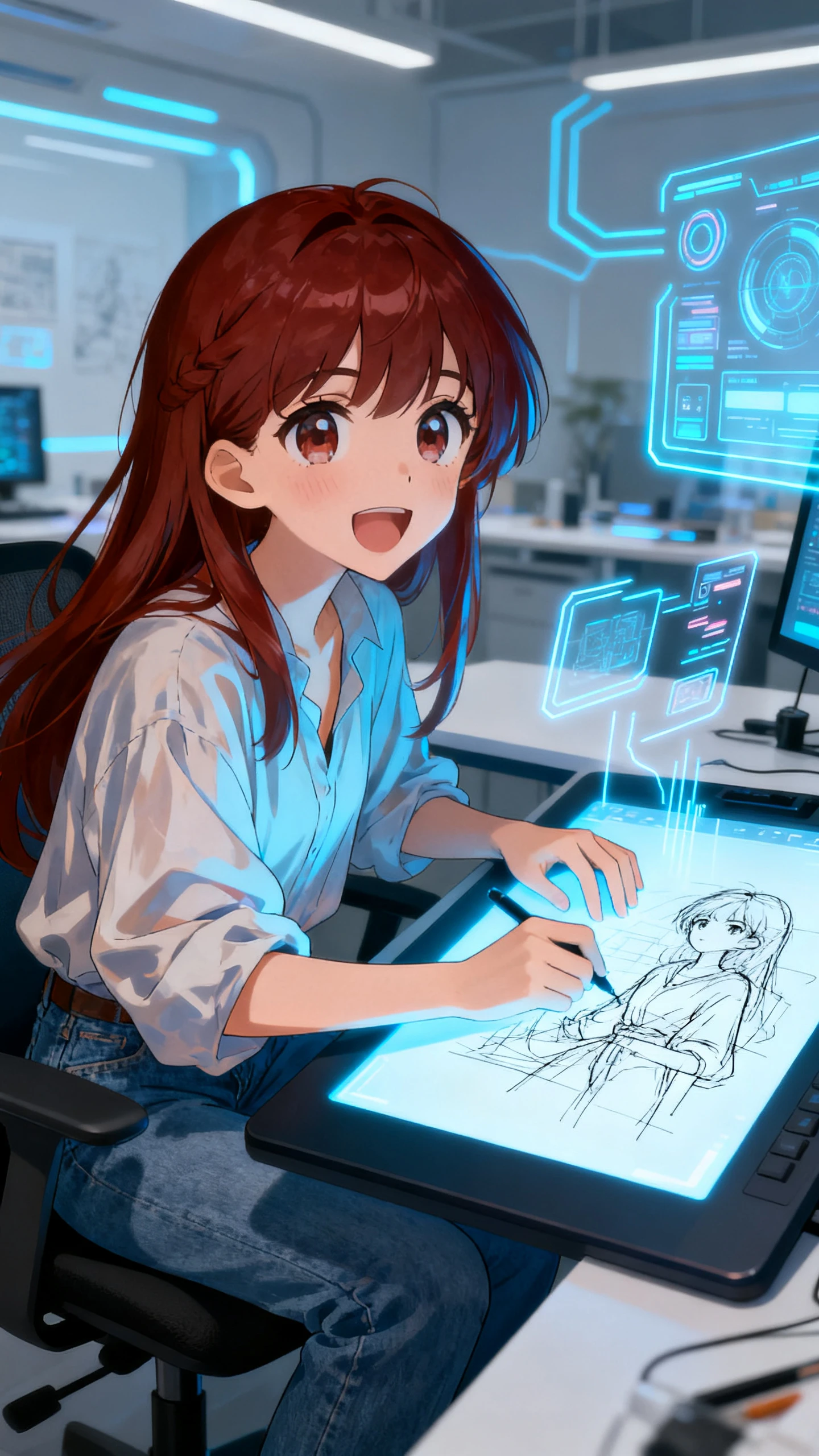
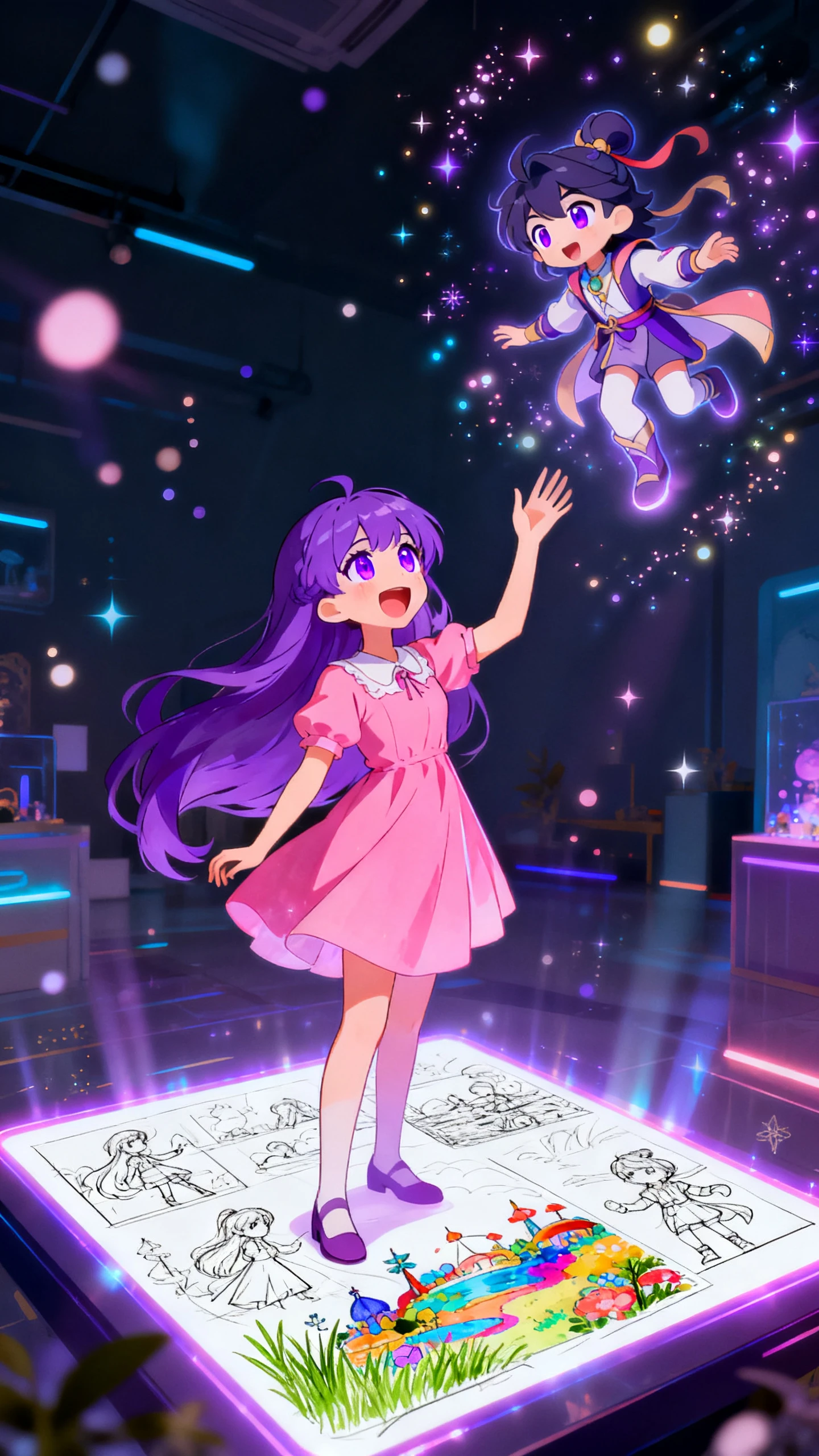
Turn a sketch into an animated video with motion, voice, and music. The sketch-to-video AI tool in Magiclight AI is great for beginners and non-artists.

Convert Sketch to Video Now
sketch-to-video AI
ketch-to-video generation
sketch-to-video converter
sketch to video
sketch-to-video AI
ketch-to-video generation
sketch-to-video converter
sketch to video
sketch-to-video AI
ketch-to-video generation
sketch-to-video converter
sketch to video

Explore Features of Magiclight AI Sketch to Video Converter

Magiclight AI handles the full sketch-to-video generation process, taking creators from a rough drawing or text concept to a finished animated clip in one place.

Explore the video generator
3D decoration

Quick Video Generator

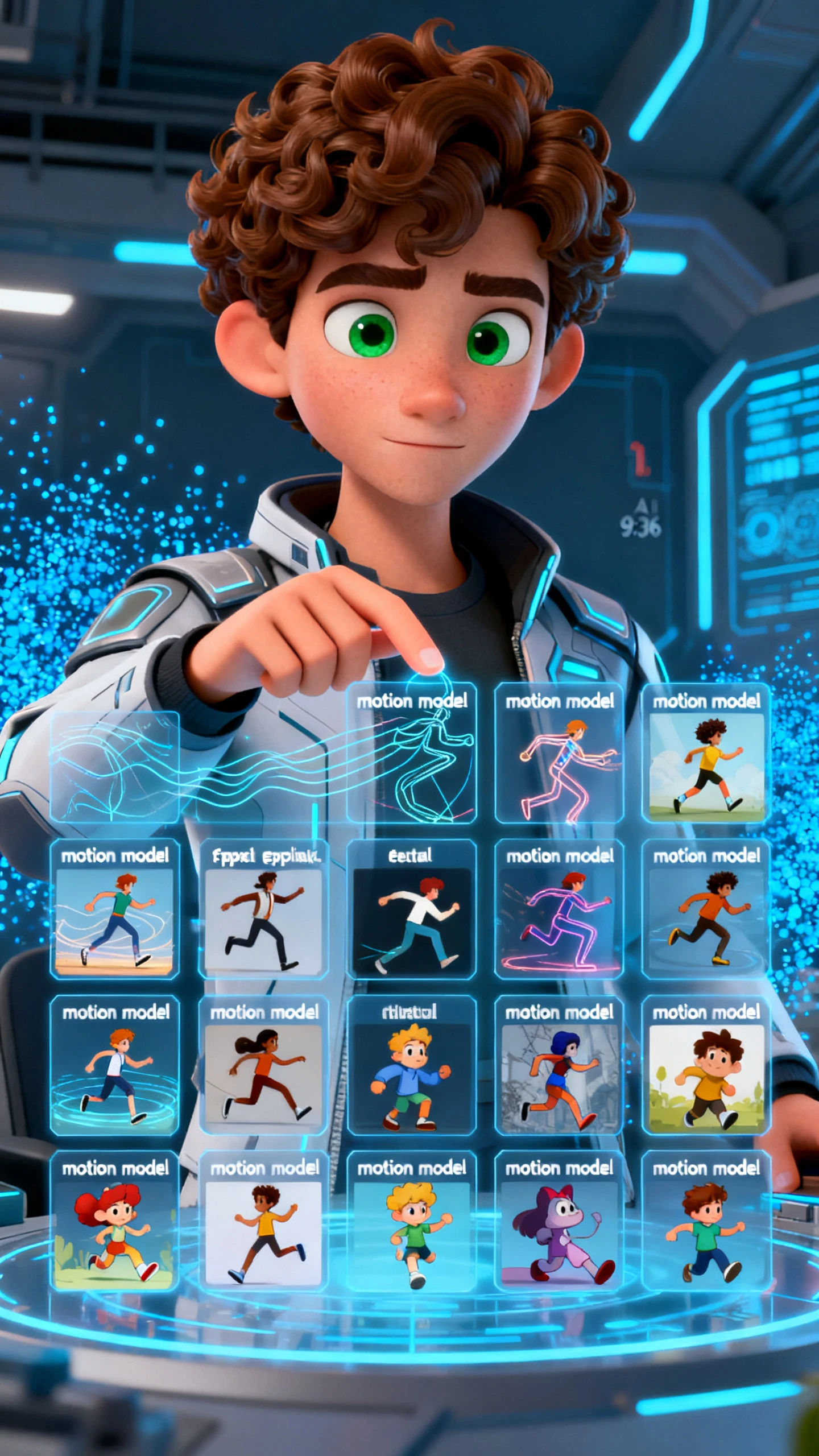
Upload any hand-drawn image into Magiclight AI and add a prompt of up to 1,500 characters. Choose from 19 video models to set how the sketch moves on screen.

Apply Styles to Visual References

Apply the sketch style from MagicLight 3.0 in Magiclight AI to any photo. The output looks hand-drawn even when no actual drawing is involved.

Full Narrative from Script

Magiclight AI builds narratives with 12,000 characters of script. Choose from AI models such as Seedance 2.0 or Veo 4 for videos.

Voice and Music Lay Overs

Choose from 37 voice options, 40 music tracks, and 16 subtitle styles onto any sketch video in Magiclight AI. The finished clip is ready to share.

Who Creates Sketch to Video Content With Magiclight AI
Sketch-to-video generation serves creators with completely different goals. Magiclight AI gives each group a specific workflow for output.
YouTube Creators
For YouTube Creators
Produce sketch videos weekly without hiring animators or editors.
Add voice and music inside Magiclight AI before uploading to YouTube.
Fill a content calendar with sketch-style videos in one session.
Educators and Online Course Makers
For Educators and Online Course Makers
Turn lesson notes into sketch explainer videos for online courses.
Keep student attention with visual sketch narration, not slide decks.
Export course videos at 1080p and upload to any learning platform.
Advertisers and Marketing Teams
For Advertisers and Marketing Teams
Create sketch-style brand ads without a creative agency or budget.
Test multiple visual angles by generating sketch variants quickly.
Deliver campaign videos in 11 languages from a single brief.
 Artists and Illustrators
For Artists and Illustrators
Animate personal sketch work into video without learning software.
Build a portfolio reel from existing drawings in one session.
Publish animated sketch content on social without post-production.
Why Magiclight AI Exceeds
a Basic Sketch Video Converter
Most sketch-to-video converter tools stop at the visual output. Magiclight AI adds motion control, audio, publishing, and global reach in the same platform.
No Drawing Skill
No Drawing Skill Needed
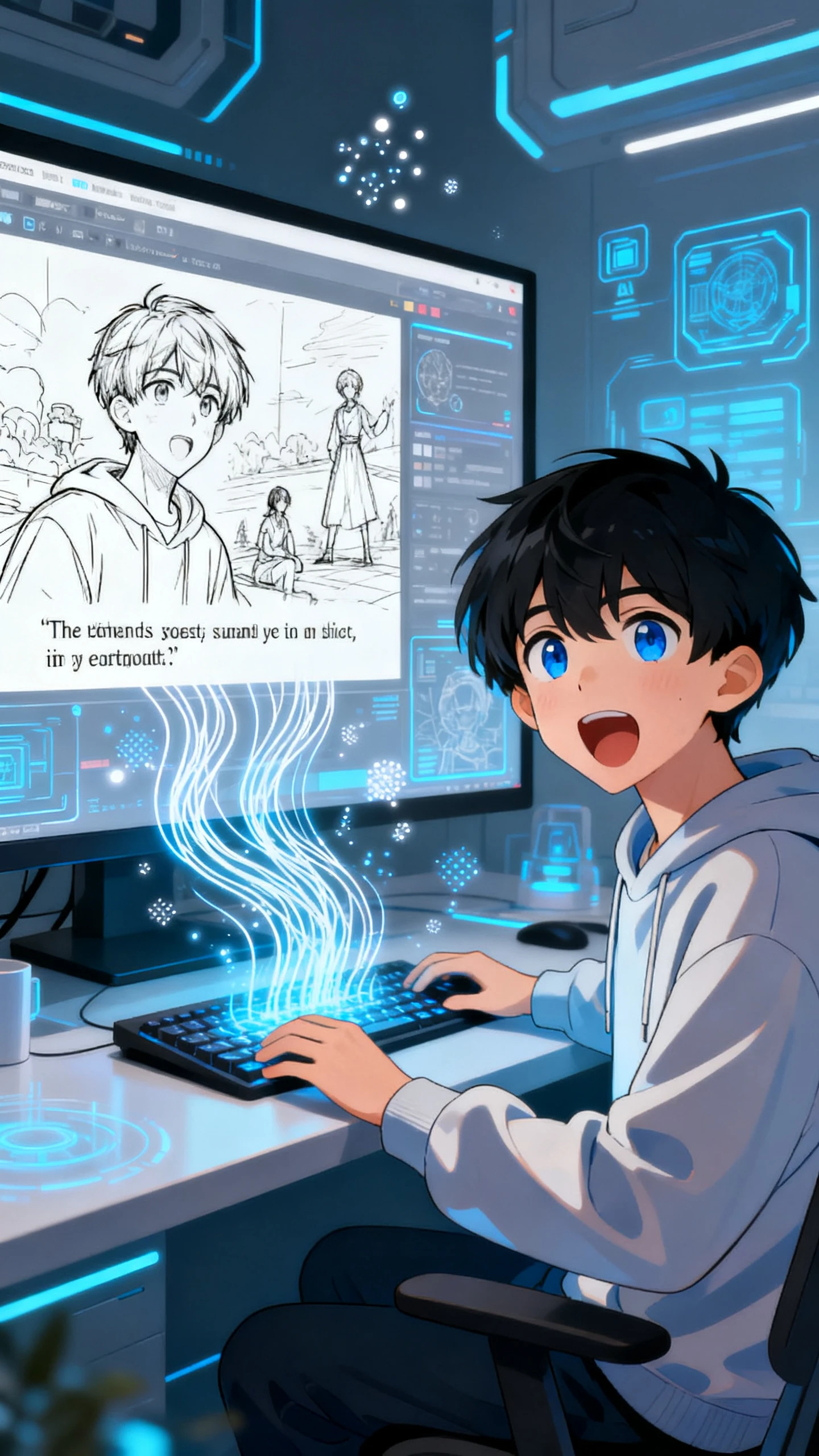
Creators do not need drawing ability in Magiclight AI. A typed description or an uploaded photo automatically generates a sketch aesthetic without any artistic skill.
YouTube
Export Ready for YouTube
Every sketch video exports at 1080p from Magiclight AI, meeting the standard for YouTube and social publishing without any transcoding or format conversion.
One Platform
Clips and Long Narratives in One Platform
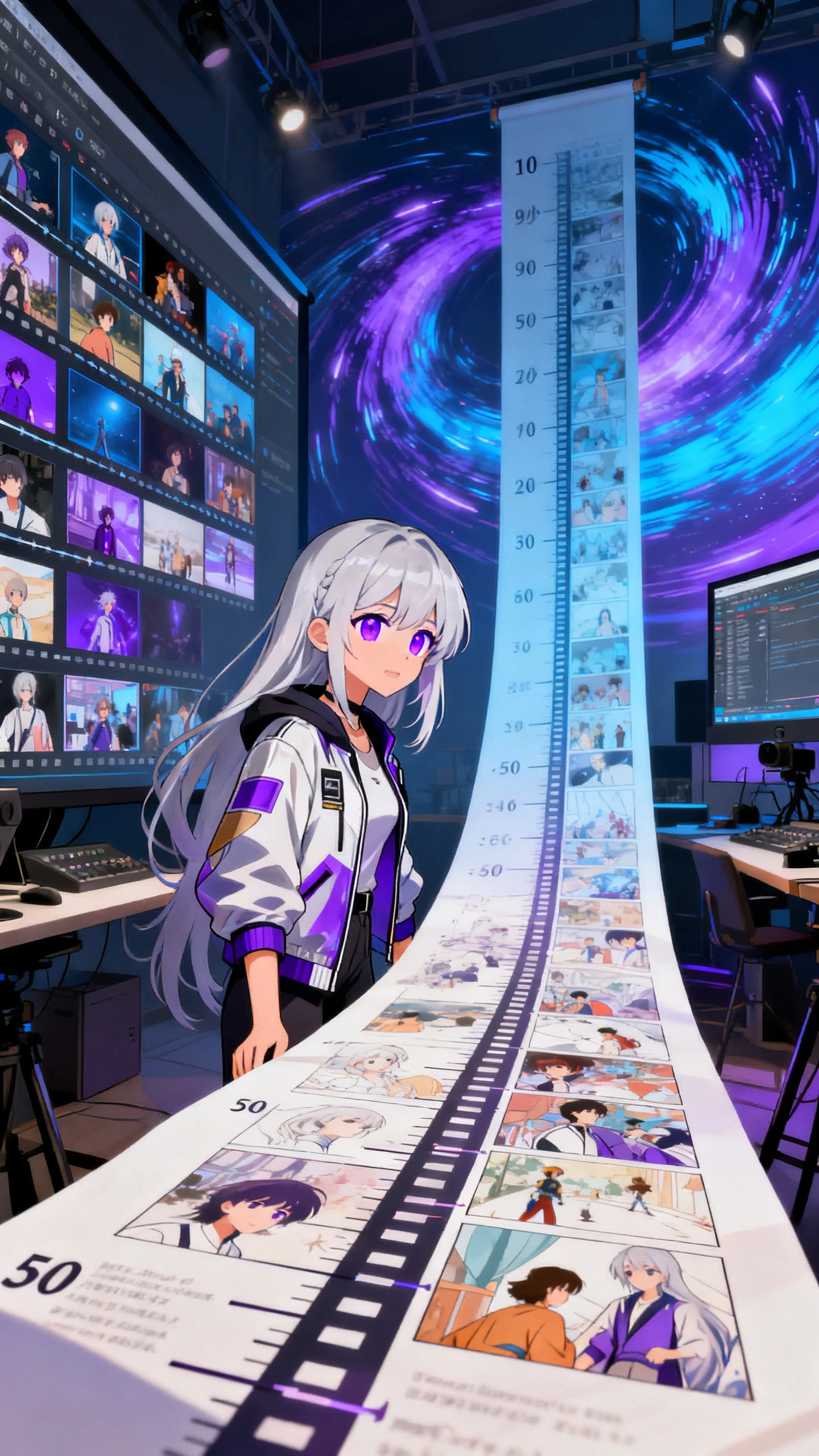
Sketch clips run 10 or 15 seconds for social content, or up to approximately 50 minutes for full sketch narratives. One platform covers both without switching tools.
One Workflow
Create and Publish in One Workflow
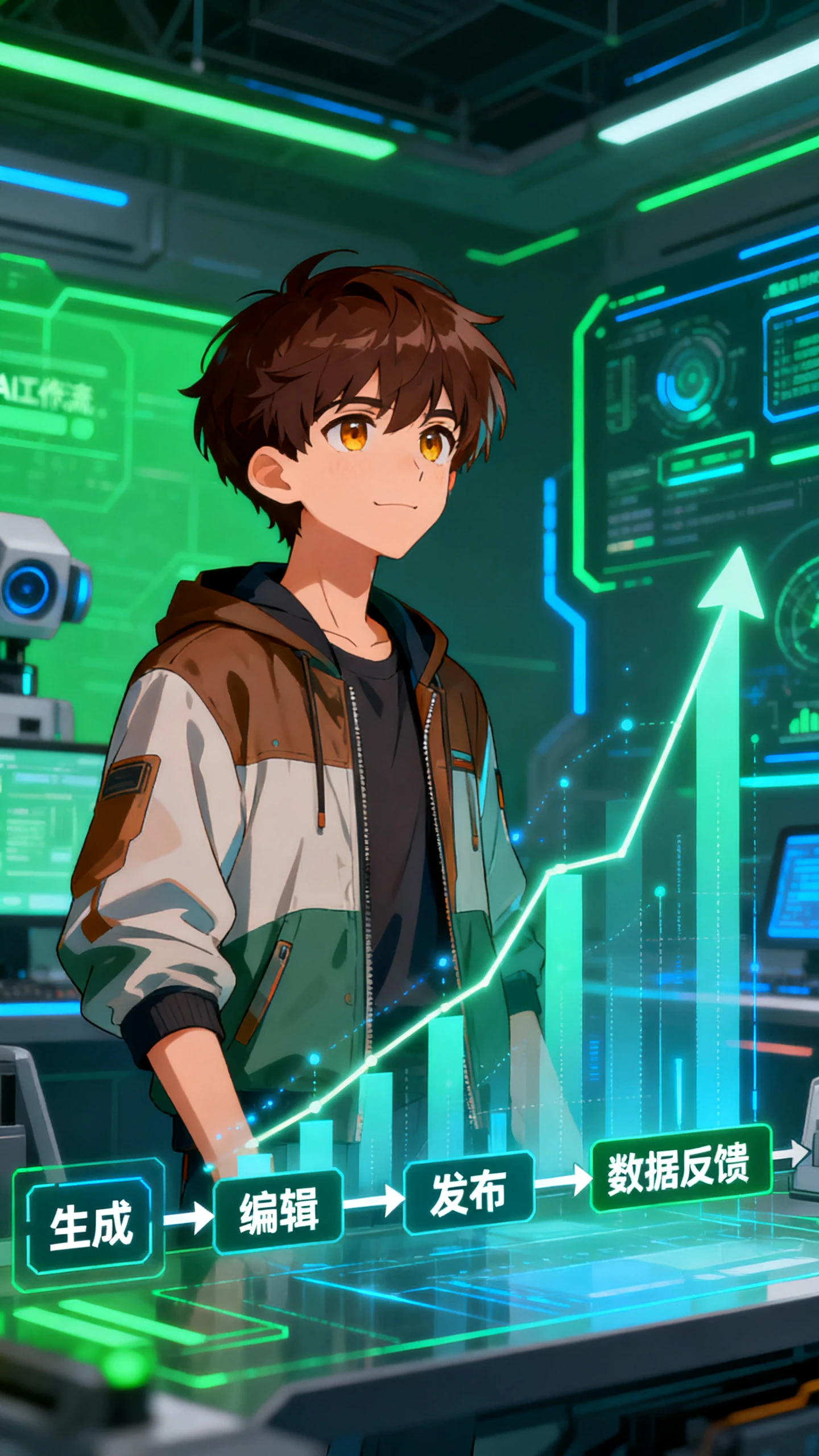
With Magiclight AI, sketch video creation, editing, and publishing is done in one session. Creators see which sketch videos drive views and plan accordingly.
 Video Models
Video Models for Motion Control
Magiclight AI gives access to 19 video models, each producing different motion for animated sketch content. Creators match movement style to the tone of the scene.
Multiple Languages
Sketch Videos in Multiple Languages
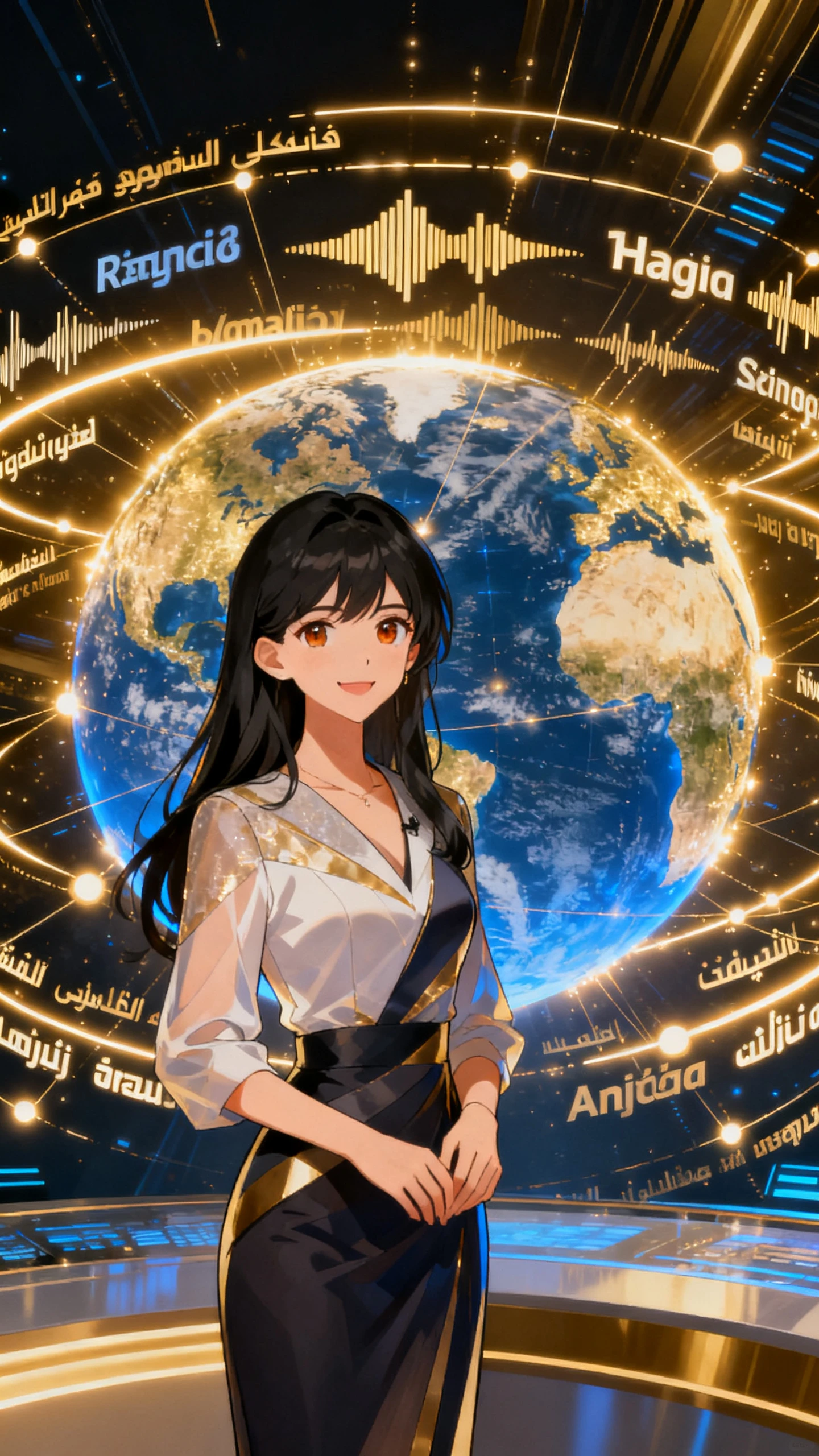
Magiclight AI supports sketch video narration and subtitles in 11 languages. Without rebuilding any scene, you produce localized content in just a few minutes.

How to Create a Sketch Video in Magiclight AI  in 4 Steps

From uploaded sketch to video in 4 steps, Magiclight AI handles style, motion, voice, and export so creators focus on the idea, not the process.

1.

Upload Your Sketch and Write Prompt

Open Image to Video in Magiclight AI and upload your sketch. Write a prompt up to 1,500 characters covering how the sketch moves and the tone of the output.

2.

Select a Video Model and Visual Style

Choose a video model to control how the sketch animates. To apply sketch style without a source image, select simple sketch from MagicLight 3.0.

3.

Choose Video Length and Aspect Ratio

Pick an aspect ratio for the generated clip. Assign a time limit for the finished sketch video up to 15 seconds, so Magiclight AI knows how to pace the visuals.

4.

Export and Publish Your Sketch Video

Preview the finished video and export it to your device. You can also publish the video either on Magiclight AI or another platform.

FAQs on Sketch to Video AI

What is the difference between Image to Video tool and Story to Video in Magiclight AI

Image to Video tool in Magiclight AI animates a sketch from an uploaded image and a prompt. The simple sketch style in Story to Video applies the same look to generated scenes.

Is the sketch-to-video AI workflow free to try?

Yes. Magiclight AI has a free entry point for the sketch-to-video AI workflow. It is recommended to visit the website for plan details and model access.

What styles are available for sketch content?

The tool provides 19 video models for motion, plus the simple sketch style from MagicLight 3.0. Each combination gives different visual and motion results.

Do I need drawing skills for the Magiclight AI sketch video?

No. Magiclight AI creates the sketch look from a text description or photo. Creators create sketch-to-video content from a written brief without any drawing skills.

What resolution do sketch videos export at?

Sketch videos are exported at 720p using Magiclight AI, meeting YouTube upload standards. Files are ready to publish without transcoding or resizing.

How long can a sketch-to-video generation run?

Story to Video in Magiclight AI supports up to approximately 50 minutes in sketch style. Image to Video produces 10 or 15-second clips.


Turn Sketch Into Viral Animation Video With Magiclight AI

Try Magiclight AI and experience a complete sketch-to-video workflow with animation, voice, and music.