
Explore Features of Magiclight AI’s video tutorial maker
In one workflow, the Magiclight AI video tutorial maker handles script, scene layout, voiceover, and export. Each tutorial gets a clear opening, guided steps, and a summary.

Magiclight AI gives educators, creators, and trainers an AI tutorial video maker with inclusive models, voices, and HD export. Type a topic, and it builds the tutorial.
Create Tutorial Video Free
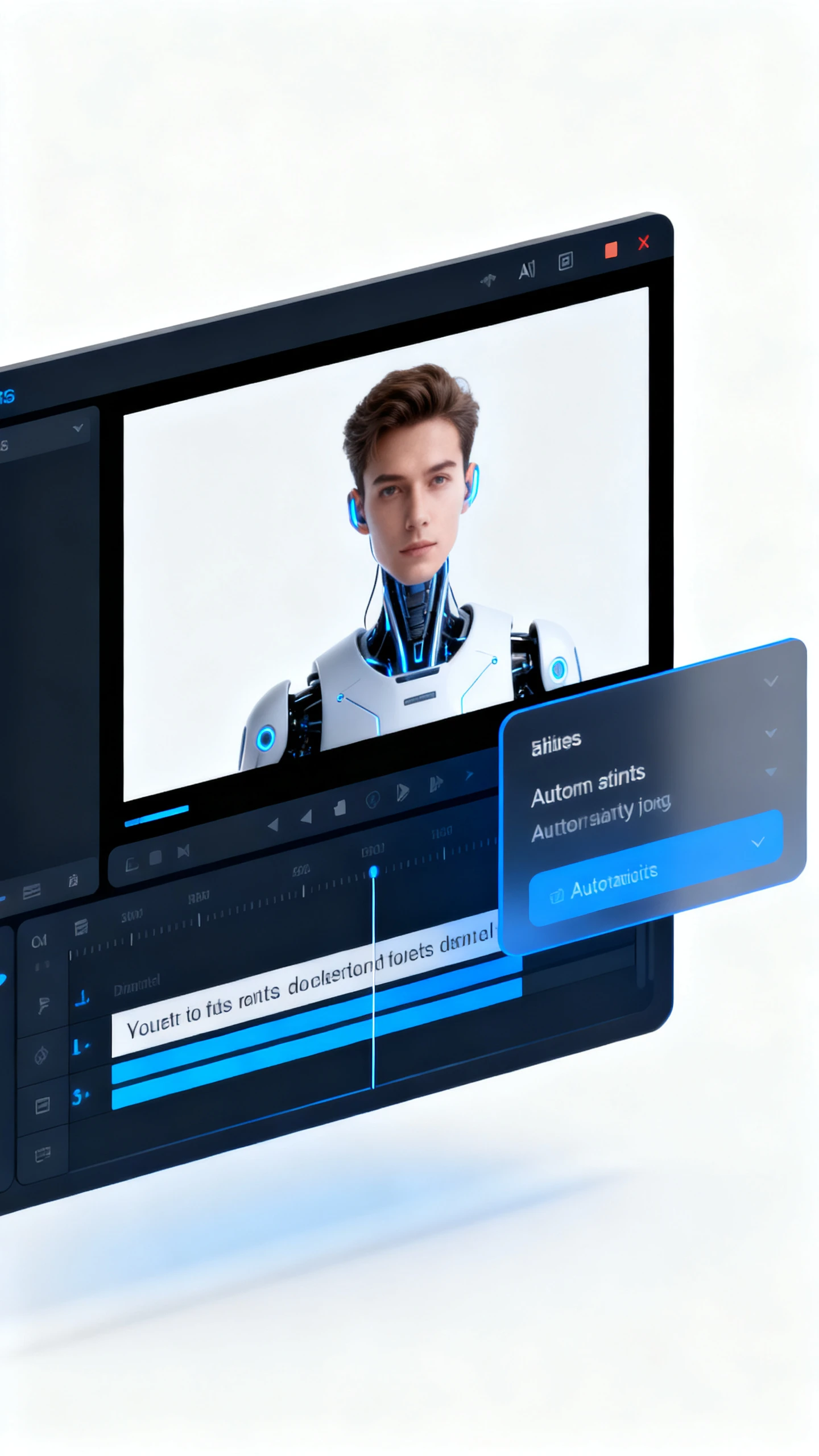


In one workflow, the Magiclight AI video tutorial maker handles script, scene layout, voiceover, and export. Each tutorial gets a clear opening, guided steps, and a summary.

Magiclight AI uses 9 models, including GPT-5 and Claude Opus 4.6, to form an intro, ordered steps, and summary from one prompt.
Use Nano Storyboard to turn each step into a scene, adjust angles, choose from 50 poses, and set timing before rendering.
Pick from 37 voices by accent, age, and tone, or clone your own voice for clear, consistent narration across tutorial steps.
Select cinematic, flat art, illustration, or Pixar styles so every scene keeps the same visual direction throughout the tutorial.


Magiclight AI walks you through scripting, scene layout, narration, and export in four steps. No editing background or production software required to get a finished tutorial.
Enter the topic, learner type, and number of steps needed. Magiclight AI then shapes your input into an intro, an ordered script, and a closing summary.
Review each tutorial step as a separate Nano Storyboard scene. Adjust poses, camera movement, and timing before Magiclight AI renders the final video.
Choose from 37 voices or clone your own. Select one of 20+ visual styles that fit your tutorial format and apply it across every scene in one click.
Select music, subtitles, and export quality before downloading. Magiclight AI prepares the tutorial in 720p or 1080p for course platforms or video channels.
A video tutorial maker turns topics into lessons with visuals and narration. Magiclight AI adds scripting, storyboard control, and voices for professional instructional flow.
Magiclight AI offers free access so you can test the tutorial workflow. Paid plans unlock advanced limits, exports, and production features for serious creators.
No editing background is required because scripts, scenes, timing, and export align. The guided workflow in Magiclight AI moves you from topic to tutorial.
Yes, voice cloning helps tutorials sound consistent across a complete learning series. Alongside 37 voice options, Magiclight AI supports clearer personalized instructional narration.
Flat art and illustration usually suit clear lessons, diagrams, and walkthroughs. You can also selectively use Magiclight AI’s cinematic or Pixar styles.
Yes, you can prepare subtitles and voiceovers for learners across regions. For localization, Magiclight AI supports 11 languages in a single tutorial workflow.



From one prompt, Magiclight AI prepares structured tutorials with narration and polished visuals.