Hero background

Transformers OC Maker for Custom Cybertron Heroes

Turn your ideas into Cybertronian art with the Transformers OC maker in Magiclight AI. You can build original OCs and unique designs in minutes. Start now!

Try Transformers OC Maker For Free
Transformers OC maker
AI bot creator
roleplay character generator
custom bot maker
AI character creator
Transformers character generator
robot OC creator
AI roleplay bots
Transformers OC maker
AI bot creator
roleplay character generator
custom bot maker
AI character creator
Transformers character generator
robot OC creator
AI roleplay bots
Transformers OC maker
AI bot creator
roleplay character generator
custom bot maker
AI character creator
Transformers character generator
robot OC creator
AI roleplay bots

Explore the Powerful Features of Magiclight AI Transformers OC Maker

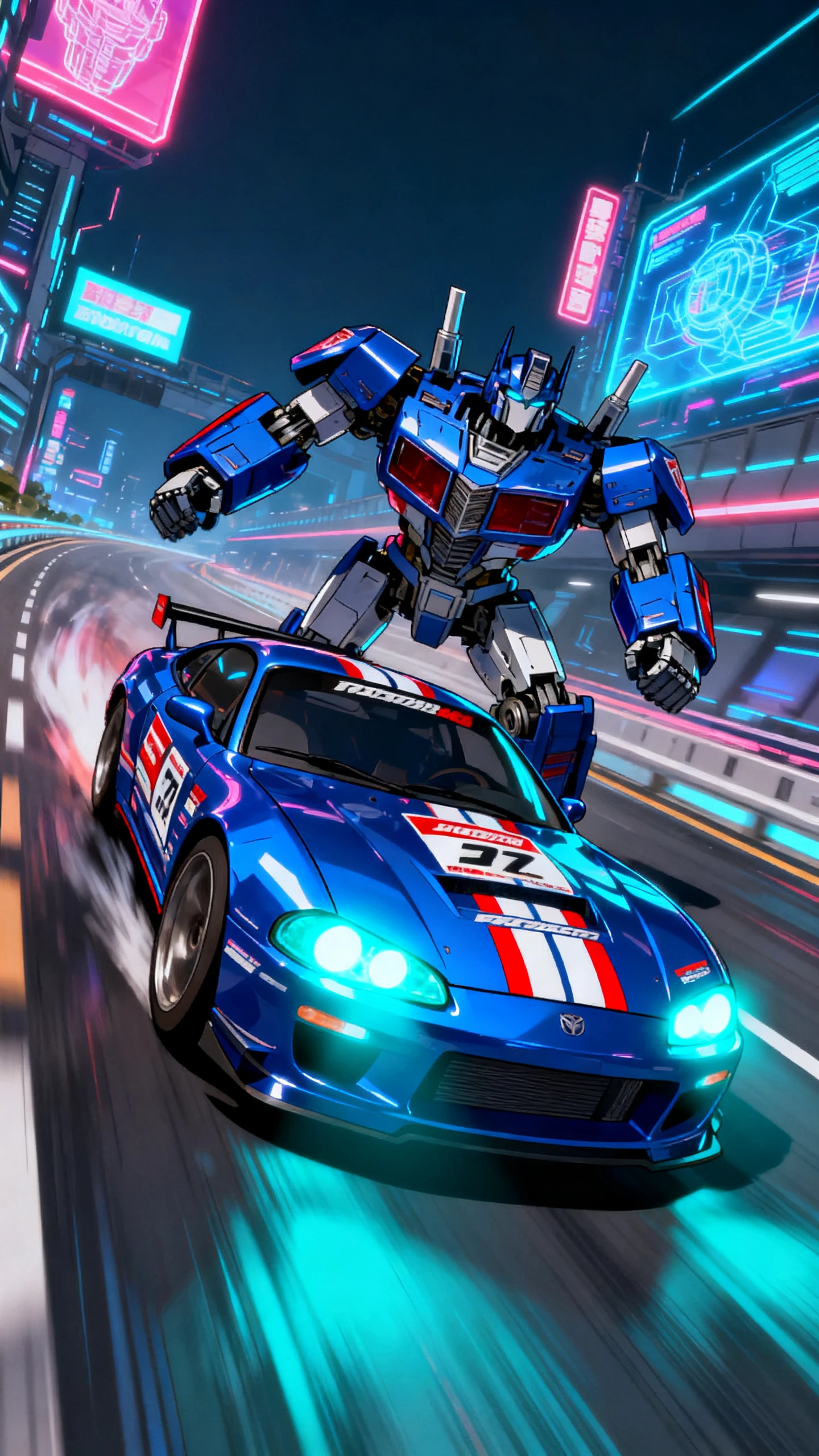
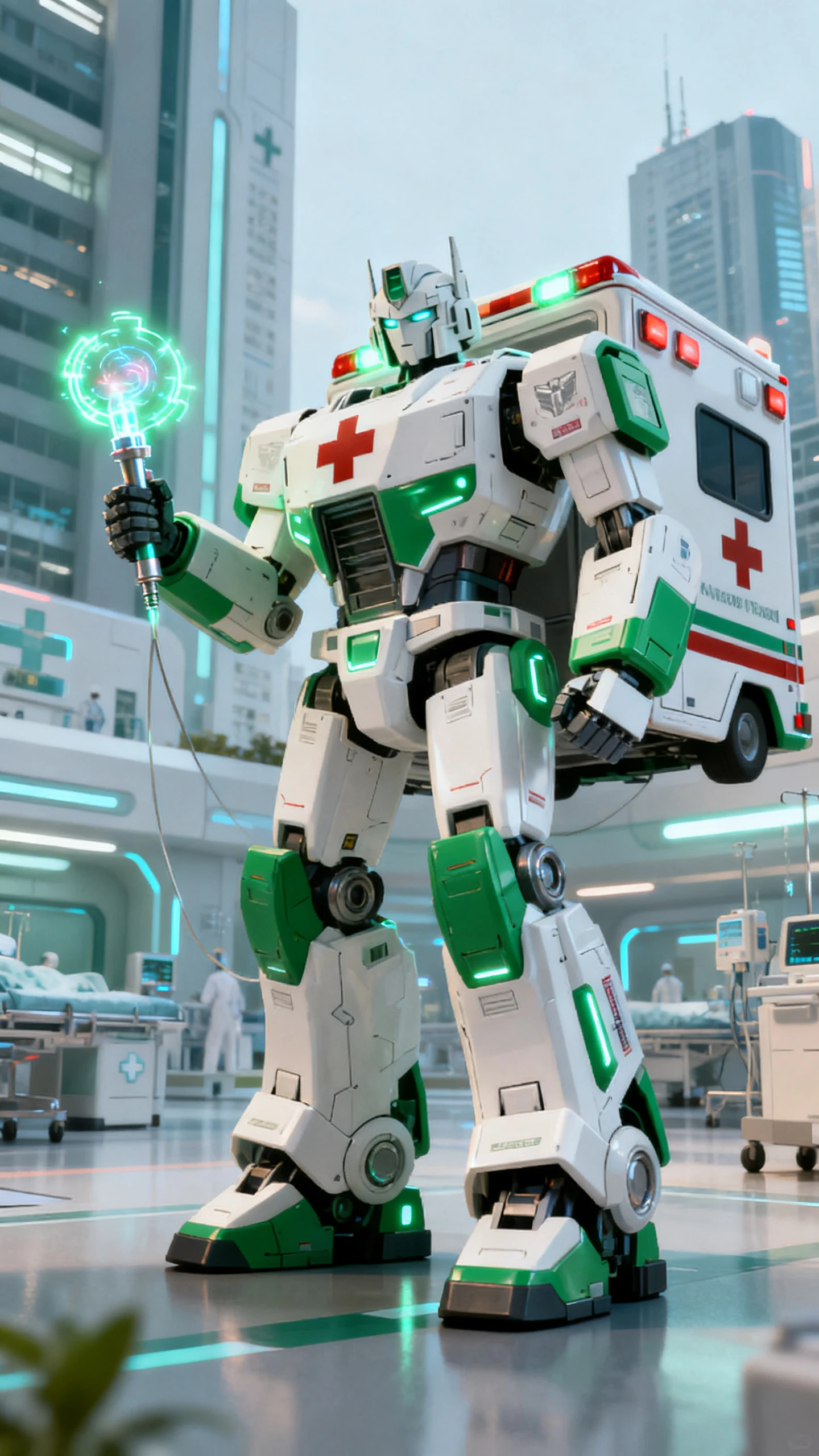
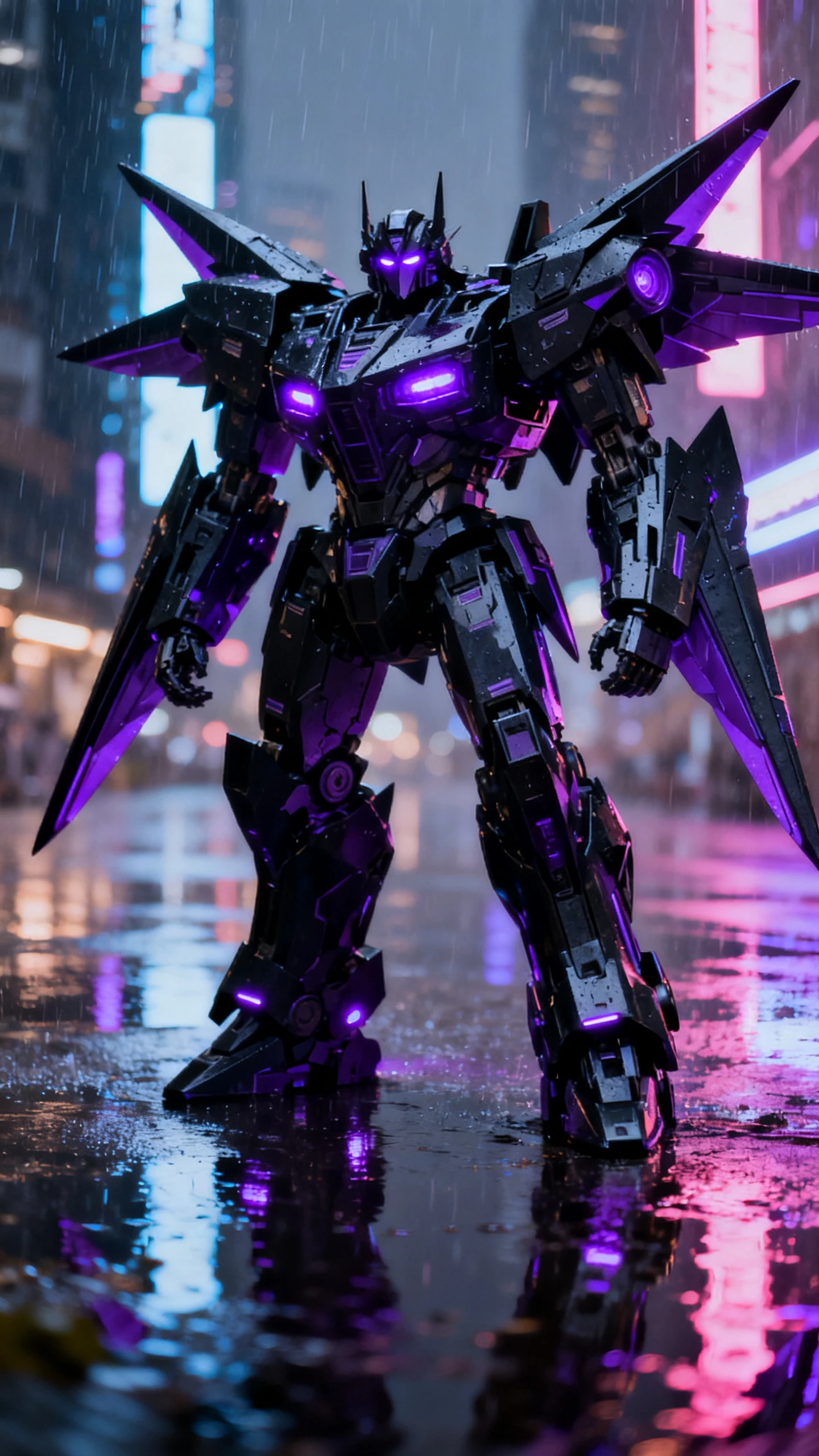
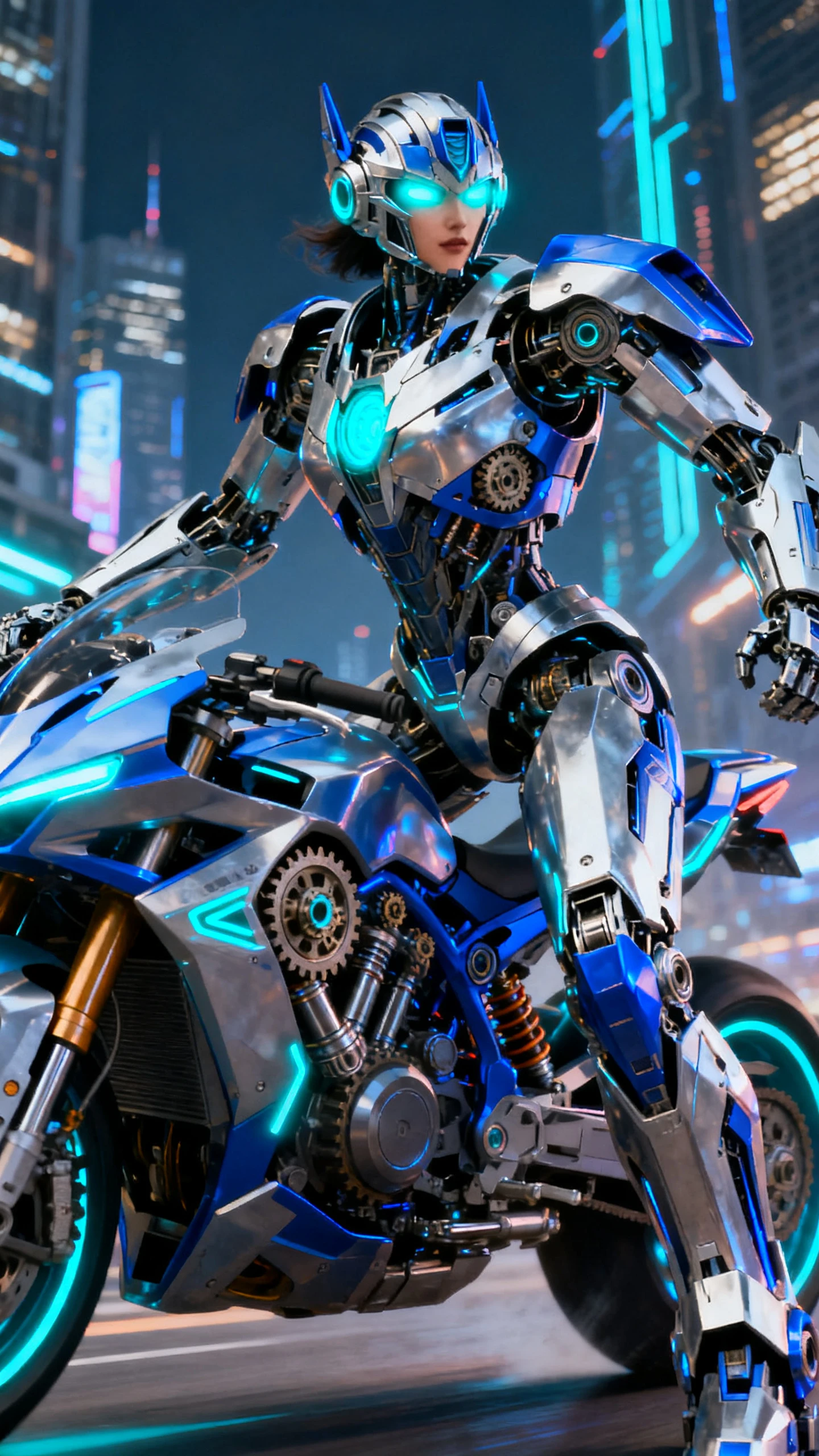
Magiclight AI Transformers OC maker helps you create polished OCs with deep customization over armor, lighting, and faction themes. Easily make the bot you imagine within seconds.

Explore the video generator
3D decoration

Prompt to Bot in Seconds

Type a role, look, or backstory and watch it come to life. Magiclight AI helps you build Decepticons and Autobots straight from plain words.

Full‑Body Autobot Editing

With Magiclight AI, adjust body shape, armor, weapons, and pose to match your vision. It responds to your edits to build precise Autobot‑style OCs.

Style Your OC Your Way

Users can choose bold colors, lighting, and final finish for their OC in Magiclight AI. With 20+ styles, you can imagine your OC in various ways.

Consistent OCs Across Scenes

Magiclight AI lets users keep the character's shape and outfit consistent throughout the project. This lets you stop manually fixing off‑model shots.

Who Is Magiclight AI Transformers OC Maker Best For
Cosplayers, artists, and marketers can design signature bots ready for prints and promo shots with Magiclight AI Transformers OC maker. Learn how anyone can use it effectively.
Educators
For Content Creators
Design channel bots fast for banners and overlays.
Refresh video thumbnails without constant custom art fees.
Prototype new OC looks in minutes, not days.
Parents
For Dedicated Cosplayers
Visualize armor builds fast before crafting a costume.
Test different styles and colors for each OC quickly.
Align prints and merch art without extra revisions.
custom robot characters
For Game Developers
Test autobot themes cheaply before hiring artists.
Make NPC squads fast, instead of hand‑drawing all of them.
Reuse the Transformer OC art across sessions to save prep time.
AI avatar generator
For Fan Artists
Test colors and armor ideas quickly without repainting.
Deliver client concept options faster, saving effort.
Draft mech designs quickly before final line art.
Why People Prefer to Use
Magiclight AI’s Transformer OC Maker
You can turn OC ideas into polished visuals faster than with other tools. Magiclight AI’s Transformer OC Maker handles style, poses, and consistency so you can focus on the story.
bot design tool
Turn Scripts Into Finished Videos in One Workflow
Start with a simple idea or script and end with a complete, polished video in one flow. With Magiclight AI, you keep the character's looks stable from scene to scene.
robot avatar creator
Polish Videos With Subtitles, Covers, and Music Packs
Give every video a finished feel with 16 subtitle styles, 21 covers, and 40 music tracks in Magiclight AI. The tool makes pro‑looking packaging a quick part of your flow.
sci-fi character maker
Start Faster With Built‑In Story Video Templates
Get past blank‑page blocks with seven preset structures for popular story types. Magiclight AI fills in scenes around your prompt to speed up planning and creating.
OC maker for roleplay
Make Full Videos in One Click and Learn as You Go
Let preset modes handle the heavy lifting from script to final cut, and reduce setup time way down. Magiclight AI guides you with tips and on-screen tutorials during each render.
AI visual customization
Save OCs Once and Reuse Them Across Every Project
Stop rebuilding the same cast from scratch for each new idea and keep a shared pool instead. In Magiclight AI, your stored characters from the library drop into new videos fast.
AI character design tool
Set Aspect Ratio and Export Quality Before You Share
With Magiclight AI, choose aspect ratio and resolution that fit YouTube, TikTok, or Reels without guesswork. The tool lets you refine and edit exports for each platform.

How to Make a Transformer OC using Magiclight AI in 4 Steps

You don’t have to switch apps for concept art, revisions, and exports anymore. Learn how to make a Transformer OC in Magiclight AI and cut extra tools, time, and costs.

1.

Start With a Concept

Enter a detailed prompt for your bot, including faction vibe, body type, color scheme, and alt‑mode. Describe armor, weapons, and personality to get a matching Transformers OC

2.

Refine the Transformer OCs

Pick an art style that fits your Transformers universe, from realistic to anime. Then choose voice tone, age, and accent so your OC feels alive when it speaks on screen.

3.

Polish the Storyboard

Review each storyboard scene and tweak body build, face plates, expressions, and armor details. Adjust poses and outfits until every shot matches your idea.

4.

Download the Result

Preview your full Transformers OC video and make any changes. When you’re happy, export the final animation or publish it directly to share with fans and friends.

FAQs on Transformers OC Maker

What is the Transformers OC Maker in Magiclight AI?

Magiclight AI Transformers OC Maker turns your text prompts into consistent bot characters and animated scenes. With it, you can build full stories around your OCs.

Can I reuse the same Transformers OC in new videos?

Yes, you can save your bot design once and drop it into future projects. Magiclight AI keeps that OC’s look stable, so every new video matches your original idea.

Is the Magiclight Transformers OC workflow beginner‑friendly?

Yes, the workflow uses simple steps like prompt, refine, storyboard, and export. Inside Magiclight AI, each stage has tips so beginners don’t get stuck or confused.

Can I control alt‑modes, colors, and weapons for my OC?

With Magiclight AI, you can describe vehicle type, color scheme, and gear in your prompts. It reads those details and reflects them in each Transformers OC it generates for you.

How does Magiclight AI keep my OC on-brand across scenes?

The system locks in your character’s key traits, like face, armor, and colors. Then it reuses the same model, so each shot feels consistent and polished in Magiclight AI.

Where do I start if I’m new to OC-making for Transformers?

Begin with a short idea about your bot’s faction, role, and look, then expand. Magiclight AI guides you through how to make a Transformers OC while showing previews as you go.


Unlock Your Ultimate Transformers OC with Magiclight AI

Create a customized Transformers OC in Magiclight AI and drop them straight into cinematic videos.