Everything You Require to Create Undertale OCs
As a dedicated Undertale creator, Magiclight gives you every tool needed to produce characters that are fully yours, i.e., from name to appearance to animation style.

Bring your Undertale original characters to life with Magiclight AI. Whether it’s a fan animation or an indie RPG story, the Undertale maker generates distinct OCs in minutes. Free to try.
Create Undertale OC Free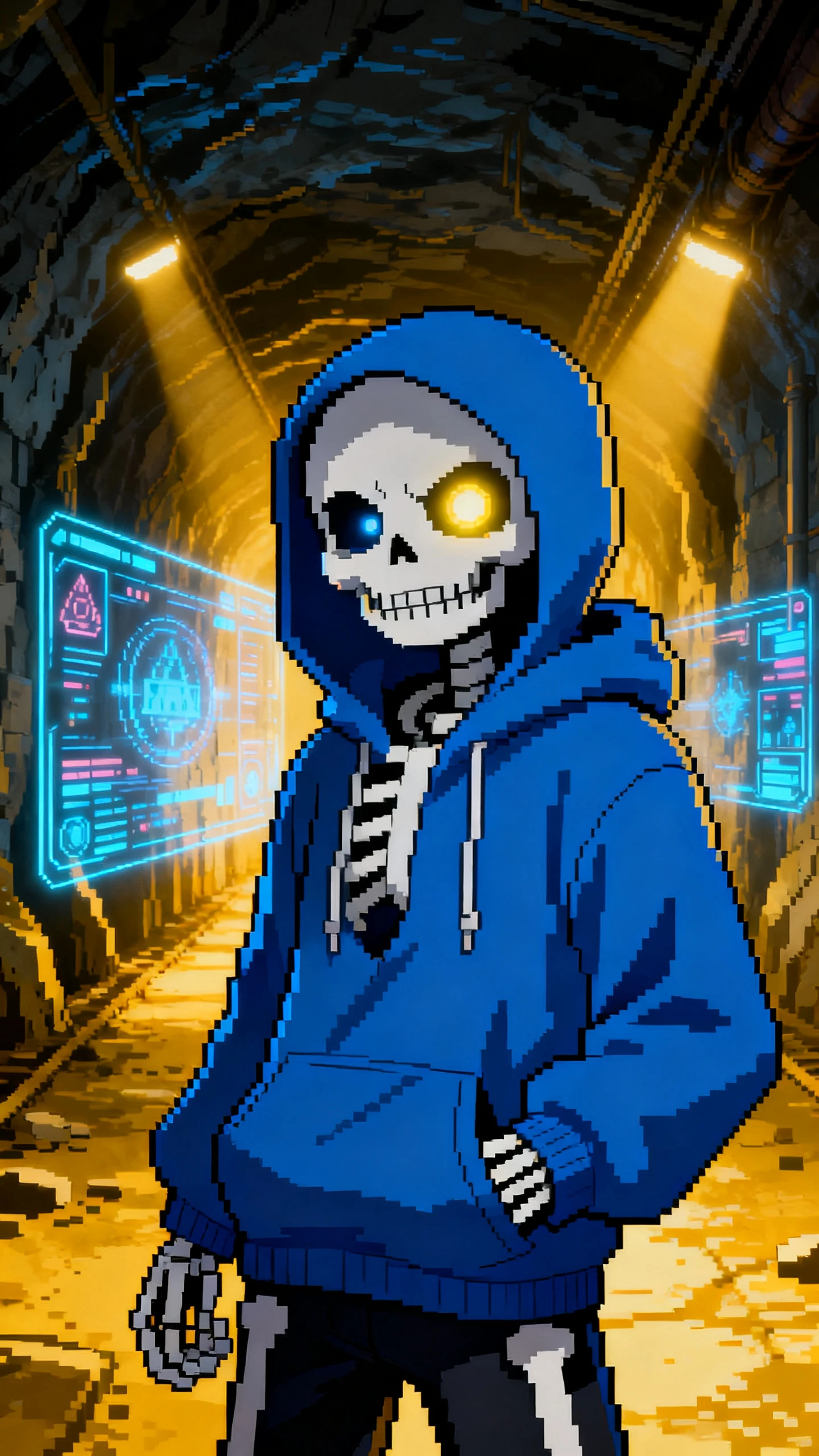
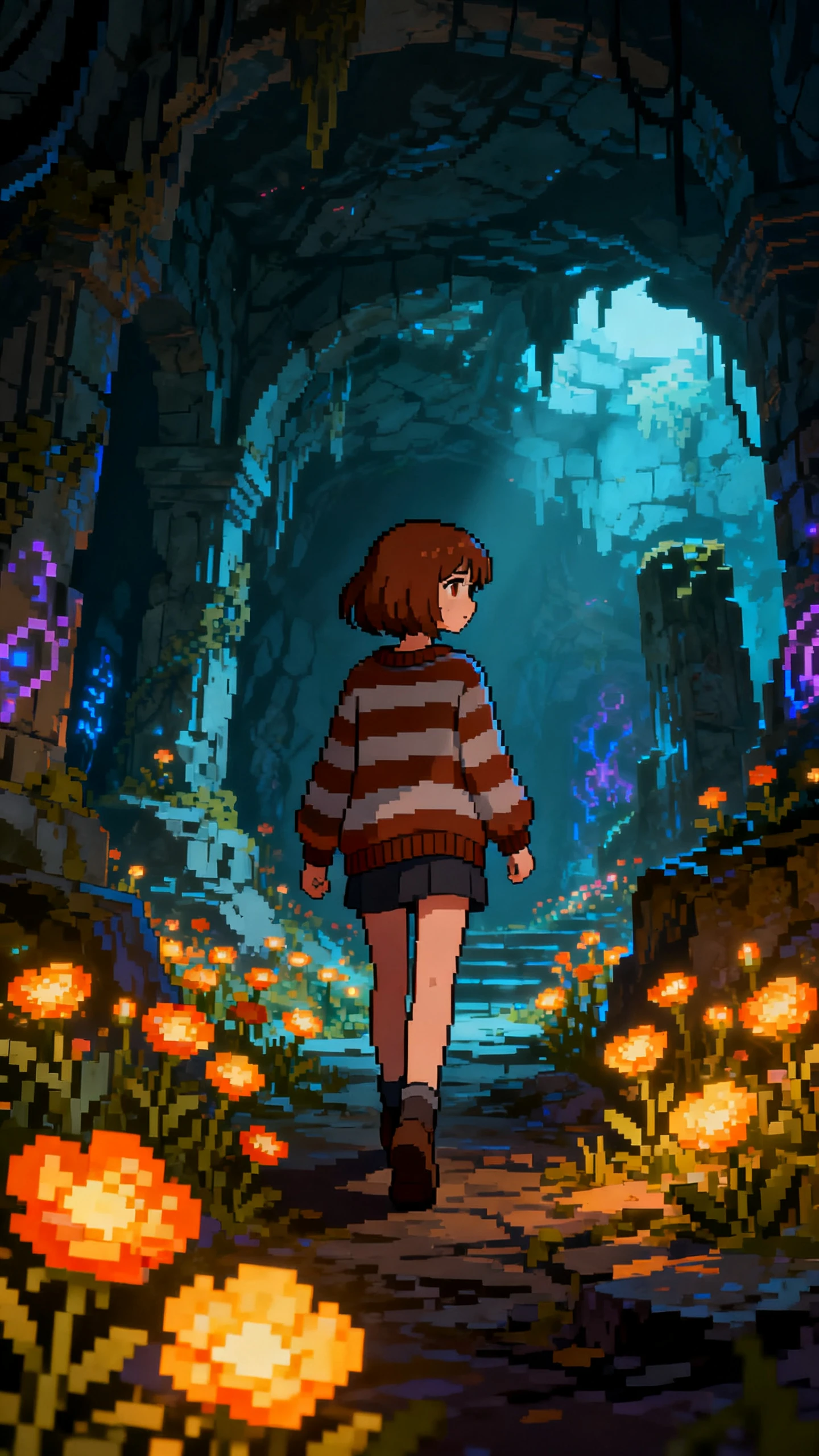

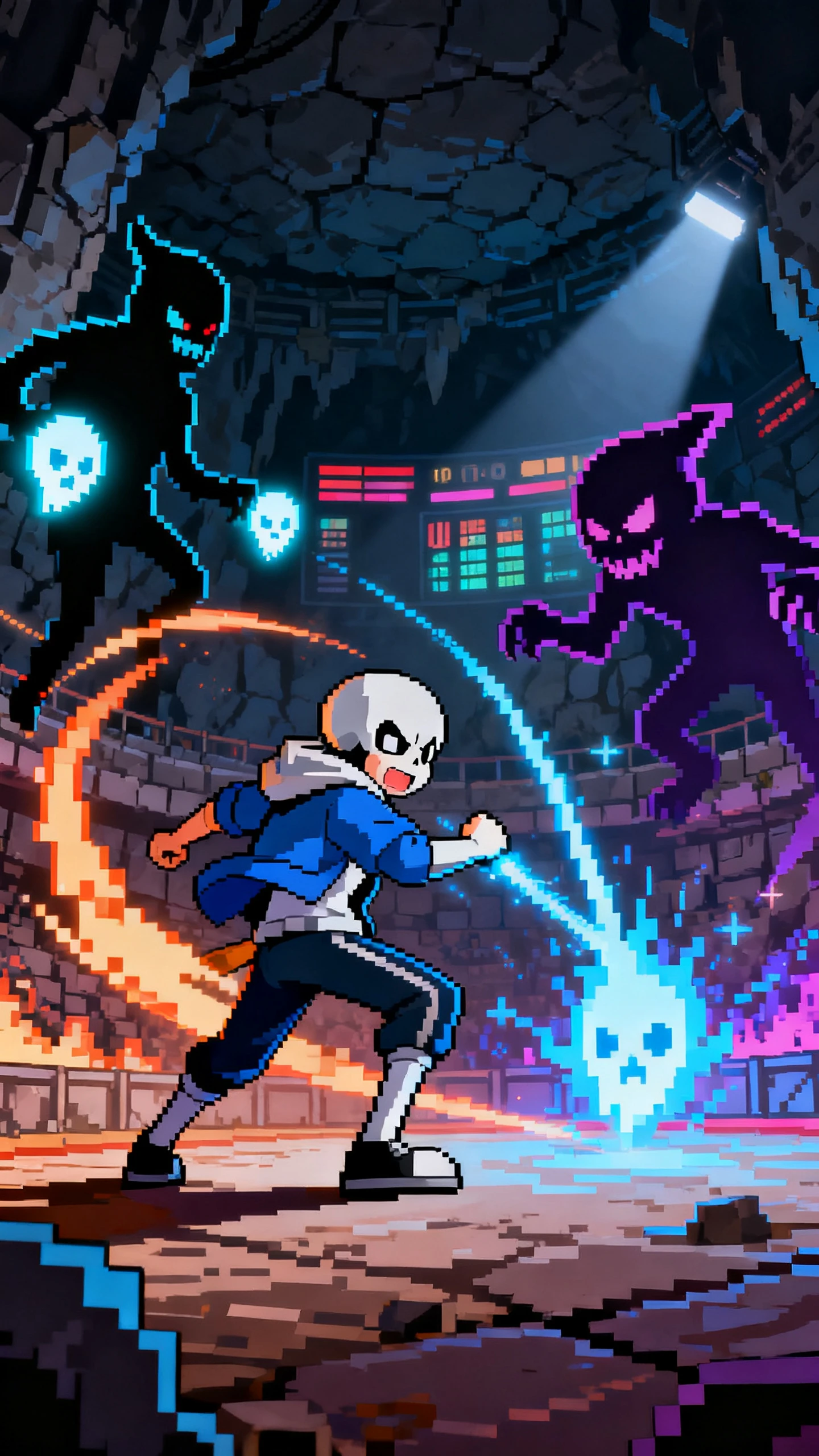
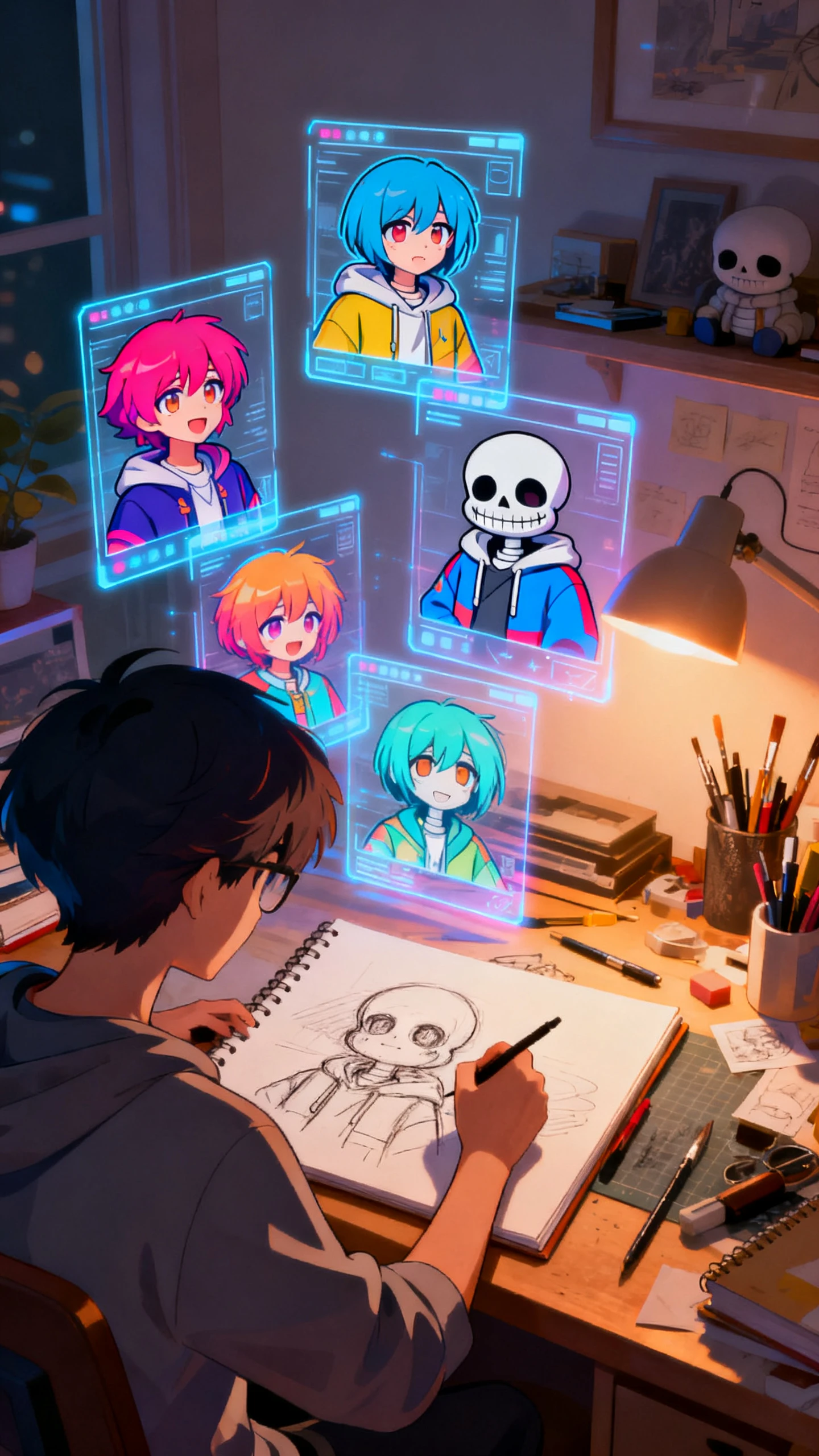
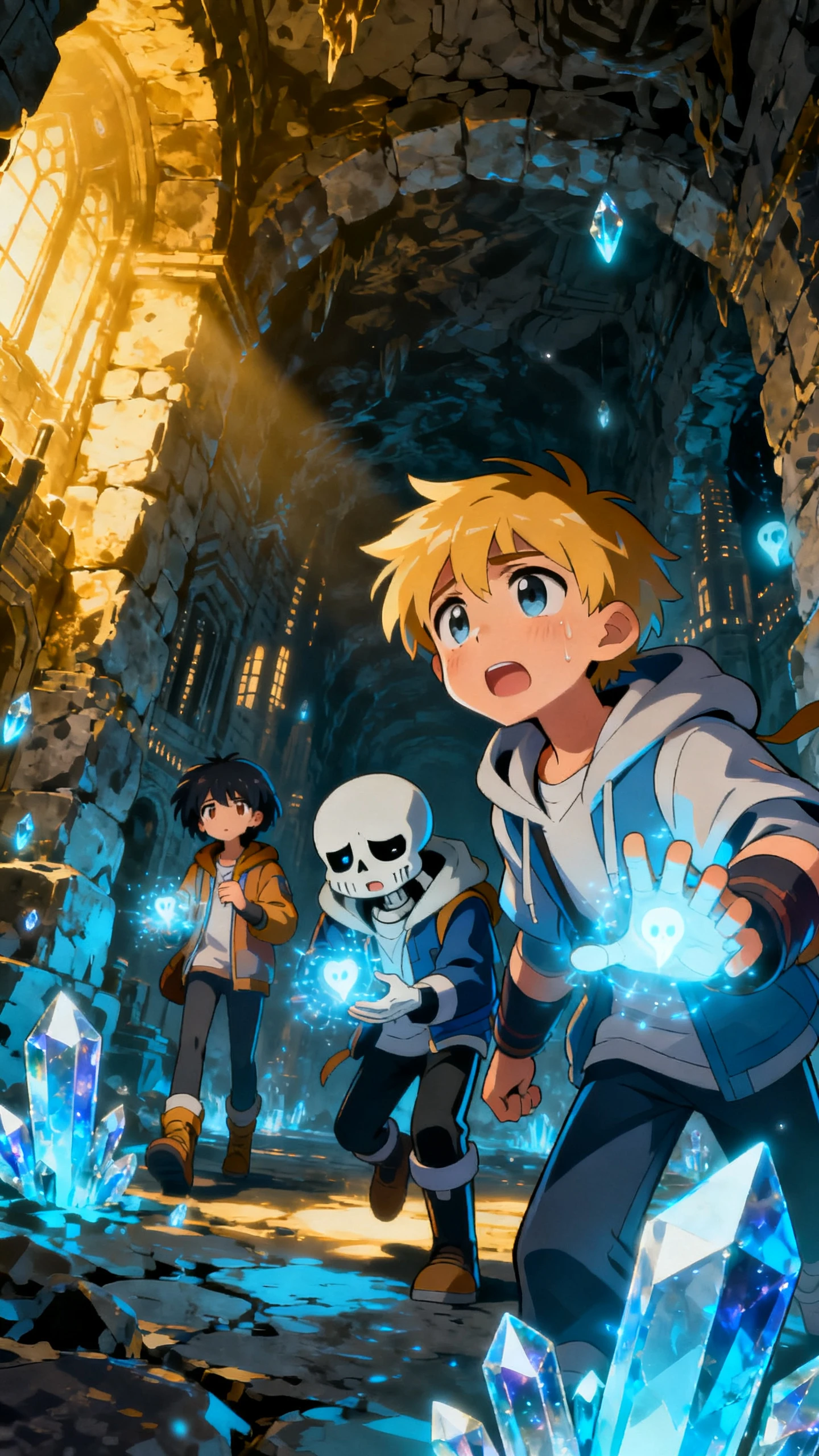
As a dedicated Undertale creator, Magiclight gives you every tool needed to produce characters that are fully yours, i.e., from name to appearance to animation style.

Give each of your Undertale OCs a name that sticks. Named characters are easier to track, recall, and drop into any ongoing project without confusion.
Pick from 70+ visual styles to match the tone of your Undertale-inspired world. Whether that’s something close to the original pixel art spirit or a more cinematic look.
You don’t need to write like a developer. Magiclight AI reads plain, everyday language and turns it into polished character outputs without any mental stress on your part
Hit the ‘AI Expansion’ button, and let Magiclight rewrite your casual input into a well-structured, engineered prompt so your Undertale OC comes out exactly how you imagined it.


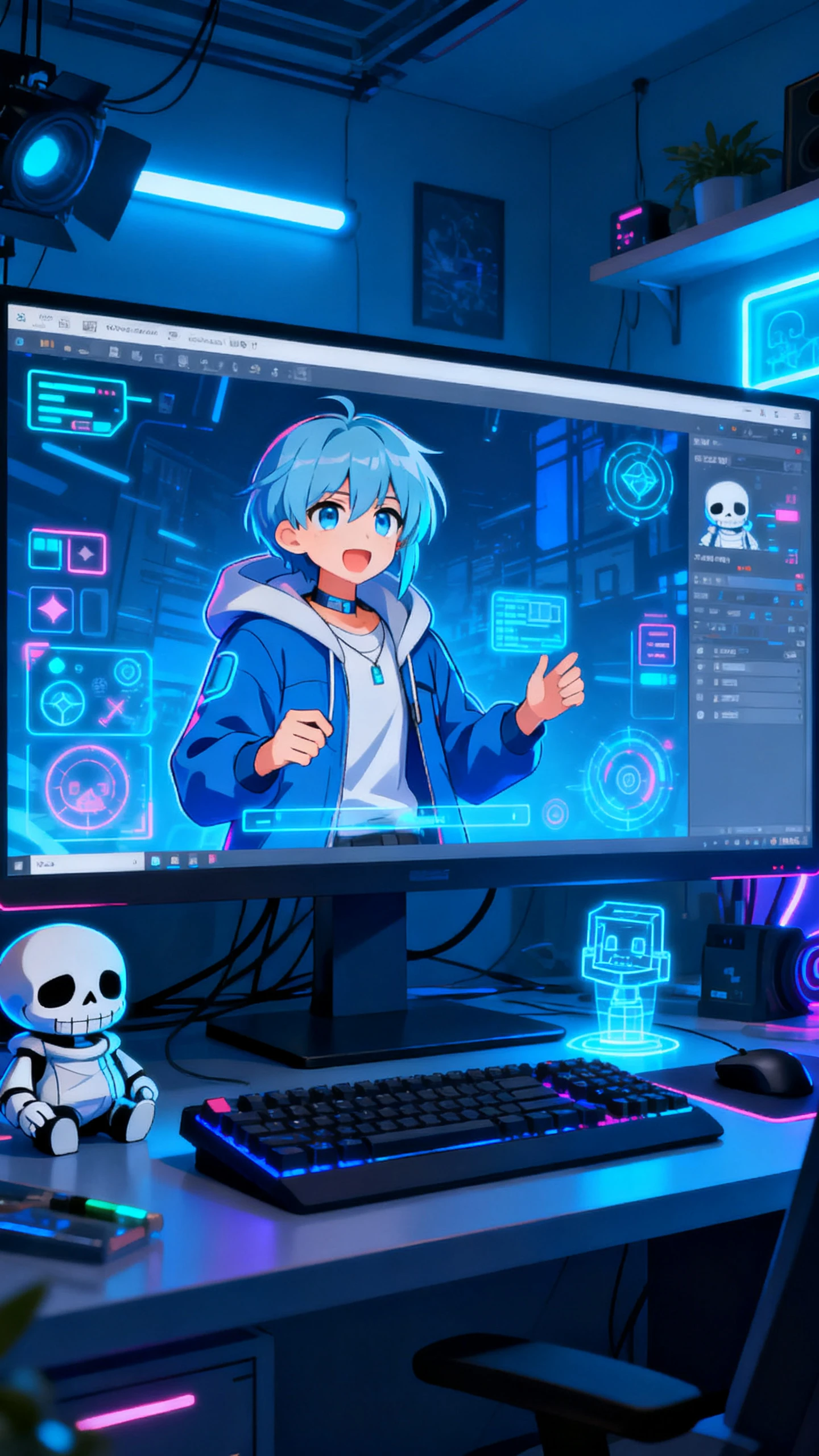
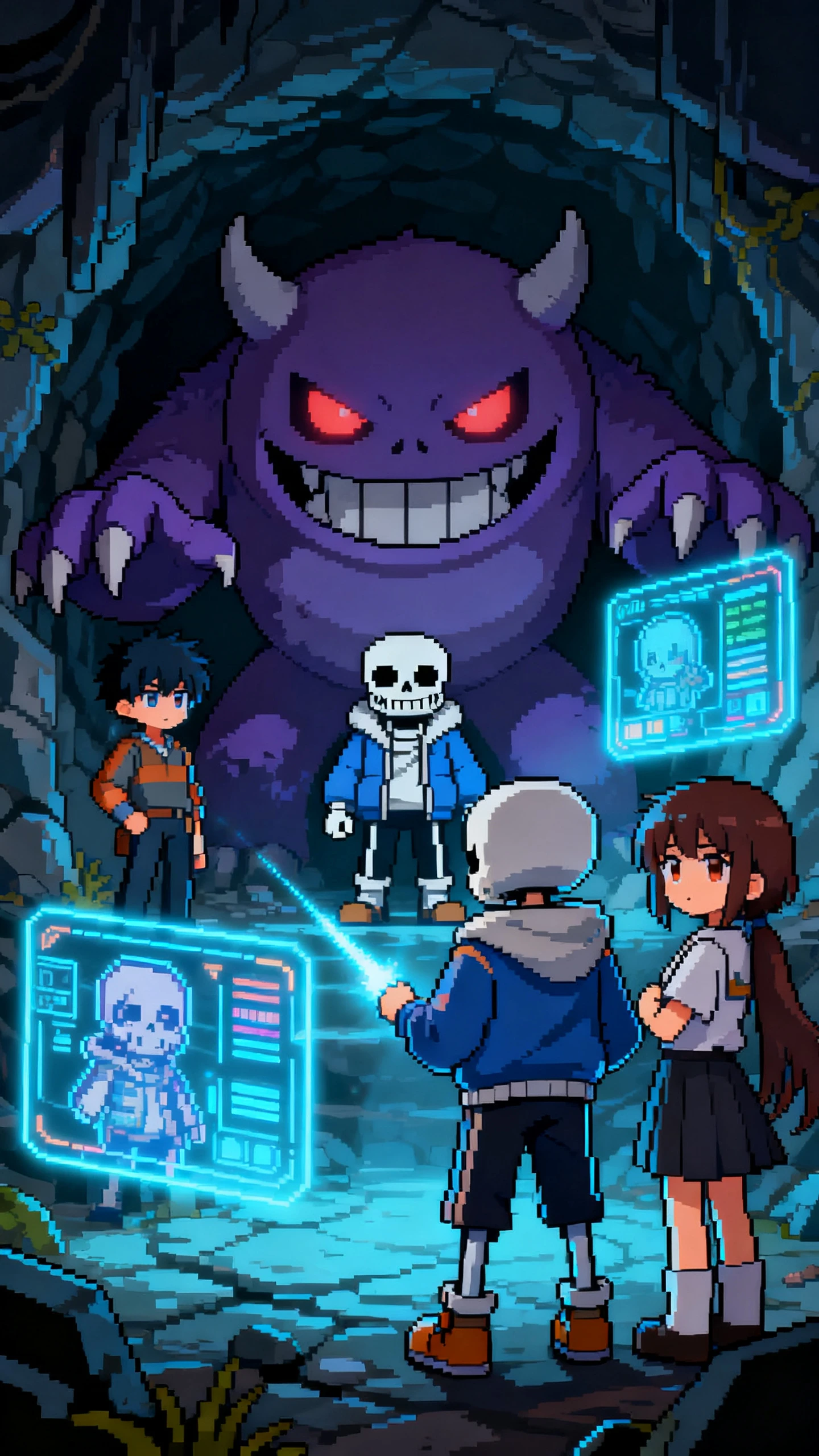
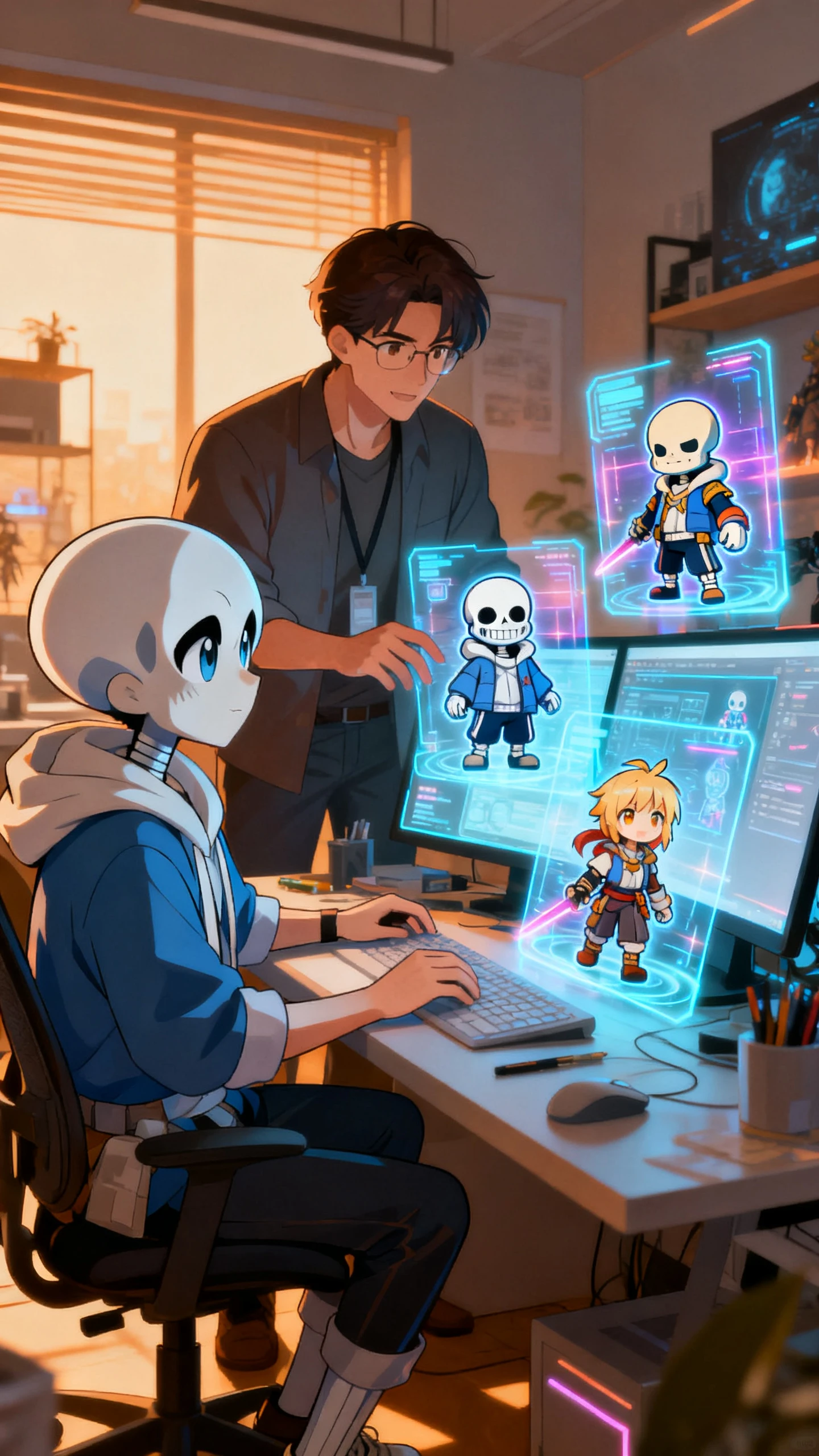
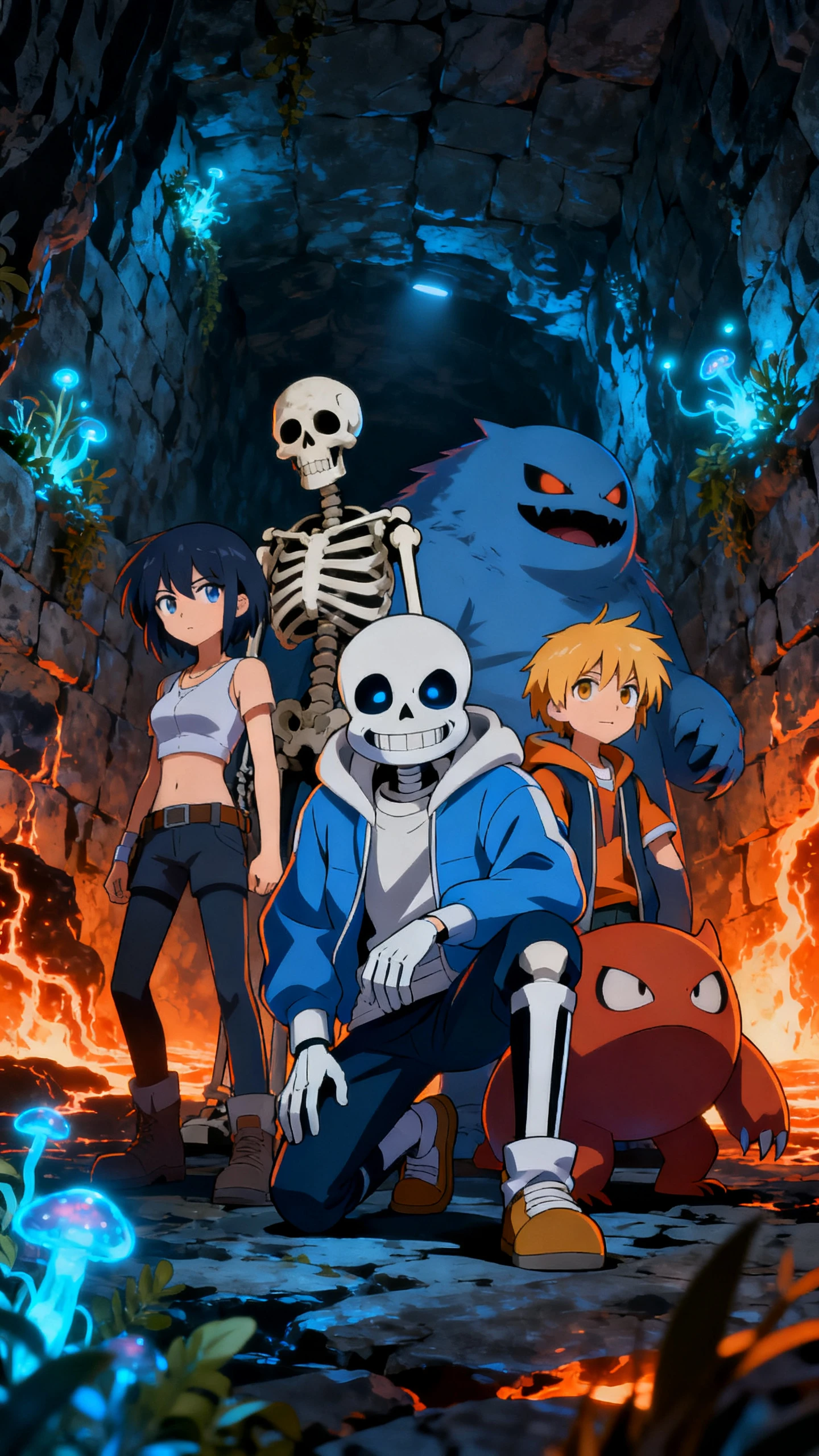
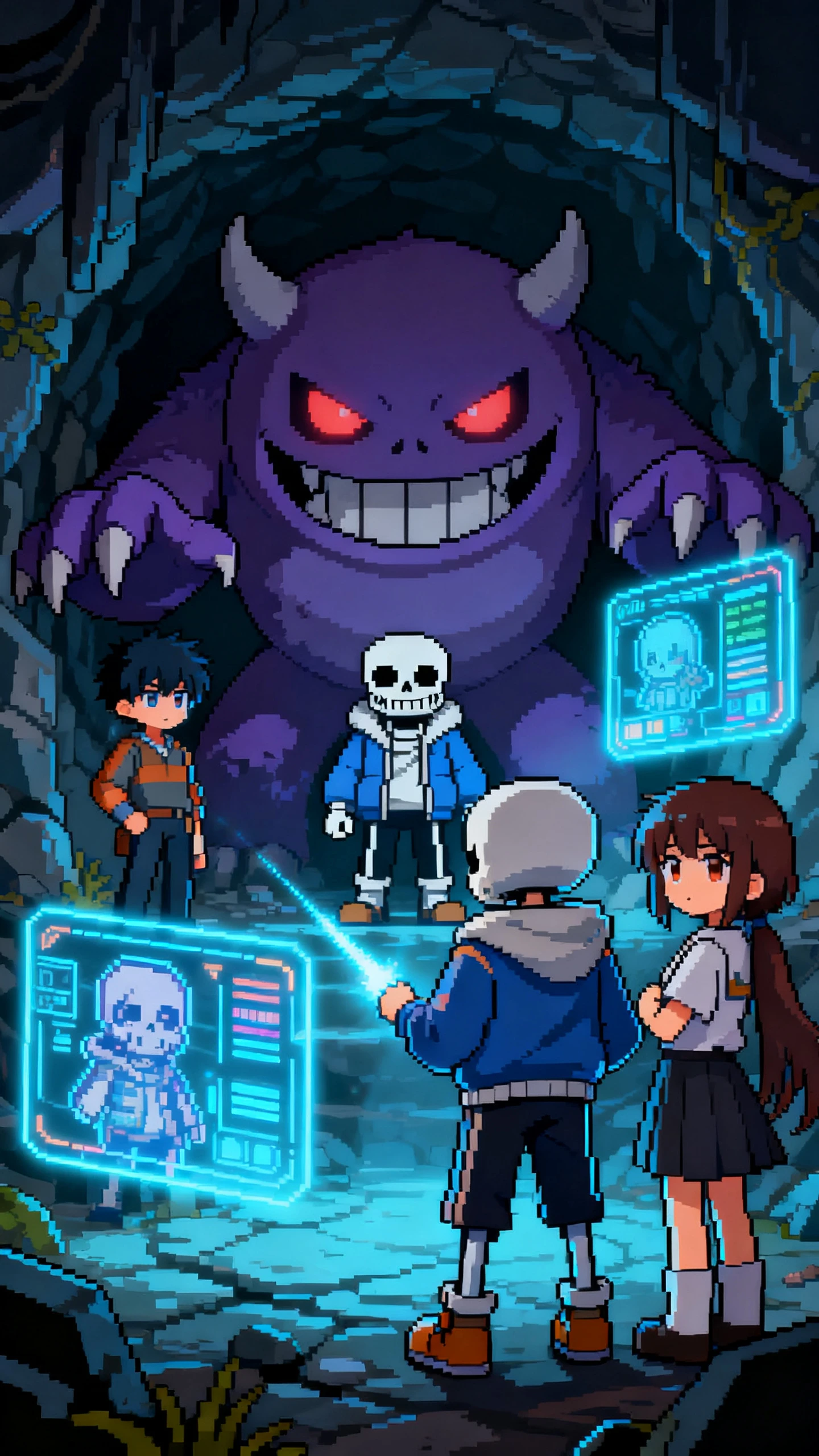
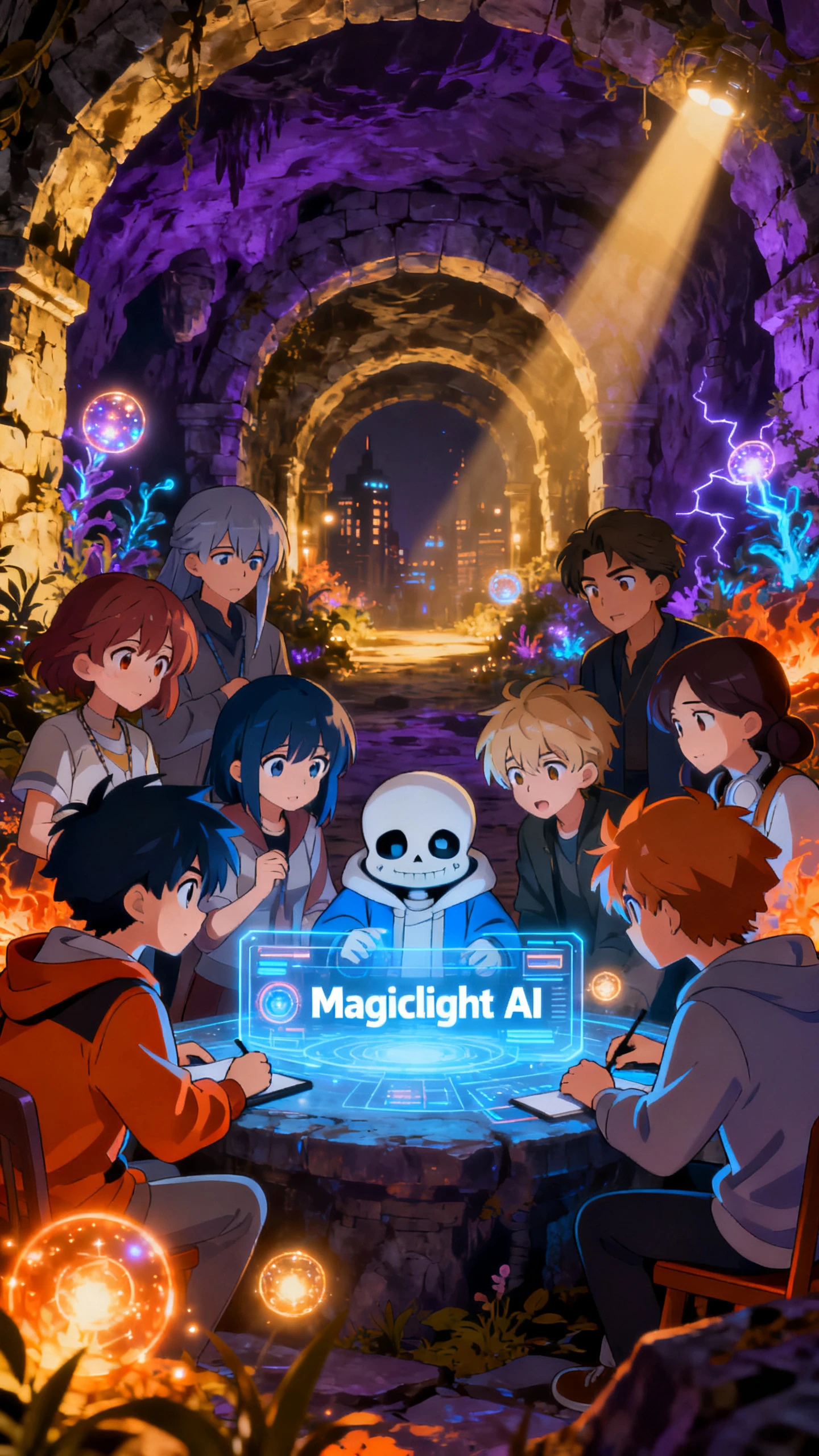
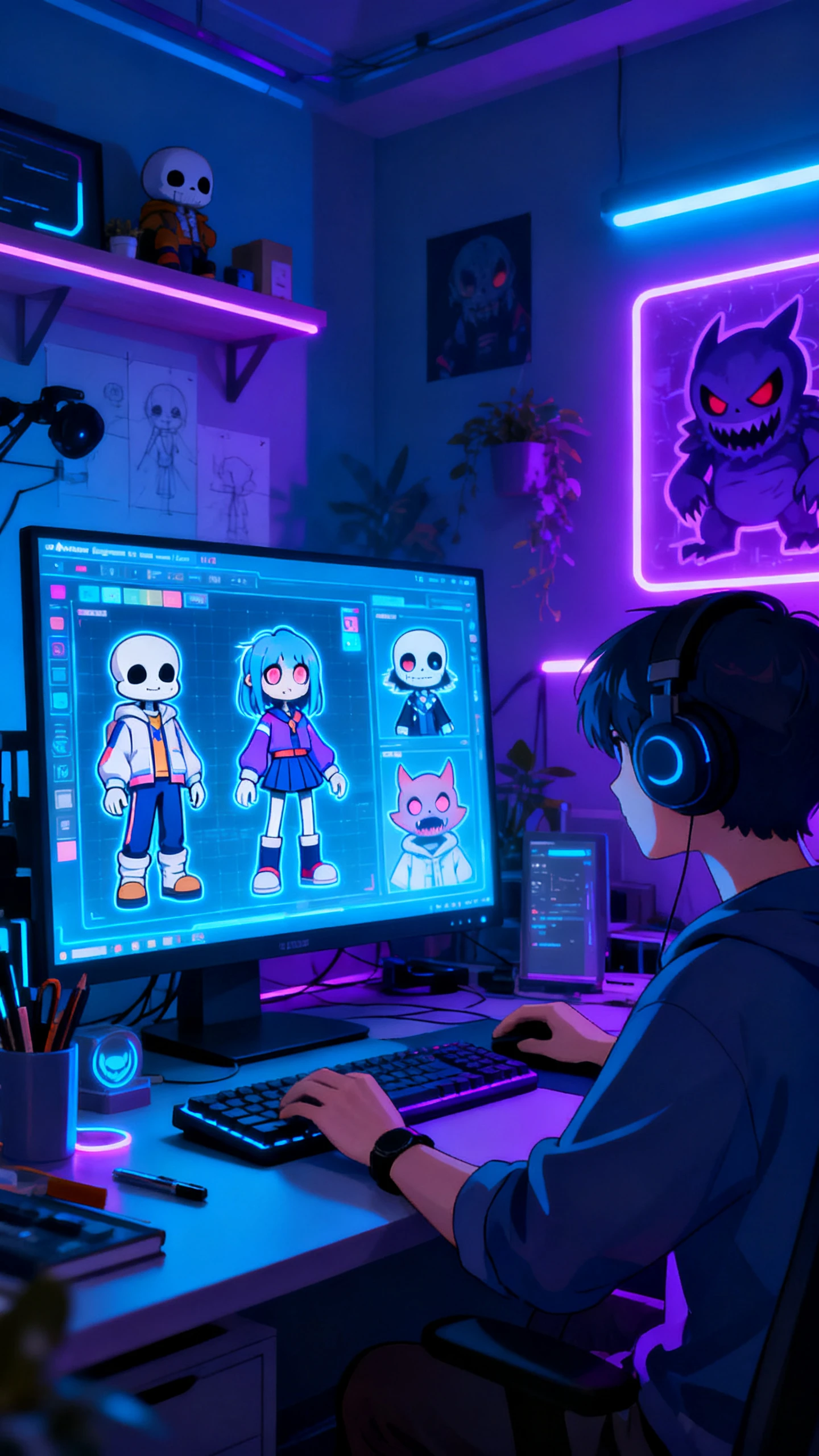
No drawing tablet, no Photoshop, no design experience. A clear idea and a few minutes are all it takes
Give your character a unique name. This is how Magiclight identifies and stores your OC so you can call it into any project instantly.
Describe your Undertale character in up to 600-700 words. Include as many traits as you like, such as personality, physical features, clothing, and quirks, all of which help.
Click ‘AI Expansion’ to let Magiclight refine and restructure your prompt into a format that produces sharper, more accurate results.
Hit ‘Generate’, and your OC appears instantly. Find it, and all your other characters under the ‘My Characters’ tab, accessible from every relevant page.
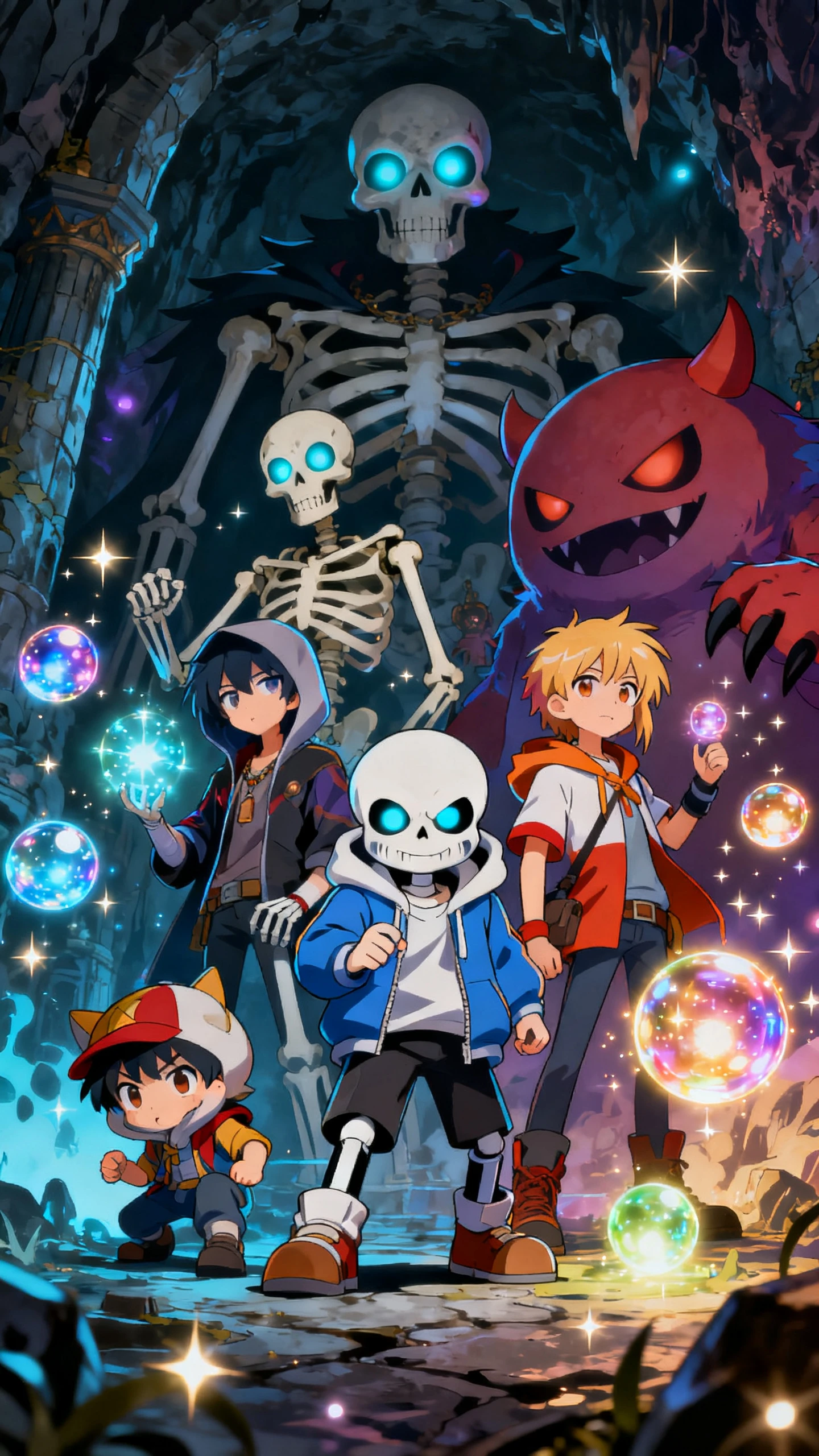
Magiclight AI is widely regarded as the top choice for creating Undertale OCs, thanks to its intuitive layout, flexible prompting system, and the ability to reuse characters across multiple projects.
Yes. Define all the physical attributes of humans in your prompt, and give your OC a name. Combining both ensures the character maintains its intended appearance throughout every scene it appears in.
Absolutely. Assign a strong, villainous name and specify a significantly strong body build clearly in your prompt. Magiclight then ensures that your boss Undertale OC has all the physical attributes during the generation process.
Yes. Specify a full-body view in your prompt. This is useful when you need close-up shots. Full-body OCs give you better control over camera framing, especially when producing long-form videos.
Yes. Every OC you generate lives in the ‘My Characters’ tab. Call it into any project whenever needed, without going through the recreation process, thus saving time.
Yes. Describe the changes in a new prompt, and Magiclight handles the update. From facial features to body structure, you can modify any aspect of the Undertale OC according to the scene that needs a character to evolve.



Get started for free today. No drawing skills, no expensive tools, no technical setup required. Describe the character you have in mind, and the Undertale OC maker takes it from there.